A:AnswerHello TLB,
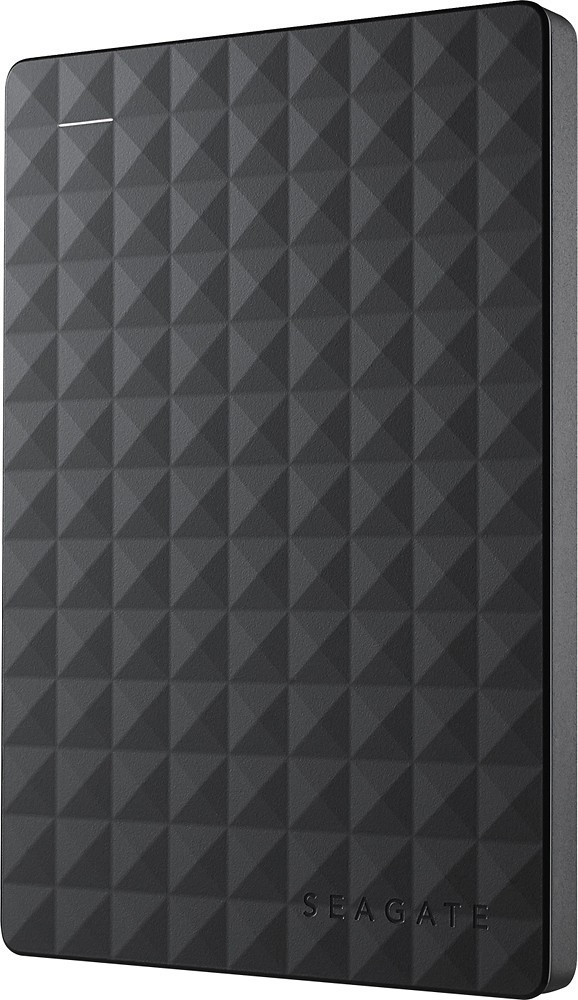
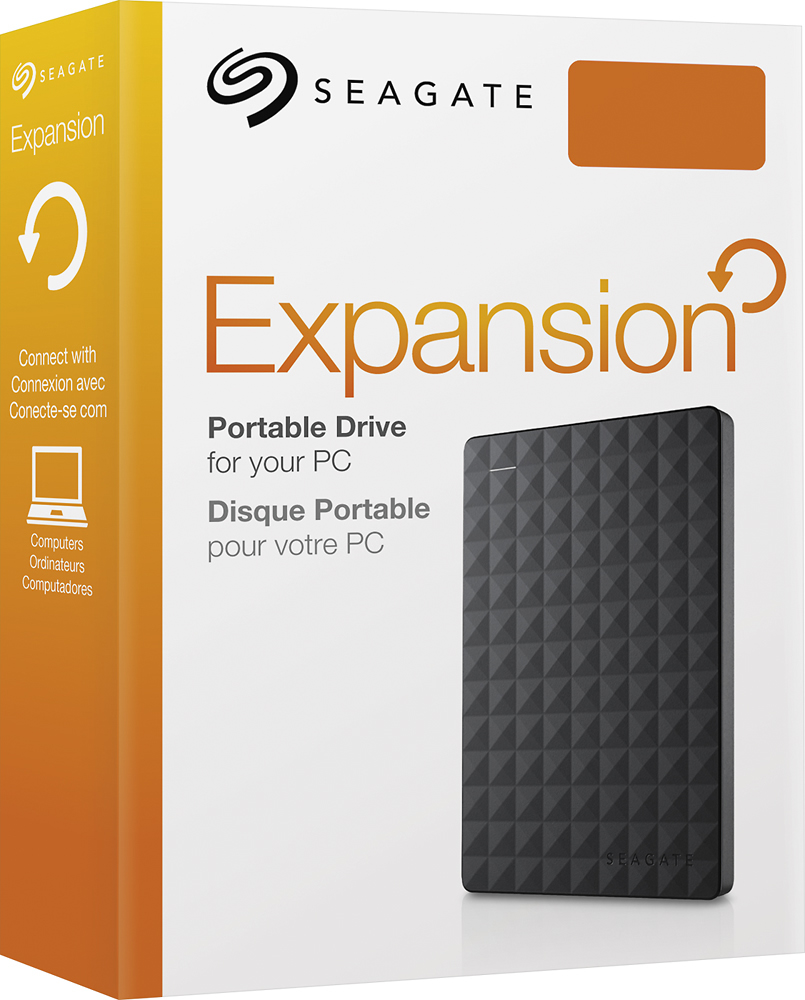
The Seagate Expansion Drive meets the requirements to be used on Wii U since its USB 3.0 port is backwards compatible. However, since our labs haven't tested any of our drives on the Wii U, we cannot assure that it's compatible with that console.
Regards,
Zac
Seagate Support
A:AnswerHello Kevin,
Following link explains for checking and troubleshooting the blinking LED:
https://www.seagate.com/support/kb/the-light-on-my-external-drive-is-blinking-what-does-it-mean-208371en/
Regards,
Zac
Seagate Support
A:AnswerHello AJ,
The Seagate Expansion Drive works out of the box with Windows OS since it comes formatted NTFS. To be used on MacOS the drive needs to be reformatted.
These are the system requirements for this drive:
- Windows® 10 or higher, or Mac OS® X 10.12 or higher operating system (Compatibility may vary depending on user’s hardware configuration and operating system.)
- USB 3.0 port (required for USB 3.0 transfer speeds
For more details, please check on product's support site: https://www.seagate.com/support/external-hard-drives/portable-hard-drives/expansion-portable/
Regards,
Zac
Seagate Support
A:AnswerI bought this hard drive for my grandson for gaming. He is on a windows based system and it works fine. I believe that the hard drive supports ios based systems as well but you would probably have to reformat the hard drive for the ios system.
A:AnswerI'm not using it for PS4 storage but it does have the USB connector you would need to plug it into the front of the console like a charging cable. It's detachable from the external drive itself if you need to remove it from the drive for whatever reason but it does come with the cable.
A:AnswerHello ,
The system requirements for the Seagate Expansion Portable are:
- Windows® 7 or higher,
- Mac OS® X 10.12 or higher operating system (Compatibility may vary depending on user’s hardware configuration and operating system.)
More tech specs for this model can be found on the product's support site:
https://www.seagate.com/products/external-hard-drives/expansion-external-drives/
Regards,
Zac
Seagate Support

A:AnswerIt comes formatted with NTFS file system. Windows, Mac and Linux can read and write files to this. I have had better results by writing less than 10 gb and then waiting for the drive to do it's housekeeping (5 min.) before copying more files to the drive. In this way the transfer rate will stay above 100mb/s. If you just copy 30 gb at once, it will slow down (900k/s) and could take an hour. Always eject this drive and wait until the OS says "ok to remove the drive" even if you need to leave it plugged in for and hour or so. I interrupted the process and had to re-format the drive (easy to do, but you loose all files on the drive).