A:AnswerThe unit does not have a dual channel connection.
What happens is you connect to the router on the device, get a confirmation and then you keep the router online on your own network with it being able to connect to your wifi. It takes anywhere from 2 or 3 minutes to as long 15 minutes and then it creates a sort of tunnel and give your unit internet access through the device. I does not have any special routing other than allowing a secure connection to pass through it and give you internet access.
A:AnswerAfter researching, the Seagate Wireless Plus is the only product I found that supports TimeMachine. By default, it comes in NTFS format for windows. But you can reformat it to be HFS+ MAC format. From there, Time Machine can backup to it.
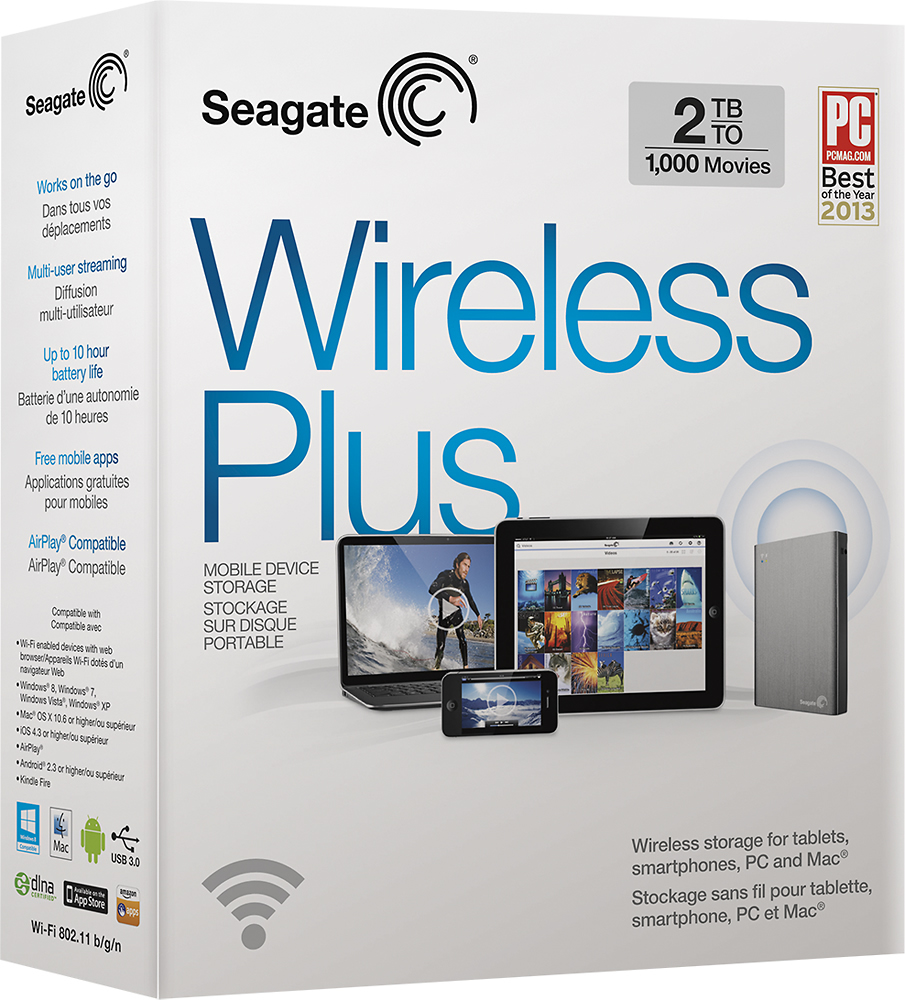
A:AnswerIt does come with an AC to DC USB adapter much like your cell phone or iPod as well. It also comes with a USB 3 cable which may be used with the AC adapter for charging or may be used to connect directly to a PC for file transfers.