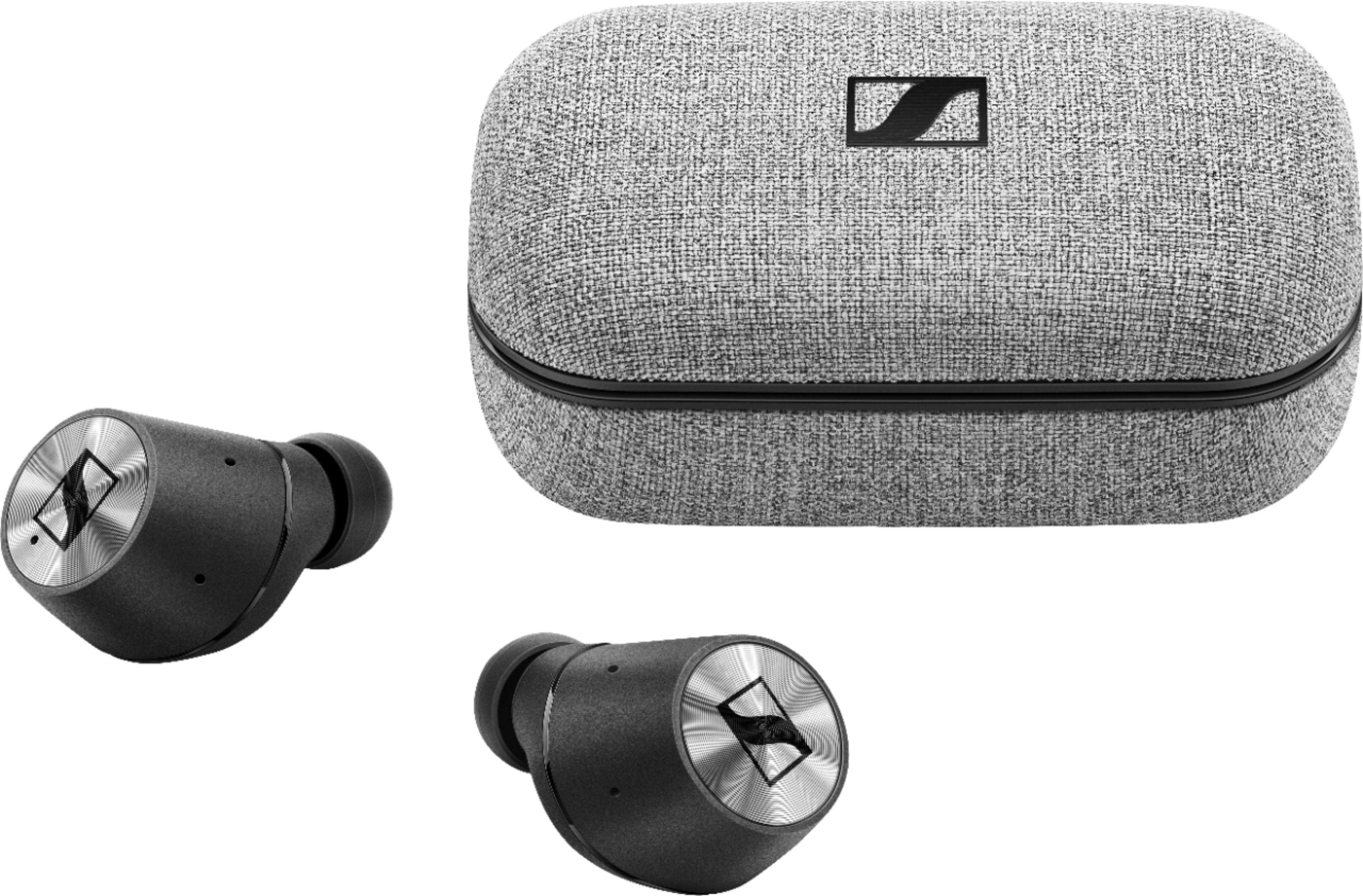
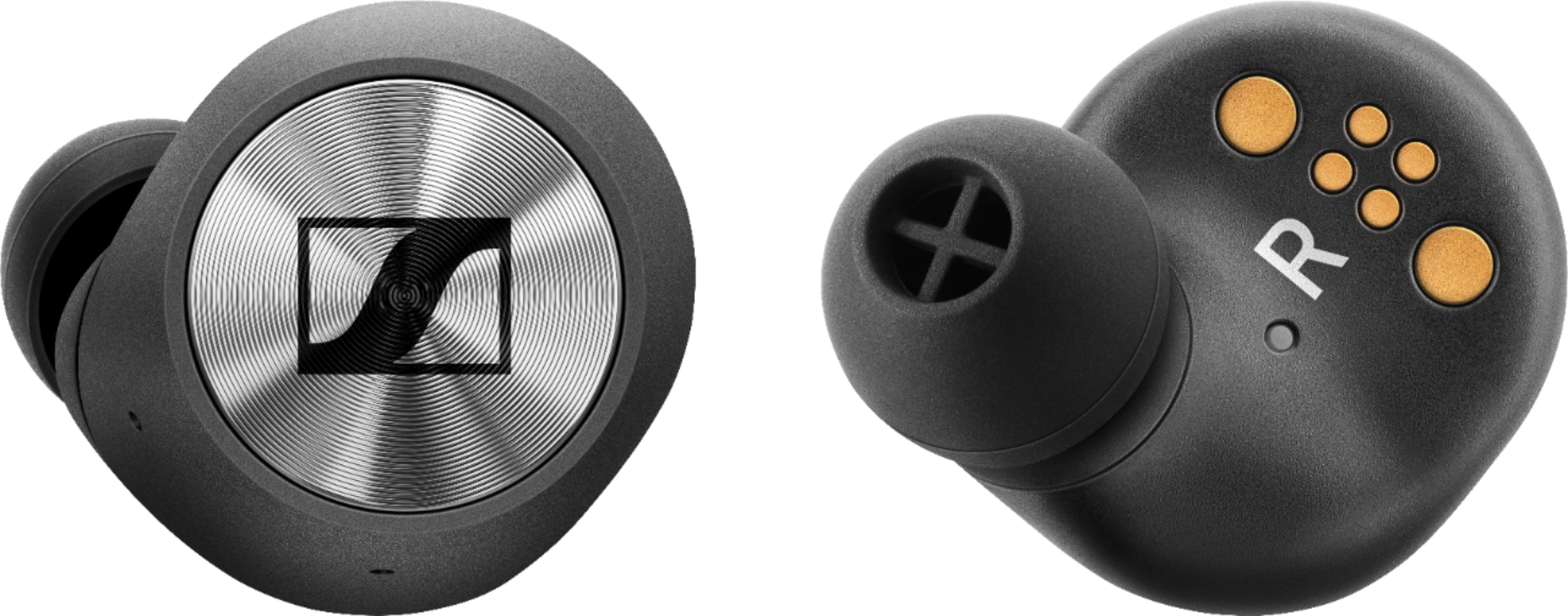
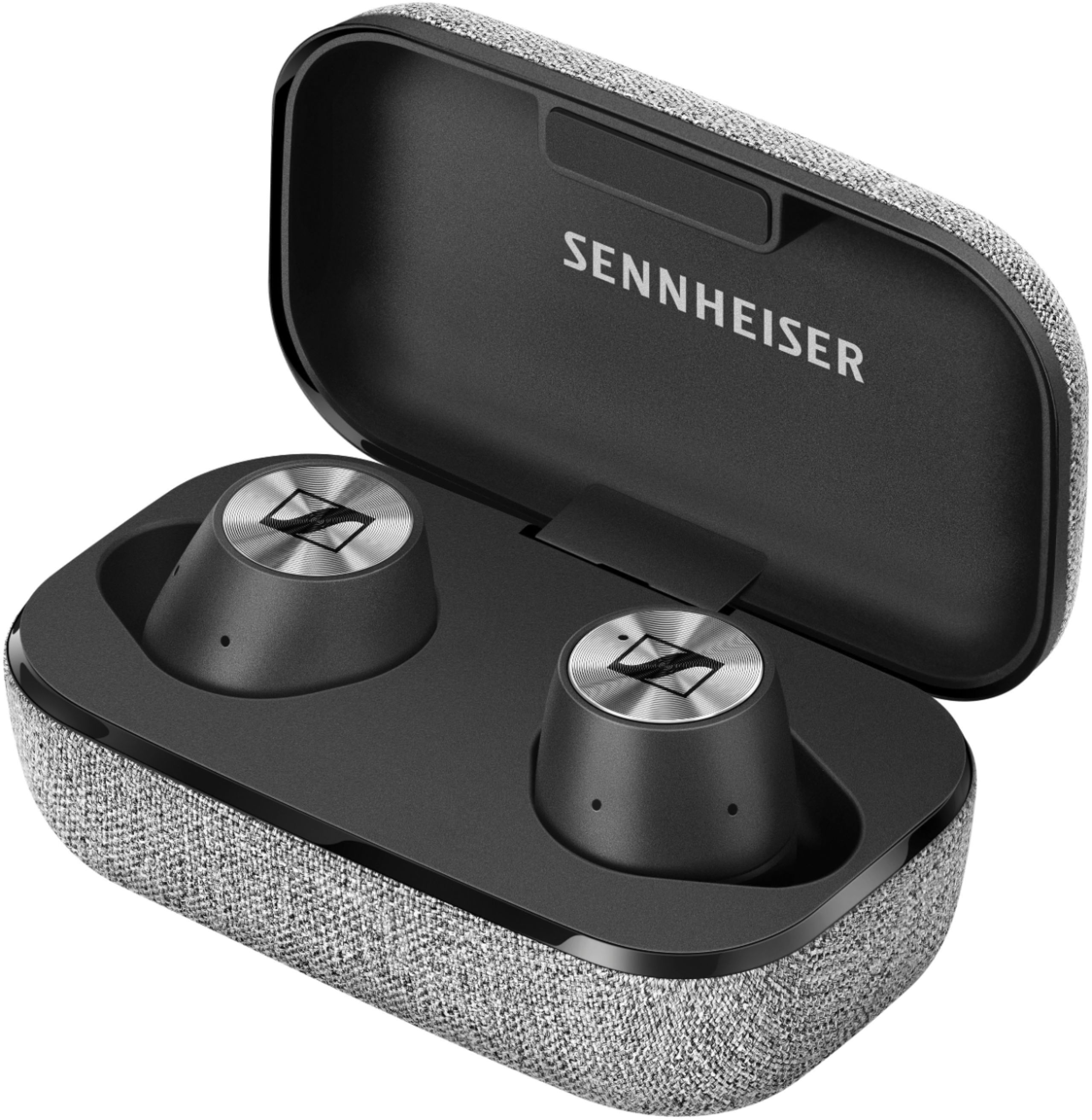
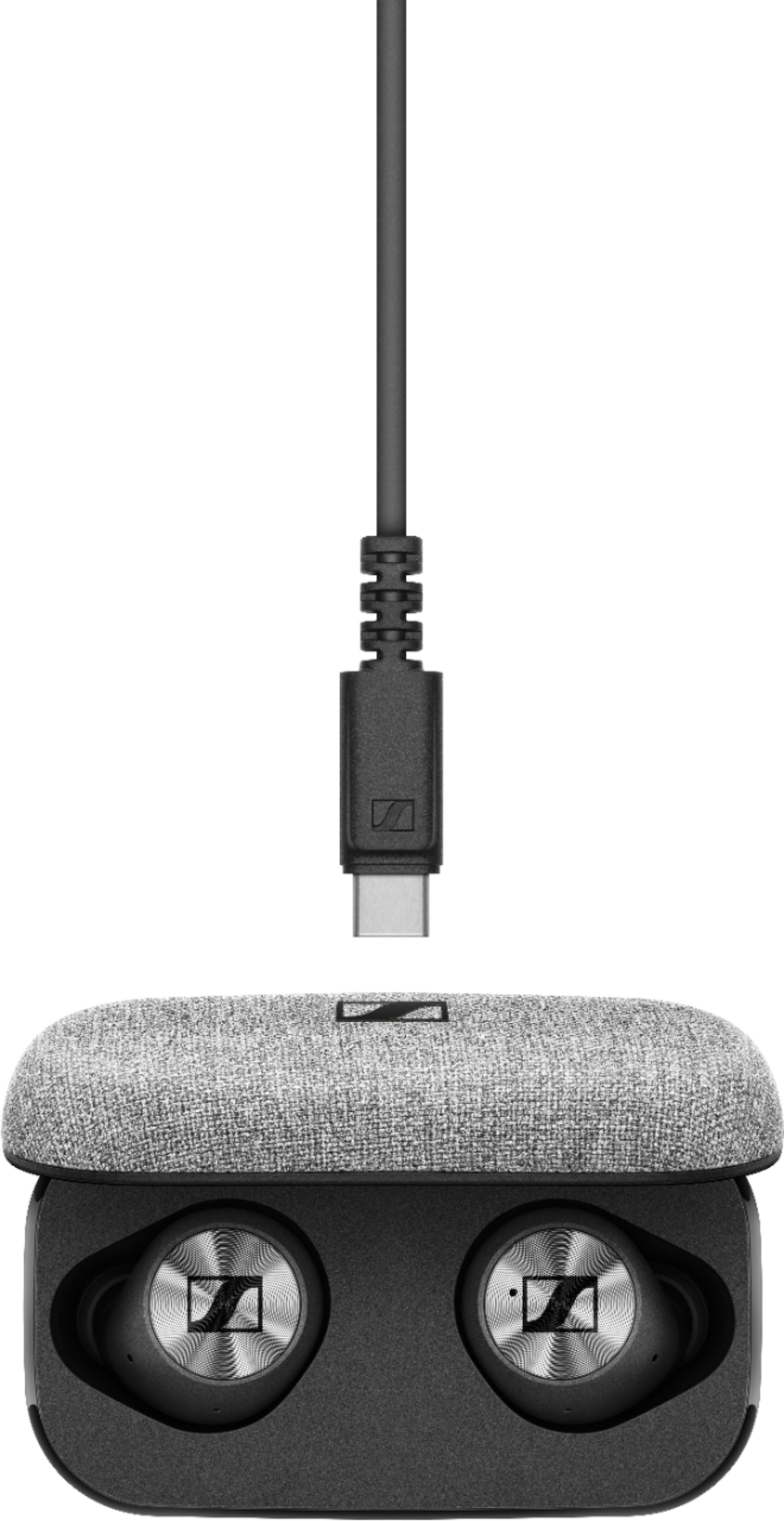
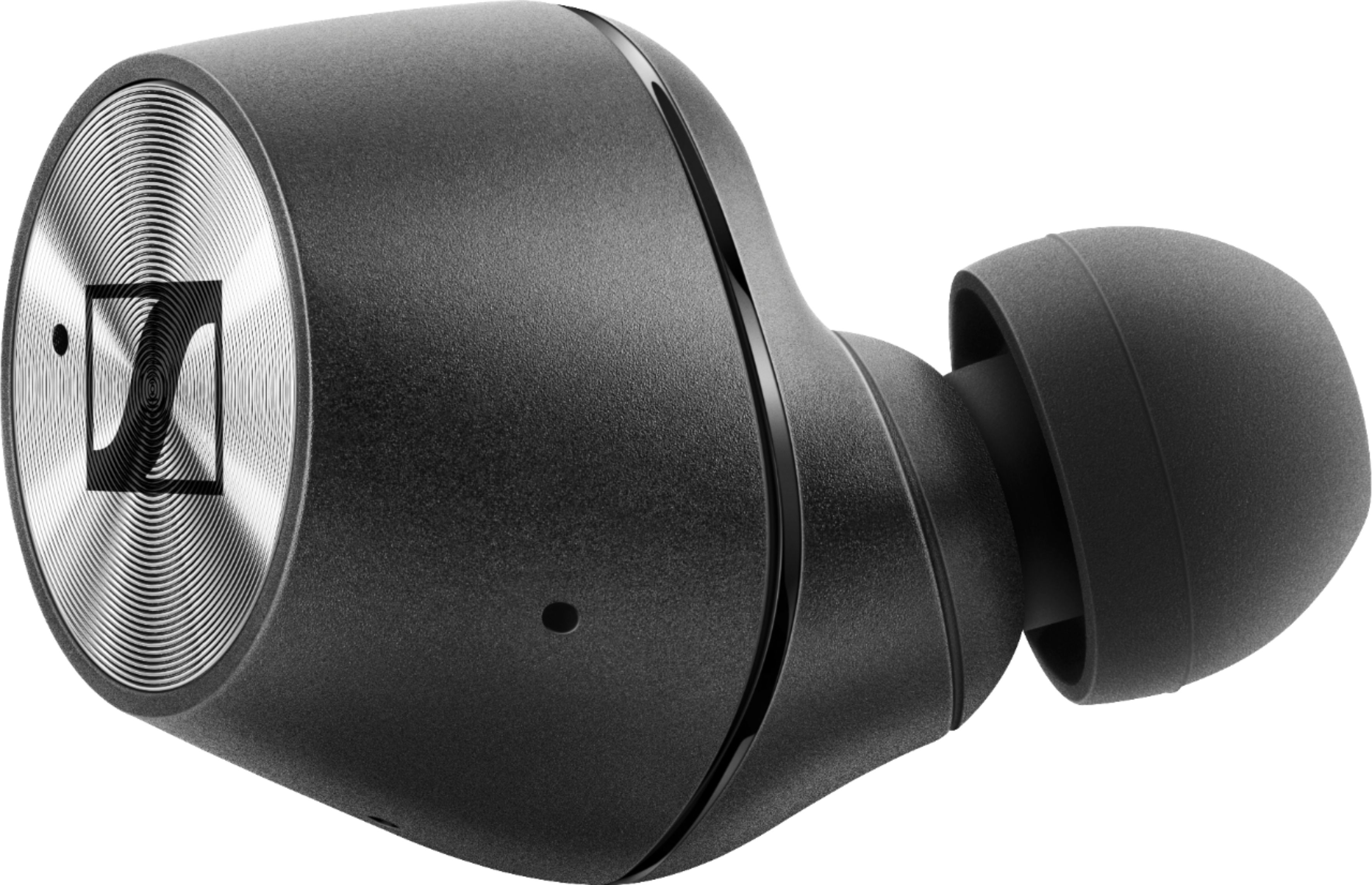
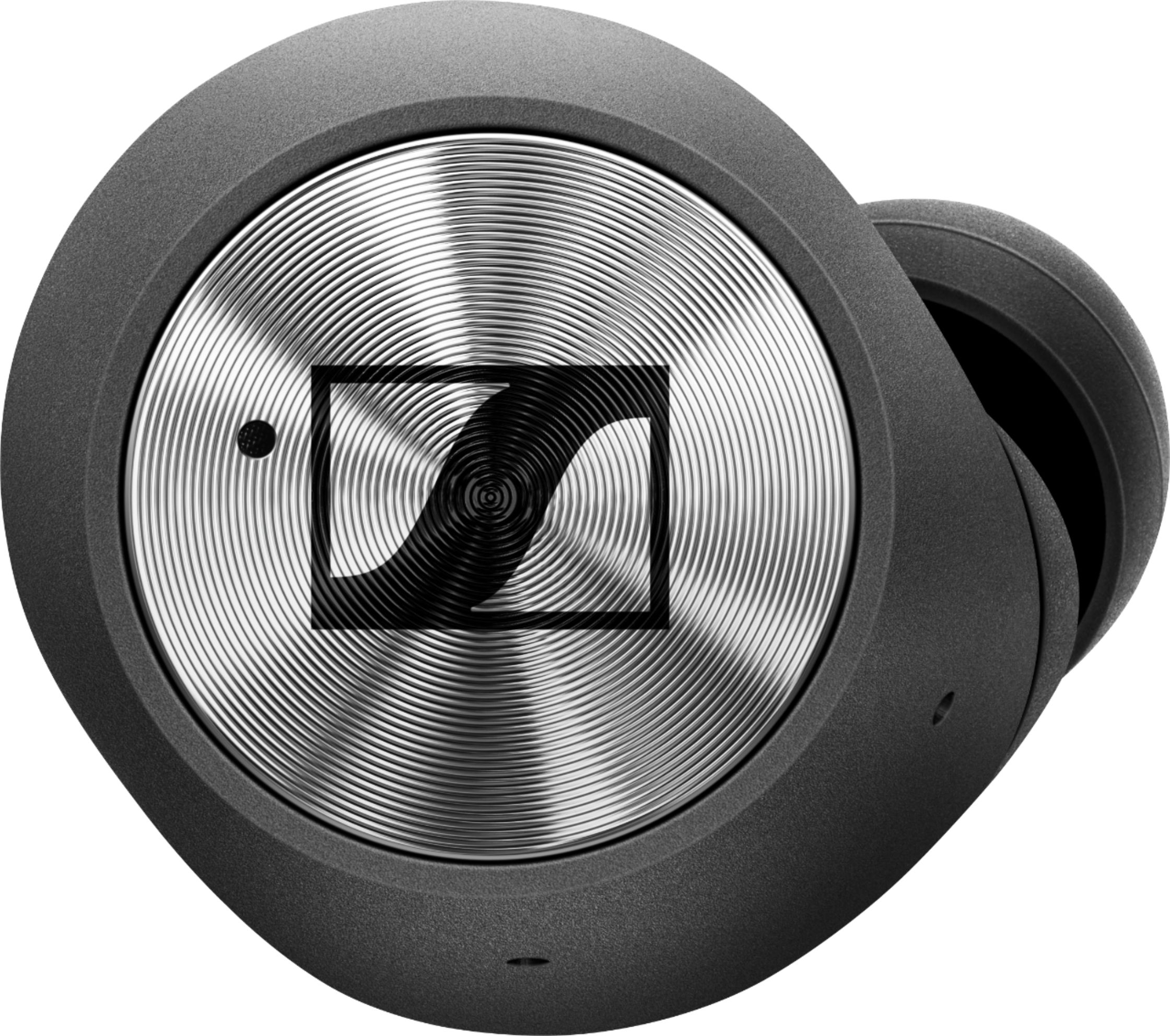
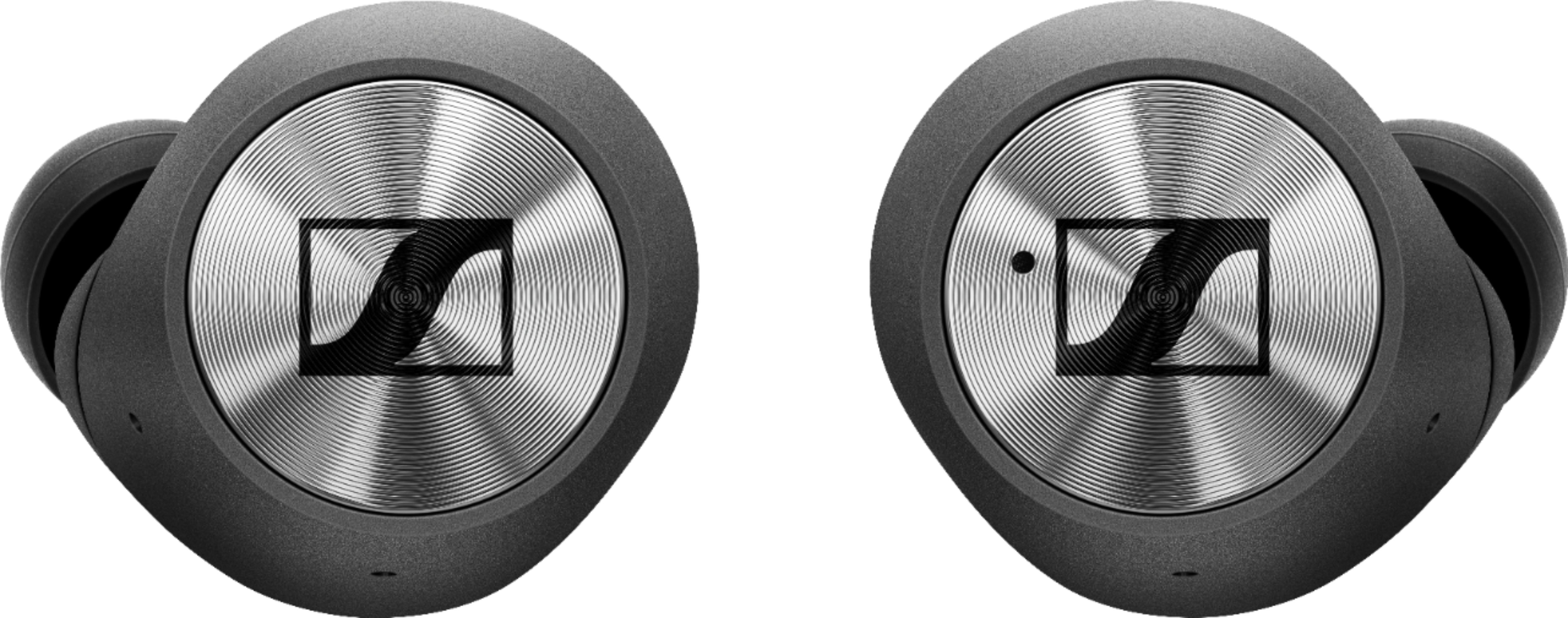
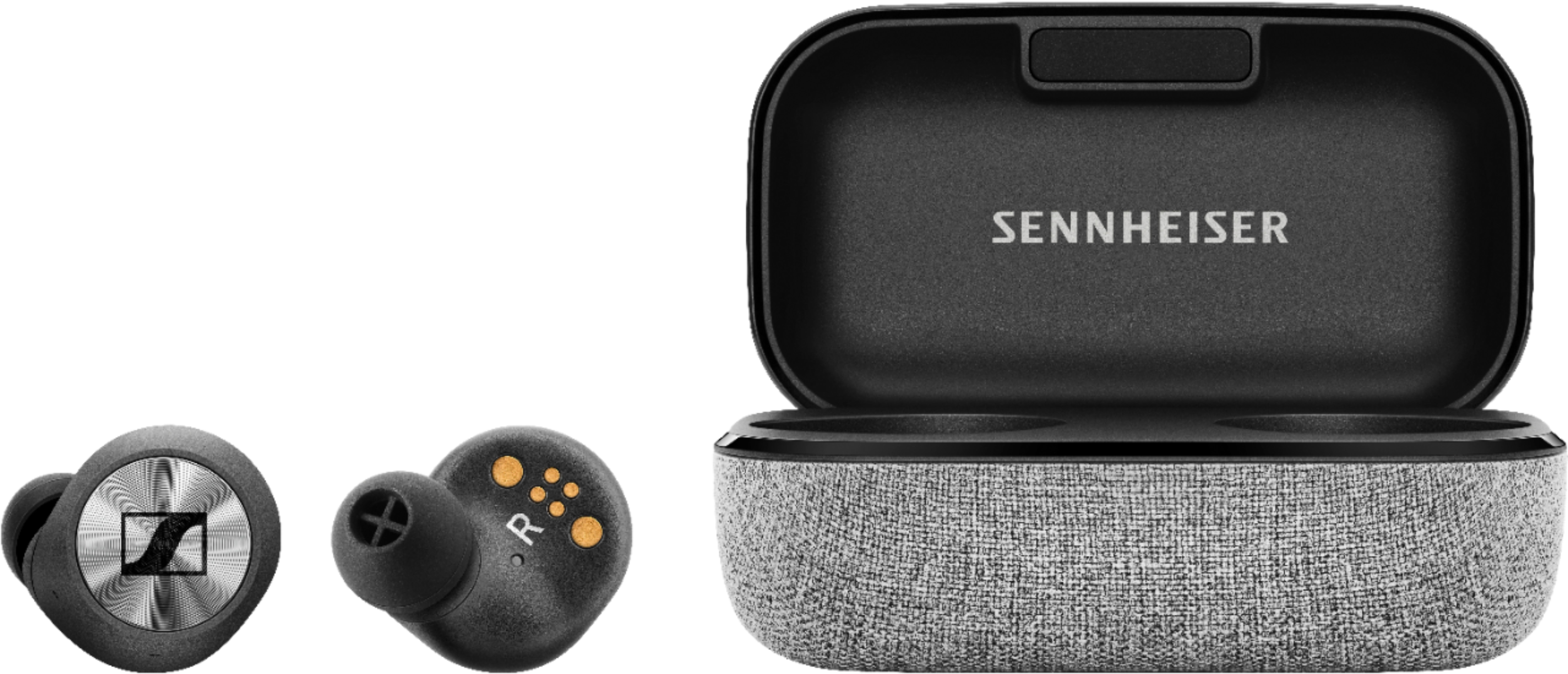
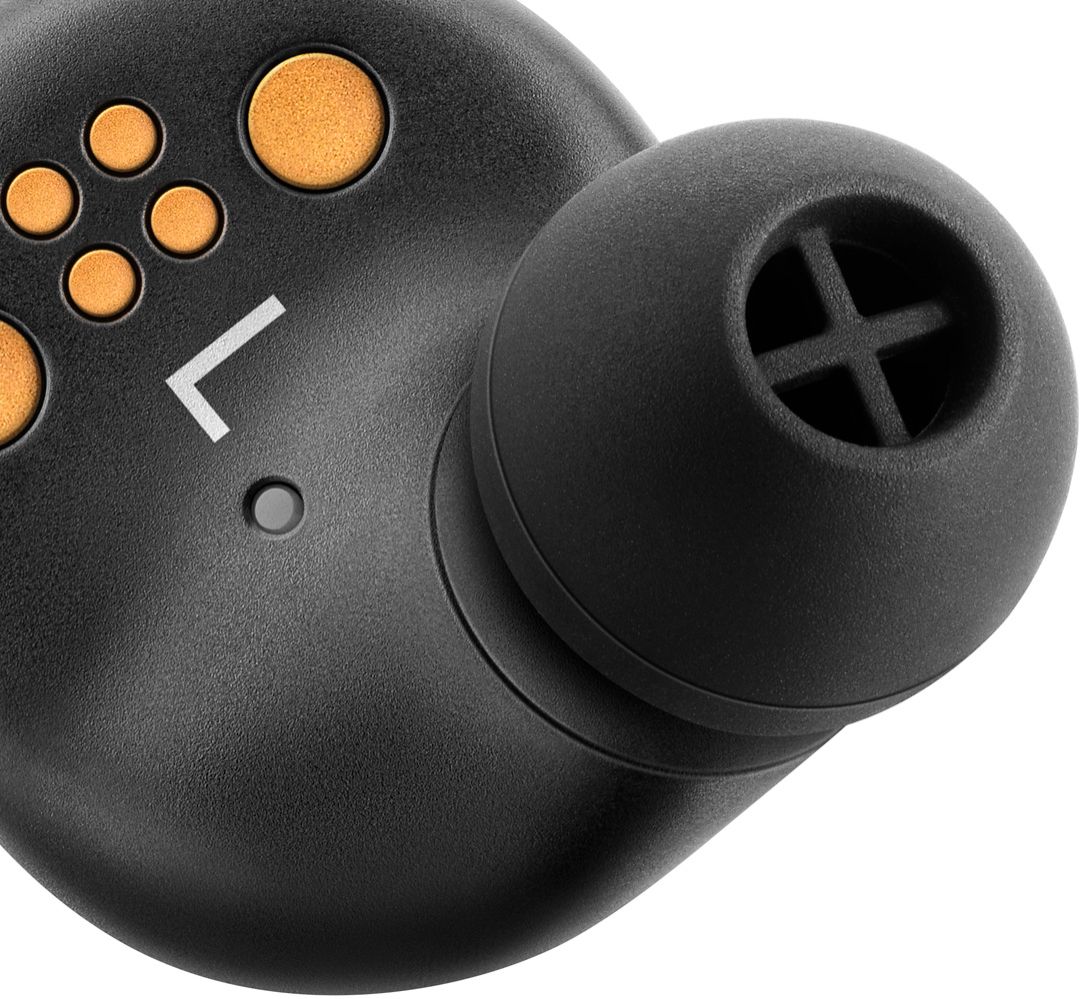
A:AnswerThree additional sizes of the actual earbuds, short charging cable, charging case, and the earbuds themselves. There's also a box of instructions and other important material under the foam brick.
A:AnswerYes, it can show the battery level when fully charged with a LED on the case. For both the Bud battery and the case battery. They verbally tell you when the Bud's are about to turn off due to low battery. They have great sound!
A:AnswerMany options for control by tapping Bud. Volume, Pause, Start to control your music. You pair to Bluetooth by tapping both. It takes a while to learn all the features. You tap the Bud's to use the phone function.
A:AnswerYes, You will need to purchase a Universal Bluetooth 5 audio receiver and transmitter. Best Buy sells one called Aluratek, mine is working great.
A:AnswerI have found that sometime I need to disconnect from my phone to pair to another device. So pair with phone then disconnect and tell phone to forget device this works for me.
A:AnswerBest Buy sells Aluratek, it needs to be Bluetooth 5. It transmits really good, I am listening to the TV while turning over the steaks on the BBQ.
A:AnswerThey have done very well thus far. However, they were purchased for sound quality, not call quality. I have tried and own a lot of Bluetooth devices for cell phone use and have never found one that could stand up to the claims of the manufacturer except for the Bose headset which for some reason has been discontinued. I wish you well in your search and hope that I provided some useful information in reference to your question.
A:AnswerIts USB A, and it is compatible with a wall adapter. I think all the warranty covers is anything besides any type of physical damage(water damage, a smashed earbud, etc.)
A:AnswerOne side is main the other is a clone - so you need the right one make both work. I guess you could just wear one - but that would defeat the purpose of the ear buds.