A:AnswerWe are sorry to hear that you are having this issue with your Robot. To better assist you with this issue we would recommend reaching out to our Robot Customer Care Team at 1-888-228-5531 Monday to Friday, 9:00 am - 9:00 pm EST, as well as Saturday from 9:00 am to 6:00 pm EST.
A:AnswerWe can assist you with your inquiry. You can purchase a replacement battery for this unit by reaching out to our Customer Care Team at 1-877-581-7375 Mon.-Fri. 10 a.m.- 7 p.m. ET, Sat. 9 a.m.-6 p.m. ET. How long the battery would last, would depend on how often the unit is used.
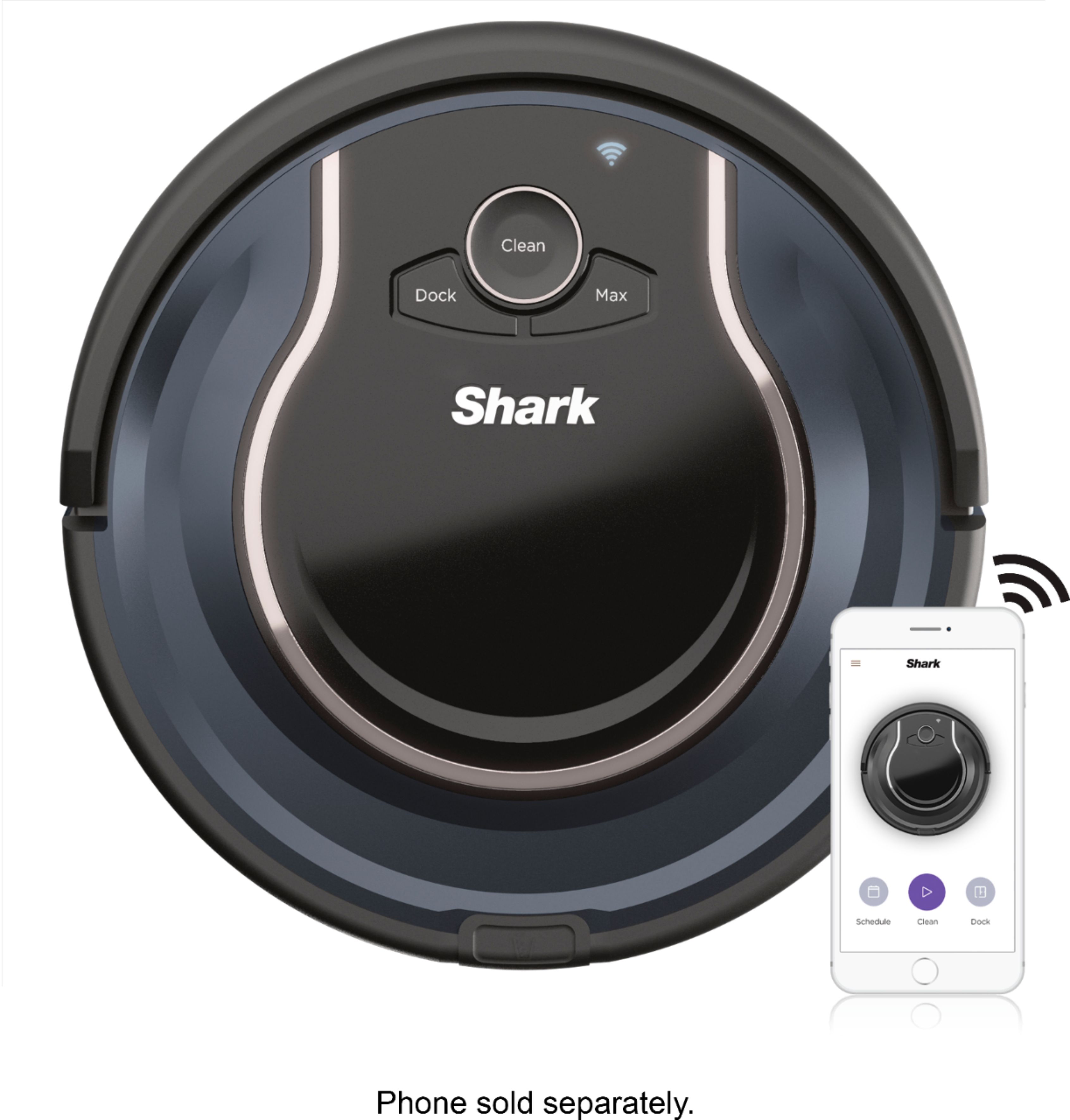
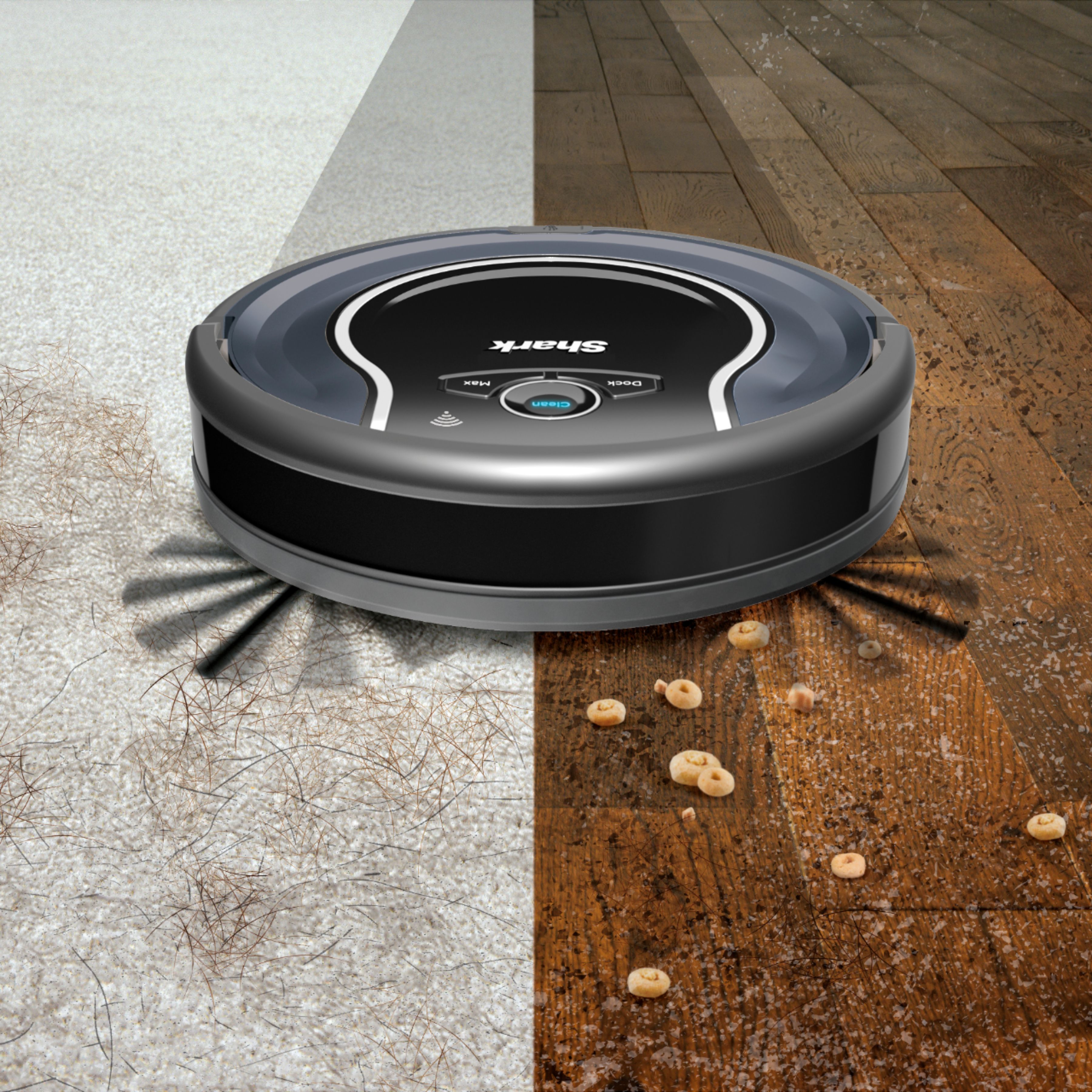
A:AnswerNeeds constantly stable network connection in order to use the shark clean app. You can manually use the physical buttons on the device to clean without the scheduling and alerting features of the app.
A:AnswerWe would like to inform you that the app is for a smart phone or tablet. It will not work with a computer. You can also use the robot without the app by pressing the on-board buttons. With this being said, we recommend pairing the robot with the Shark App to receive regular updates to the robot and the app. This will ensure that the robot is maintaining optimal performance.