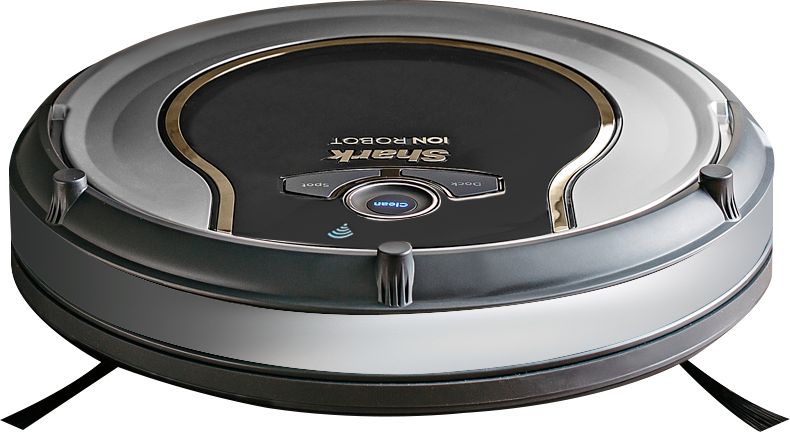
A:Answer Old question, but as I was just trying to figure this out myself and this was the -only- hit I got from Google that wasn't the manual going over new setup or Roomba....
(Although my situation was slightly different, instead of replacing the modem, I merely had setup a new wifi signal / SSID and wanted to switch from the old to the new.)
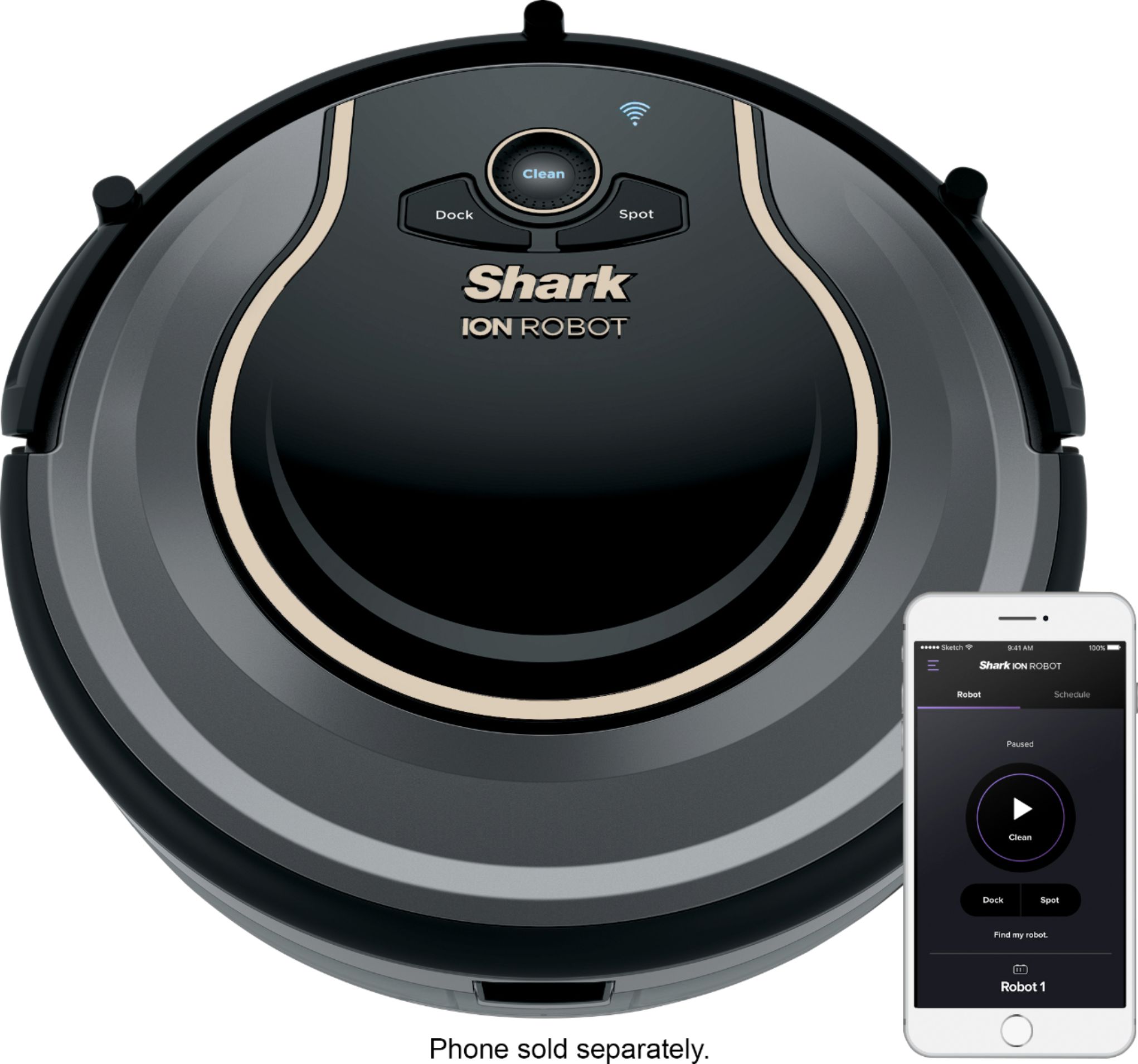
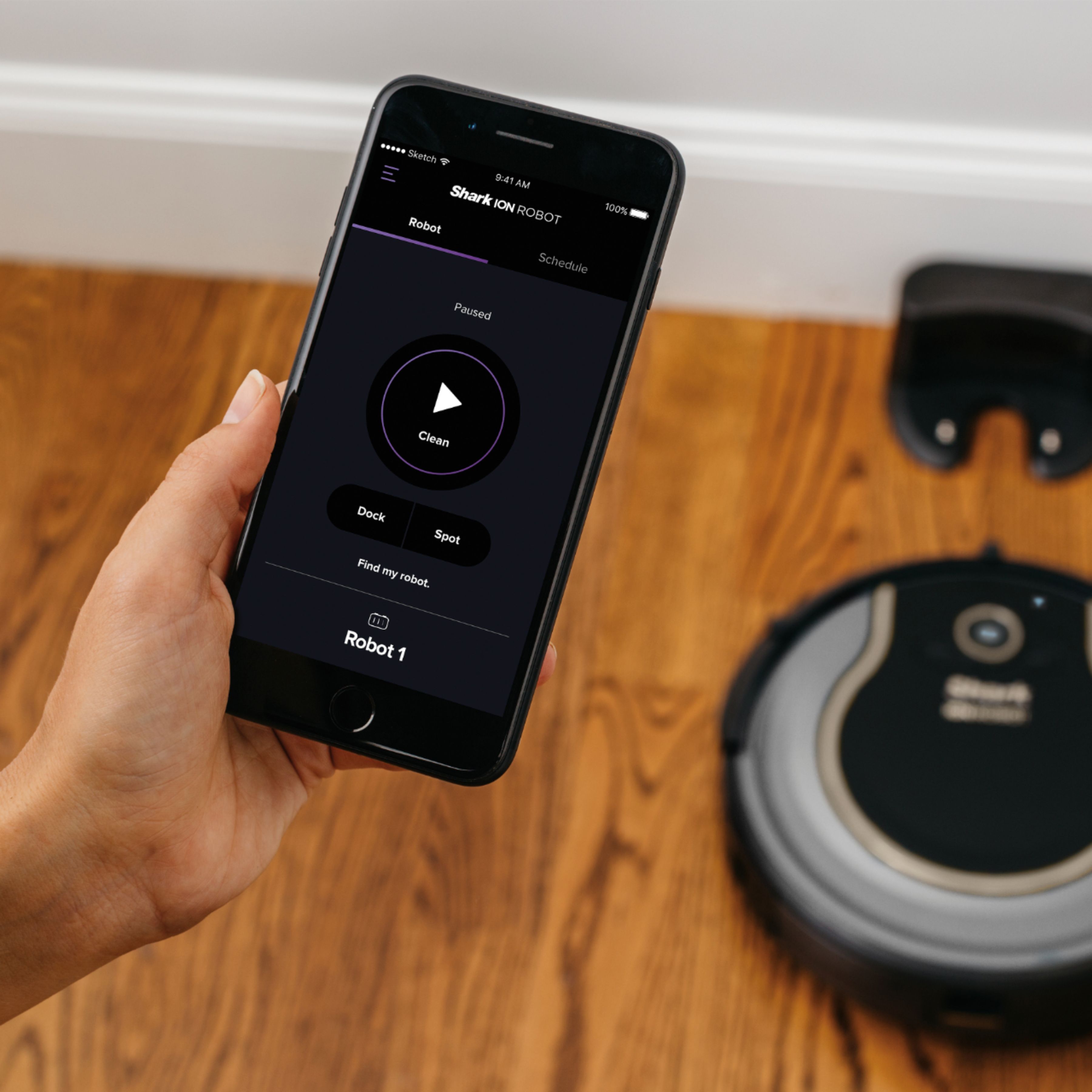
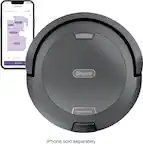
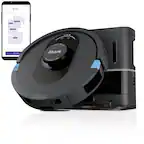
It looks like you have to (as of this writing) go into the Shark app on your phone, *delete* your robot from the app (hamburger menu -> Settings -> tap your robot -> Delete Robot), then go through the process of re-adding it from scratch (Add New Robot).