A:AnswerHello Suz, please accept my apology for any inconvenience caused. Please email us at onlinesupport@sharpsec.com so we may look into this for you.
A:AnswerHello Bobby, we would be more than happy to assist you with your query. Please contact us directly at 855-544-2030 so that we may assist with this.
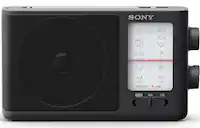
A:AnswerIf the station is marginal, try turning off the stereo feature. If the set doesn't receive a strong enough signal, it will turn the unit off in around 10 minutes.
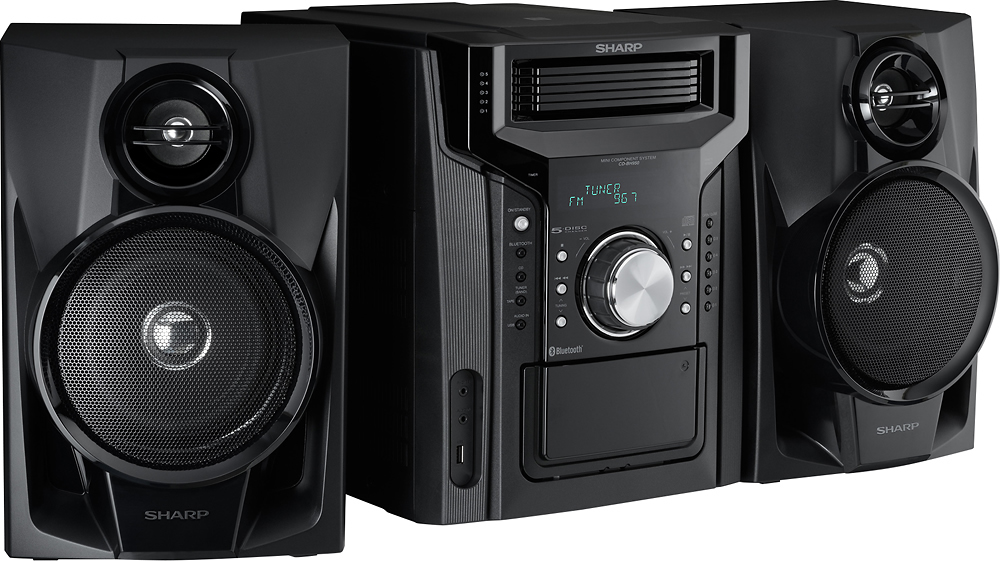
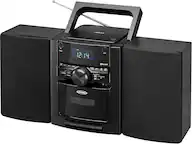
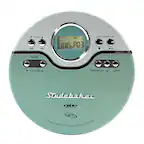
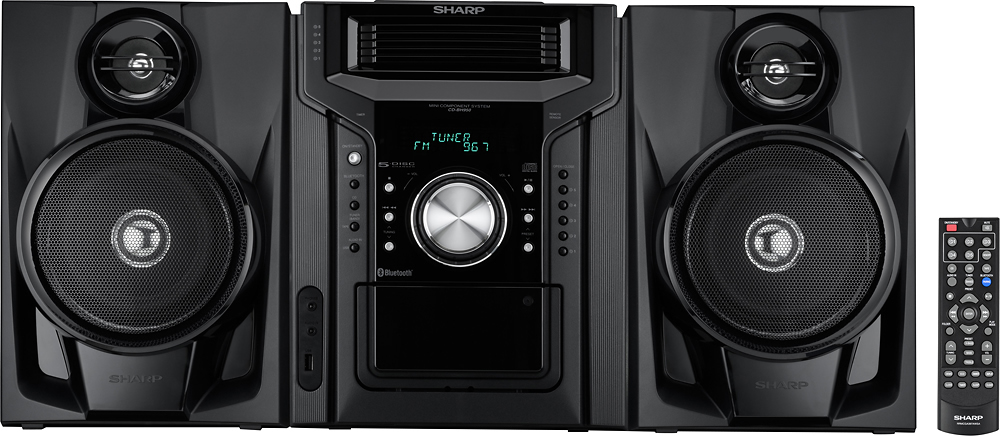
A:AnswerYes, but not by default. You have to program it to make it shuffle CDs one after the other or to shuffle songs. Read the instruction manual on how to switch on these features by using the Program button.
A:AnswerMine plays all 5 CD's one after the other. I believe I had to set it on "Repeat", or something in that area. Or, it just did it on it's own. I know I was trying to set it up for "Random", thinking, like other units I know, that it would randomly select from all 5 CD's. Not so. "Random" only works on one CD at a time. Bummer. But it does play all 5 CD's back-to-back on it's own.
A:AnswerHello Matthew, I would be more than happy to assist with your query. Please email us directly at onlinesupport@sharpsec.com so we may speak further on this with you. Thank you.
A:AnswerHello Janna. For the most accurate answers to your questions, please contact us directly at 1-800-237-4277. Be sure to have your model number available.