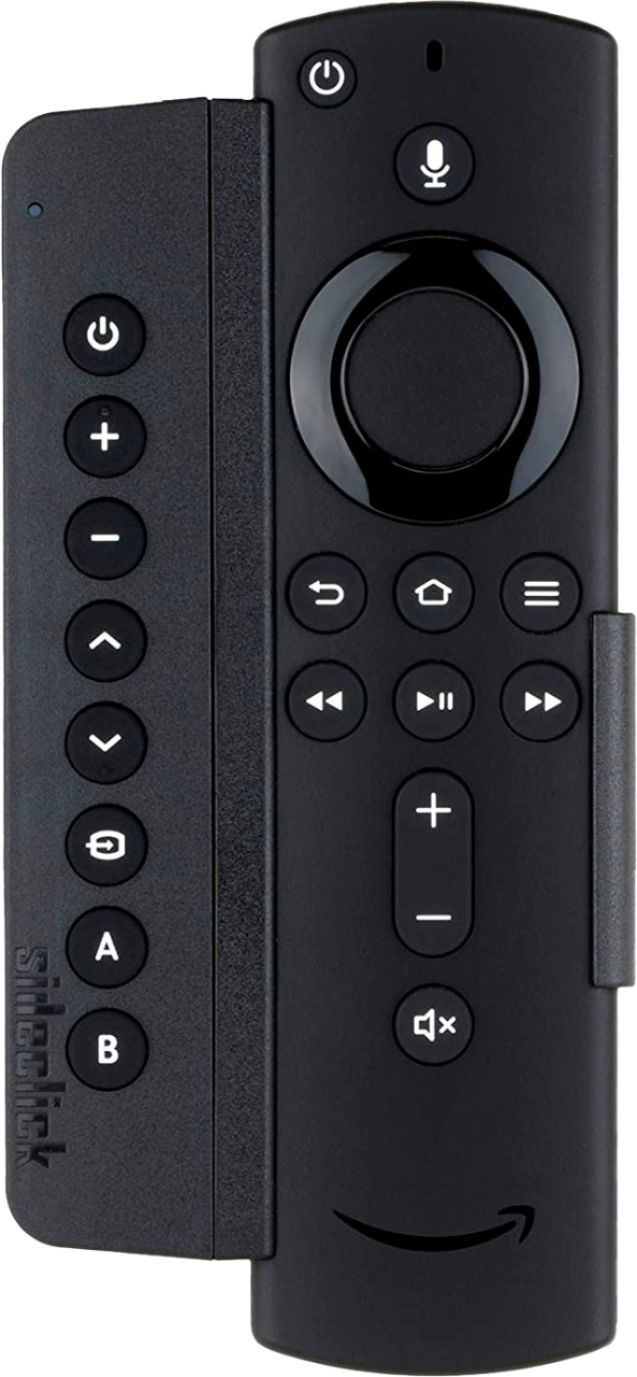
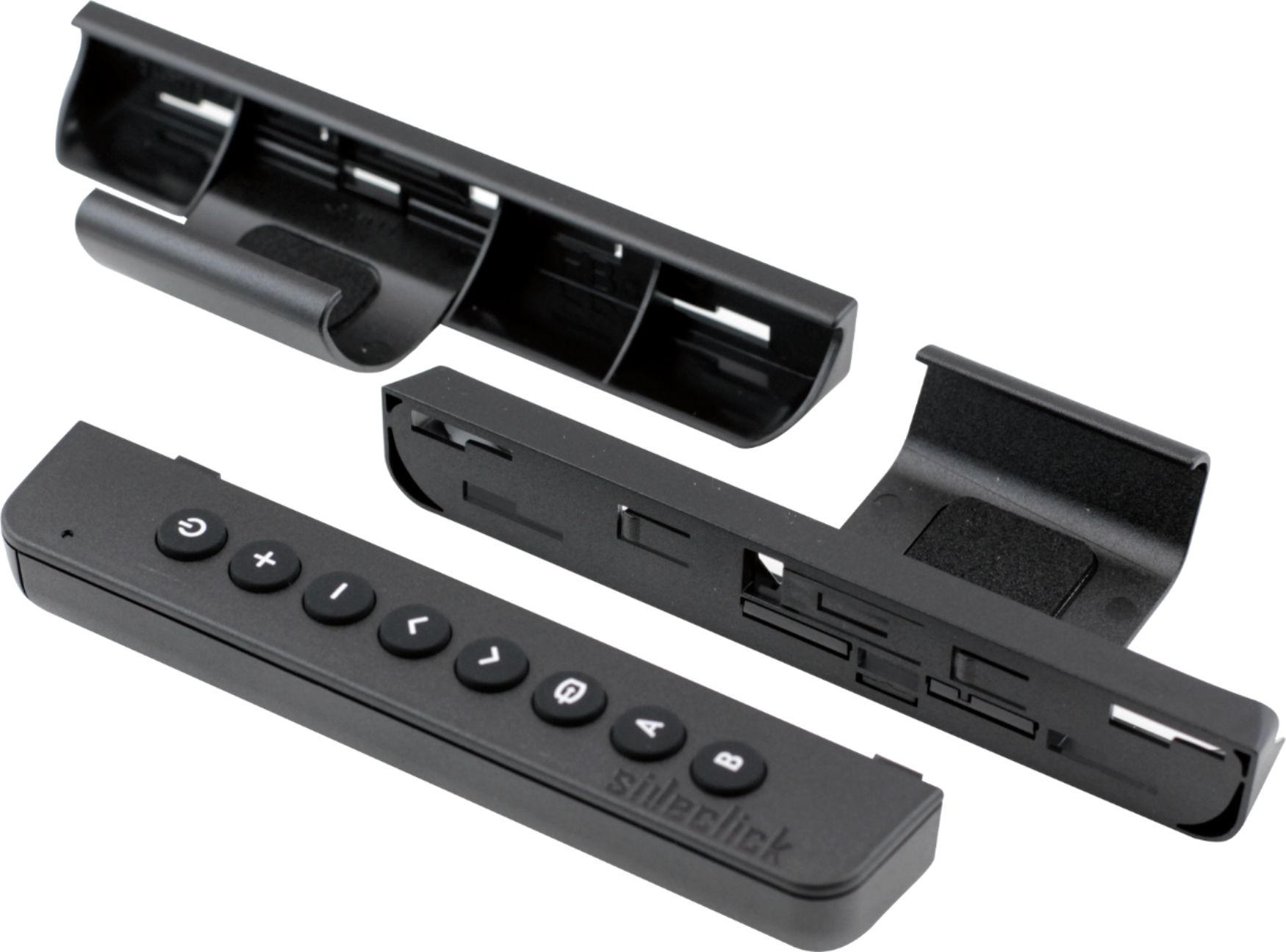
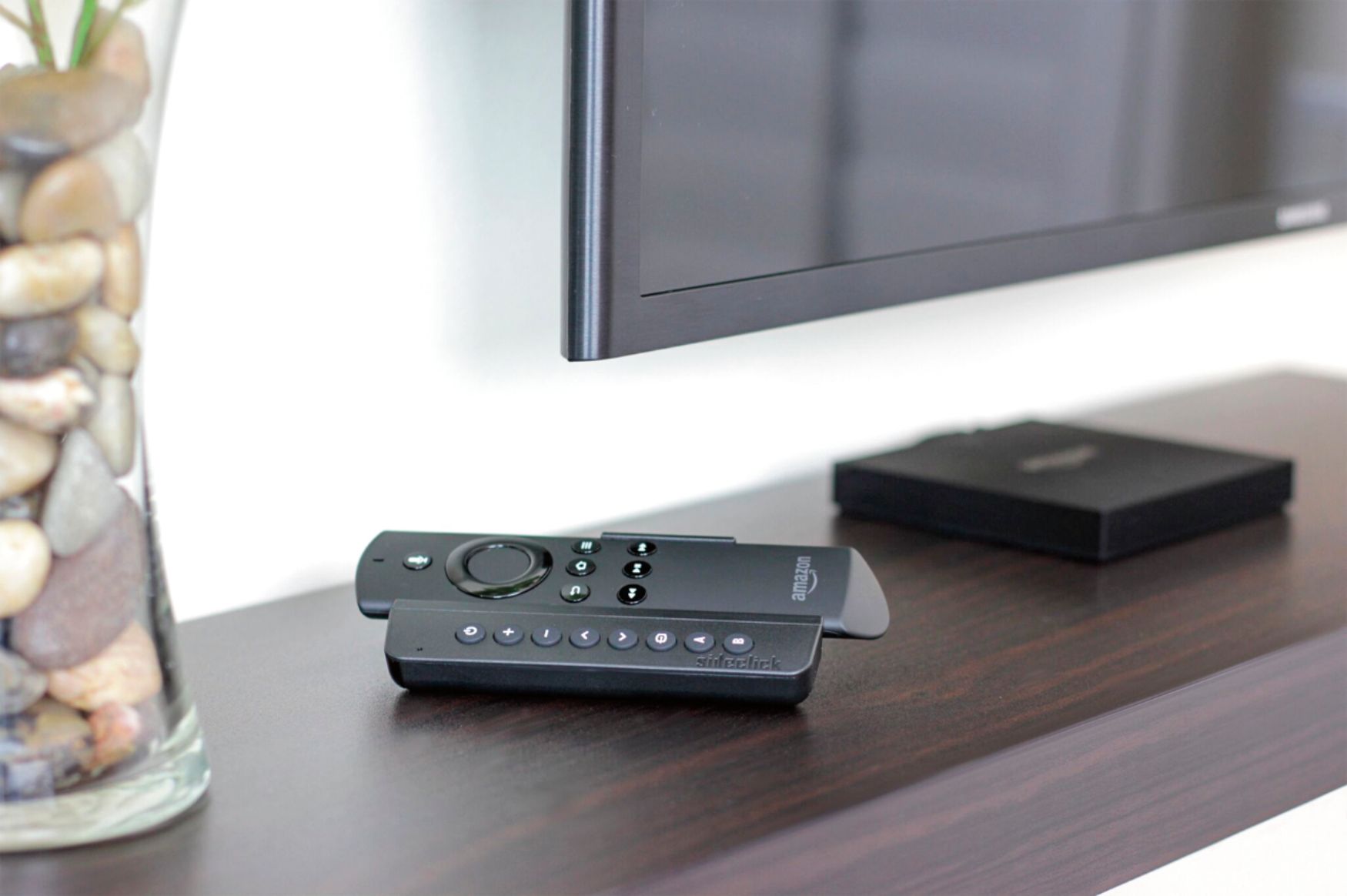
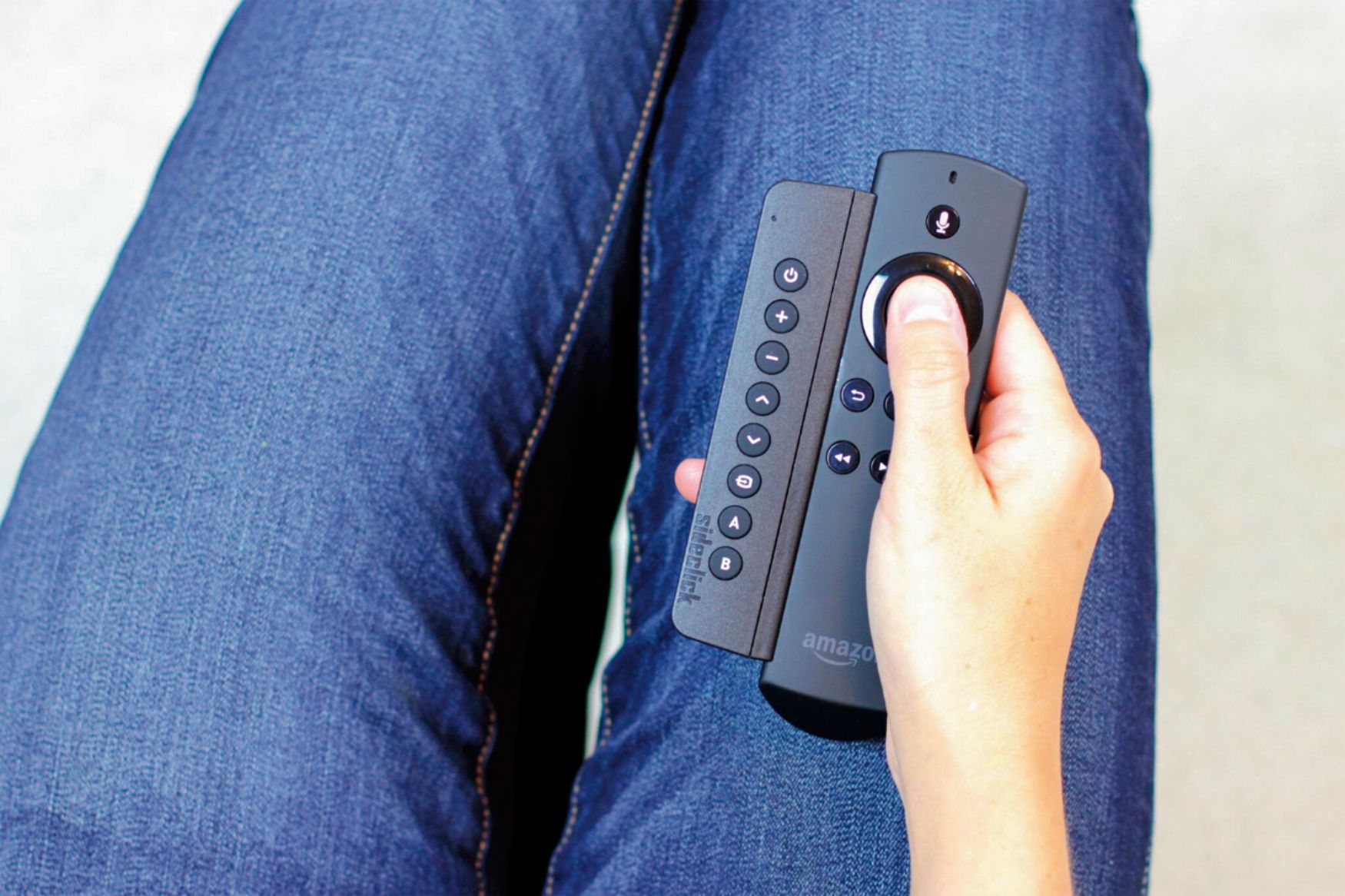
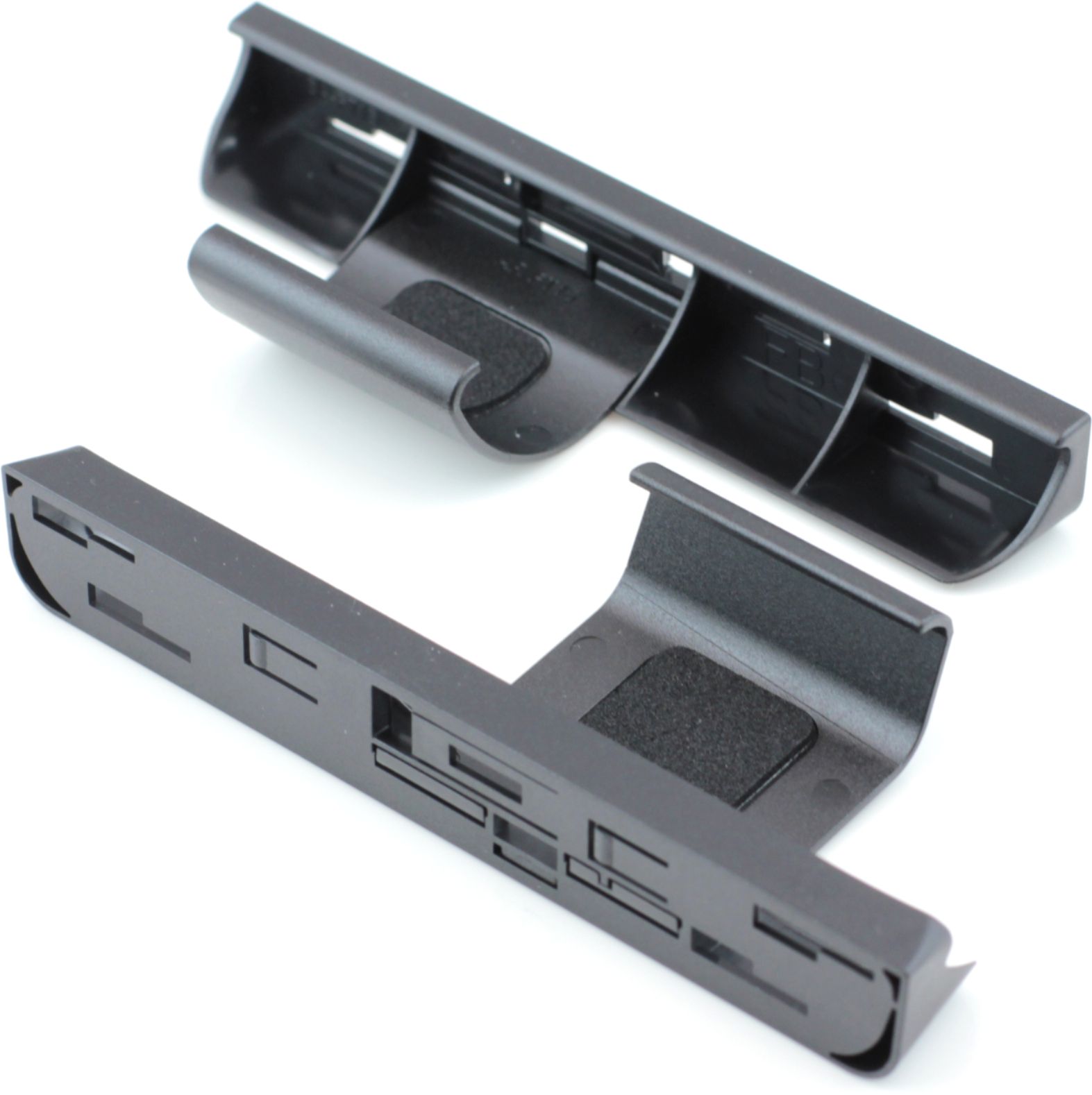
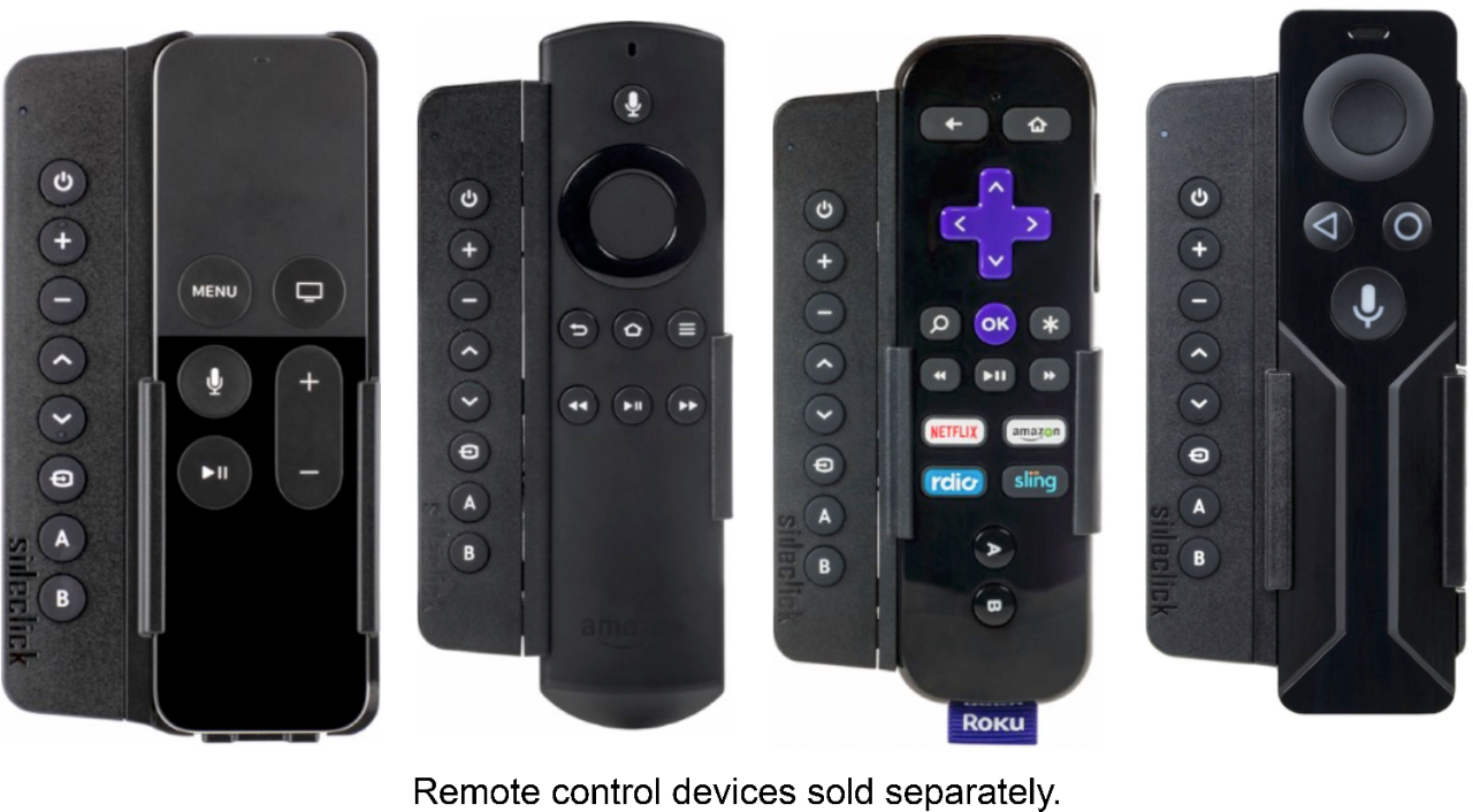
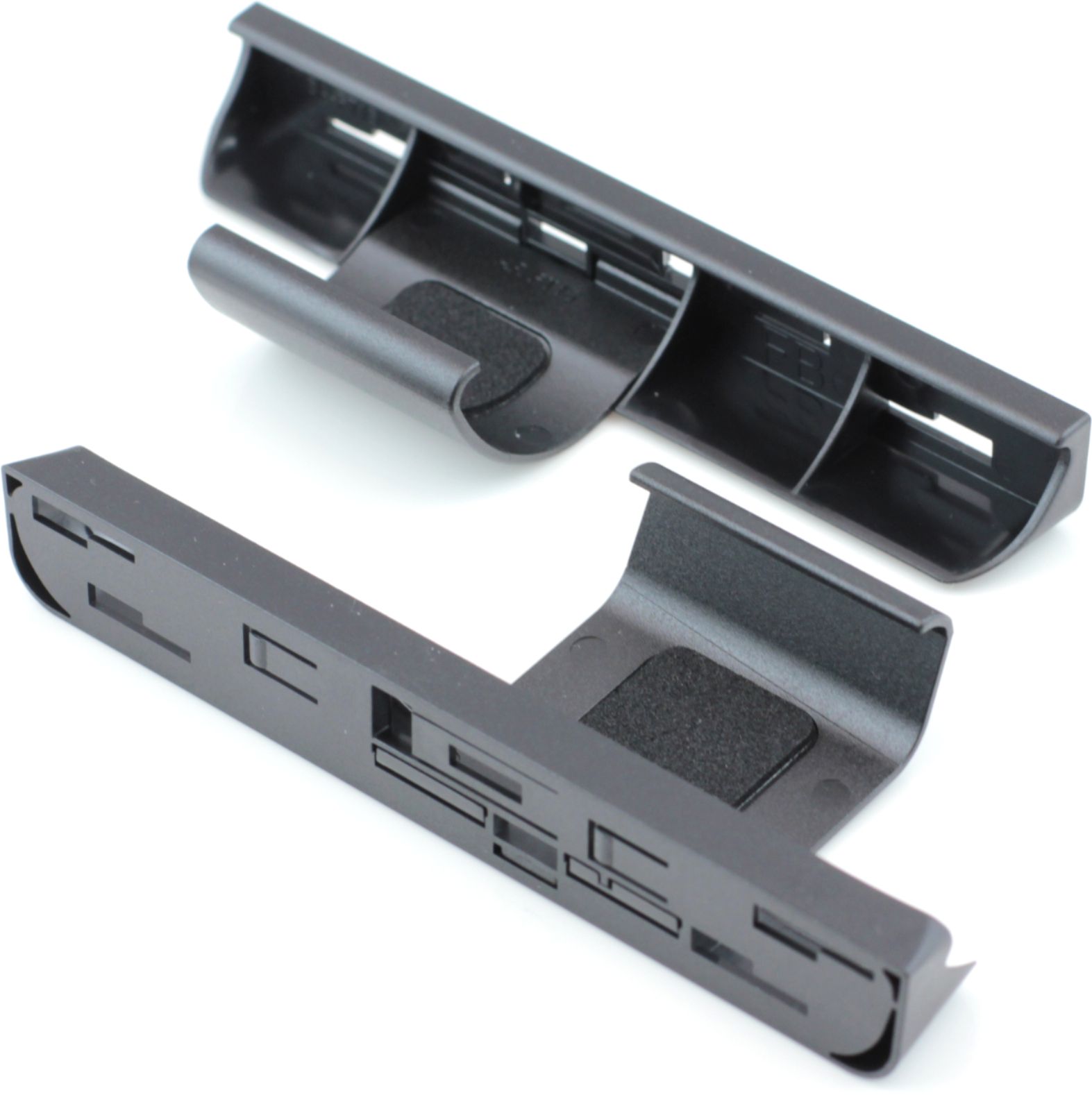
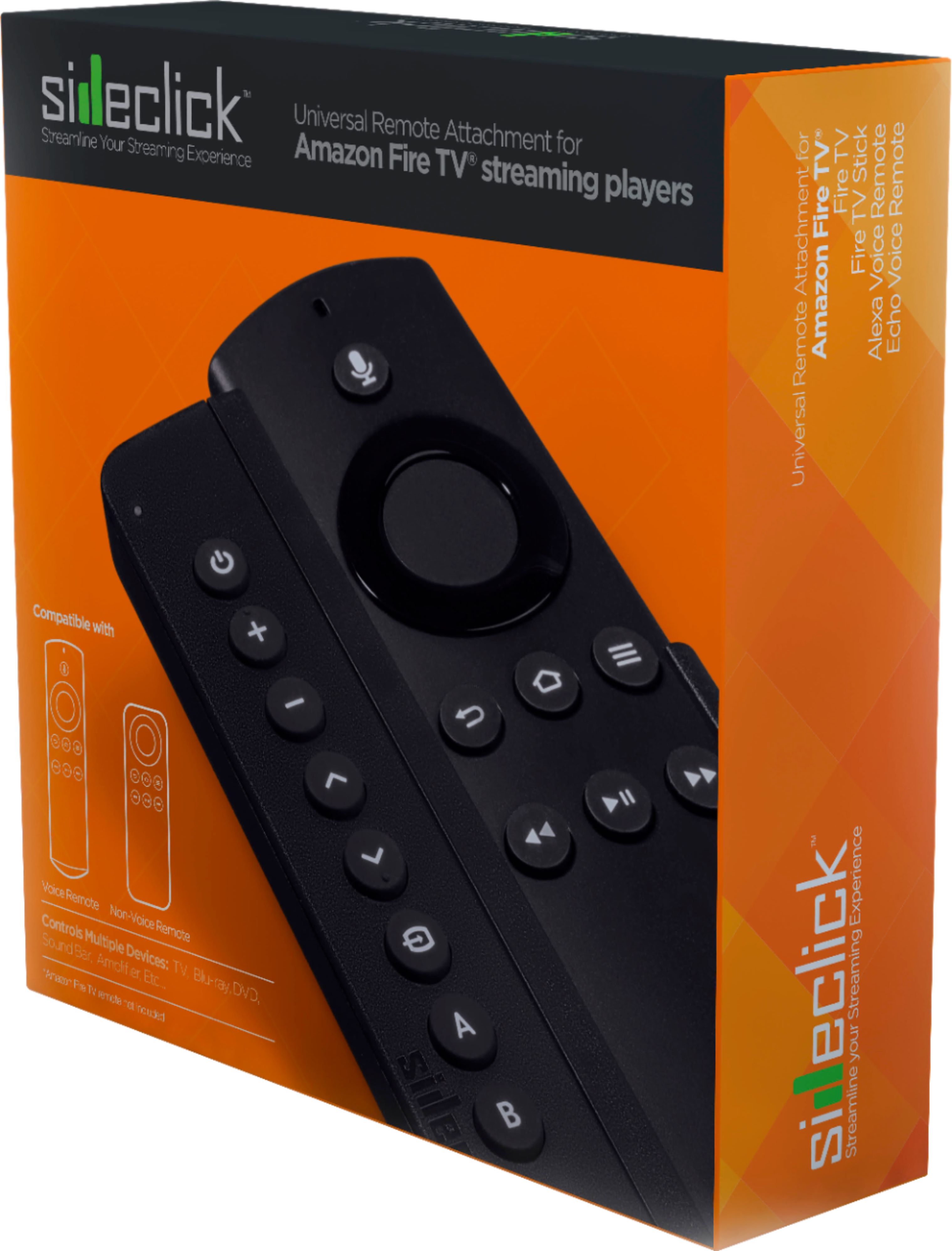
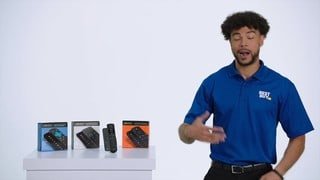
A:AnswerThe Sidekick has 8 buttons that can each be learned from any command from any other IR remote. You must have the other remote(s) in order to "teach" the Sidekick. Although I don't do it personally, I'm sure that it is possible to program the Sidekick to control multiple devices. For example, the Sidekick can be taught the input select button from the TV remote while also be taught the volume and mute buttons from the sound bar.
A:AnswerIf the Nvidia Shield uses an INFRARED REMOTE, you can use it to program the buttons on the SideClick Remote. If the Nvidia Shield uses an RF (Radio Frequency or Bluetooth) Remote, this will not work for you. This device is INFRARED Only, and will "Learn" from your primary remote when programming the SideClick buttons. Any Button can be programmed to do anything you want it to do regardless of how the button is labeled. Hope this helps!
A:AnswerIf your Dish Remote is an INFRARED Remote, you should be able to use it to teach the SideClick Remote Buttons to do things like Volume Up/Down, Channel Up/Down, Mute, etc. All buttons on the SideClick are programmable by putting the SideClick in Learn Mode and selecting the button you want to program, then point the remotes at each other and press the button on your Dish Remote that you want to program over on the SideClick Remote. Any SideClick Button can be programmed to do anything you want it to do.