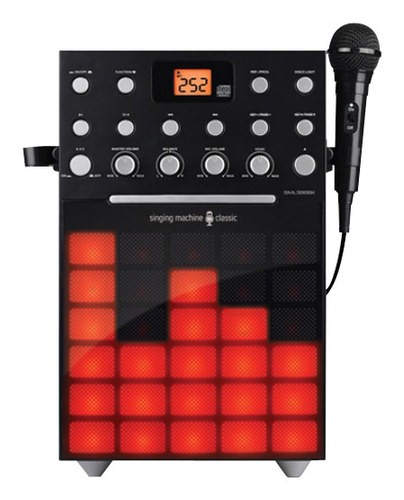
A:AnswerThe Singing Machine SML388 does not have a built-in screen, but you can connect to a TV via the included RCA cables to see the lyrics on the TV screen.
A:AnswerYes you can transfer your downloaded songs to this karaoke machine. We have a free software called SMC Karaoke Manger to assist with burning music to blank CDs and creating CD+Gs. Simply access our website for the Free Software by visiting http://singingmachine.com/smcmanager/
We also have 3 step by step virtual tutorials to assist you with downloading the software and burning the music to your CDs creating CD+Gs. Please see the tutorials please access our website http://singingmachine.com/tutorials/
A:AnswerNo you do not have to have a song playing. You can simply power on your Singing Machine, plug your microphone in Mic 1 or Mic 2, make sure the microphone is turned. Then all you have to do is sing into the microphone.