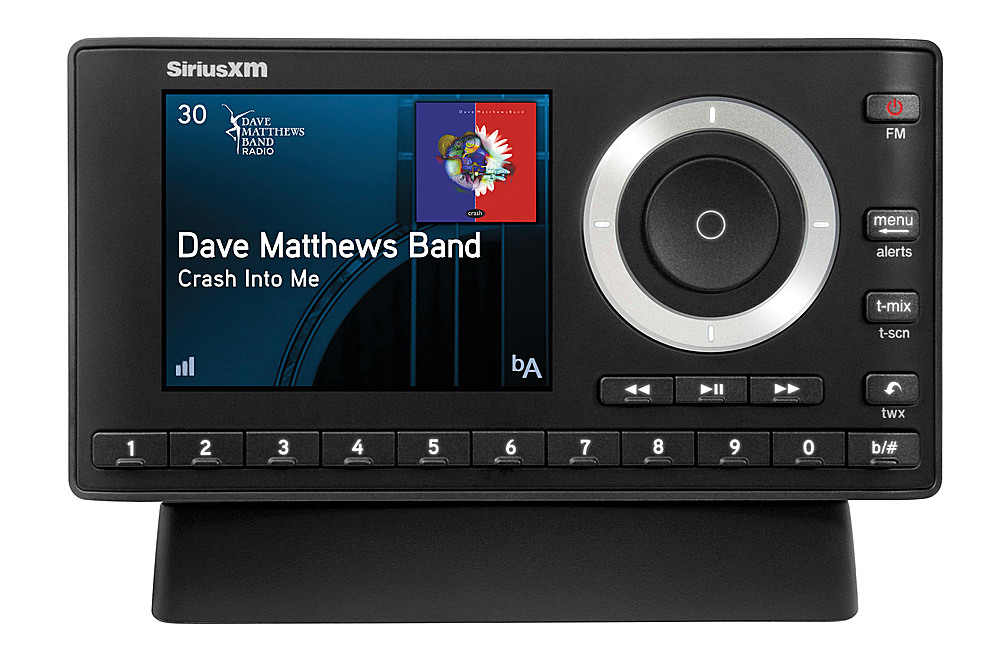
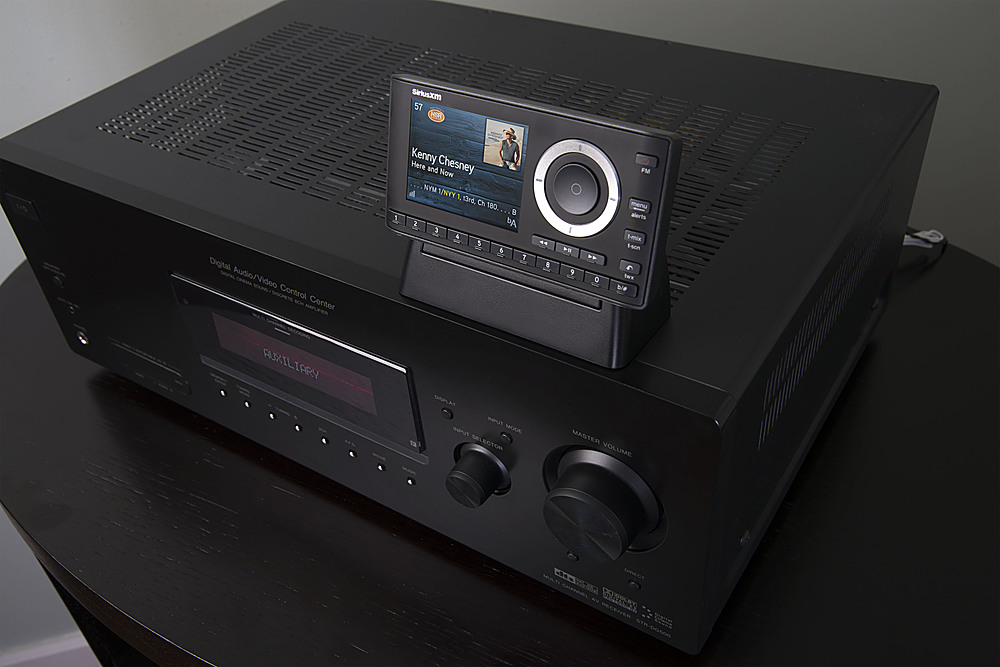
A:AnswerTricky question- the Onyx plus does not have any wireless capabilities, however if your wireless speakers are Bluetooth, you can purchase a Bluetooth transmitter system and connect to the AUDIO out of the Onyx Plus home dock. Direct TV does not have an connection to allow the input of the Onyx Plus- however your TV might- if it has a Audio Video input that is unused, just connect the Audio cable from the Onyx plus to the Audio input and switch the input on your TV to that particular one - you will not get video, but the audio will play through the TV speakers
A:AnswerIt is not designed to work directly with headphones. the Onyx plus does not include a headphone amplifier or volume control. if you add it to another device that has an AUX input and volume control, like a home stereo or a headphone preamplifier it will work.
A:AnswerIt has its own amplification and volume control, so you can even hook it up to headphones! So yes, that's all you need. I have it plugged into a Bluetooth transmitter and send it to my bluetooth speakers.
A:AnswerThe Onyx Plus does not have the On Demand feature but it does have other great features such as Enhanced Replay, TuneStart, TuneMix, and TuneScan. For full features and specs, please visit www.siriusxm.ca.
A:AnswerIf you are replacing an existing radio and not adding a second radio, you can contact Sirius and they will transfer your subscription to the new radio.