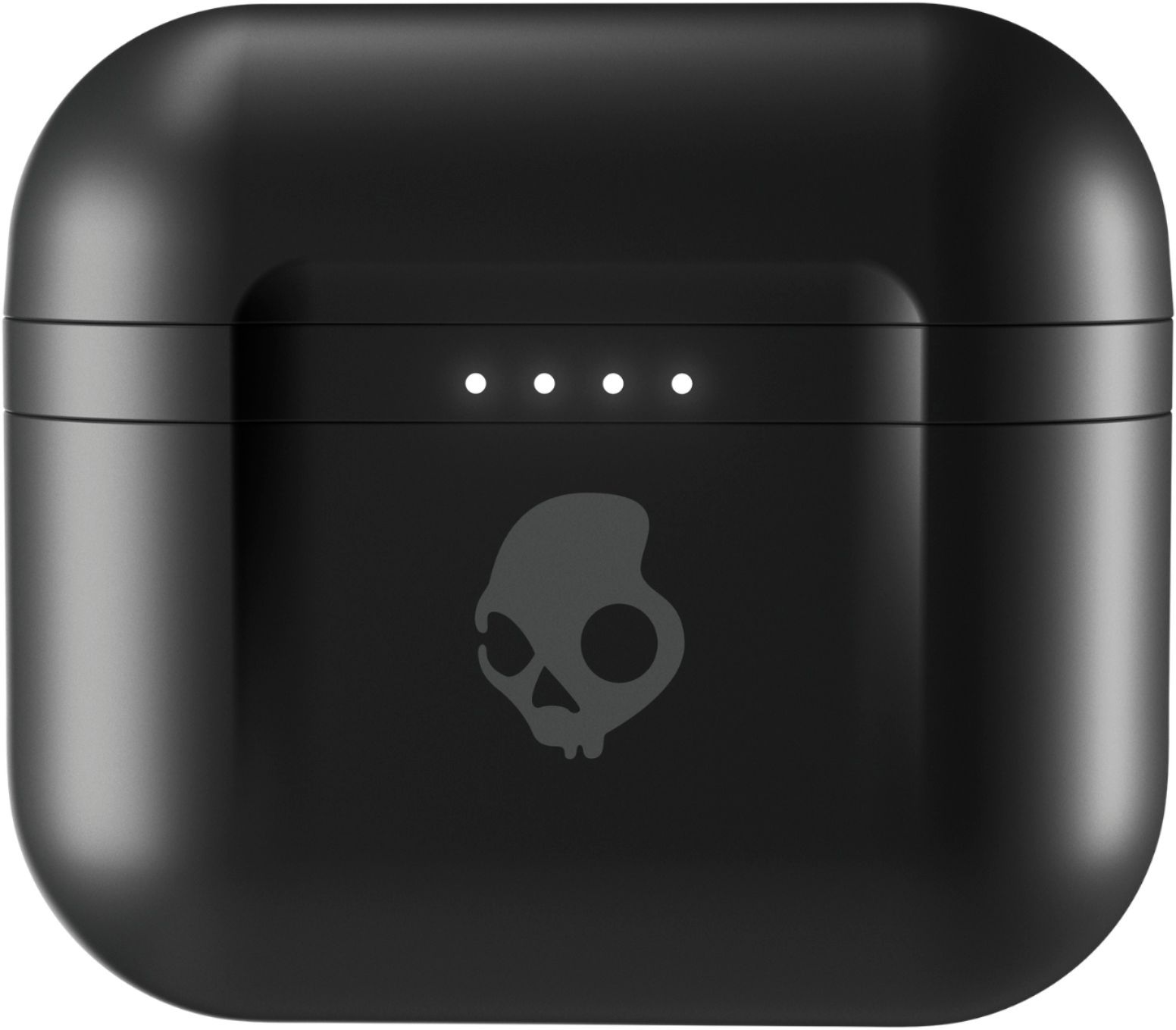
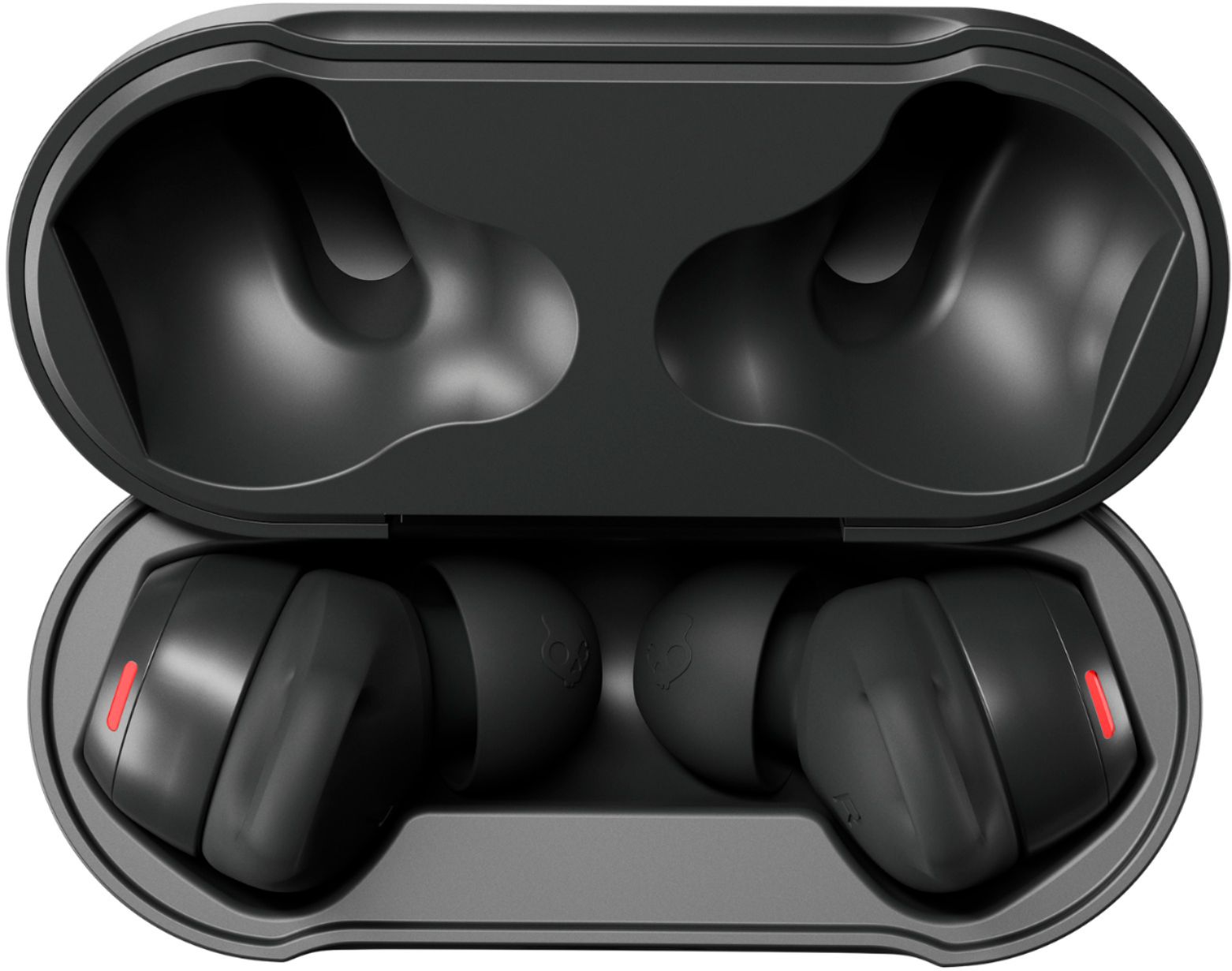
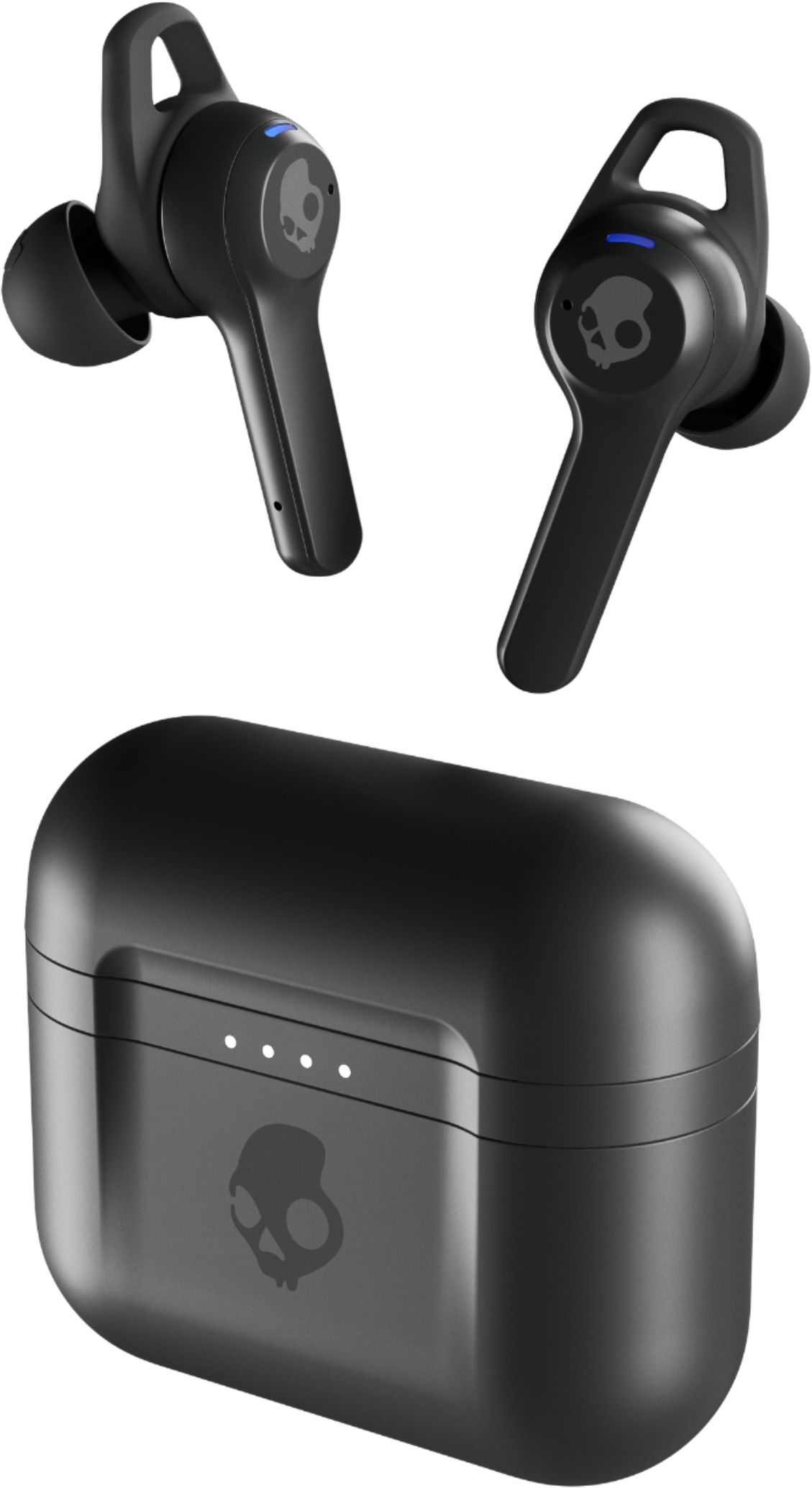
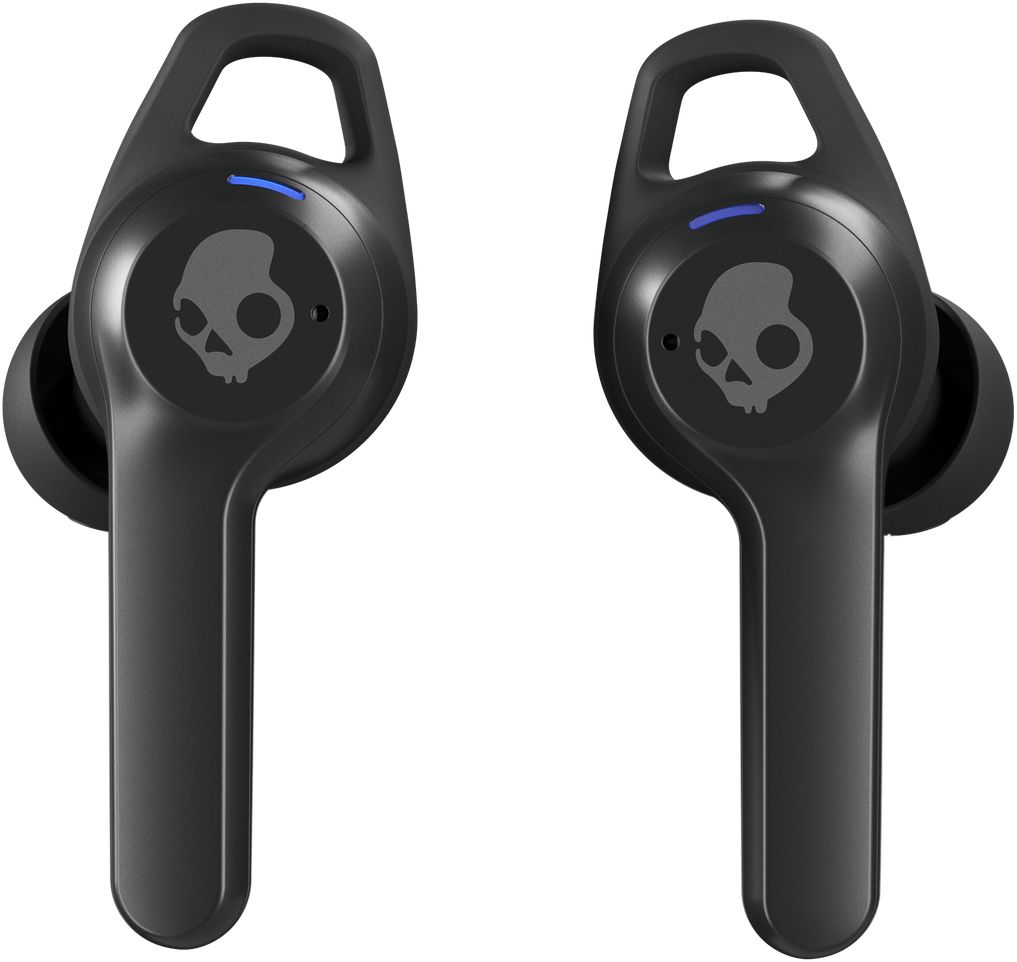
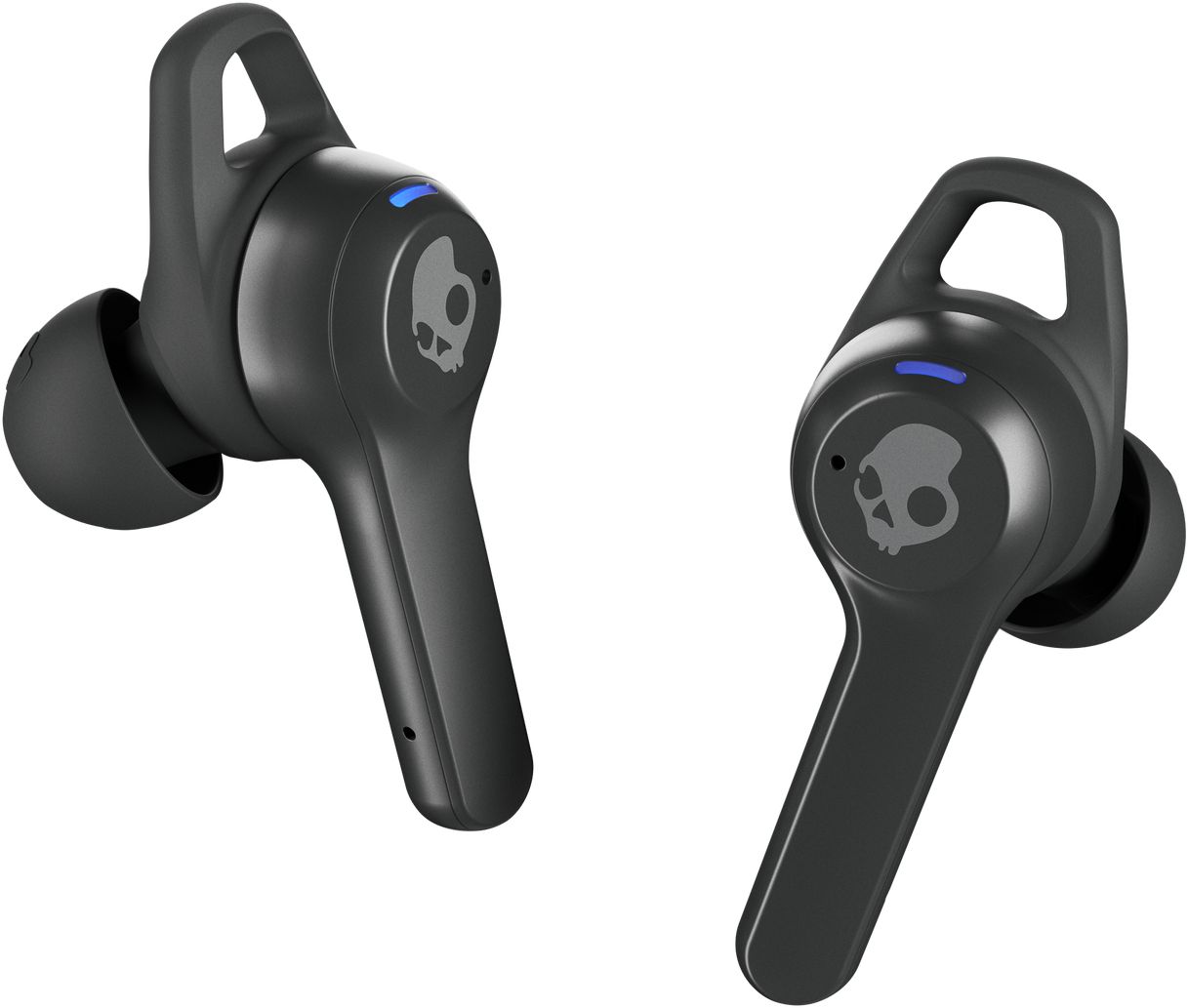
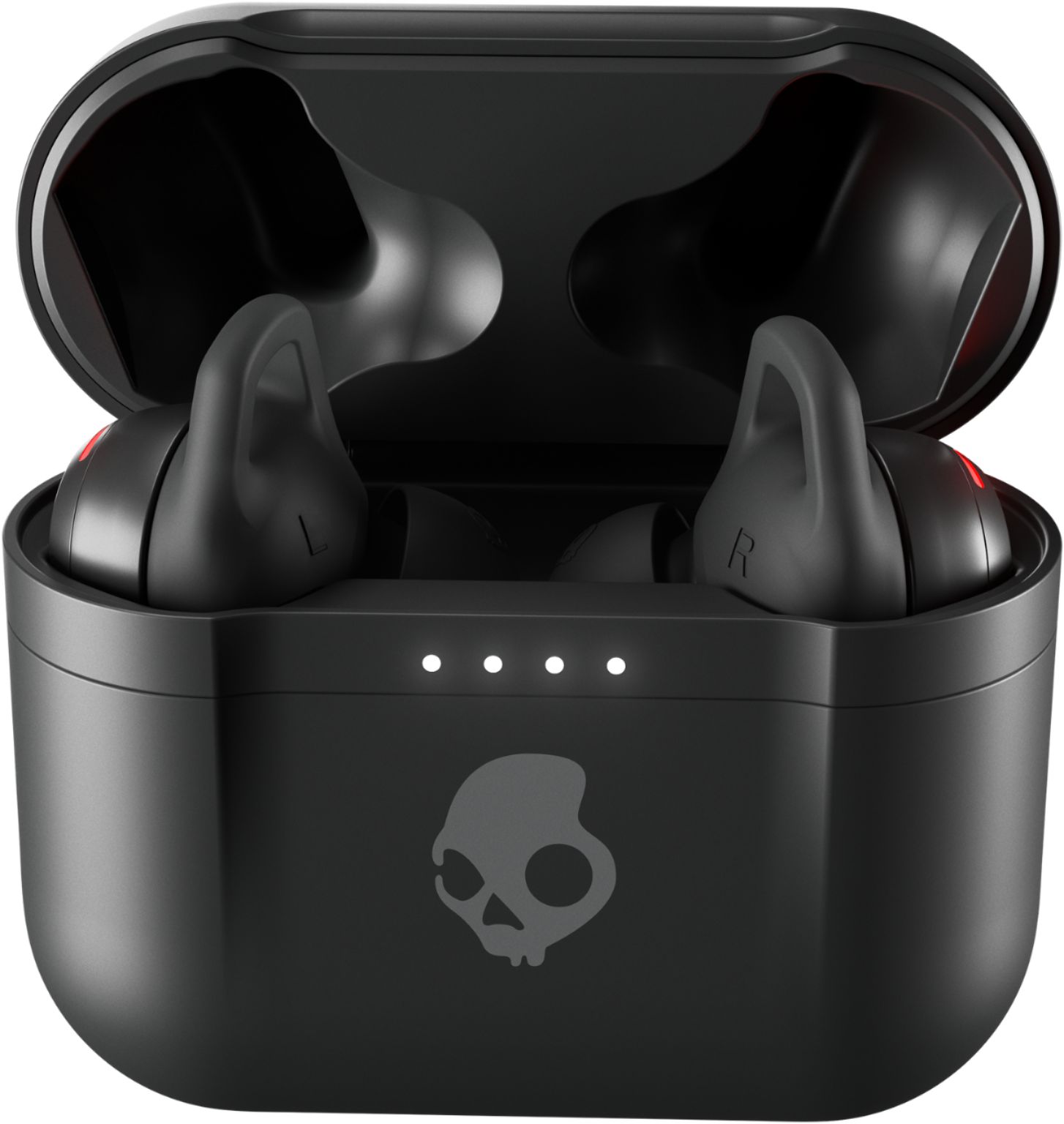
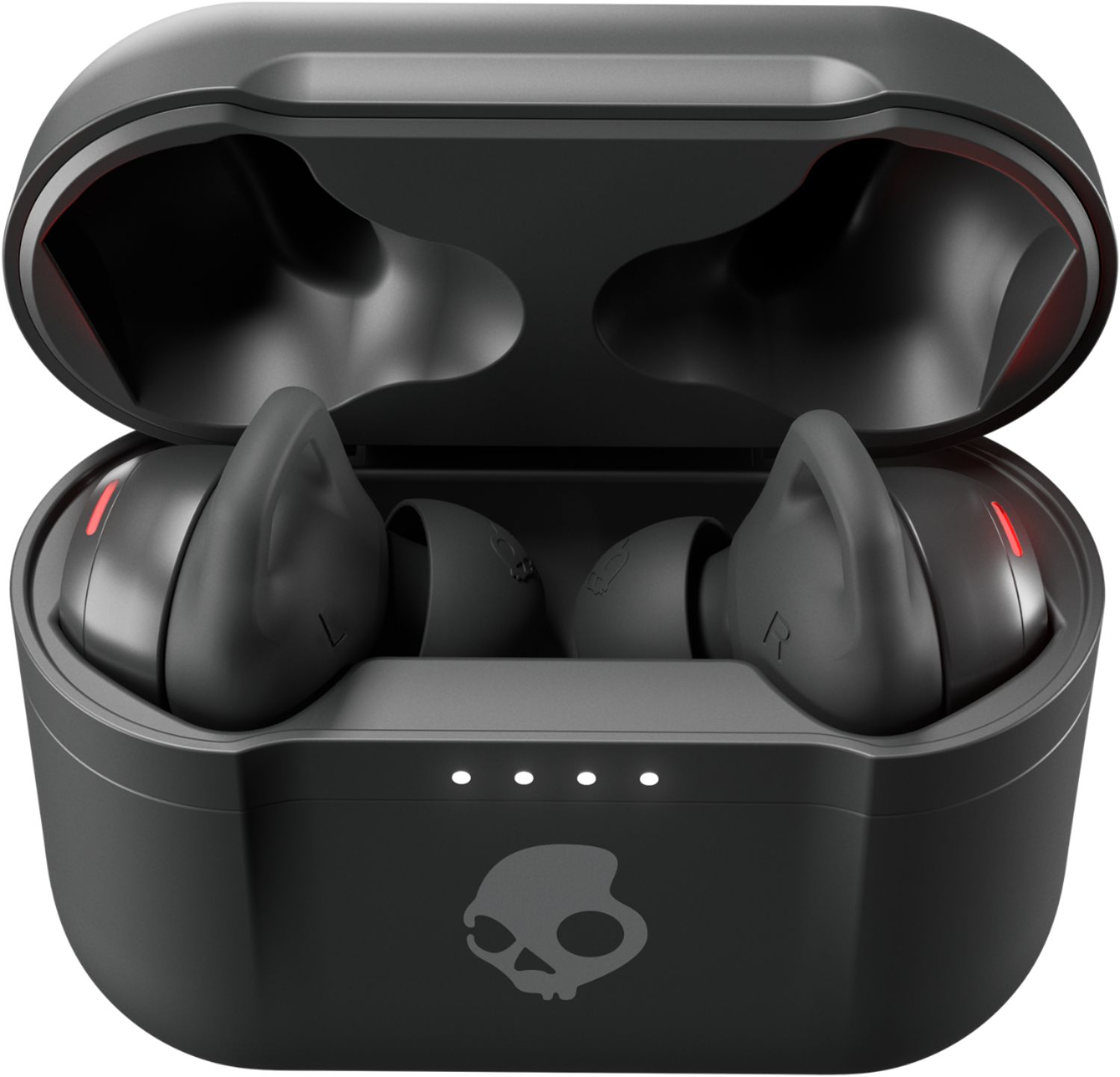
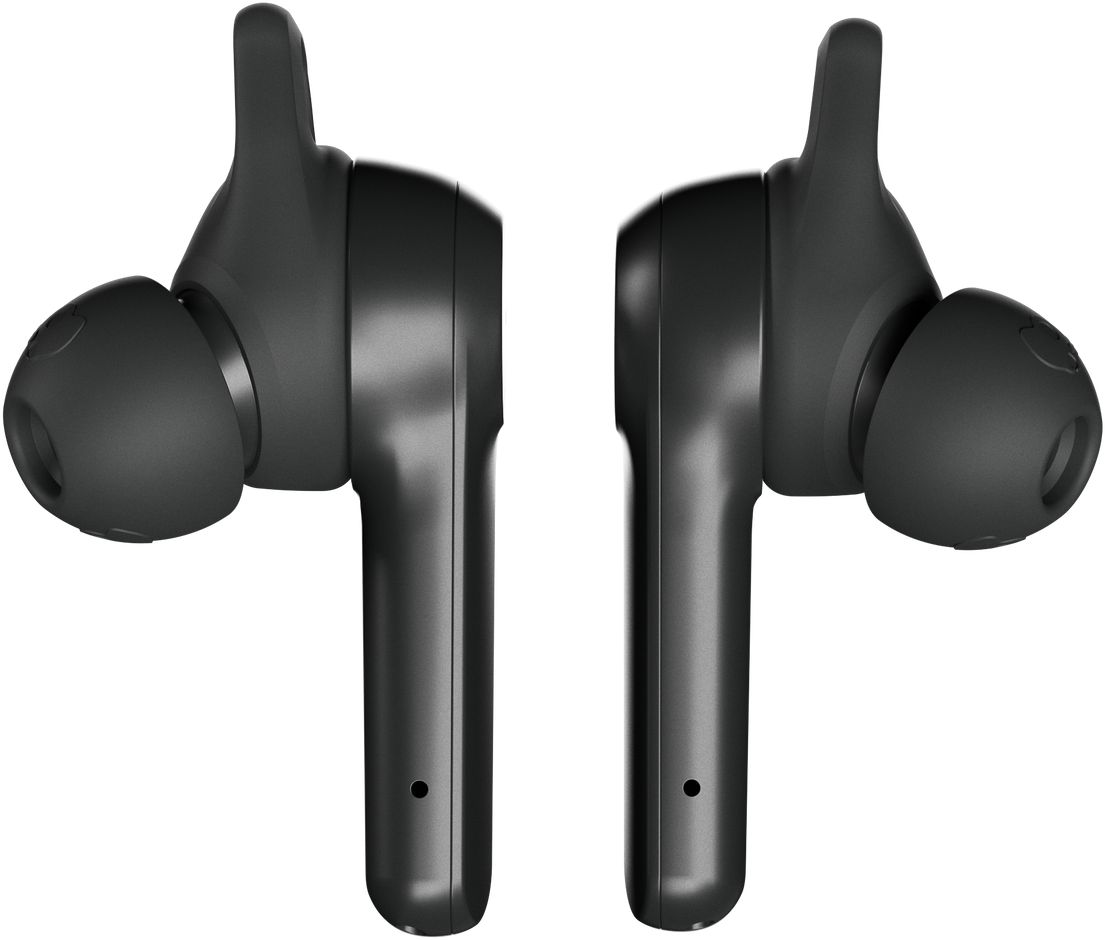
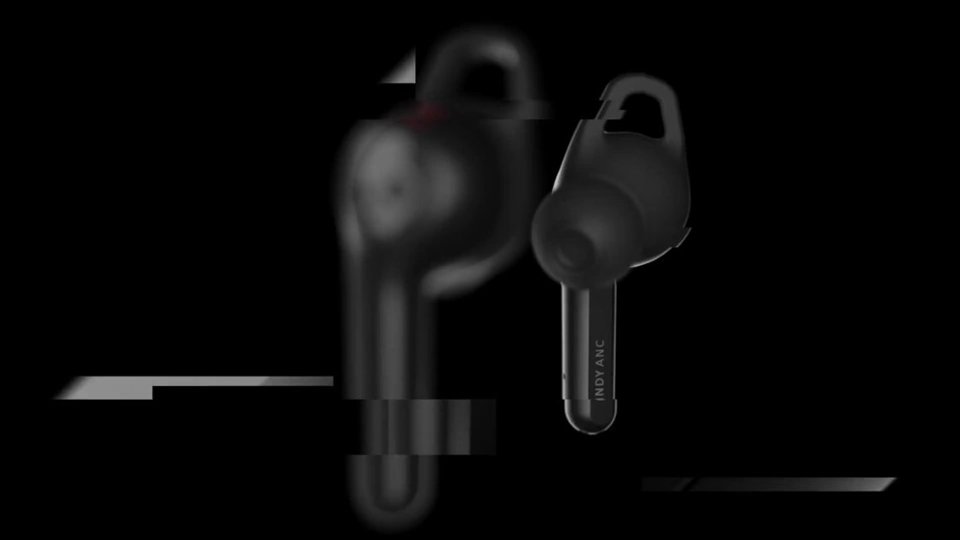
A:AnswerThe only answer I can come up with is to turn your buds off manually (holding your fingers on them until they say “Power off”). That way they don’t instantly try to reconnect with your iPad. Then, put your fingers back on them and hold there until it says “pairing” (around 15 seconds). Look to your phone for ‘Indy ANC’.
If you’re doing EXACTLY that and your phone still can’t find them, try turning your phone’s Bluetooth off and then back on and repeat the steps above. If that still doesn’t work, you might need a new set of buds.
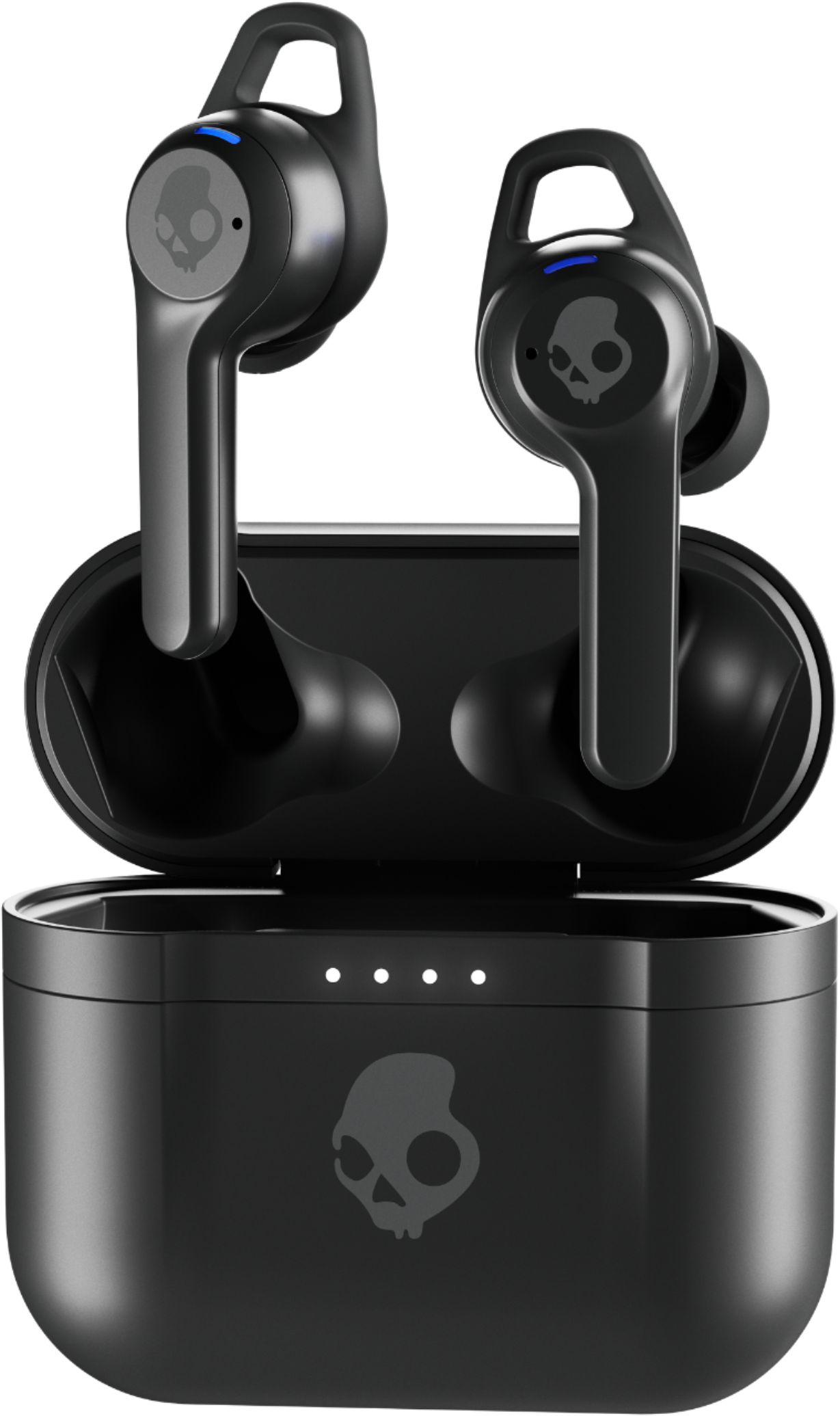
A:AnswerYes it is. I drive a truck with a really loud exhaust when I make a call it is clear, loud and the person on the other end can't hear the exhaust on my truck. Love these earbuds.
A:AnswerThey are rated at IP55 for dust and water. So they should stand up to rain, sweat, and even a splash of water, but may not last too long if fully immersed.
A:AnswerHit up our product support pages for troubleshooting steps if this does not help you with your issue contact our customer service team and we can help you find a solution.
A:AnswerPlease feel free to visit info.skullcandy.com for troubleshooting information for connectivity. If that doesn't remedy your issue, please reach out to us at contact.skullcandy.com and we can assist you in getting a new pair that functions properly.