A:Answer Good afternoon Butch,
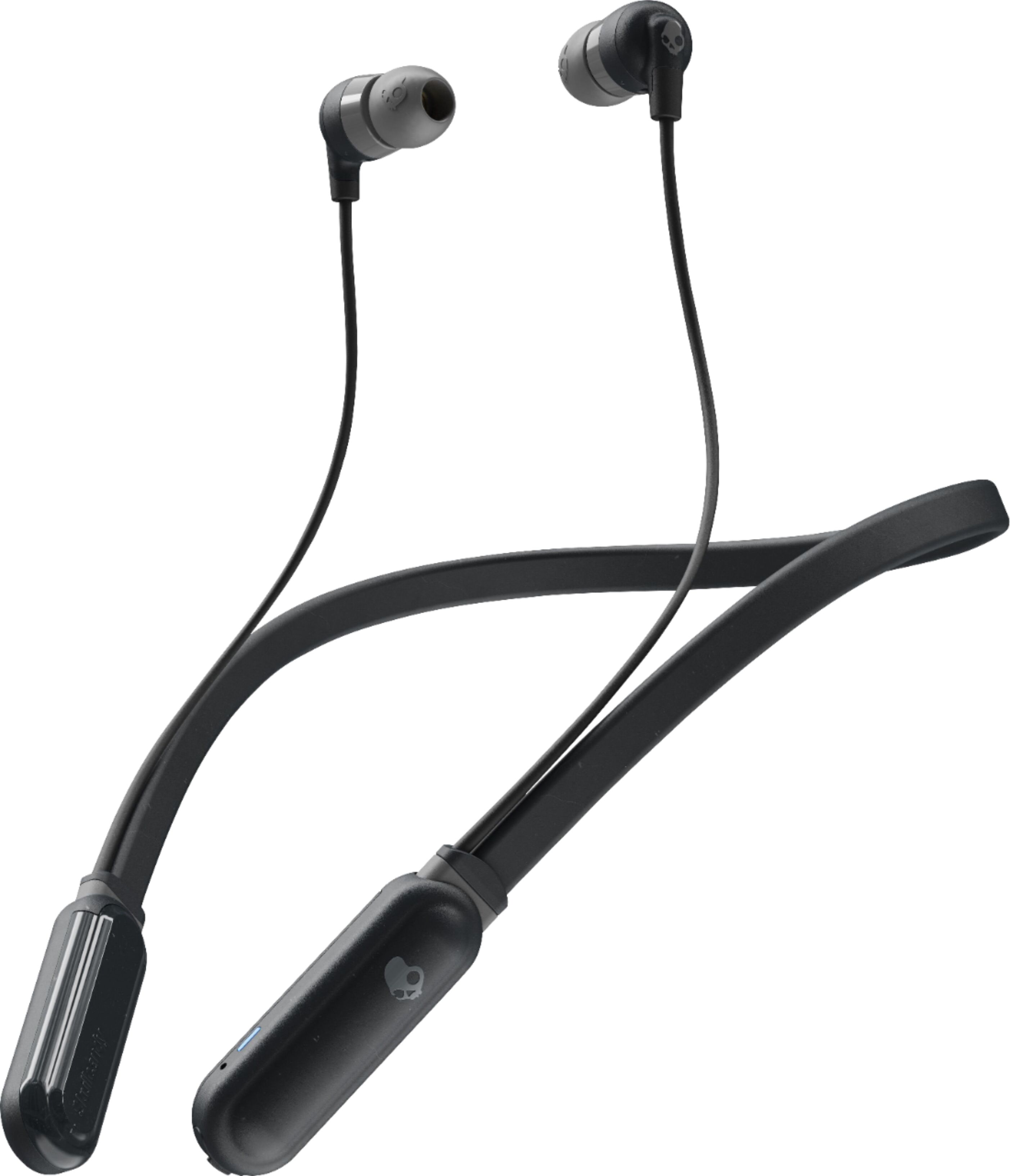
Pairing your Inkd+ Wireless Headphones to your phone is fairly easy.
1)Put the ear buds in your ears so you can hear the comands the headphone is giving you.
2)Hold down the + and - button at the same time for 7 seconds. This will activate Bluetooth pairing mode.
The headphone name should now show up on the bluetooth settings for which ever device you are trying to pair to. If you have more questions regarding pairing, The support tab on Skullcandy.com has some wonderful instructional videos that may assist you further.
Thanks again for reaching out!
Best,
SKDY