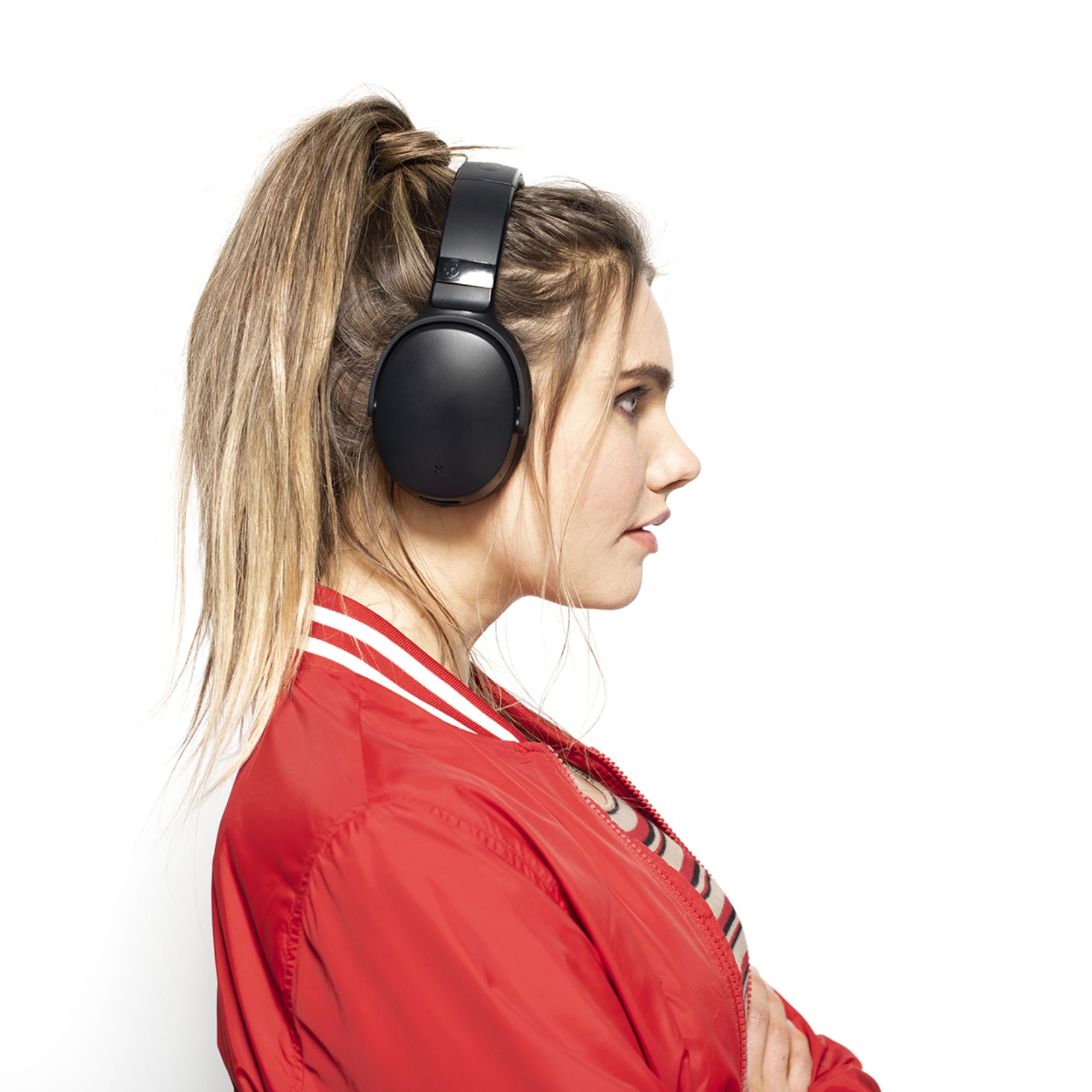
A:AnswerYes, it comes with the standard cord to plug into your phone, pc, laptop or etc. it also has Bluetooth integrated into the headphones with a decent range while still maintaining great quality, the headphones do not need to be charged in order to use the wired functionality!
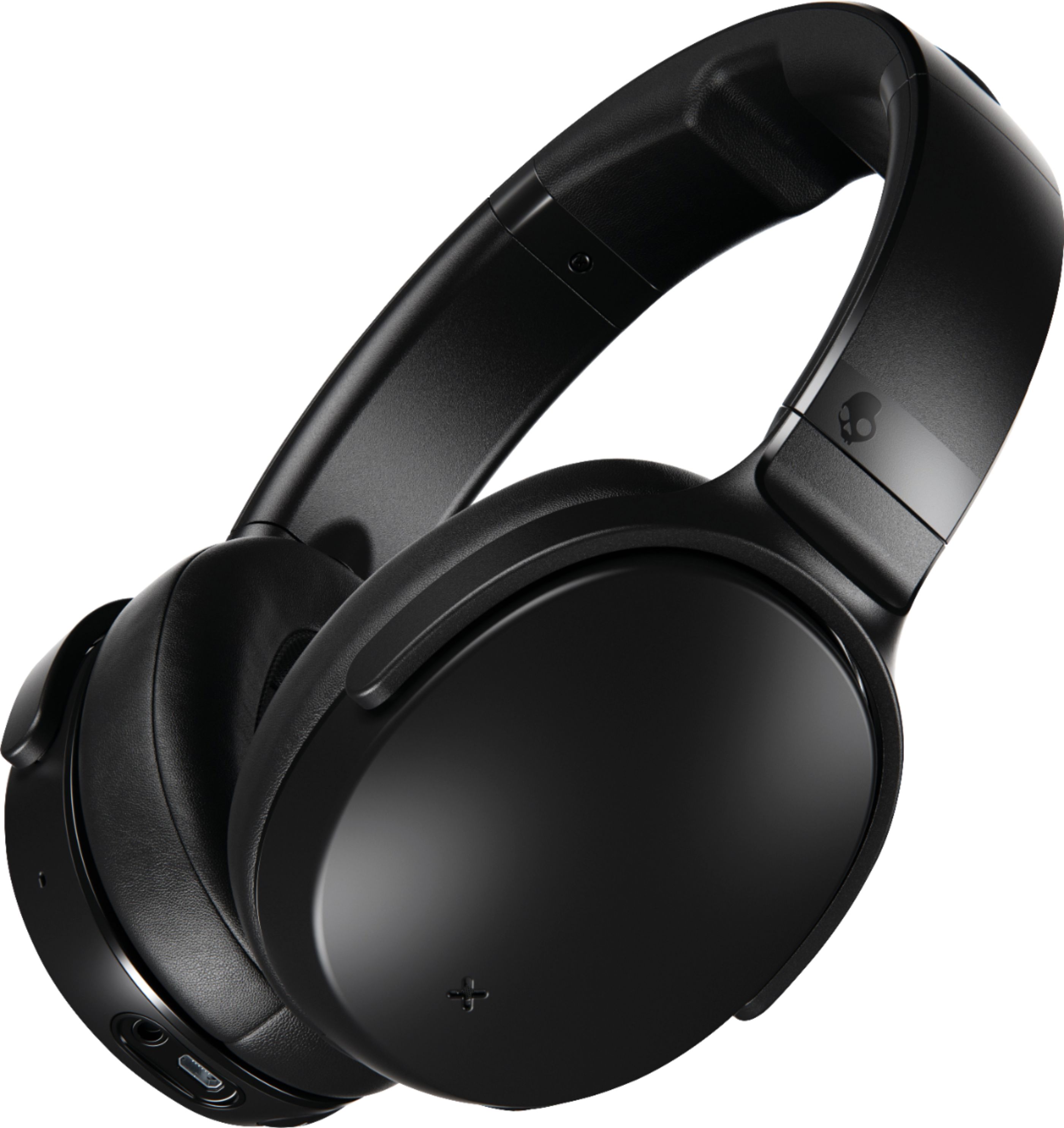
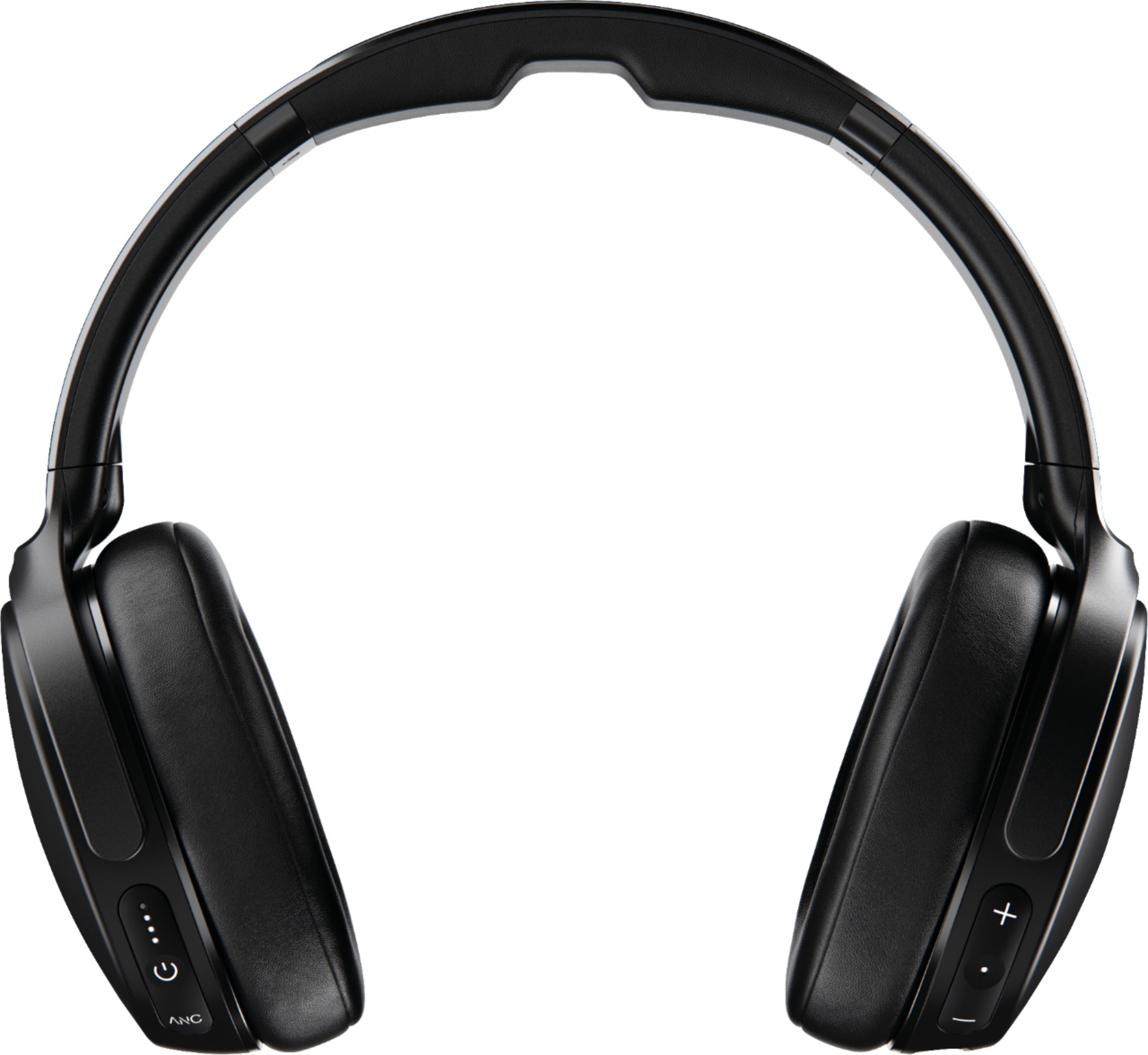
A:AnswerThere are three buttons on the bottom of the left earphone. The button in the middle is the power button. Press once to check battery status, and hold the button down to turn the headphones on/off.
A:AnswerI use mine to watch TV. Make sure you have a Bluetooth Transmitter connected to your TV and then the headset can be connected. Best Buy should have them.
A:AnswerFor pairing instructions and troubleshooting, please visit our Venue support page and watch the "User Guide" video: https://info.skullcandy.com/Support?Dest=hc%2Fen-us%2Farticles%2F360008276534-Venue-Noise-Canceling-Wireless
A:AnswerYour best bet is to go to YouTube. Just type in the name of the headphones and there will be many technicians walking you through the process of what every button is for. They go into detail with the product. Give it a try.