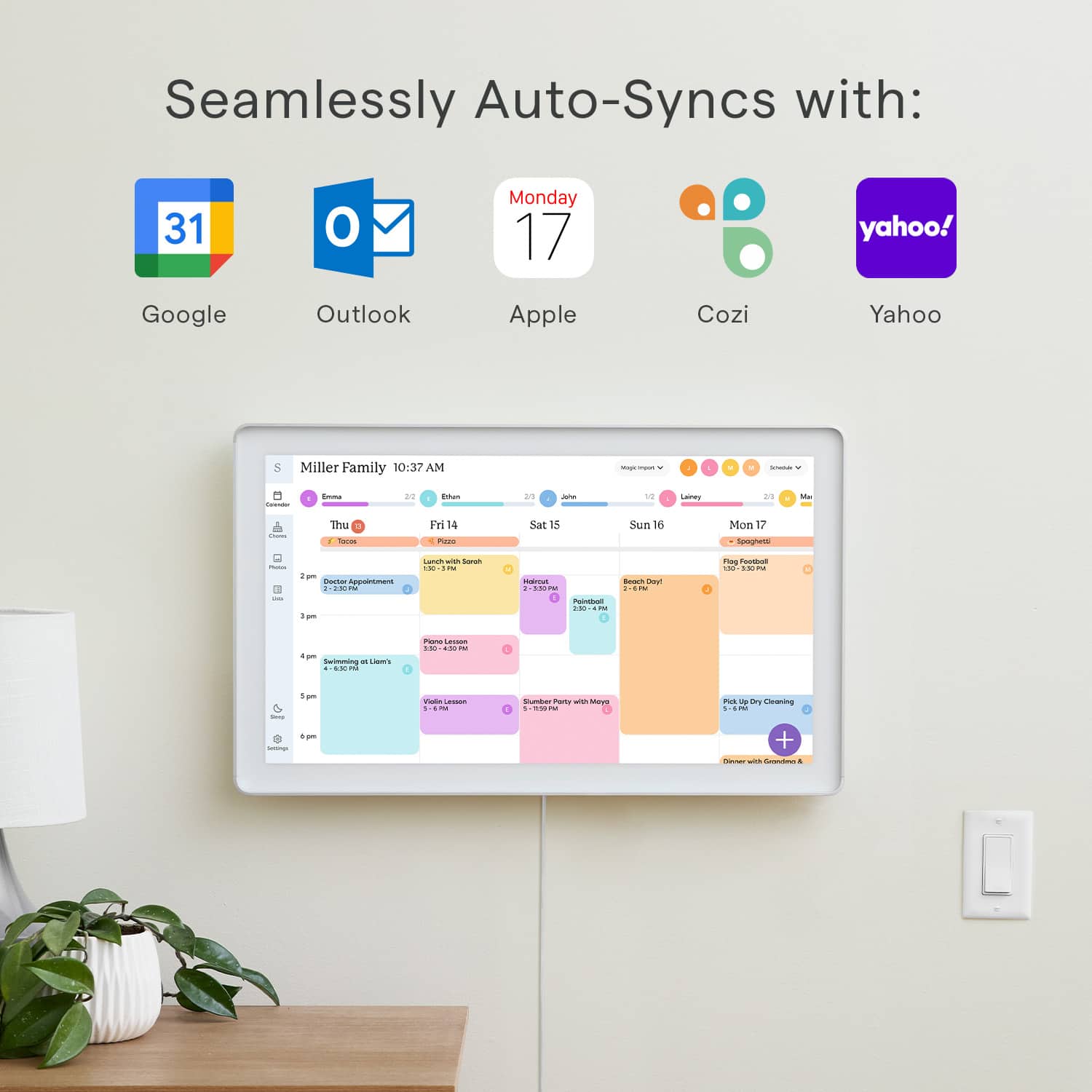
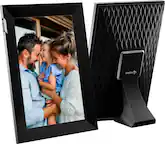
A:AnswerHello and thanks for your question! Yes, you can sync your TeamSnap calendar to your Skylight! If you'd like to chat further about this or any other question, please reach out to our Calendar Concierge team at [email protected]. Thank you!
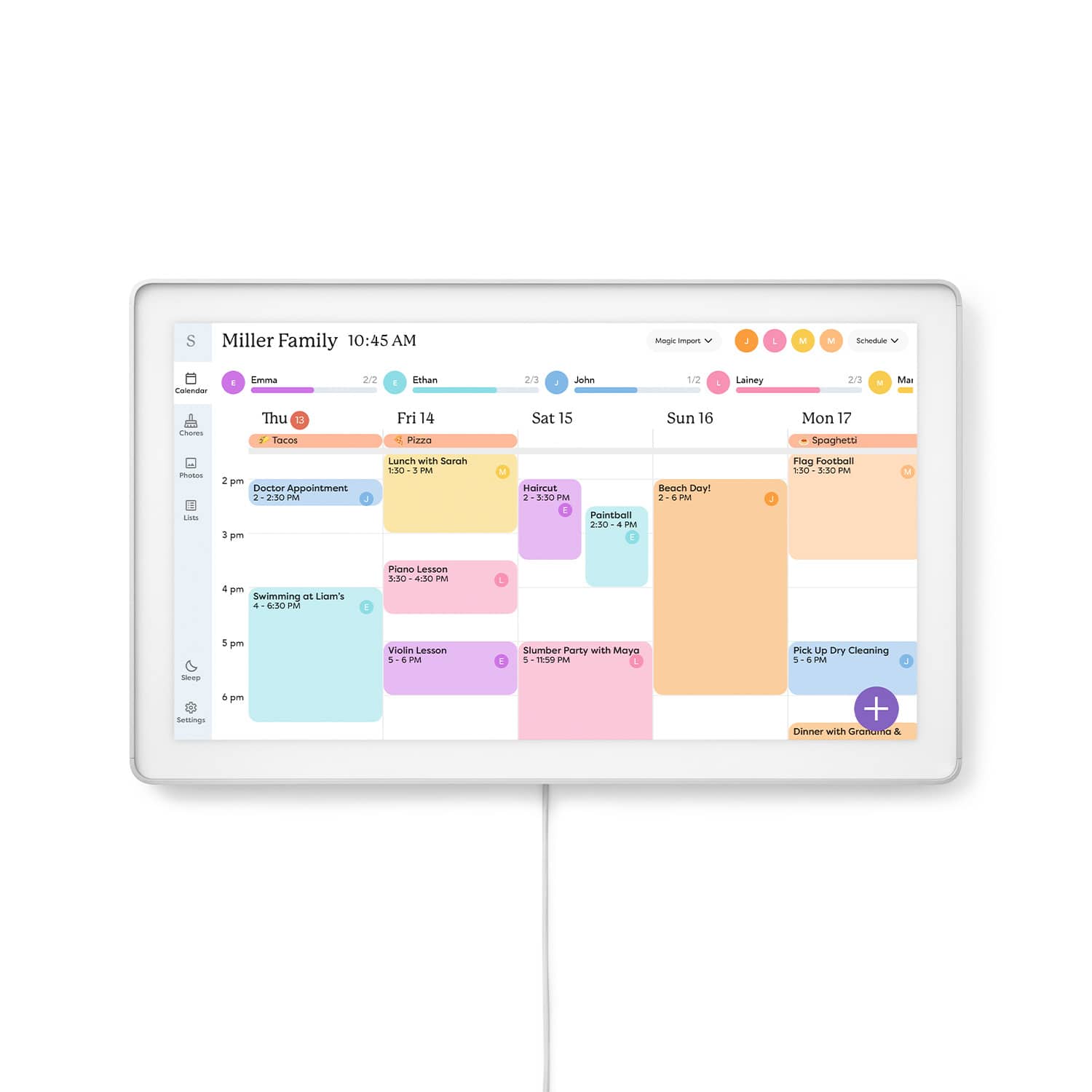
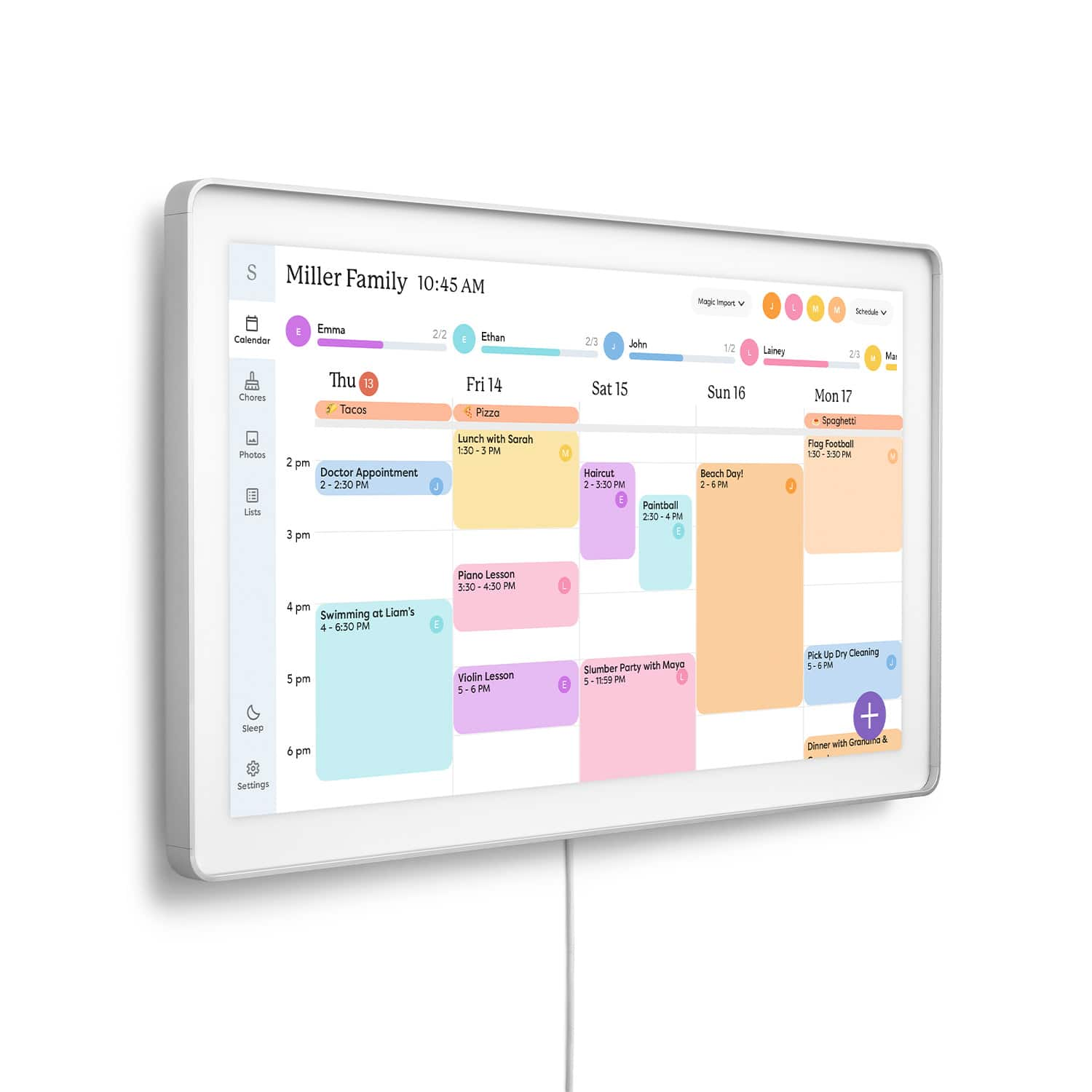
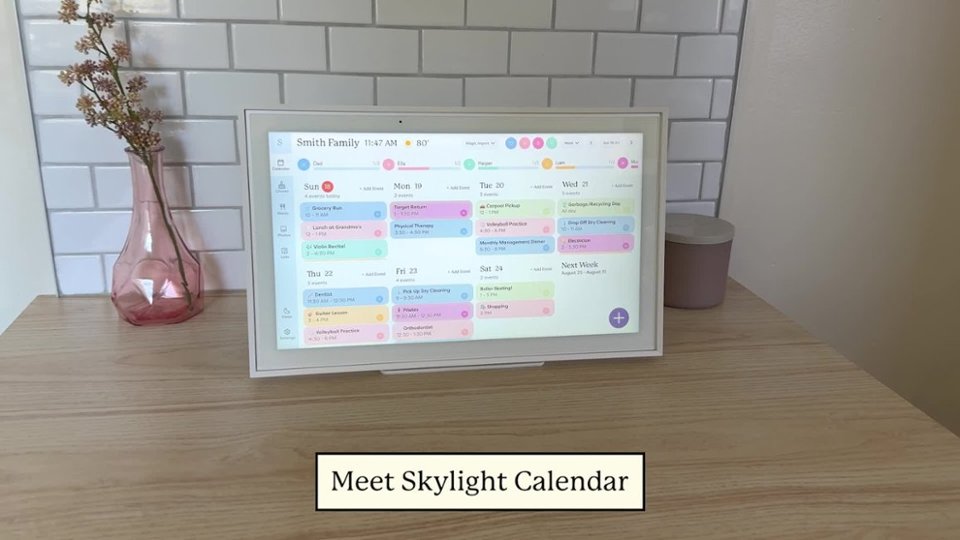
A:AnswerYes! You can assign a profile to each calendar to color-code them, and select which profiles you'd like to see on the calendar view. This way, you can customize your view to see your family's schedule at a glance. If you have other questions or would like to hear more, please reach out to [email protected]. Thank you!
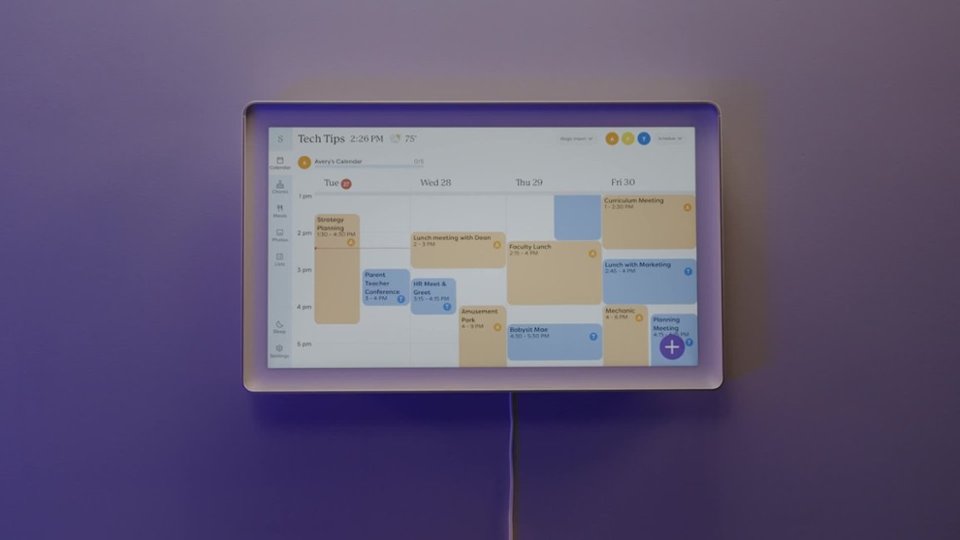
A:AnswerHi There, Thank you for your inquiry! The length of our Skylight Calendar MAX cord is around 2 meters and the pin size being 5.5mm x 2.1mm, you can install an outlet behind it. Currently, the power cord provided with the calendar is the same length as the original one you received, and we don't have a longer cord option available at this time. I hope this answers your question. If you have any other thoughts or need assistance, please feel free to reach out at [email protected]. We’re happy to help!
A:AnswerHi There,
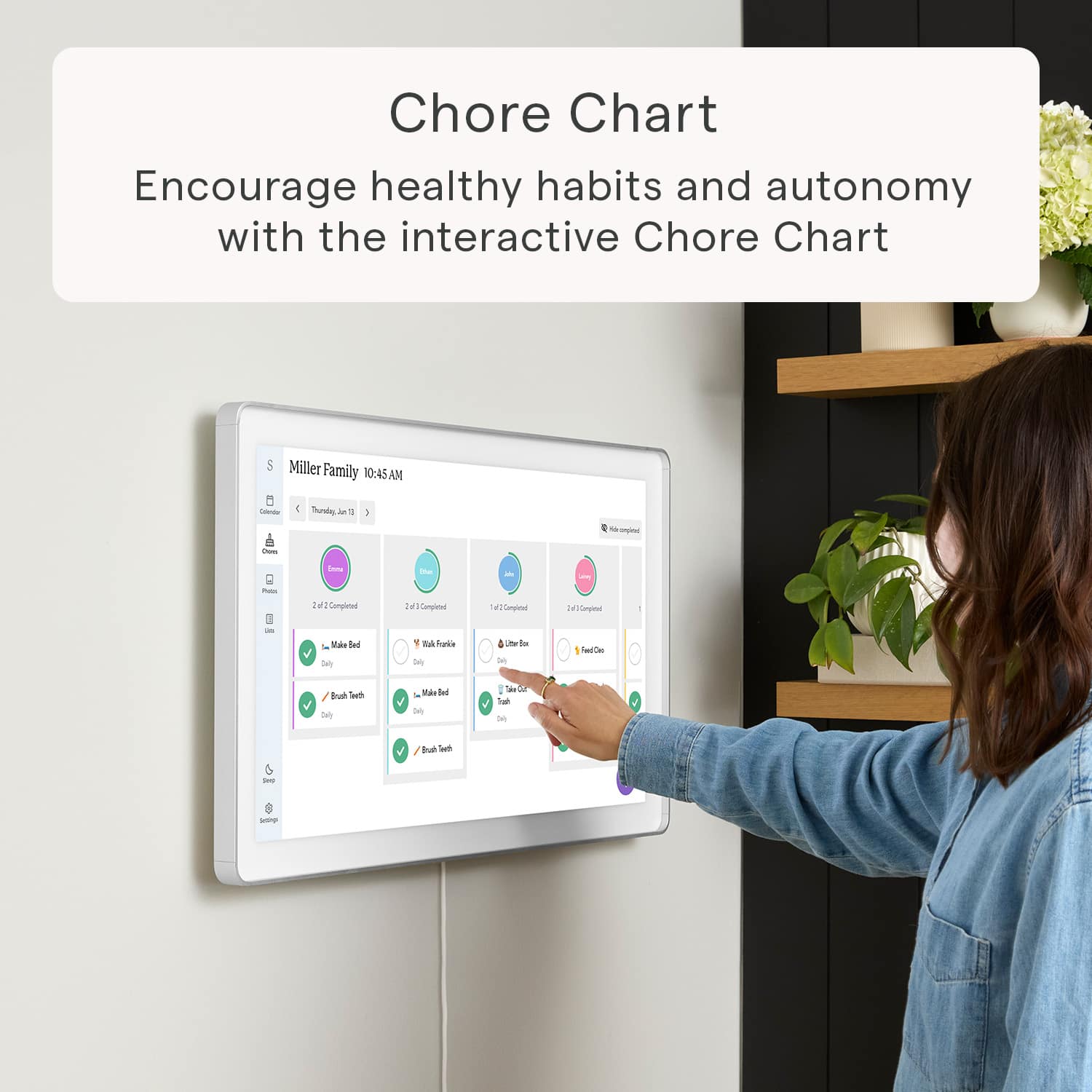
Thank you for your inquiry! You don’t need to be on the same network to add events to a Skylight Calendar in a different location. If you're referring to adding events or chores, you can simply log in to the Skylight app from anywhere to update the calendar.
Additionally, if you’ve synced your Google or iCloud calendar with the Skylight Calendar, any events you add to your calendar will automatically populate on the Skylight Calendar in Minnesota.
I hope this information helps. If you have any other questions or need further information, feel free to reach out at [email protected]. We're happy to help!

A:AnswerHi There, Thank you for your inquiry! Unfortunately, we don’t have a specific timeframe for when the Skylight Calendar 27" will be available at the Best Buy location in Paramus, NJ. However, you can place an order directly on our website for the 27" model at https://www.skylightframe.com/calendar-max. I hope this information helps. If you have other questions or concerns, please reach out to us at [email protected]. We're happy to help!

A:AnswerHi There,
Thank you for reaching out! At the moment, syncing multiple Skylight Frames that are on different networks and in different geographical locations is not supported. However, you can sync multiple calendars to your Skylight Calendar, and there is no limit to how many calendars you can sync.
I hope this answers your question. Should you have any questions or concerns, please email us at [email protected]. We're happy to help!

A:AnswerHi There,
Thank you for your inquiry! As of now, we don't have an integration with HomeKit or Alexa, however, we're always looking for new ideas or features to implement. We'll make sure our development team takes these into serious consideration for future updates. Your input matters, and we're excited about the possibilities these enhancements could bring.
We appreciate your understanding. If you have any other thoughts or need assistance, please feel free to reach out at [email protected]. We’re happy to help!

A:AnswerHi There,
Thank you for your question. The Skylight Calendar is currently tailored to the US market and available on our US website. If your country and address are in the US then you can definitely place the order, you can place an order directly on our website for the 27-inch Skylight Calendar Max at this link: https://www.skylightframe.com/calendar-max or through our selected affiliated stores.
I hope this information is helpful. If you have any other thoughts or need assistance, please feel free to reach out at [email protected]. We’re happy to help!

A:AnswerIt comes with anchors, screws and a drill bit. It also has a printed template for a wall mount that you can use to drill holes into your wall and for spacing considerations. Like a wall mount, you bolt the bracket in and the screen unit then can be mounted onto the bracket.