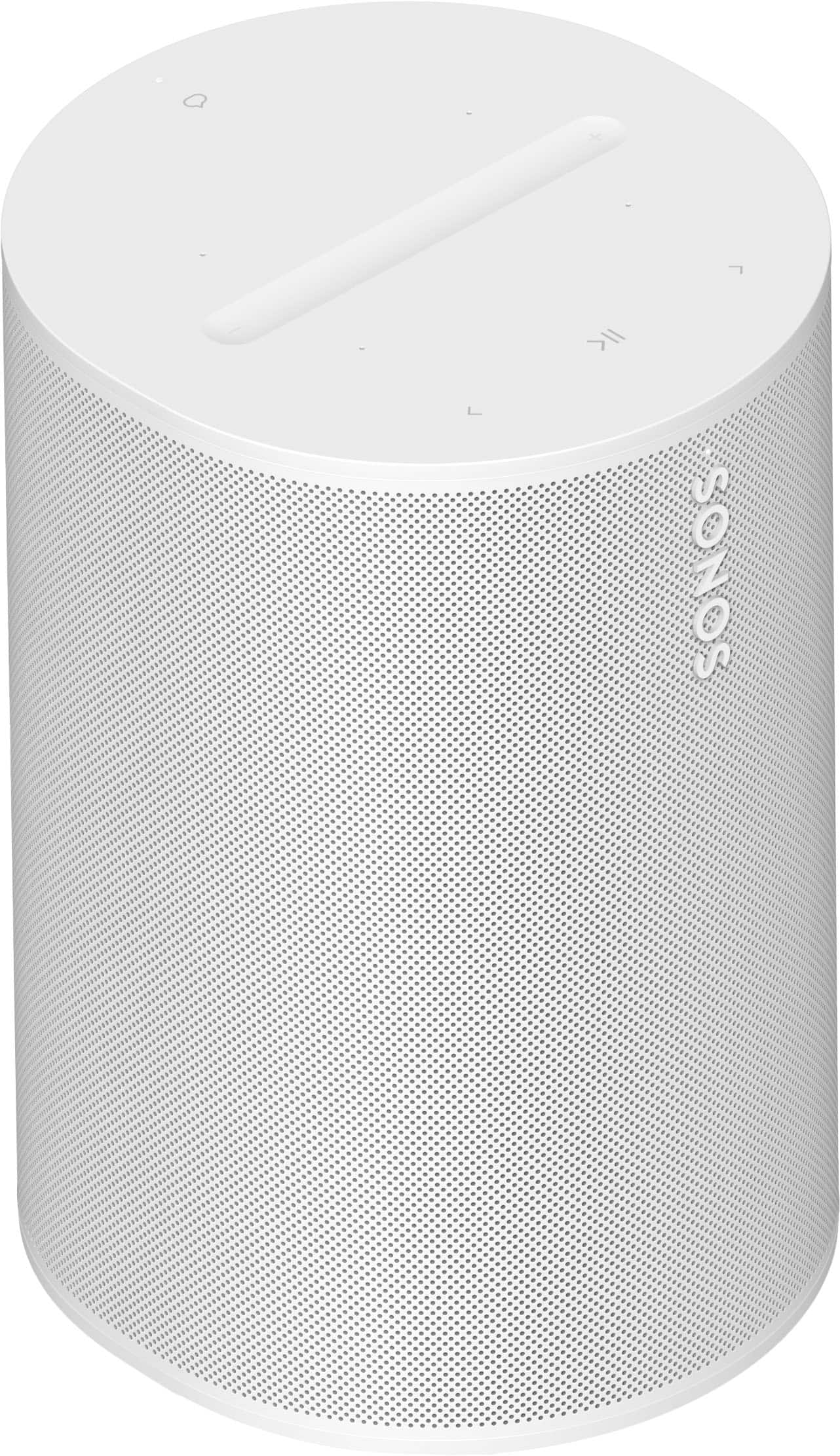
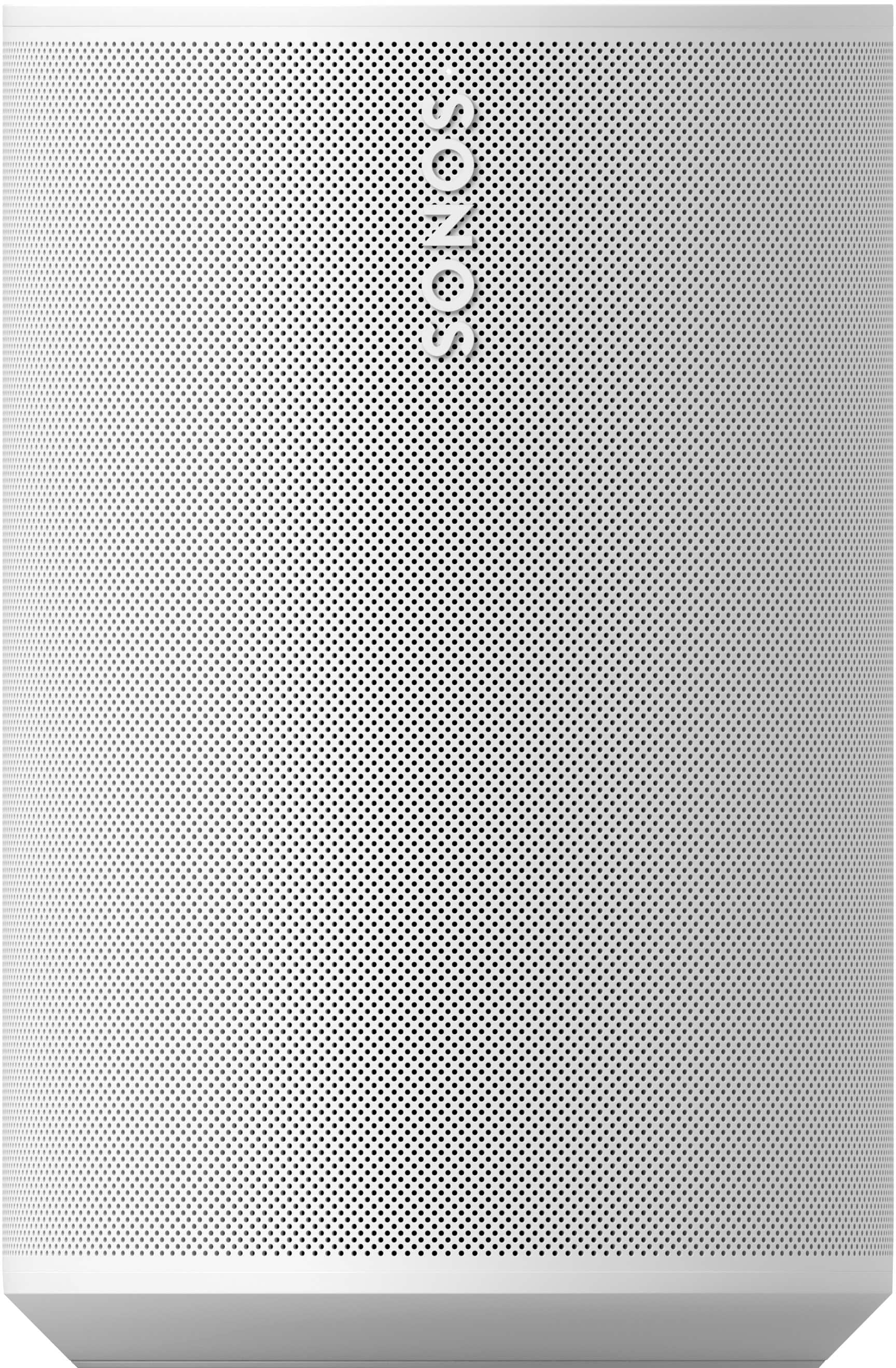
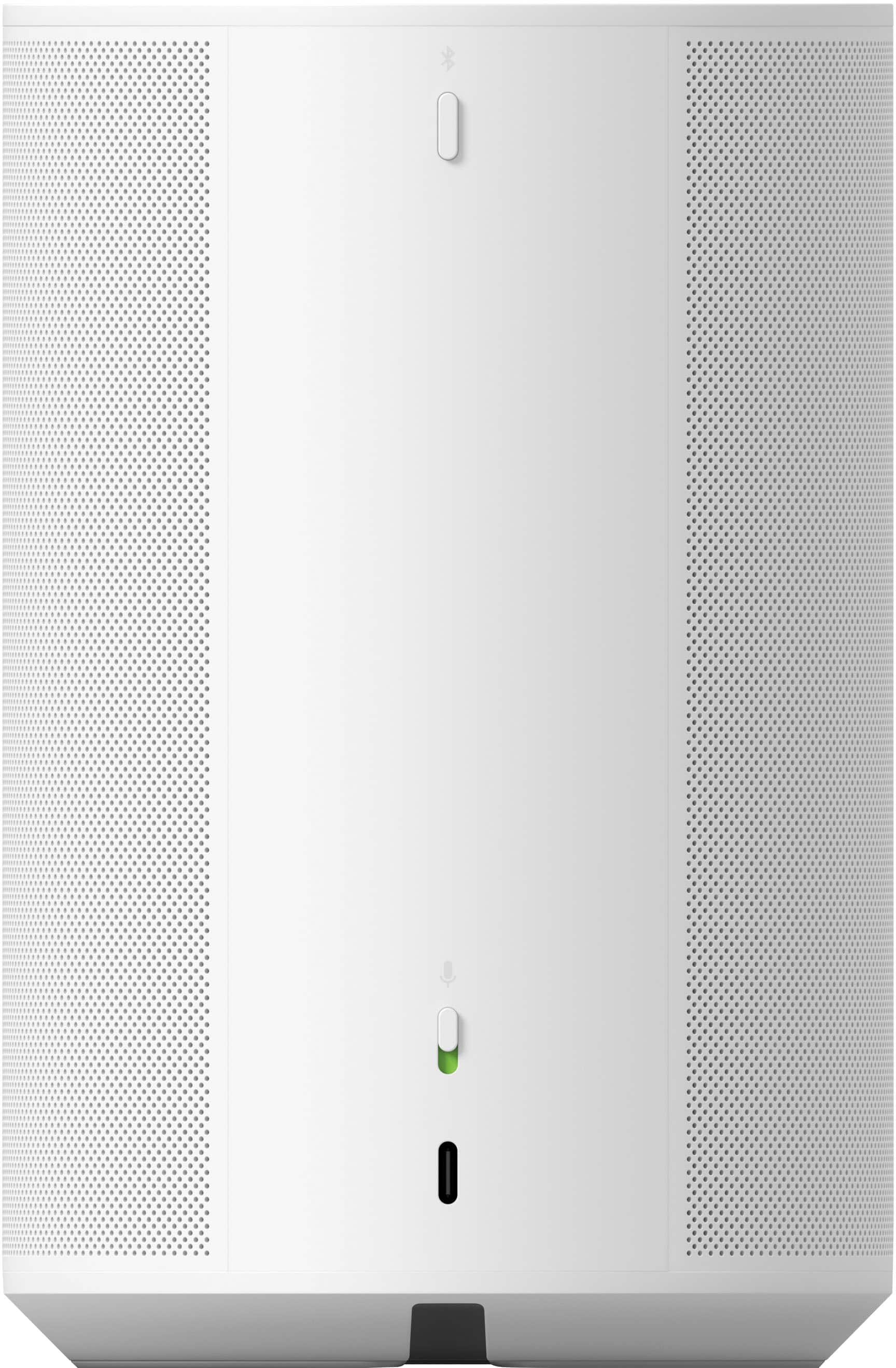
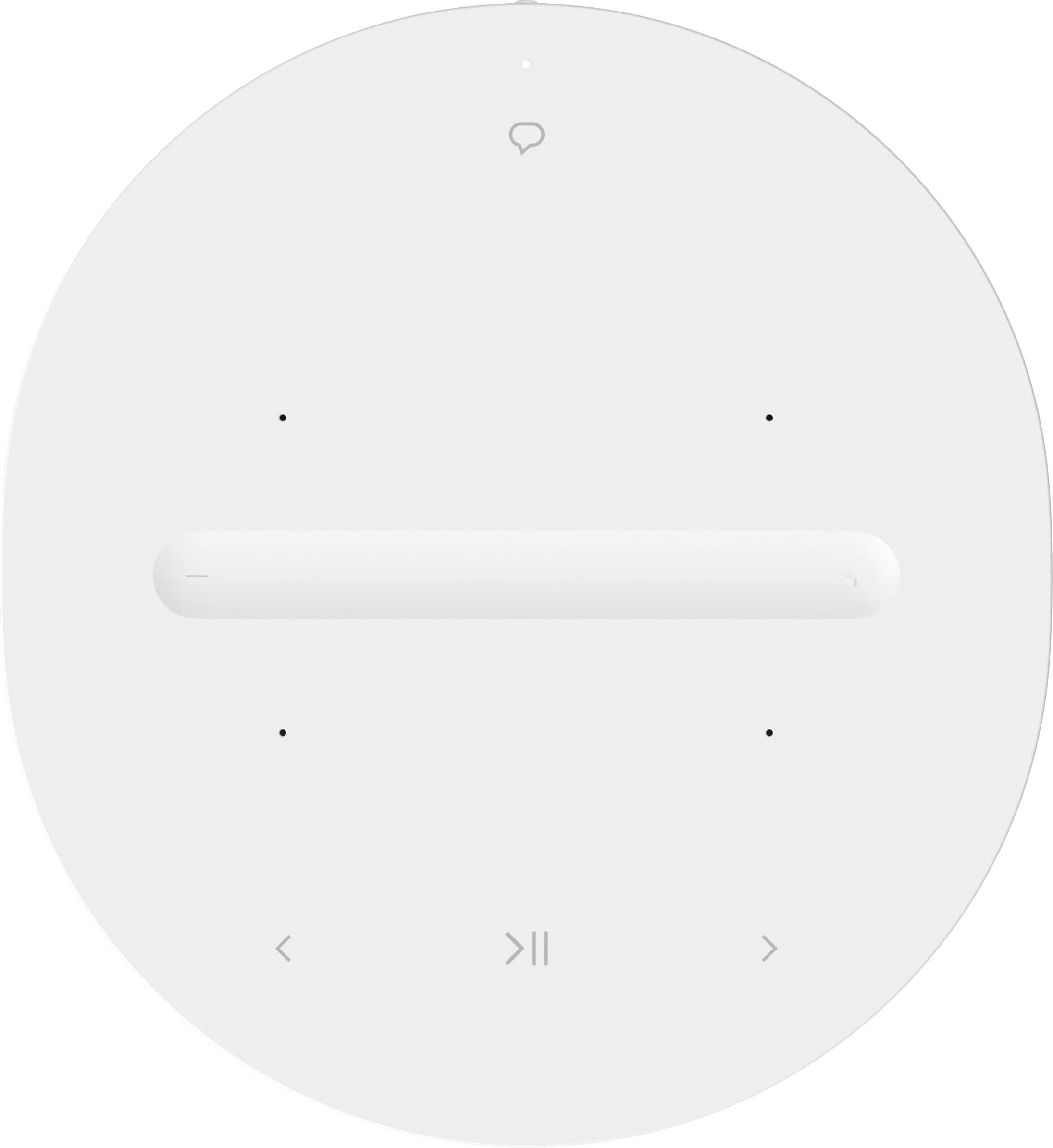
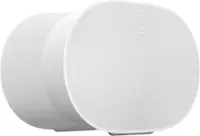
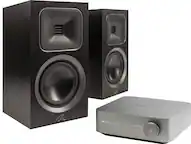
A:AnswerYes, you can hook up two Sonos Era 100 speakers to your TV without using a soundbar. The Sonos Era 100 speakers can be used as standalone speakers or as part of a Sonos surround sound system.
When using two Sonos Era 100 speakers with your TV, they can function as left and right stereo speakers, providing a stereo audio experience. This means that the audio from your TV will be divided into two channels: left and right.
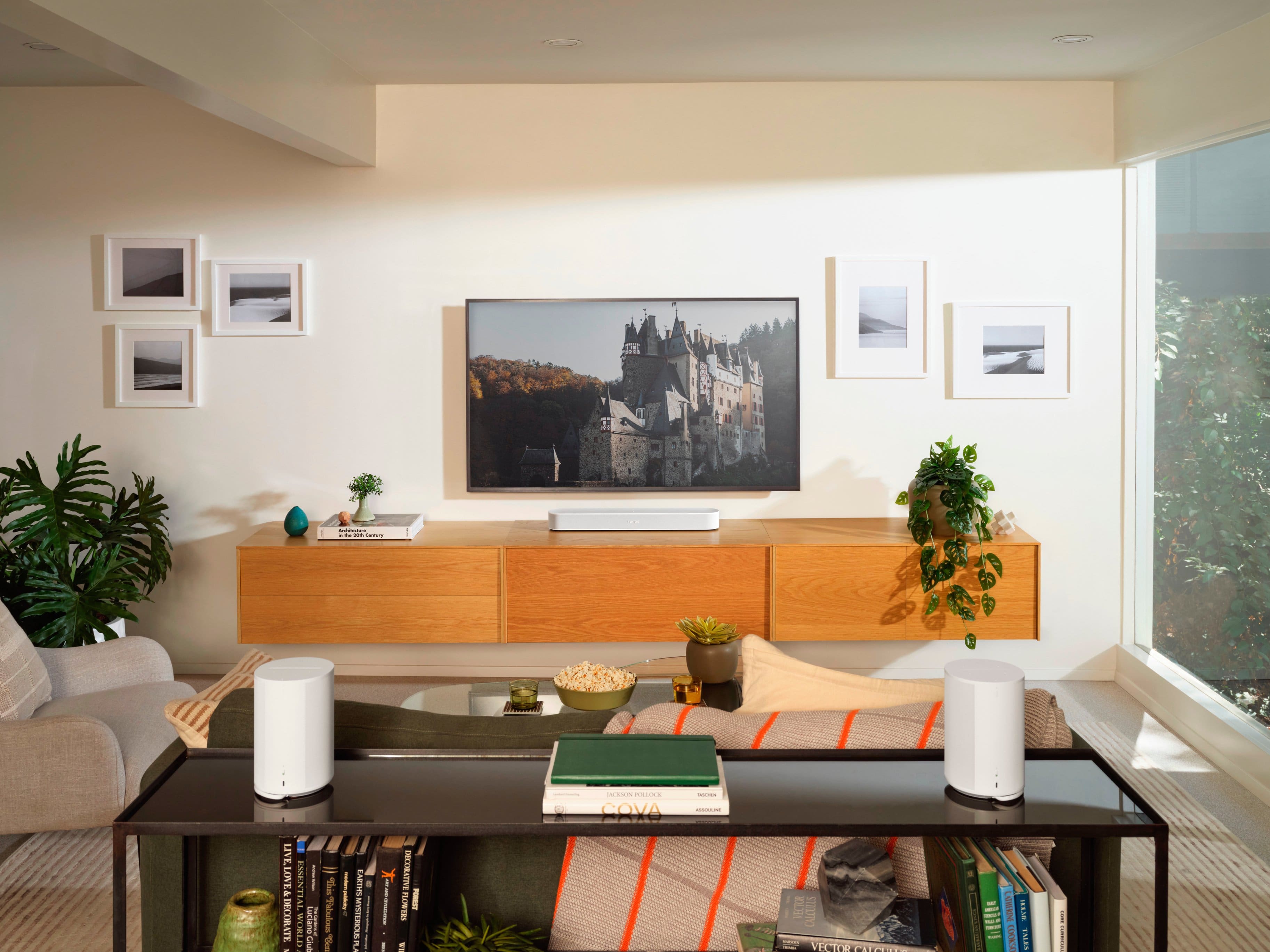
If you're using two Sonos Era 100 speakers as part of a Sonos surround sound system, they can serve as the rear surround speakers. In this configuration, the audio from your TV will be processed by the Sonos system to create a surround sound experience, which typically involves decoding and distributing the audio across multiple channels, including front left, front right, center, surround left, surround right, and sometimes a subwoofer channel for low-frequency effects (LFE).
The specific audio processing and channel configuration will depend on the capabilities of your TV, the content you're watching, and how the Sonos system is configured. In general, when using two Sonos Era 100 speakers as rear surround speakers, the audio may still be compressed into two channels (left and right) for the rear surround soundstage, but the Sonos system will create a spatial surround sound experience using these channels along with the other speakers in the system.
If you have specific preferences for audio processing or channel configuration, I recommend consulting the user manual for your TV and the Sonos app or Sonos system settings for information on how to configure the audio output and surround sound settings to achieve your desired audio experience.
A:AnswerAll Sonos speakers can be grouped to play together, different speakers can't be mixed to form a stereo pair, but they can play within a room/group just fine.
A:AnswerYou can stream via the app and on apple computers airplay to the speaker(s). Via the app you can also connect a media server from a hard drive.
A:AnswerThe ERA 100’s can connect wirelessly and it’s very simple to do so.
I don’t use any of my speakers outside, so I cannot comment on that situation.
A:AnswerThis gets tricky, they don't call their speakers water resistant, but they are humidity resistant. I.e. they can work in a bathroom fine.
All that being said I have had two Ones, 2 Play 1s and a Playbar outside for several years in Northern CA without an issue. All are under some sort of cover, but fully exposed to the temps and moisture int he area.
A:AnswerIt depends. I think the sub mini is an amazing sub for its size, so that’s a great start for you unless you have a huge room and I would go with the bigger regular Sonos Sub. I personally think 2 of the era 100s would be sufficient for you, the pair of them as surrounds should be fantastic. The 300s would be overkill to me, and this a lot more expensive.
A:AnswerYes, you can connect it via the right line in cable, which Sonos sells separately. They call it simply the Sonos Line-In Adapter. Once connected you, have the ability do play music from your PC. Download the application from Windows.
A:AnswerI use them 2 feet away for surround and they are pointed away from me on my cound so you get the full affect of a large room sound. Literally watched a surround fly and sounded real.