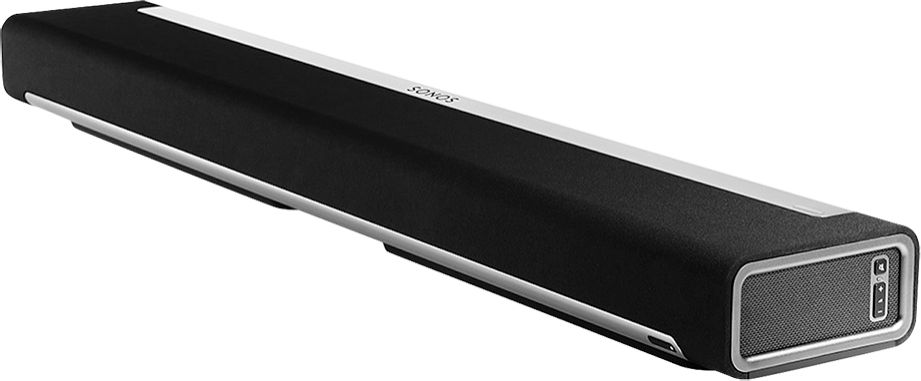
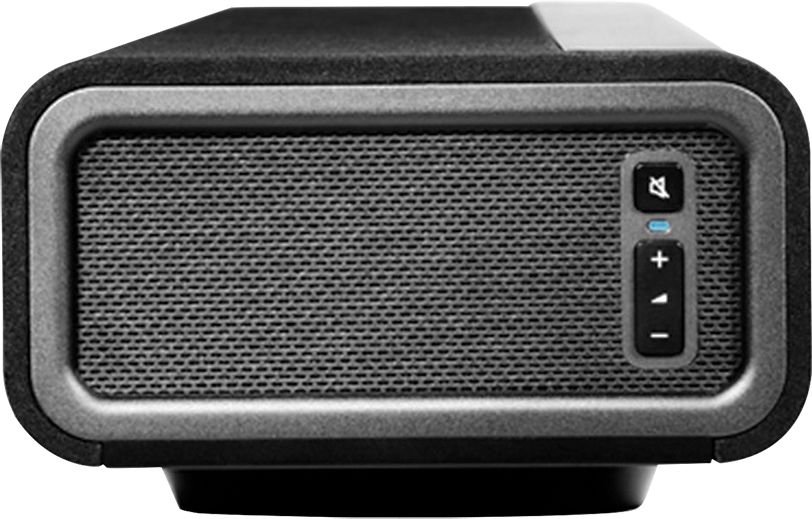
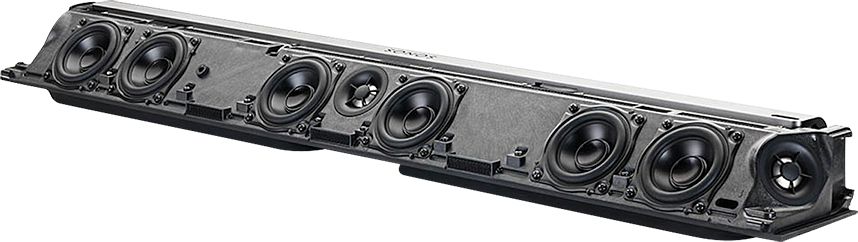
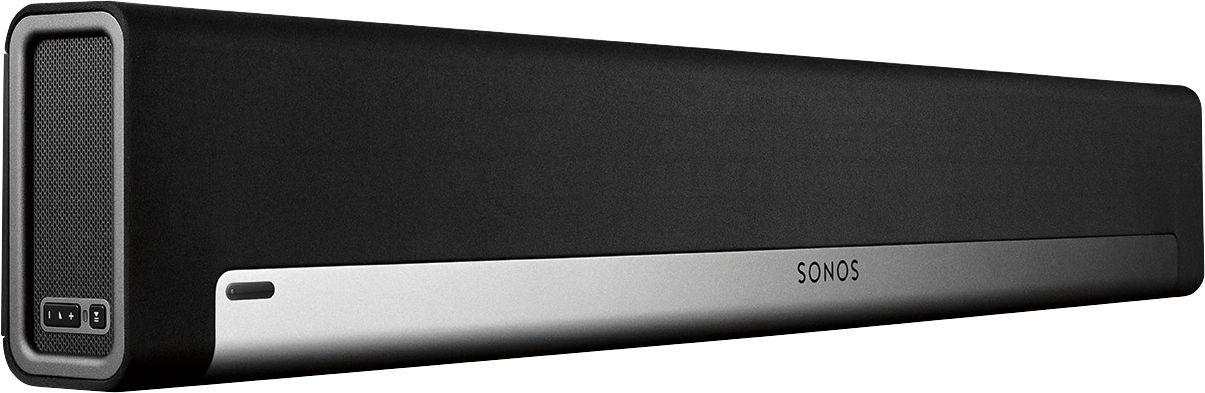
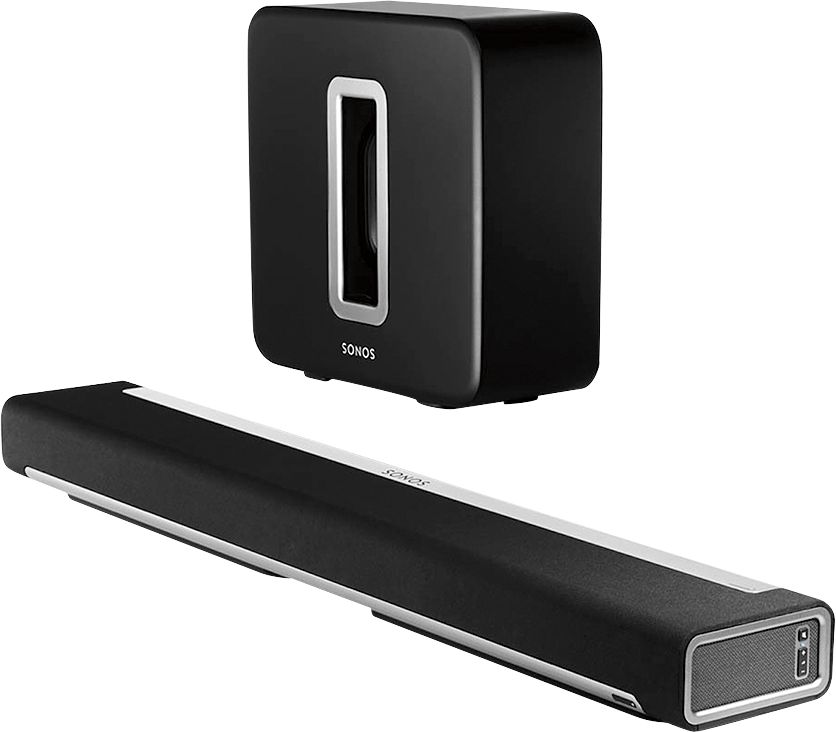
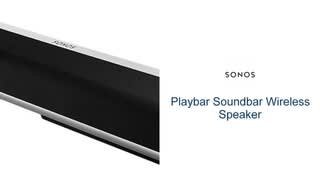
A:AnswerYes...I have only the playbar (well only the playbar hooked to my tv, i have several other sonos components in the rest of my house) and it works amazingly better than the standard speakers on my tv (and I have a huge expensive tv). The playbar is used by itself...and bonus, the app allows you to mute louder sounds at night with the nighttime feature so if you're awake and the kid is asleep and you don't want to wake her, you can still listen to the voices and sounds at a similar volume without having your finger on the "trigger" to lower/raise the volume all the time. I can't wait to add the sub myself, but right now I only have playbar and I love it!

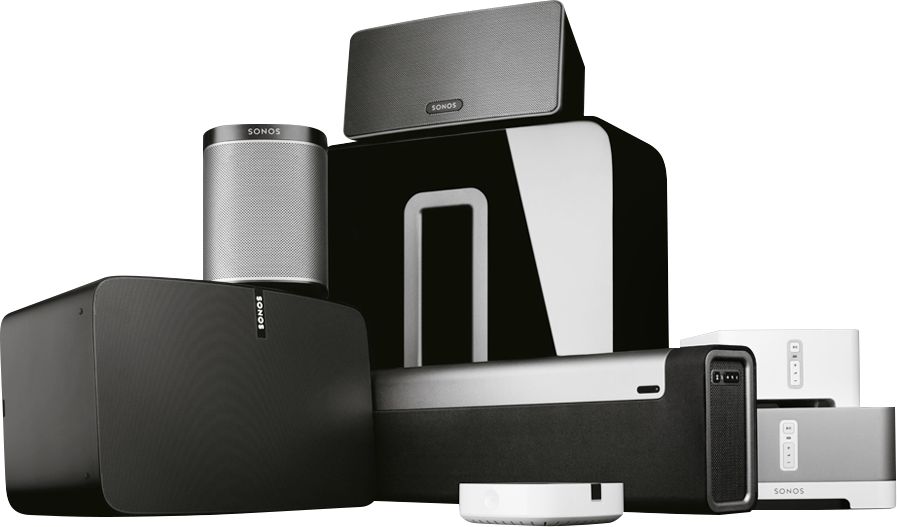
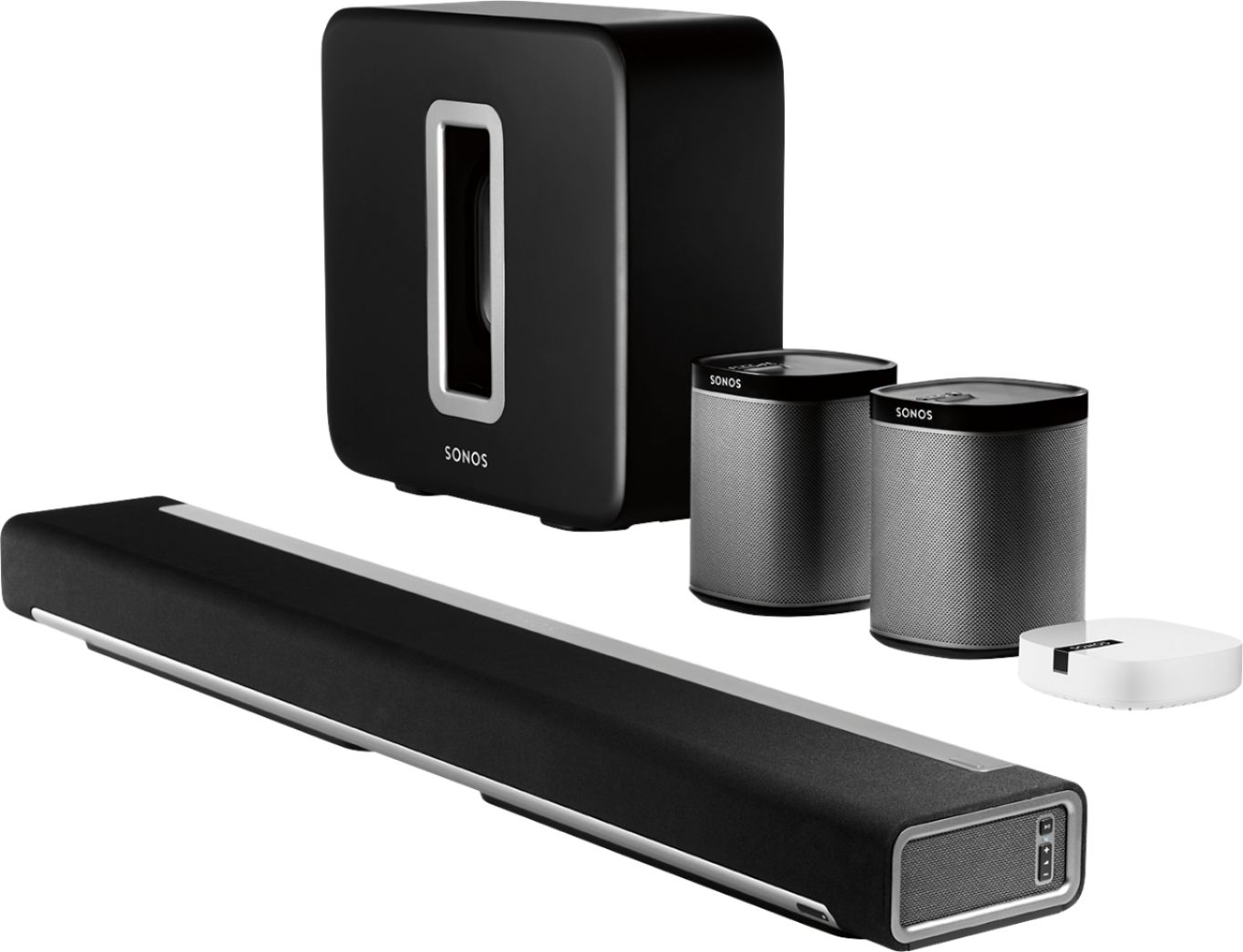
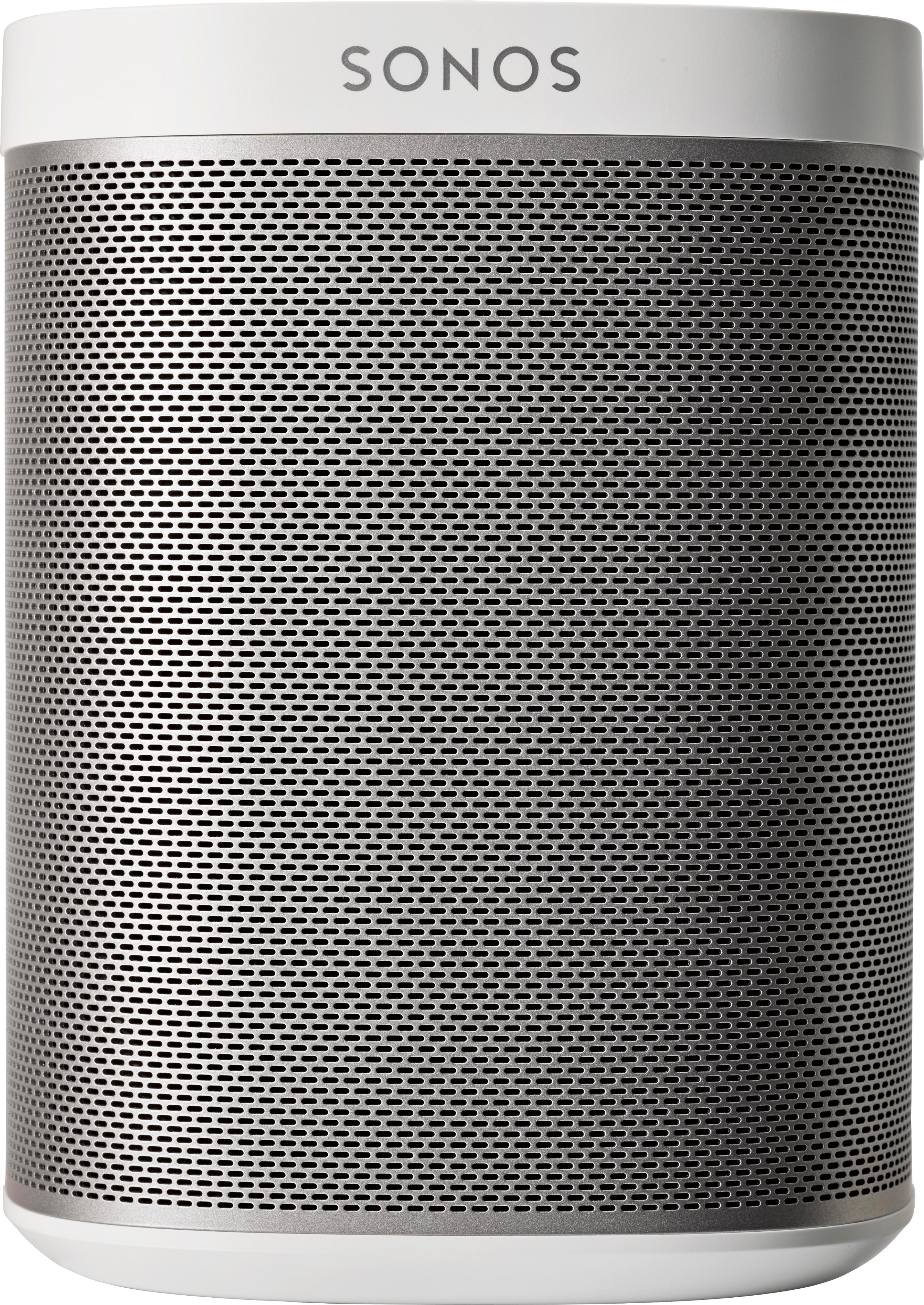
A:AnswerThe playbar definitely is the center speaker in this system. Then you can pair with a sonos sub and either two play 1s or two play 3s or if you're really excited about sound two play 5s. Essentially the playbar, in a typical 5.1 setup is the center speaker and the front side two speakers as well.
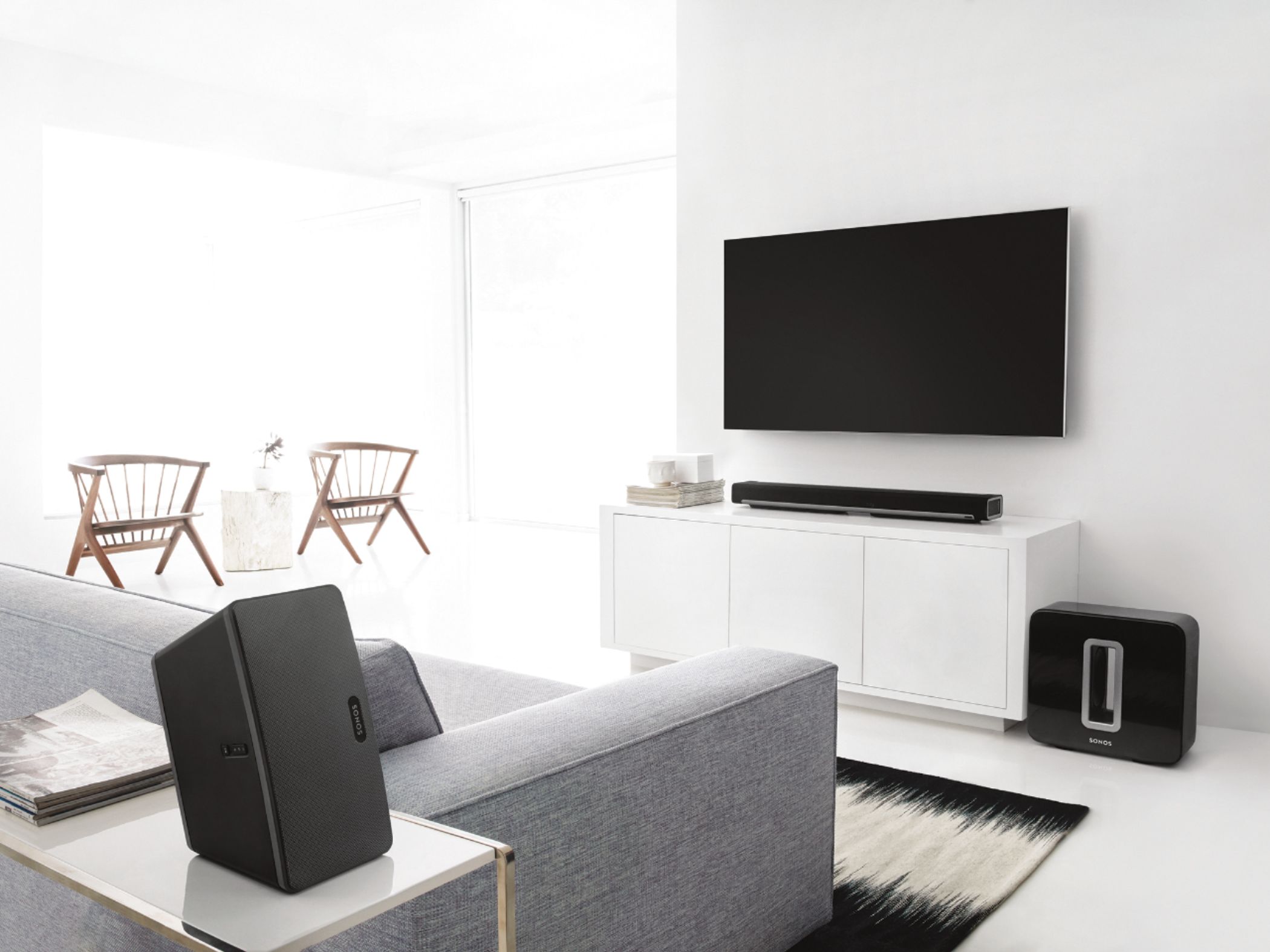
A:AnswerUnder tv. You always want the soundstage to come from as close to the visual source as possible. Moving the audio away or out in front of the tv could cause lip sync issues but also it would not be a very good listening experience when watching shows.
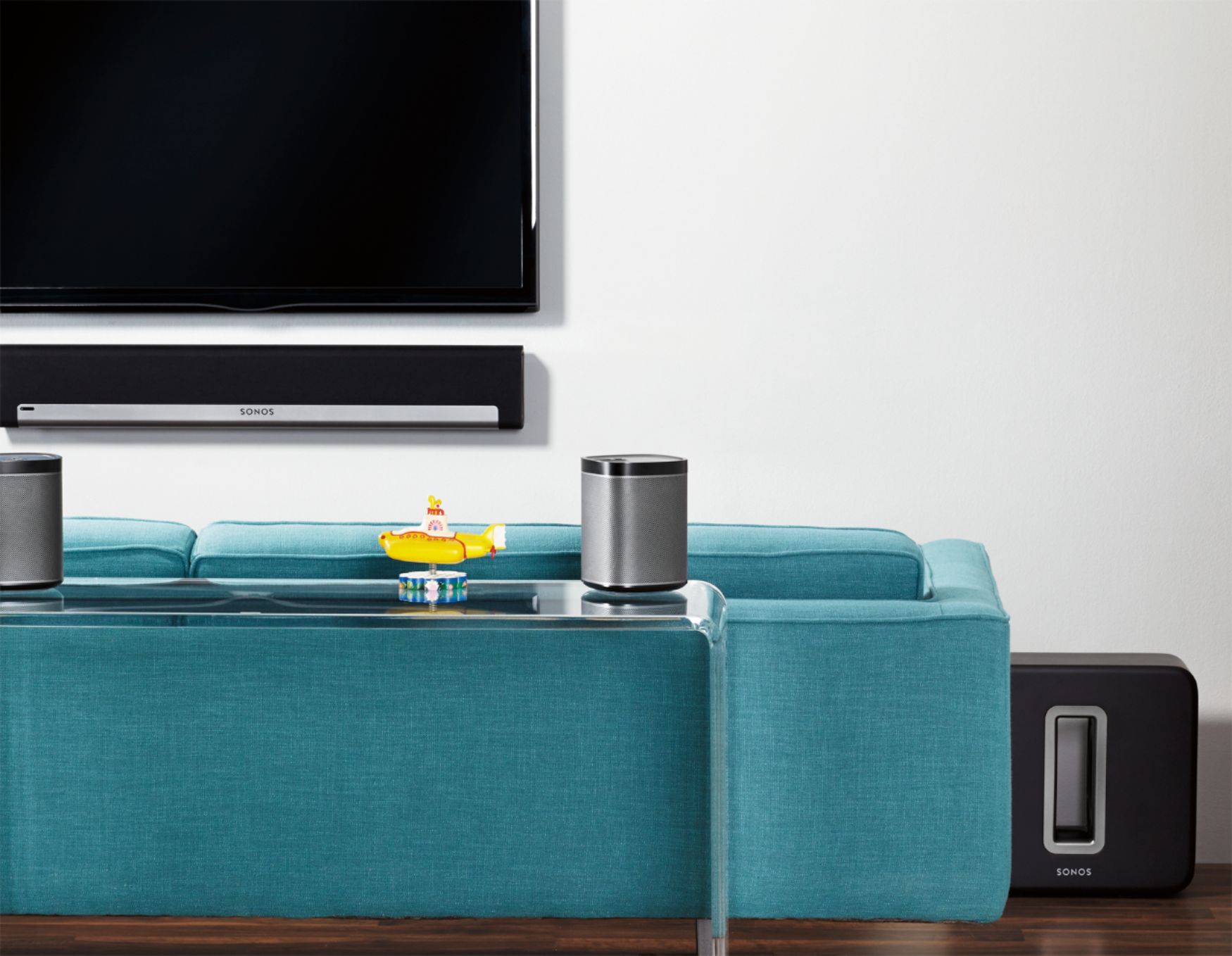
A:AnswerNo. It is connected by an optical cable. You can however buy a kit to mount your sound bar below your TV. The sound bar mount attaches to the TV.
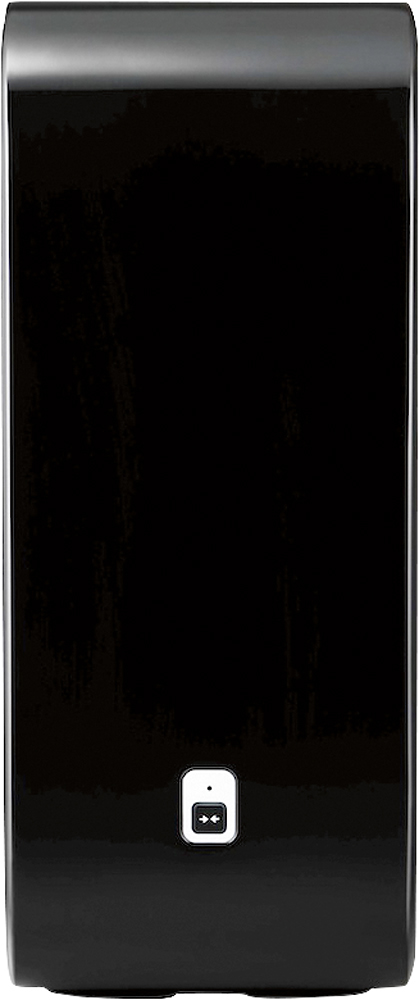
A:AnswerIn my opinion no. You really need to add the subwoofer to it to get the really good sound. You could always try it and see what you think, and add the subwoofer later.
I have a soundbar on my patio with no subwoofer and it is acceptable. But in the two rooms where I have TVs set up for watching/listening to music, I have a subwoofer.
A:AnswerYou need to go through the phone app and tell your sound bar that you have 1s as well. it will connect to them and pump sound over your network to them.
A:AnswerNot sure what components you purchased, but I control my Sonos sound bar (connected to my LG OLED TV) from my iPhone from anywhere in my home with the TV off. Easy. I have not tried it from my computer since I always have my iPhone with me and it’s so simple to operate. I can also control it from my Amazon Alexa by just telling Alexa what to play on which Sonos speakers.
A:AnswerNot an issue at all. My router is in another room and the sound bar works perfectly fine. It just needs a wireless internet connection and one small cable to the tv.
A:AnswerDon't waste your money with others, go with the Sonos. I have just replace 3 rooms of Bose systems with Sonos and it is far superior. If you want a system that works with your home network then sonos is the answer, I fought with Bose for over a year and they always wanted to tell you it was someone else's problem that there app and networking didn't work. Sonos has been Rock solid since it's been installed.
A:AnswerYes. You can connect any device via optical port. You TiVo will play all sounds via playbar
The only thing is that the play at will play the sound from that device. For example in your case if you connect your TiVO to play around directly, you will only hear sound from cable and not from any other device like Apple TV, Roku, any gaming console etc.
A:AnswerYou would have to buy a bridge if you don't have a wired connection where the speakers will go. The speakers actually automatically create a network among themselves and don't need to be connected to the Internet for this independent network. The connection to the Internet (your home network) is required for your smartphone, computer, and Etc to be able to control the system. One bridge connected to your network (via a cable) in the other room will be enough to support your entire system in your movie room (as long as the bridge isn't too far away to wirelessly connect with your speakers). Hope that helps. SONOS system is amazing!
A:AnswerI certainly wouldnt have a TV physically sitting on top of this product. It has fabric covering the frame, so it wouldnt take much for a large TV to tear the fabric, and generally, having a TV bear its weight on this product is flawed logic. If you think about it, this soundbar probably cost more than most 55" TVs.
A:AnswerIdeally hook the speaker up using the included digital optical audio cable to your TV (you will need a newer TV). You may need to go into the menu of your TV and make sure output of sound is going to Digital Out. See manual for TV online.
A:AnswerGreat question! The Playbar does not work with bluetooth but does work with streaming services over WiFi utilizing the Sonos app. This allows you to use your current streaming service to listen to music and not be interrupted by notifications or be restricted to bluetooth range to listen to music.
A:AnswerIt has grooves on the back that you can hook onto screws and you can buy brackets that can attach to your tv mount and it can hang off tv mount