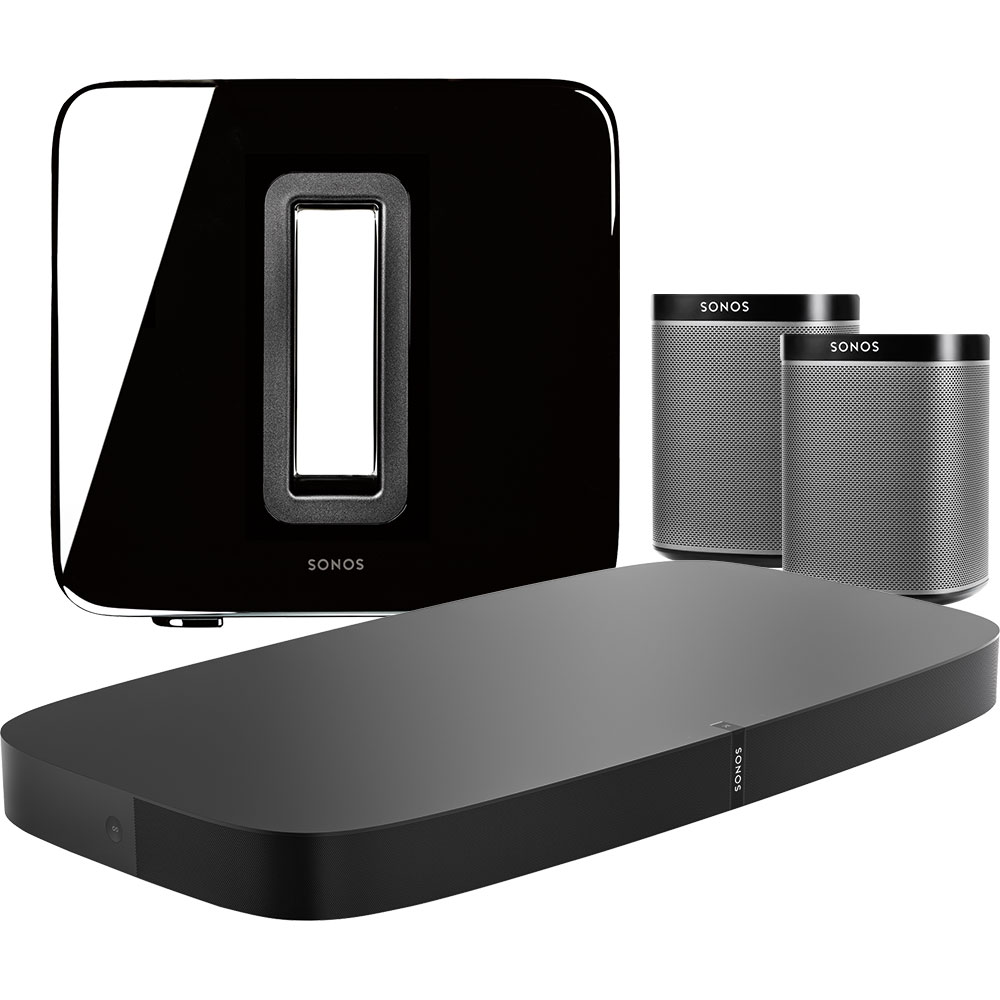
A:AnswerIn the past, I had an above average 5.1 system with a large subwoofer. For watching movies, the subwoofer really brings the action to life. In my present home, I needed a system that took up less room so I spent about $400 and purchased a Vizio 5.1 system with a sound bar and subwoofer. While the subwoofer could put out of lot a room vibrating base, I felt that the mid base was lacking and speech, at times, was not clear. It had many features including Bluetooth and HDMI but required another remote to change the inputs. After some research, I recently replaced it with the Sonos Playbase (and currently do not have the subwoofer).
The Playbase has an impressive amount of base. For watching almost any TV show, I think you will find it to be adequate. If your intent is to watch action movies, then you should consider getting the subwoofer. This is also true for music. It is adequate for most music but if your intent is to play music that has a lot of "boom" and you want to feel the base, then you will want the subwoofer. What I really like about a Sonos system is the seamless interface. You turn on the TV, the sound is there. The Sonos app on your cell phone easily selects any number of music sources including your music library on your PC. Even my non-technical wife can operate it. For my needs, it performs well without the subwoofer. You can always add the sub at a later time.
A:AnswerYes. There is a setting called TV Autoplay (Sertings > room settings > *select room which has the playbase* > TV > TV Autoplay). This is on by default and basically if there is sound coming from the TV, it’ll automatically switch to use the TV as the input. And if you start playing music to that room via the Sonos app (or Airplay), it will automatically switch input to music as well.
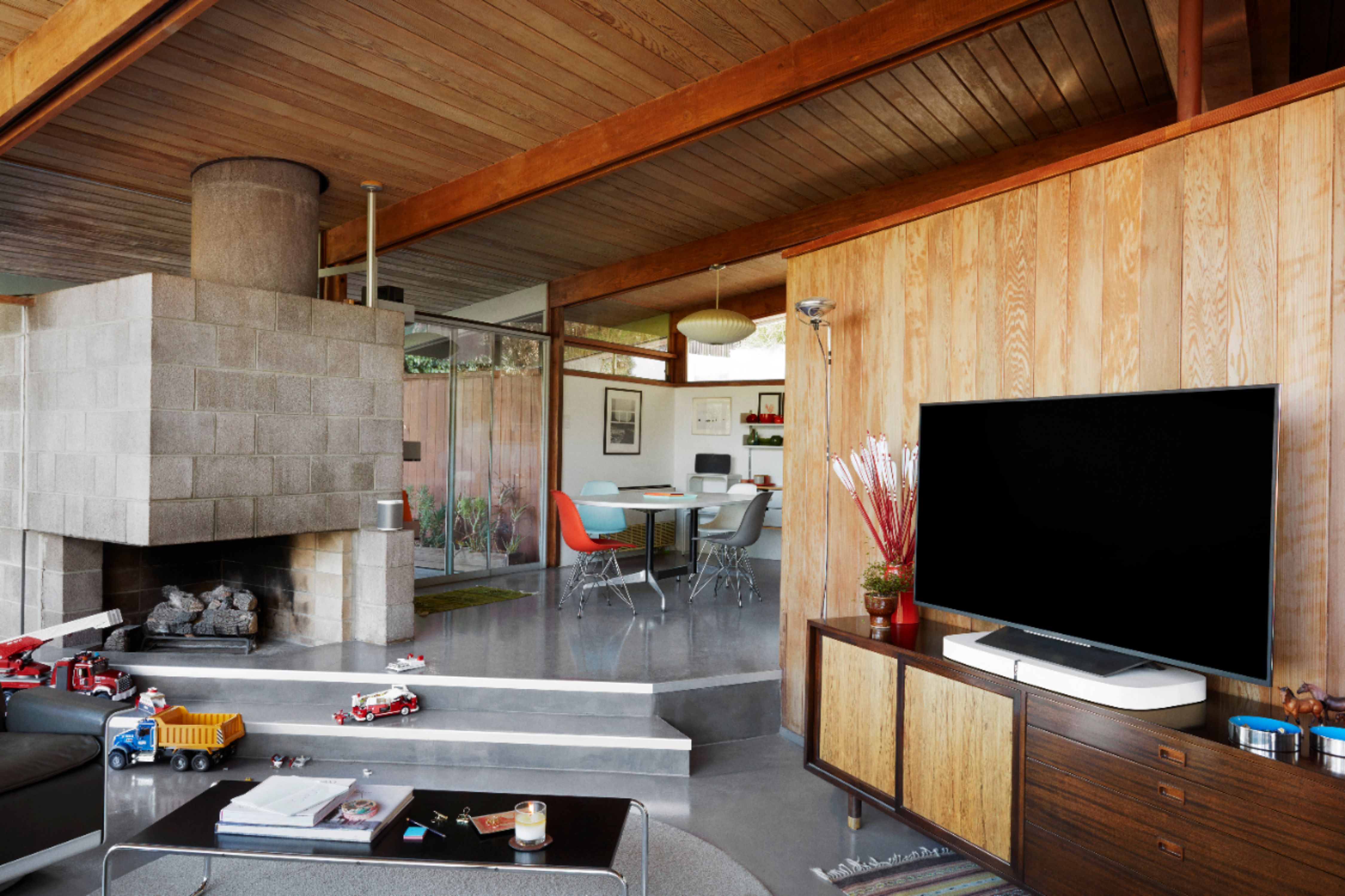
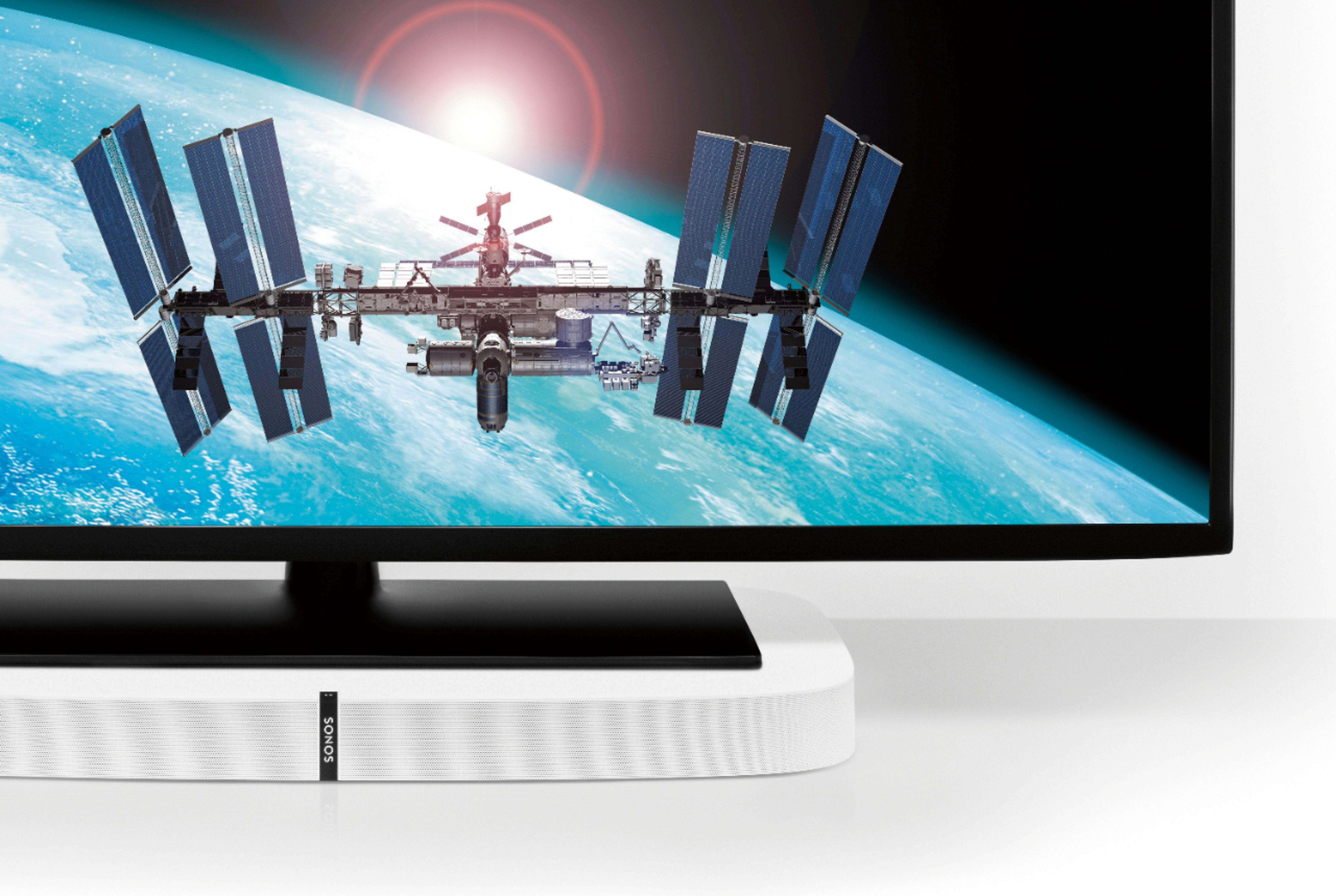
A:AnswerI think it boils down to personal preference and your needs. Both sound great, we decided to put the Playbar in the Living Room and mount it to the wall under the TV above the fireplace and put the Playbase in the bedroom. I didn't want to mount anything on the wall in the bedroom and our bedroom tv is smaller (32") so it sits right on top of the Playbase. This setup works perfect for us and I was very impressed with how well the Playbase sounds in the bedroom even with a TV sitting on top of it.


A:Answercheck the website:
https://www.sonos.com/en-us/shop/playbase.html
Holds TV up to 77 pounds. But your stand may straddle it or sit on top of the playbase. Check https://www.sonos.com/en-us/shop/playbase.html for stand placement info.
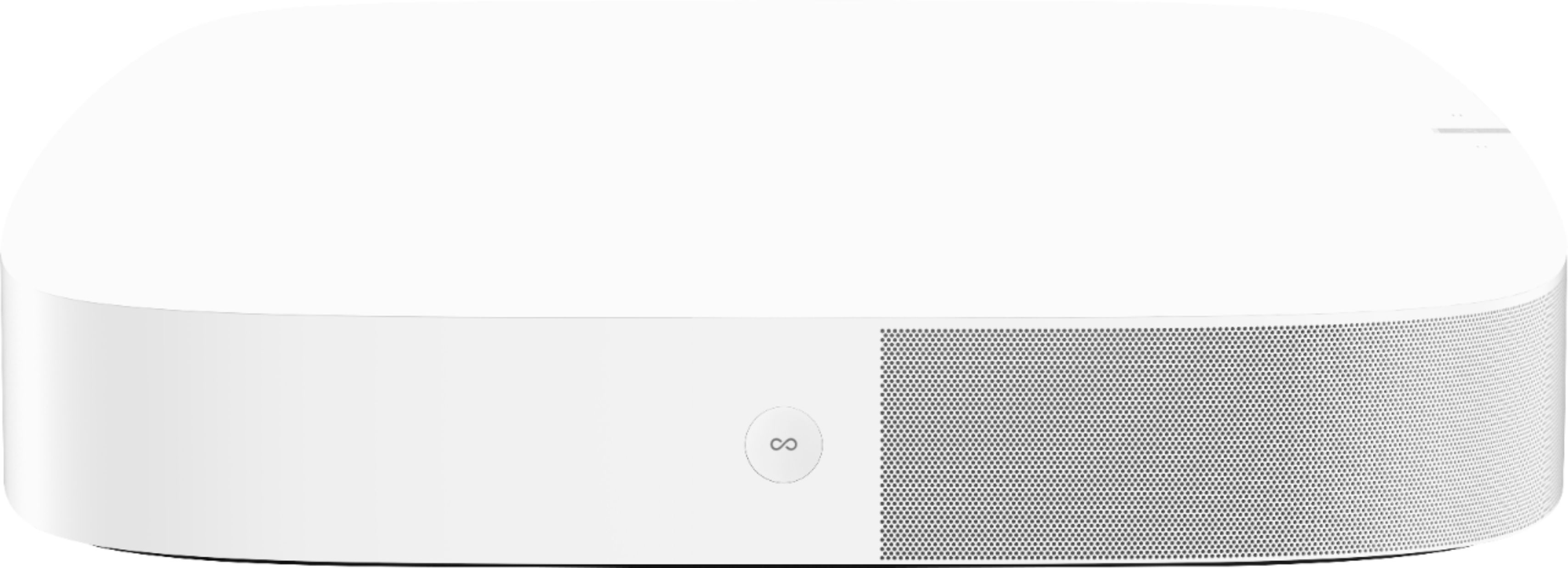
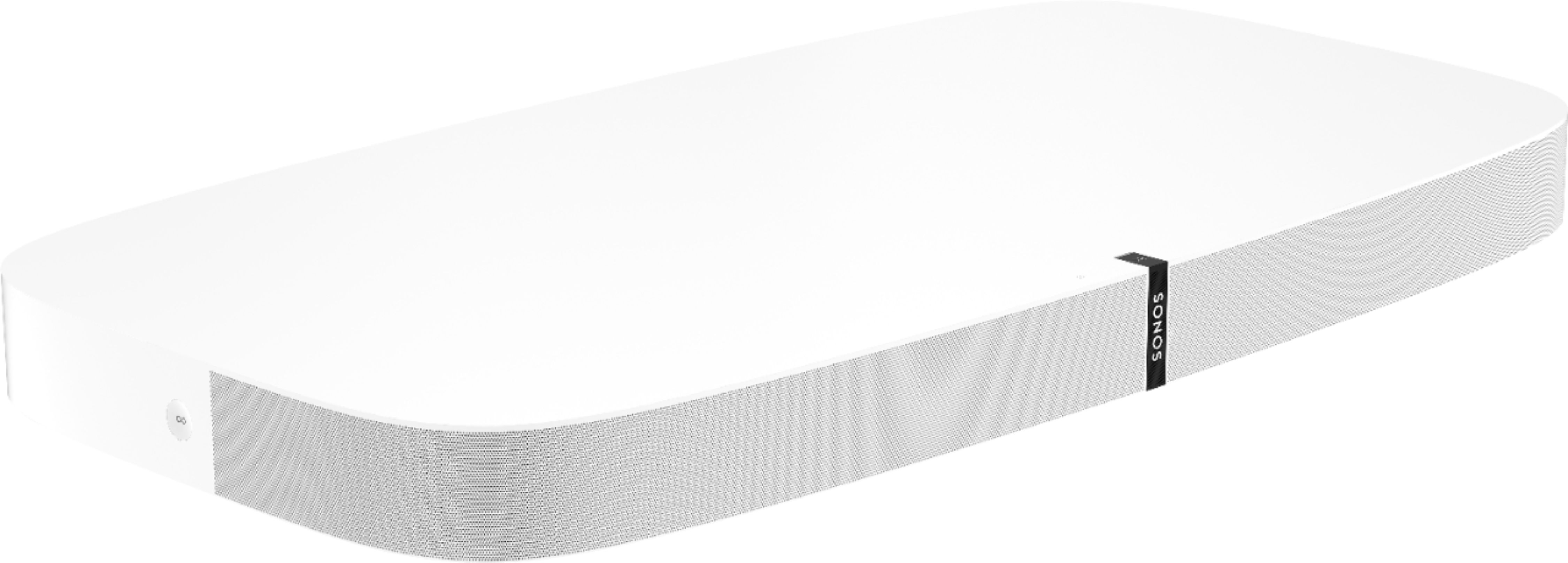
My Playbase is approximately 27 in. wide, 14 in. deep and 2.25 in. tall.
A:AnswerI have both. Really enjoy each as frankly they do the same thing. My opinion is playbar is best for a tv mounted to a wall (fits underneath) and play base for a tabletop tv system.
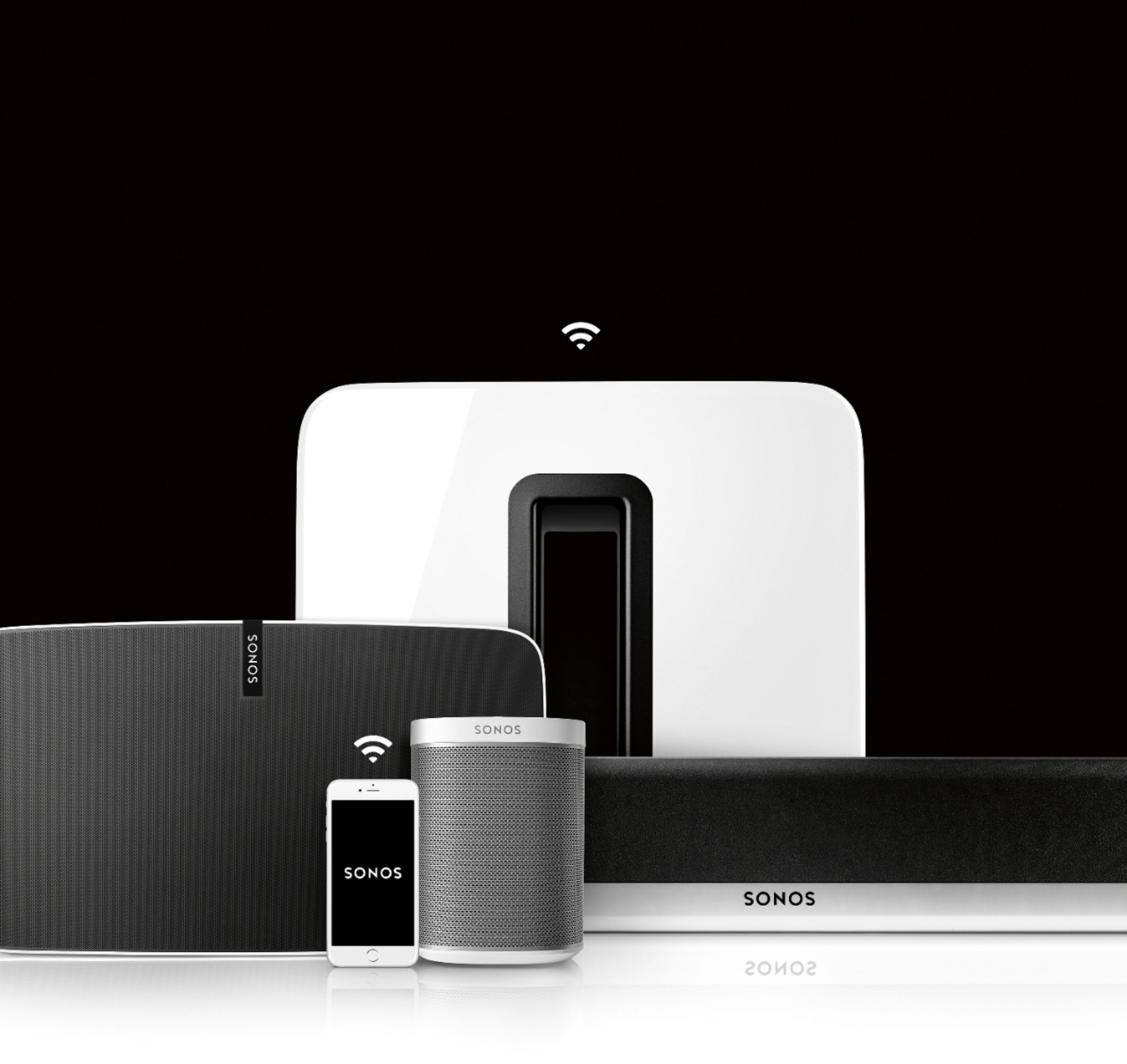
A:AnswerNo it will not. This is meant to be a self amplified home theater sound system, similar to how soundbars work. If you would like this speaker, with surround sound, I would recommend two Sonos PLAY:1 speakers and a Sonos PLAY:SUB.
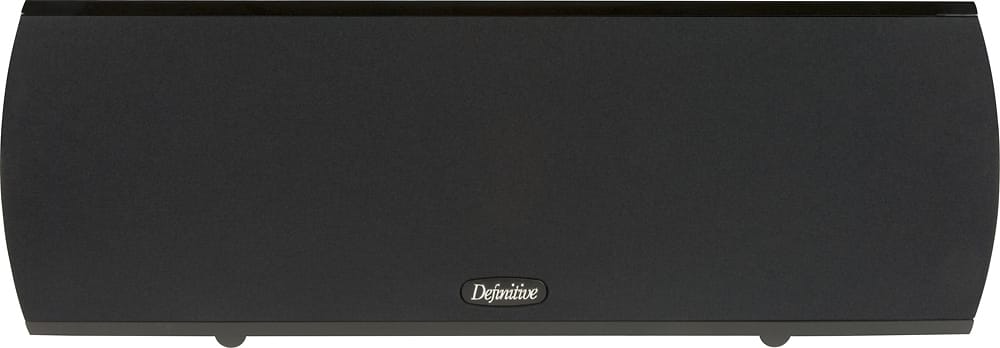
If you are looking for a low profile center channel speaker I would recommend looking into the Definitive Technology Pro Center 1000
A:AnswerMost tv optical outs don't support Dolby digital but you can buy online a cheap 4x1 hdmi switch like mono price PID 7974 that will pass Dolby digital and it sounds great. This can be confirmed what sound signal is being heard by going to Sonos settings and about my system and scroll to your playbar and through the hdmi switch it will say Dolby digital