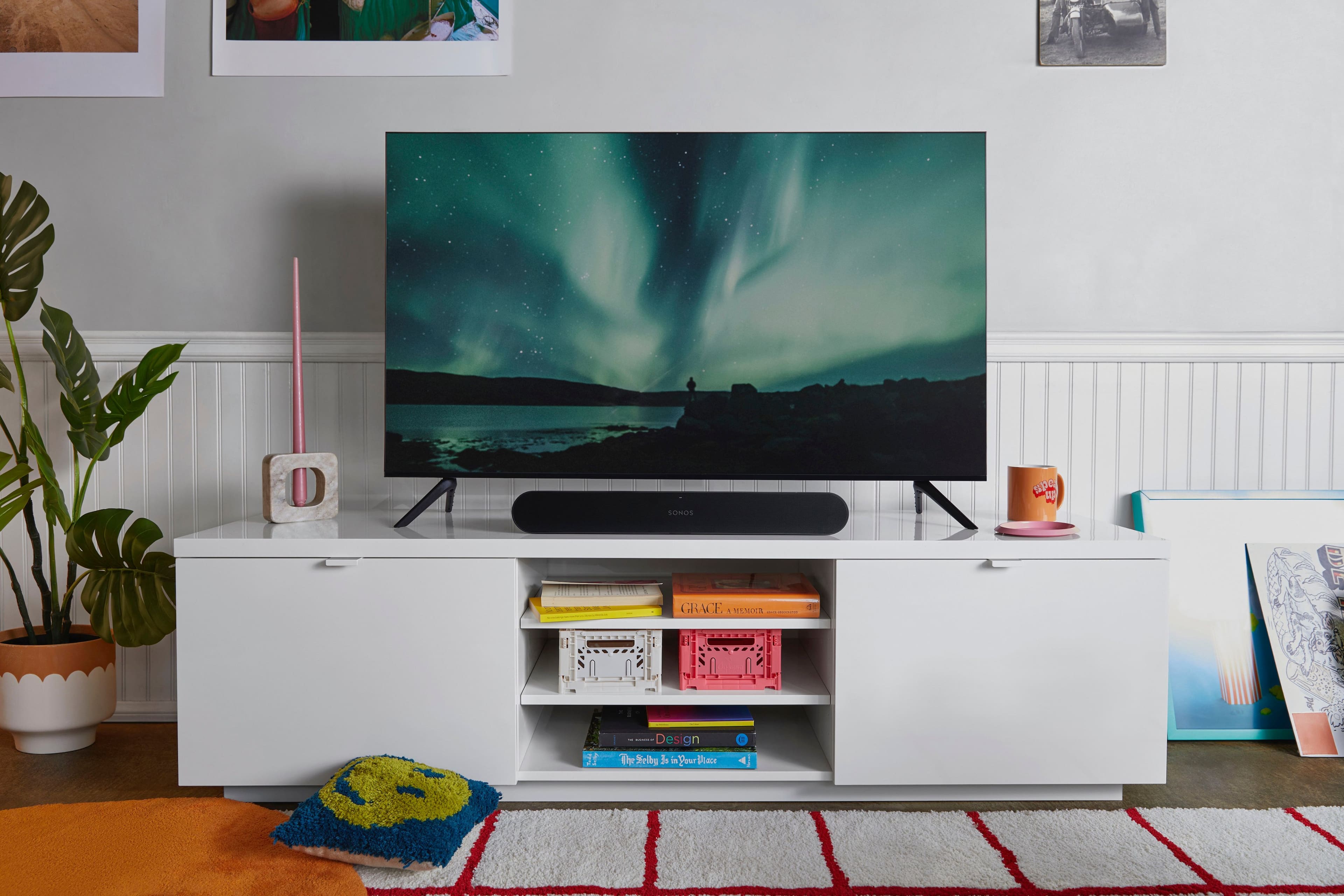
A:AnswerIt’s an excellent speaker that connects easily to Wi-Fi and smartphone devices. I can stream music directly from iTunes and other apps, and the sound quality is outstanding.
A:AnswerThank you so much for your question. I can't speak on a specific model, but any IR remote can be programed easily to control Sonos Ray, with the press of a single button during set up. Some Bluetooth remotes from TV companies may have a setting that can be adjusted within the TV settings to turn on IR functionality from the remote.
A:AnswerThank you for your question! We do not. Our products learn the IR remote your tv came with. If your remote happens to be bluetooth, simply turn off the Bluetooth on the tv and it will default to IR.
A:AnswerThe ray will pair with any infared remote. You can check their website for specific remotes it works with, but for example, many TCL TVs will come with bluetooth remotes and they will not work with ray.
A:AnswerI had to buy another remote as my Roku 4K TV remote was RF only. The new remote now works both the soundbar and the TV. Annoying, but it can be done.