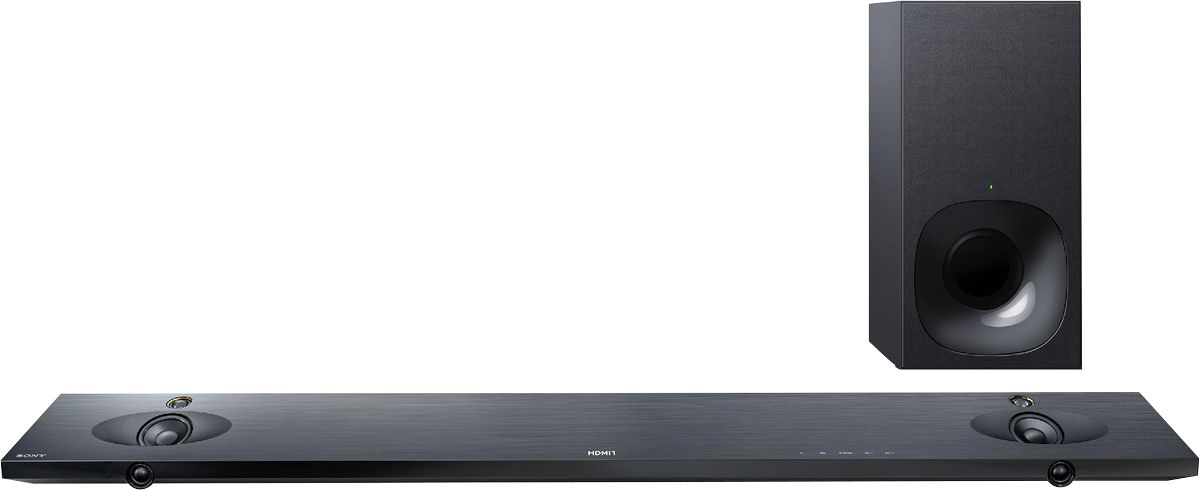
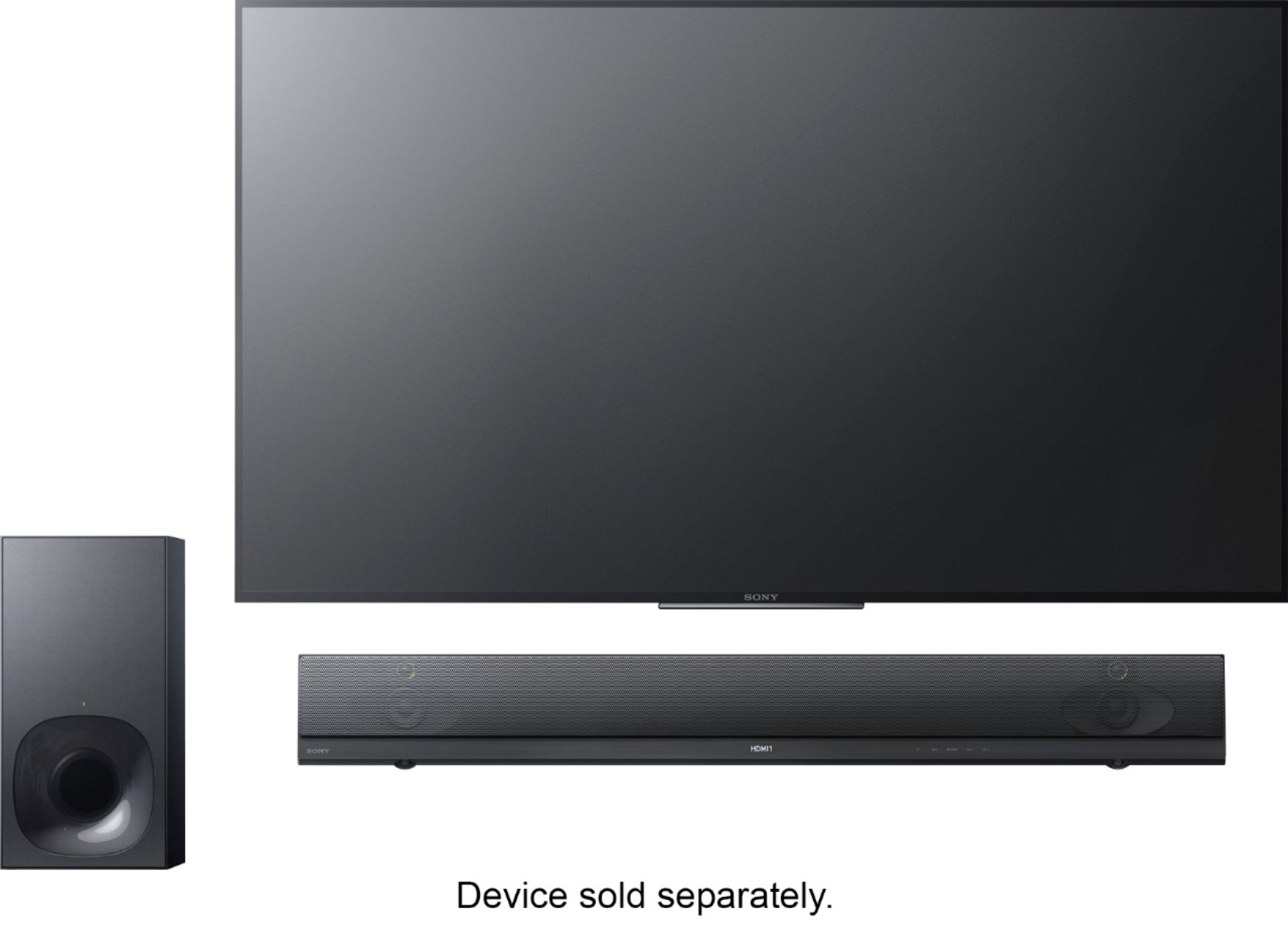
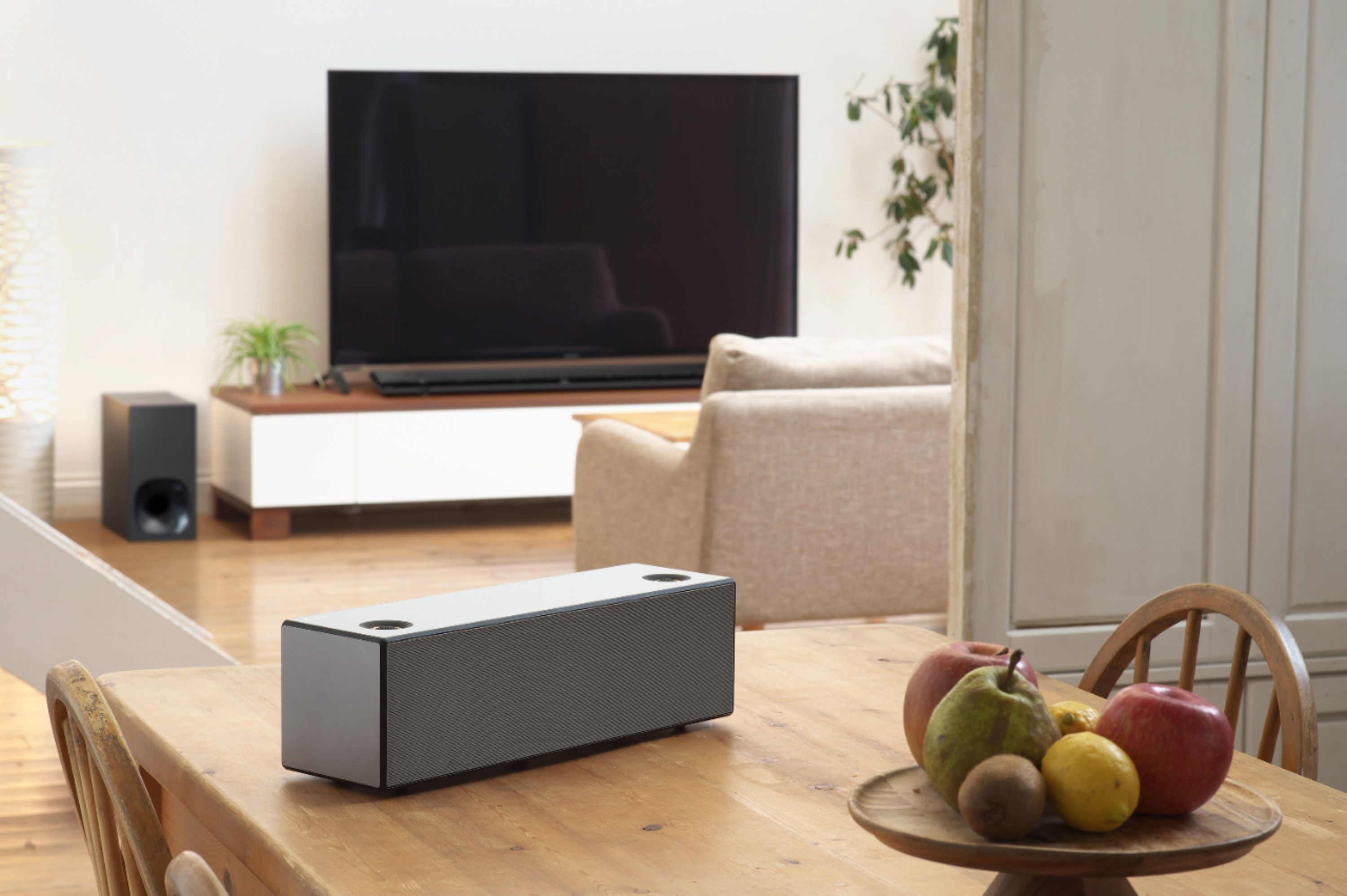
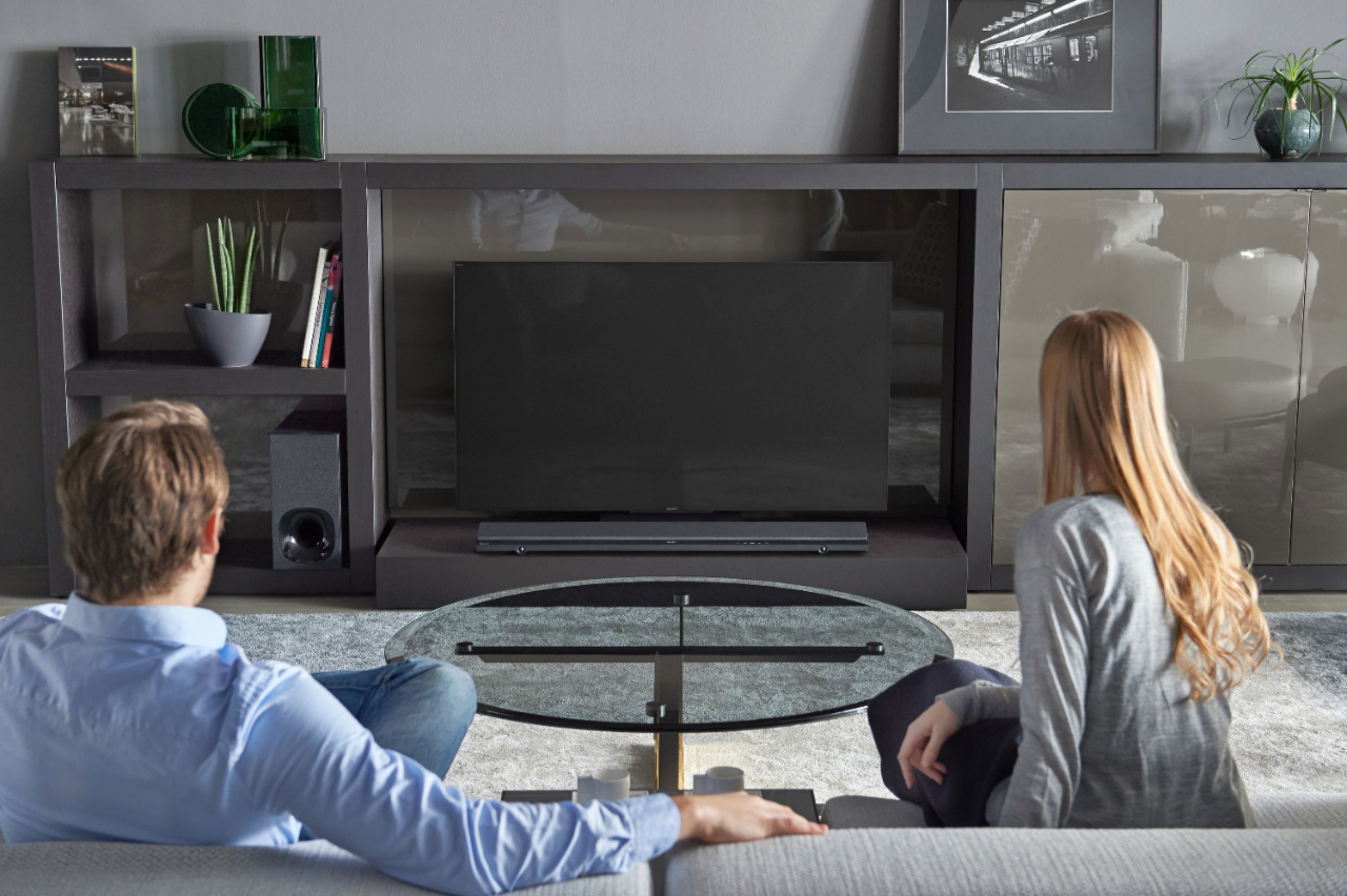
A:AnswerSound bar can be mounted on wall below TV -- that's how mine is mounted. I don't see why you couldn't run the wires thru the wall, but the design of the bar isn't really great for this. The power & input/ output plug locations are not all in the same place on the back of the bar, power cord is on the left of the bar, and the ARC input is on the right, so you still have to route at least some of the wires along the back of the bar, or make multiple holes of the wall. I mounted the bar within an inch of the bottom of the TV, an routed the wires up thru a wire cover behind the TV, Not perfect, but it doesn't show much.
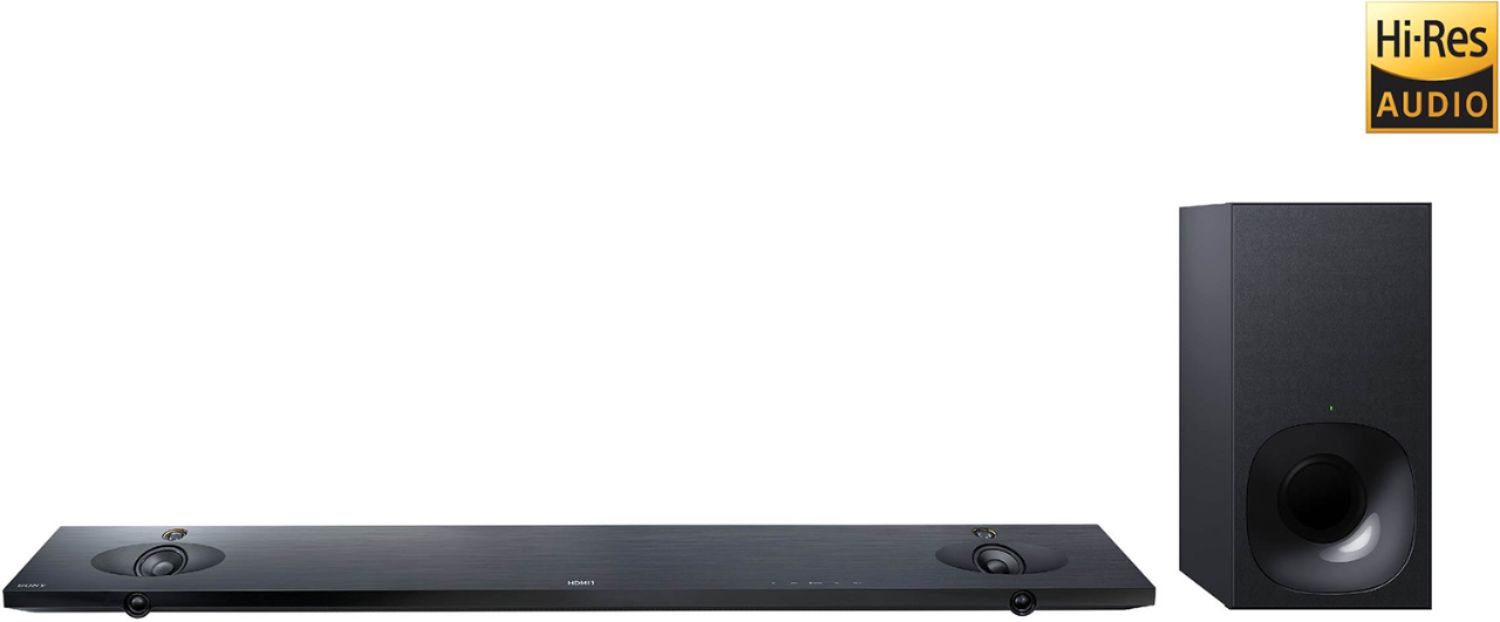
A:AnswerBased on some online research, placing it to the side of your TV in the corner of the room should be your best bet. The walls helps amplify the bass.
A:AnswerHello Steve, we're sorry for the inconvenience. Make sure to follow the instructions on the link below to properly isolate the issue:
https://www.sony.com/electronics/support/res/manuals/4586/45861351M.pdf, see pages 34 to 35.
Regards, _Bob
A:AnswerHi brisco06, That's definitely not the news that we would like to hear. Kindly refer to this link for troubleshooting steps to help isolate the issue:
https://www.sony.com/electronics/support/articles/00020051
~Ralph
A:AnswerUsing your Remote turn the sound bar power on. You can also touch the power button on the sound bar. Also check what input you are listening to, you may push input Button a few times until you hear sound. Make sure your input device is on.
A:AnswerTry resetting to factory settings and try again. May have been a glitch in the update. If it does it again, revert back to factory settings and don’t update. The update may be faulty...wait for the next or don’t worry about any updates if your bar doesn’t have any issues.
A:AnswerYou must connect all hdmi sources to soundbar. Then arc hdmi (soundbar) to arc hdmi on tv. Example: cablebox to hdmi input 1 (soundbar), hdmi arc (soundbar) to tv hdmi arc.
A:AnswerI noticed the same issue when I hooked up my sound bar also. You have to access the sound bar settings with your TV remote. I connected my sound bar to a XBR65X900E Sony TV. I cannot recall what menu I accessed but if you search around you will find that menu and make your sound bar settings with your TV remote. I think the sound bar remote is kind of useless once its linked with the TV. I also added wireless Sony speakers for surround sound and set it all up with the TV remote. Hope that helps.
A:AnswerHi coach, please reach us at [email protected] with your concern so we can further assist you. Please also include your contact and product information. We will do our best to help. Regards, ^Ron
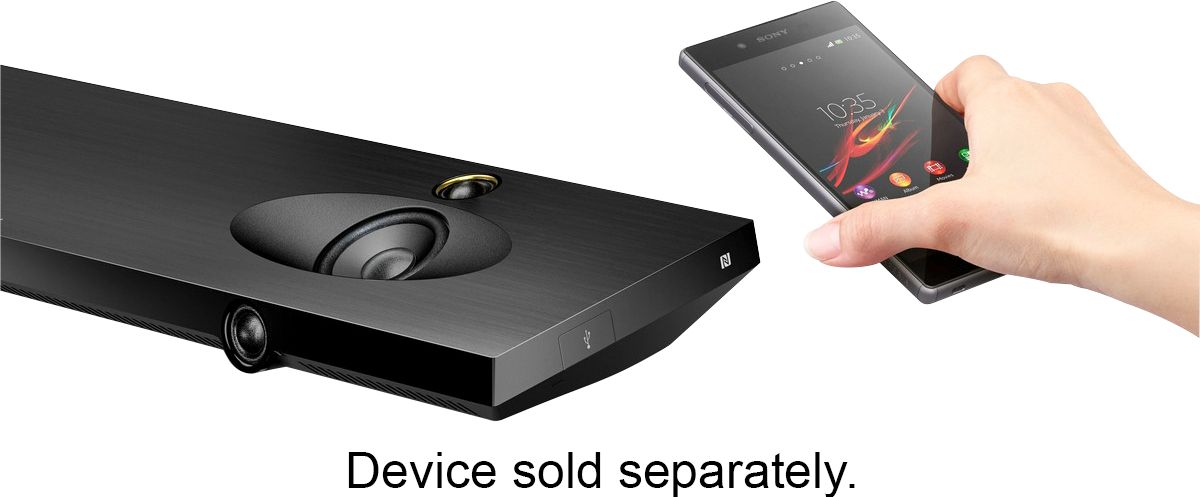
A:AnswerHi. You may pair your mobile device to this sound bar via Bluetooth. Make sure that the Bluetooth function of your mobile device is on, then press the pairing button on the sound bar. From there, select the sound bar system on your mobile device's Bluetooth search list and make the connection. Thanks, -Mark
A:AnswerFirst make sure that the hdmi from tv to sound bar is in arc/hdmi on both. If that's already done check on your tv setting & in the external inputs are on enhanced if 4K tv or standard on regular 1080 tv. If you have a sony tv try the Sony bravo sync menu & put it to use sound bar to output sound.
A:AnswerI have the same problem. It sound great at best but but after I hooked everything up at home ,blaaaa. I recommend take the loss and go with bose. That's what I did.