A:AnswerHi, Jeff!
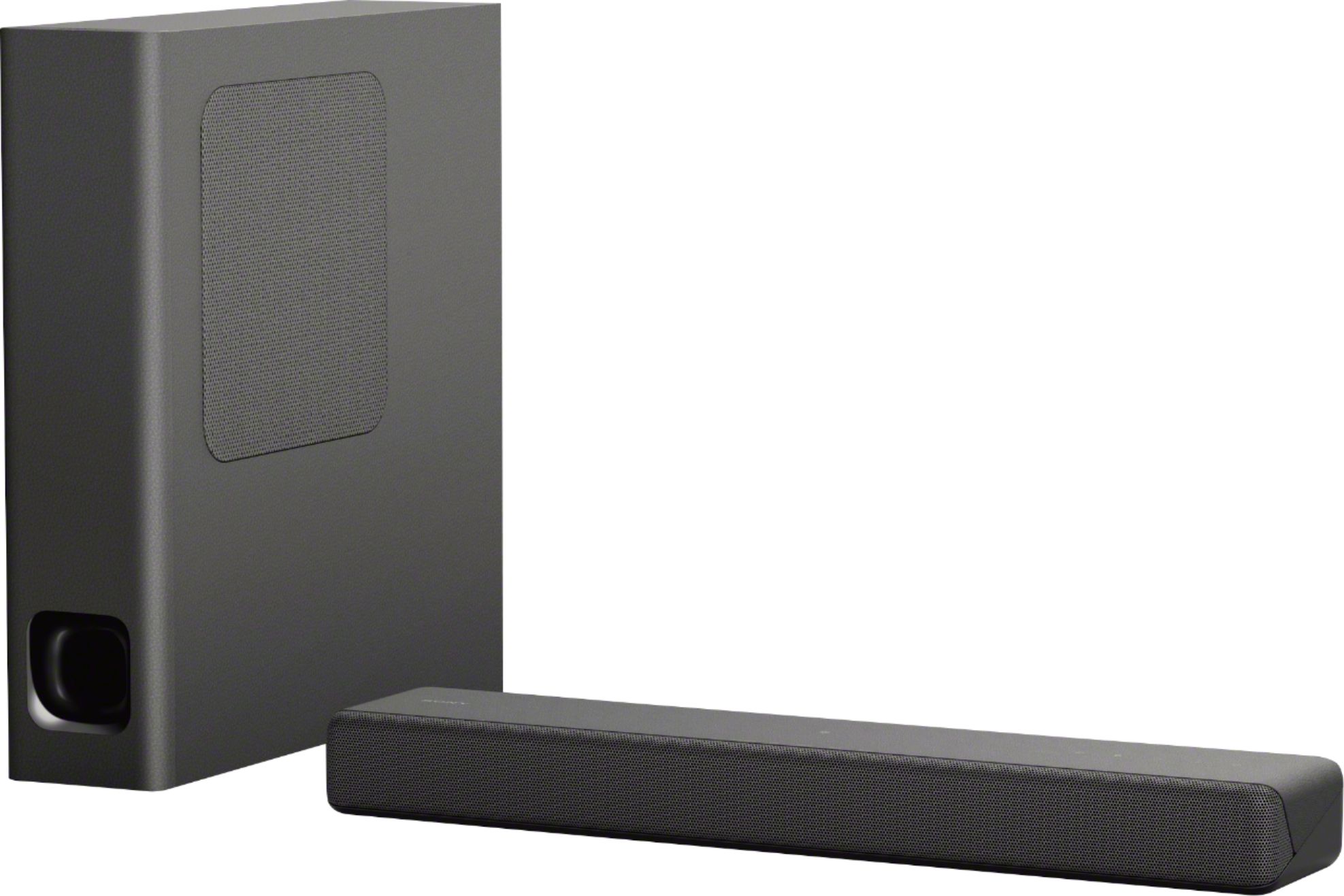
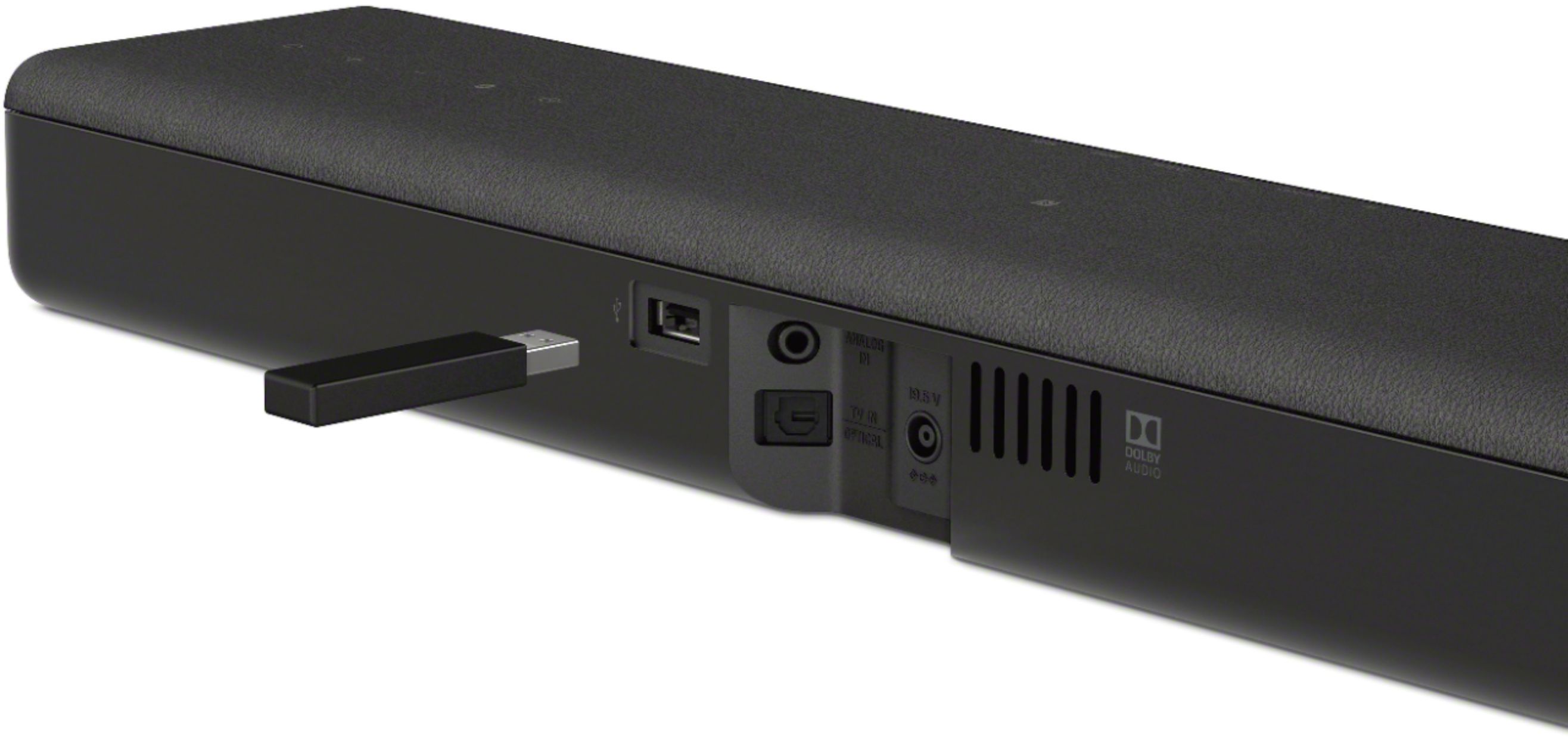
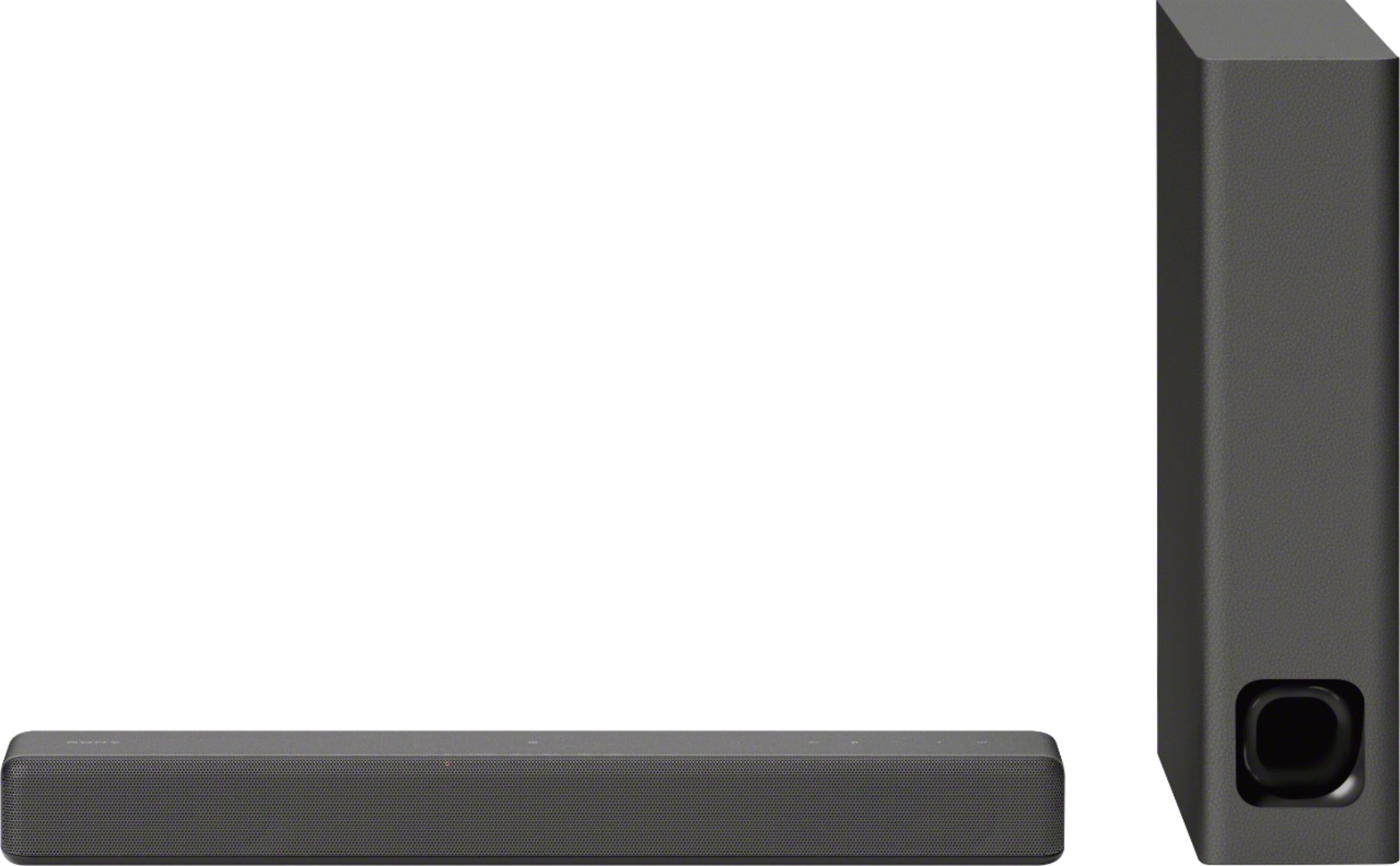
Yes, this unit will work with other TV brands as long as the TV supports RCA or Optical input connection. The soundbar can be directly connected to the TV. However, the subwoofer can only be connected to the soundbar via wireless connection. Hope this helps! -Sam
A:AnswerHello, Doug!
Great news! When you set the auto standby function to on, the system enters standby mode automatically when you do not operate the system for about 20 minutes and
the system is not receiving an input signal, it will turn back on once a source or an input is detected.
Happy to help!
A:AnswerI’m sure you could mount it pretty much anywhere. It’s extremely light. I wanted it for a camper. Both the tv and the sound bar are sitting on a wooden TV tray and are stable.
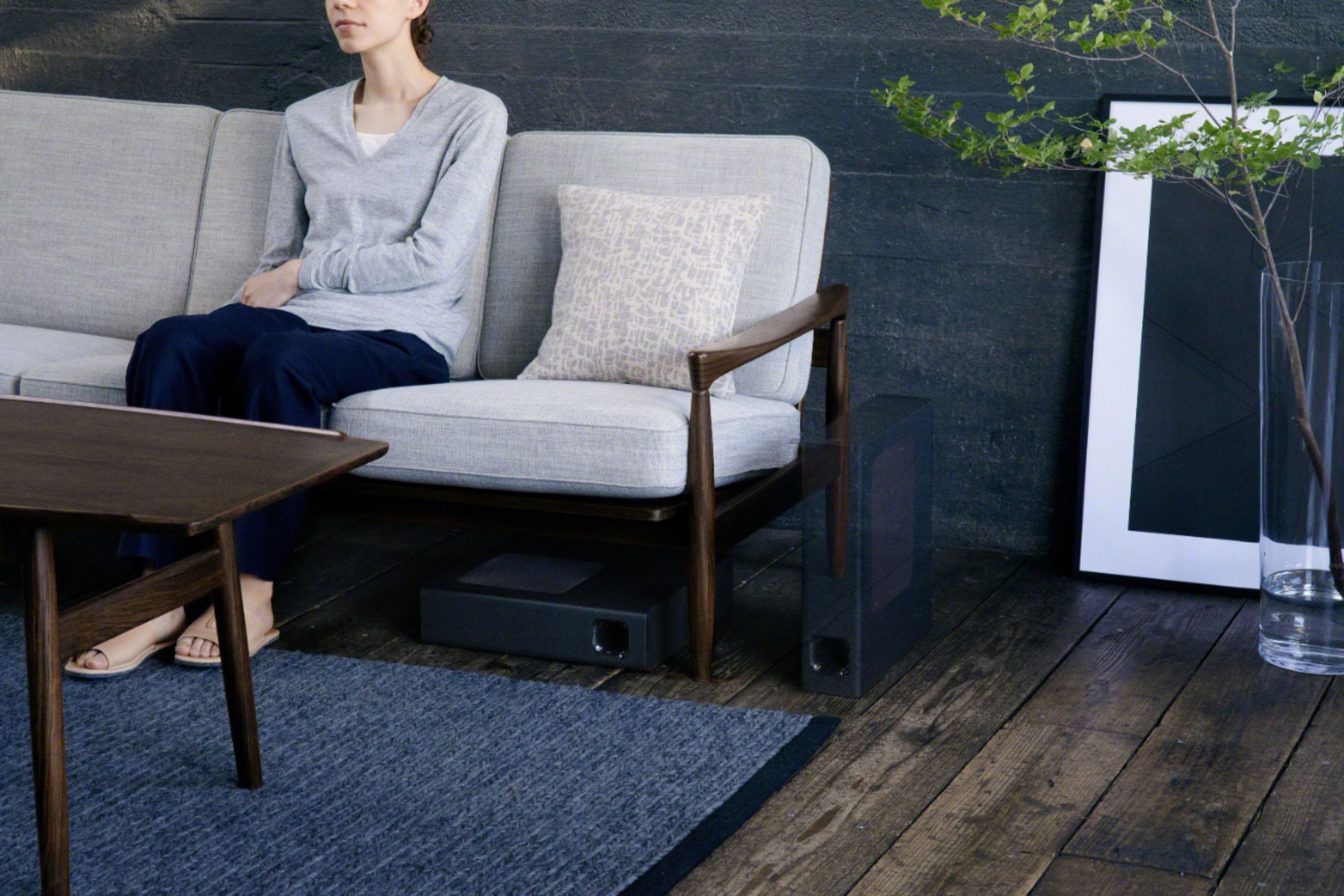
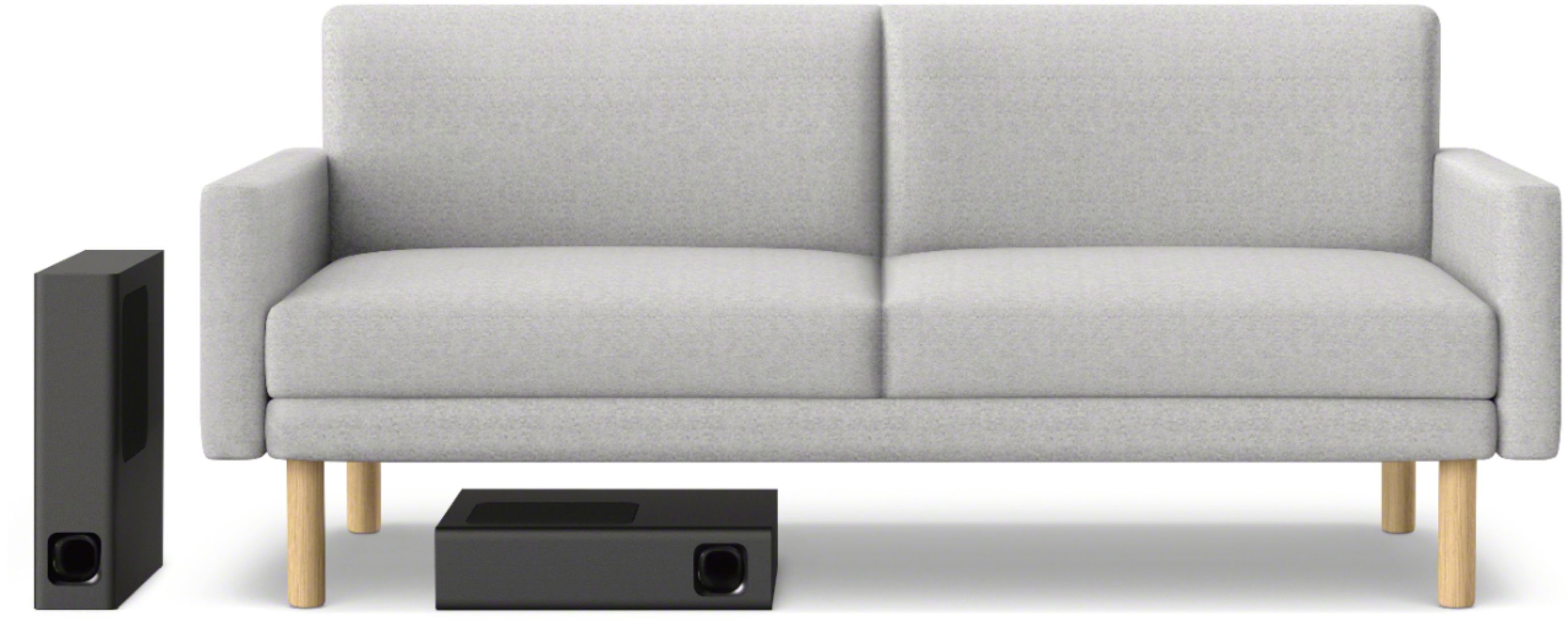
A:AnswerMake sure you do not have the “under the sofa” setting on. I had a similar issue and the “sofa” mode absolutely kills the bass response, really a worthless setting as I use it under furniture and would get very little response using that setting. Turned it off and Boom, lots of bass.
A:AnswerHi Dj, we cannot add a rear speaker. For more details, kindly check this article: https://us.en.kb.sony.com/app/answers/detail/a_id/75516
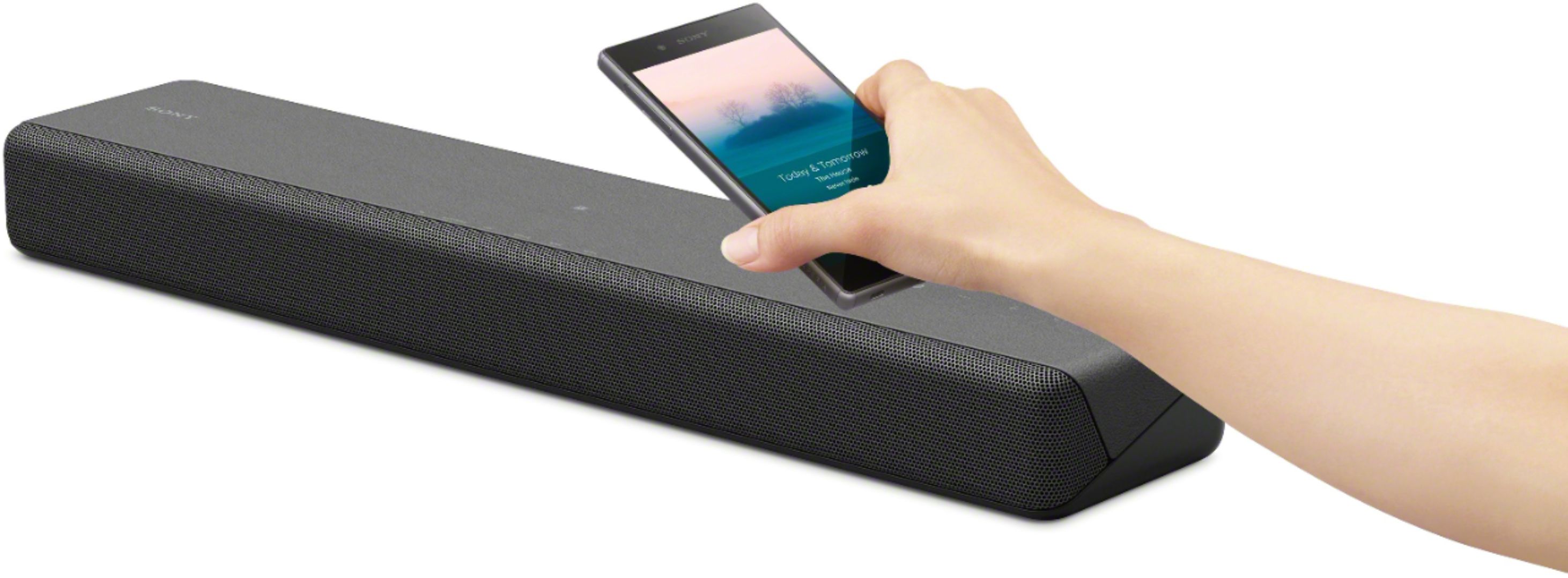
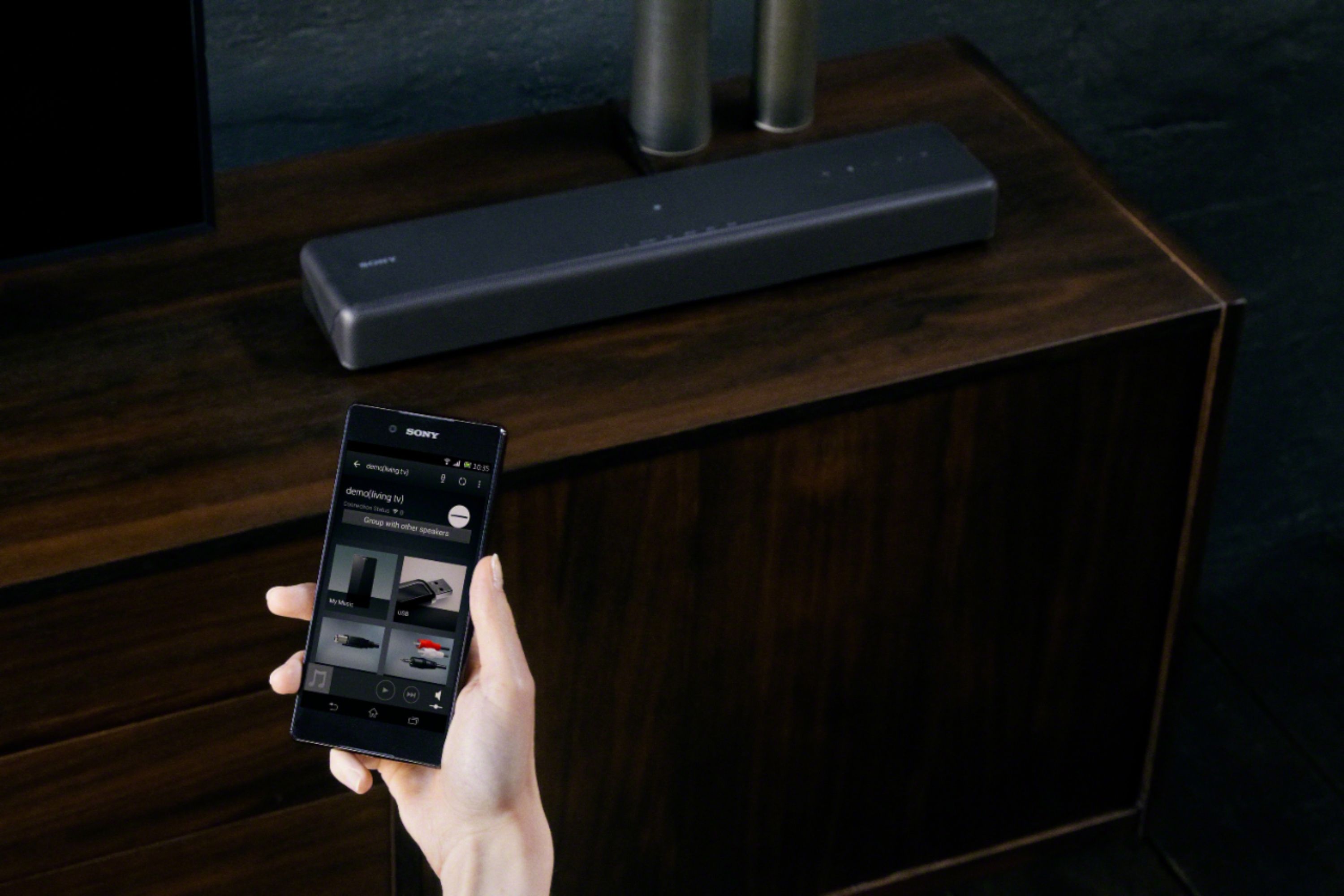
You can add wireless devices via Bluetooth. please refer to the manual for further information: https://docs.sony.com/release//Manual_4688010131.pdf see page 20.
Regards, -Erin
A:AnswerPer the manual, sound bar L and R reference power output is 25W (per channel 4 ohms, 1khz).
Subwoofer power output is 50W (at 4 ohms, 100 Hz).
I could not find a reference to “running” W output in the manual.
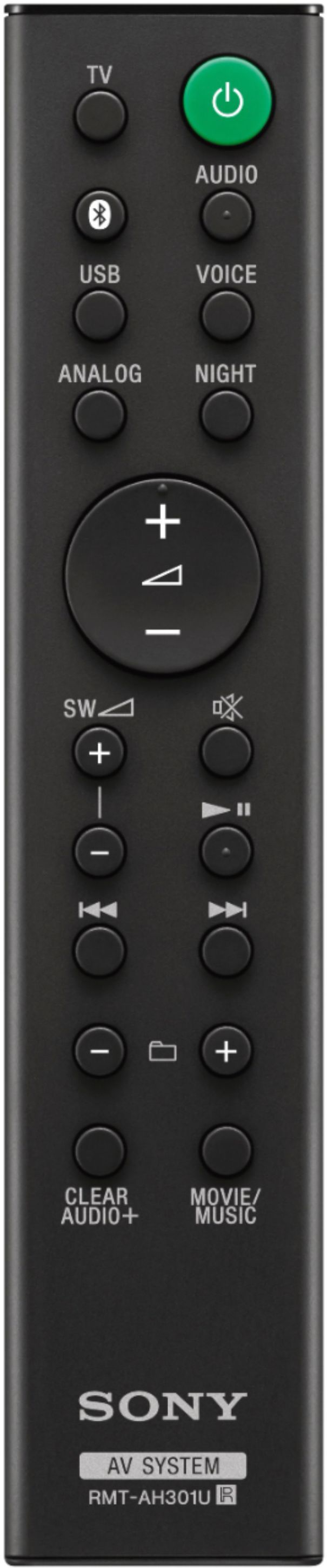
A:AnswerSony Technical support 800-538-7550 Says that it is not possible to use the Sony Bravia TV remote control to control volume on the Sony HTMT300 sound bar because there is no HDMI connection on the HTMT300 sound bar. Alas.
A:AnswerHi Deb, kindly check the link provided for steps to make the picture on your TV sync with the audio from your soundbar: https://www.sony.com/electronics/support/articles/00198068 Thanks, -Mark