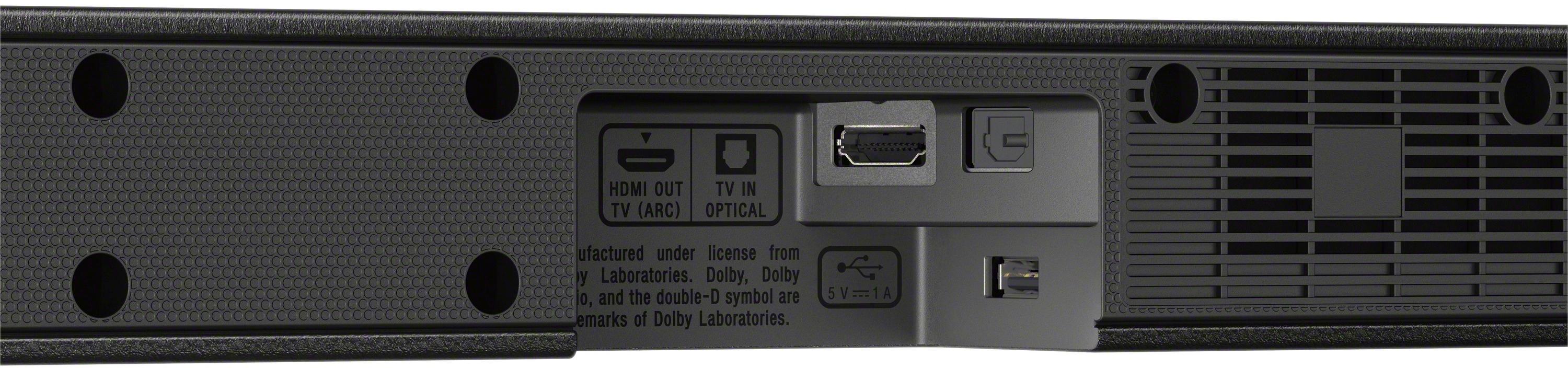
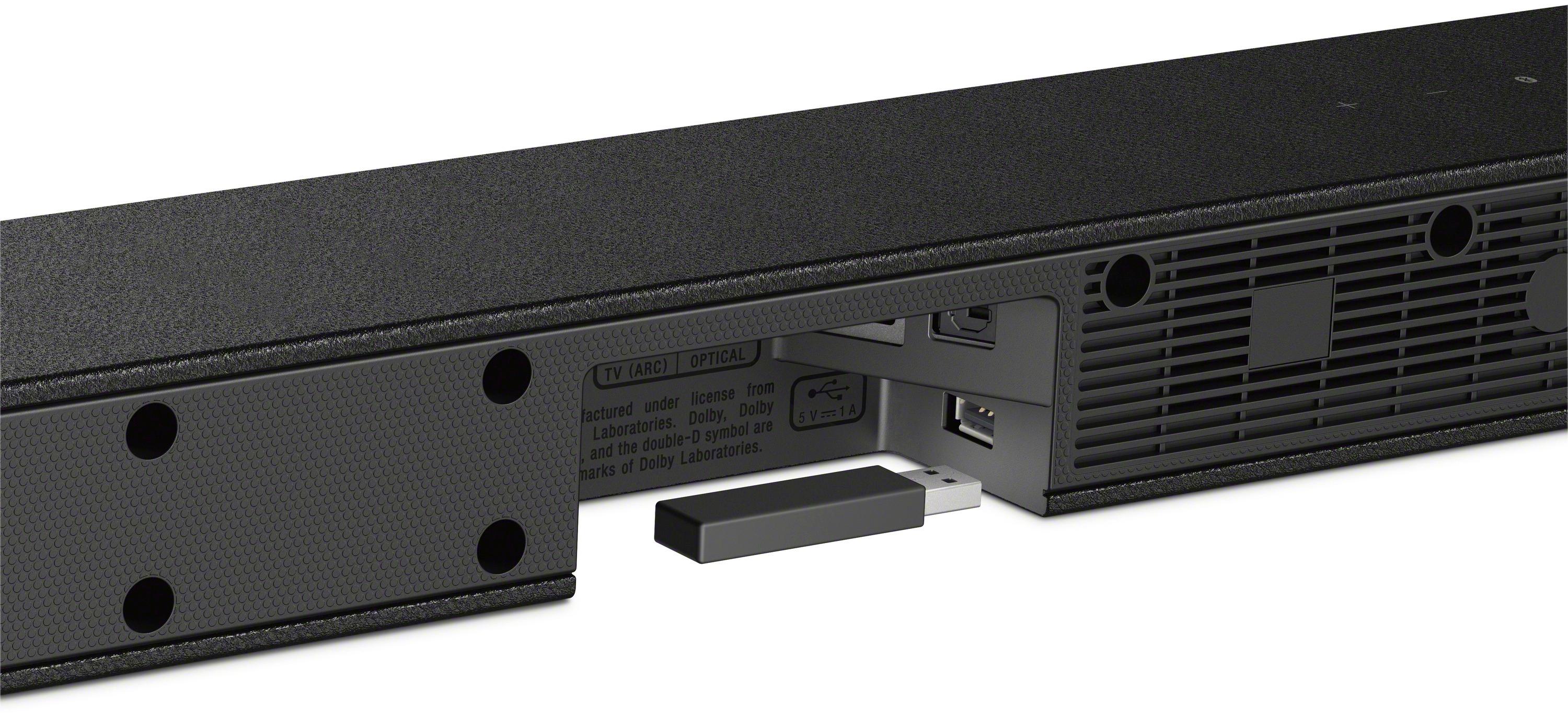
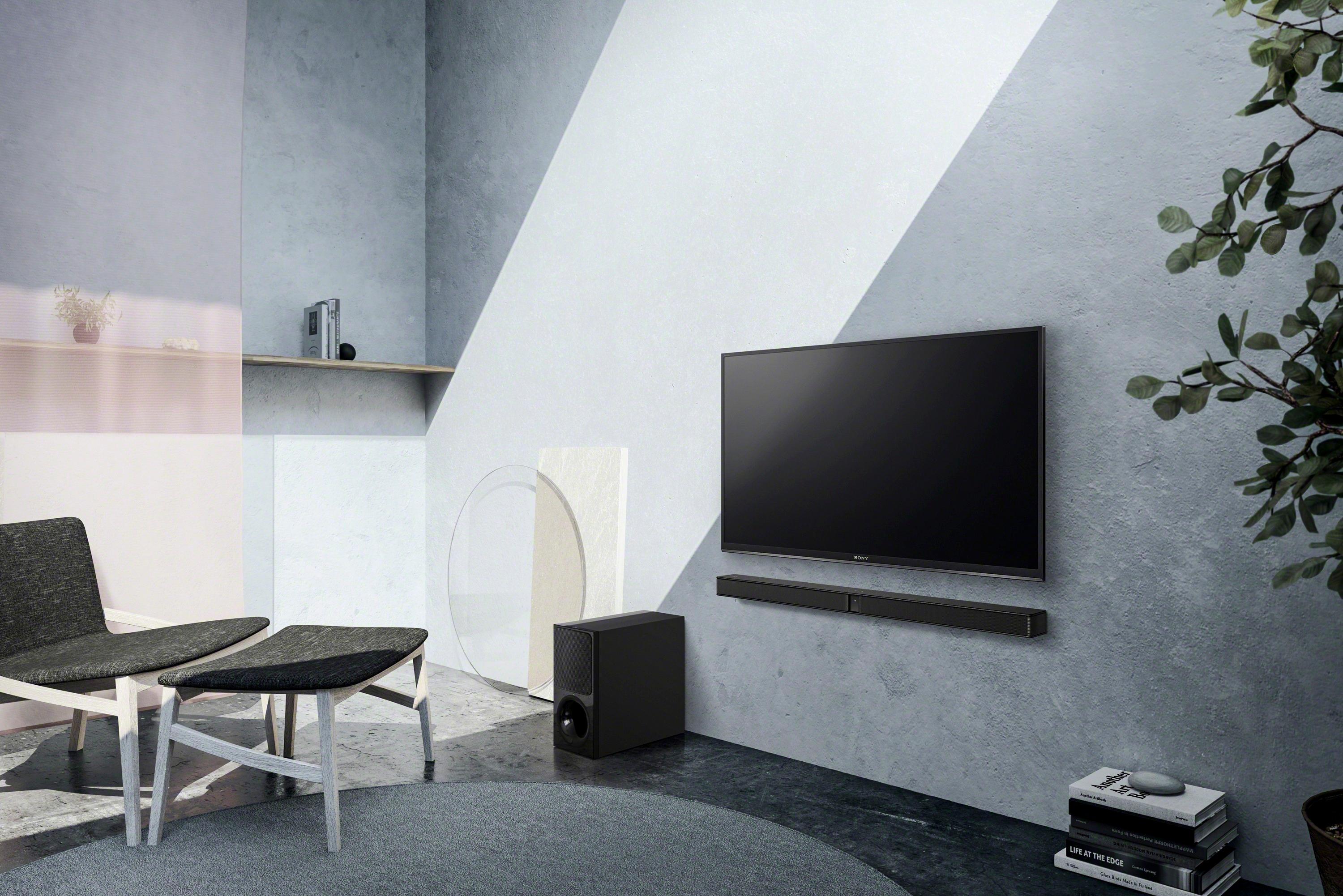
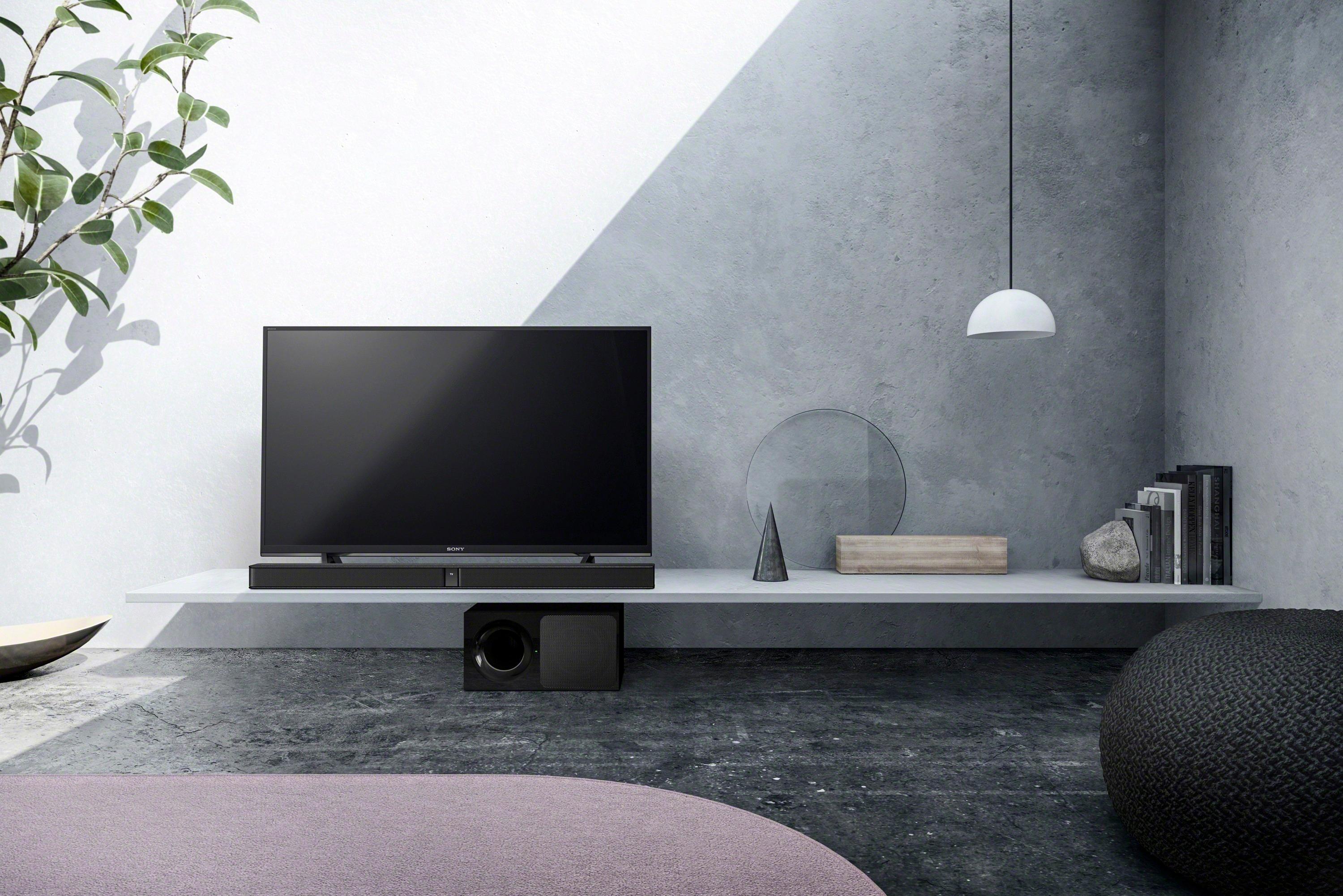
A:AnswerHi Audrey, this sound bar can be connected using an HDMI or an Optical cord. If the TV supports both connection, you can choose either HDMI or Optical. See page 7 of the manual for reference: https://docs.sony.com/release//Manual_4688252121.pdf
-Erin
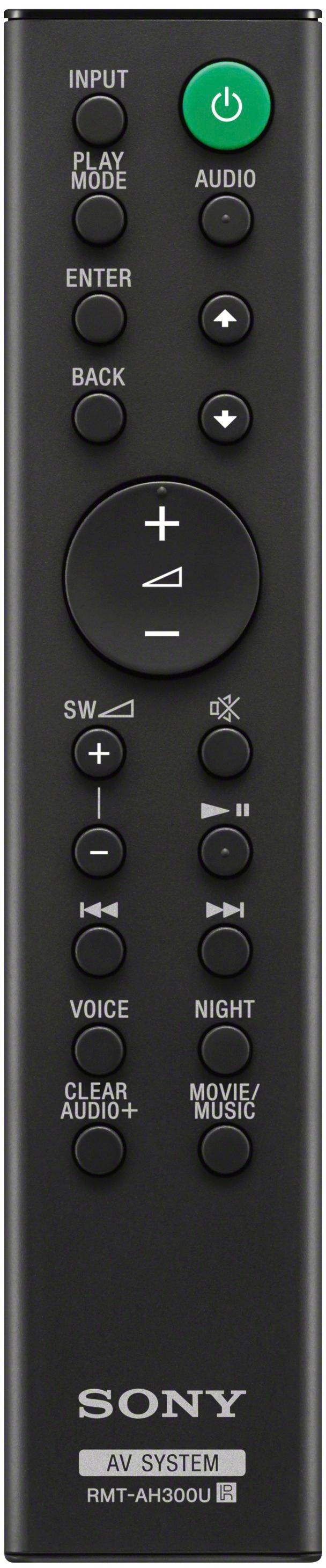
A:AnswerHold volume down and Power for 5 seconds. All LED's will flash 3 times and the lights will turn off. Disconnect the AC power cord. Connect the AC power cord and press the power button. Link the system to the subwoofer. Press Link on the rear of the subwoofer. Hold down Clear Audio+ for 5 seconds.
A:AnswerHello Jerry, for a better entertainment experience, we recommend connecting this soundbar to the TV using HDMI cable. For more information, kindly visit the link below:
https://docs.sony.com/release//Manual_4688252121.pdf, see pages 18 - 20.
Regards, _Bob
A:AnswerDee, either your input current is faulty (Try annother outlet) or you have blown an internal fuse. If this is the case then take it in and it is a simple repair that should be accomplished while you waite.
A:AnswerHave you tried other plug ins in your home? Have it right next to sound bar if it connects, turn boh units off and move subwoofer to selected location. I had to do this a few times until it finally connected.
A:AnswerGet an exchange if you're still covered under Best Buy. Otherwise, your only hope is for Sony support or a new soundbar overall. Your credit card may also cover for warranty repairs/replacements if you purchase this with your CC
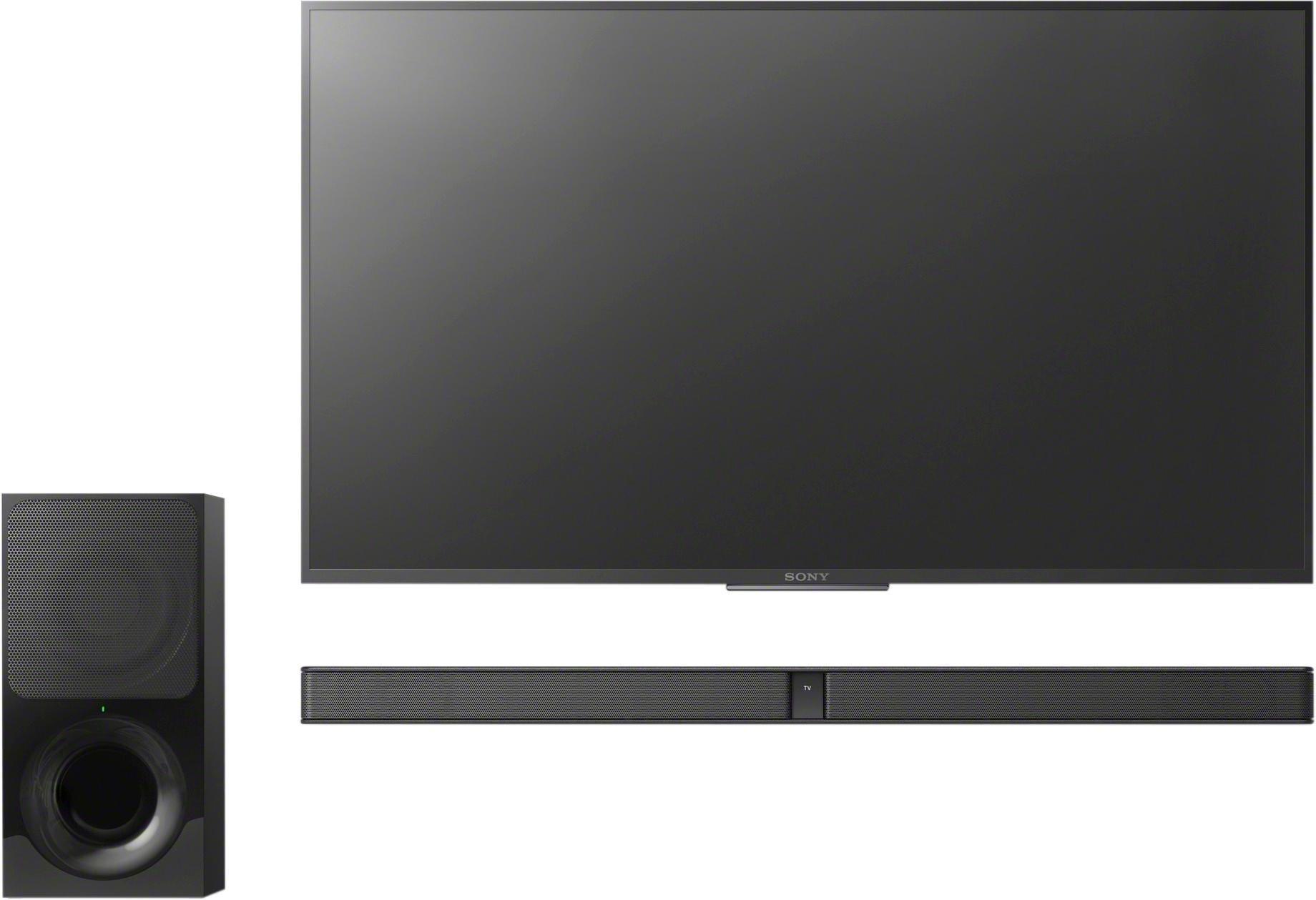
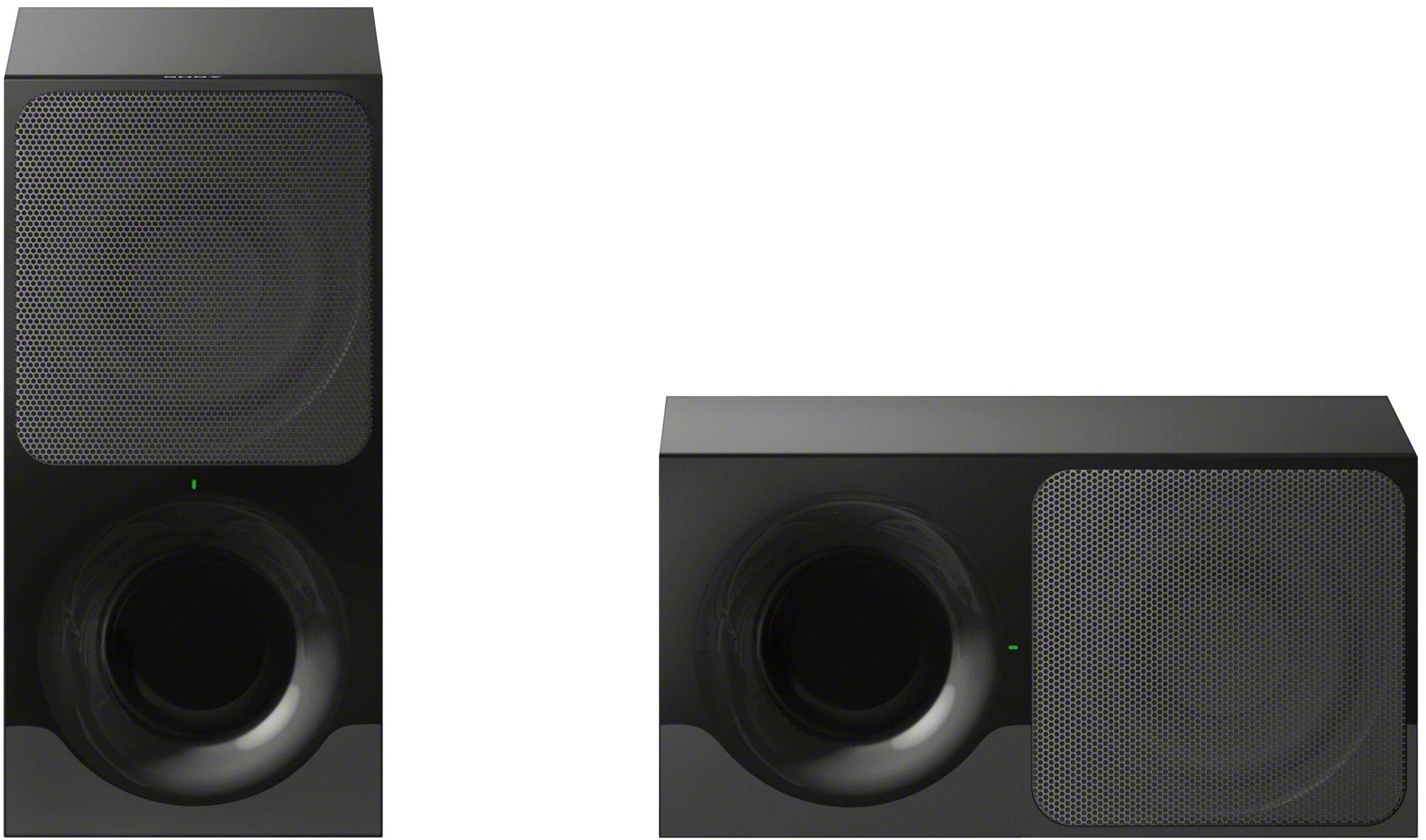
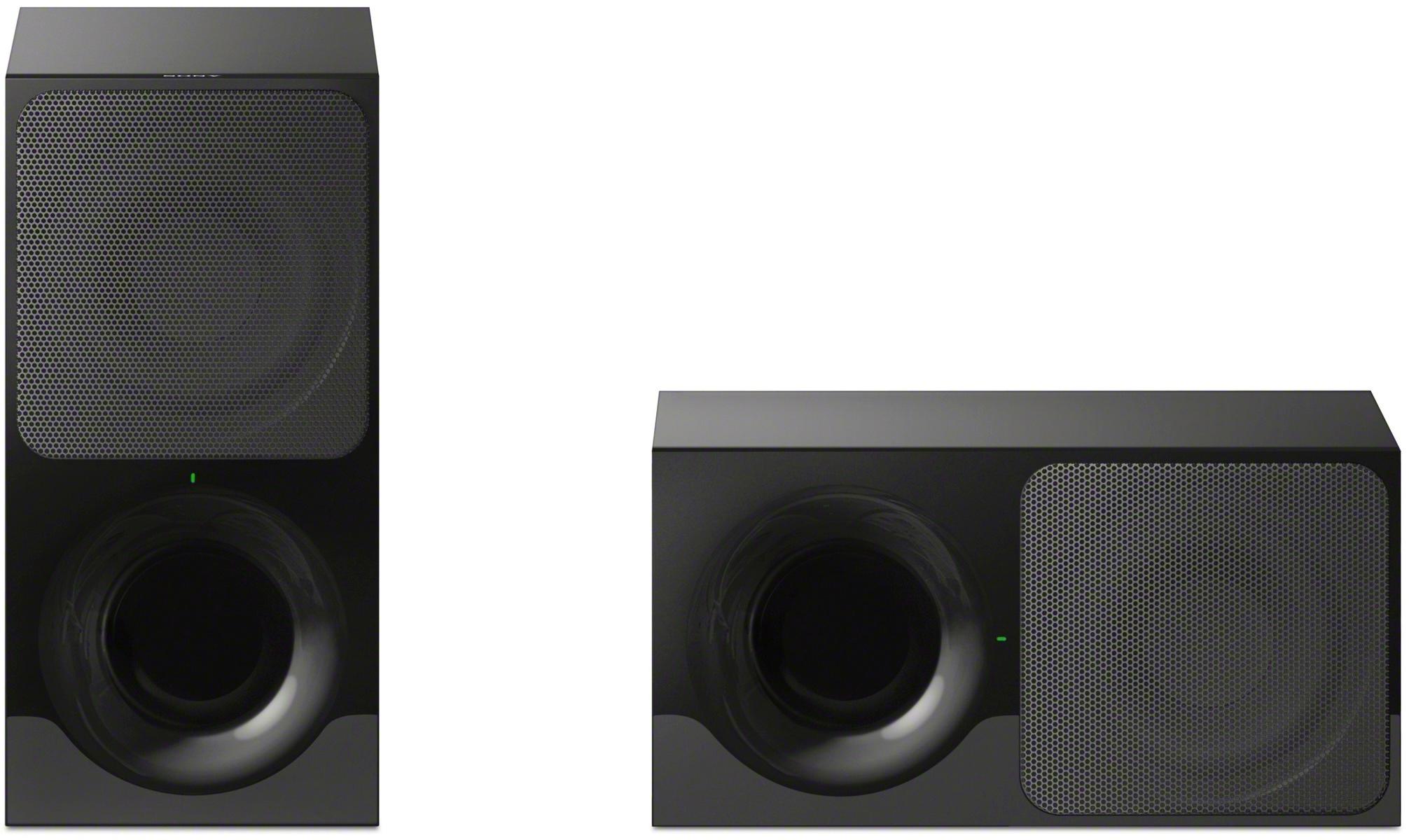
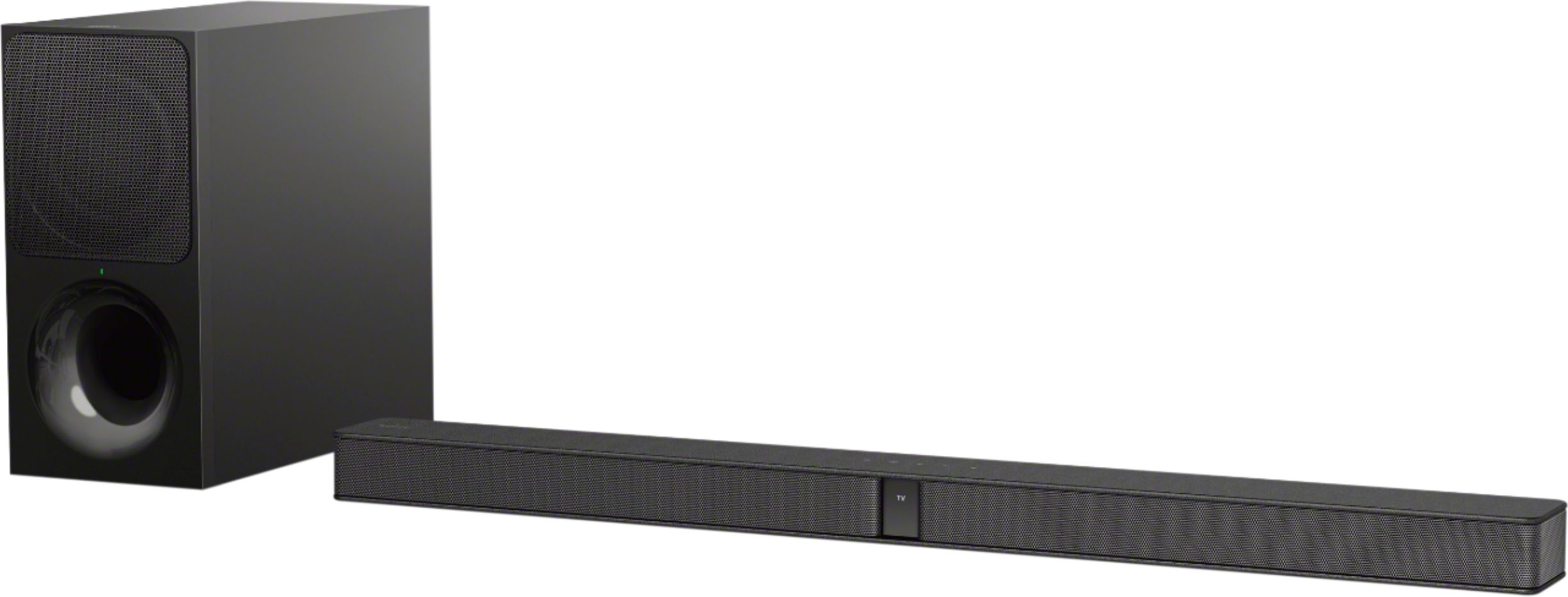
A:AnswerHi Beau5396, no, the soundbar is only capable of pairing/connecting to one subwoofer (SA-WCT290) which is the one supplied to it. Thanks, -Mark
A:AnswerHi, we highly suggest visiting the link below for more information about this unit. I hope it helps. Regards, ^Ron
https://docs.sony.com/release//SPECS/HTCT290_mksp.pdf
A:AnswerI ASKED AT BESTBUY IF THEY HAD ANY 291 SUBWOOFERS THAT I COULD BUY. THE GUY SAID NO CUZ THEY COME IN A SET. I WAS THINKING THE SAME THING AS YOU. JUST GET THE HTNT5 AND YOU'LL BE A HAPPY CAMPER...
A:AnswerDepending on the size of your room, all Sony sound bars are compatible with Sony Bravia's, purchase one with enough watts to cover your room size.
A:AnswerNo. The sound bar does not connect like a regular center channel. The only options to connect this sound bar are through an hdmi or optical channel. It has no audio speaker connections.