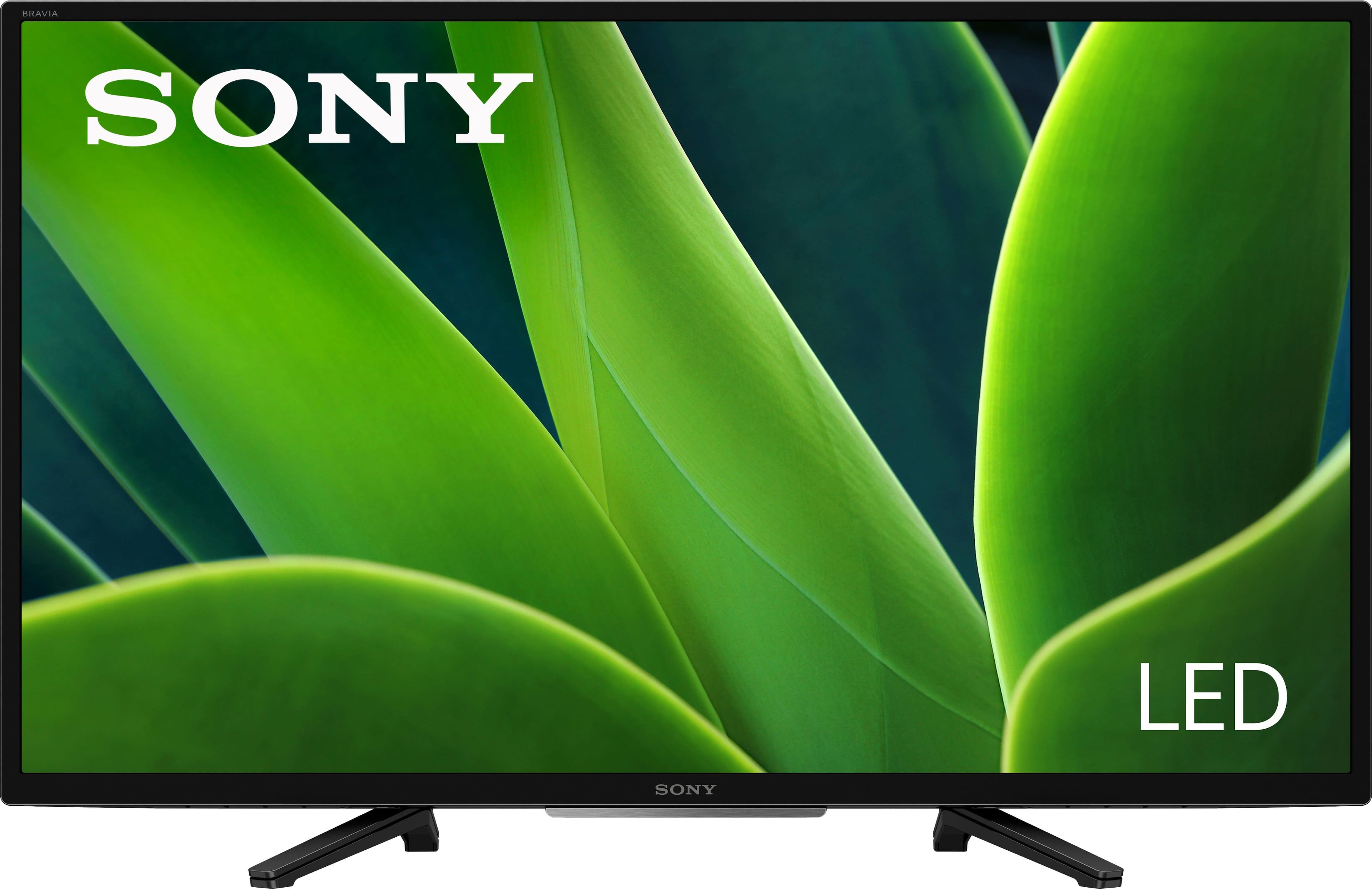
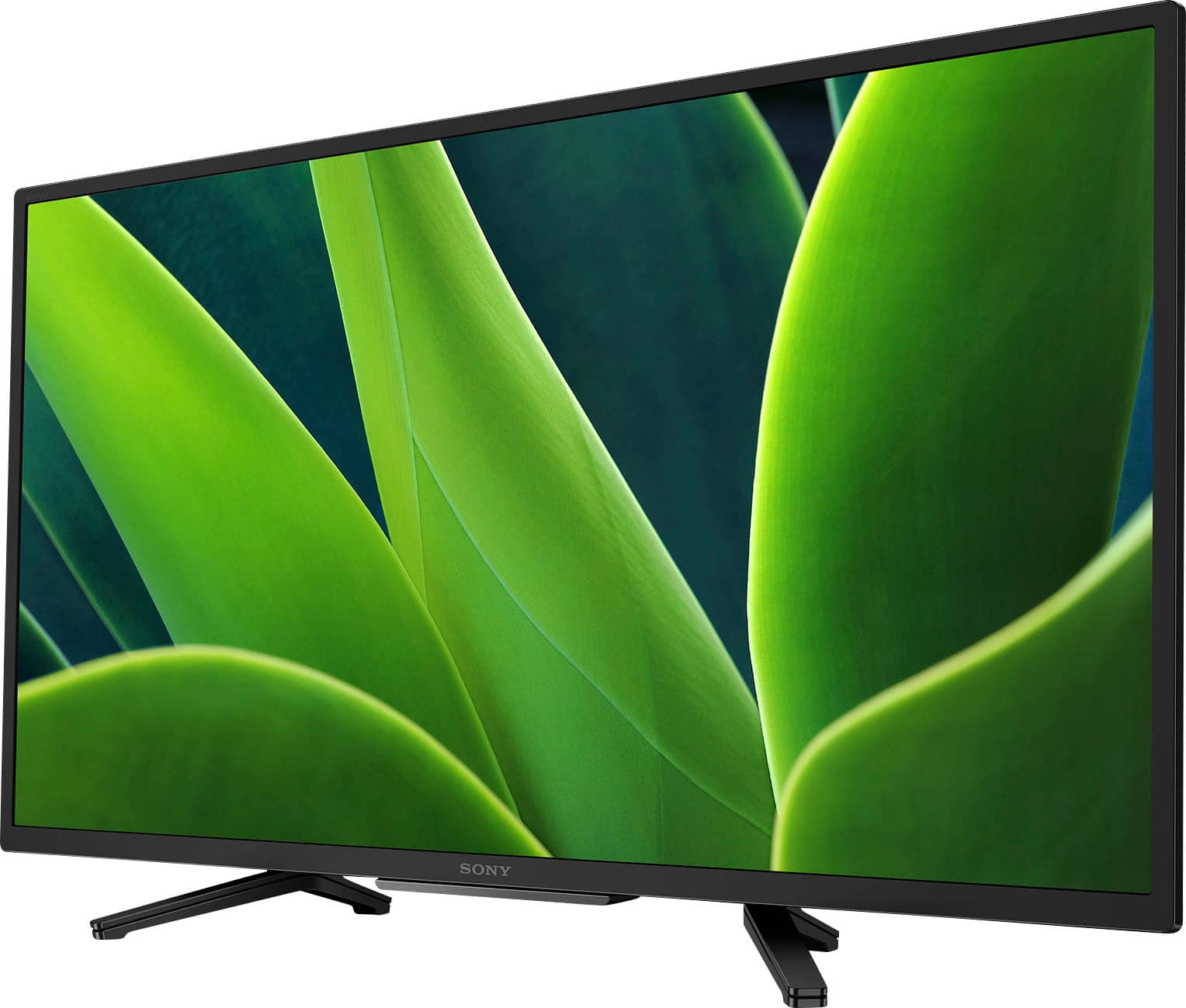
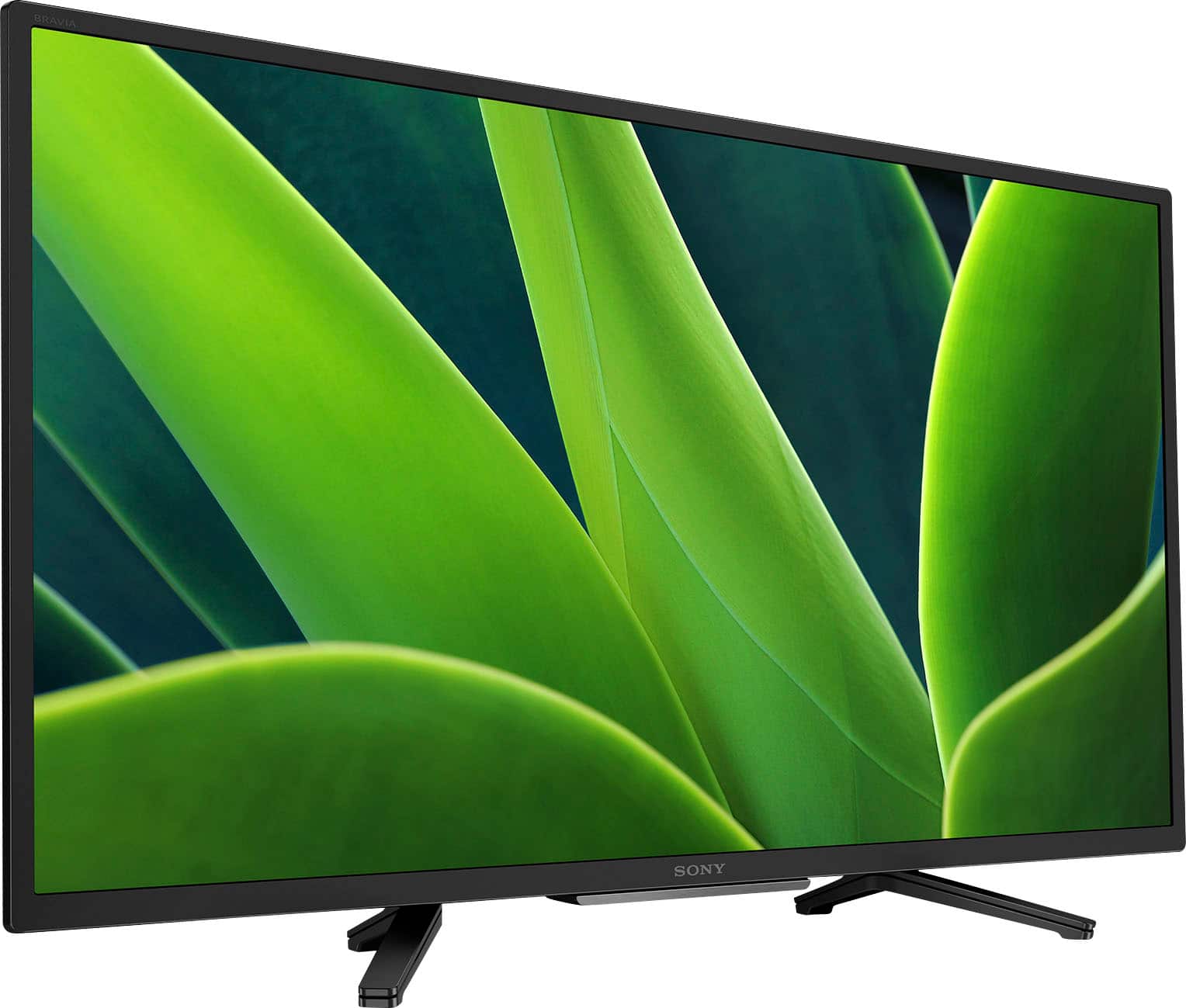
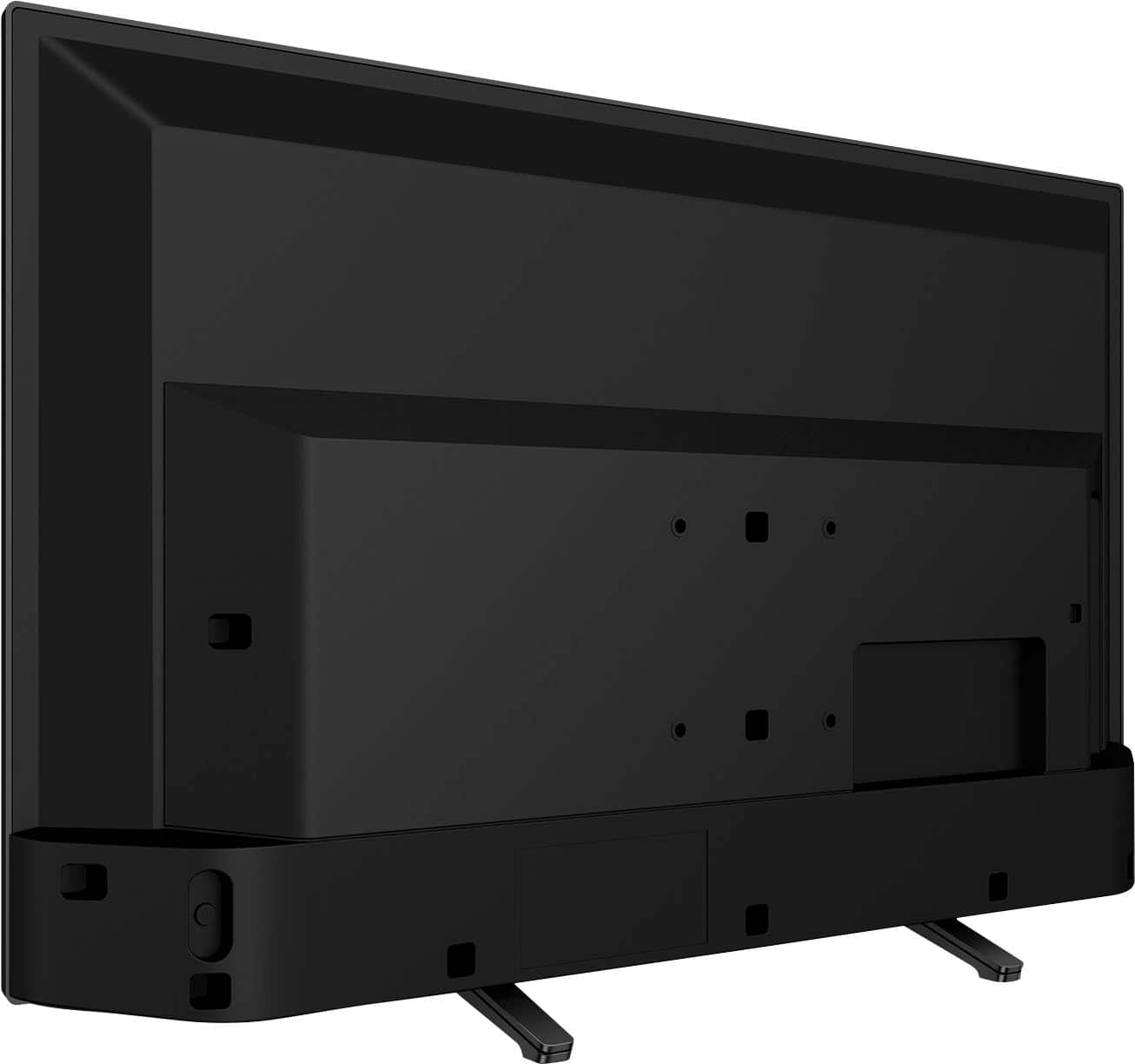
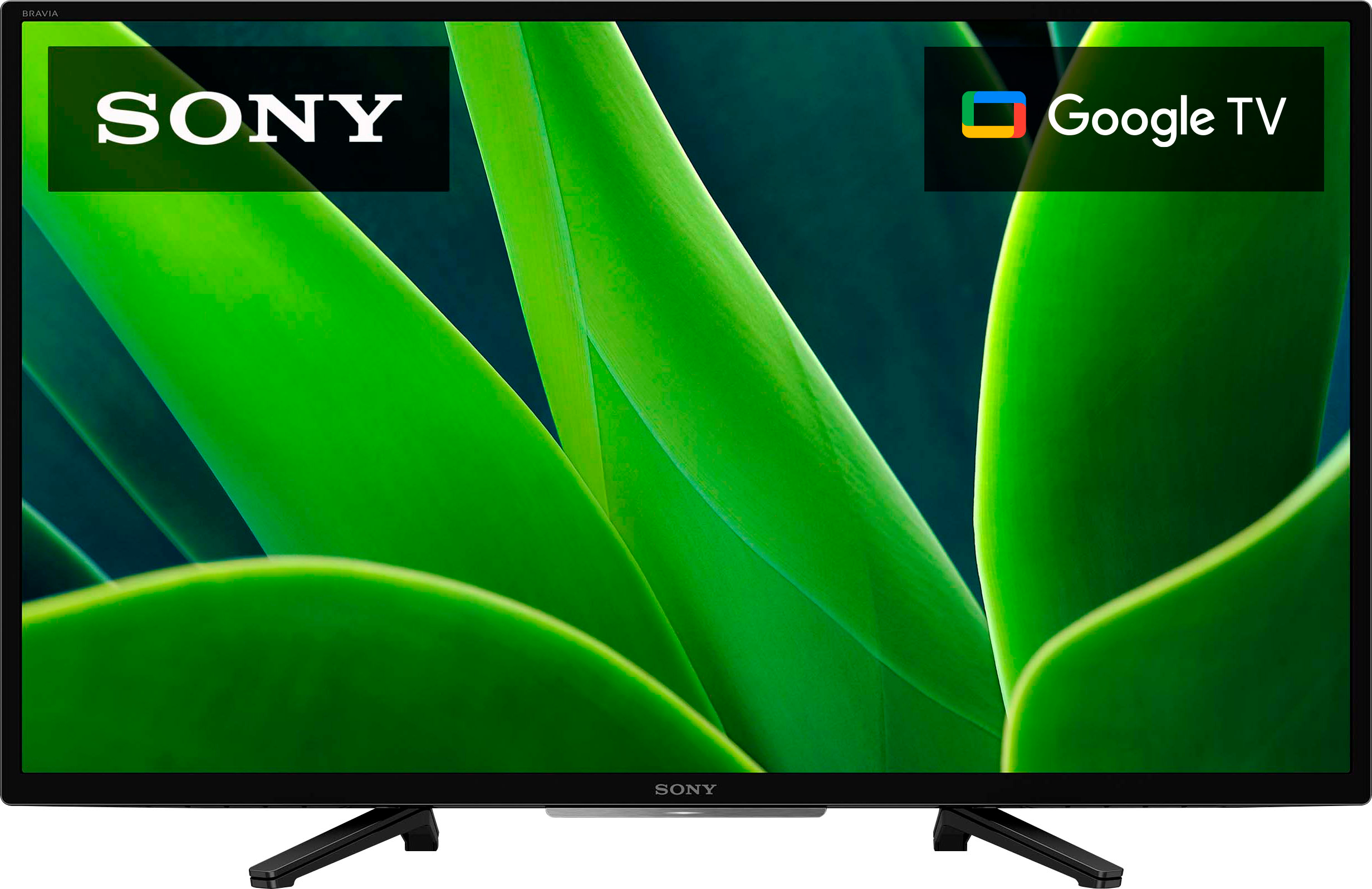
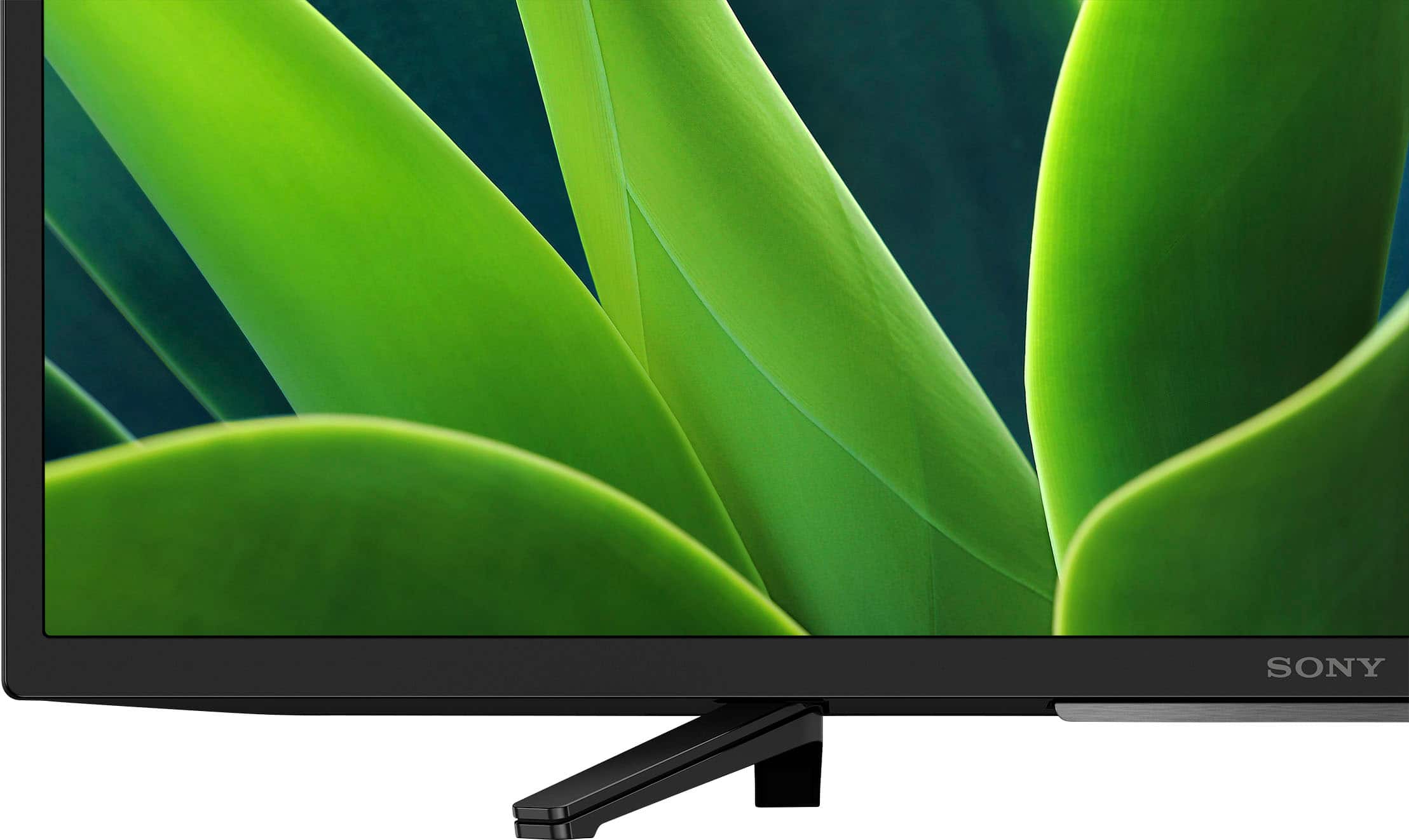
A:AnswerHi LongIslandwoman, Thank you for your inquiry! The weight of the TV including the TV stand is approximately 11.1 lb. (5.0 kg) and the width is 28.75 inches (730 mm). Hope this helps!
See pictures full of vivid detail and texture on this TV. X-Reality™ PRO upscales every pixel for exceptional clarity, analyzing frames and matching each scene with our unique database to refine images and reduce noise. Regards, Sam
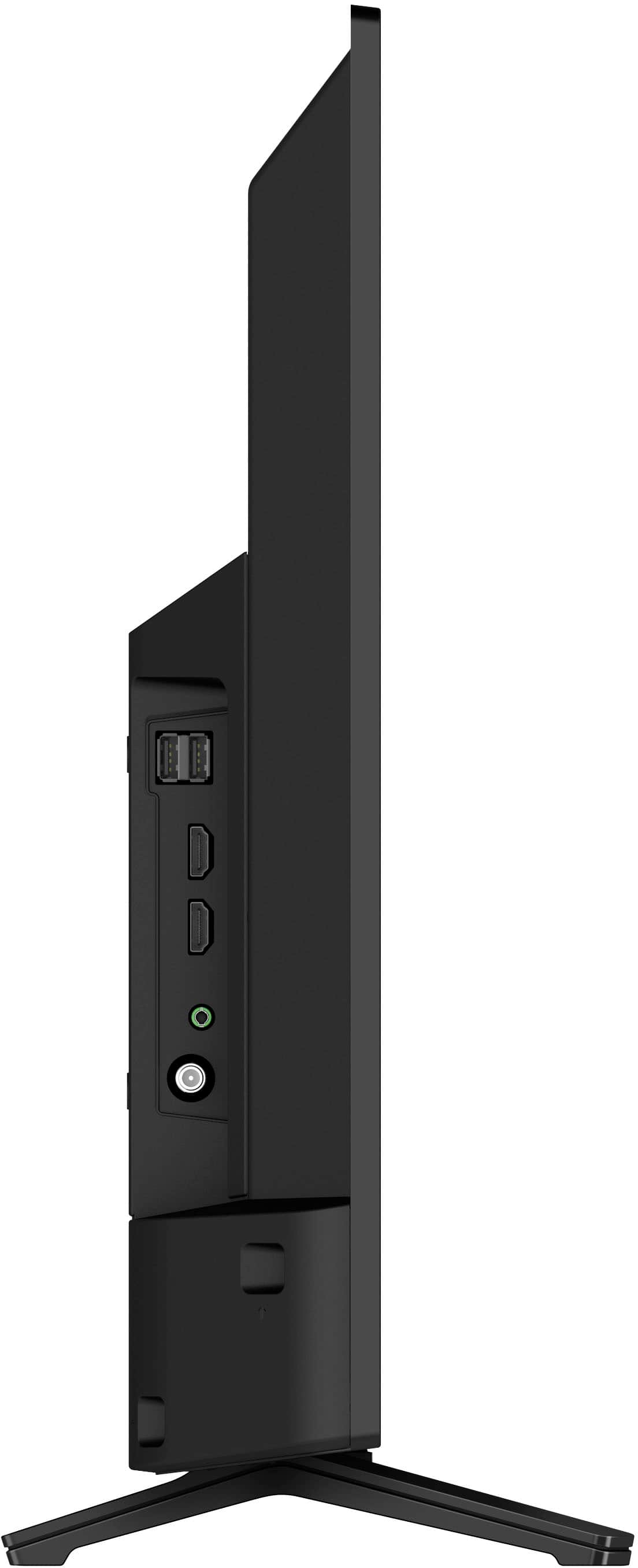
A:AnswerHi Name, Thank you for your question! Yes, the headphone jack is located in the left side of the TV. Hope this helps!
See pictures full of vivid detail and texture on this TV. X-Reality™ PRO upscales every pixel for exceptional clarity, analyzing frames and matching each scene with our unique database to refine images and reduce noise.
Regards,
Sam
A:AnswerHi there,
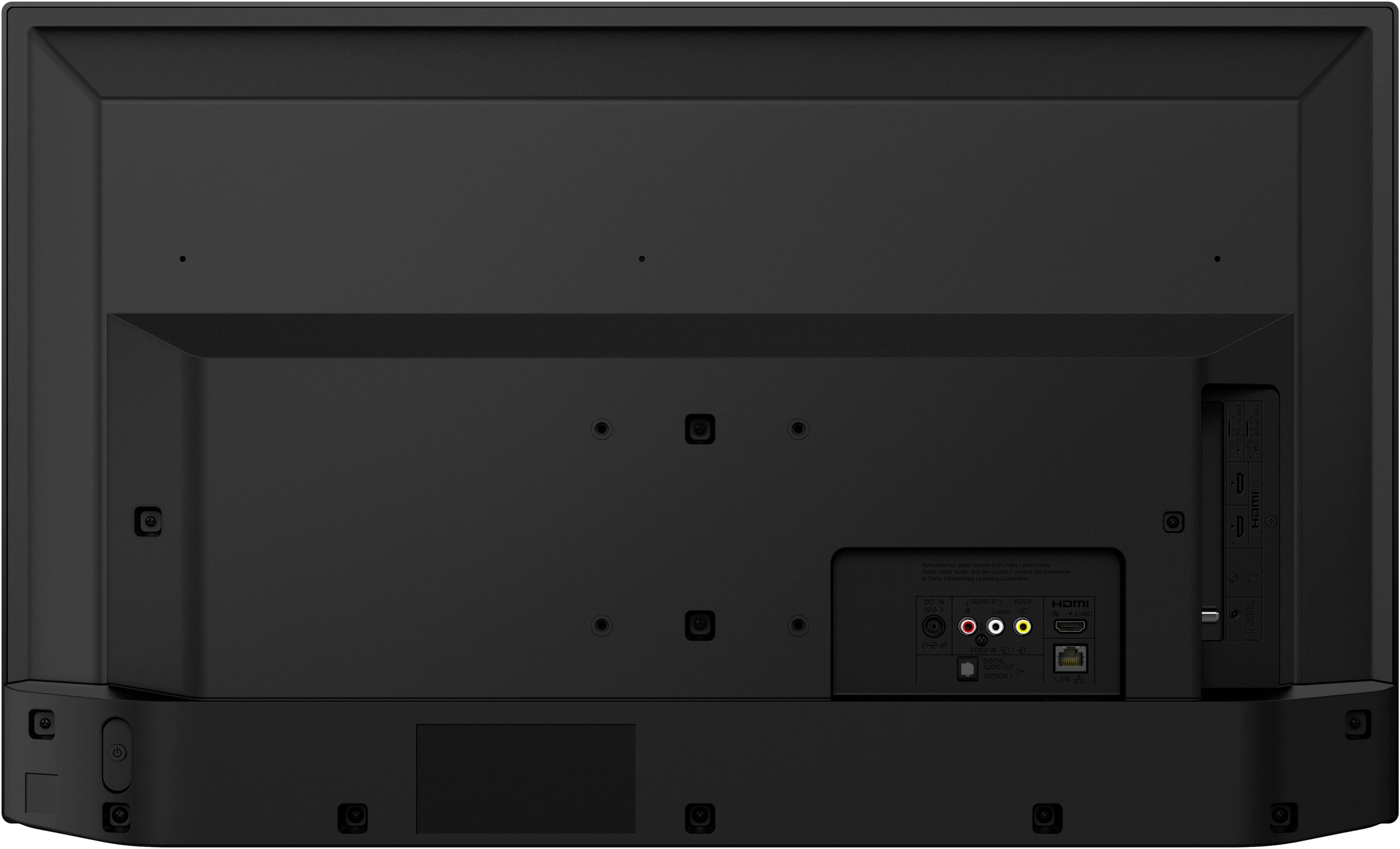
Thank you for your question. Yes, you can. Most of the latest DVD players/Blu-ray players usually connect to a TV using an HDMI connection. The KD32W830K features 3 HDMI inputs (1 Side/2 Rear) where you can connect your player. While the KDXXWXXXK doesn't support 4K, you can playback the following HDMI video resolutions: 2160p (30, 24, 60 Hz), 1080/24p, 1080i (60, 50 Hz), 1080p (30, 24, 60 Hz), 720/60p, 480p, 480i.
I hope this helps!
See pictures full of vivid detail and texture on this TV. X-Reality™ PRO upscales every pixel for exceptional clarity, analyzing frames and matching each scene with our unique database to refine images and reduce noise.
Best regards,
Romeo
A:AnswerNo. You do Not Need To Subscribe to Google. You can use Any Internet Browser. This is a Smart Tv, it can Connect to the Internet via any Internet Browser. (Duck Duck Go, Firefox, Chome(google), Internet Explorer.....
A:AnswerHi Asking, Thank you for your inquiry! This TV has 4:3 default and 16:9 Wide mode Aspect Ratio Setting options. Hope this helps!
See pictures full of vivid detail and texture on this TV. X-Reality PRO upscales every pixel for exceptional clarity, analyzing frames and matching each scene with our unique database to refine images and reduce noise.
Regards,
Sam
A:AnswerHi SonnyDipsyDoodle, Thank you for the question! You can use your mobile device to cast or stream movies from your smartphone to this TV using the built-in Chromecast (Google Cast) feature.
See pictures full of vivid detail and texture on this TV. X-Reality PRO upscales every pixel for exceptional clarity, analyzing frames and matching each scene with our unique database to refine images and reduce noise.
Regards,
Sam
A:AnswerHi Anne, Thank you for your inquiry! Yes, it does. This TV does not have a pre-installed web browser app. However, you may be able to download and install third-party apps that function as a web browser through the Google Play™ store app on your TV. Hope this helps!
See pictures full of vivid detail and texture on this TV. X-Reality PRO upscales every pixel for exceptional clarity, analyzing frames and matching each scene with our unique database to refine images and reduce noise. Regards, Sam
A:AnswerHi Mann4us, Thank you for your inquiry! Yes, you can. The Sony W830K supports Apple Airplay. Hope this helps!
See pictures full of vivid detail and texture on this TV. X-Reality PRO upscales every pixel for exceptional clarity, analyzing frames and matching each scene with our unique database to refine images and reduce noise.
Regards,
Sam
A:AnswerHi Frank, We regret to hear about the no power issue that you're having with your Sony W830K. This is definitely not the news that we would like to hear. Several conditions may cause a power issue that prevents your TV from turning on. Let's try to isolate and resolve this issue by following the troubleshooting steps below:
Check your TV power cord (and AC adapter for some models) to ensure they're not loose or disconnected.
Press the power switch on the TV to see if the TV turns on.
Perform a power reset or restart of your TV.
Unplug the TV power cord from the wall outlet (or from the back of the TV or power adapter if the power cord is detachable and accessible), wait two minutes, then plug the power cord back in.
If you're unable to resolve the issue, please contact us. Unfortunately, due to the current Bestbuy phishing protocol for your protection, we cannot provide a direct email or phone number for customer support as of now. Please find Sony Electronics' Support information: Go to our support website > click on “Support” > scroll down click on “Contact Support” > click on [Product Type] and from there you'll see different ways to reach us.
Regards,
Sam
A:AnswerHi Franne, Thank you for your inquiry! The actual dimensions of the Sony KD32W830K without the TV stand are approximately (W X H X D): 28.75 x 17.25 x 3 in. (730 x 437 x 75 mm) and 28.75 x 18.38 x 7.5 in. (730 x 465 x 188 mm) with the TV stand. Hope this helps!
See pictures full of vivid detail and texture on this TV. X-Reality PRO upscales every pixel for exceptional clarity, analyzing frames and matching each scene with our unique database to refine images and reduce noise.
Regards,
Sam
A:AnswerHi Gg, Thank you for your interest in the Sony W830K! This TV has a power range requirement of 100-240 V. Sony TV models purchased in the US/Canada has a power requirement of 120 V AC, 60 Hz and 110-240 V AC, 50/60Hz for other countries. You may need a transformer/power converter to make this TV work in a 220 or 240 V outlet. Hope this helps!
See pictures full of vivid detail and texture on this TV. X-Reality PRO upscales every pixel for exceptional clarity, analyzing frames and matching each scene with our unique database to refine images and reduce noise. Regards, Sam
A:AnswerHi Stumpy, Thank you for your inquiry! Unfortunately the only way to successfully screen mirror or cast a movie from a phone would be via Google Chromecast or Apple AirPlay 2 over WI-FI, there are third-party cable adaptors only that will allow hard wired screen mirroring. Hope this helps! With the KD32W830K, you can see pictures full of vivid detail and texture. X-Reality™ PRO upscales every pixel for exceptional clarity, analyzing frames and matching each scene with our unique database to refine images and reduce noise. Regards, Sam
A:AnswerHi Stumpy, Thank you for the question. You can use your mobile device to cast or stream movies from your smartphone to this TV using the built-in Chromecast (Google Cast) feature.
And yes, you will need to turn on the Wi-Fi function on your smartphone, since you will need both the TV and your mobile phone connected to the same Wi-Fi network. Hope this helps!
With the KD32W830K, you can see pictures full of vivid detail and texture. X-Reality™ PRO upscales every pixel for exceptional clarity, analyzing frames and matching each scene with our unique database to refine images and reduce noise. Regards, Sam