A:AnswerHi MarieC,
Thank you so much for your inquiry. If the rolling TV Stand has a VESA compliant wall mount bracket that supports the VESA Hole pitch of 7.87 x 7.87 inch (200 x 200 mm) and can hold the total weight of our 43" X80K (weight of TV without stand - 22.3 lb (10.1 kg)), then yes, you can use it with this TV.
Note:
• We cannot guarantee the full operation and functionality of our products to any third-party accessories that is not manufactured by Sony.
• For safety reasons, product protection, and to make sure that the installation is performed correctly, Sony strongly recommends that the installation of our TV be performed by a qualified professional.
Regards,
Jess
A:AnswerHi SH,
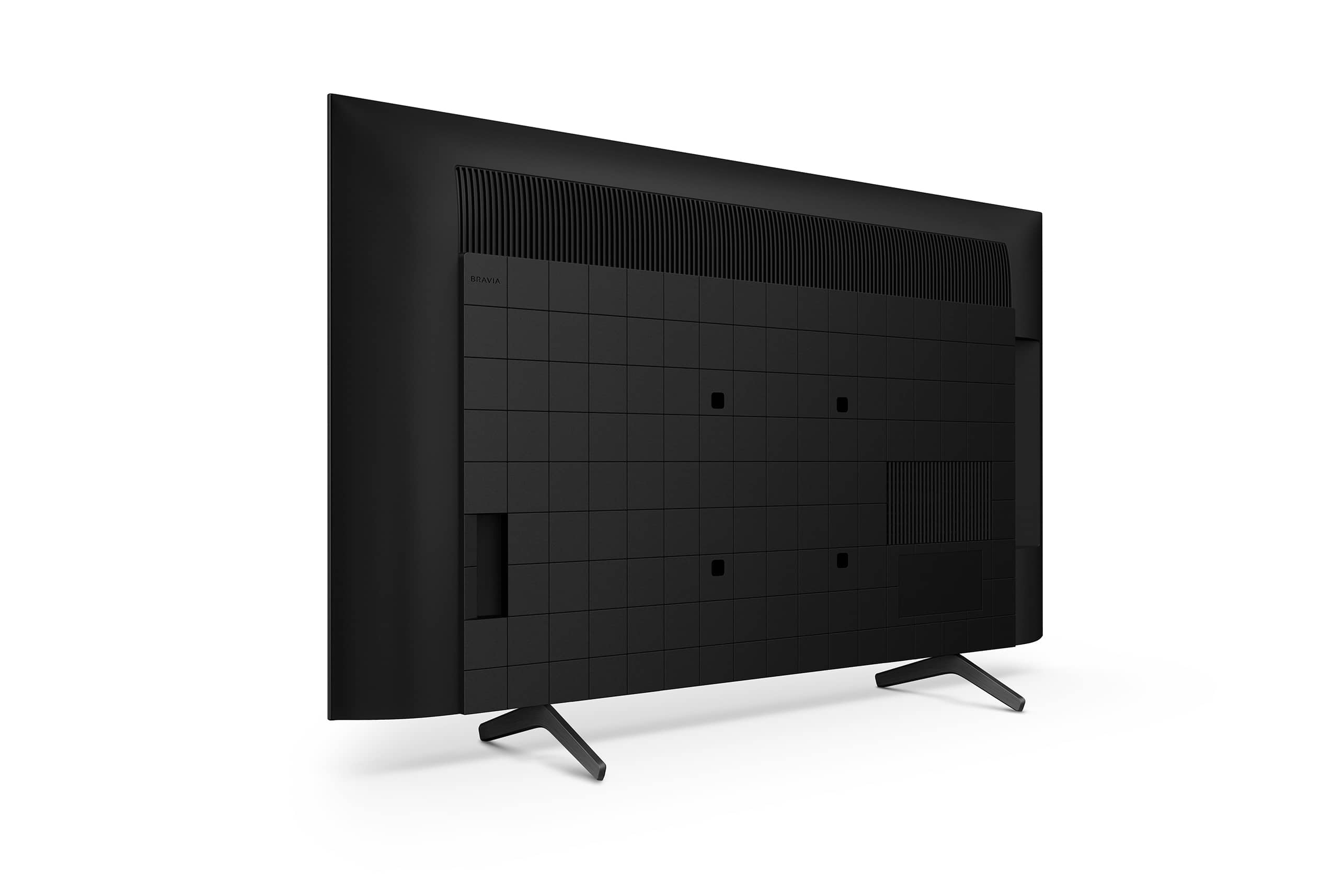
Thank you for your inquiry! The 43" X80K can be mounted on the wall using a suitable wall-mount Bracket (not supplied). You can use a VESA Compliant wall-mount with VESA Hole Pitch of 7.87 x 7.87 inch (200 x 200 mm). Please also note that your mount needs to be able to support the TV weight which is 22.3 lb (10.1 kg).
For product protection and safety reasons, Sony strongly recommends that the installation of your TV on a wall be performed by qualified professionals. Do not attempt to install it yourself.
Regards,
Jess
A:AnswerYou can just plug a Roku in and once registered with Roku you can watch all the free content available. Roku has their own free channel with movies, tv series, etc that are available to watch completely free. There are subscription based services like Sling, YouTube TV, Hulu and such that do have a subscription cost per month. You can save a billing credit card in Roku and it will bill your monthly subscriptions for you. Just remember to cancel through Roku when the time comes. There are a lot of free channels you can search for and save on Roku. A few good suggestions are Pluto, Tubi, Crackle. These are ad supported channels so expect a few ad breaks every so often. If you are looking for a subscription service that offers a lot of channels cheaply go with Philo, they are around $20 a month have close to 60 channels like Hallmark, AMC, Food Network, Paramount, Lifetime, etc. The only problem with Philo is they don’t have ESPN and local channels. You can buy an antenna and pick up local channels that way if you live close to a large city. Hopefully that answers all your questions. Happy streaming !!!
A:AnswerBasic oversimplified definition: simply how many times the screen gets refreshed in 60 seconds measured in hz like 60 Hz which is pretty standard for TV's today. On higher end TV's, you will see 120Hz and even higher which is said to minimize blur on fast moving scenes and especially useful for game playing.
A:AnswerHi Terry, we appreciate your interest in our newest product. Yes, this unit supports the Nexgen TV ATSC 3.0.
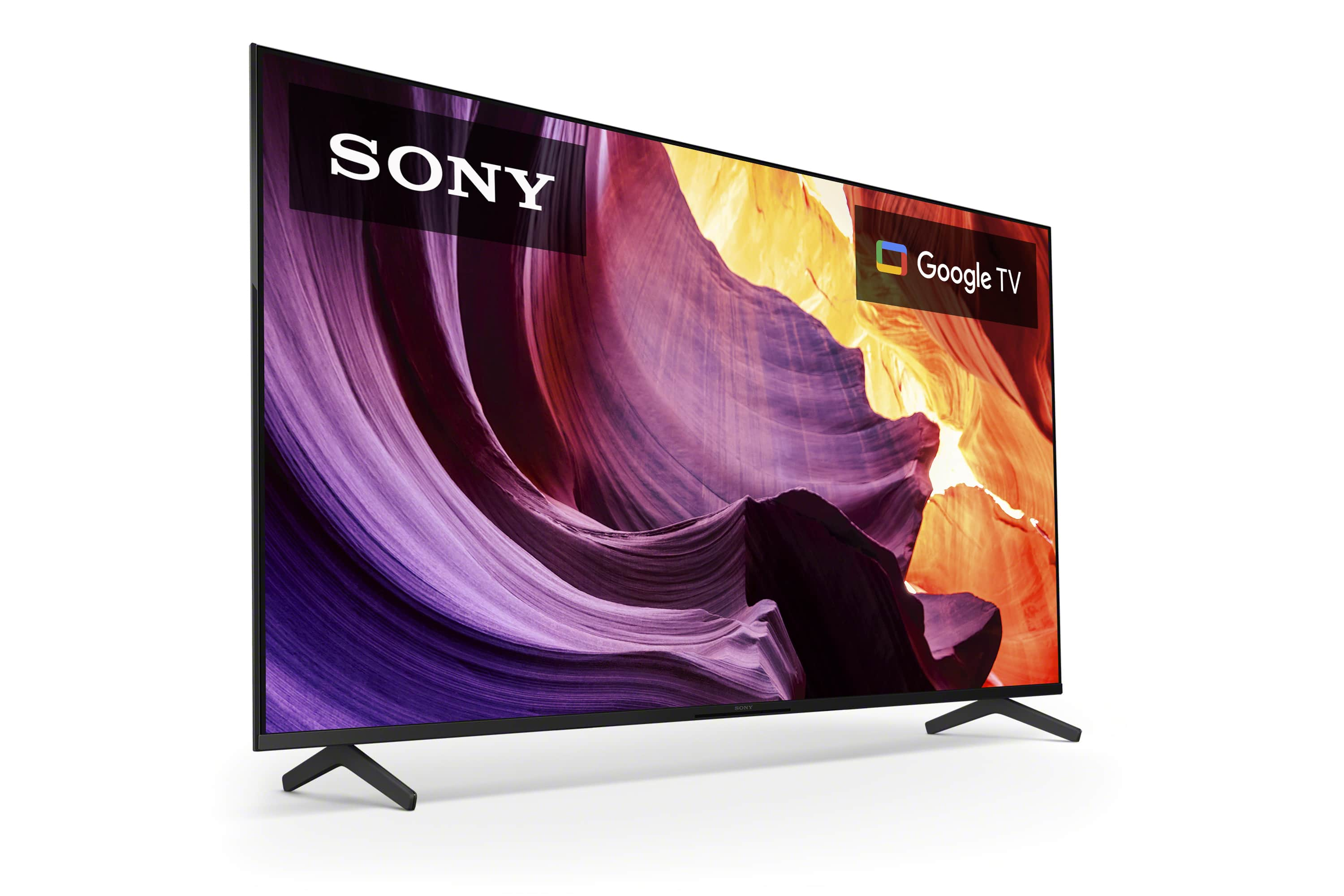
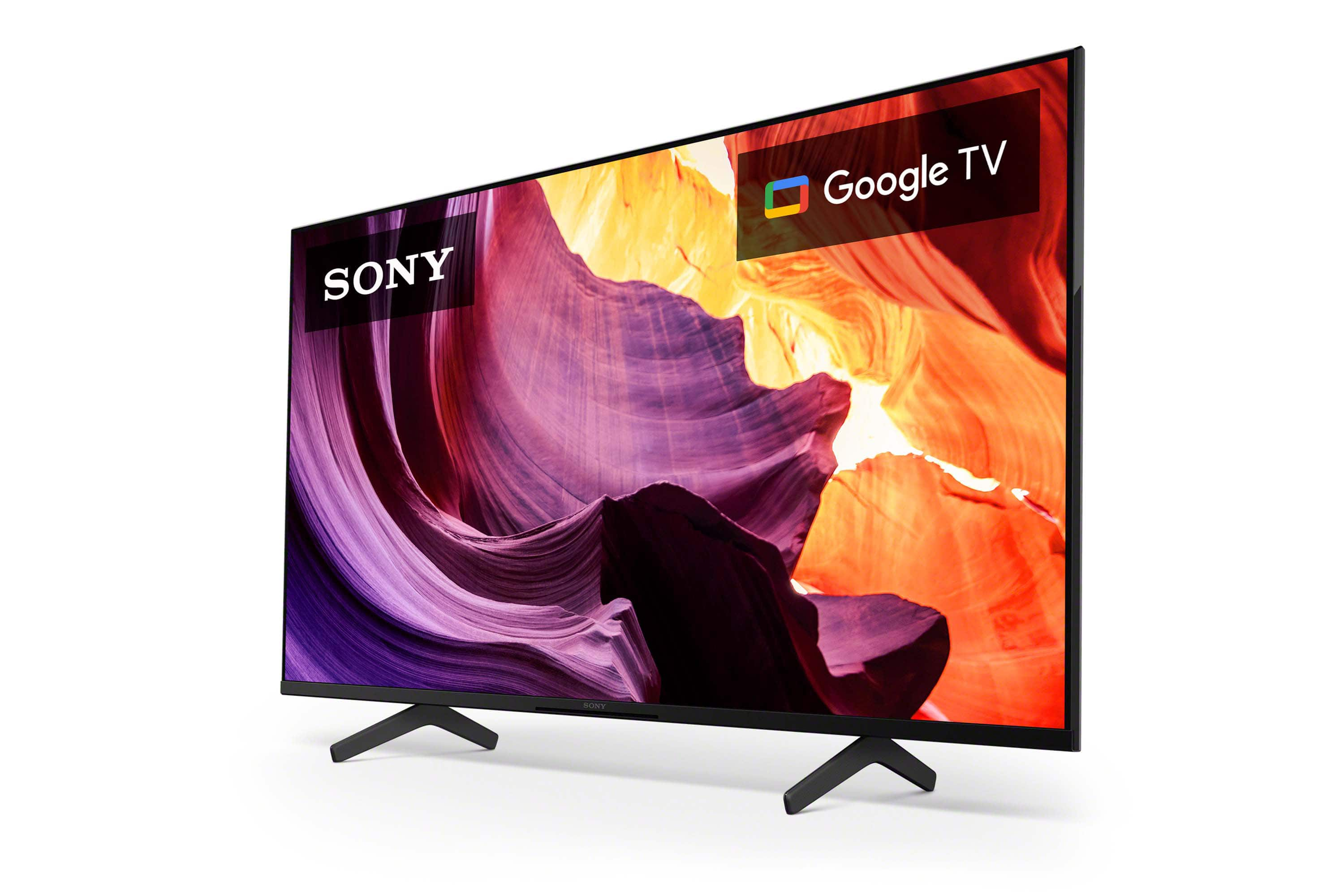
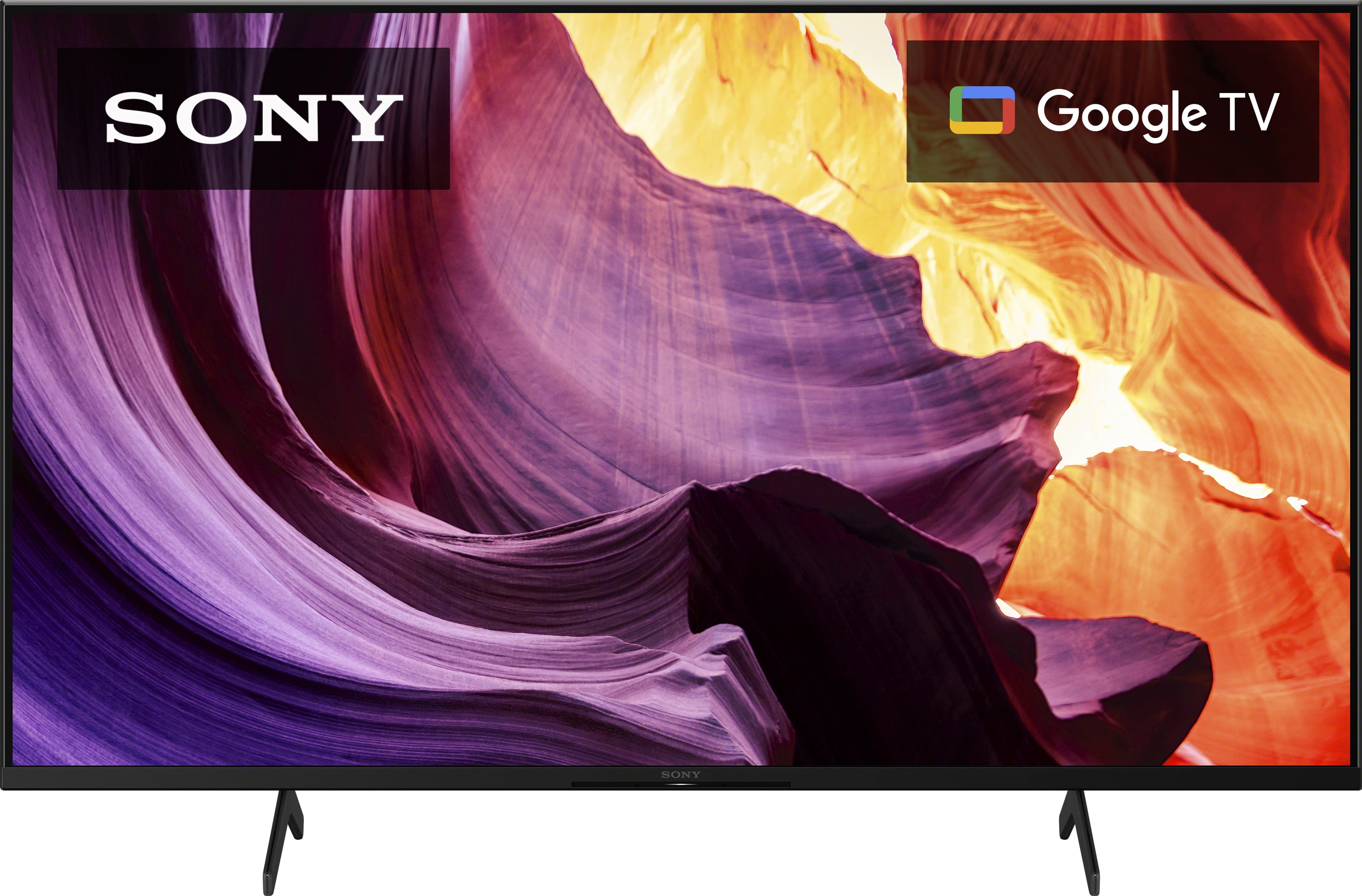
Enjoy an intuitive smart TV experience with natural color and clear sound with the BRAVIA X80K LED TV. The powerful 4K HDR Processor X1 reduces digital noise and boosts details for lifelike picture quality. Google TV gives you access to all your favorite streaming apps, while Google Assistant easily searches for content and controls your smart home simply by using your voice. Hope this helps. Thanks! ~Earl
A:AnswerHi Kevin,
Good question! This TV supports the Advanced Audio Distribution Profile (A2DP) so you can connect Bluetooth devices such as headphones, soundbars, or speakers and enjoy TV sound through those devices. If your hearing aids supports A2DP Bluetooth profile, then it should be compatible.
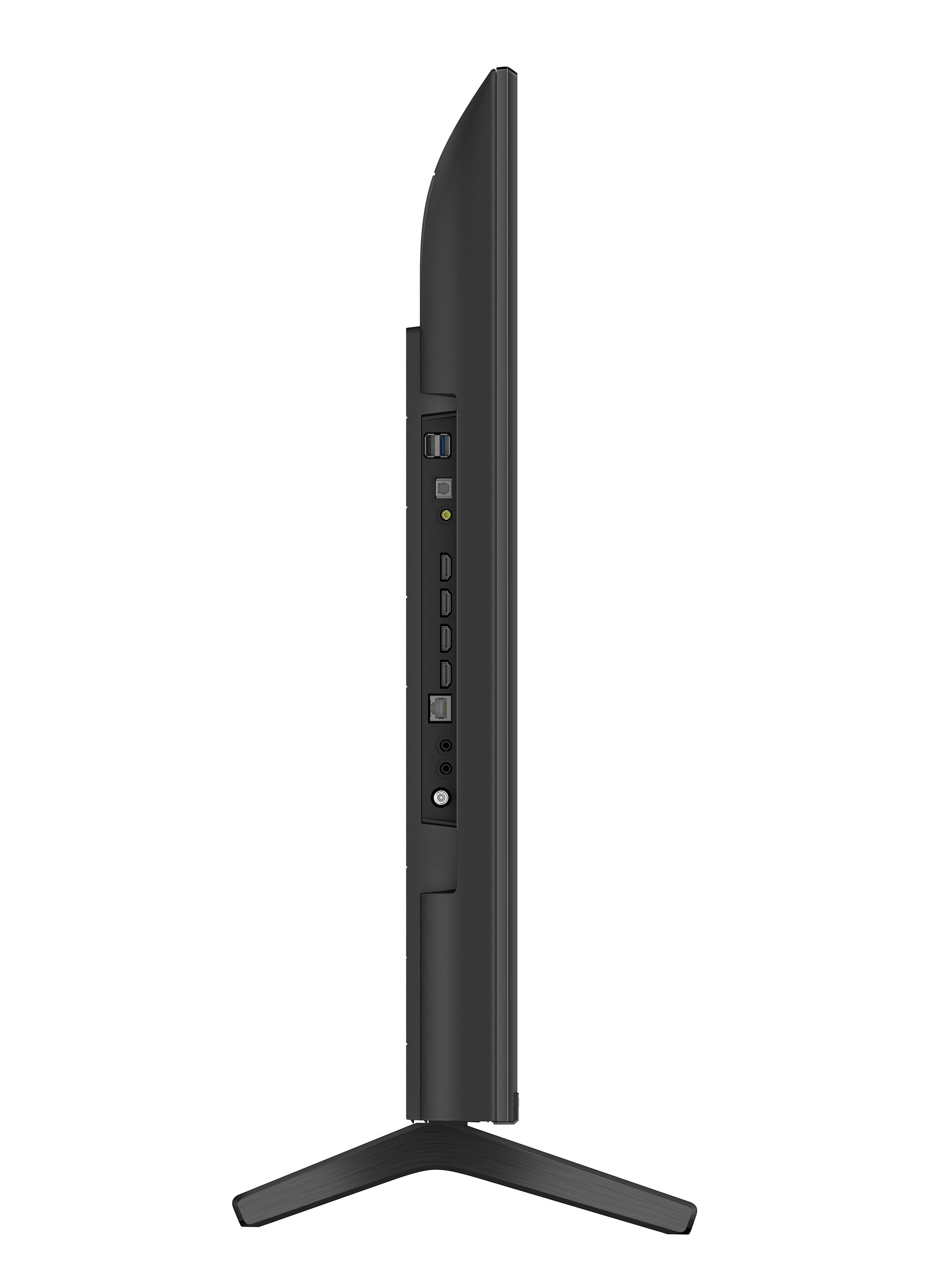
You can also connect your hearing aids to the digital optical port of the TV using a digital optical cable (not supplied).
Regards,
Jess
A:AnswerHi Juddville,
Thank you for your inquiry! We understand you would like to know if the X80K allows streaming to multiple Bluetooth headphones at the same time. Only one Bluetooth audio device (Bluetooth headphones or soundbar) can be connected to the TV at a time. It is possible to connect Bluetooth devices other than the Bluetooth audio device at the same time.
For more on "Can I use Bluetooth headphones, speakers, and soundbars with my Android TV or Google TV?", you may find this link helpful: https://www.sony.com/electronics/support/televisions-projectors-lcd-tvs-android-/kd-43x80k/articles/00159290
Regards,
Jess
A:AnswerHi CUSTOMER,
Thanks for your inquiry! Unfortunately, the X80K does not have a headphone output port, but the X80J does. You can connect Bluetooth headphones that support A2DP (Advanced Audio Distribution Profile) instead with this TV. With supporting this Bluetooth profile, you can pair some wireless headphones, speakers, or soundbars to your Google TV through a Bluetooth connection.
If headphone output port is your priority, you might want to consider checking our 2021 Google TV models. All Sony 2021 TV models X80J and up support headphone output port. I hope this helps!
Regards,
Jess
A:AnswerCheck your settings. Click on sound preferences.
Are you using a sound bar? If so you have to make sure your system is linked.
Also, if you use a sound bar use the sound bar remote.
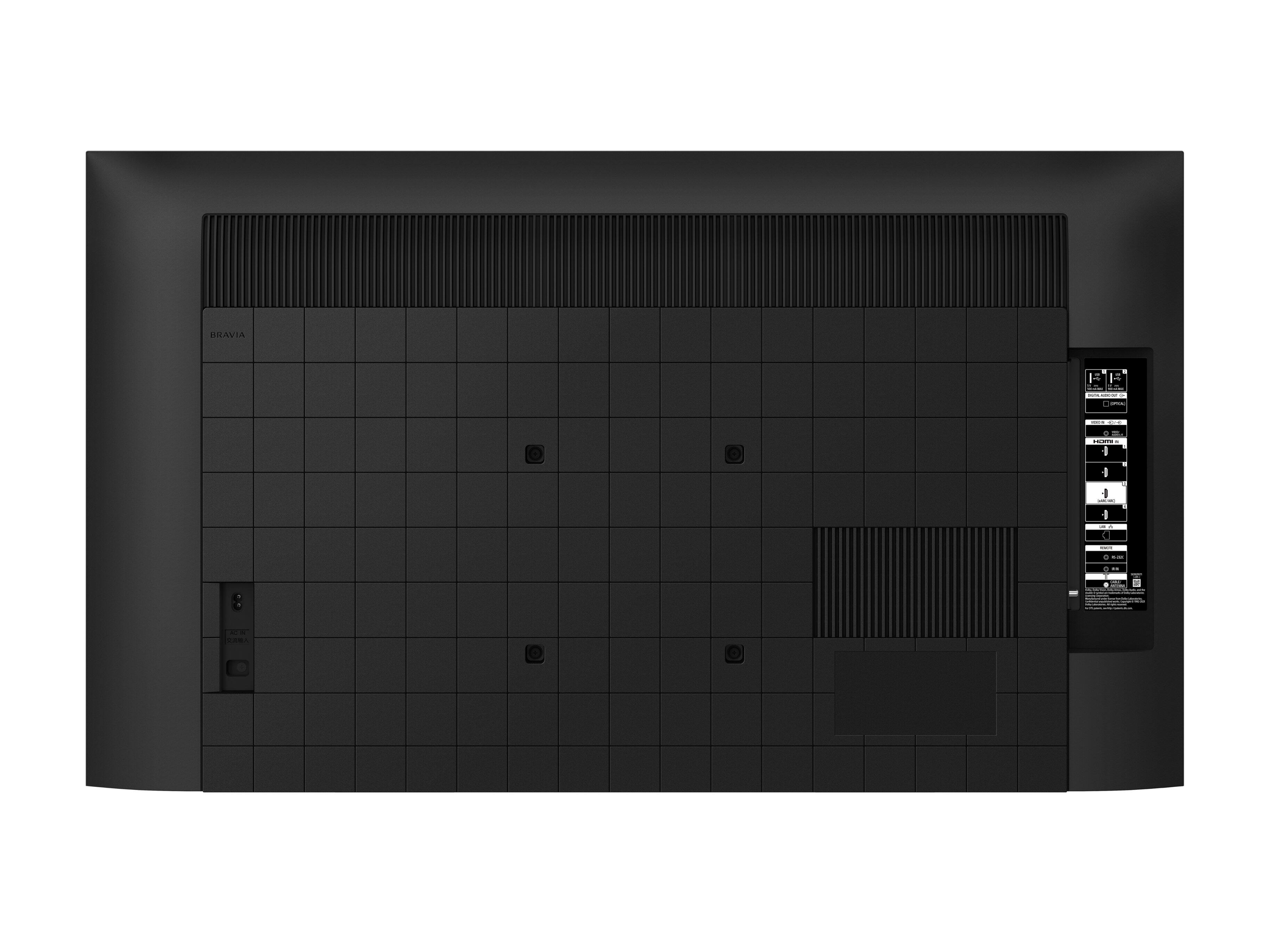
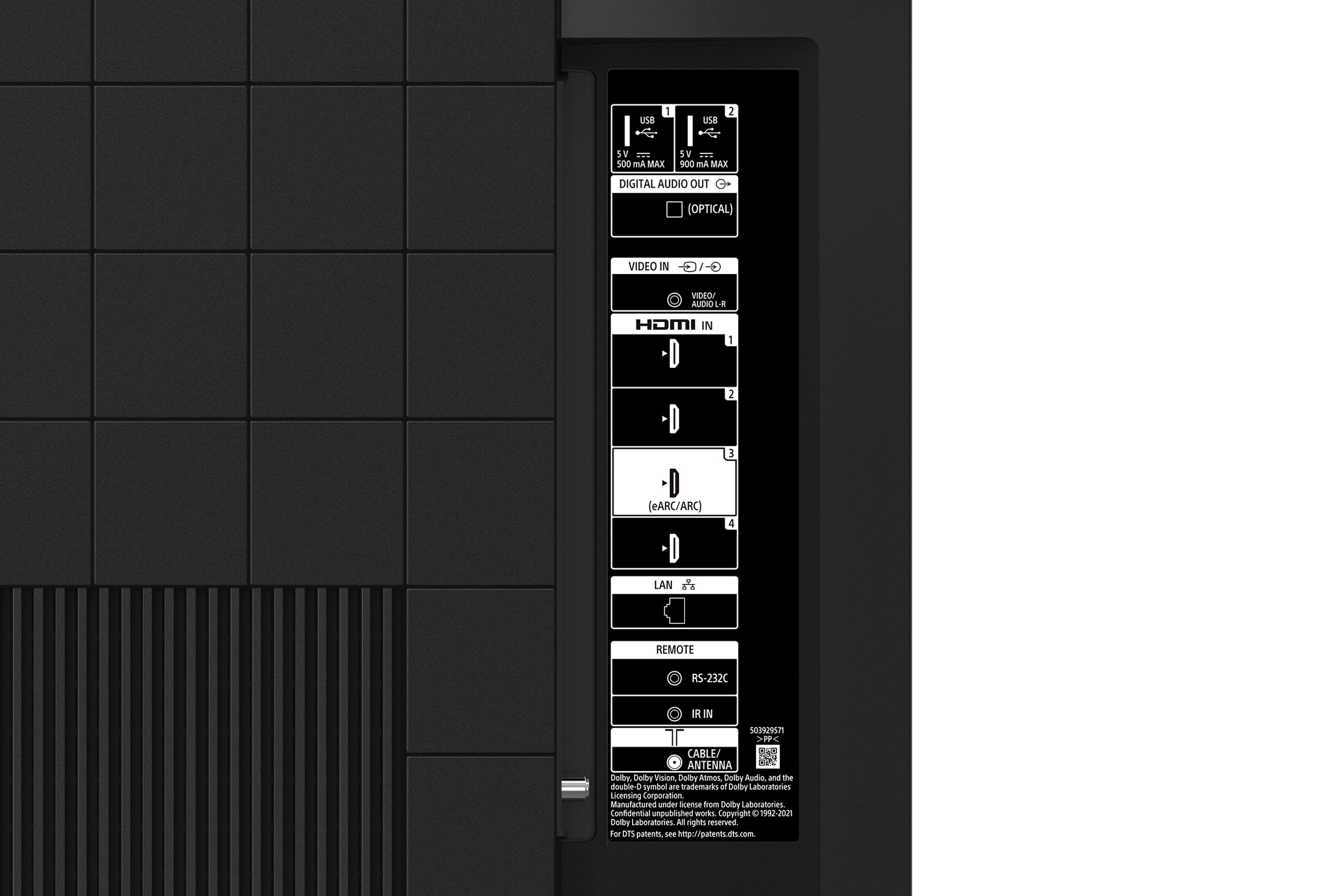
A:AnswerHi KAS, Thanks for your inquiry! Yes, the X80K supports a Component/RCA AV connection for your older devices. It is labeled as VIDEO IN on the back of the TV. Please make sure to use the Analog Extension cable (supplied)* when connecting your devices to the VIDEO IN port of the TV. You may refer to the link below for more information about the connection guide:
https://helpguide.sony.net/tv/jusltn1/v1/en-003/04-02_01.html
* Whether the Analog Extension cable is supplied depends on your model/region/country.
Regards,
Sam
A:AnswerThanks for reaching out to us with your concern, Theresa. For the screw size, it uses an M6 screw with a length of 10 mm – 12 mm. The 43" X80K has a VESA hole pattern of 7.87 x 7.87 inch (200 x 200 mm). If you use the optional Wall-Mount Bracket (Except SU-WL855), the length of the screw for wall-mount bracket differs depending on the wall-mount bracket thickness.
For wall-mount screw size (mm) M6 (length: see “Installing the TV to the Wall” on page 7-8 of the manuals.)
Reference: https://www.sony.com/electronics/support/res/manuals/5037/77be3909e90b137a985df258e7672a1c/50373251M.pdf
For safety reasons, product protection, and to make sure that the installation is performed correctly, Sony strongly recommends that the installation of our TV be performed by a qualified professional.
Regards,
Jess