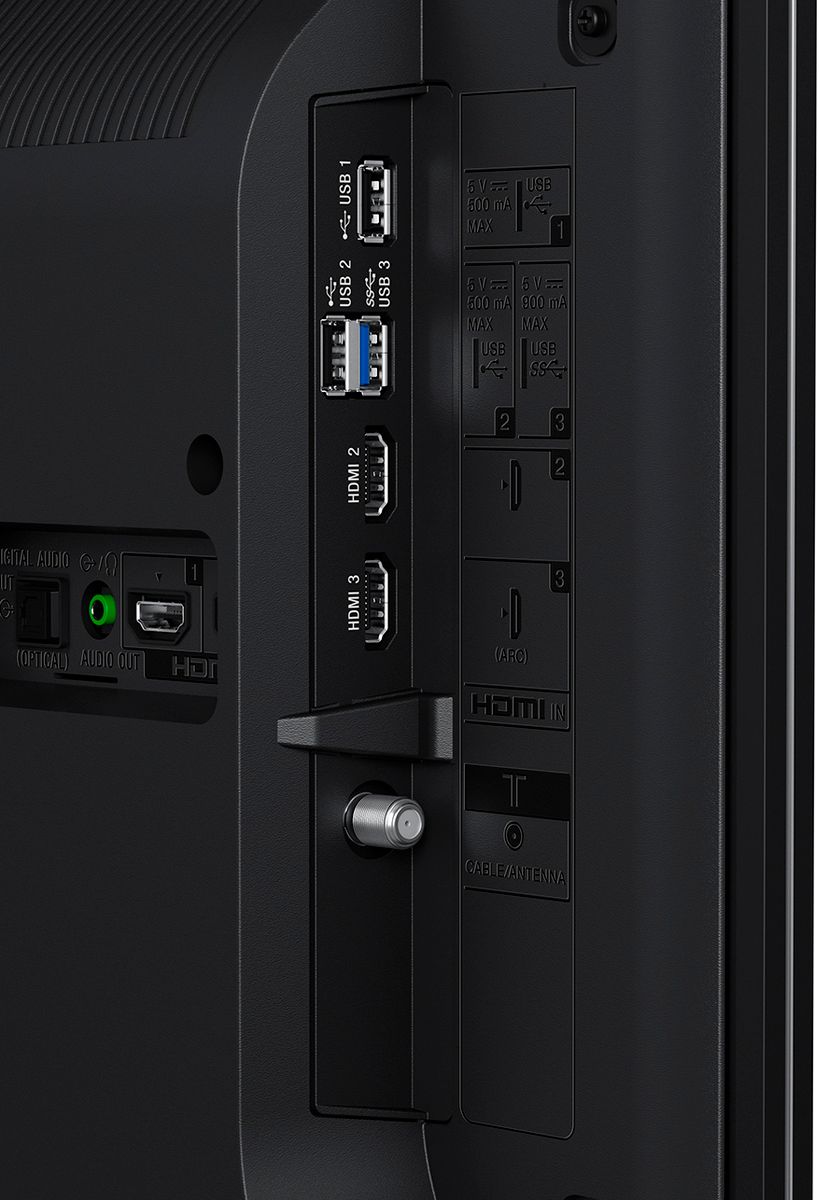
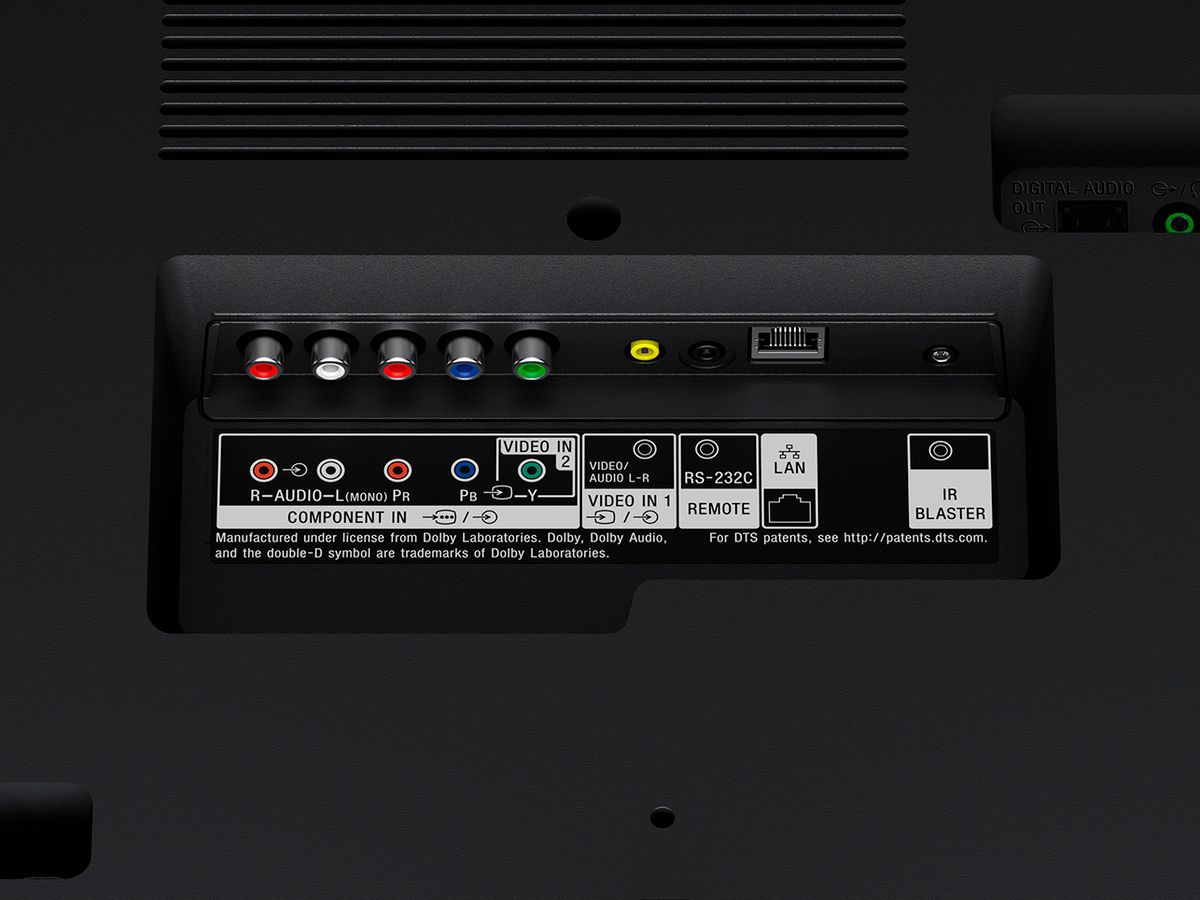
A:AnswerHi ShawnSpencer, No, this television doesn't support Bluetooth connections for wireless headphones or speaker. As a workaround, you can use a wireless transmitter connected to the headphone out port at the back of the TV, for more information you may visit this link: https://us.en.kb.sony.com/app/answers/detail/a_id/66588 Thanks, Zac
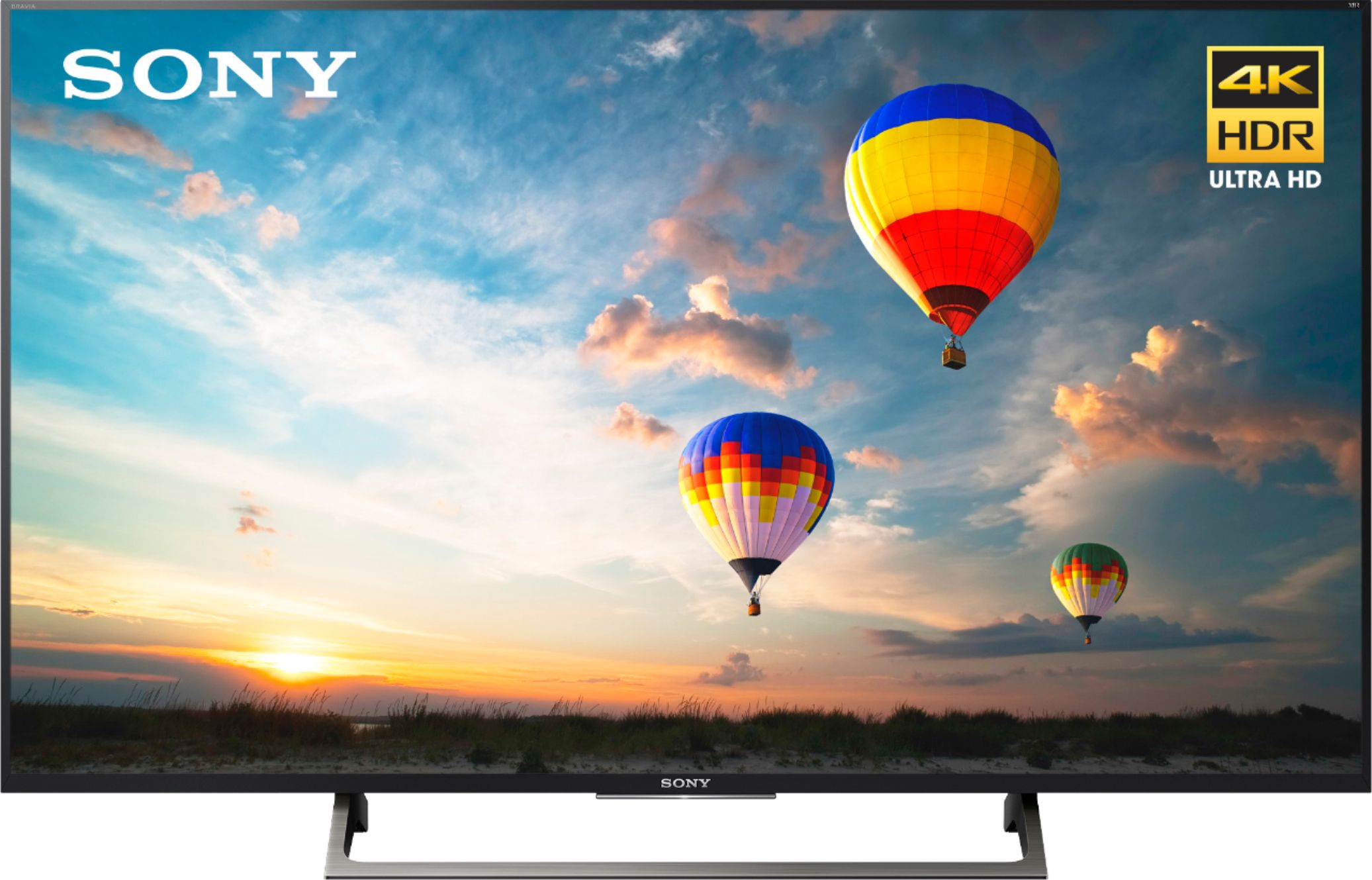
A:AnswerYes !! The TV has the ability through the settings menu to allow you to attach a simple digital/analog antenna for watching standard local news channels or some limited normal TV shows without the need of a cable service. It also can be used as a stand-alone PC-"monitor" or connected directly to a gaming console (ex: xBox or PlayStation).
A:AnswerHi CHRISALLEN3285, Using an AirPods is not guaranteed to work since we have some Bluetooth headphones that can be used with certain Android TVs. You may consider checking the article below:
https://us.en.kb.sony.com/app/answers/detail/a_id/66588
Regards,
-Erin
A:AnswerI’ve had to purchase/download network specific apps and other apps in general through the google play store. There should be a button on the remote for it! Hope that helps.
A:AnswerHi Joanne, The stands measures 22 5/8 inch (573 mm). You may refer to the link below for more information:
https://docs.sony.com/release//specs/XBR49X800E_mksp.pdf
~Ralph
A:AnswerMine all works, I use the Google dot in my bedroom even though it came with a Google voice remote control. I have MS and spend a lot of time in bed so having voice action really helps me when I need to type a lot, I also use a Nextbook tablet I bought at Walmart for $69 on sale. I have a windows and an android version of nextbook.