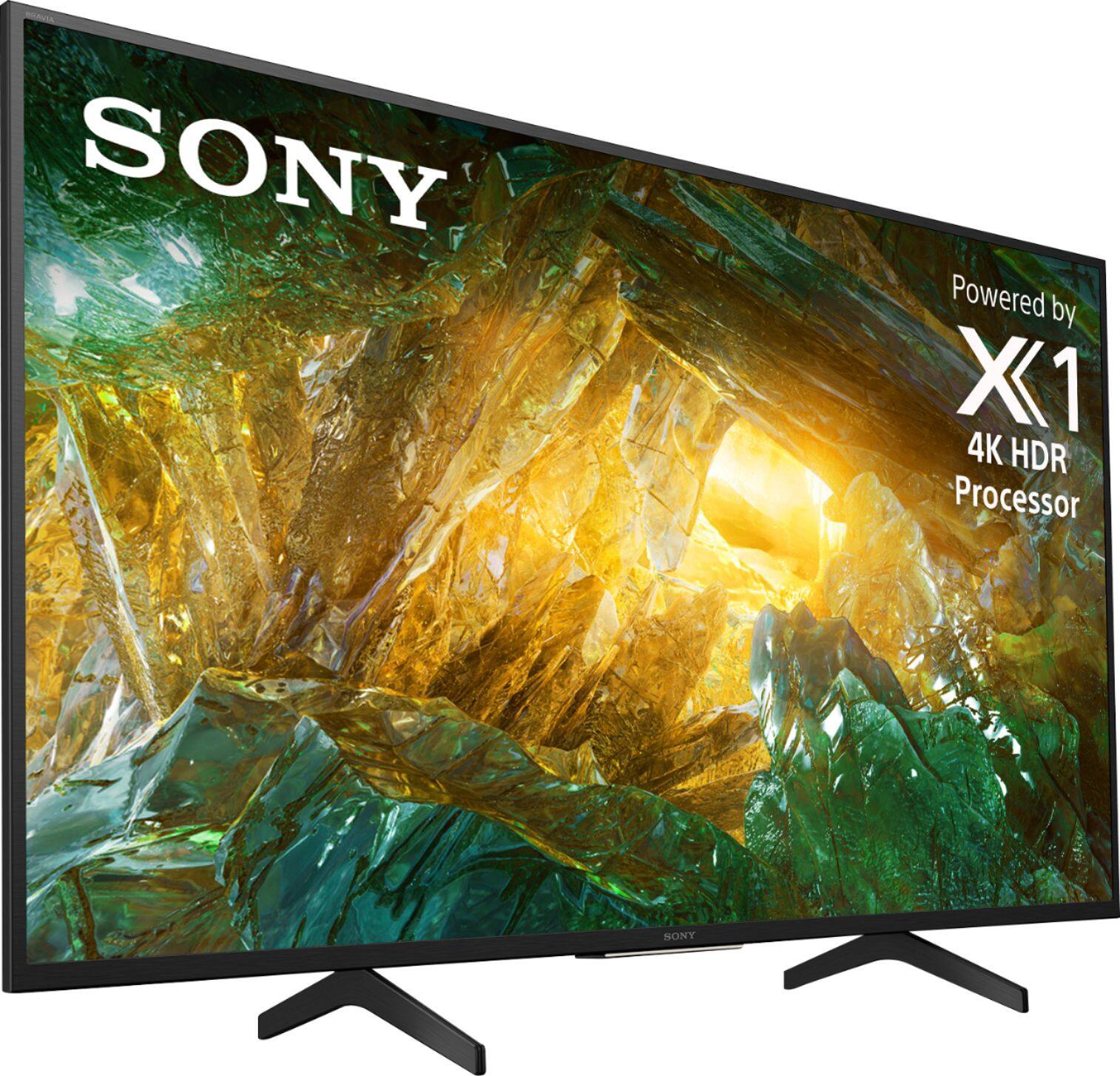
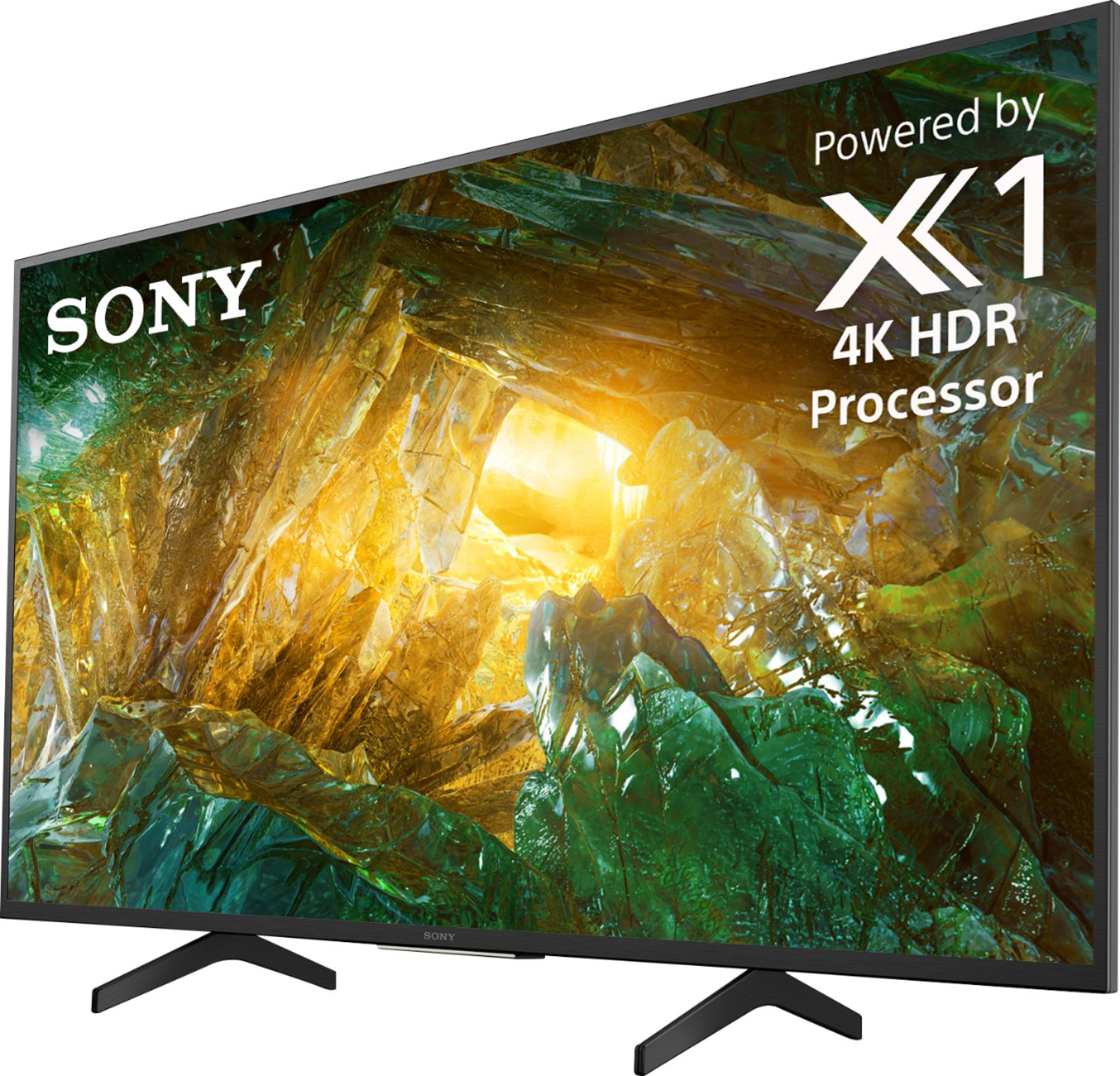
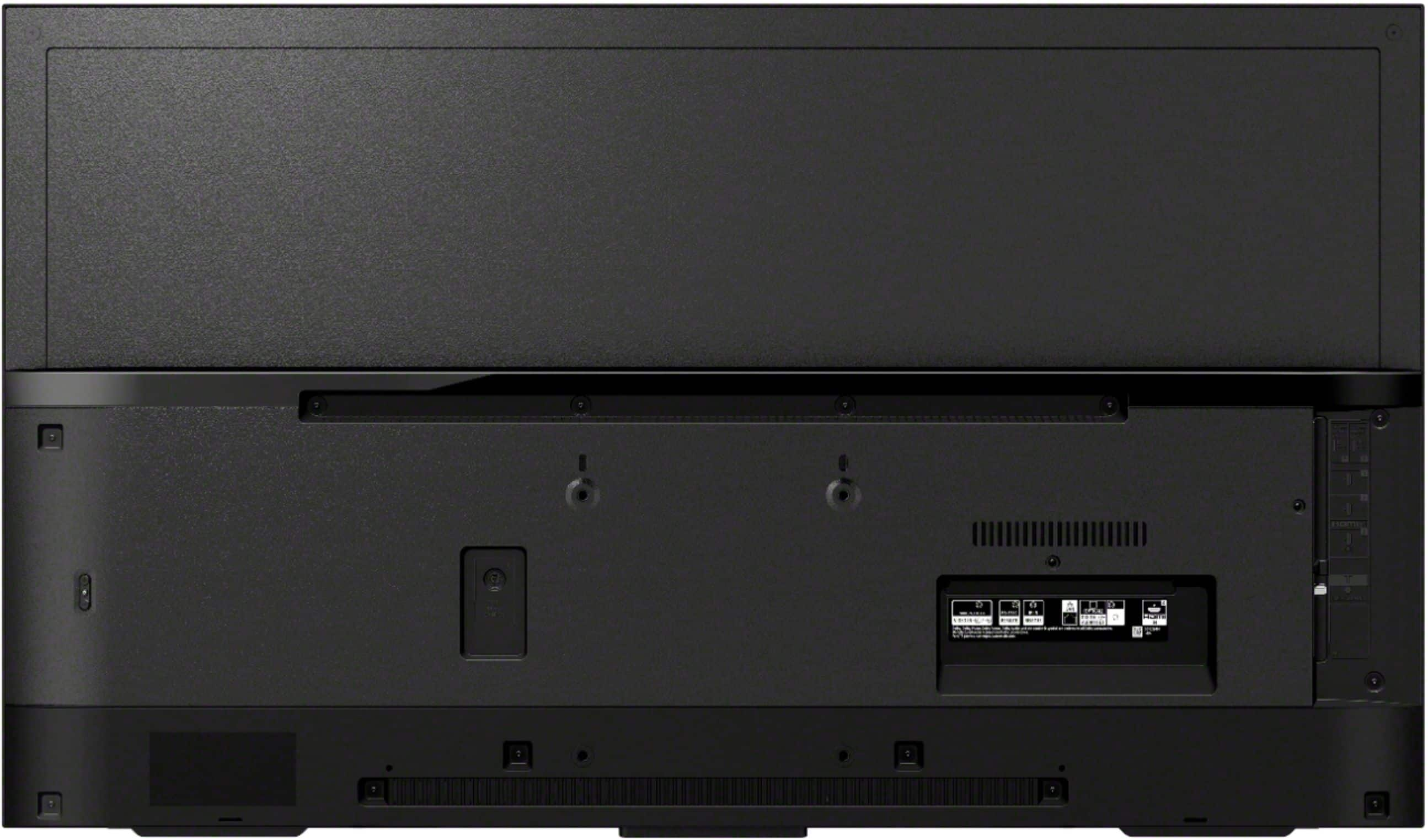
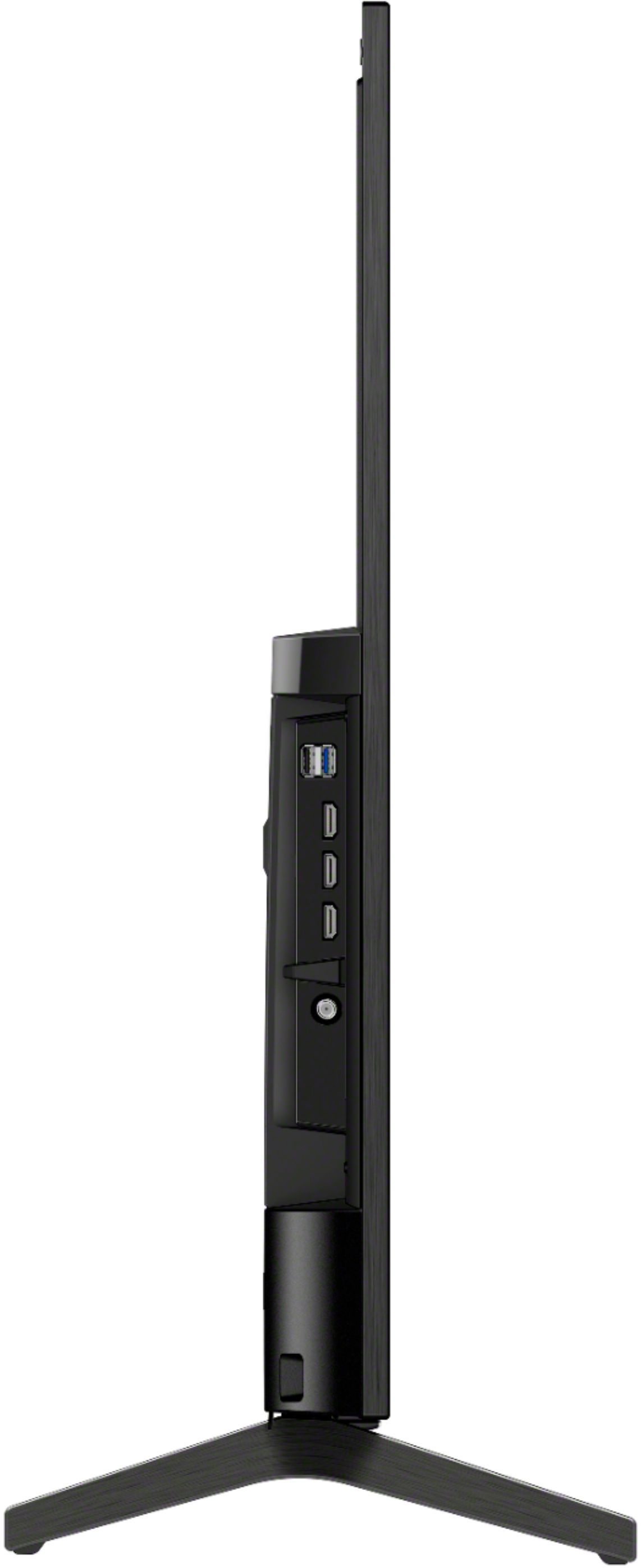
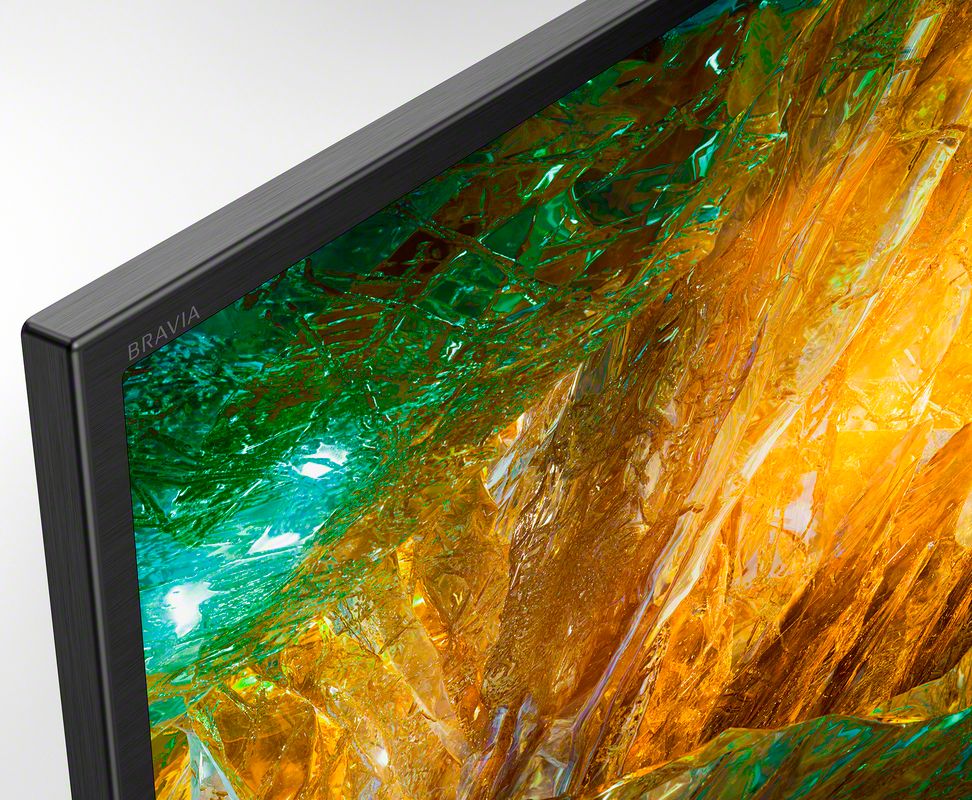
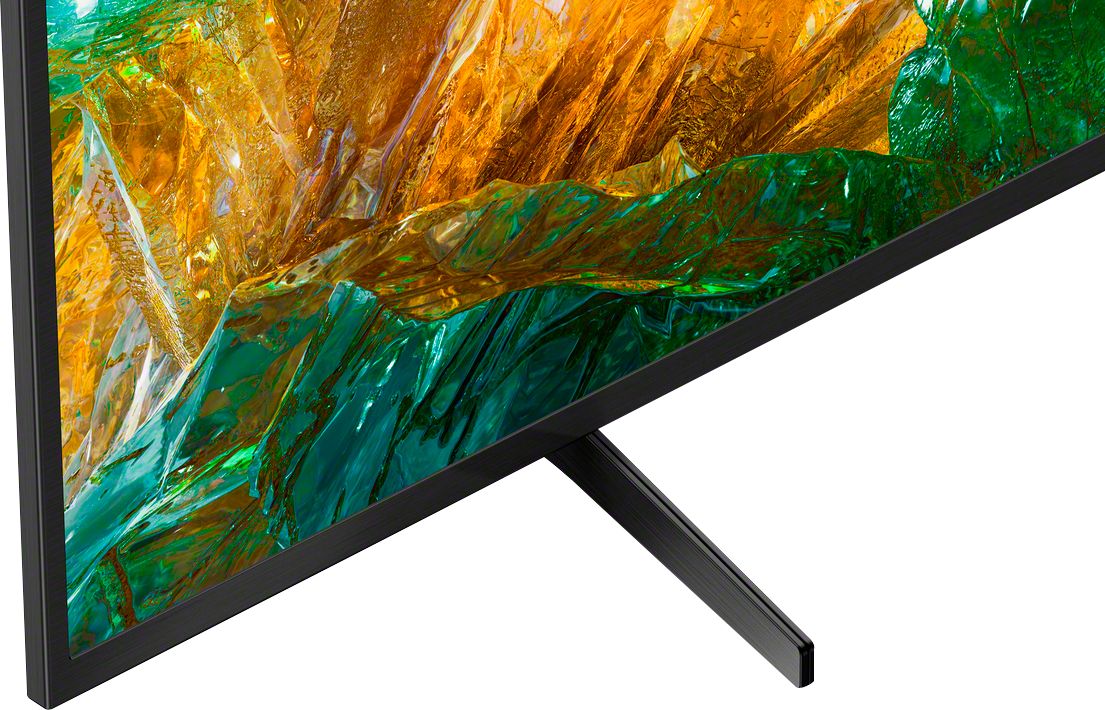
A:AnswerHi, Alan, Below are the approximate dimensions of this TV:
With TV stand: 43 3/8" x 27 3/4" x 11 3/8" (1101 x 704 x 286 mm)
Without TV stand: 43 3/8" x 25 1/2" x 2 1/4" (1101 x 645 x 57 mm)
Vincent
A:AnswerHello, JohnnyV, The backlight type of the 43" and 49" X800H is Edge LED while Direct LED for 55", 65", 75" and 85" X800H. I hope that helps! -Vincent
A:AnswerHi there, thank you so much for your question. The measurement of the TV table-top stand of our XBR-49X800H is approximately 21 7/8 inches (554 mm) wide and 11 3/8 inches (285.5 mm) deep. I hope this helps! Thanks! - Romeo
A:AnswerHi AntennaPhreak, Thank you for the inquiry. Unfortunately, The Digital Tuner of the X800H is ATSC 1.0. The XBR X900H / 90CH series, A90J series, and A80J series support ATSC/NEXTGEN TV (ATSC 3.0). I hope this helps! Jay
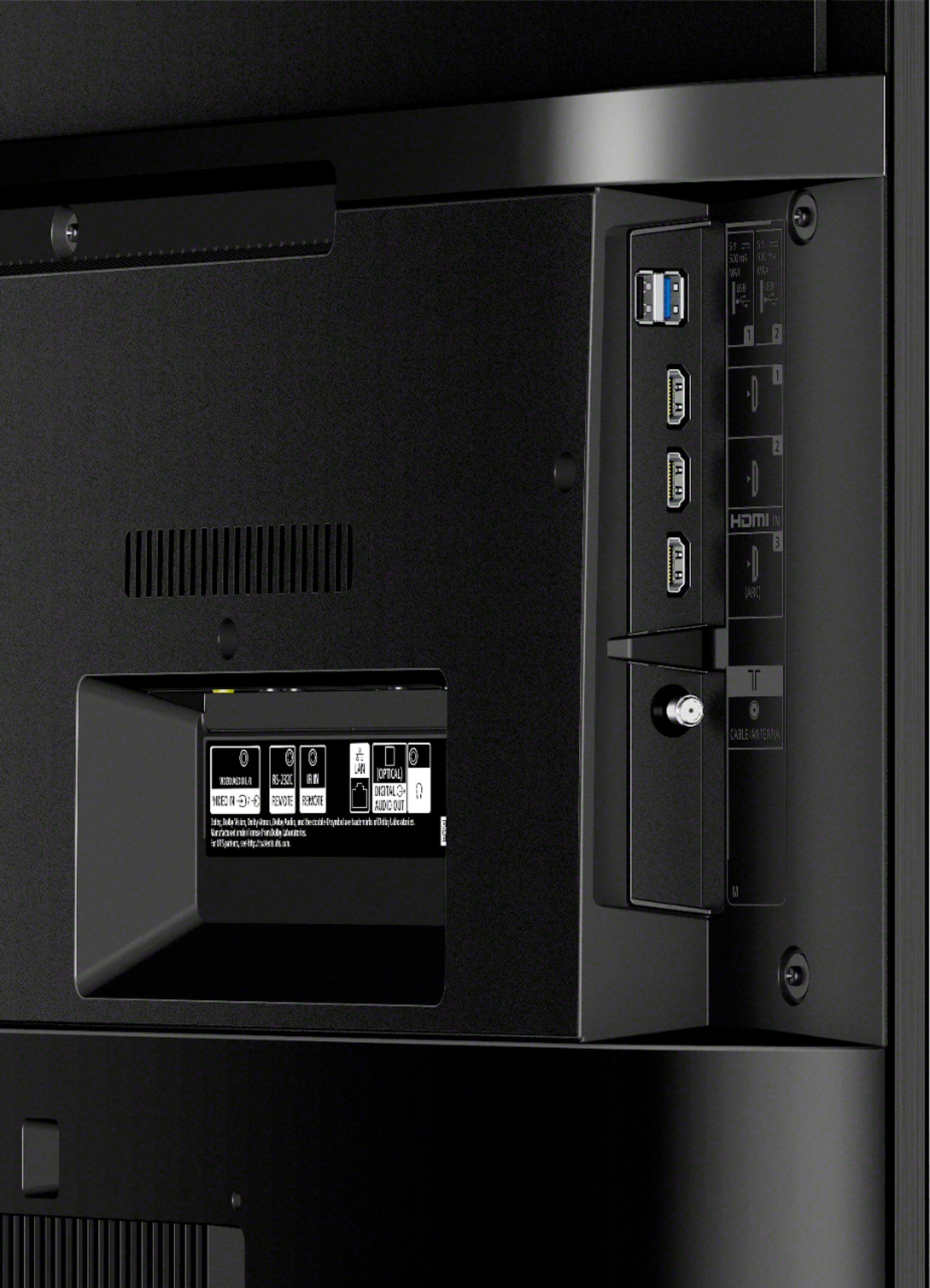
A:AnswerHello, Thank you for the inquiry. To connect your TV to the internet, you need a modem and network router setup with an active internet connection. You then connect your TV to the network router using a wireless or wired connection. Your Android TV has a built-in wireless adapter that enables it to use Wi-Fi technology to connect to your network. If you choose to use a wired connection, connect a network cable, also known as an Ethernet or LAN cable, from the router to the LAN port on the back of the TV.
You can connect this TV to the HDMI devices such as Cable box, Blu-ray player, AV Receiver, Soundbar, and others using HDMI cable.
For more details about the connection guide, please check the link below:
https://www.sony.com/electronics/support/televisions-projectors-lcd-tvs-android-/xbr-49x800h/articles/00231150
In any case that you need our assistance, please email the below information to [email protected] or chat with us from Sony’s e-support webpage. Apologies if you disclosed some of this information in your review and to customer service, we just want to ensure that we have your accurate details at the time of communication.
Full Name:
Best Buy Username:
Telephone Number:
Sony Model Number:
Additional Information regarding your experience with the X800H:
We appreciate you and thanks again for shopping Sony!
Sincerely,
Jay
A:AnswerRestart the tv by holding down the power button until the restart option appears on the screen. I had this issue and restarting it corrected it. Hasn’t been a problem since.
A:AnswerHi brofog, Unfortunately, the Android TV does not have a pre-installed web browser app. However, you can download and install third-party apps that function as a web browser through the Google Play store. For more details, please check the link below:
https://www.sony.com/electronics/support/televisions-projectors-lcd-tvs-android-/xbr-49x800h/articles/00121075
Thank you for the inquiry. Jay
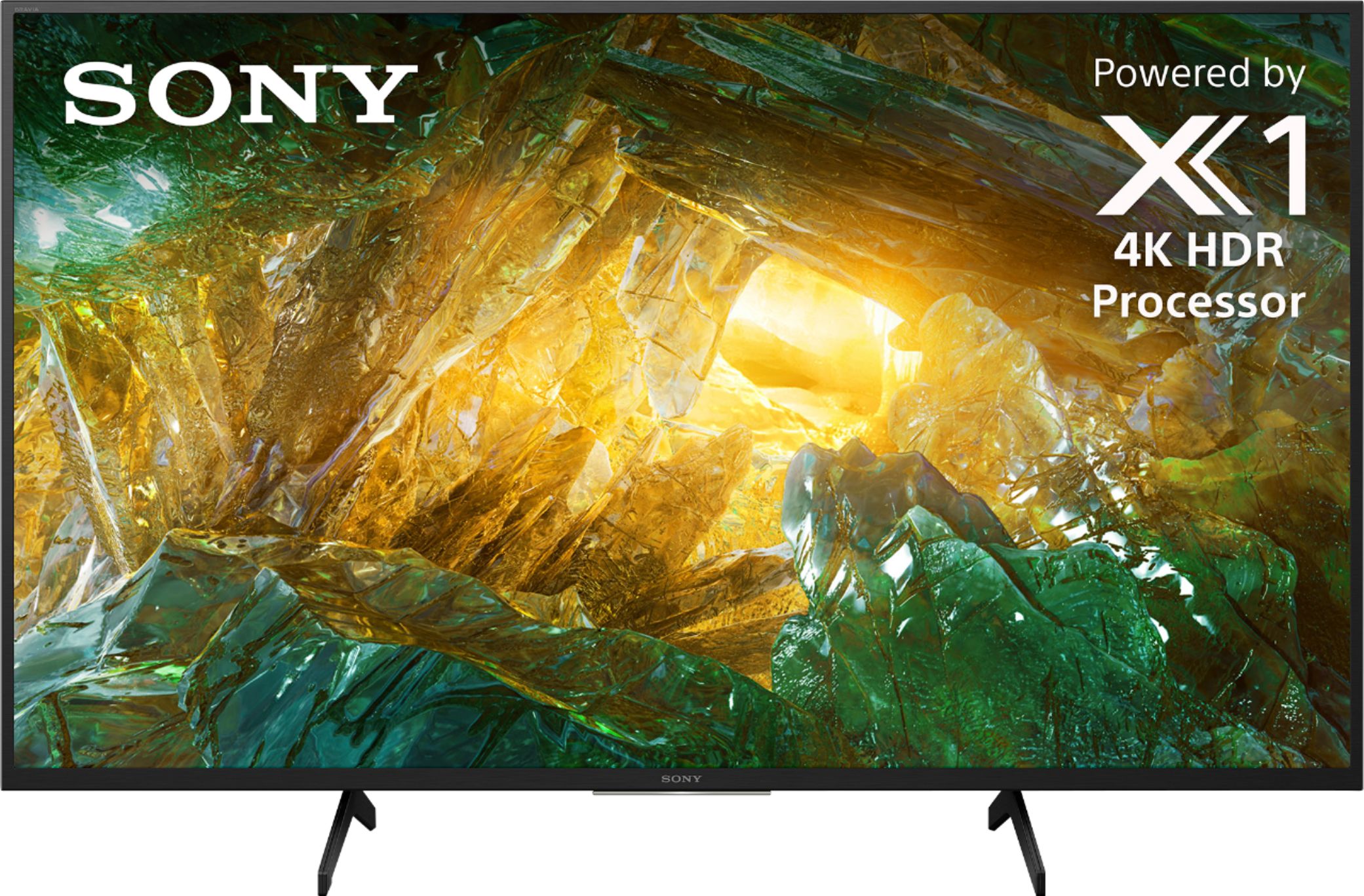
A:AnswerEasy enough! Once plugged in and powered on, the TV will guide you through the setup process. This includes setting up WiFi, setting up Google Voice Assist and downloading/setting up any streaming apps you might want. Connecting external devices (PlayStation and soundbar) was as easy as plugging in and using. Overall, fairly easy setup if you follow instructions well.
A:AnswerHi there, Thank you so much for your inquiry! Yes, the XBR49X800H will work with your MacBook Pro. However, you will likely need to have an HDMI adapter to connect your MacBook Pro to the HDMI input of the TV. Or use the built in Apple Air play to cast or mirror the screen. I hope this helps! Thanks! - Romeo