Black Friday is hereShop new DoorbustersShop now

Main Content

Questions & Answers

Your price for this item is $183.99
Clearance
The comparable value price is $849.99
Page Showing 1-20 of 114 questions
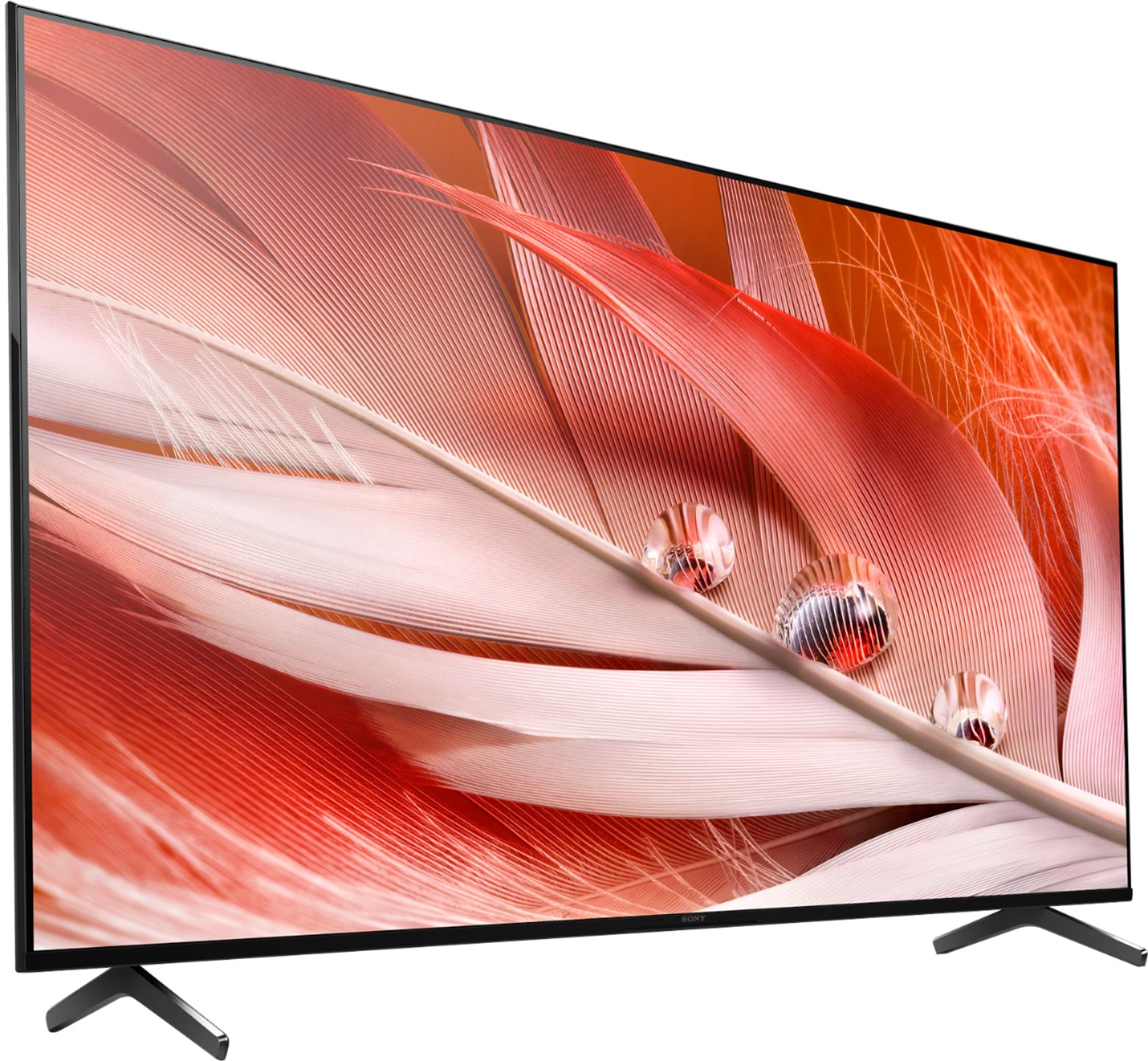
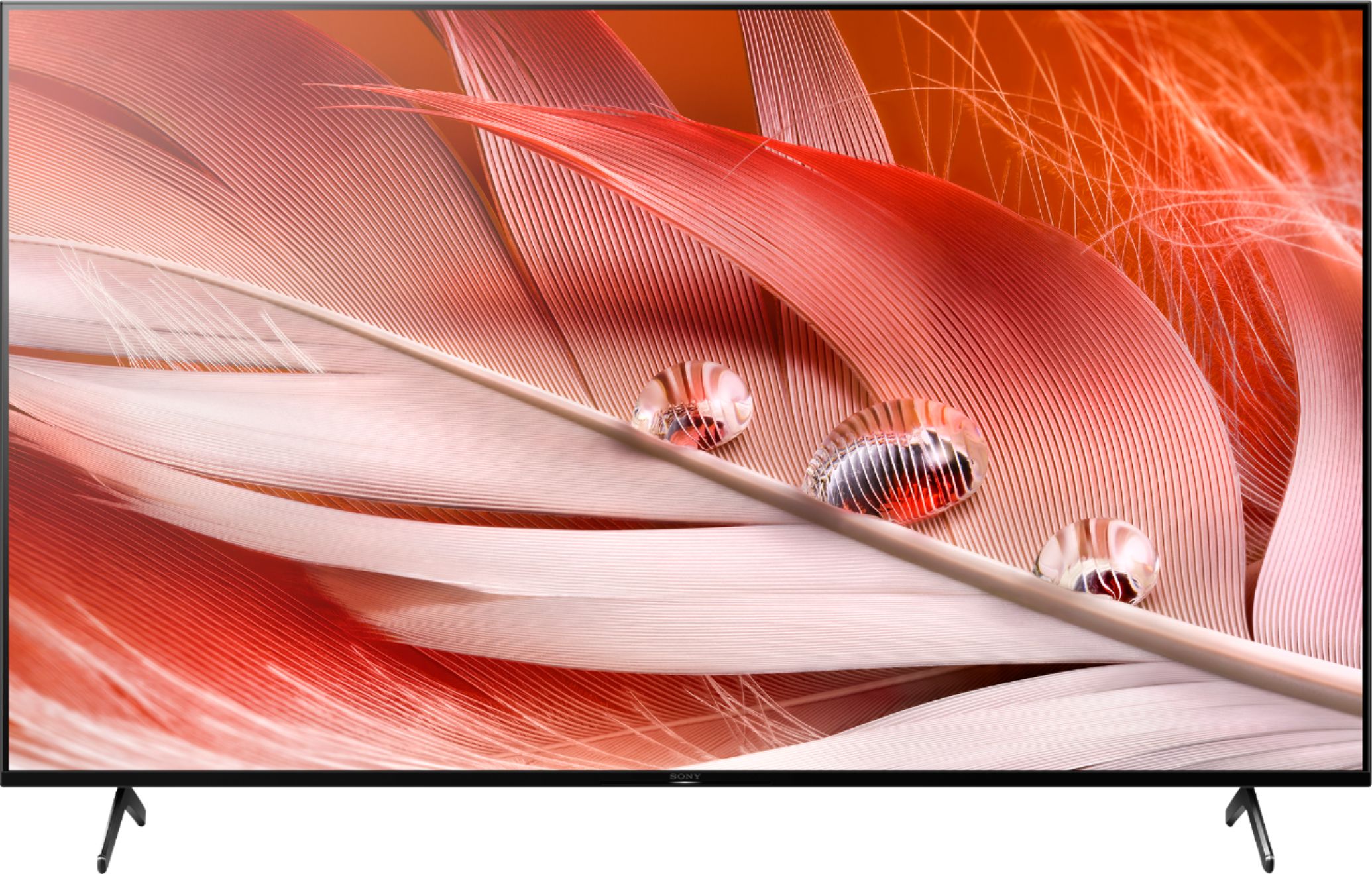
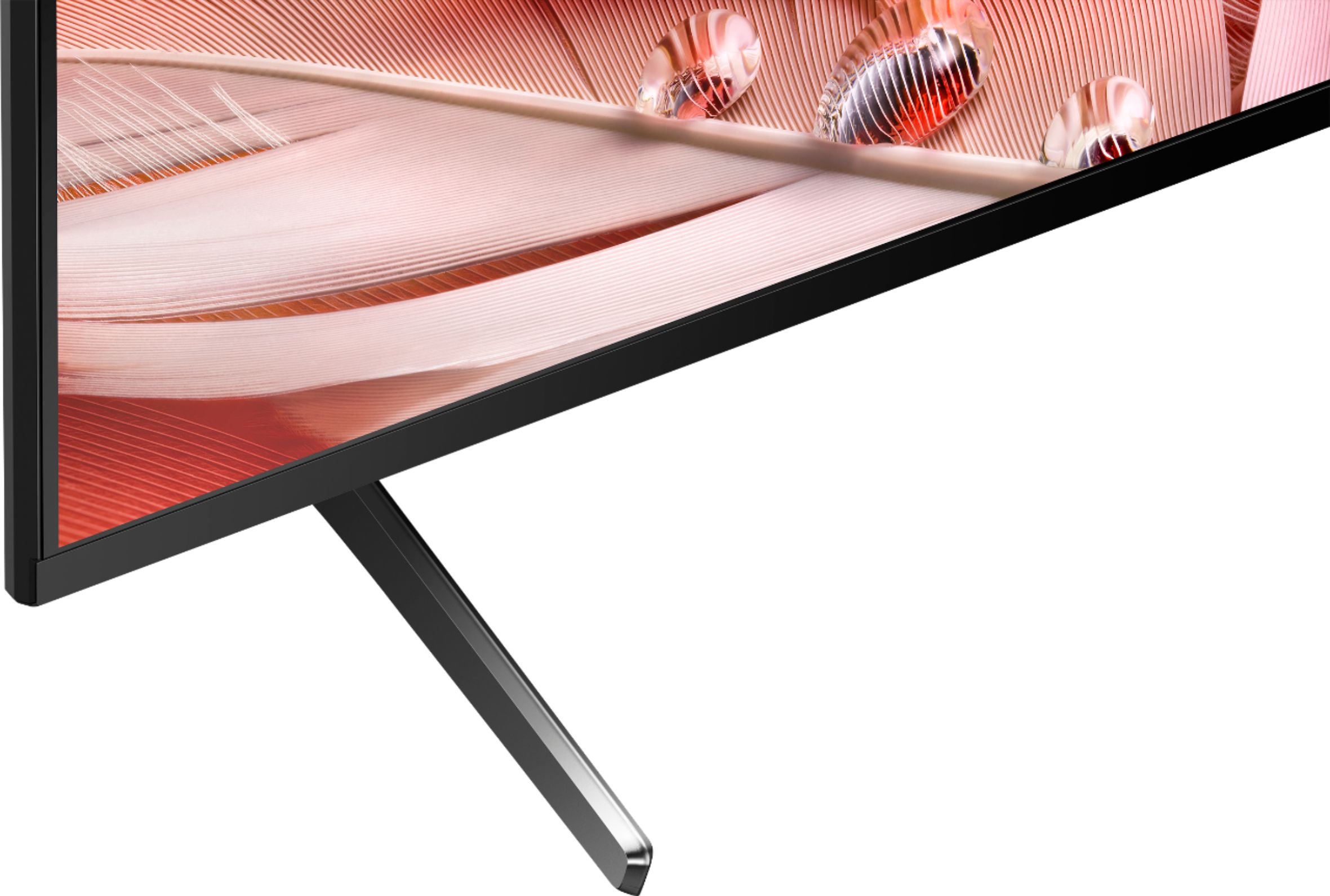
  • QuestionCan someone confirm the width of the stand? My furniture is 36 inches wide and I want to be sure that this 50 inch Sony will fit. I've seen differing stand widths depending on the source.

    Asked by AlexG.

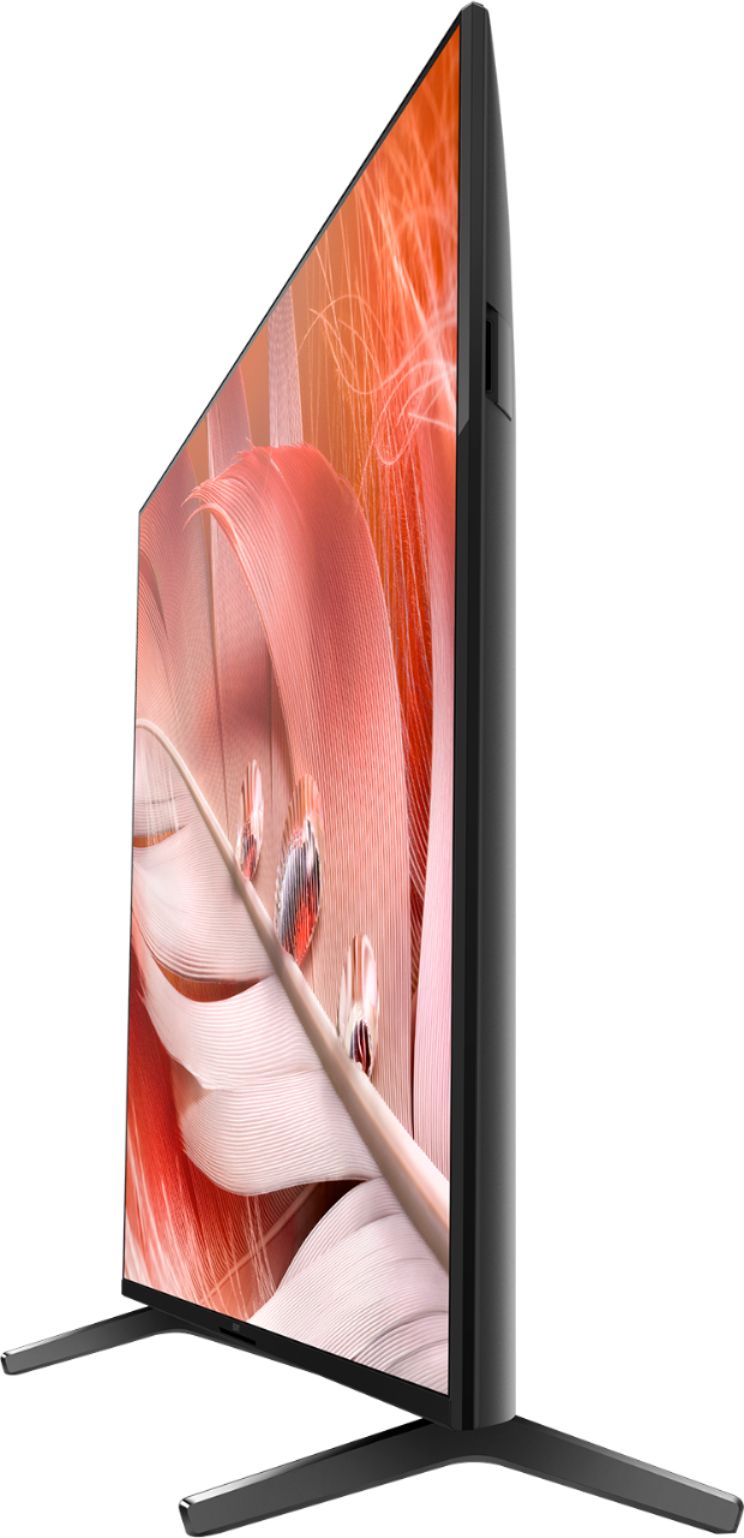
    • Answer yes -my xr-50x90j the stand width is 26''

      Answered by lewiss

  • QuestionDo you need an external sound bar for this product or is sound built in?

    Asked by AL.

    • Answer Hi AL, thanks for inquiring about our X90J BRAVIA XR Full Array LED TV. The TV itself has great sound. The X90J uses an ACOUSTIC MULTI-AUDIO speaker type – Two sound positioning tweeters on the sides of the TV elevate the soundstage, enabling sound to follow the action for a truly immersive experience. You can also add an external soundbar depending on your preference. I hope this helps. Regards, Erin

      Answered by SonyListens

  • QuestionDoes sonyx90j has ips or va penal?

    Asked by Anonymous.

    • Answer The x90j uses a VA panel. The x80j uses an IPS panel.

      Answered by Mackintire

  • QuestionCan I hook up my roku to this tv?

    Asked by barb82.

    • Answer Roku works great on this tv. I had used Roku for Netflix but I now find that the Netflix app built into the Sony TV is faster . Great TV

      Answered by RIch

  • QuestionDoes this Sony TV have the "Digital Channel Add" function that allows you to manually add additional digital channels after doing a channel scan for OTA stations?

    Asked by Duke.

    • Answer Hi Duke, Great News! Yes, the X90J has the Digital Channel Add feature. This feature allows you to individually program newly received digital channels while preserving digital channels already stored in the tuner memory. This feature is available on TVs with an internal ATSC tuner. Also, the digital cable channel may be set to [Hidden] in [Show/Hide channels]. I hope this helps! Jay

      Answered by SonyListens

  • QuestionCan you just use the remote to change channels or do you have to use vocal commands?

    Asked by Sonyfan.

    • Answer Hi Sonyfan, thank you for inquiring about the TV. You can use the remote control to change the channels or use voice commands depending on your preference. Regards, Erin

      Answered by SonyListens

  • QuestionIs this tv compatible with the iPhone 13 pro max and the 9th generation iPad from Apple? XR X90J Series 50inch Bravia

    Asked by Sandman.

    • Answer Hi Sandman, Thank you for the inquiry! Yes, the XR50X90J is compatible with AirPlay 2 and HomeKit. iOS 12.2 or later or macOS 10.14.4 or later is required. Apple ID account required. Subscriptions may be required to access certain content. With Apple AirPlay, you can stream video and audio to your television right from your iPhone, iPad, or Mac. Watch movies and shows from Apple TV app, your favorite apps, or even Safari. Share your photos with everyone in the room. I hope this helps! Jay

      Answered by SonyListens

  • QuestionHow long is the power cord. Thanks in advance

    Asked by Anonymous.

    • Answer Hi, thanks for your inquiry. The X90J power cord length is approximately 1.6 m (5.2 ft). Regards, Erin

      Answered by SonyListens

  • QuestionIs the Sony Bravia X90J TV safe to keep on for extended periods of time?

    Asked by RickGrimesGirl.

    • Answer It better be or I'll be using my extended warranty because I tend to fall asleep with the TV on sometimes. Sony's a good product I wouldn't worry to much about it that's what extended warranty's are for.

      Answered by Nothappyguy

  • QuestionCan Google be disabled, I dont wish to have it in my house

    Asked by JustMe.

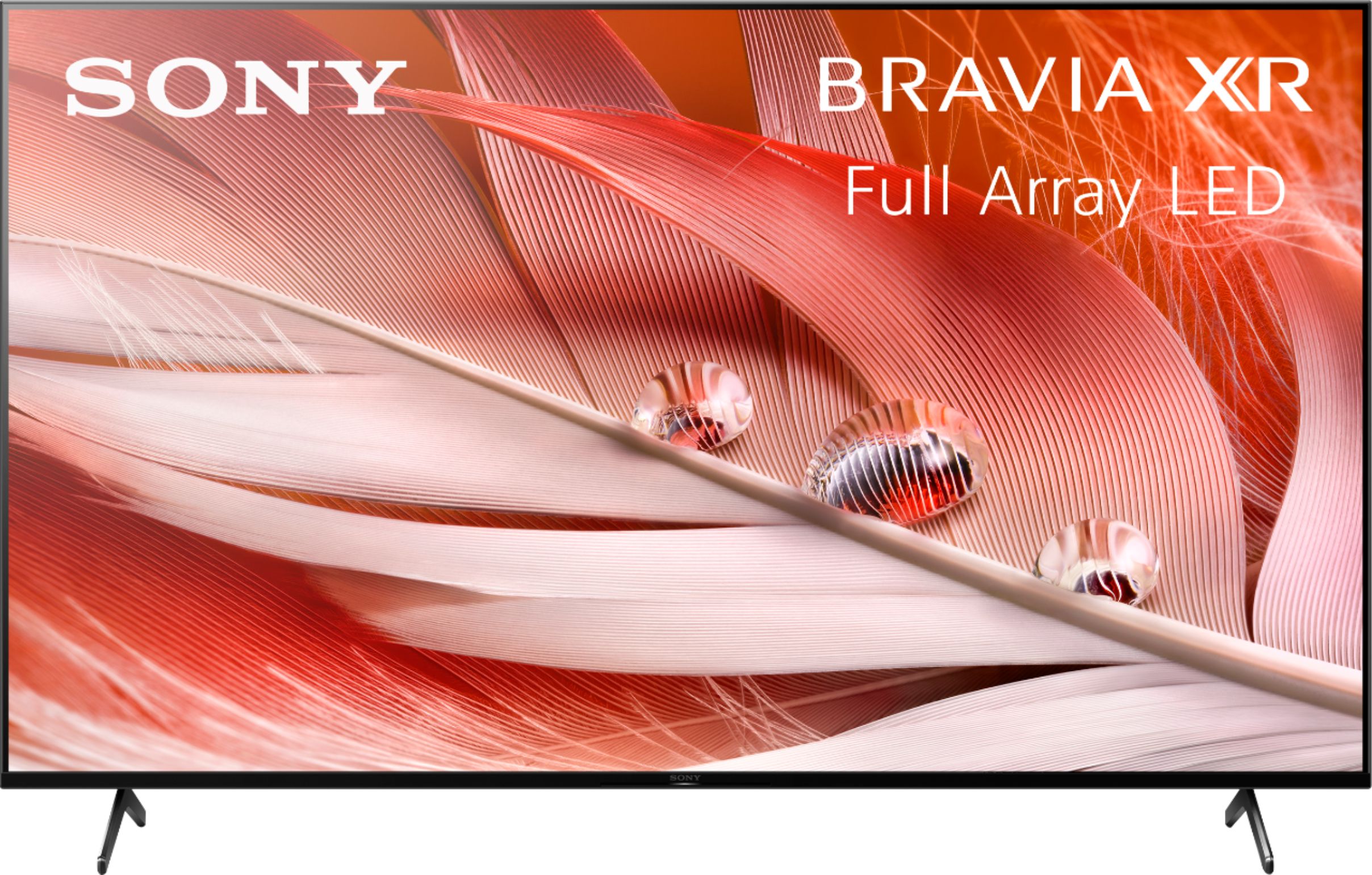
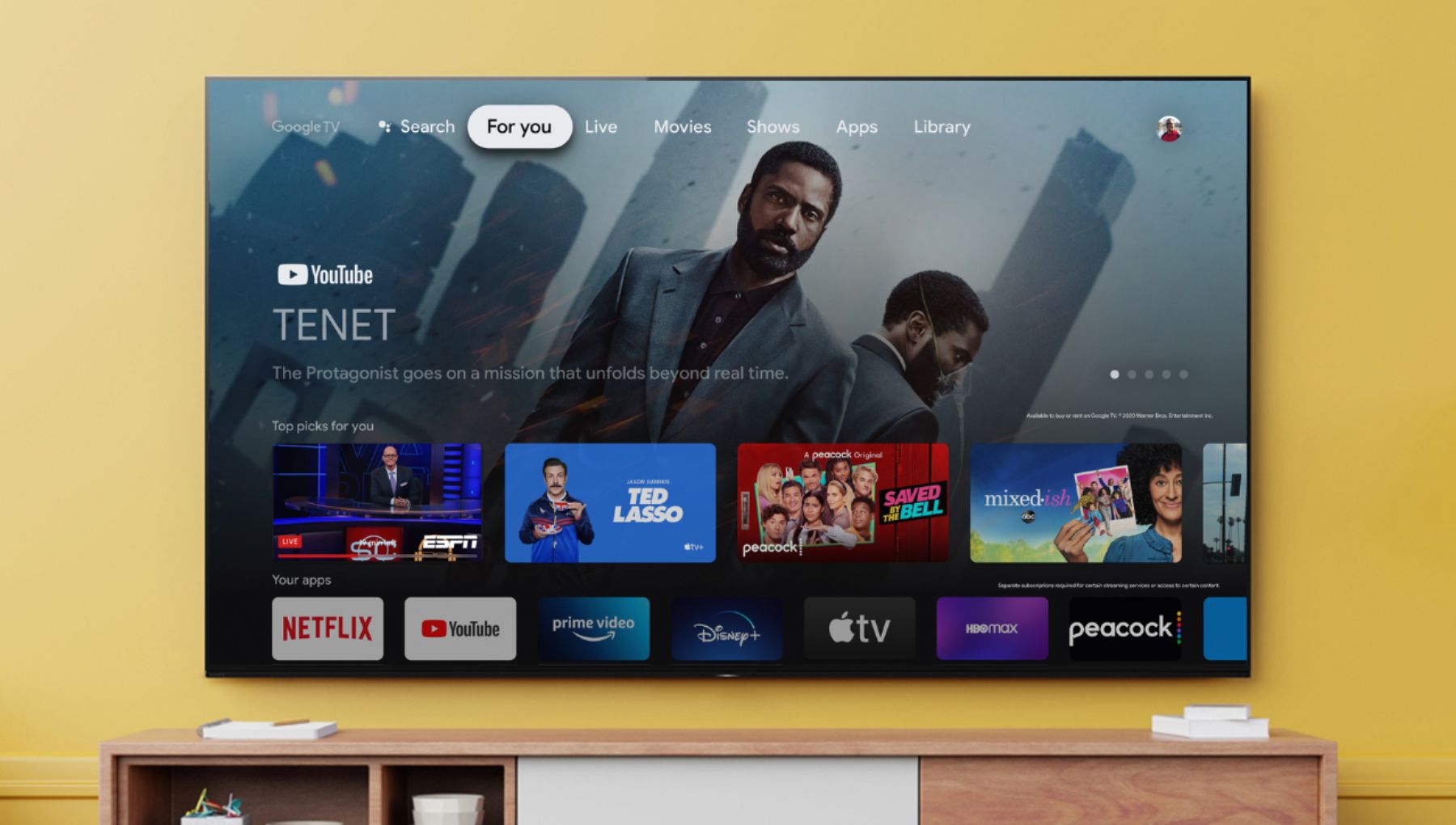
    • Answer Hi JustMe, Thank you for the inquiry. During the initial set-up, you can Skip Sign-in to Google. You can enjoy some functions on your Google TV device without a Google account. You can watch TV programs and enjoy all Sony apps, home network functions for the Album, Music, and Video apps and use the Network Electronic Program Guide (EPG). In addition, certain functions, such as the Google voice search function, Chromecast built-in (Google Cast), internet browsing, and the YouTube™ app, are available without logging in to a Google account. However, you will not be able to rent or buy movies, TV shows, and apps from the Google Play™ Store. Check the Google Privacy Policy and Terms of Service for additional information. I hope this helps! Jay
      Answered by SonyListens

  • QuestionIs there a way to hook up or pair Wireless TV Headphones so we can also hear through the external tv speakers? Plugging into the Headphone jack cuts the tv speakers as does pairing with Bluetooth headphones. What else can we do?

    Asked by Sketcher.

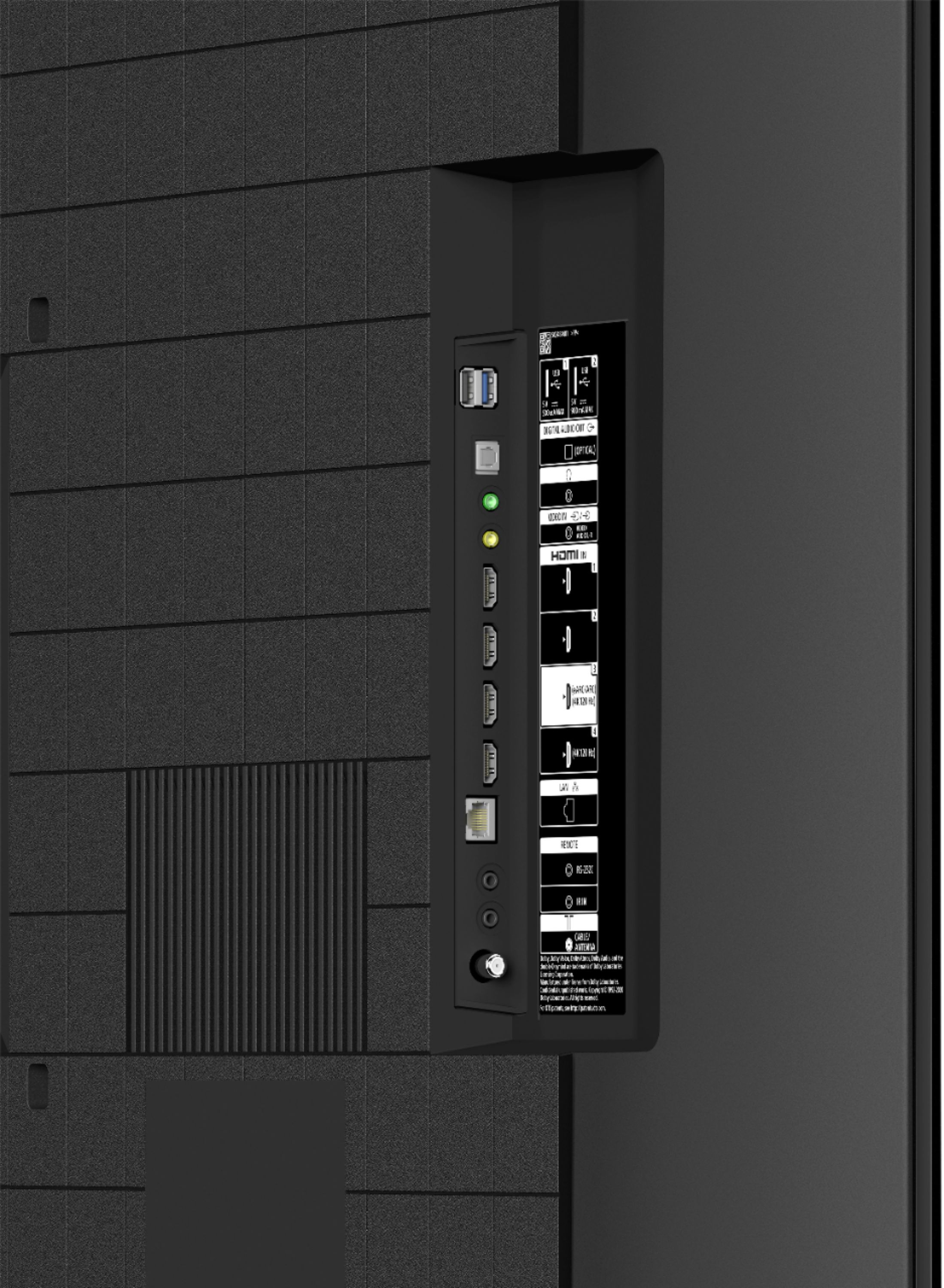
    • Answer Hi Sketcher, thank you for your inquiry. To listen to your TV through headphones and the TV speakers, soundbar, or another audio device at the same time, we recommend the following setup/connection. To output sound from both the TV speakers and an audio device: Connect your audio device to the DIGITAL AUDIO OUT port. Note: If you connect the device to the TV headphone jack, the HDMI ports, or through Bluetooth, the TV can't output sound from both the TV speakers and the audio device at the same time. To output sound from both the headphones and a Soundbar: Connect your headphones to the TV headphone jack and your Soundbar to the DIGITAL AUDIO OUT port. Note: If you connect the Soundbar to the HDMI ports or through Bluetooth, the TV can't output sound from both the headphones and the Soundbar at the same time. Reference: https://www.sony.com/electronics/support/televisions-projectors-lcd-tvs-android-/xr-50x90j/articles/00201347?model=XR-50X90J&category=televisions-projectors-lcd-tvs-android- I hope this helps. Regards, Erin

      Answered by SonyListens

  • QuestionIs this tv capable of Dolby Vision and Dolby Atmos?

    Asked by Blakeroni.

    • Answer Yes.

      Answered by RodT

  • QuestionIs this a NEXTGEN TV enabled set?

    Asked by squirrels.

    • Answer According to the box it is. Hope this helps.

      Answered by Rhythm1971

  • QuestionCan I mirror a PC to this TV? I want to play SimCity and mirror it.

    Asked by MoreDarkThanShark.

    • Answer Hi MoreDarkThanShark, Thank you for the question! The X90J does not support screen mirroring. However, this TV has Chromecast built-in which allows you to display your computer screen to the TV. With the BRAVIA XR X90J Full Array LED TV, everything you watch becomes more detailed and immersive with true-to-life 4K HDR, powered by the all-new Cognitive Processor XR™. With outstanding picture and sound quality, as well as a sleek flush bezel design, be prepared to level up your favorite movies, TV shows, and games. Hope this helps! - Kris

      Answered by SonyListens

  • Questionthe cables that come from satellite or DVD or ethernet to this tv. Can they be hidden from view after setting up on table top?

    Asked by Walter.

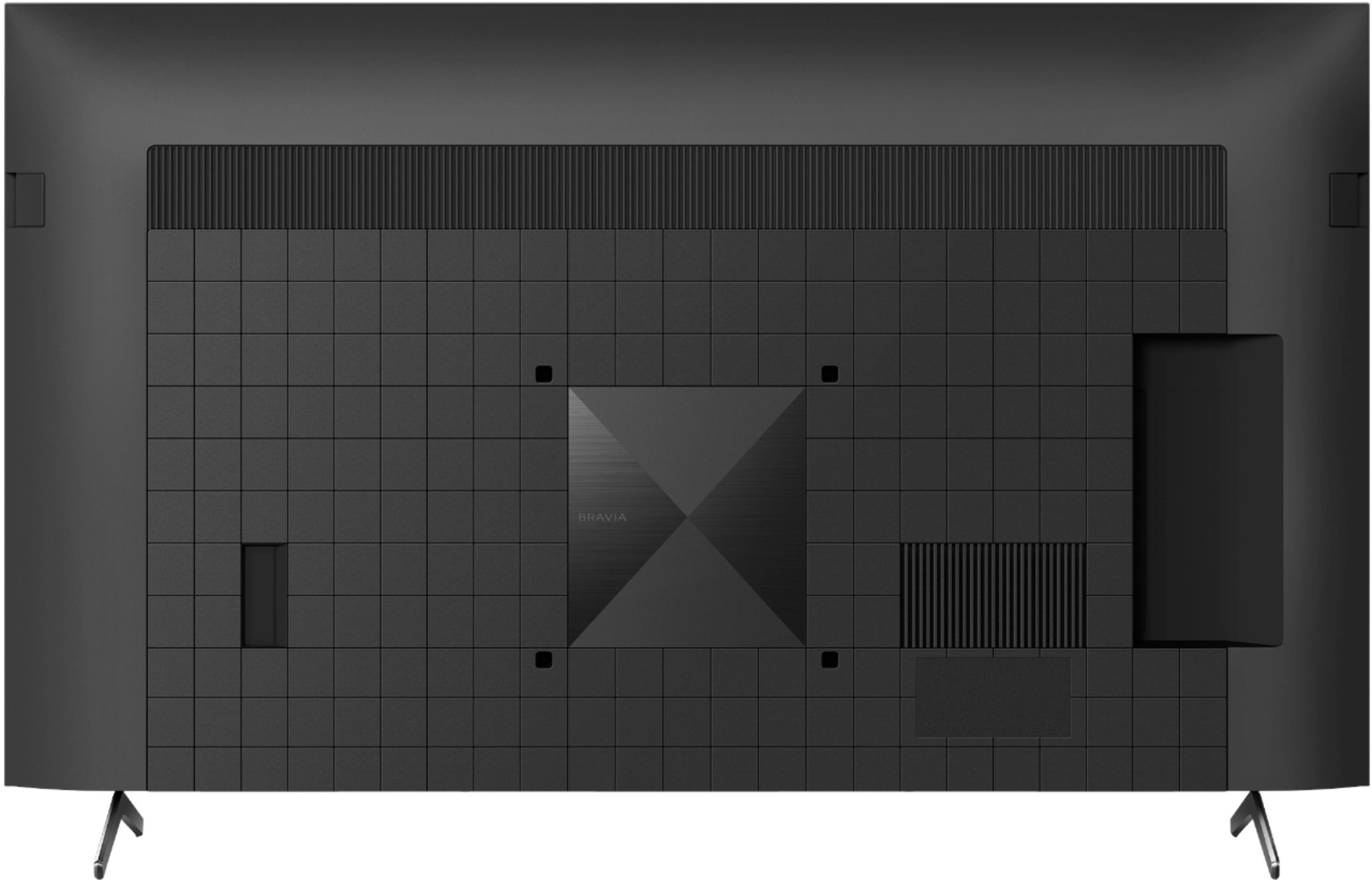
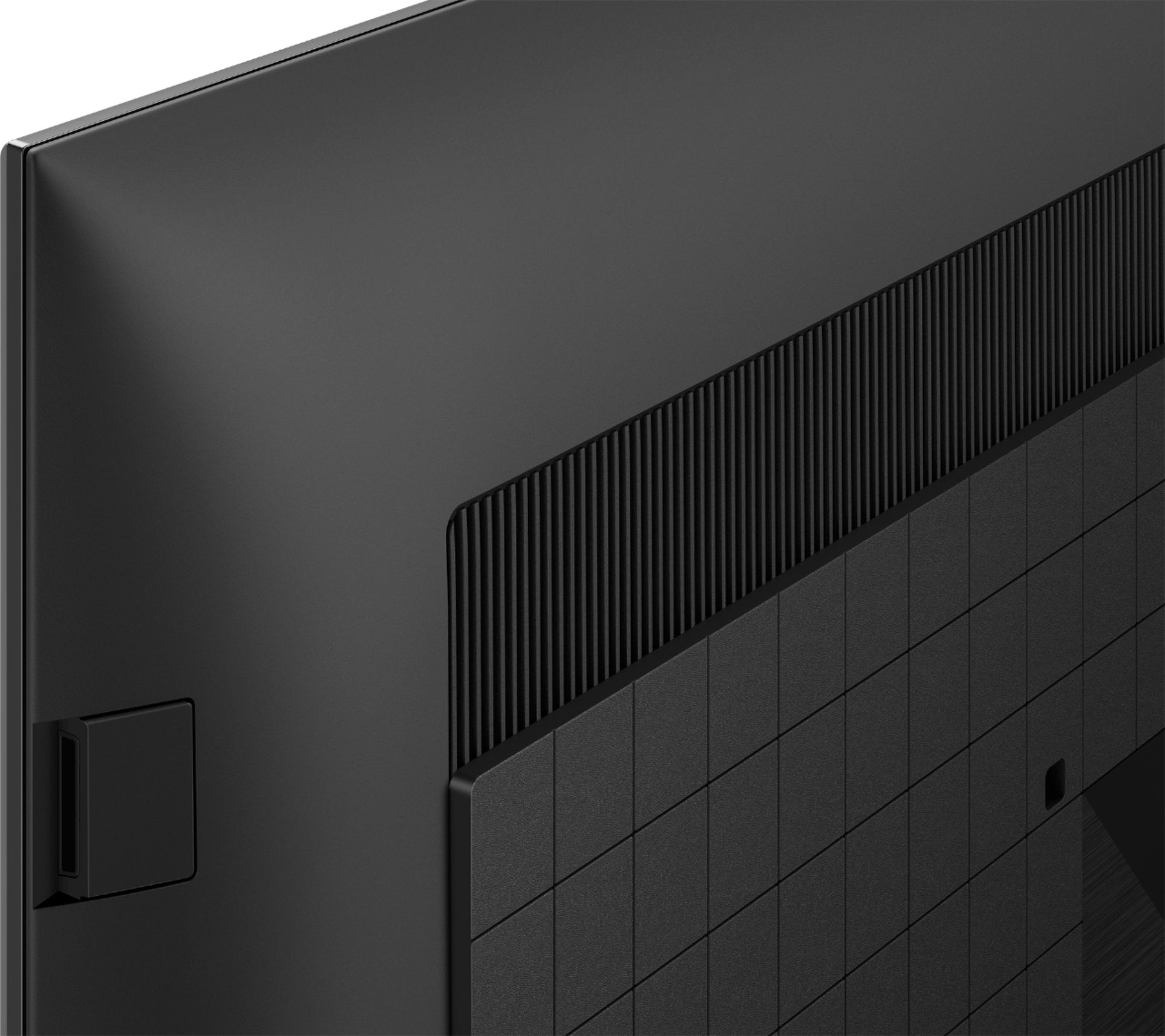
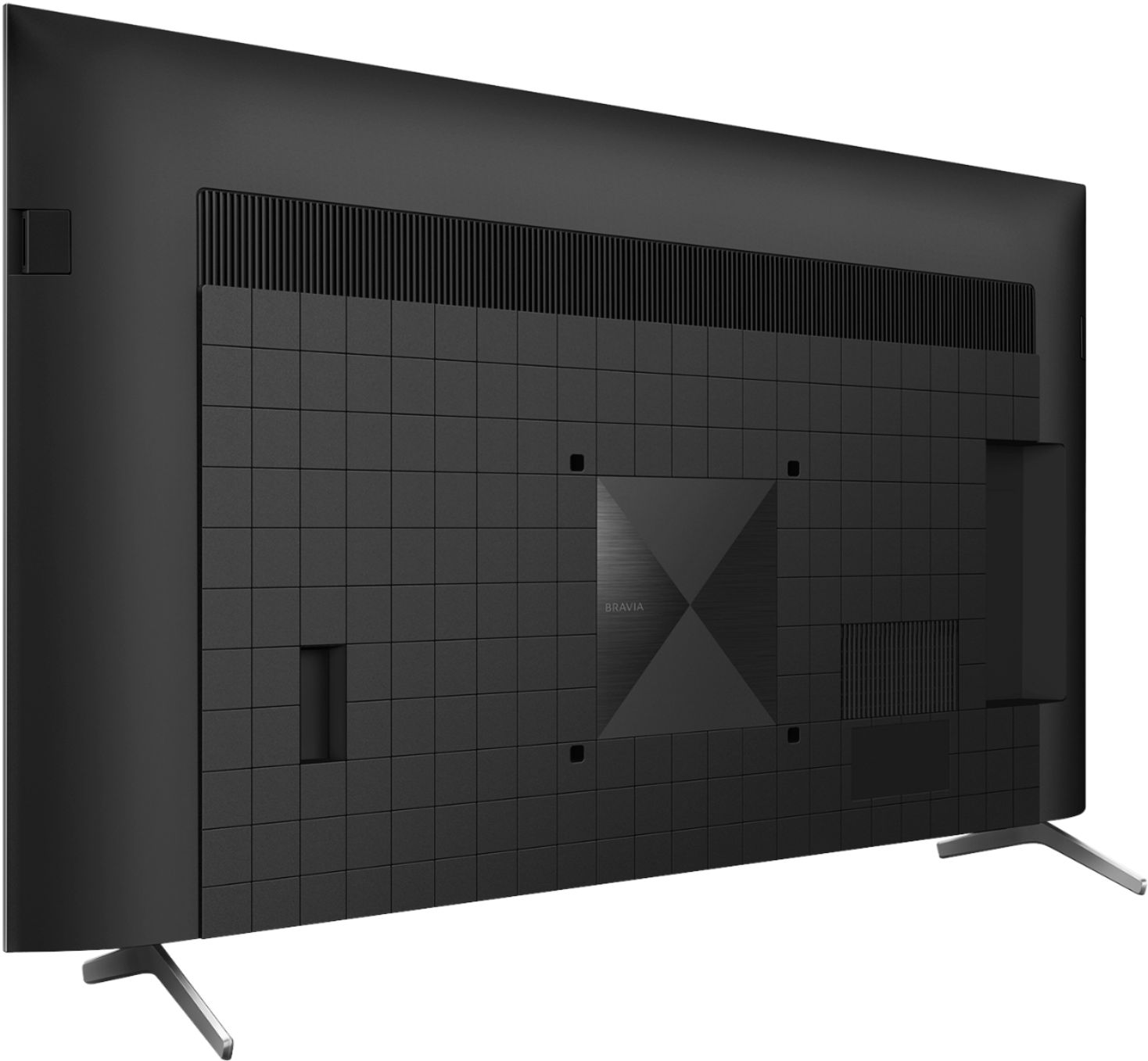
    • Answer Hi Walter, Yes, you can hide all the cables behind this TV. To avoid knots of cables behind your TV, use cable ties. plastic zip ties that cinch closed or hook and loop fastener strips wrap around bundles of cables to prevent them from becoming loose or otherwise getting tangled. I hope this helps! Jay
      Answered by SonyListens

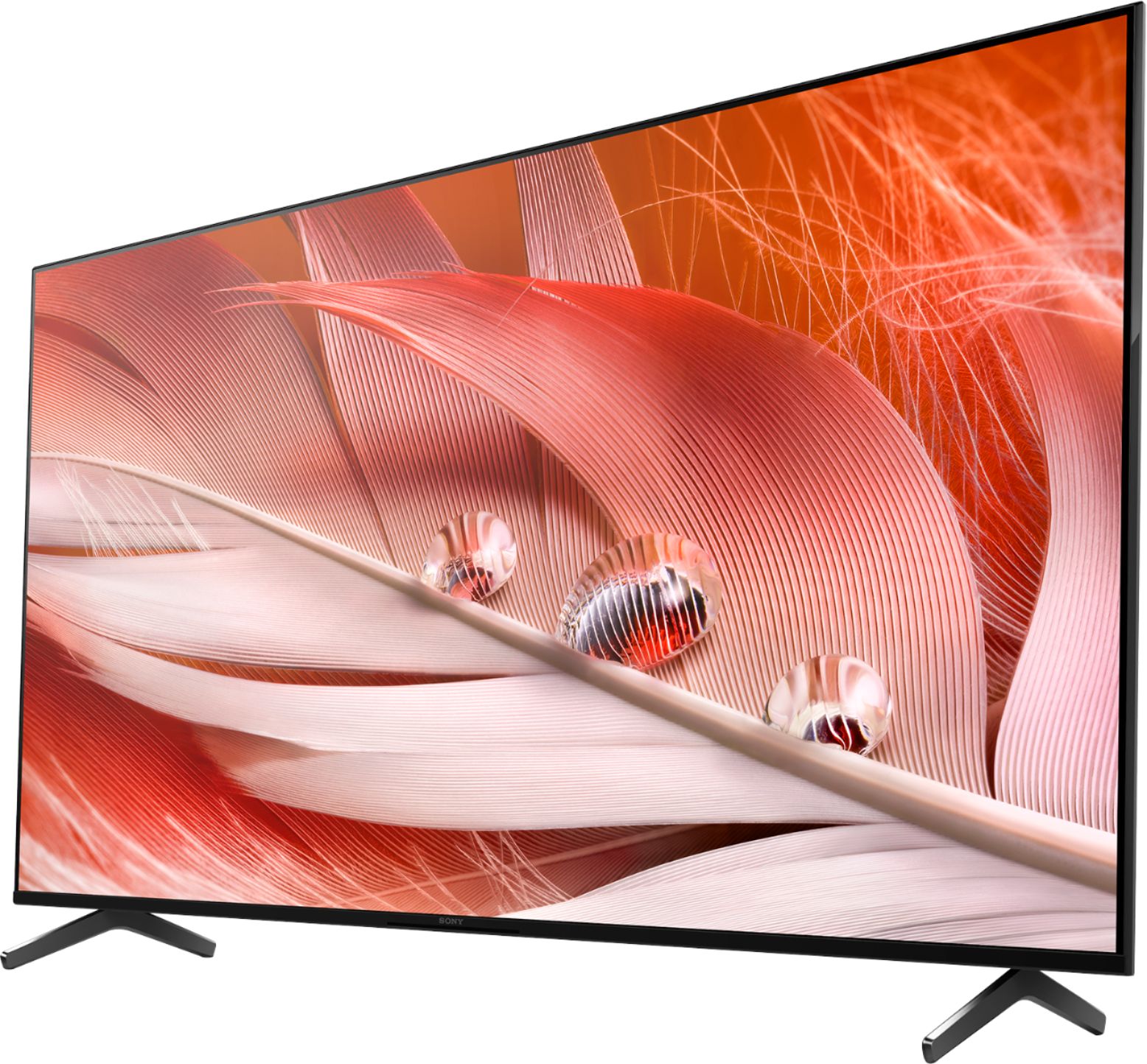
  • QuestionI know it was asked before, but the photos posted on the web site for this model TV clearly show a distance between the base/stand legs of greater than 26.2". Please confirm because either the photos are wrong or the 26.2" width is wrong.

    Asked by ROYROGERS.

    • Answer Hi ROYROGERS, thank you for your question. The TV stand measures 26 1/4 inches (665 mm). I hope this helps. Erin

      Answered by SonyListens

  • QuestionI guess I'm old school when it comes to audio. I have 2 RCA lines coming from my stereo and went to plug them into the X90J television, only to find it doesn't have any audio outputs for RCA jacks. What are my options to hook the sound up to my stereo?

    Asked by CampSpringsJohn.

    • Answer Hi CampSpringsJohn, thank you for your inquiry. You can use a Composite with 4 pole mini-plug RCA conversion cable to connect your audio system to the TV. Please check this link to follow the instructions on which type of connection you want to use. https://www.sony.com/electronics/support/articles/00231652 Regards, Erin

      Answered by SonyListens

  • Questiondoes this tv support the att tv app?

    Asked by Anonymous.

    • Answer Hi, thanks for your inquiry. Unfortunately, this TV doesn't support the AT&T TV app. This TV comes with preinstalled apps such as Youtube, Netflix, Amazon Prime, Hulu, etc. And many of the existing apps from the Google Play store can be downloaded to this Android TV. There are over 5000+ apps already available with a consistent flow of new apps being released for the Android TV platform. Hope this helps! Erin

      Answered by SonyListens

  • QuestionDoes TV play Xbox Series X games at 4K 120 hertz? If so is there a setting that needs to be set. I try to set it on Xbox but it say tv does not support both. Only 4K with 60 hertz and 1080p with 120 hertz.

    Asked by Poney.

    • Answer Hi Poney, thank you for inquiring about the TV. The TV supports 4K120. To view 4K content on your television properly, it's important to know the video signal type (24p, 30p, 60p or 120p) and the bandwidth format (Enhanced format (up to 18Gbps) or Enhanced format (18Gbps or above)) capability of the HDMI® inputs on your TV. To find the input video signal information and the HDMI cable requirements for your TV, refer to the What functions are supported on each of the HDMI terminals? article. You can then acquire the proper HDMI cable to connect your devices and set the HDMI input to the proper signal input selection. Open the HDMI signal format settings on your TV. · Select Channels & Inputs → External Inputs → HDMI signal format. · Select Watching TV → External Inputs → HDMI signal format. · Select TV → External Inputs → HDMI signal format. Set to Enhanced format, Enhanced format (Dolby Vision), Enhanced format (4K120, 8K) or Enhanced format (8K), depending on your TV model. If the signal is in enhanced format, picture or sound from external devices that do not support 4K may not be output normally. In such cases, change HDMI signal format to Standard format or switch the HDMI cable to an input for signals in standard format. You may also refer to the Help Guide for more details. https://helpguide.sony.net/tv/iusltn1/v1/en-003/04-09_02.html Should you need further assistance, please email the below information to [email protected]. Apologies if you disclosed some of this information in your review and to customer service, we just want to ensure that we have your accurate details at the time of communication. Full Name: Best Buy Username: Telephone Number: Sony TV Model Number: Additional Information regarding your experience with the X90J Sincerely, Erin

      Answered by SonyListens

  • QuestionWhat are dimensions?

    Asked by Anonymous.

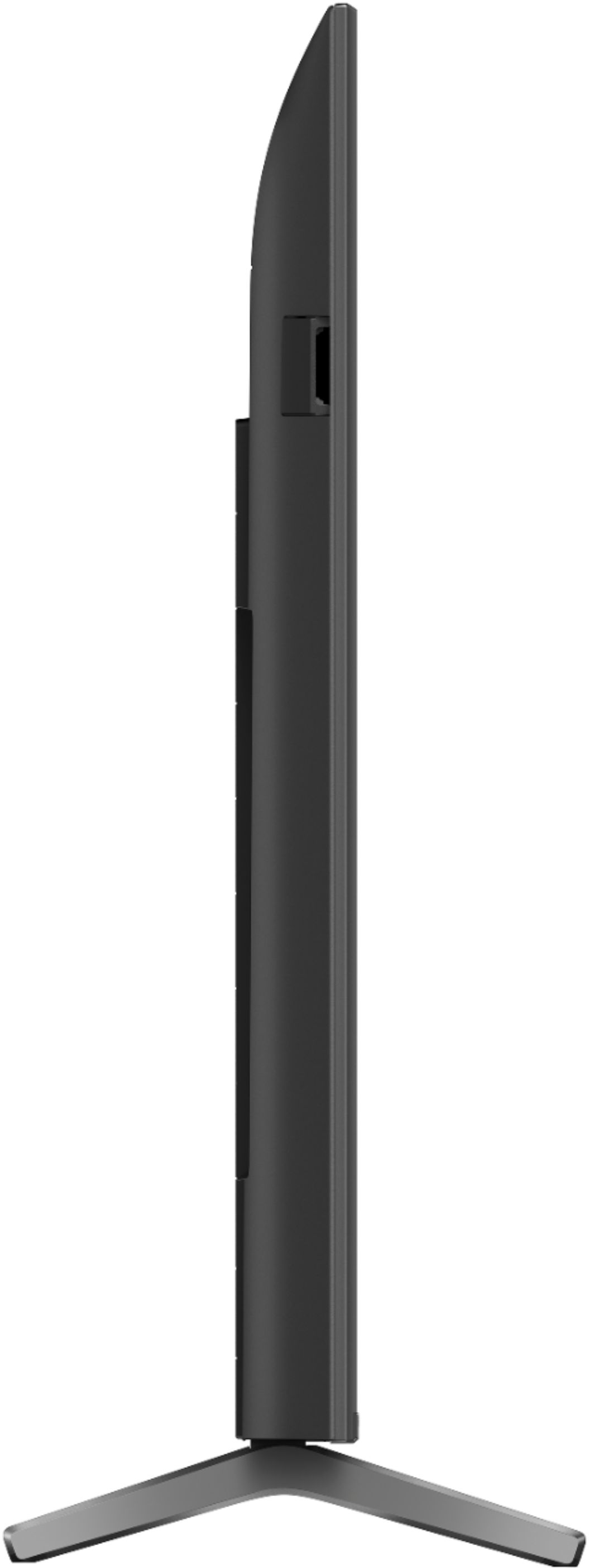
    • Answer Hello, Thank you for inquiring about the dimensions of the XR50X90J! Below are the dimensions of the XR50X90J. Dimension of TV Without Stand (W X H X D) 44.06 x 25.55 x 2.76 inch (1,119 x 649 x 70 mm) Dimension of TV With Stand (STANDARD POSITION) (W X H X D) 44.06 x 28.15 x 11.26 inch (1,119 x 715 x 286 mm) Dimension of Package Carton (W X H X D) 48.23 x 30.79 x 5.55 inch (1,225 x 782 x 141 mm) I hope this helps! Jay

      Answered by SonyListens