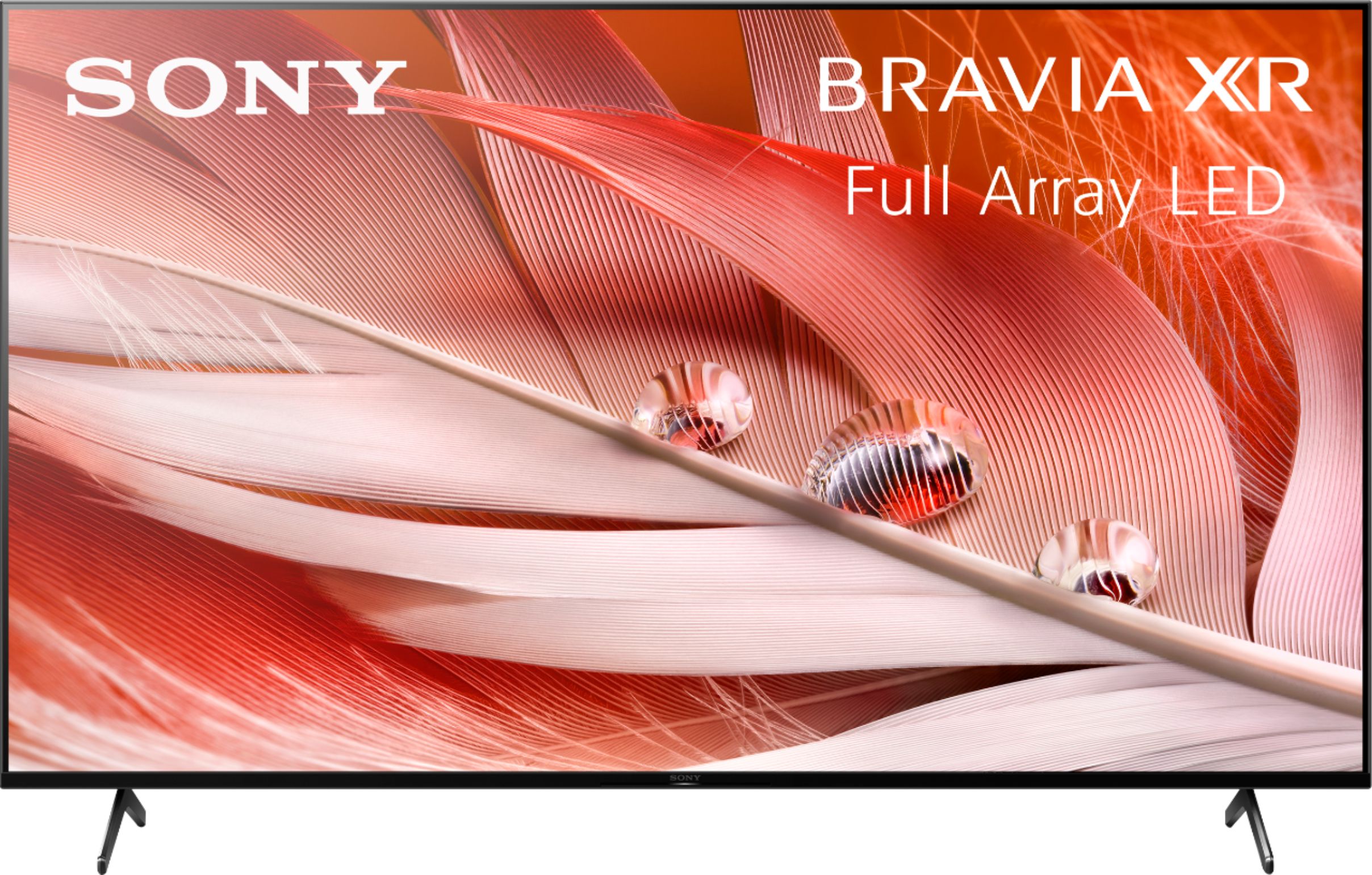
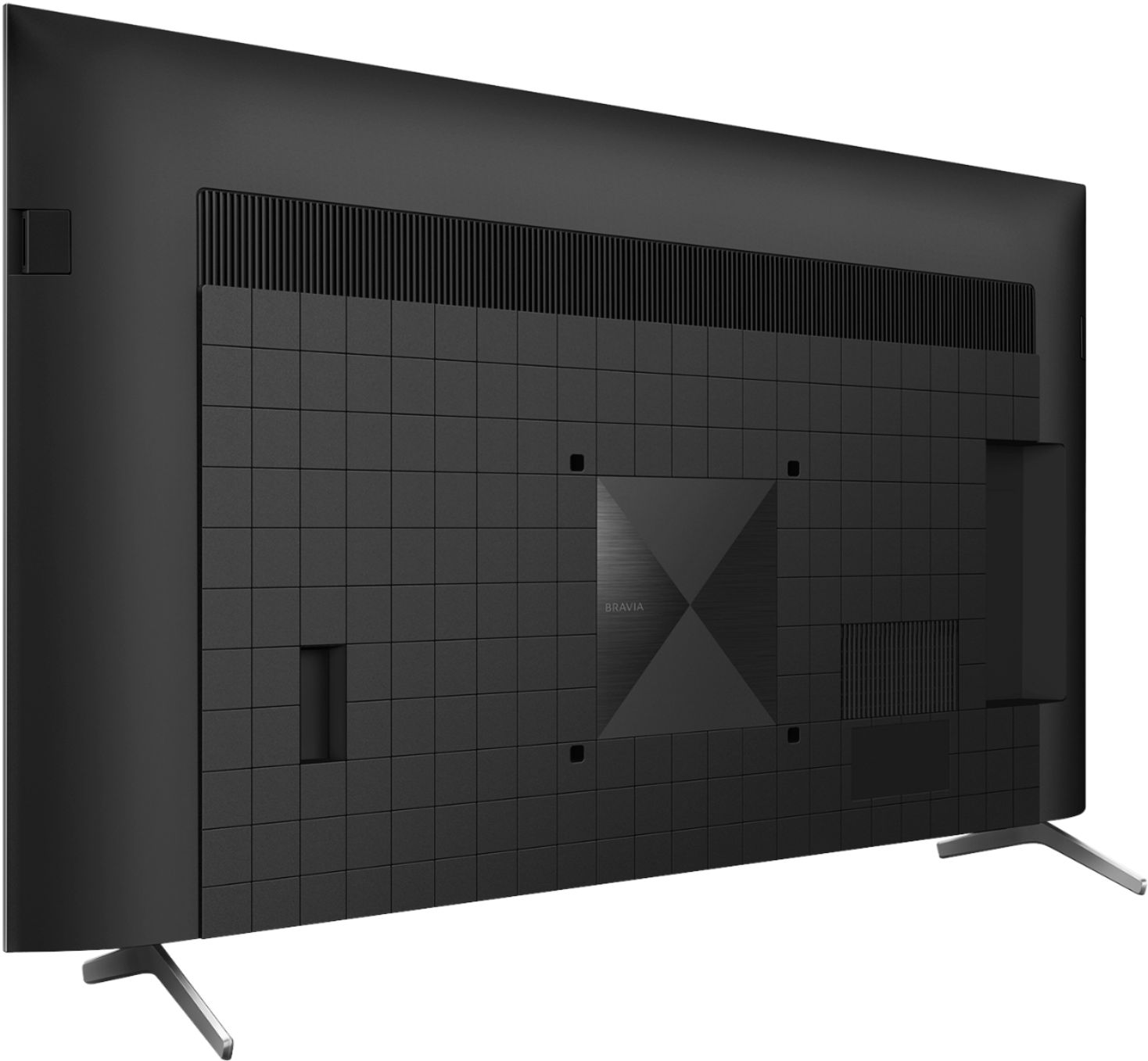
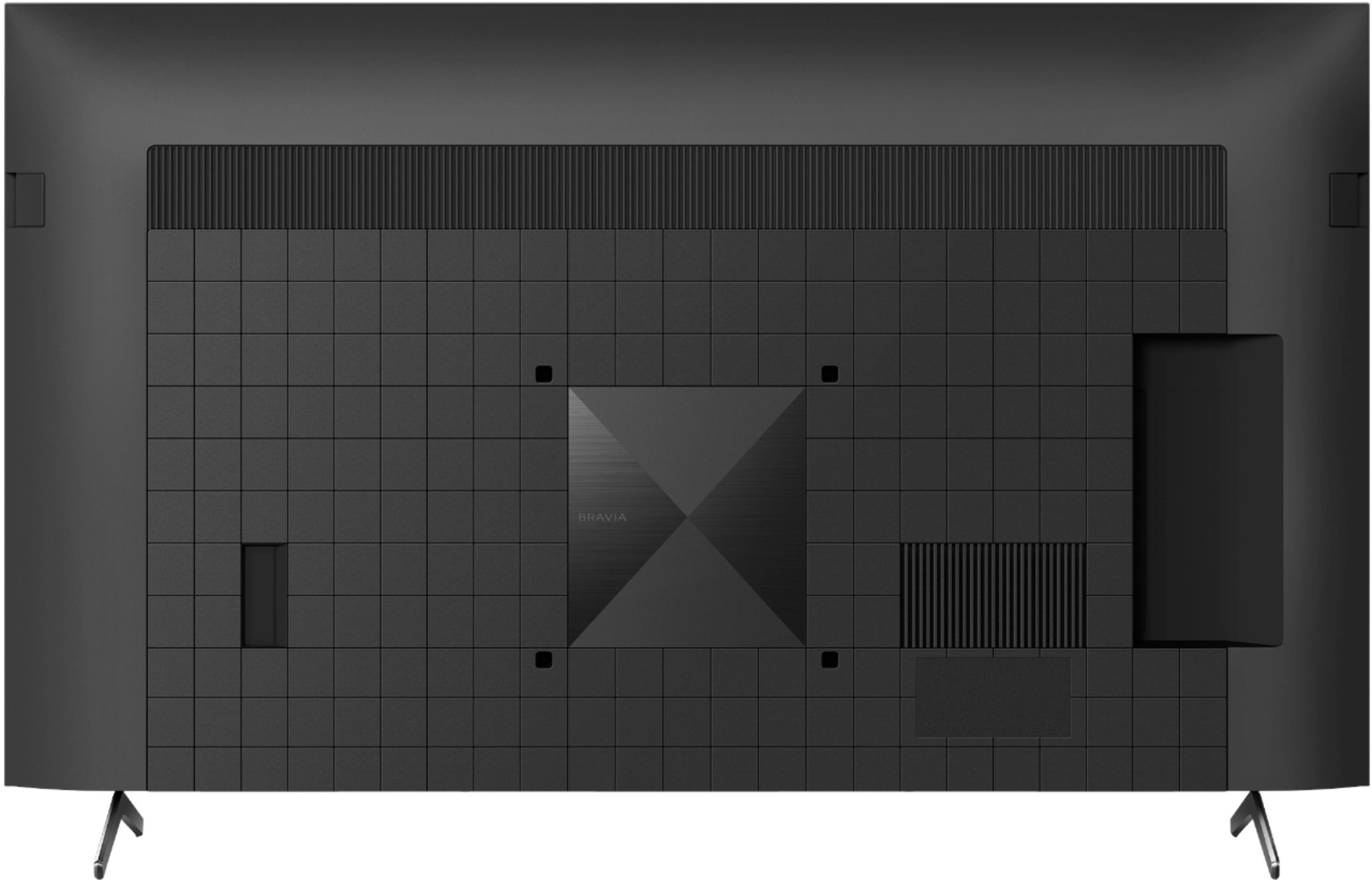
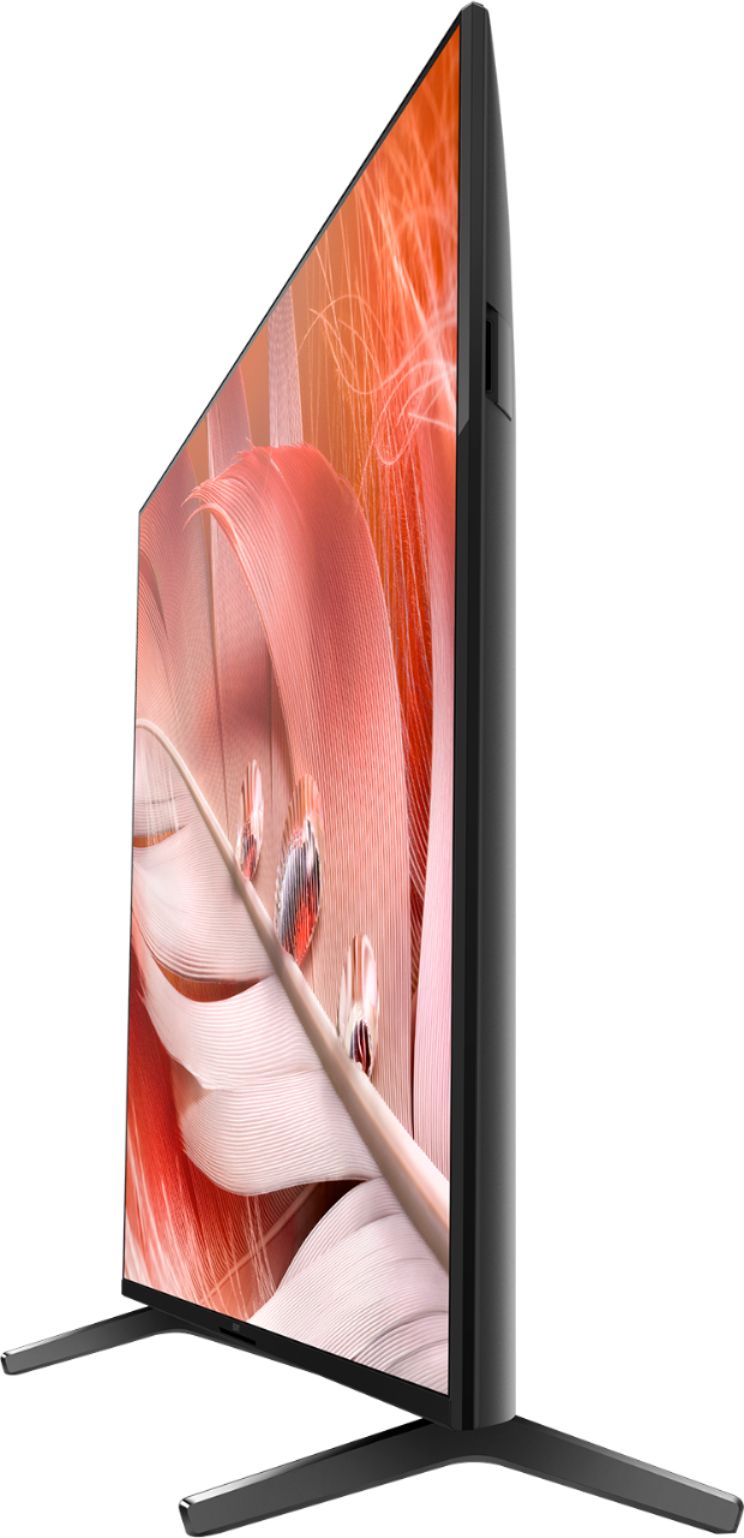
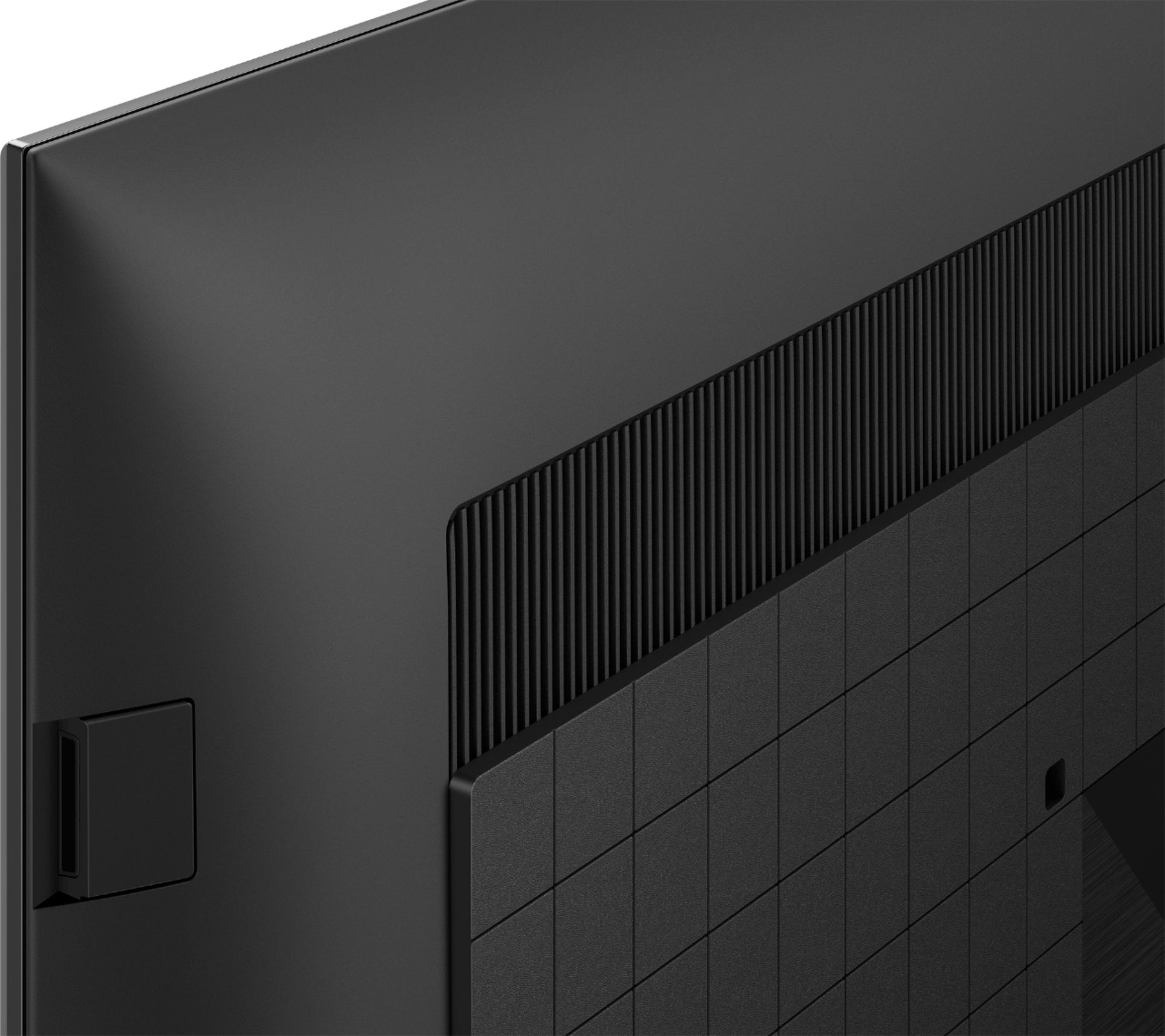
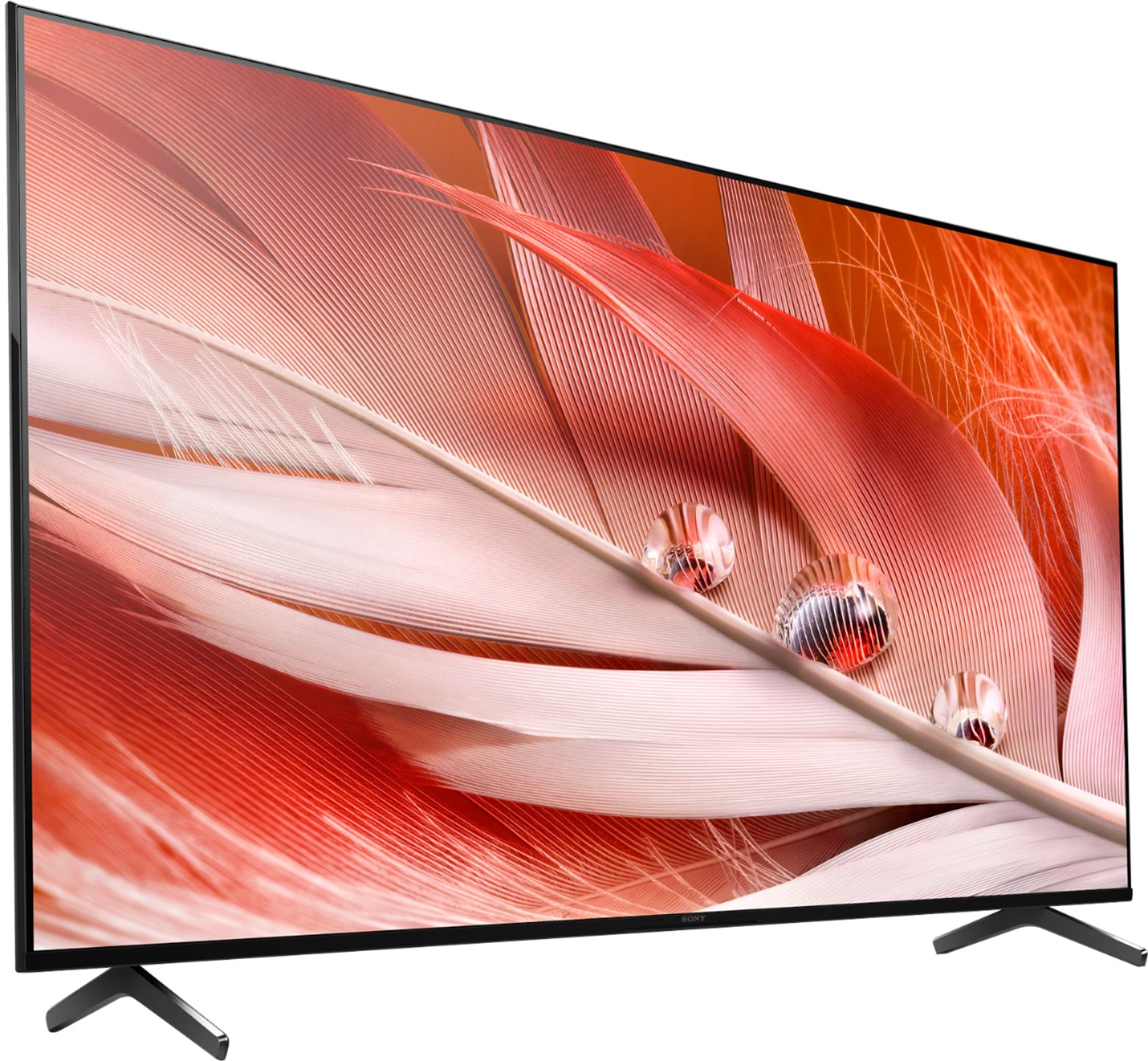
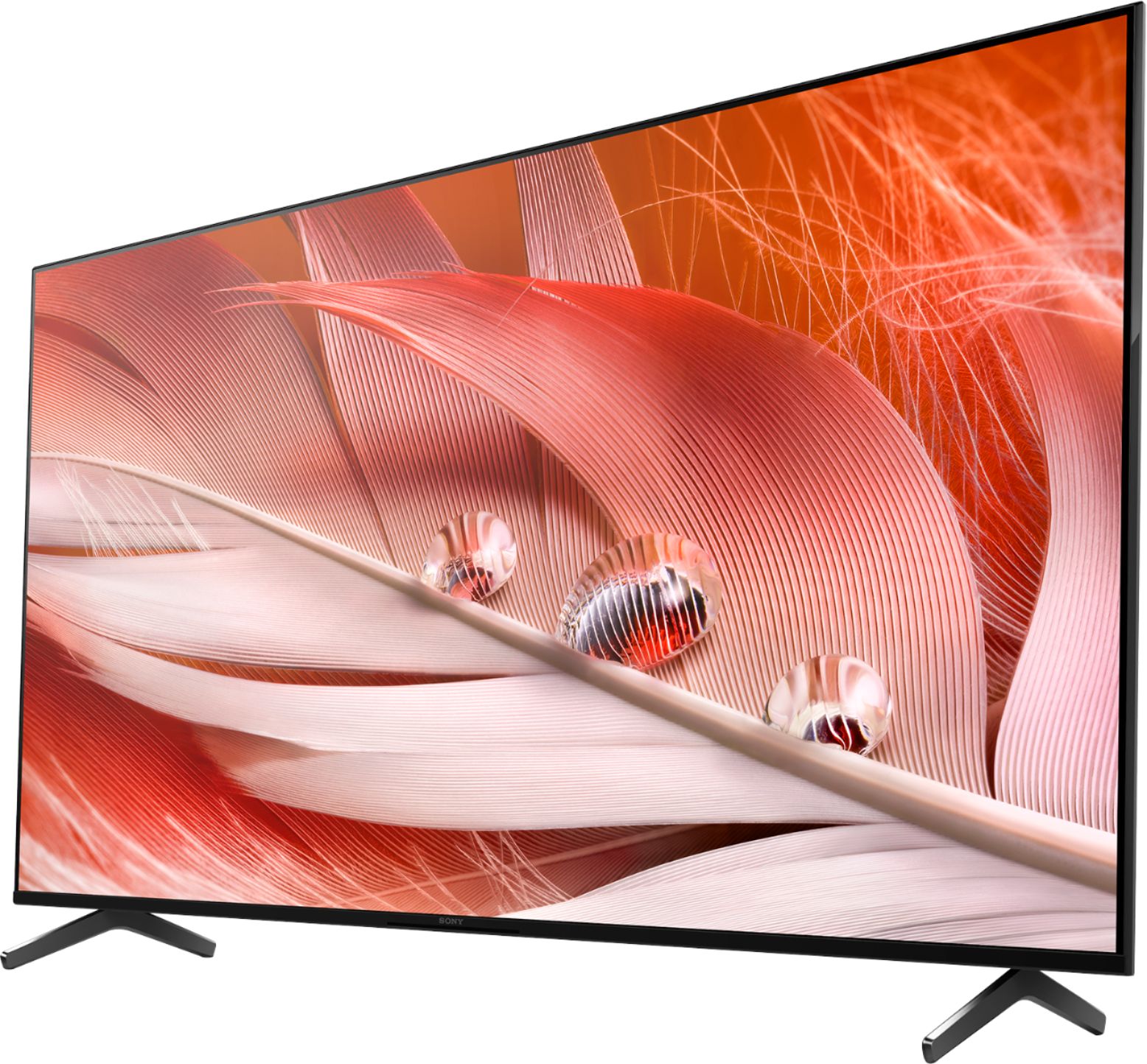
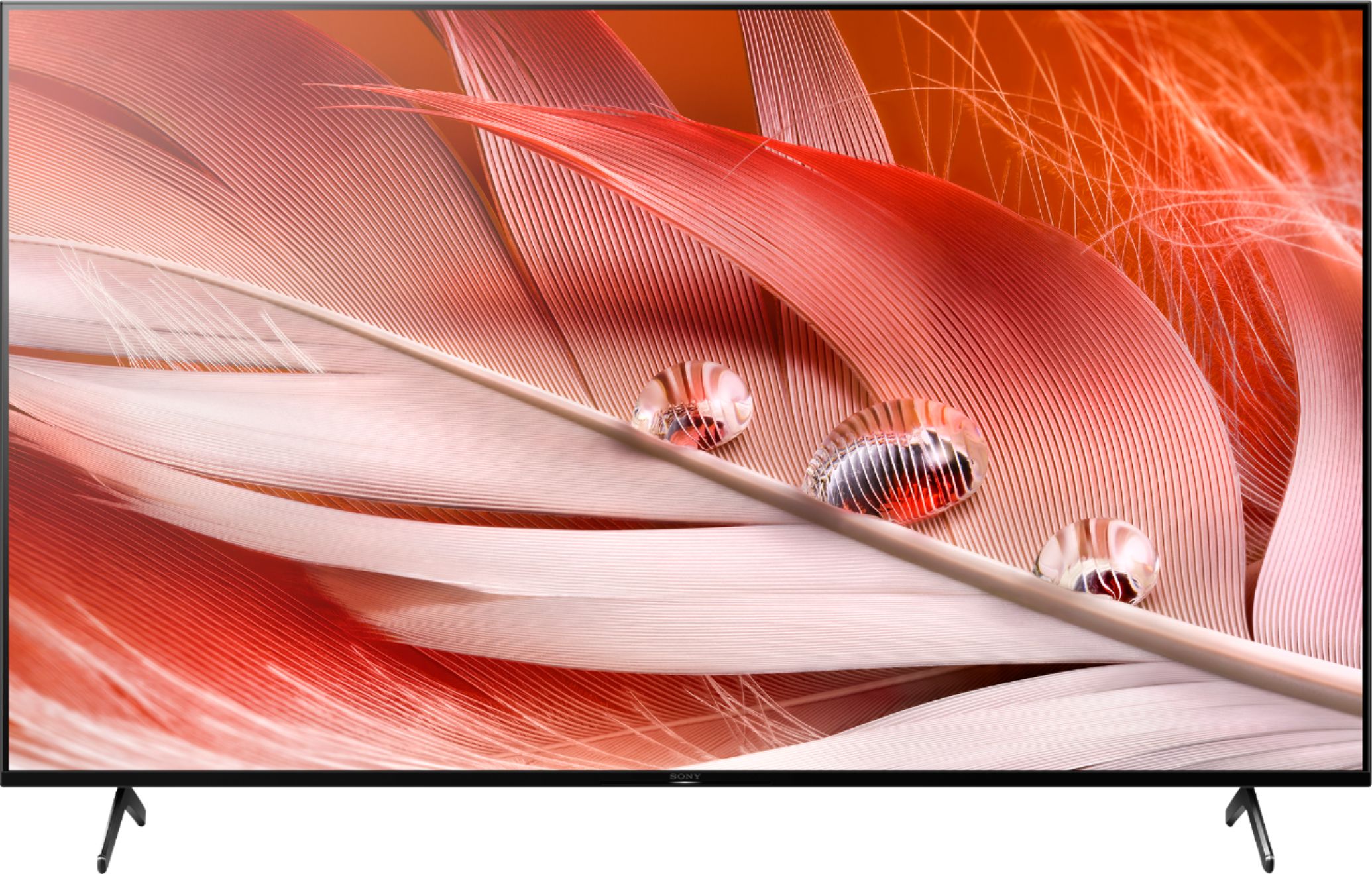
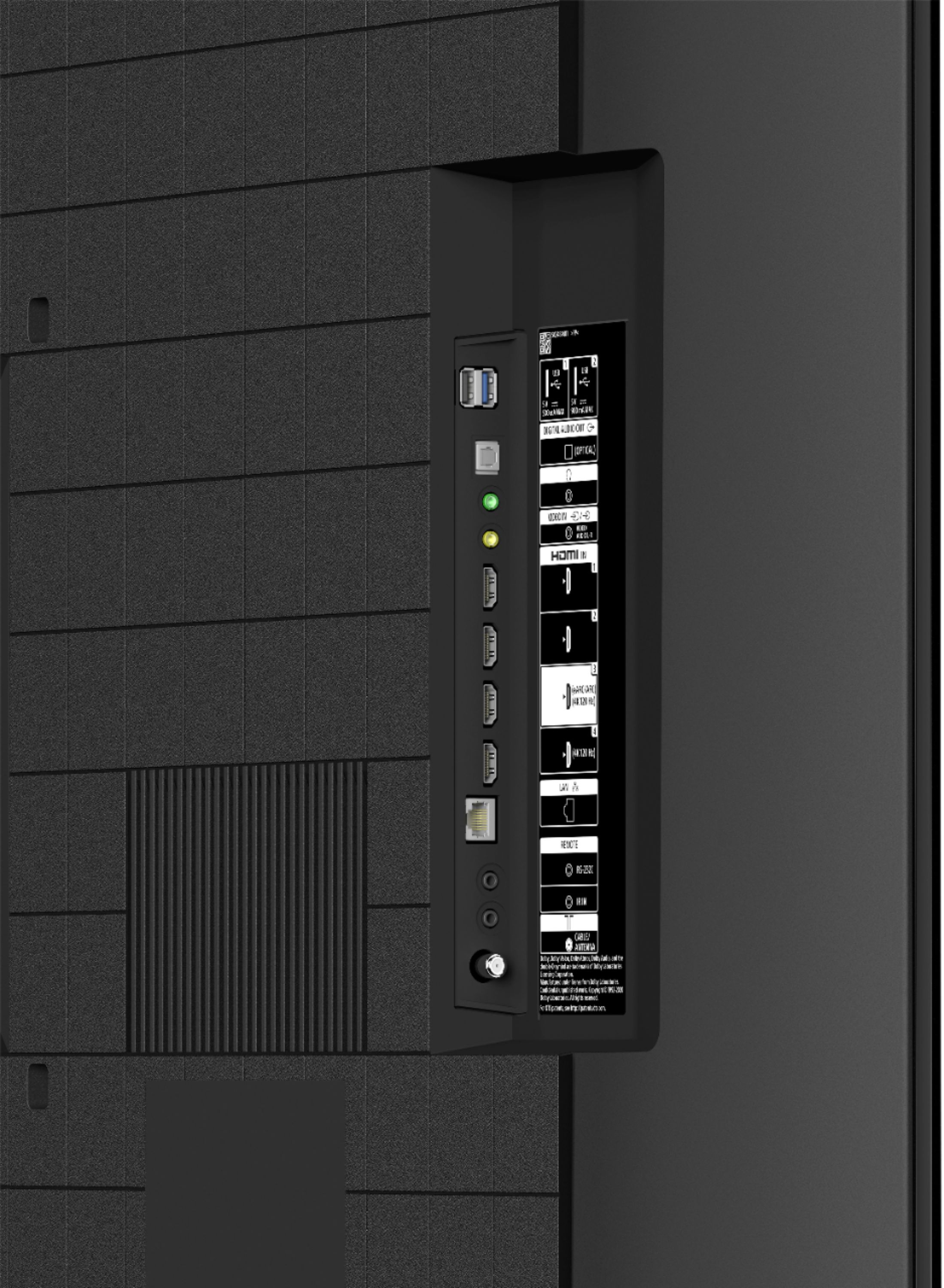
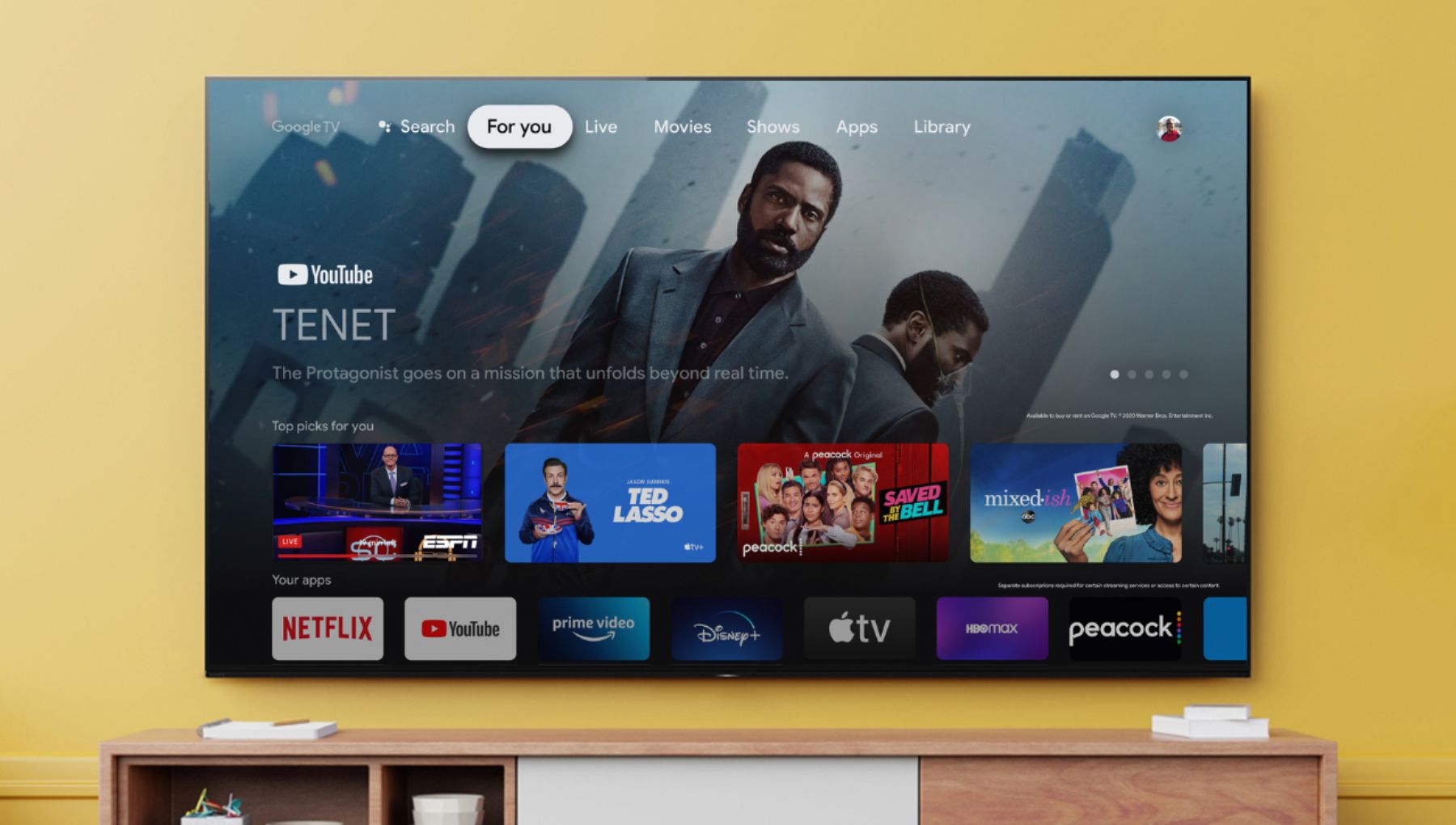
A:Answer Hi Jonn, Thank you for the inquiry. Yes! the XR50X90J supports Dolby Vision. Dolby Vision content compatible with streaming services or compatible content devices connected via HDMI input.
To confirm Dolby Vision content reception, check the Picture Mode setting on the TV:
Select Home → Settings and then, depending on your TV:
Select Display & Sound → Picture → Picture Mode
Select Picture & Display → Picture Adjustments → Picture Mode
To change the HDMI signal format setting, press the (Quick Settings) button on the remote control,
then select [Settings] — [Channels & Inputs] — [External inputs] — [HDMI signal format] — [Enhanced format (Dolby Vision)].
I hope this helps! Jay