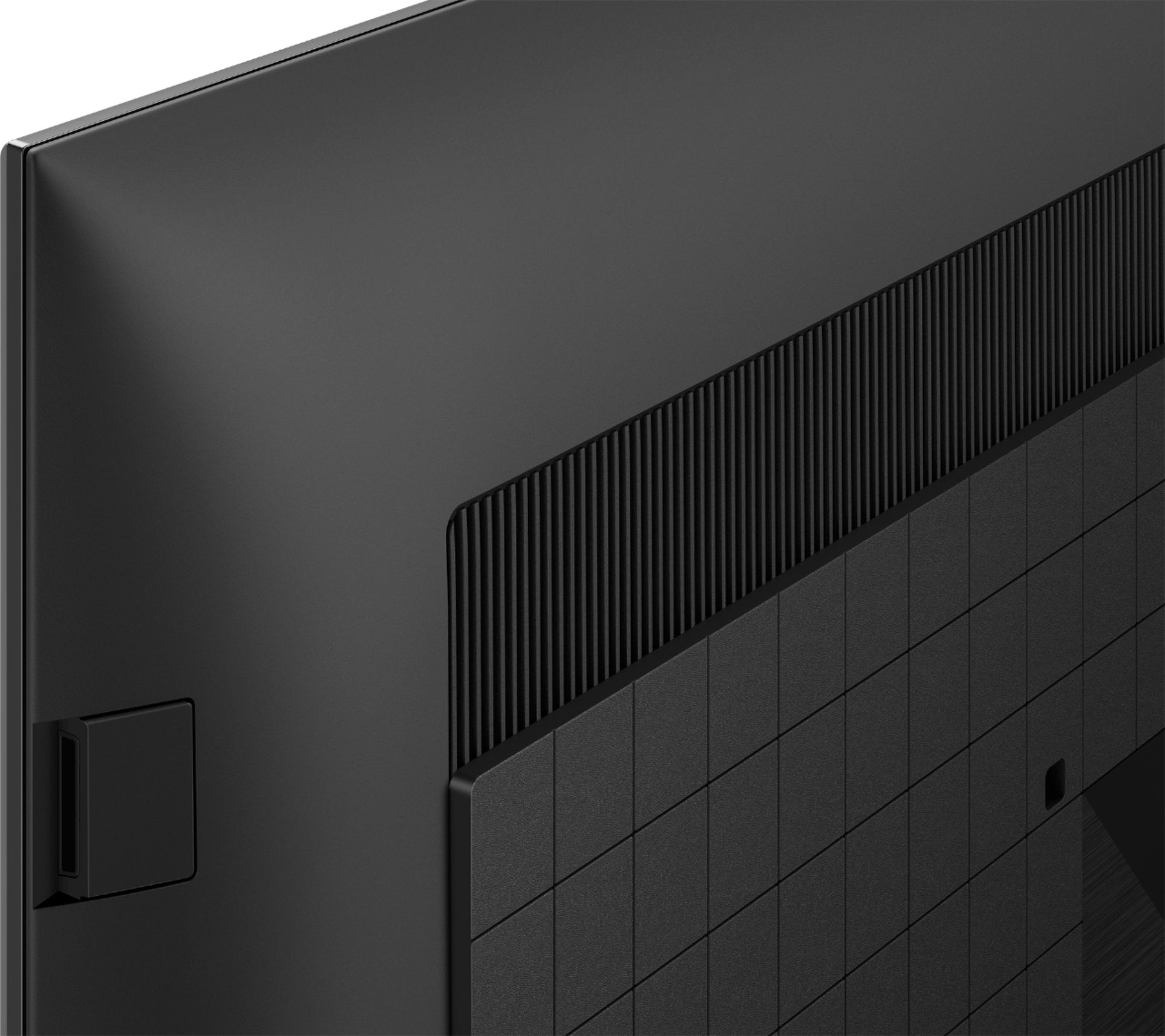
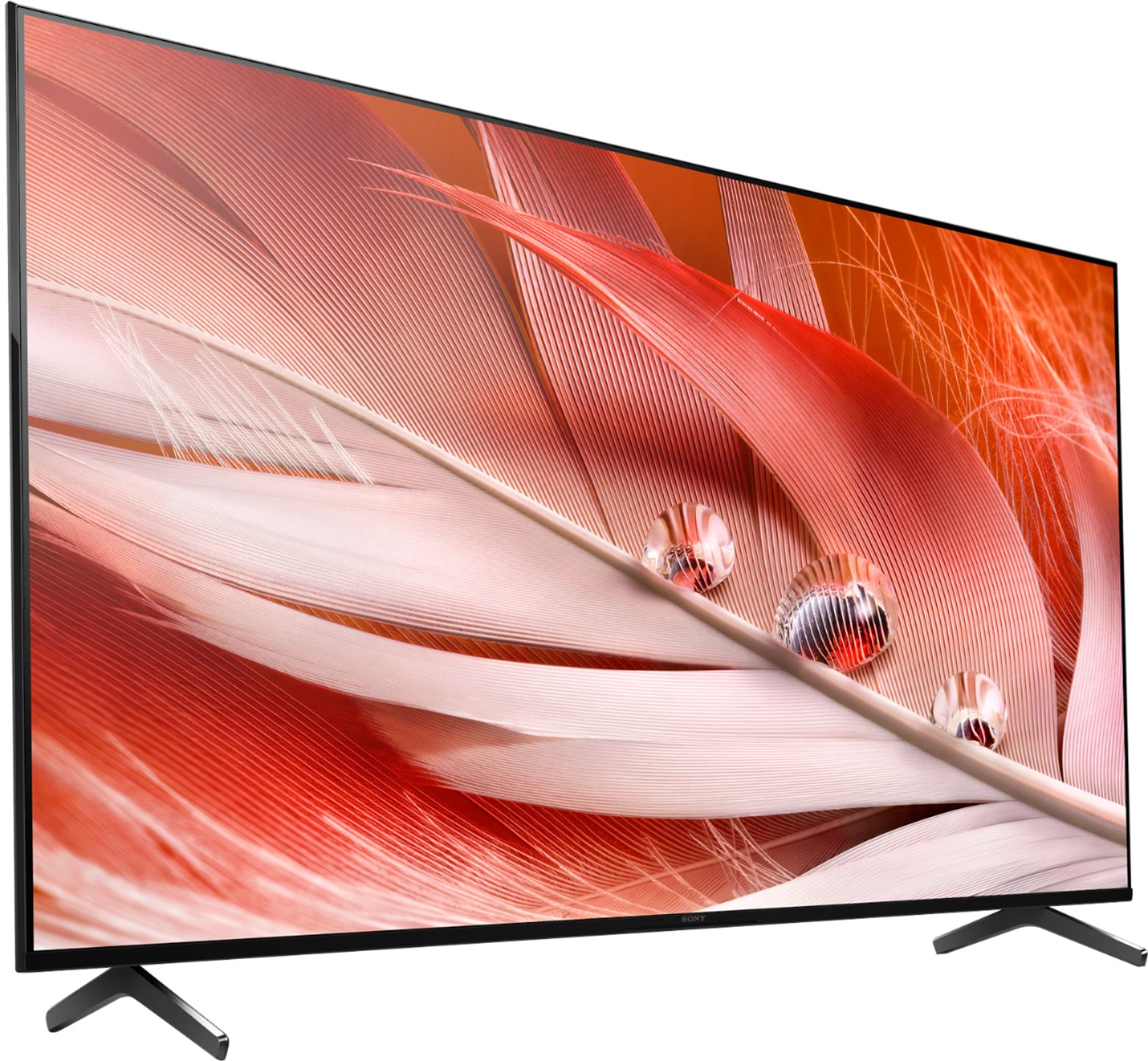
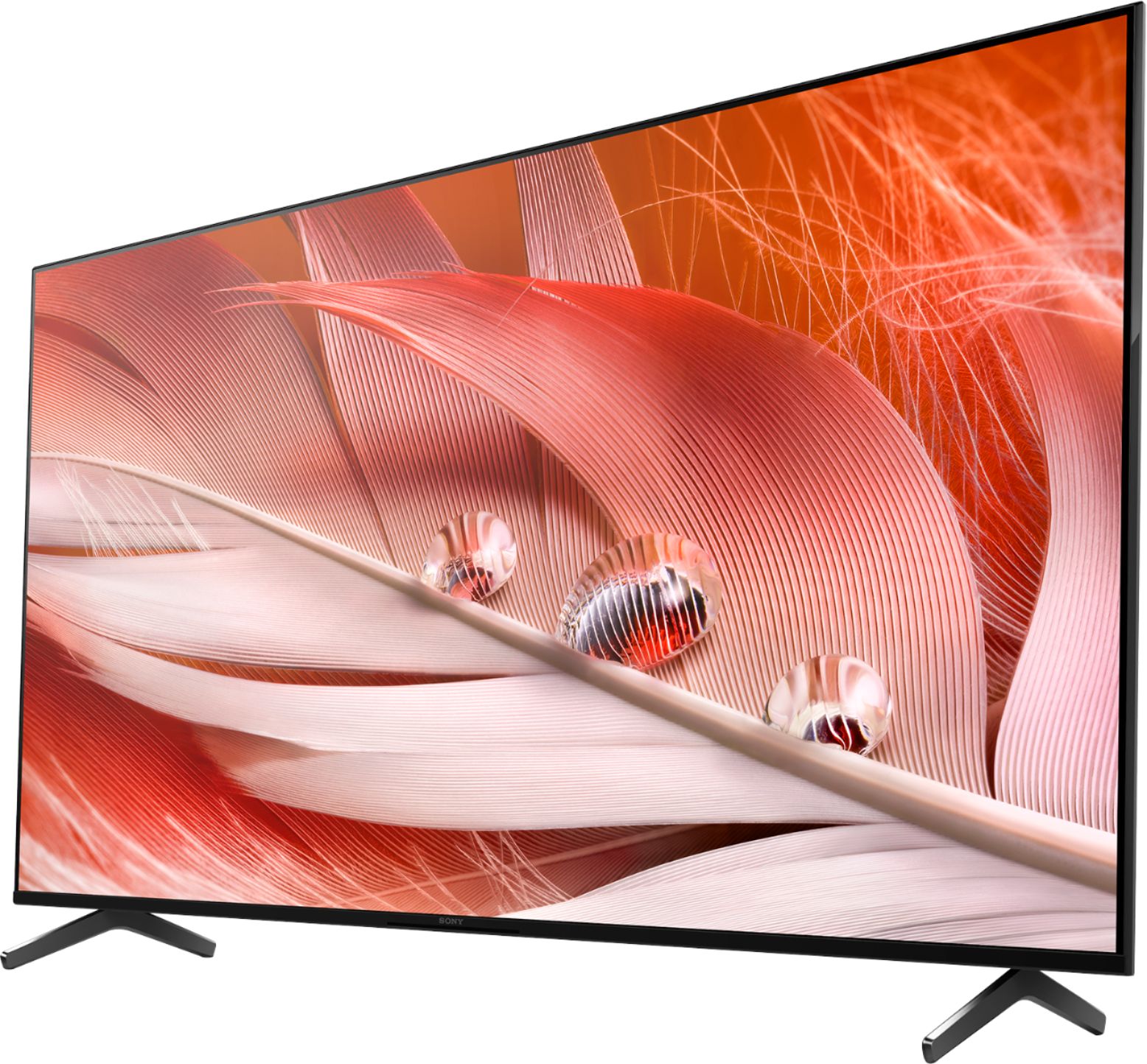
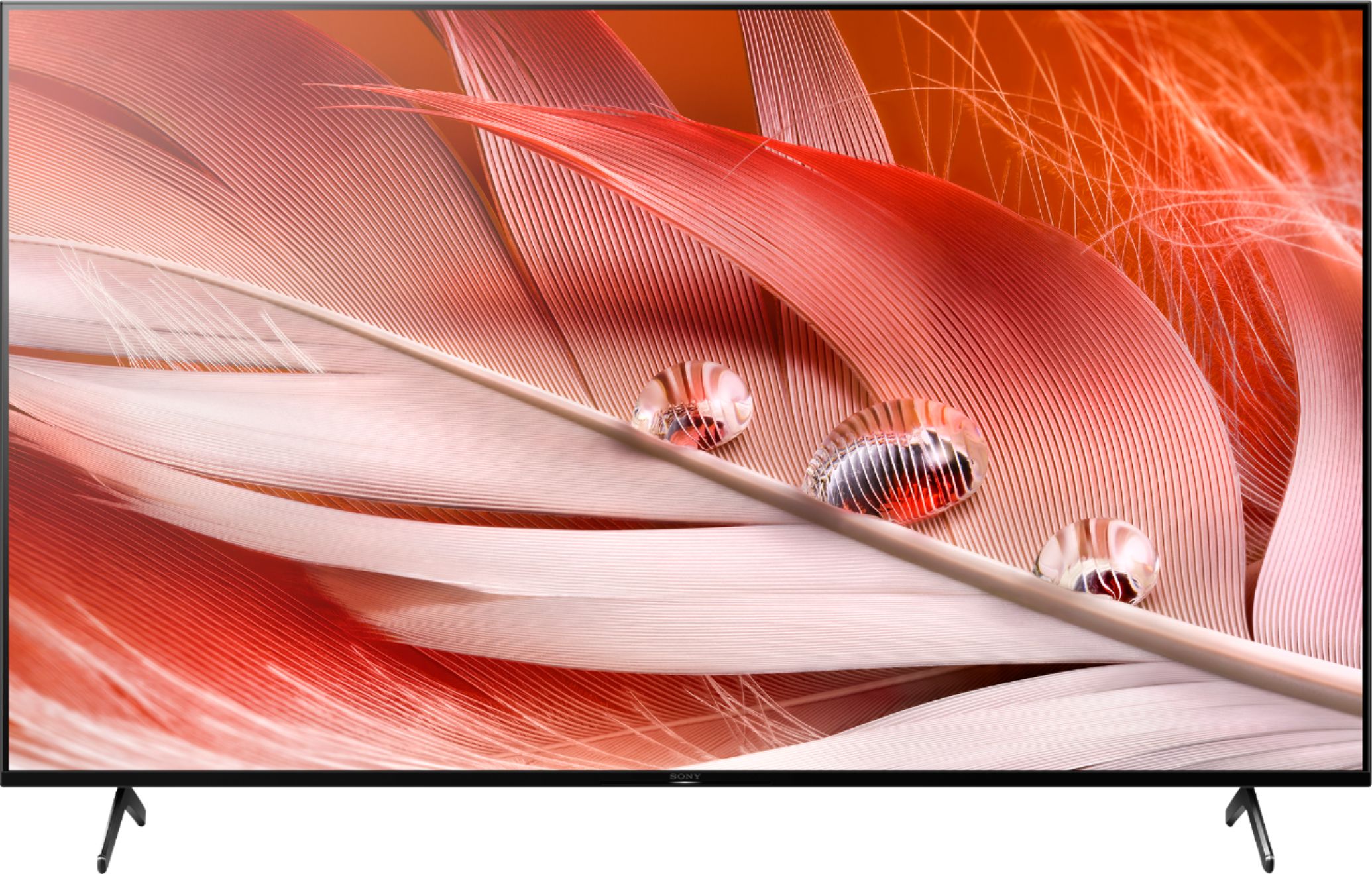
A:AnswerHi Luciano, thank you for your question. VRR will be coming via a future firmware update. As of this writing, we cannot provide you an ETA of the firmware availability. Please make sure to enable the Automatic Software Update on your TV to get the latest version. For more product updates and announcements, please visit our support website sony.com. Regards, Erin
A:AnswerYep it's really easy to connect. Just like using an Android phone. So far I've stayed connected from about 20 feet. Haven't tried to go any farther. No mods needed.
A:AnswerHi, thank you for your inquiry. Yes. You can connect your computer to the X90J.
Reference: https://www.sony.com/electronics/support/televisions-projectors-lcd-tvs-android-/xr-50x90j/articles/00032283
Regards,
Erin
A:AnswerHi jcs52, thanks for your inquiry. You can only pair Bluetooth headphones to the TV that supports the A2DP Bluetooth profile. Other Bluetooth headphones that support A2DP may work. However, we don't guarantee its operation. Regards, Erin
A:AnswerHi Malachiddm,
Thank you for choosing and purchasing our BRAVIA XR X90J Full Array LED TV.
We are sorry to hear you're having an issue with the TV screen when using your game console. This is definitely not the experience we wanted you to have. We’d love to help you troubleshoot your problem by isolating your sources and understanding your connections.
Before we get started, is this happening to all input and when using other devices?
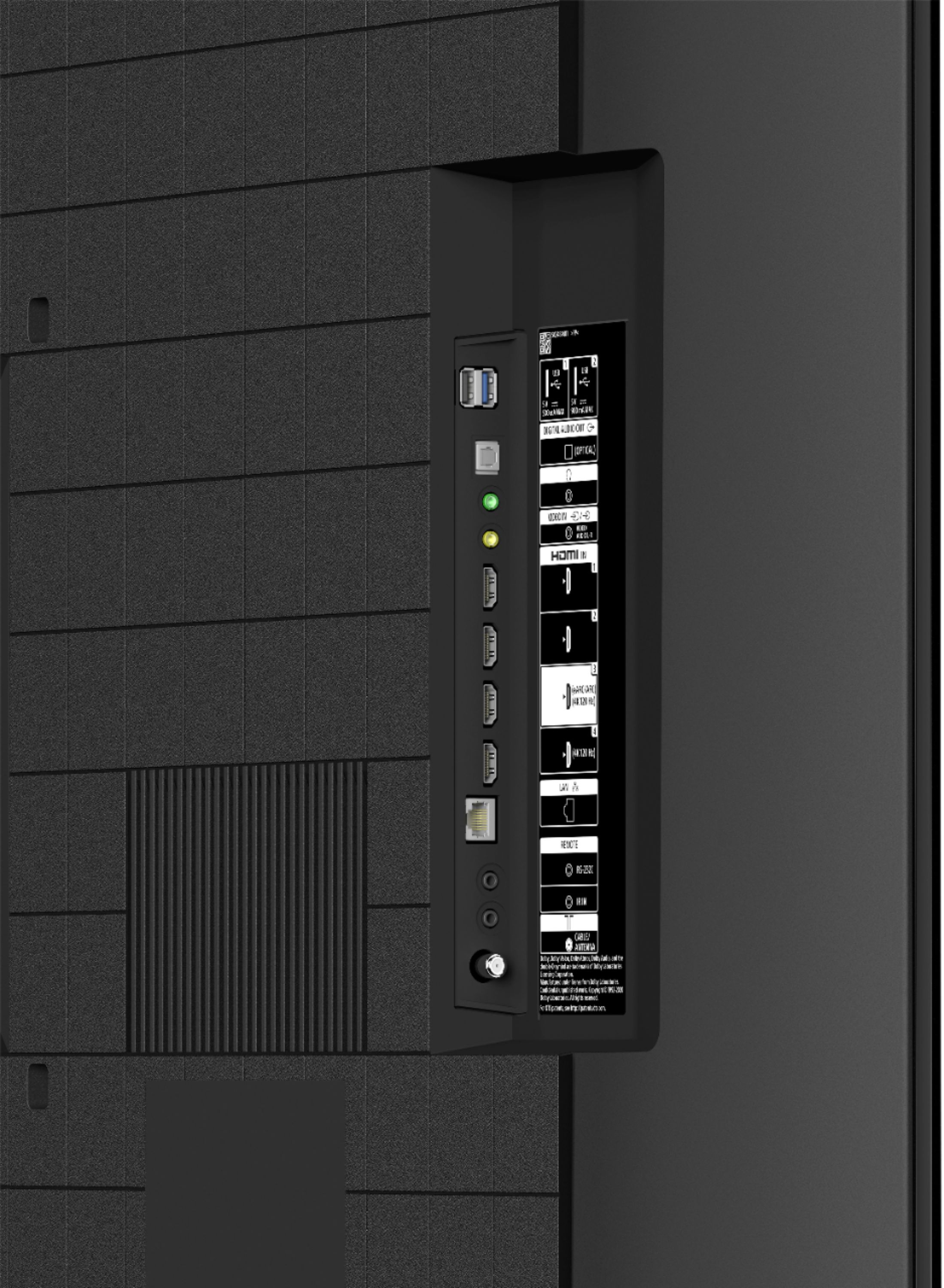
Our X90J supports 4K120 on HDMI 3 and 4. Be sure to have a Premium High Speed HDMI® cable (up to 18Gbps) and your console is connected to the HDMI 3 or HDMI 4 input on the TV. You will need to set the TV HDMI® Signal format to Enhanced format for your source device to recognize the 4K 120Hz capability of the TV.
Select Settings → Watching TV → External inputs → HDMI signal format.
Select the input the device is connected to (either HDMI 3 or HDMI 4), and then change the setting to Enhanced format.
Should you need further assistance, please email the below information to [email protected].
Apologies if you disclosed some of this information in your review and to customer service, we just want to ensure that we have your accurate details at the time of communication.
Full Name:
Best Buy Username:
Telephone Number:
Sony TV Model Number:
Additional Information regarding your experience with the X90J
We are sorry for the inconvenience and hope to speak to you to resolve this matter.
We appreciate you and thanks again for shopping Sony!
Sincerely,
Erin
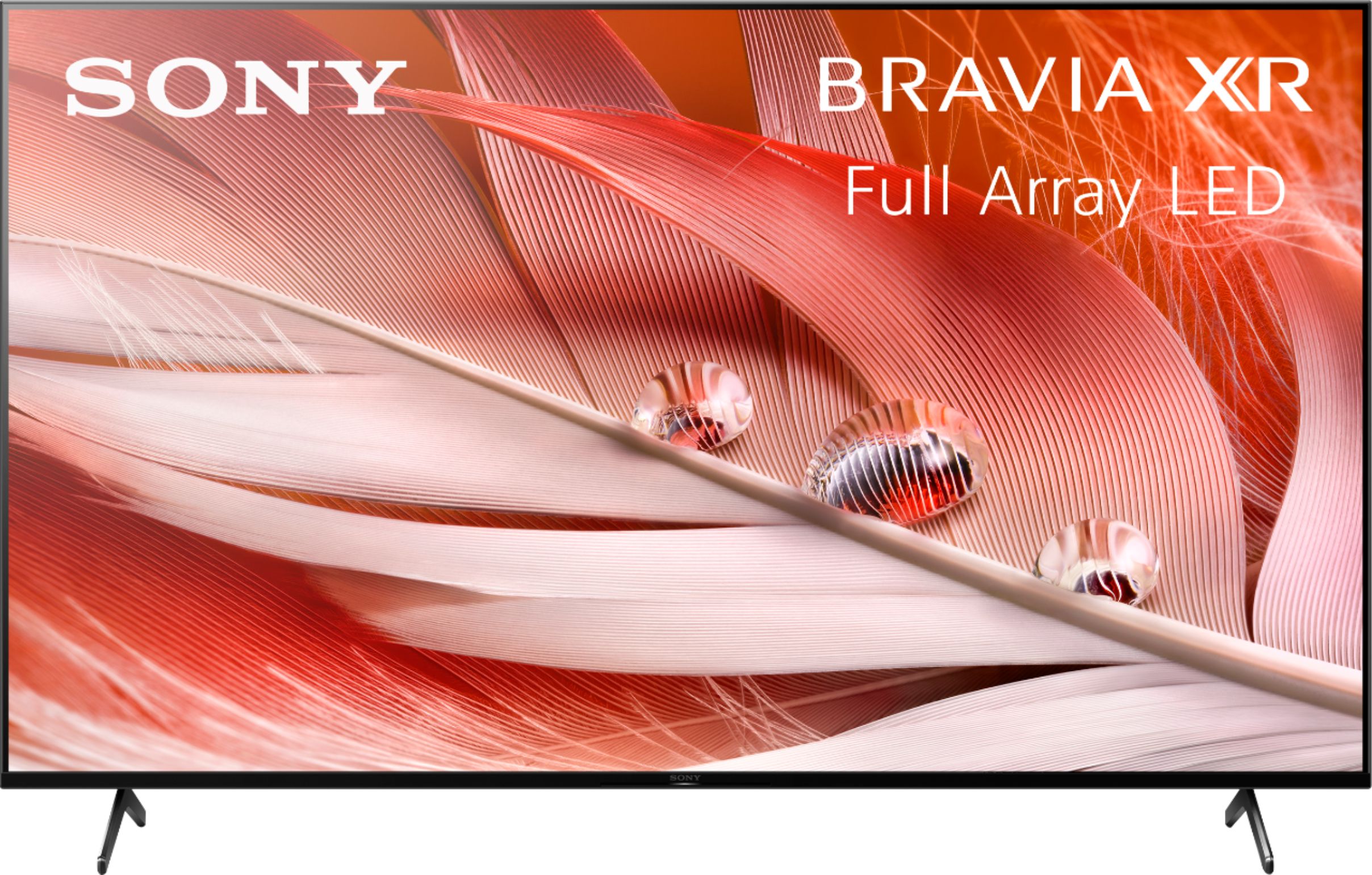
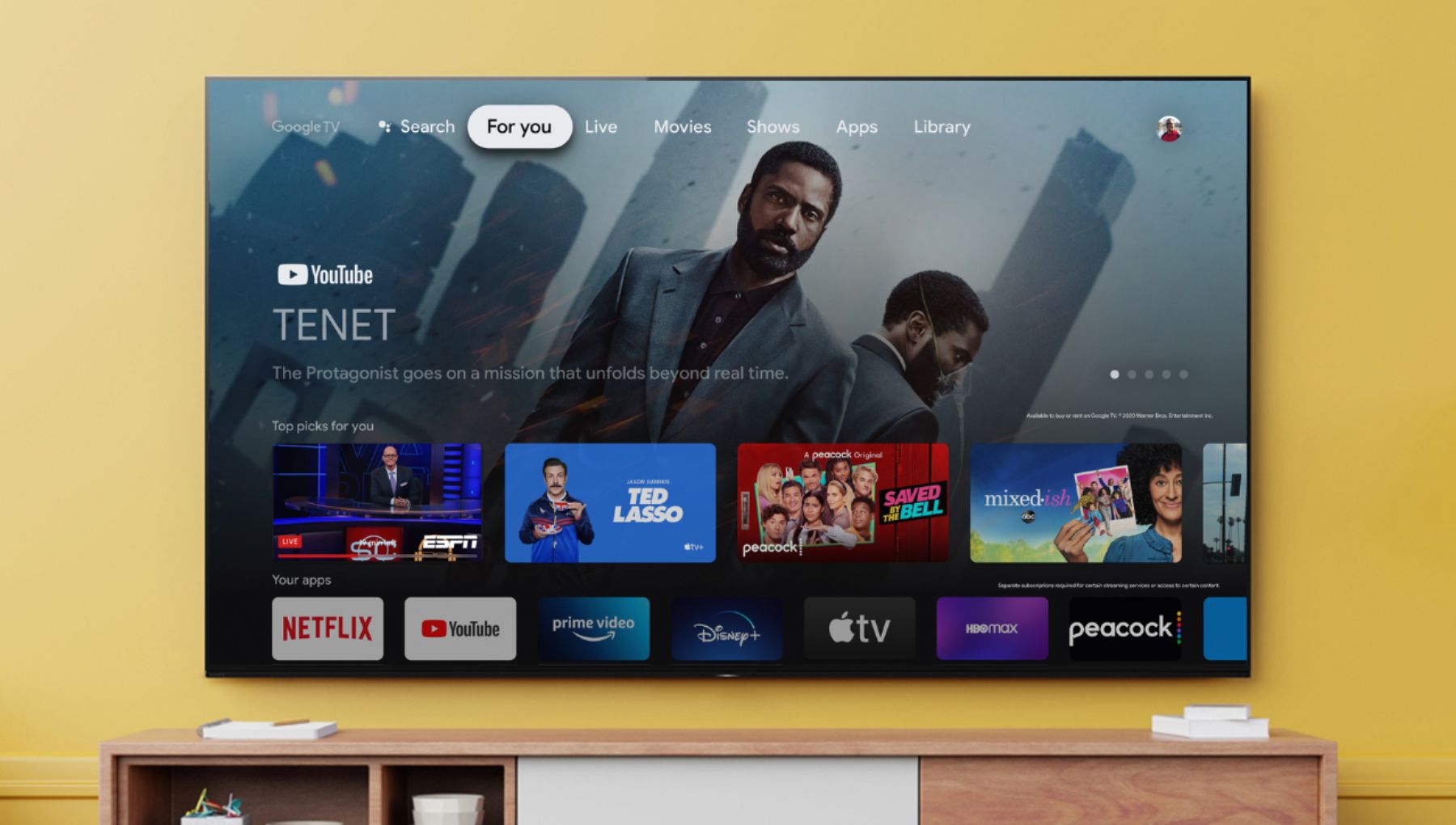
A:AnswerGoogle TV is the newest version of Google's smart TV platform, previously known as Android TV. The move to Google TV is simply rebranding and updating, since the underlying Android software is still what makes everything work. It is the operating system on the tv for launching your viewing apps; eg. Netflix, Prime video, Disney, etc..
A:AnswerHello POPS3435,
Thank you so much for your inquiry.
Currently, the Spectrum TV app cannot be downloaded from the Google Play Store on our Android TV. There is good news, however! As an alternative, if your phone or tablet supports Chromecast, you can simply use this feature from the Spectrum TV app to cast the content to this TV.
You may check out the following link for more information:
https://www.sony.com/electronics/support/televisions-projectors-lcd-tvs-android-/xr-50x90j/articles/00135368
I hope this helps!
- Romeo