A:AnswerHi Sony55. The TV displays what it gets from the source, you may try changing the Wide Mode settings of the TV under the Display Settings. -Mark
A:AnswerHi Anubhav, thanks for bringing this up. Please reach us at [email protected] with your concern so we can further assist you. Please also include your contact and product information. Regards, ^Ron
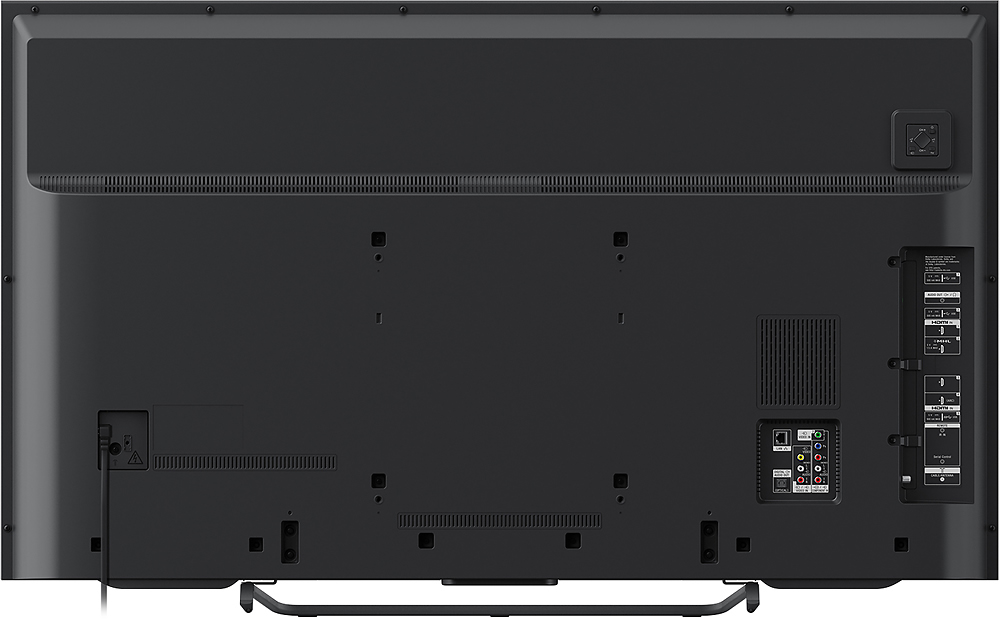
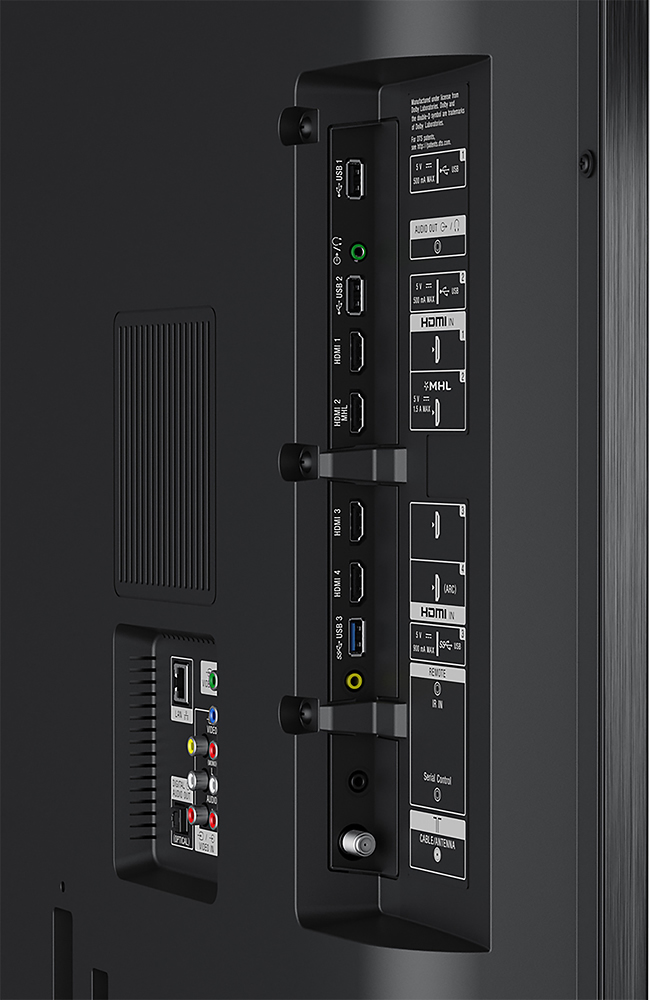
A:AnswerHi mikit. The XBR-55X810C's hdmi ports are all inputs. It means that when you connect a media device to one of those ports, the tv will be able to project them. Thanks. -Mark
A:AnswerHi tee, For more details on how to attach the TV to the stand, we suggest visiting this link: https://docs.sony.com/release//QSG_4576186121.pdf -Jerome
A:AnswerHi Cgoes, You may check the link below for more information if the picture has a red, green, or blue tint. https://us.en.kb.sony.com/app/answers/detail/a_id/41113/kw/odd%20color/p/61659%2C95543%2C95547%2C95850/c/65%2C66/related/1 -Jerome
A:AnswerHello bob47, thank you for your message. Yes, it does support HDCP 2.2 for HDMI1/2/3/. For more information, check the link below: https://docs.sony.com/release//specs/XBR55X810C_mksp.pdf. -Oscar.
A:AnswerIt does has analog audio out put, but it only work for my DVD surround sound,so I bought digital converter, cost about $30 at Best Buy, and plug my analog cables into converer and used optical cable to plug into optical port on TV. Work like a charm