A:AnswerHello, If you have a Verizon Fios TV setup box, you may check out our basic steps to hookup a setup box to a Sony TV (via HDMI): https://www.sony.com/electronics/support/articles/00231124. For other Fios TV concerns, we highly recommend contacting Verizon. Thank you for your inquiry! -Vincent
A:AnswerHi knightway, You can report directly to the TV dealer on your old TV regarding this matter. In your new Sony TV, the Roku Box is compatible and you can connect it to the HDMI port. Thanks, Jay
A:AnswerHi tricksey,
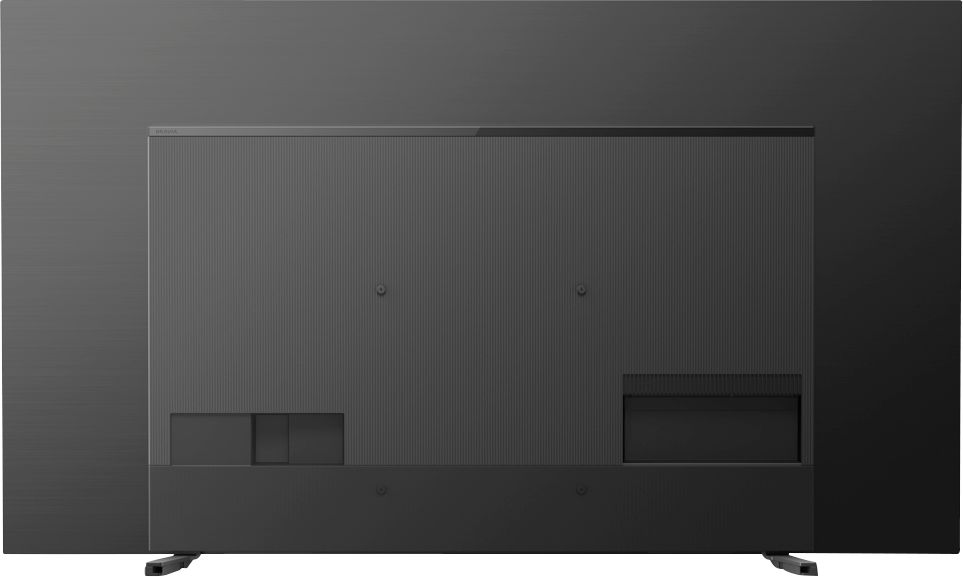
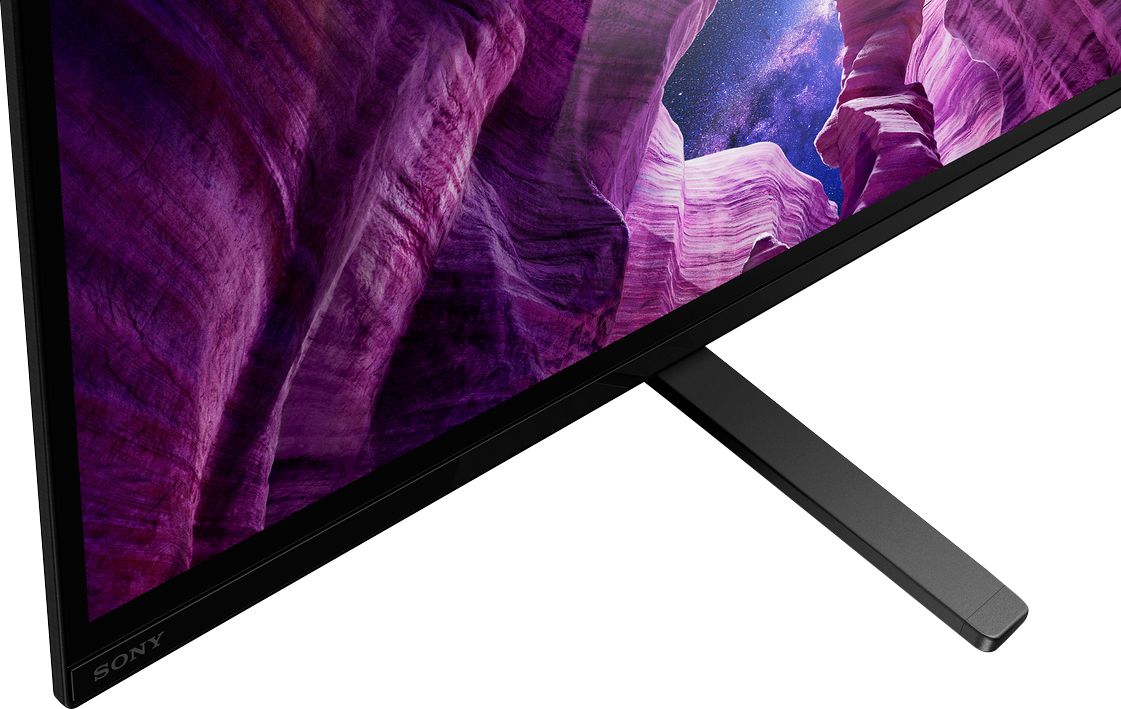
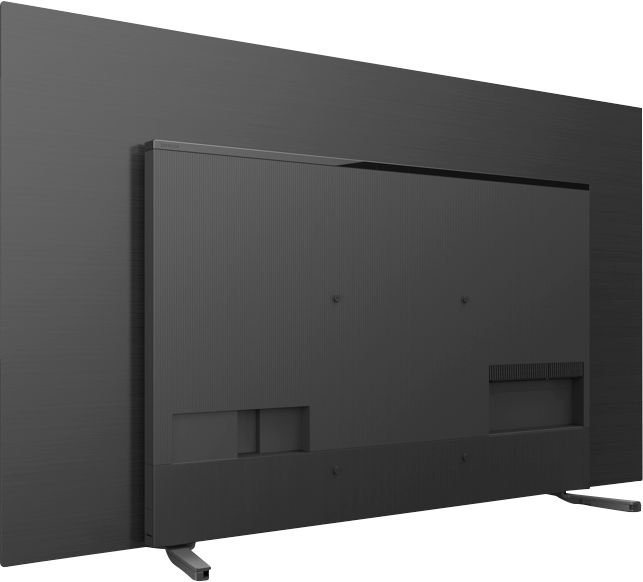
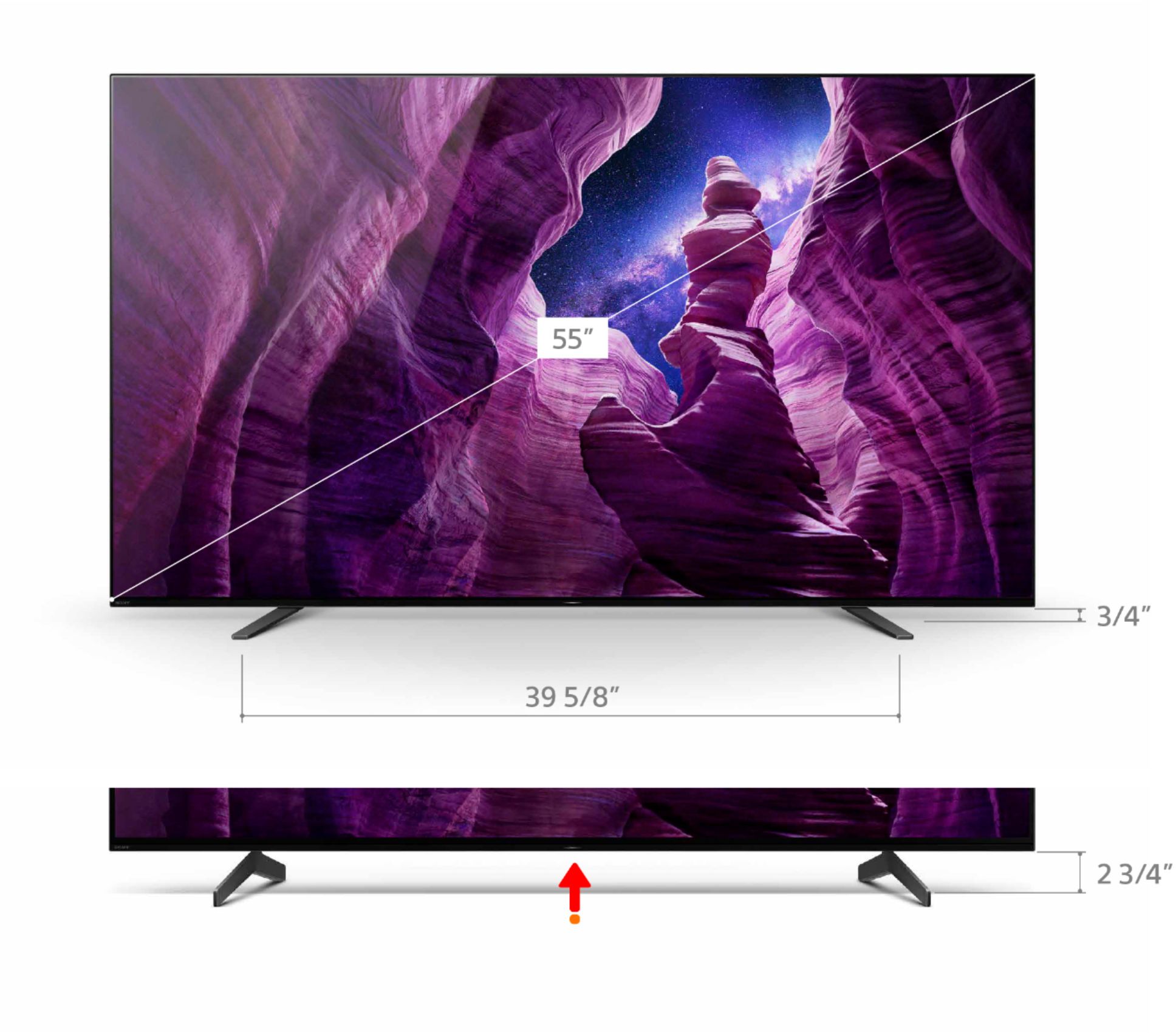
Thank you for your inquiry. We highly recommend the use of the supplied TV stand. However, you can install a television swivel base. Please contact your local retailer to find a VESA stand that meets the size of your TV, your wall or environmental requirements, and stylistic preferences. You may open this link below for more information of VESA Hole Patterns for TV Wall Mounts. I hope this helps.
https://www.sony.com/electronics/support/televisions-projectors-oled-tvs-android-/xbr-55a8h/articles/00021291
Regards,
Kris
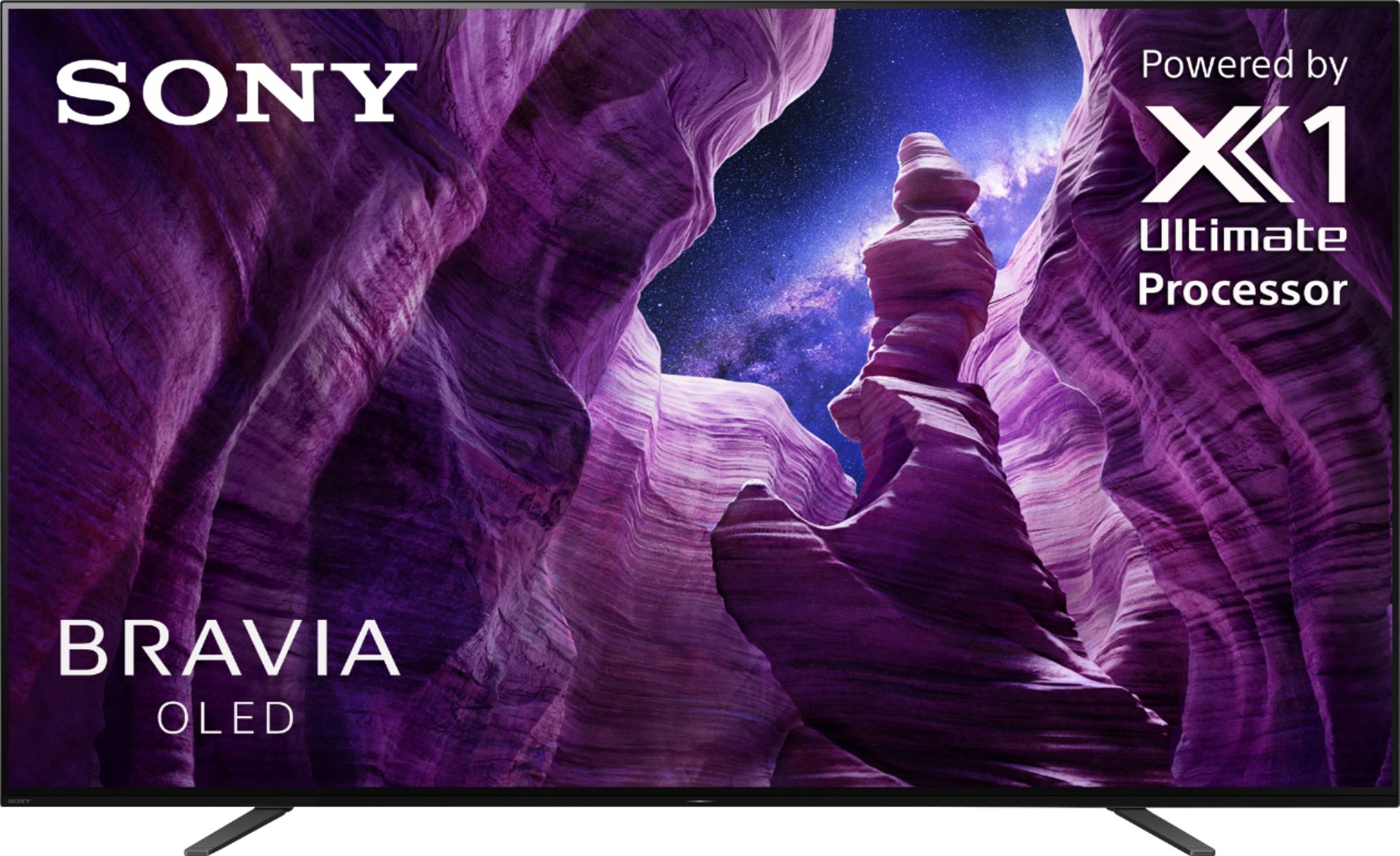
A:AnswerThe answer given states that the 48" Sony OLED is available. However, in checking the Best Buy website and using their CHAT service, none are available at any Best Buy stores or from Best Buy warehouses
A:AnswerHello judoblackbelt, We highly recommend using a premium high-speed HDMI (High-Definition Multimedia Interface) cable with this TV for optimum performance. Thank you for your inquiry! -Vincent
A:AnswerHello Mreagles, We highly recommend connecting this TV to a regular wireless router that has an active and reliable internet connection. We cannot guarantee if the TV will successfully connect to a hotspot connection. Thanks! -Jess
A:AnswerThe A8H is Blue Tooth compatible so you should have many avenues open to help. Personally, I just use my hearing aids and turn the sound down by about 2/3rds. Good luck.
A:AnswerHello KB, Sony Bravia Android TVs have a Demo mode. To access this feature, press the HOME button on the remote control and select [Settings] — [Device Preferences] — [Retail mode settings] — [Demo mode]. Using third-party apps may also work, however, we cannot guarantee their full operations. Thank you. -Vincent
A:AnswerThis TV is not like LG’s TV where it displays a work of art. But the limited warranty of this set is one year unless you add on an additional warranty through Geek Squad.
A:AnswerHi Neil, Sony Bravia Android TVs also have a Demo mode. To access this feature, press the HOME button on the remote control and select [Settings] — [Device Preferences] — [Retail mode settings] — [Demo mode]. Thank you. -Vincent
A:AnswerHi Trachda, The Bluetooth feature of the A8H Bravia TV supports the A2DP. Bluetooth headphones should pair and connect with this TV. Thank you. -Vincent
A:AnswerThank you for inquiring about he A8H Bravia Oled. Sounds like your setup uses a receiver like you mentioned to power your speakers. If your receiver has a HDMI ARC connection, that is the best experience for your setup. The TVs Acoustic Surface Audio speakers will not be in use when your receiver is on powering your speakers if you use HDMI ARC. When the receiver is off you can use the A8H Acoustic surface audio speakers.
The A9G Master Series has a center channel mode which the A8H does not, that will take the place of your center speaker if you have a 5.1 speaker setup or higher. The A9G can work together with your audio system if you prefer. Please see the attached link with options of the A9G with the Acoustic Surface Audio+ feature.
https://www.sony.com/electronics/sound-quality#center-speaker
-Vince