A:AnswerYou can tweak your picture Reduce the Back light Level in the Picture Settings Menu.There you'll find the Light Sensor setting. There is also a Brightness setting there. A Clarity setting which contains Sharpness. There is a Power Saving setting to Low or High in the Setup Menu which of course will dim the TV accordingly.There is a color temperature setting also.And finally there is the Picture Mode setting . you can customize your viewing style .Cinema is usually darker and Vivid would be as expected brighter and you can tweak viewing in the titled Custom setting.
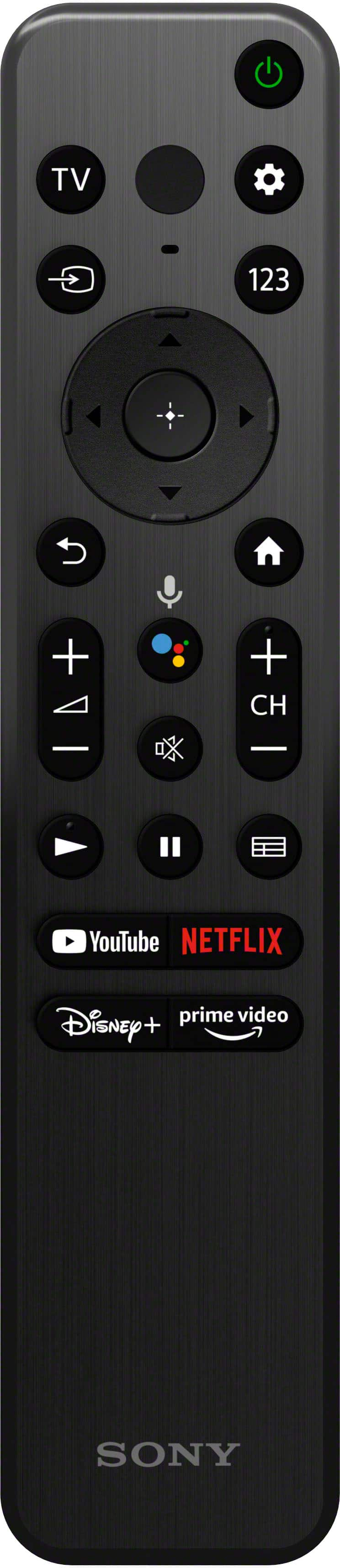
A:AnswerBelow the power and settings buttons is a button labeled “123”. This will take you to numbers you can select.
At the bottom are four buttons that will take you straight to: YouTube, Netflix, Disney+, or Prime Video.