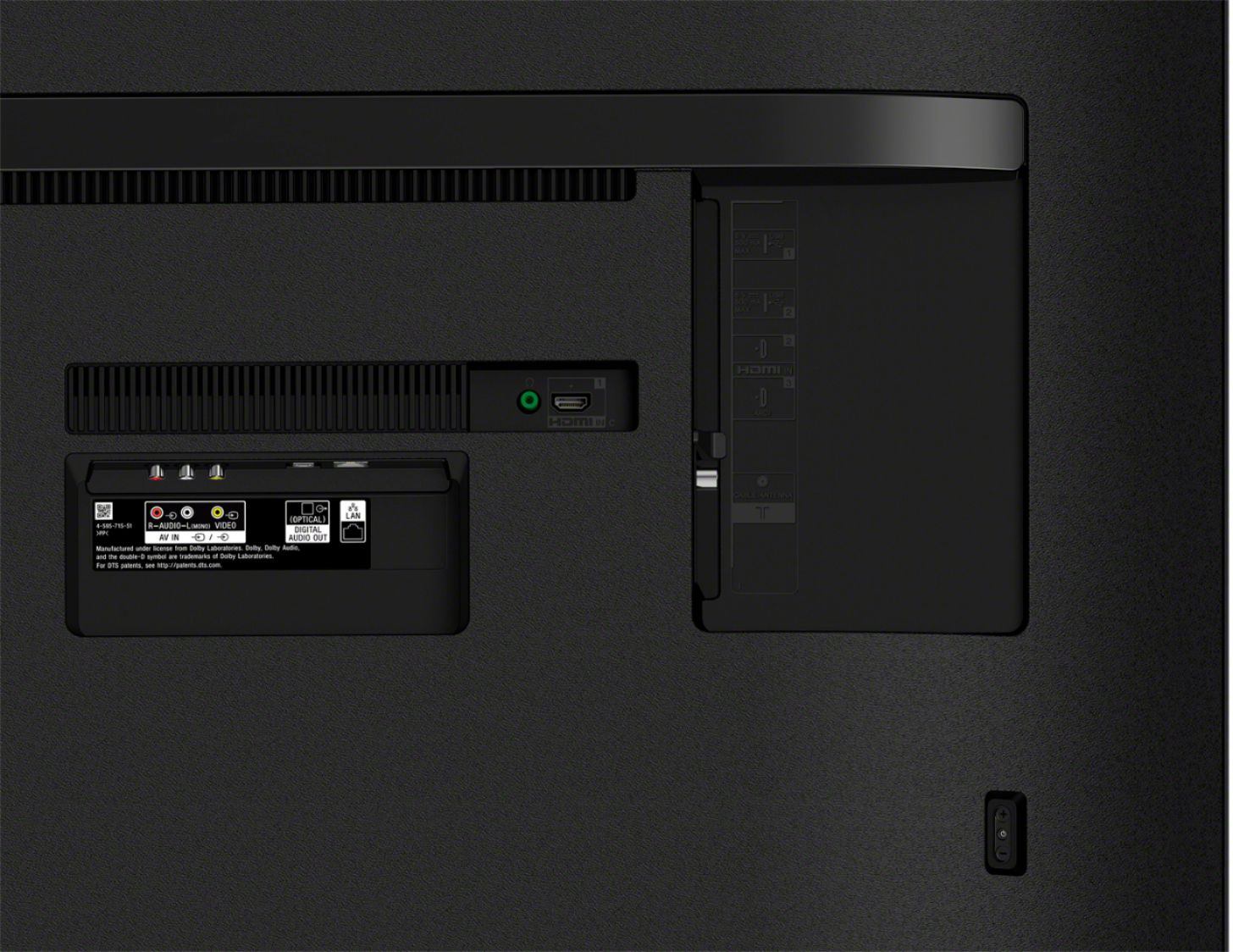
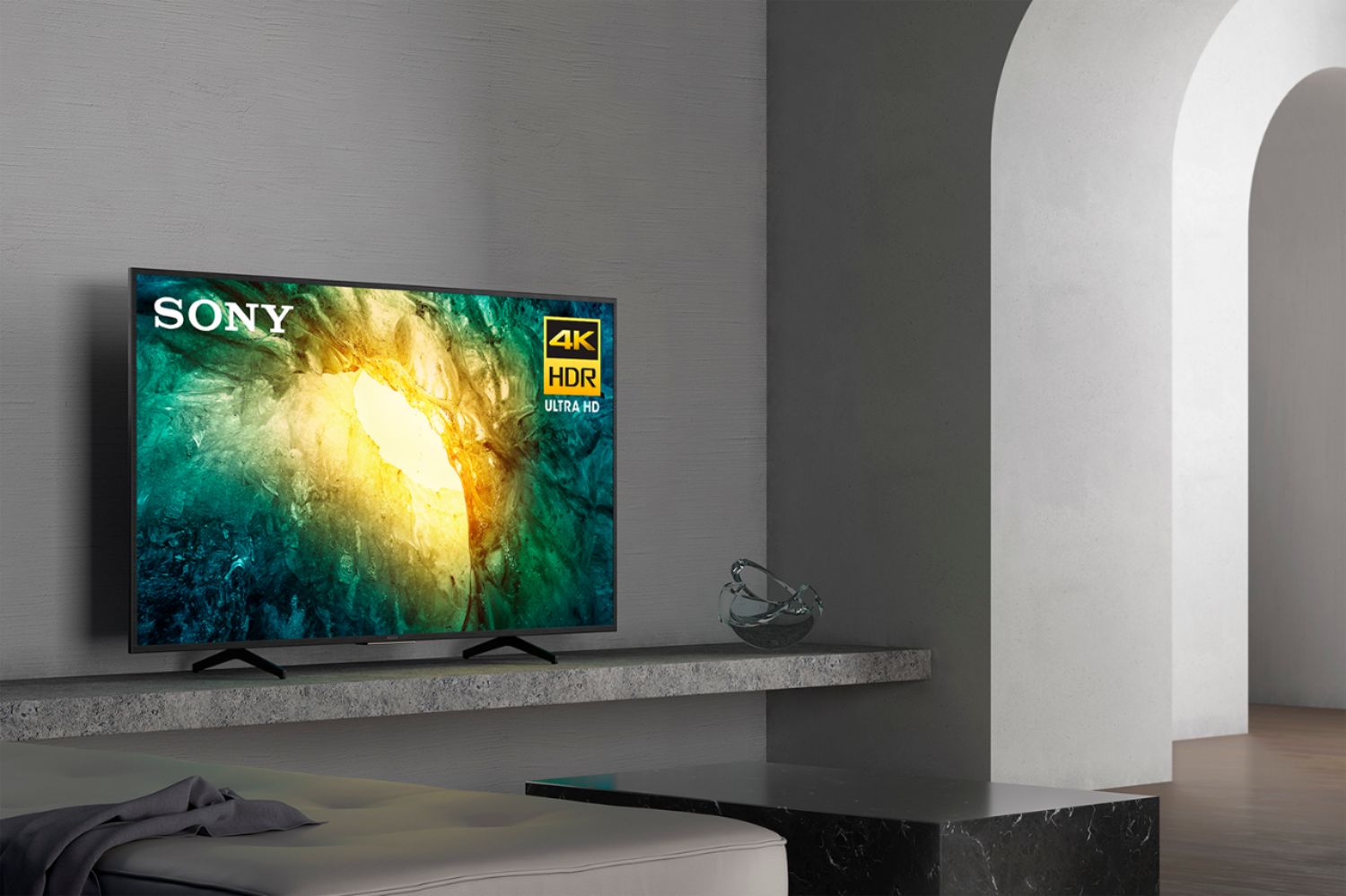
A:Answer Hi GrumpyOF, Thank you for the inquiry. Yes, you may skip connecting to the internet. Connect this TV to the antenna to receive channels without connecting to Wi-Fi or wired connection, or connect this TV to the cables/other external devices. Also, the voice control will not work if the TV is not connected to the internet. If you directly connect your Android TV device to an antenna, use Auto Program to scan for available channels.
1. On the supplied remote control, press the HOME button.
2. Select Image removed by sender. Settings.
3. Select Channels → Channel setup.
4. Select Watching TV → Channels → Channel setup.
5. This step will vary depending on the options available in your TV menu. Follow the steps accordingly.
5. Select the Signal Type appropriate for your connection (antenna or cable).
6. Select Auto Program.
Please take note that if this TV is not connected to the internet via wireless or wired connection, the tv will not have access to future software updates and or features that come with the product.
For more details, please check your TV model at our Sony eSupport website for product updates and announcements. I hope this helps! Jay