Questions & Answers
- Model:
- XBR55X800H
- |
- SKU:
- 6400732
Q: QuestionIs this model equipped with NTSC 3.0
Asked by PD.
- A:Answer Hi PD, thank you for your question. No, this unit only supports NTSC. ~Earl
Answered by SonyListens

Q: QuestionDoes this TV have a bulb that need replacing
Asked by Anonymous.
- A:Answer Hello, we appreciate your interest in our product. This unit uses LED to create the images on the screen. it does not need bulb replacing. Thank you. ~Earl
Answered by SonyListens

Q: Questionmy stand is 16 inches will it fit comfortably on this stand
Asked by Billp.
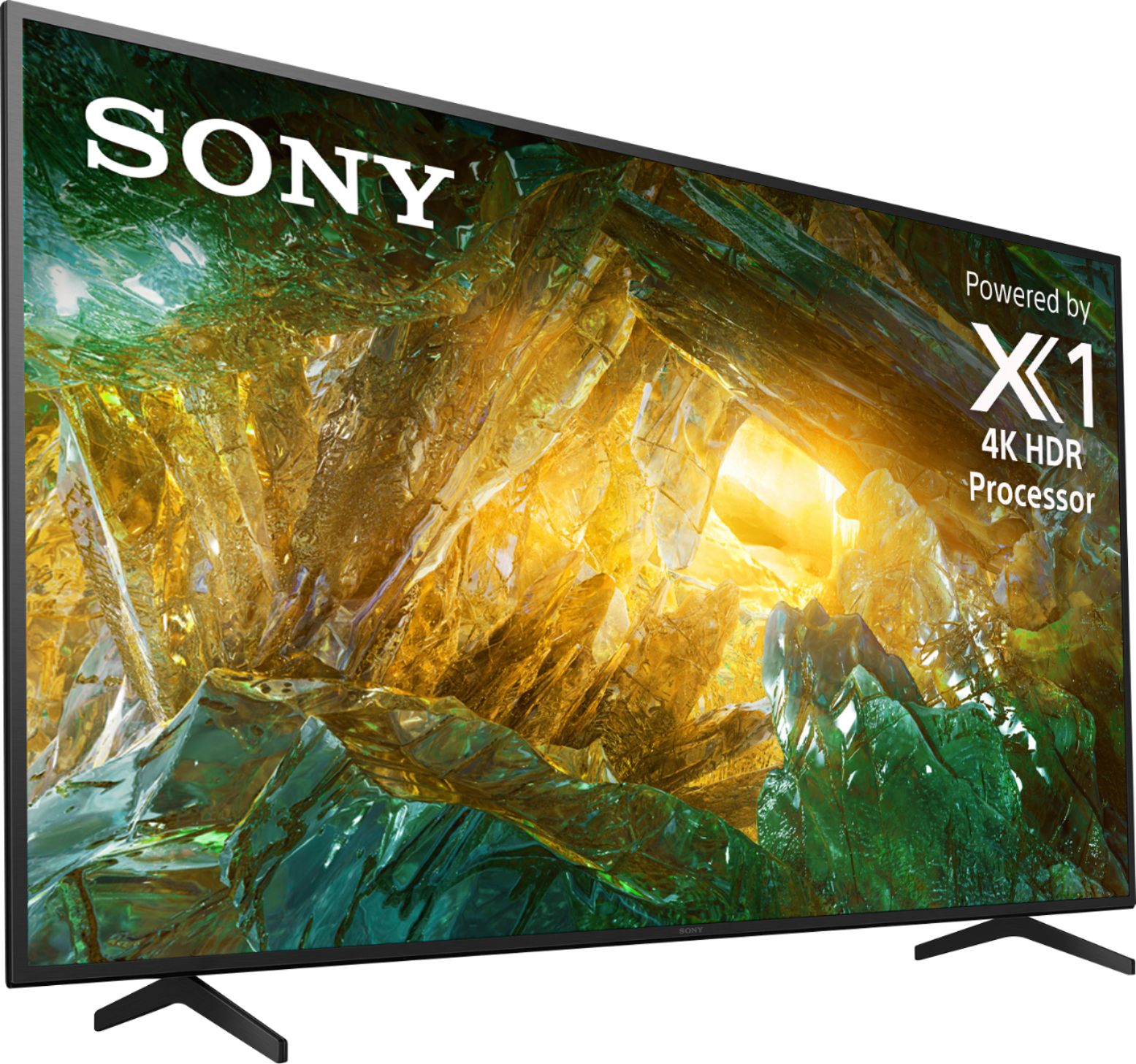
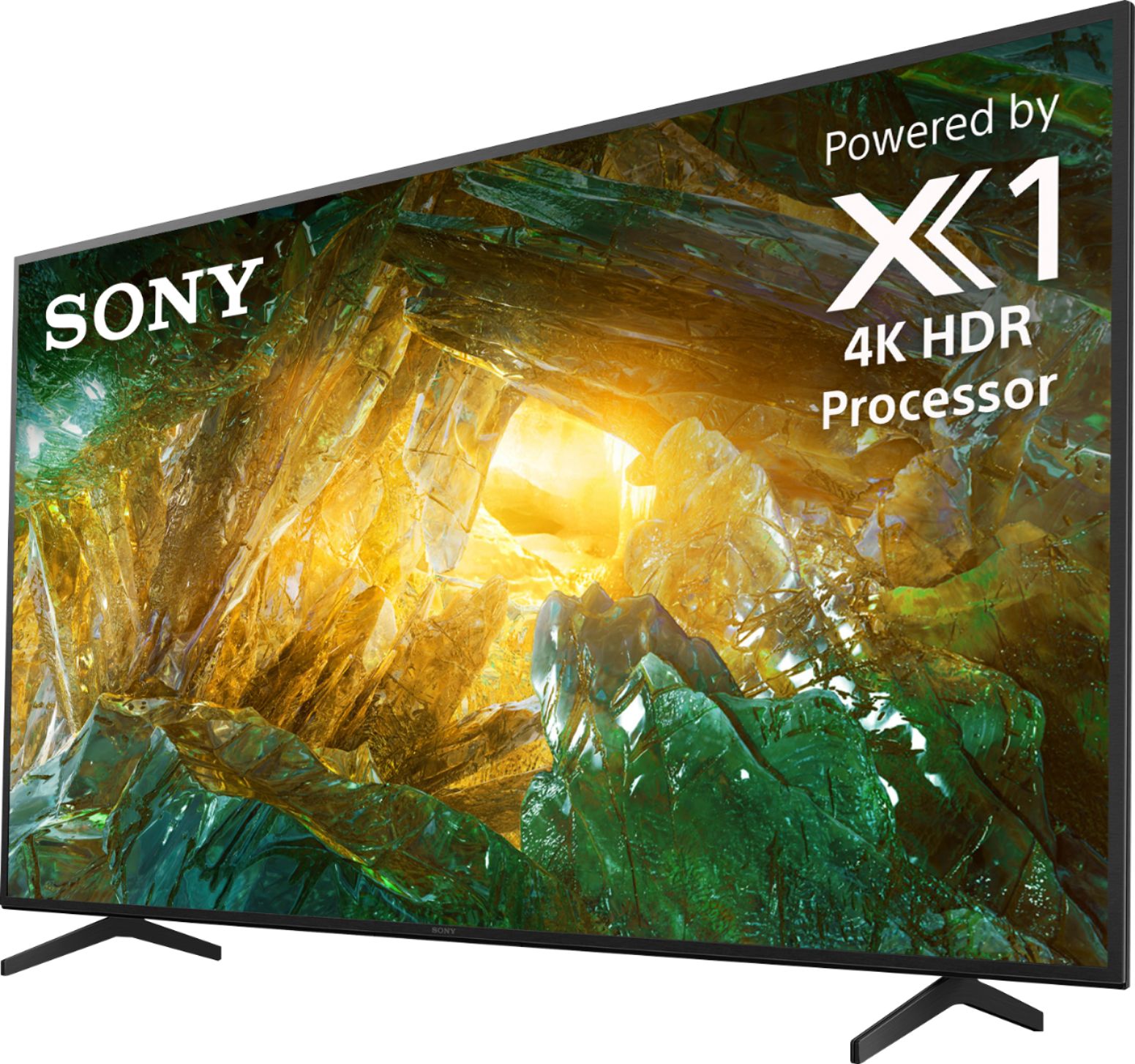
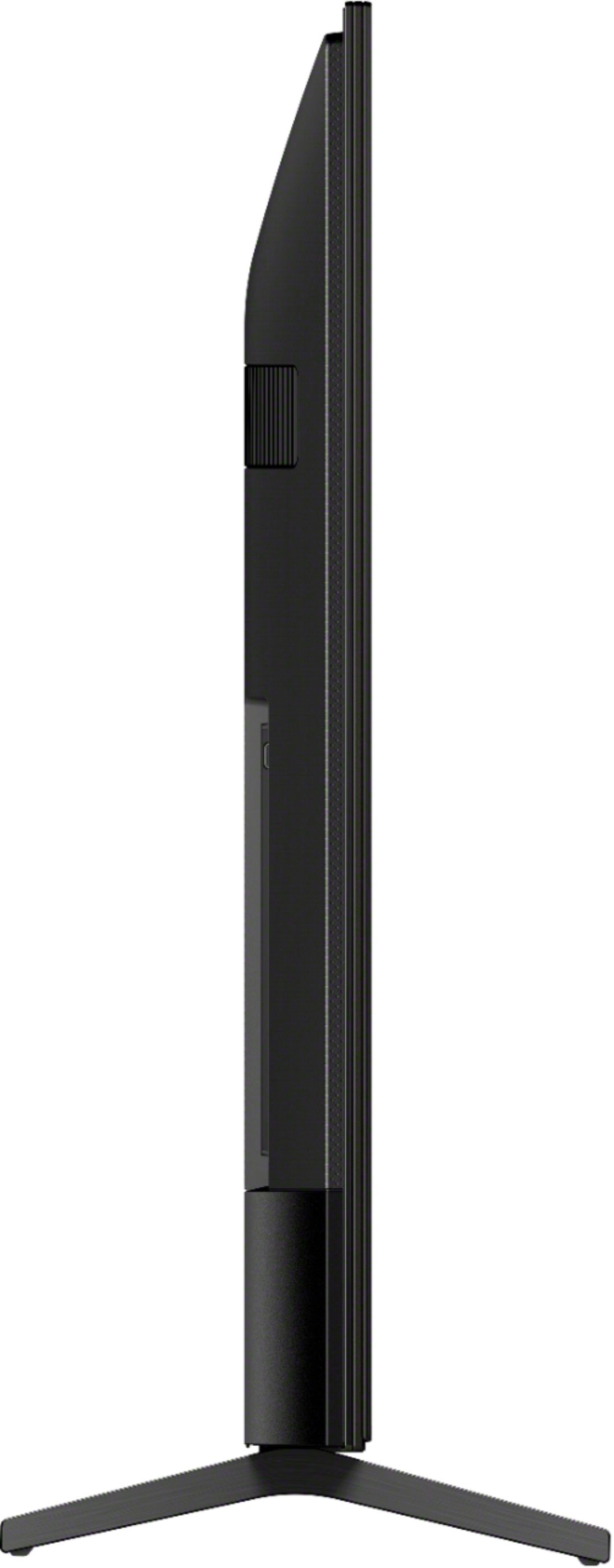
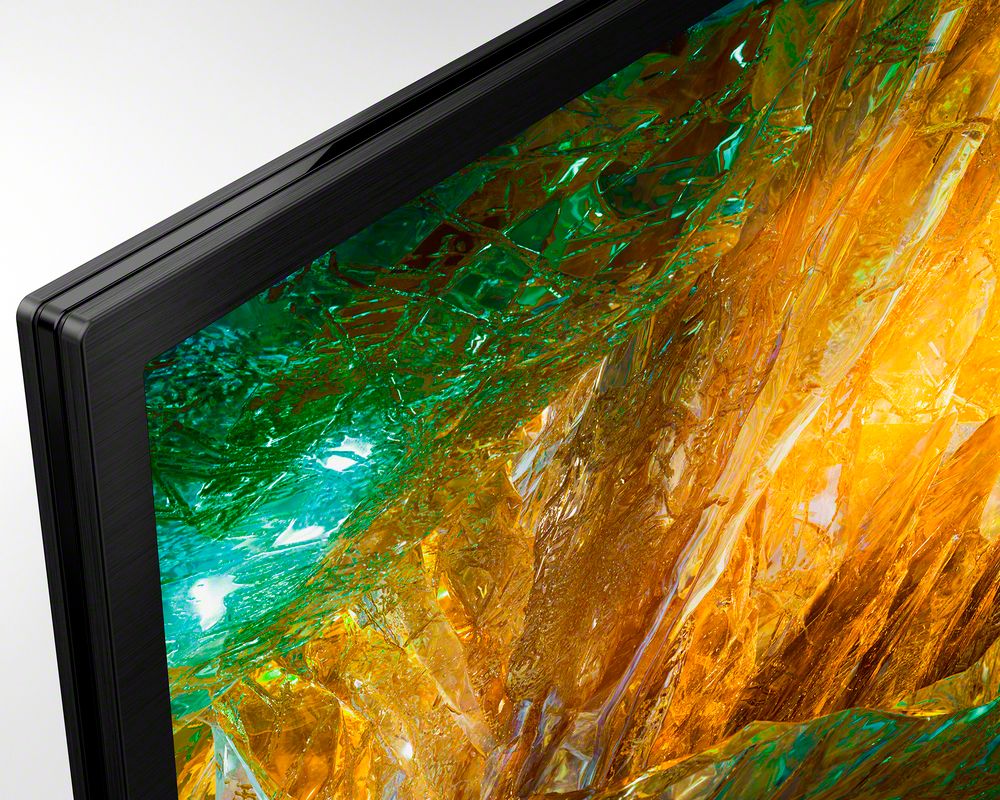
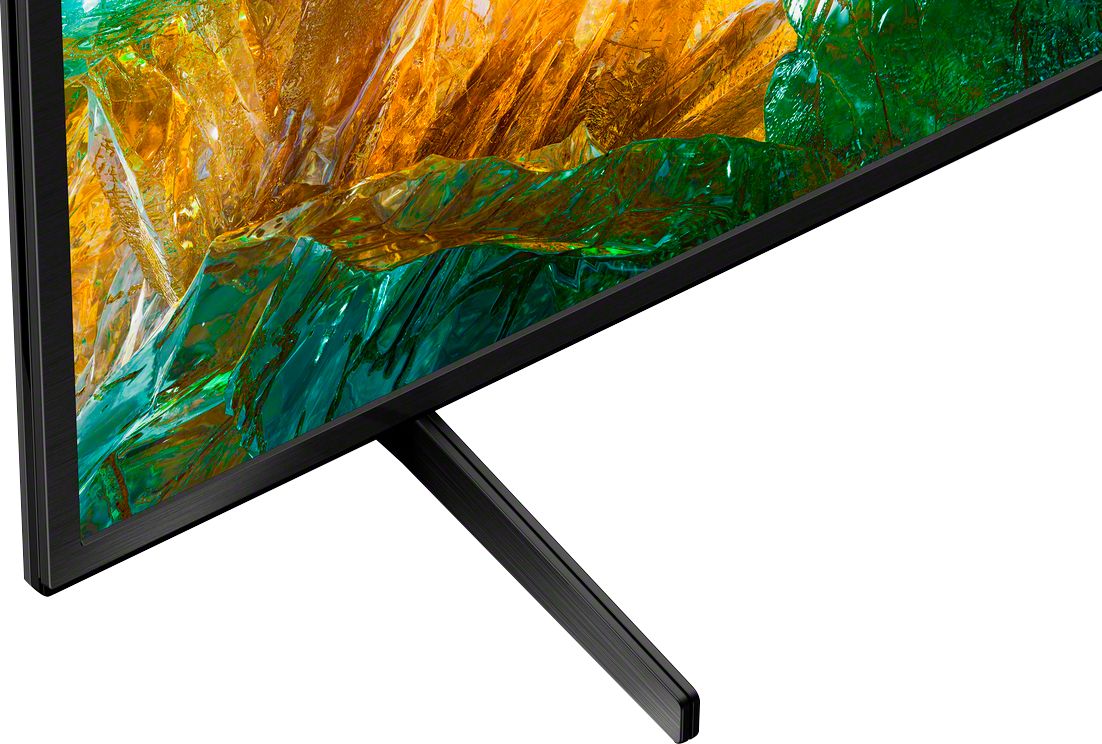
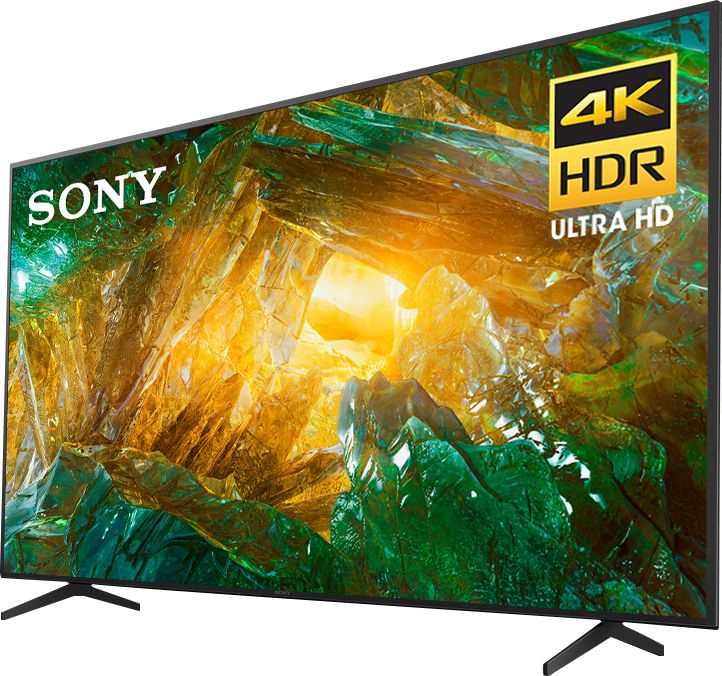
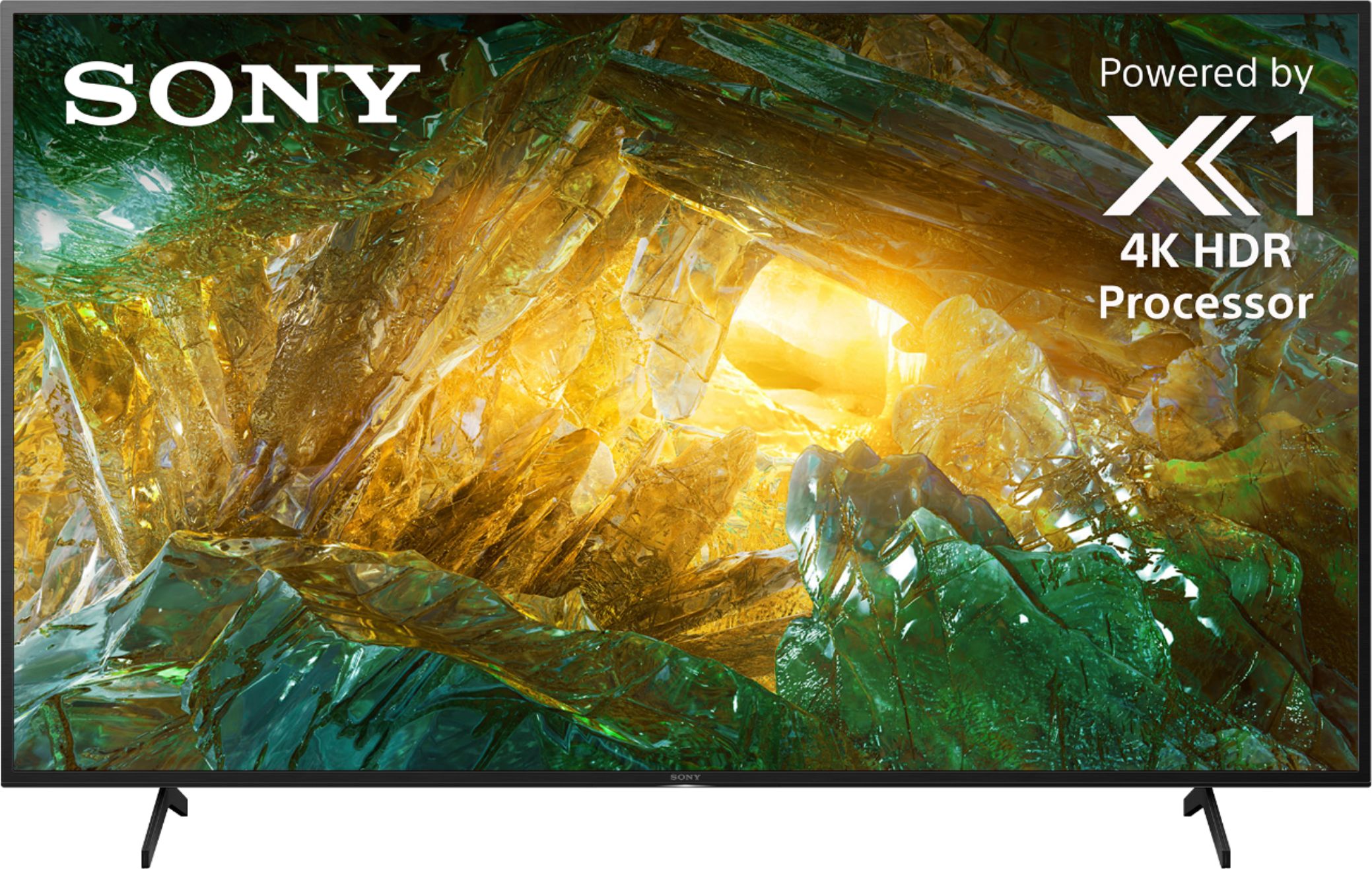
- A:Answer Hi Billp, Unfortunately, it will not fit. The width of the 55X800H TV stand/legs is approximately 38 5/8 inches. Depth wise, stand for this tv is 13 ½ inches from front to rear on the feet for each. Hope this helps. -Sam
Answered by SonyListens

Q: Questionis this tv bluetooth capable
Asked by Superlou.
- A:Answer Hi super, thank you for your question. Yes, this unit supports the Bluetooth feature for mouse/keyboard connectivity. Please take note that the TV does not natively support Bluetooth audio out. This feature may work with a compatible external USB Bluetooth Adapter or 3rd party Bluetooth applications that can be downloaded from the Google Play Store. ~Earl
Answered by SonyListens

Q: QuestionWe’ve had trouble getting the TV to turn on. Power button under screen works but both Sony and direct tv remotes ( new batteries, no obstacles) often won’t work. Ideas? I think is is a sync problem but? (
Asked by Anonymous.
- A:Answer Hello, thank you for choosing and purchasing our Sony X800H Ultra HD Smart TV. We're sorry to hear that you have an issue with your SONY unit. Point the remote control at the sensor on the front of the TV and press the power button on the remote control. Check if the TV turns on. If the TV does not turn on, try resetting (restarting) the TV. You may follow the link below: https://helpguide.sony.net/tv/husltn1/v1/en-003/08-01_03.html If you are unable to resolve your concern, please email us at [email protected] with the following details: Name: Username: Model Number: Issue: Telephone Number: ~Earl
Answered by SonyListens

Q: Questionwhat does, play next mean, play next episode, or play next movie, and can't it do that automatically, why should it be there?
Asked by rockychambers.
- A:Answer Hi rockychambers, thank you for your question. We may need more details to better assist you. Please reach us by sending an email at [email protected] with the following details: Name: Username: Model Number: Issue: Telephone Number: ~Earl
Answered by SonyListens

Q: QuestionI bought this tv was told not to touch the remote provided by my cable provider, so I put it away. But how do I get Showtime and ON DEMAND bought through my cable provider using only the Sony remote? What buttons do you use to switch between remotes?
Asked by Riesling.
- A:Answer Hi Riesling, thank you for choosing and purchasing our Sony X800H Ultra HD Smart TV. You may follow this unit for controlling your cable box using the supplied remote of the TV: https://helpguide.sony.net/tv/husltn1/v1/en-003/04-08-03.html You may also check this link: https://www.sony.com/electronics/support/televisions-projectors-lcd-tvs-android-/xbr-49x800h/articles/00250471 We are always happy to assist you. If you require any additional support in regards to this product, please email us at [email protected] with the following details: Name: Username: Model Number: Issue: Telephone Number: ~Earl
Answered by SonyListens

Q: QuestionWhat you mean you can tell us if it has hdmi 2.1 it's a pretty simple and important question???
Asked by Marshall.
- A:Answer Hi Marshall, thank you for your question. We apologize for this. X800H doesn't support features specified in the HDMI 2.1 standard like the 4K120, eARC, VRR, and ALLM. There is much confusion about the HDMI versions and concerns about compatibility. For this reason, we do not promote the HDMI versions incorporated on many of our products. Instead of HDMI version numbers, we advertise the features of a product that are associated with a particular HDMI version. ~Earl
Answered by SonyListens

Q: QuestionWhat is the view angle?
Asked by glolab.
- A:Answer Hi FRANK, we appreciate your interest in our SONY product. This X800H supports the X-WIDE view angle. Thank you. ~Earl

Answered by SonyListens

Q: Questioncan i get all apps on this tv
Asked by mark.
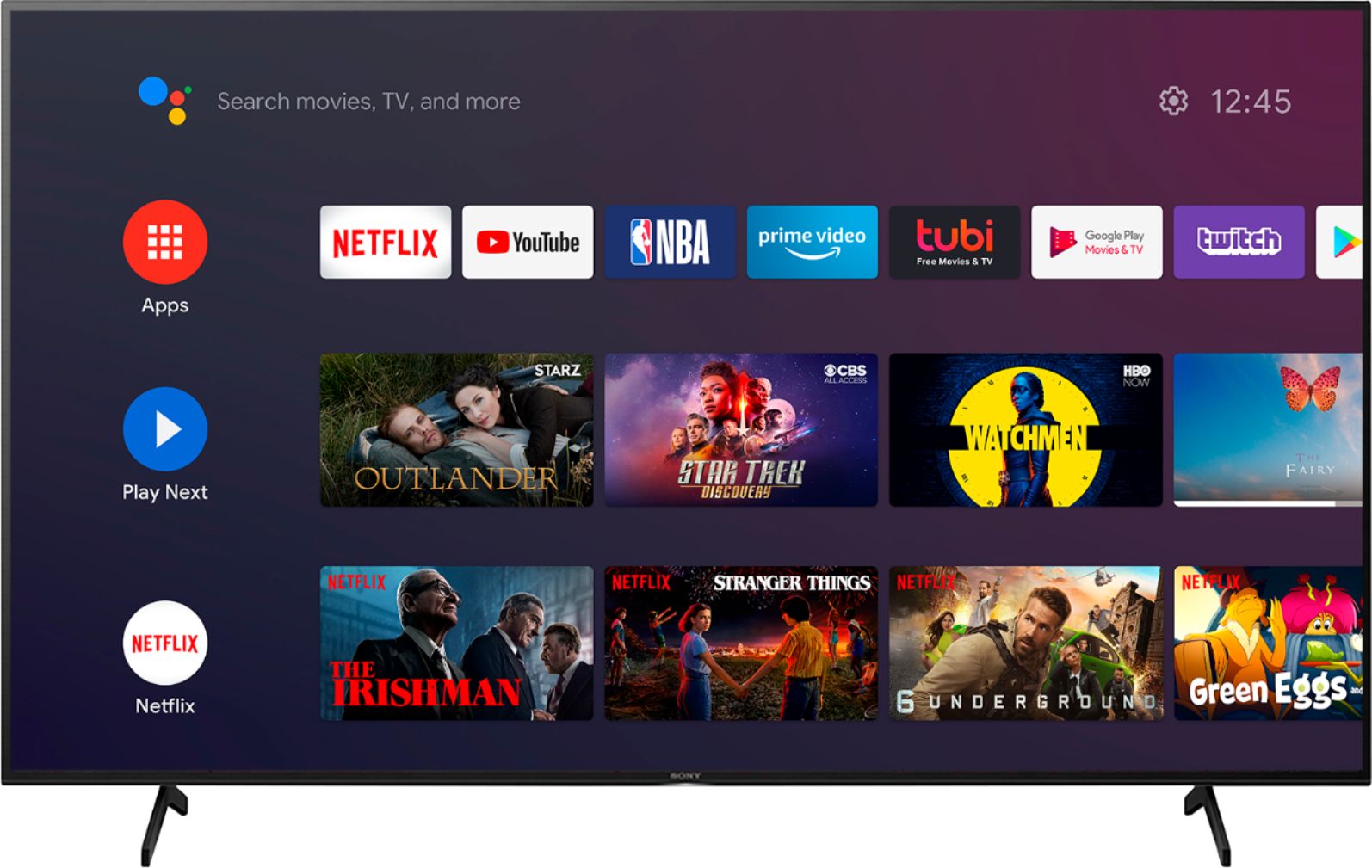
- A:Answer Hi mark, thank you for your question. Many of the existing apps from the Google Play™ store can be downloaded to this Android TV. There are several hundred apps already available with a consistent flow of new apps being released for the Android TV platform. The Google Play store opens the door to many apps you may already be using on your mobile devices. Some of the apps from the Google Play™ store are compatible with both the Android™ TV and Android mobile devices. Sony is expecting more apps to be available on both platforms in the future. The availability of Android TV apps is different depending on the country or region where the TV is being used. ~Earl

Answered by SonyListens

Q: QuestionDoes it have a port in the back of the tv to connect a DVD equipment? My current Sony tv has a connection in the back to plug in my DVD equipment.
Asked by Care.
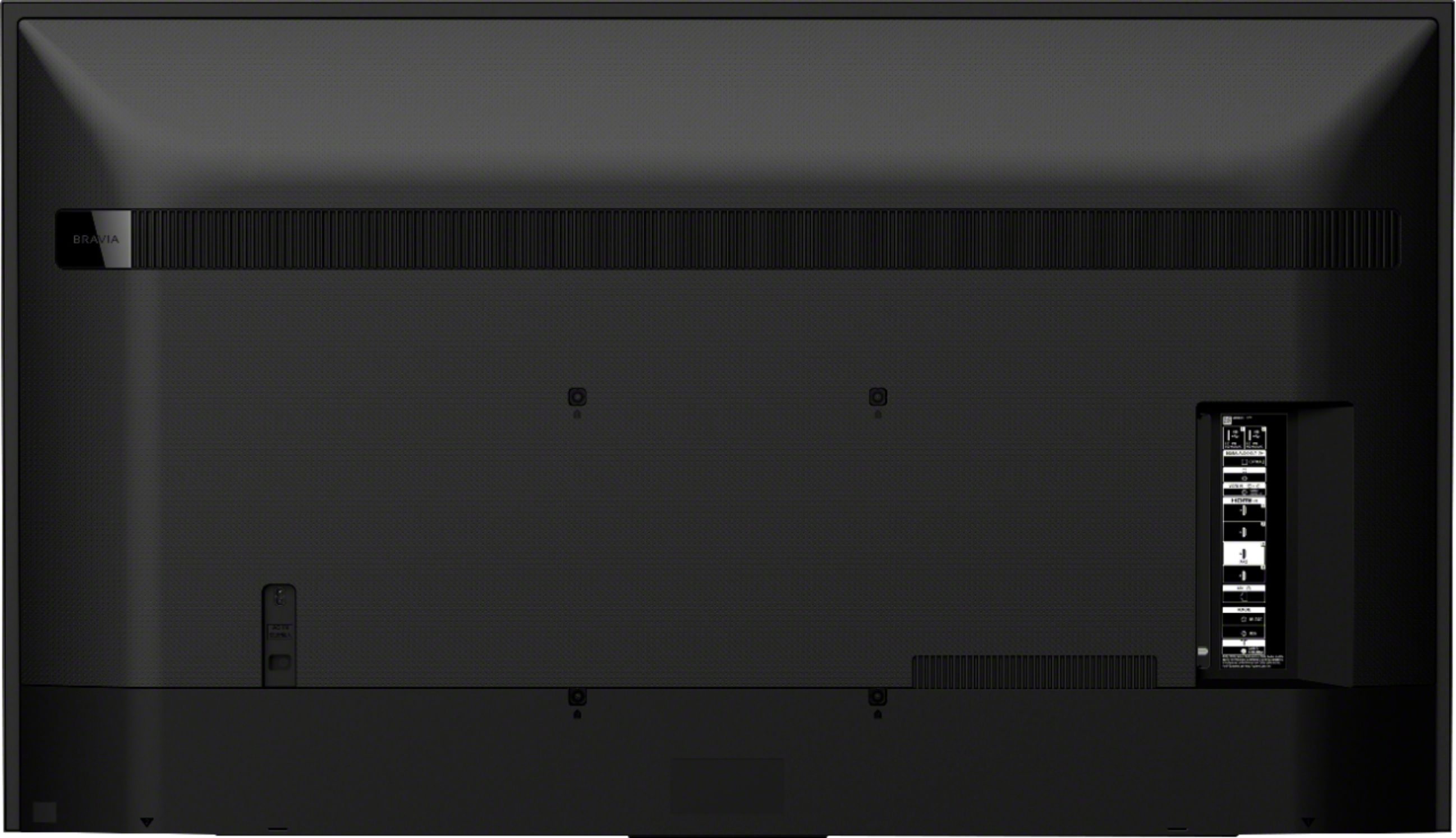
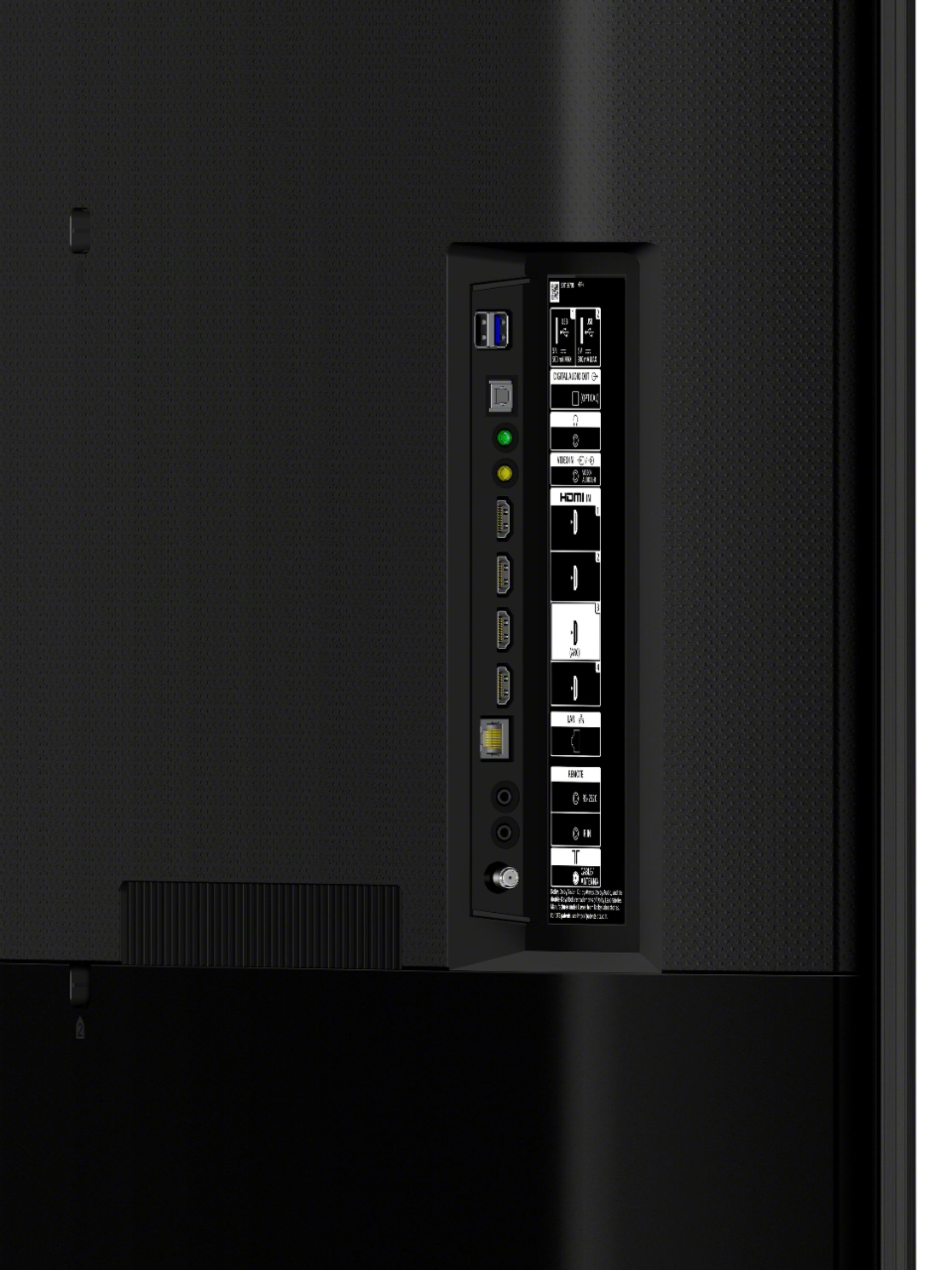
- A:Answer According to best buy web site there are 4 HDMI inputs so you can attach 4 pieces of equipment that use HDMI. Also has one composite video input...My TV is wall mounted so I only needed to attach a cable box HDMI to the TV
Answered by arnie
Q: QuestionHow many Hertz does this TV have? 60 or 120?
Asked by Gilbo.
- A:Answer Hi Gilbo, Thank you for your inquiry. This TV supports a 60 Hz refresh rate. Hope this helps! -Sam
Answered by SonyListens

Q: QuestionBought Sony Bravia X800H, got no instructions on how to use the remote. Where is this on internet? Also, to record shows, do I use the DVR button on the Sony remote or on the remote provided to me by my cable provider?
Asked by Riesling.
- A:Answer Hi Riesling, thank you for purchasing our product. We're sorry to hear that you have an issue with your SONY unit. We recommend checking the link below to know how to use the remote: : https://helpguide.sony.net/tv/husltn1/v1/en-003/01-07_01.html You may press the Record button on the supplied remote to record the current program with the DVR after setting [Cable/Satellite box setup]. If you require any additional support in regards to this product, please email us at [email protected] with the following details: Name: Username: Model Number: Issue: Telephone Number: ~Earl

Answered by SonyListens

Q: Questiondoes tv have a headphone jack?
Asked by happyintn99.
- A:Answer Hi happyintn99, we appreciate your interest in our product. Yes, the X800H does have a stereo mini-jack. Thank you. ~Earl

Answered by SonyListens

Q: QuestionDoes this TV have a Peacock app?
Asked by Beck.
- A:Answer Hi Beck, thank you for your question. You may download the Peacock app using the built-in Google Playstore of this TV. The availability of Android TV apps is different depending on the country or region where the TV is being used. ~Earl

Answered by SonyListens

Q: QuestionHow do you find the apps
Asked by Ernie.
- A:Answer Hi Ernie, Thank you for your inquiry. This TV comes with preinstalled apps such as Youtube, Netflix, Amazon Prime, Hulu, etc. which can be found on the Home Menu of the TV. You can find additional apps by opening the Google Play store app from the Home Menu. And many of the existing apps from the Google Play store can be downloaded to this Android TV. There are over 5000+ apps already available with a consistent flow of new apps being released for the Android TV platform. Hope this helps! -Sam
Answered by SonyListens

Q: QuestionDoes this TV support HBO MAX
Asked by Jnt22391.
- A:Answer Hi Jnt22391, we appreciate your interest in our product. Yes, you can download the HBO MAX using the built-in Google playstore of this TV. The availability of Android TV apps is different depending on the country or region where the TV is being used. Thank you. ~Earl

Answered by SonyListens

Q: Questioncan you do zoom does it have a camera
Asked by Anonymous.
- A:Answer It does not have a camera
Answered by eddie
Q: Questioncan I use it in EUROPE(220V) ? I purchased it in USA
Asked by Anonymous.
- A:Answer Hello, we appreciate your interest in our product. The X800H US model has a power requirement of AC 120 V for UL cUL AC 110-240 V 60 Hz for UL cUL 50/60 Hz for other. With the use of a power converter, 220v/240v could be used. I hope this helps! Thank you. ~Earl
Answered by SonyListens

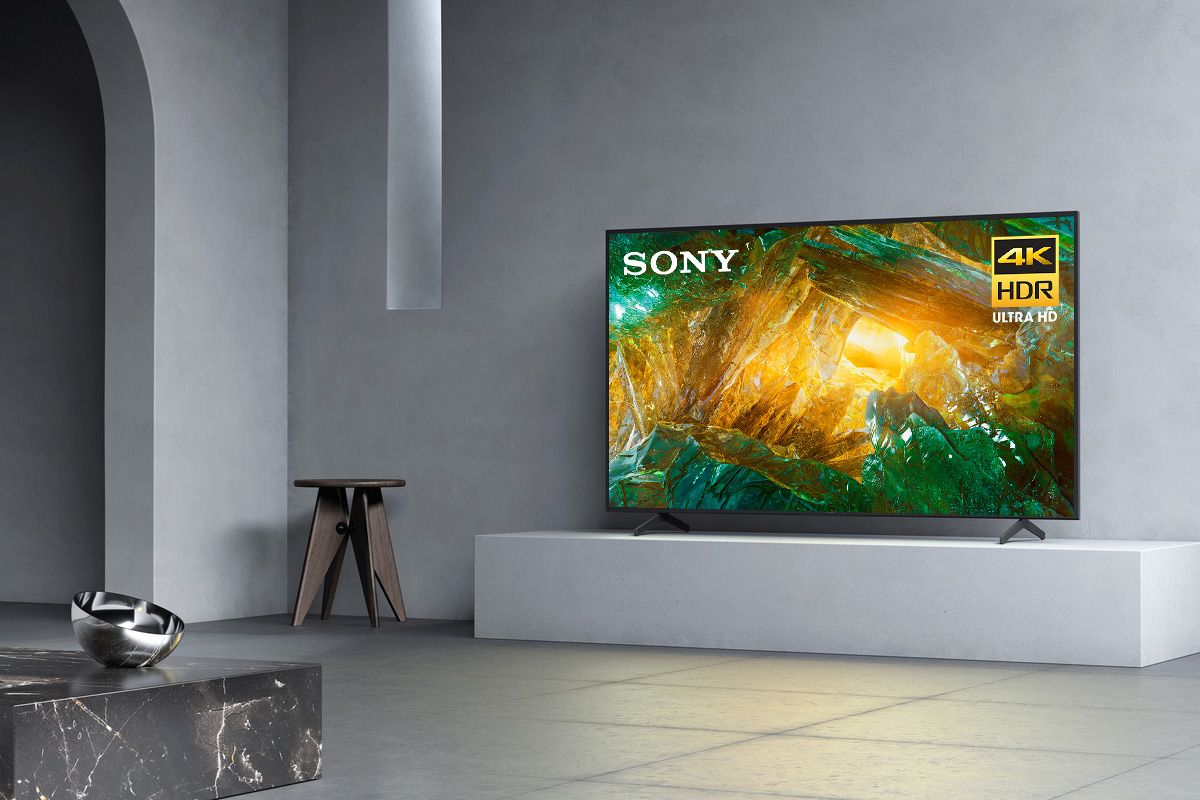
Q: QuestionCan I place this TV on a TV stand or does it need to be wall mounted
Asked by Katy.
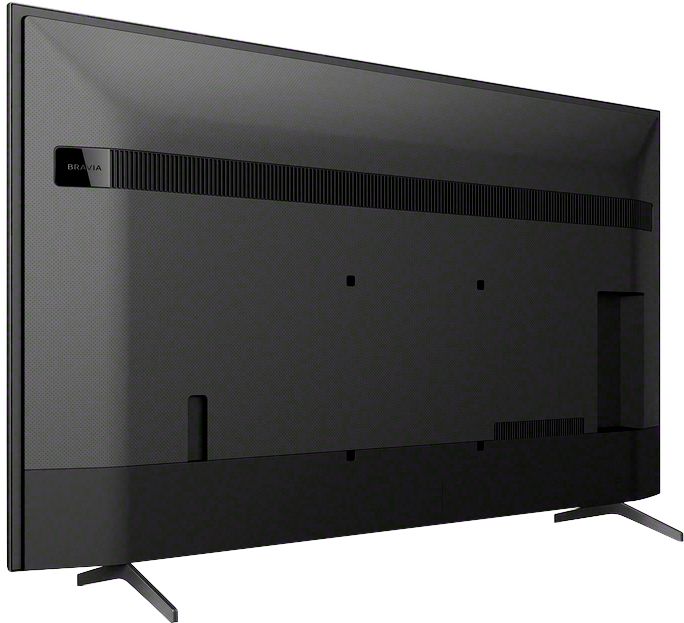
- A:Answer Yes it can be either mounted on wall (need to purchase a wall bracket) or put on a tv stand.
Answered by Shocked
Best-selling TVs
- $219.99Your price for this item is $219.99$329.99The comparable value for this item is $329.99
- $329.99Your price for this item is $329.99$469.99The comparable value for this item is $469.99
- $249.99Your price for this item is $249.99$379.99The comparable value for this item is $379.99
- $129.99Your price for this item is $129.99$199.99The comparable value for this item is $199.99
- $79.99Your price for this item is $79.99$129.99The comparable value for this item is $129.99
- $199.99Your price for this item is $199.99$349.99The comparable value for this item is $349.99
- $179.99Your price for this item is $179.99$299.99The comparable value for this item is $299.99
- $119.99Your price for this item is $119.99$149.99The comparable value for this item is $149.99
- $449.99Your price for this item is $449.99$649.99The comparable value for this item is $649.99
- $149.99Your price for this item is $149.99$229.99The comparable value for this item is $229.99
- $279.99Your price for this item is $279.99$449.99The comparable value for this item is $449.99
- $229.99Your price for this item is $229.99$299.99The comparable value for this item is $299.99
- $899.99Your price for this item is $899.99$1,999.99The comparable value for this item is $1,999.99
- $59.99Your price for this item is $59.99$79.99The comparable value for this item is $79.99
- $329.99Your price for this item is $329.99$489.99The comparable value for this item is $489.99
- $419.99Your price for this item is $419.99$699.99The comparable value for this item is $699.99
- $649.99Your price for this item is $649.99$1,299.99The comparable value for this item is $1,299.99
- $199.99Your price for this item is $199.99$259.99The comparable value for this item is $259.99
- $169.99Your price for this item is $169.99$349.99The comparable value for this item is $349.99
- $179.99Your price for this item is $179.99$299.99The comparable value for this item is $299.99