Last-Minute SavingsLimited quantities.Shop now

Skip to content
Gift Ideas
Main Content

Questions & Answers

Your price for this item is $519.99
Clearance
The comparable value price is $799.99
Page Showing 81-100 of 218 questions
  • QuestionIs the screen glossy or matte?

    Asked by Elina.

    • Answer Hi Elina, thank you for your question. We are sorry but SONY does not publish panel/screen type other than LCD or OLED. ~Earl

      Answered by SonyListens

  • Question1. Can this TV connect with blue tooth hearing aid? 2. Can this TV connect with blue tooth head phone?

    Asked by Anonymous.

    • Answer Hello, thank you for inquiring about the Bluetooth function on the X800H. The TV does not natively support A2DP Bluetooth audio out. This feature may work with a compatible external USB Bluetooth Adapter or 3rd party Bluetooth applications that can be downloaded from the Google Play Store. Please take note that your hearing aid or headphones should support the A2DP Bluetooth profile for this connection to work. Our 900H model and higher will support the A2DP Bluetooth standard if this is a feature you need. ~Earl

      Answered by SonyListens

  • QuestionCan you download youtube tv from the app store

    Asked by Nextforlife.

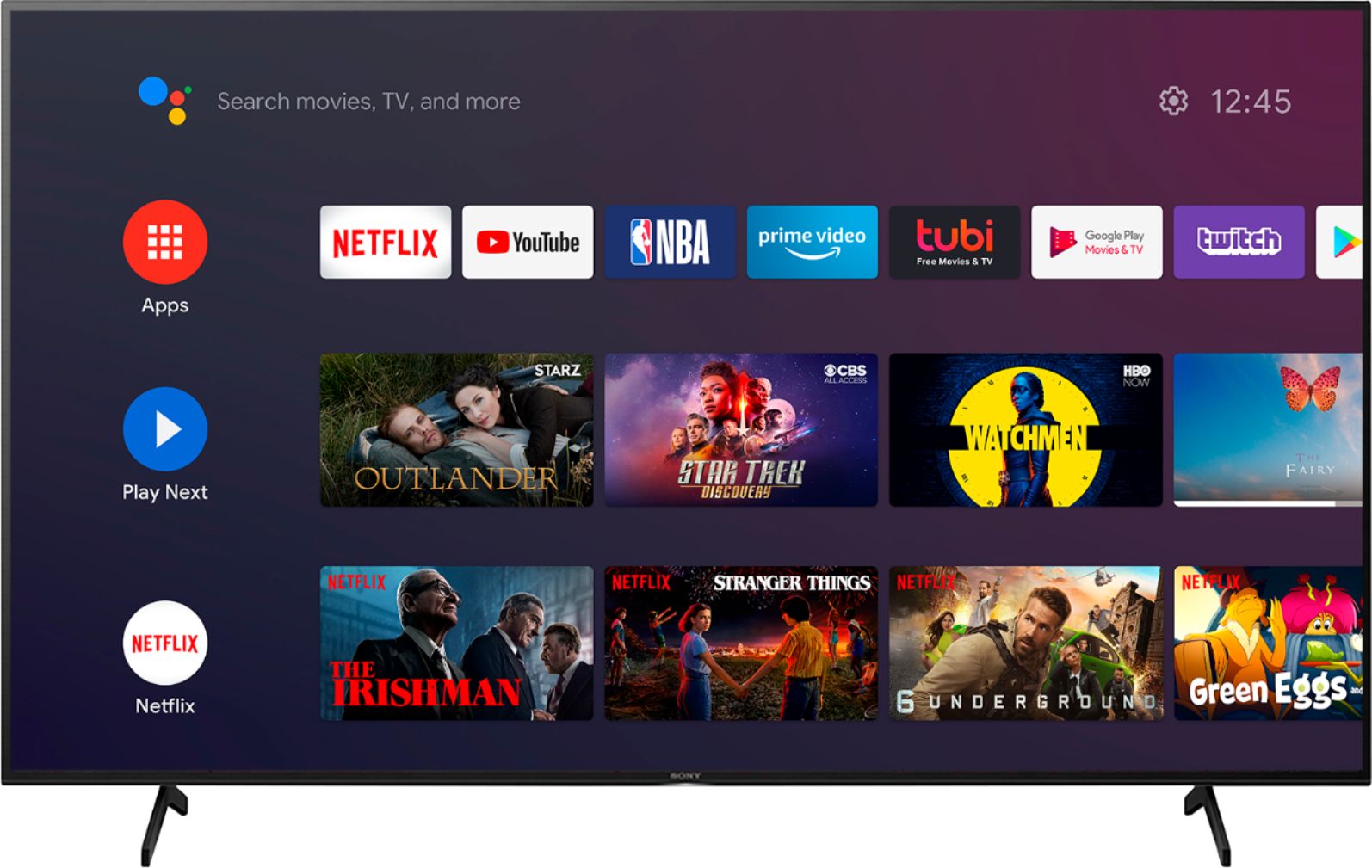
    • Answer YouTube comes pre-installed as an existing app on the TV. You can also access it from some thing like Apple TV if you have it downloaded on Apple TV. But it’s most easily accessed using the app button on the remote, as a pre-existing download, just like Disney+ or some thing else

      Answered by Happy2021

  • QuestionWhat is the difference between two SONY TV models ( 55 inch ) ? X750H versus X800H I expect to buy one of them !

    Asked by ALAN3031.

    • Answer Hi ALAN3031, we appreciate your interest in our SONY products. When it comes to screen sizes, X800H has more options. From 43-inch to 85-inch TV screen. X800H supports Dolby vision, while X750H is not. We highly suggest visiting this link so you can compare two different TV models side-by-side: https://www.sony.com/electronics/tv/t/televisions?view=compare Thank you. ~Earl

      Answered by SonyListens

  • Questionwhen you use goggle or stream from your android phone are there data charges for that?

    Asked by pete.

    • Answer Hi pete, thank you for your question. The connection from the TV to your android phone via the built-in Chromecast of the X800H has no charges. Charges may only apply to your android phone alone, whichever internet connection you are using (mobile data/ WIFI). ~Earl

      Answered by SonyListens

  • QuestionWhat is the difference between a X800h and a A8h LED tv?

    Asked by Robert.

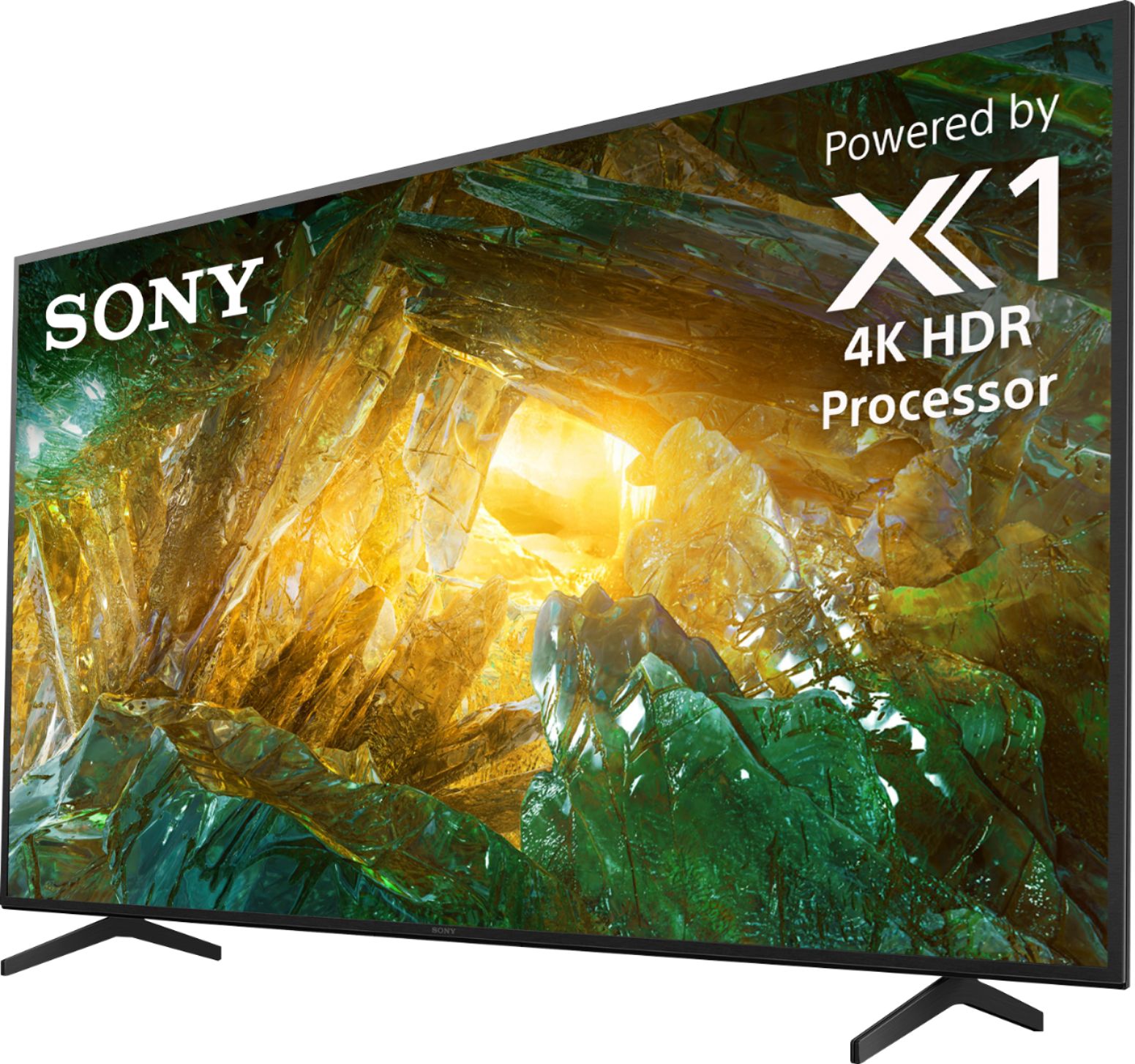
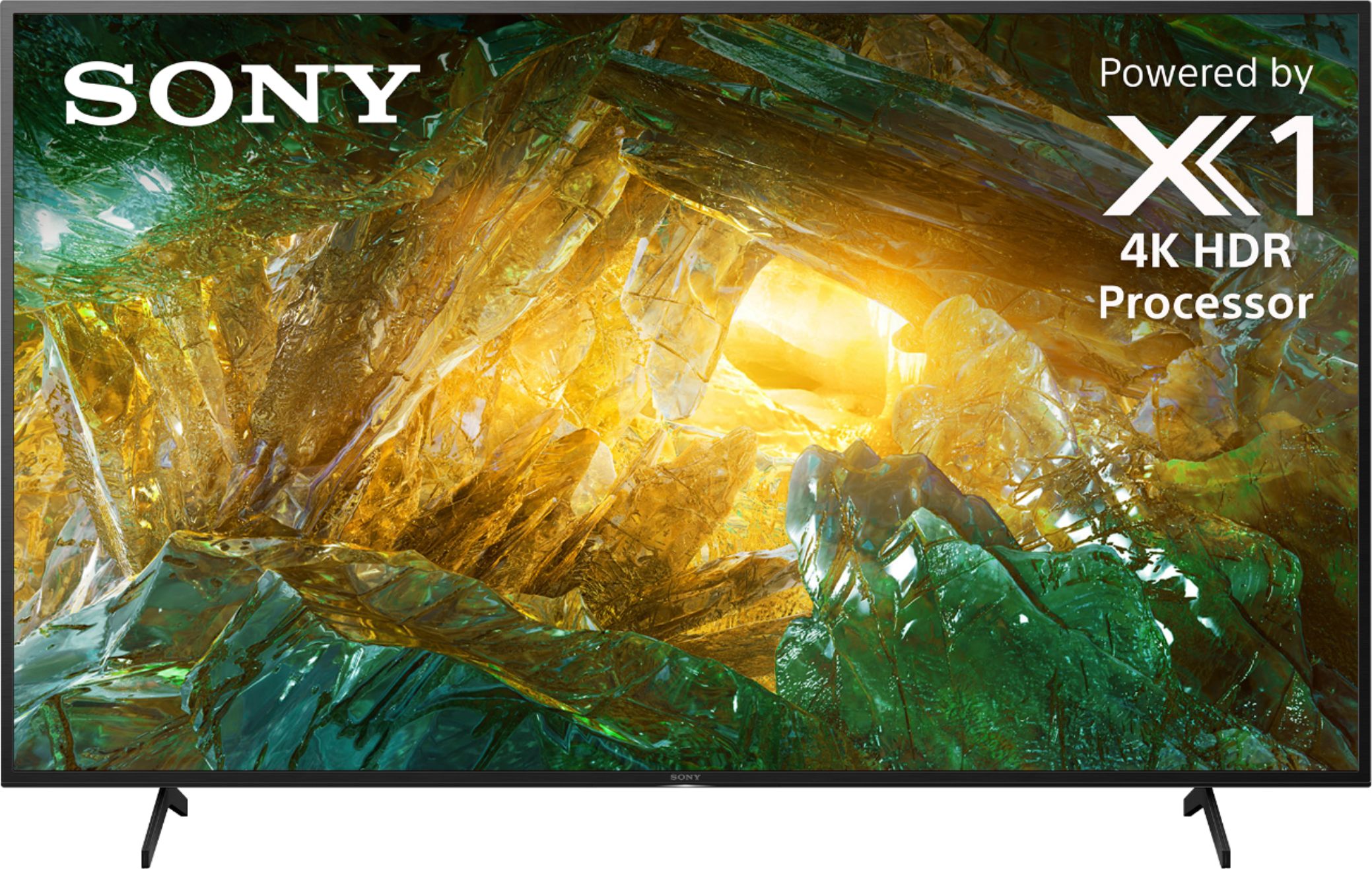
    • Answer Hi Robert, Thanks for your inquiry. The biggest difference is the display type. The A8H supports an OLED panel while the X800H has an LCD. In terms of the processor, The A8H is powered by our best processor to date, the X1 Ultimate while the X800H is powered by our X1 4K HDR processor. For a more detailed comparison, please refer to the link below: https://www.sony.com/electronics/tv/t/televisions?view=compare Hope this helps! Regards, Sam

      Answered by SonyListens

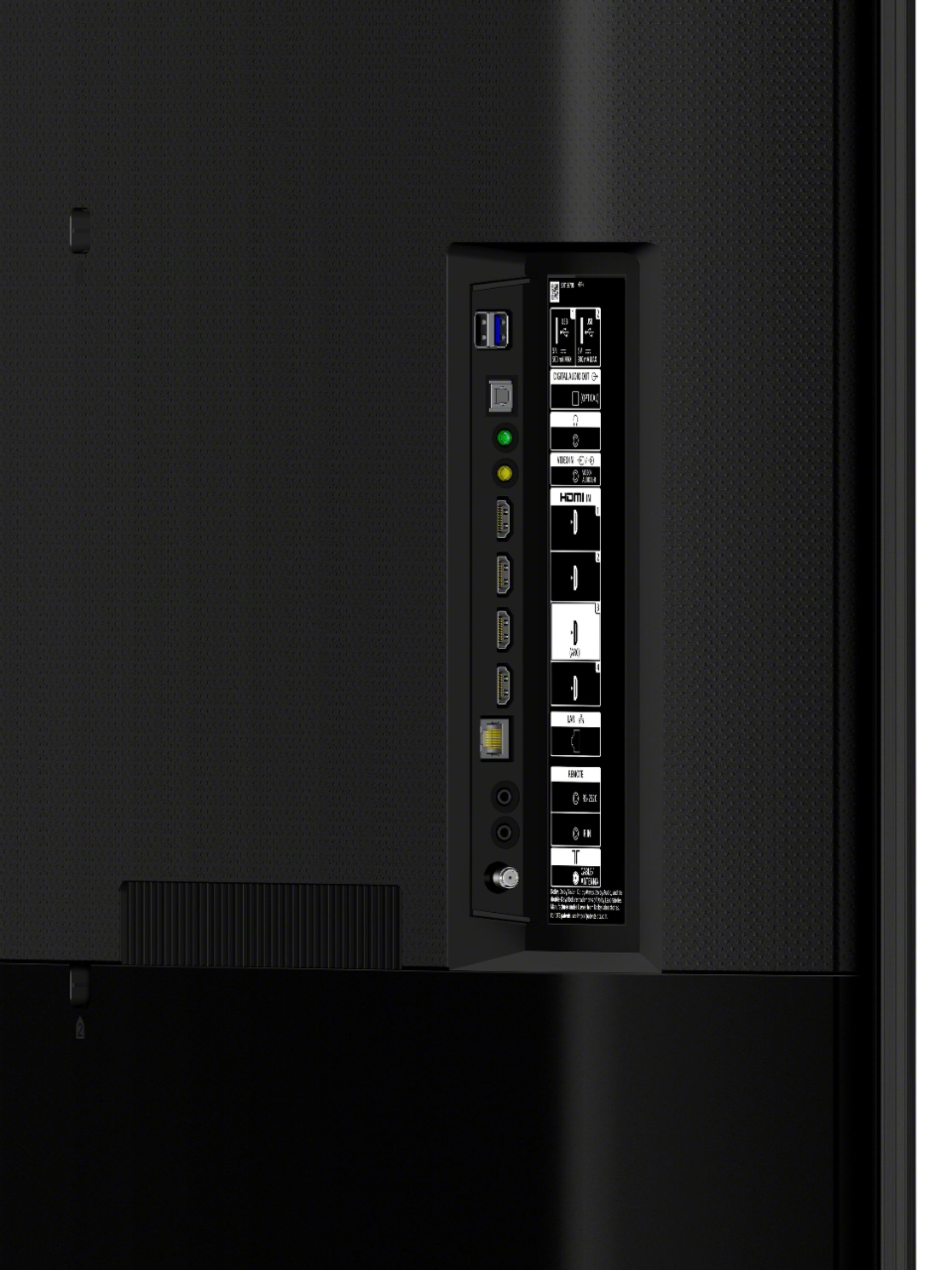
  • QuestionI don’t have cable. I use an outside antenna to get my local TV stations. Can I connect this TV to my outside antenna ? Can I connect my fire stick to this TV ?

    Asked by Sissy.

    • Answer Hi Sissy, we appreciate your interest in our product. Yes, X800H has a 75-ohm external terminal for RF inputs which you can connect your antenna, You can also connect streaming devices like Amazon Firestick, Roku, etc via an HDMI connection. Thank you. ~Earl

      Answered by SonyListens

  • QuestionIs Google Chromecast built in?

    Asked by Grimmer.

    • Answer Hi Grimmer, we appreciate your interest in our product. Yes, this unit has Chromecast built-in. Thank you. ~Earl

      Answered by SonyListens

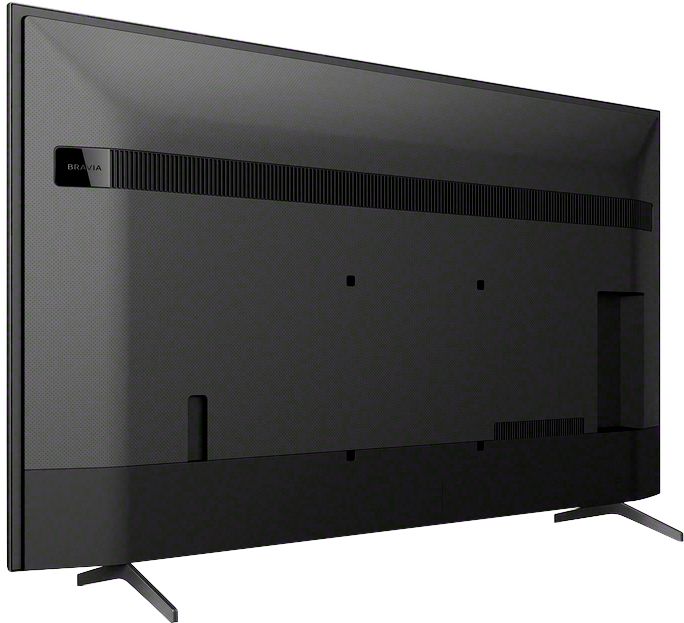
  • QuestionI have an older Sony Sound Bar 28.5 by 12 and 3'' high. Will it fit under the stand of a 55'' Sony TV? Thanks

    Asked by Mike.

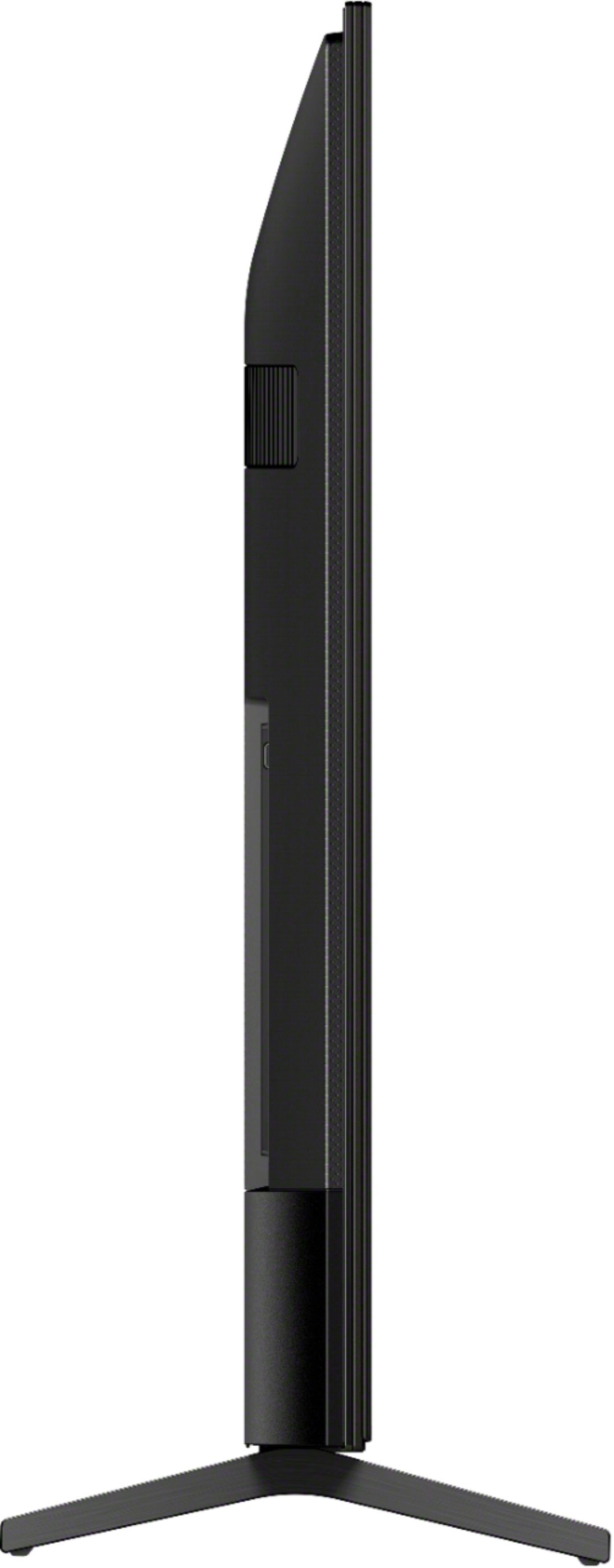
    • Answer Hi Mike, thank you for your question. The distance between the each leg stand of this 55-inch X800H is 38 5/8 inches. The height of the stand from the surface to the outer lower bezel of the tv is approximately 2.4 inches. Hope this helps as your reference. ~Earl

      Answered by SonyListens

  • QuestionDoes this TV do screen mirroring with apple phones?

    Asked by soupbone.

    • Answer Hi soupbone, we appreciate your interest in our product. Yes, X800H supports screen mirroring with Apple devices. It is recommended to install the Apple TV app, which includes Apple TV+, onto your Apple device (iPhone, iPad, or Mac) and then use the AirPlay 2 feature to display (mirror) content playing on the app on your device onto your TV screen. Thank you. ~Earl
      Answered by SonyListens

  • QuestionDoes this model have a “v chip” for parental control?

    Asked by Carlysmama.

    • Answer Hi Carlysmama, we appreciate your interest in our product. This unit features parental control that configures the parental lock settings for broadcasts and other items. Thank you. ~Earl

      Answered by SonyListens

  • QuestionDoes this have Alexa voice recognition

    Asked by Bigzy.

    • Answer Hi Bigzy, thank you for your question. This TV does not have built-in Alexa, but you may install the Amazon Alexa app and set up Android TV Skill. You may check this link for more information: https://www.sony.com/electronics/support/televisions-projectors-lcd-tvs-android-/xbr-55x800h/articles/00178982 ~Earl

      Answered by SonyListens

  • QuestionHow much storage space is there to download apps?

    Asked by jamesz23.

    • Answer Hi jamesz23, we appreciate your interest in our product. The user-accessible storage which is storage for apps and user data may differ depending on the System memory, files not accessible to users, operating system, and system files. The on-board storage of this TV is 16GB, you may also hook up an external storage device like a USB or HDD to expand for more storage if needed. ~Earl

      Answered by SonyListens

  • QuestionCan you switch from wired headset to TV volume without unplugging the cable each time?

    Asked by pap8.

    • Answer Hi dede, thank you for your question. You may check the Headphone/Audio Out settings in the Audio or Sound menu, set it to accordingly. ~Earl

      Answered by SonyListens

  • QuestionI went though the set-up for this remote and I can get it to do everything but change the channels on my Dish box.. What do I have to do to change the channels on my Dish box?

    Asked by DennisL.

    • Answer Hi DennisL, thank you for choosing and purchasing our X800H LED 4K Ultra HD High Dynamic Range Android TV. We're sorry to hear that you have an issue with your SONY unit. Please follow these steps to control the channel on your cable box using the supplied TV remote. Press the HOME button, then select [Settings] — [Watching TV] — [External inputs] — [Cable/Satellite box setup] — [Cable/Satellite box control setup]. Follow the on-screen instructions. When operating the TV’s remote control, point it at the cable/satellite box. If you are unable to resolve your concern, please email us at [email protected] with the following details: Name: Username: Model Number: Issue: Telephone Number: ~Earl

      Answered by SonyListens

  • QuestionI have a 55" SONY TV Model XBR55X800H 4K. I need an adapter to plug into the TV to connect 3 cables with pins for my DVD. What is the model # so that I can order it?

    Asked by whitewings.

    • Answer Hi Whitewings, Thank you for purchasing the XBR-55X800H TV! If you will connect this TV to the DVD player using composite video cable(red, white, yellow), you need an Analog Extension cable or connect them using a composite video/audio cable. The 3.5 mm jack of the Analog Extension Cable has 4 poles.

      Answered by SonyListens

  • QuestionDoes this tv have hdmi 2.1

    Asked by JC28.

    • Answer Hi JC28, Thank you for your inquiry! We are sorry but this model doesn't support this feature. As of the moment, the X900H/90CH and the Z8H supports this feature via firmware update. Please check https://www.sony.com/electronics/support/televisions-projectors/articles/00246472 for more details. I hope this helps! -Carl

      Answered by SonyListens

  • QuestionDoes it support HDMI 2.1? For next gen consoles?

    Asked by Tman.

    • Answer Hi Tman, Thank you for your inquiry! We are sorry but this model doesn't support this feature. As of the moment, the X900H/90CH and the Z8H supports this feature via firmware update. Please check https://www.sony.com/electronics/support/televisions-projectors/articles/00246472 for more details. I hope this helps! -Carl

      Answered by SonyListens

  • QuestionAs mentioned in the title, does this TV have hdmi 2.1 ports or will there be any update allowing support for this?

    Asked by WilsonU.

    • Answer Hi BlackAceV3, thank you for your question. The X800H doesn't support HDMI 2.1 features. The TV that will support the HDMI 2.1 features via software update is the XBR X900H / 90CH model. ~Earl

      Answered by SonyListens

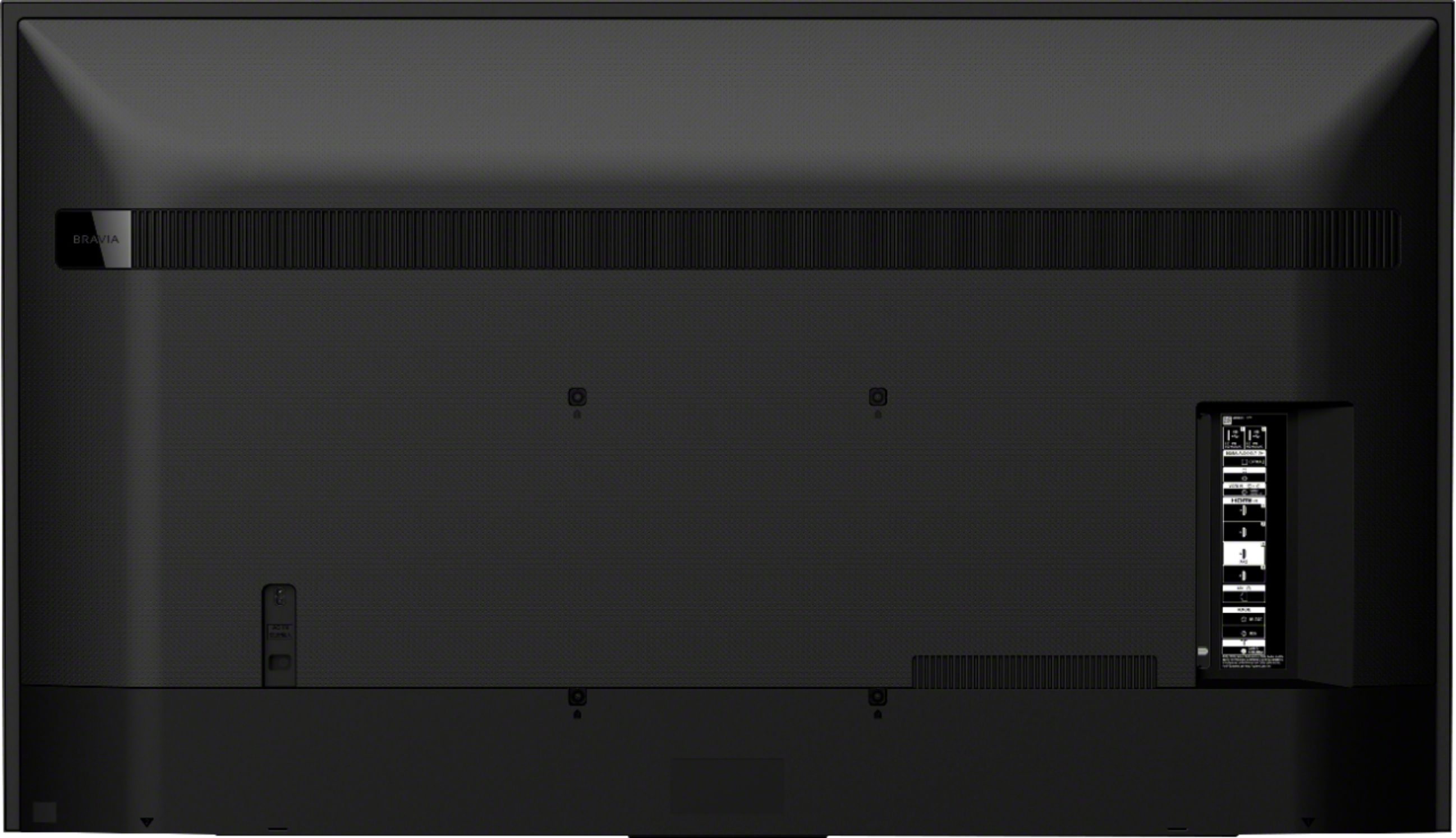
  • QuestionI am replacing my 10 year old TV with this TV. The mounting holes on the current mounting bracket are 350 mm x 350 mm apart. Do I need to change the mount or can this TV be mounted on the exiting mount

    Asked by Arun.

    • Answer Hi Arun, thank you for your question. This unit has a dedicated wall mount bracket which is SU-WL855. We recommend checking this link for the TV installation dimensions: https://www.sony.com/electronics/support/res/manuals/E143/0acc4475c17082789d1cf43247c363ad/E1431001M.pdf ~Earl

      Answered by SonyListens