Main Content

Questions & Answers

Page Showing 41-60 of 83 questions
  • QuestionDoes this TV support motion smoothing

    Asked by JlabXIII.

    • Answer Yes, this tv has a Motionflow setting for smoothness and clearness

      Answered by KyleS

  • QuestionDoes this TV have a blue light or a white light.

    Asked by Anonymous.

    • Answer Yes have white light. not blue

      Answered by Mario

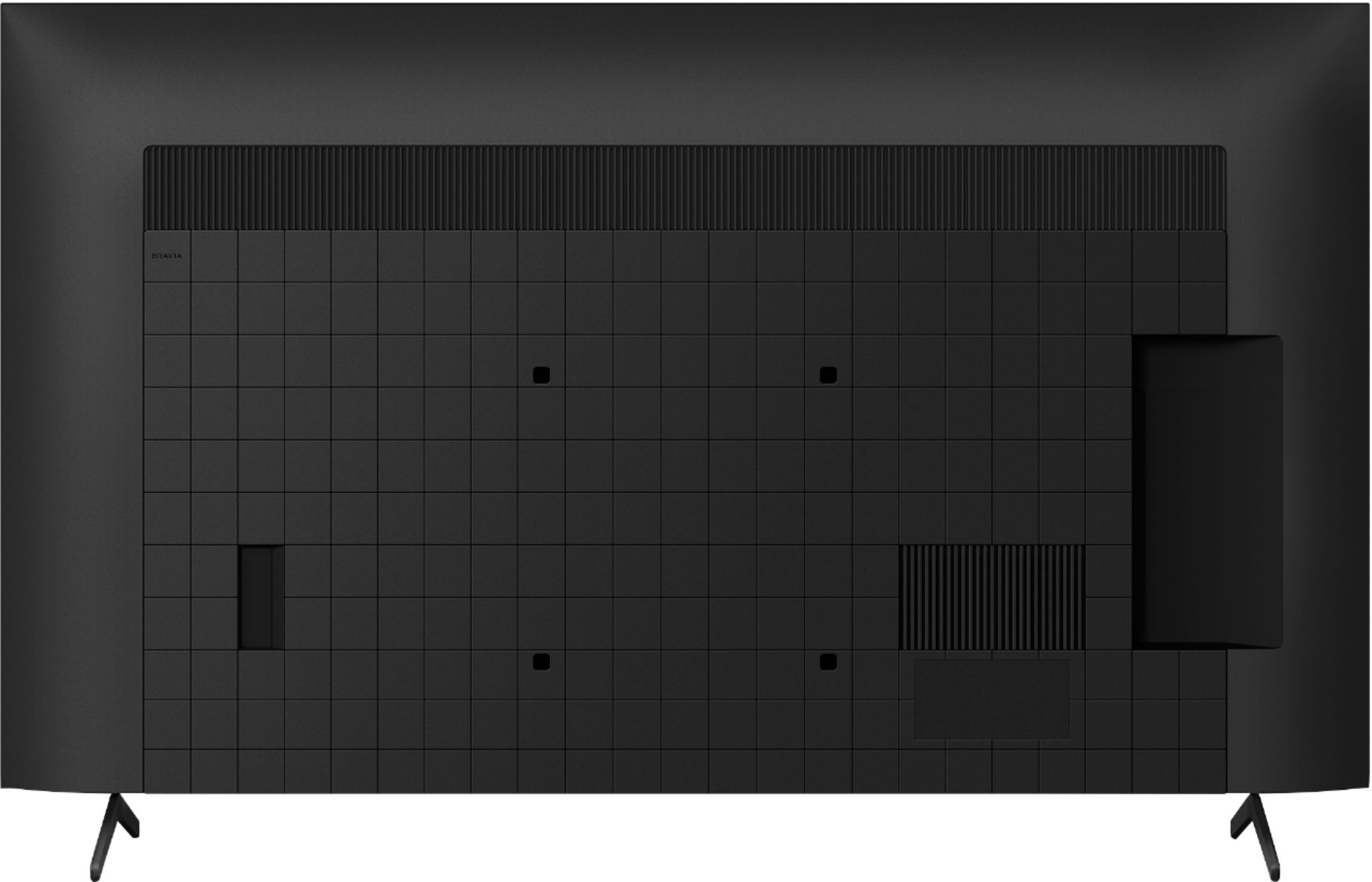
  • QuestionHow many HDMI outlets?

    Asked by Nhhorror.

    • Answer Four. Two for 4K, two for anything with a lower resolution.

      Answered by tyler

  • QuestionIs this tv really a 120 refresh?

    Asked by Picodeguyo.

    • Answer Hi Picodeguyo, Great News! Yes, the motion enhancer of the KD55X85J is Motionflow™ XR 960 (Native 120 Hz), Auto mode. Also, Support for VRR has recently been added to BRAVIA X85J 4K HDR LED TV via over-the-air (OTA) firmware update v6.5660. If your TV has not yet received the update, please note that the firmware is released in waves and should reach your TV shortly. Please ensure your TV is properly setup to receive OTA updates by going into Settings > System > About > System software update. To set the TV HDMI® Signal format to Enhanced format for your source device to recognize the 4K 120Hz capability of the TV. Make sure your device is connected to the HDMI 3 or HDMI 4 input on the TV using the supplied Certified Premium HDMI cable. 1. Select Settings → Watching TV → External inputs → HDMI signal format. 2. Select the input the device is connected to (either HDMI 3 or HDMI 4), and then change the setting to Enhanced format. I hope this helps! Jay

      Answered by SonyListens

  • QuestionHi. Can i use the Earc for a sound bar and the optical output for headphones at the same time Currently using tv speakers and optical for headphones but would like a soundbar too

    Asked by Chris.

    • Answer Hi Chris, Good question! If you connect the Soundbar to the HDMI ports or through Bluetooth, the TV can't output sound from both the headphones and the Soundbar at the same time. The TV will prioritize the HDMI connection. As an alternative, you can connect your headphones to the TV headphone jack (3.5 mm stereo mini jack) and your Soundbar to the DIGITAL AUDIO OUT port, it will output sound from both the headphones and a Soundbar. Regards, David

      Answered by SonyListens

  • QuestionWhat accessories go with this? Does it have a remote?

    Asked by Stbt.

    • Answer Hi Stbt, Thank you for your interest! Yes, it comes with a remote control, other accessories included on the box are: Table Top Stand, Batteries, AC Power Cord, Operating Instructions and Quick Setup Guide. Regards, David

      Answered by SonyListens

  • QuestionIs the. X85J better than the X80J what’s the difference in the 2?

    Asked by DLD.

    • Answer The difference is the x85j has 120hz motion, and the x85j has 60

      Answered by Booo

  • QuestionDoes this TV have an option to switch aspect ratio (between 16:9 and 4:3) manually?

    Asked by Rivers.

    • Answer Yes.

      Answered by KyleS

  • Questioncan a compsite sony dvd player be connected to this tv

    Asked by Anonymous.

    • Answer You can buy a cable that converts compsite to HDMI, but I believe this tv has compsite. Read specifications.

      Answered by gwks

  • QuestionI’m placing the TV where I will need to be able to see it from an angle (even with a 360 mount) How can I get info on the peripheral quality of this TV.

    Asked by Glasstool.

    • Answer Hello Glasstool, As of the moment, we don't have information regarding the peripheral quality of the TV. The best way to check the picture quality of the TV before buying it is try to visit the actual store. Rest assured that the A80J would be a great solution due to the OLED’s wide viewing angle capabilities. TV wall mount FAQ: https://www.sony.com/electronics/support/televisions-projectors-lcd-tvs-android-/kd-55x85j/articles/00124300 Regards, David

      Answered by SonyListens

  • QuestionDoes this tv work well with the FuboTV streaming app, and amazon fire stick and or Googlechrome devices?

    Asked by Kauaiboy.

    • Answer Hi Kauaiboy, Thank you for the inquiry! Yes, the TV has a FUBO tv app available in the Google play store and will work with Amazon firestick or any Google chrome devices. Regards, David

      Answered by SonyListens

  • QuestionWhat is the weight for a Sony 55 KD55X85J LED 4K GOOGLE TV

    Asked by Anonymous.

    • Answer 37 pounds

      Answered by patti

  • QuestionDoes this TV offer any free content? Thank you.

    Asked by Jammer081.

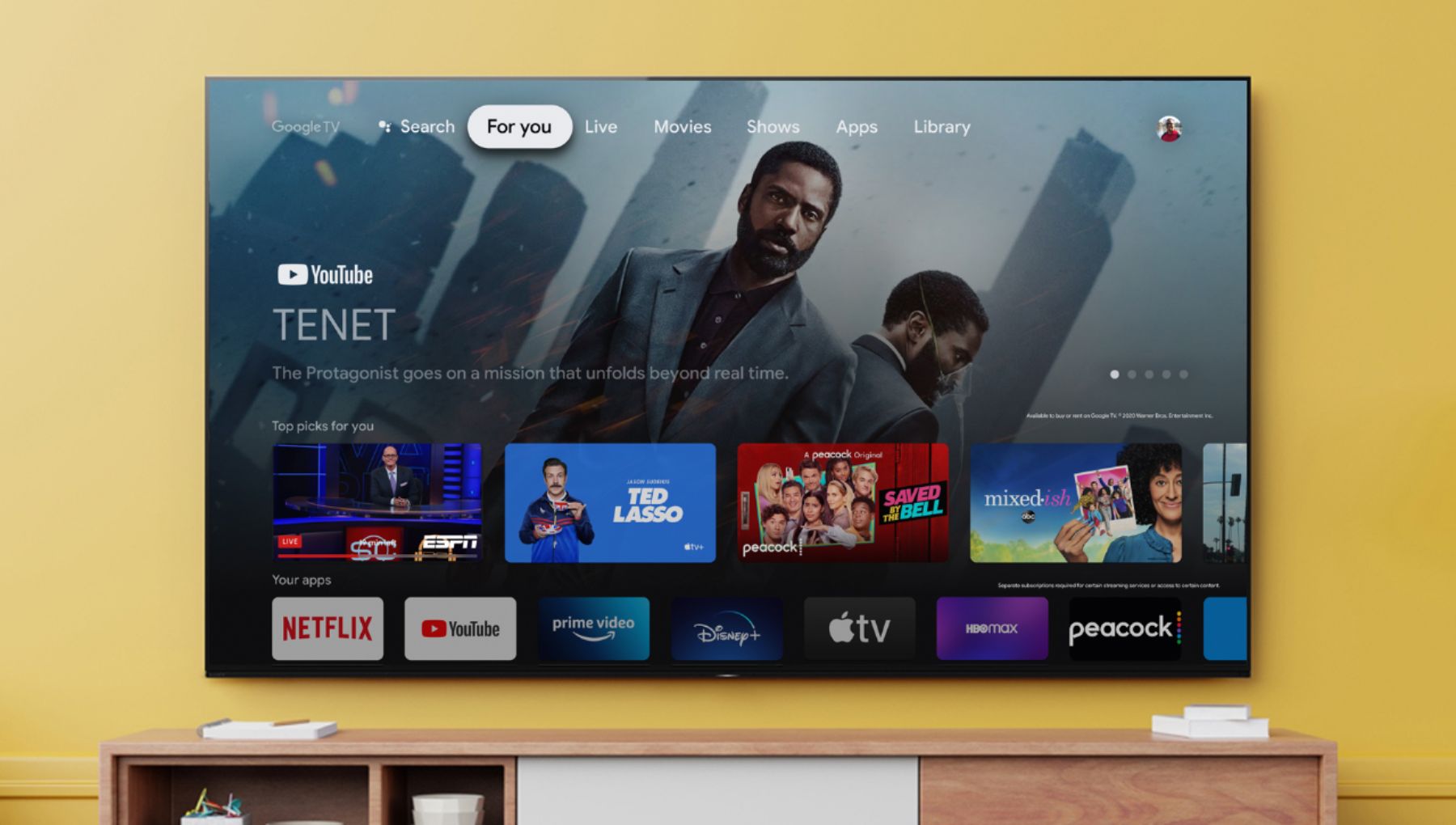
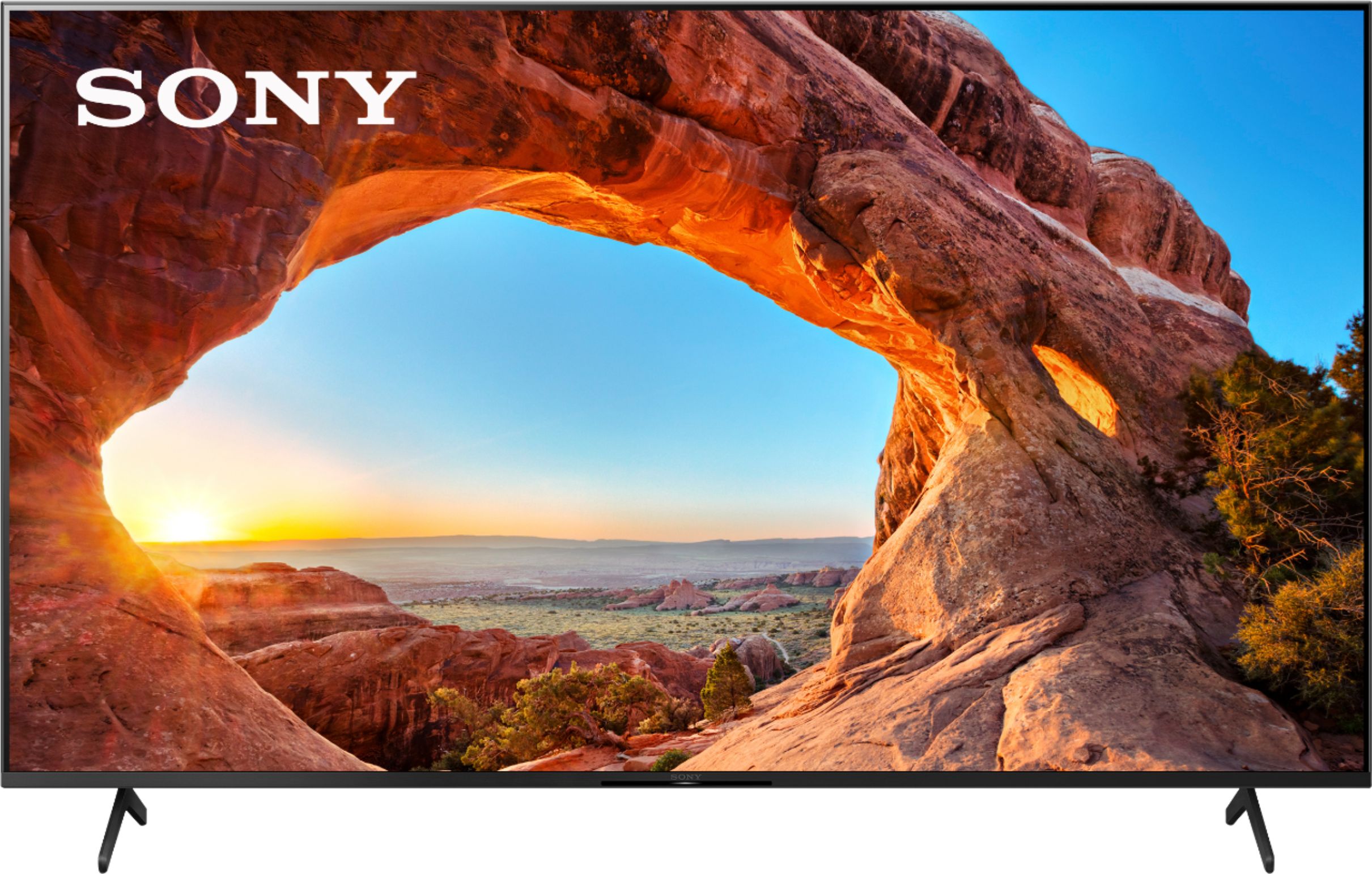
    • Answer Hi Jammer081, Thank you for the inquiry! The KD55X85J is a Google TV so you can seamlessly browse 700,000+ movies and TV episodes from across your favorite streaming services, all in one place. Watch content from Netflix, Amazon Prime Video, Disney+, YouTube, the Apple TV app, and many more. The TV also supports the BRAVIA CORE™ app, its a video service included with eligible TV models. This app offers access to a range of new releases and classic films, including the largest IMAX® Enhanced movie collection, lossless UHD quality with Pure Stream™, and more! Simply launch BRAVIA CORE and register for an account. A voucher code is given to you during sign up on your eligible device. Movie Credits and applicable unlimited streaming offers are instantly added to your account. https://www.sony.com/electronics/bravia-core Regards, David
      Answered by SonyListens

  • QuestionDoes the TV operate with a standard Direct TV handheld remote? (says voice?)

    Asked by LKD.

    • Answer Yes it does. The remote control for the TV also adapts to control the satellite receiver.

      Answered by Anonymous

  • Questionhi!!! does the x85J 75" sony tv has NextGen tuner ?

    Asked by hugo.

    • Answer Yes it has

      Answered by Namas

  • QuestionDoes this Tv have a programmable daily/weekly on/off timer? Does this TV also have a sleep timer and if so, what is the length in minutes?

    Asked by CoConut.

    • Answer Hi CoConut, Thank you for the inquiry! The TV has a built-in Timers & Clock, you can set the Timer, Sleep timer, Alarm, and Clock display. You may find these articles helpful regarding your concern. https://helpguide.sony.net/tv/iusltn1/v1/en-003/07_14.html https://www.sony.com/electronics/support/televisions-projectors-lcd-tvs-android-/kd-55x85j/articles/00260992 Regards, David

      Answered by SonyListens

  • QuestionJust bought this TV and tried to run my Apple TV box through it but it doesn't recognize it. It knows something is hooked to the HDMI port but the menu for the box doesn't appear (yes, the box is ON). Is there a way to fix this or am I out of luck?

    Asked by Ursula.

    • Answer It has Apple TV already built in why would you use the box

      Answered by sabreman61

  • QuestionHi, I recently purchased Sony 85 inch x85j and Sony sound bar Hta 7000 ,just wandering if the tv supports centre channel?I

    Asked by Bala.

    • Answer Hi Bala, Unfortunately, the X85J doesn't support center channel. Here's the list of the supported center channel for Sony TV. Android TV | Google TV (LCD) X95J Series Z8H_ZH8 Series Z9G_ZG9 Series Z9H Series Z9J Series Android TV | Google TV (OLED) A80J_A83J_A84J Series A90J Series A9F_AF9 Series A9G_AG9 Series Monitors XRM-xxA80J Series XRM-xxA90J Series XRM-xxX95J Series XRM-xxZ9J Series References: https://www.sony.com/electronics/support/articles/00201071 https://www.sony.com/electronics/support/televisions-projectors-oled-tvs-android-/xr-65a90j/articles/00266459 Hope this helps! David

      Answered by SonyListens

  • QuestionCan you send audio out to tv speakers and bluetooth headphones at the same time?

    Asked by Murphs.

    • Answer Hello Murphs, Thank you so much for your inquiry. Unfortunately, no. Please refer to the below for information on how you can listen to the TV speakers and headphones or headphones and soundbar at the same time: 1. To output sound from both the TV speakers and headphones: Connect your headphones to the DIGITAL AUDIO OUT port of the TV. Note: If you connect the device to the TV headphone jack, the HDMI ports, or through Bluetooth, the TV can't output sound from both the TV speakers and the audio device at the same time. 2. To output sound from both the headphones and a Soundbar: Connect your headphones to the TV headphone jack and your soundbar to the DIGITAL AUDIO OUT port. Note: As part of the normal operation, if you connect the soundbar to the HDMI ports or through Bluetooth, the TV can't output sound from both the headphones and the soundbar at the same time. Additional information: If looking for a pair of home theatre headphones that support DIGITAL OPTICAL OUT, then we can recommend WH-L600 as a compatible option. I hope you find this information to be helpful! - Romeo

      Answered by SonyListens

  • QuestionDoes this TV have Bluetooth to be able to use headsets?

    Asked by Bluetooth.

    • Answer 55X85J sony can support Bluetooth wireless

      Answered by Anonymous