A:Answer800 series has less technology internally to process pictures. like the X1 Extreme vs the X1 Ultimate processors. It may also have a 60Hz native refresh with the TVs screen vs 120Hz on the 900 series. Go here > https://www.sony.com/electronics/tv/t/televisions < and do comparisons between models to see the differences.
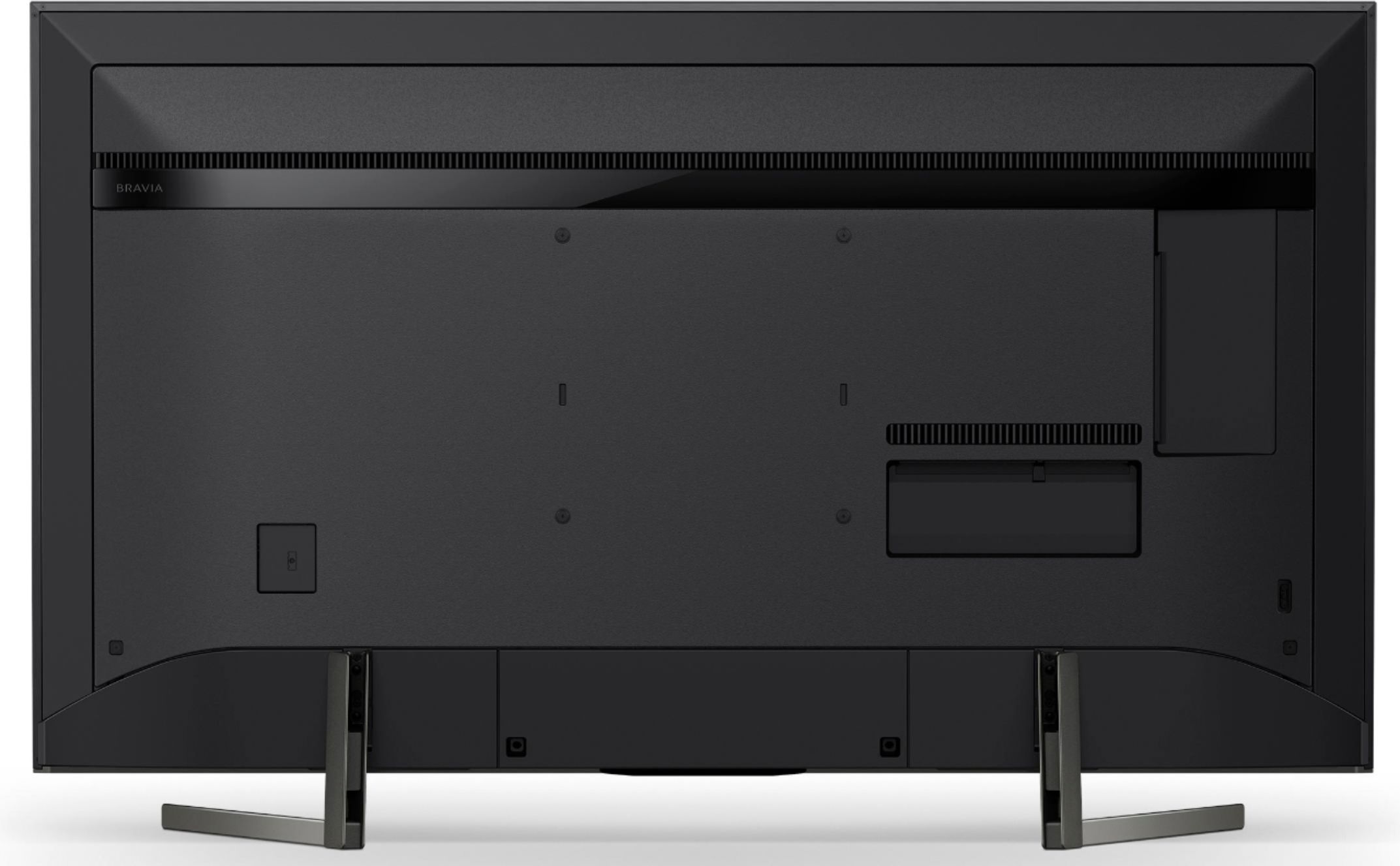
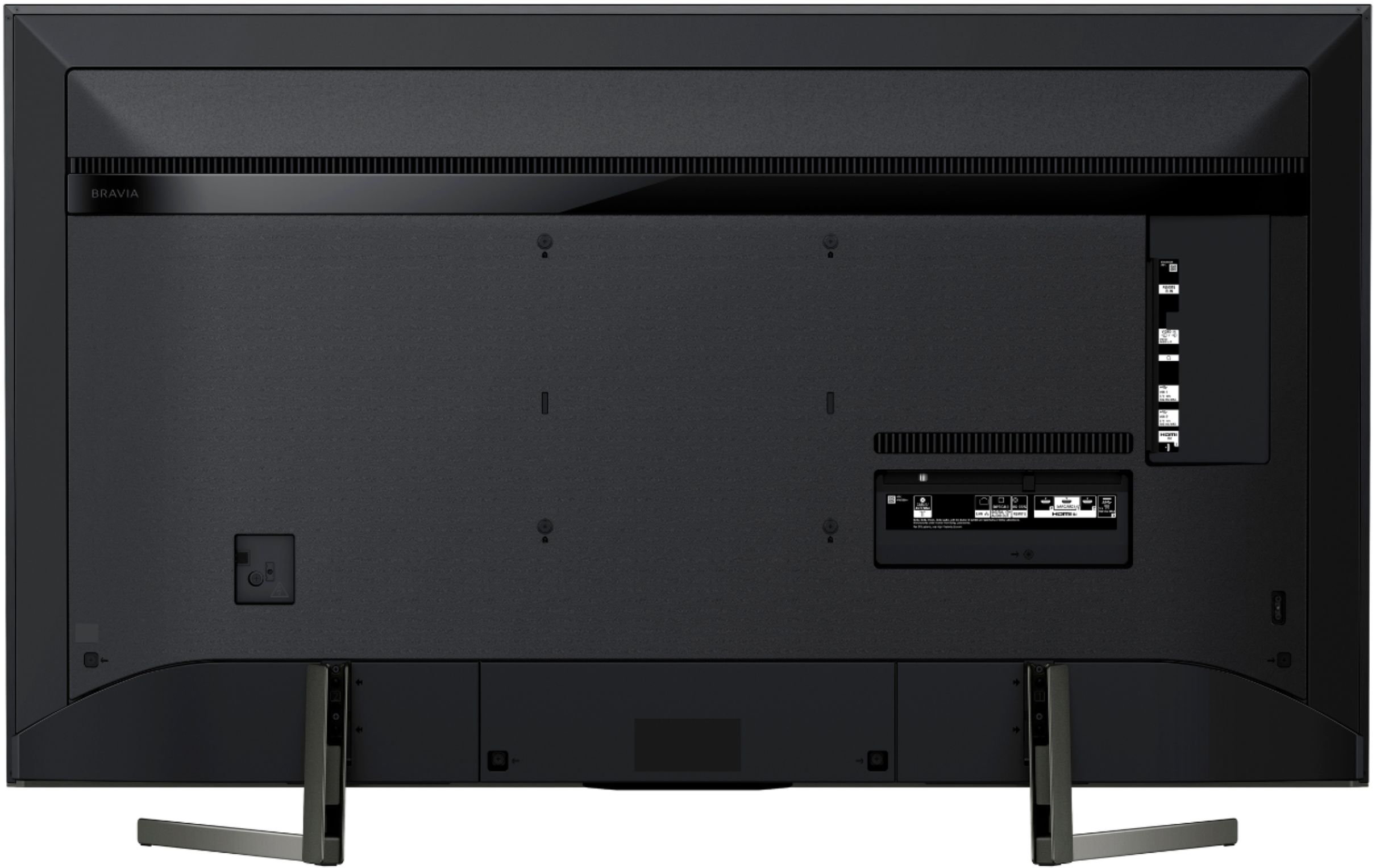
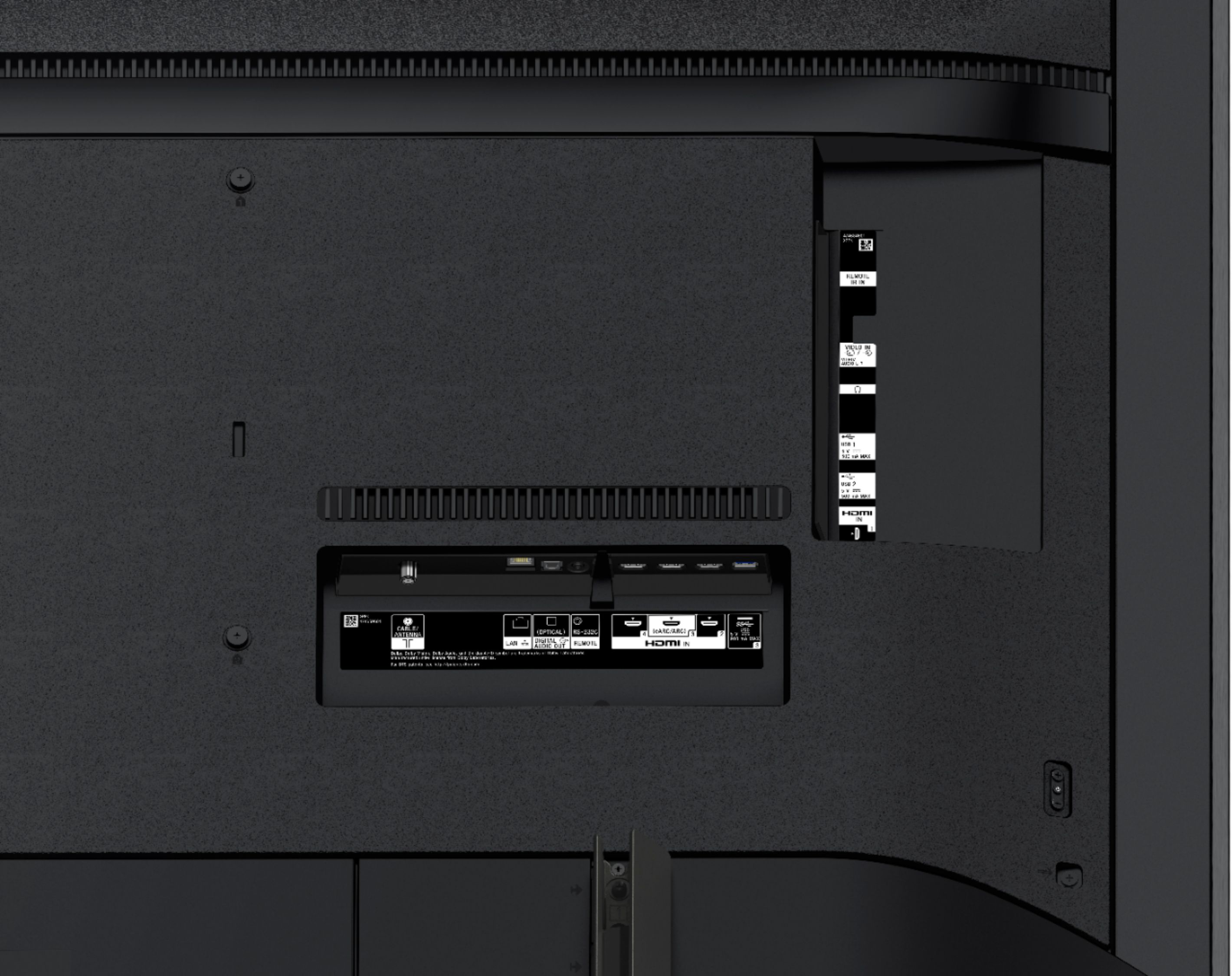
A:AnswerYes,works like any other head phone jack where the PC speaker set would need an amplifier. There's a second jack (same diameter) that's yellow and labeled "Video / Audio L-R". That's made for composite R-W-Y to 3.5mm headphone jack connector. The TV's higher functionality is designed around using an HDMI out of a better system though. HDMI connector 3 is the eARXC/ARC/HDMI connector. It can't be used as a normal HDMI input if you're not using it for a sound system.
A:AnswerHi, Patti! It will depend on the video format you are watching. In general, speeds that resemble the following are necessary:
-Streaming standard definition (SD) Internet video: 2.5 Mbps
-Streaming high definition (HD) Internet video: 10 Mbps
-Streaming Ultra HD (4K) Internet video: 25 Mbps
~Ralph
A:AnswerI don't believe there is a way to completely disable the microphone, which is located in the remote control. I believe it's not active or used unless you set it up first with your Google account. If you're worried about it, do what I always do for laptop cameras, put a piece of electrical tape over the two microphone holes on the top left corner of the remote control. That will help a bit but not block most of the sound. Really you'd need tape, then a thin layer of sound absorption material, covered by another piece of tape.
A:AnswerDepends on budget. For an LED TV (as far as LED TV sound goes) the TV speakers are very good and will go very loud. You can easily stream music through the TV speakers. A good sound bar is really about how much you want to spend, or are willing to spend. But, I'd always recommend getting on with a separate sub woofer at least.
A:AnswerHell there!
Yes, you can skip the part where you need to sign in a Google account. You can also disable the microphone button by not pairing the remote or unpariring the remote under the Bluetooth settings. Happy to help!
~Zac