Questions & Answers
- Model:
- K65XR80M2
- |
- SKU:
- 10316869
Q: QuestionCan you hook up regular stereo speakers directly to SONY Bravia 8 II without a tuner or power source ?
Asked by Ezekiel.
- A:Answer Thank you for contacting Sony, Ezekiel. No, you cannot connect regular passive stereo speakers (the kind with just red and black wires) directly to the Bravia 8 II without an external amplifier or receiver. We appreciate your interest in Sony products. Should you require any further assistance, please don't hesitate to reach out for support here: https://us.esupport.sony.com/support/s/support-contact?language=en_US&category=tv Best regards, Gus, Sony North America Customer Support
Answered by SonyListens
Q: Questionis the stand adjustable on this model
Asked by john123.
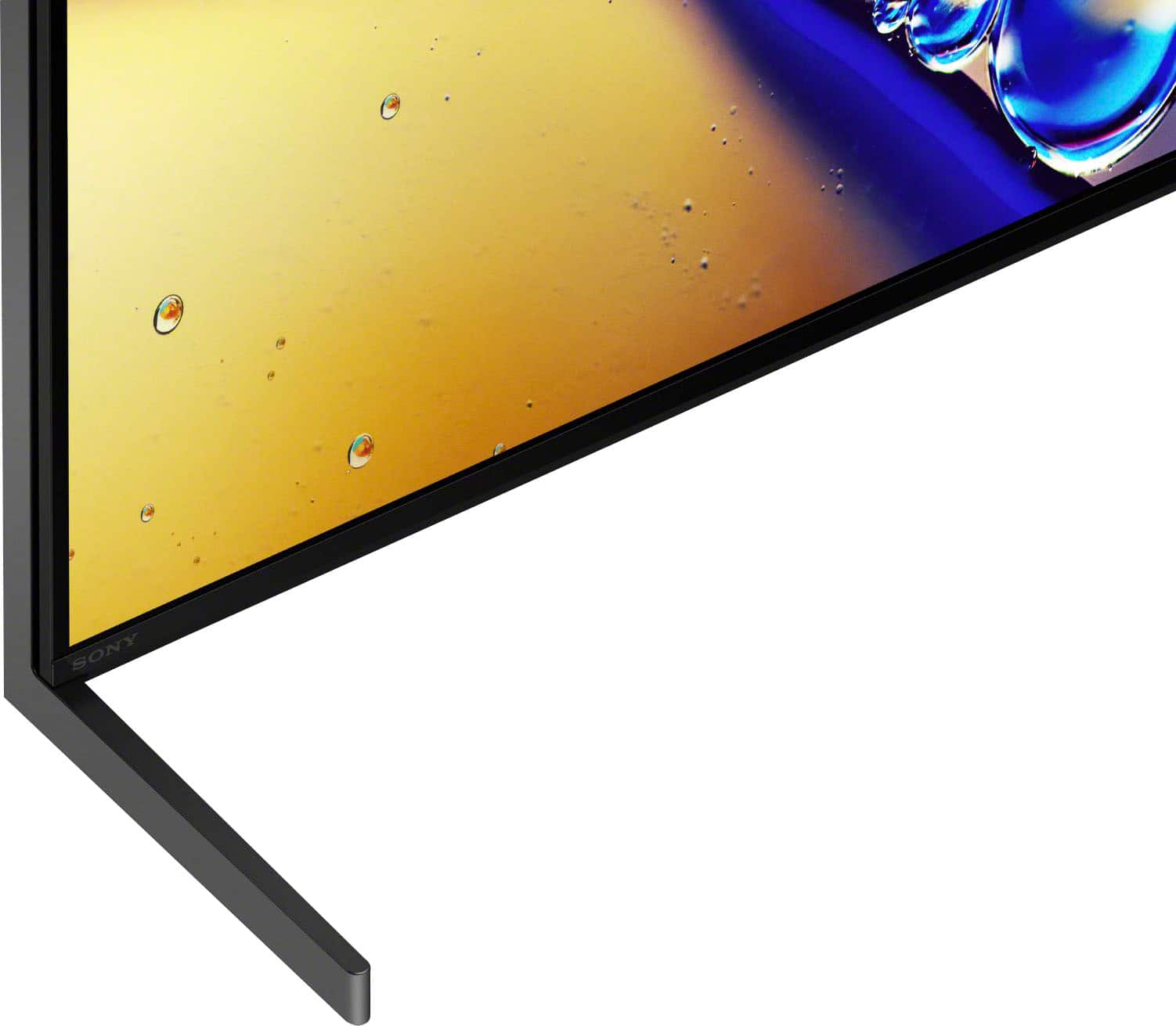
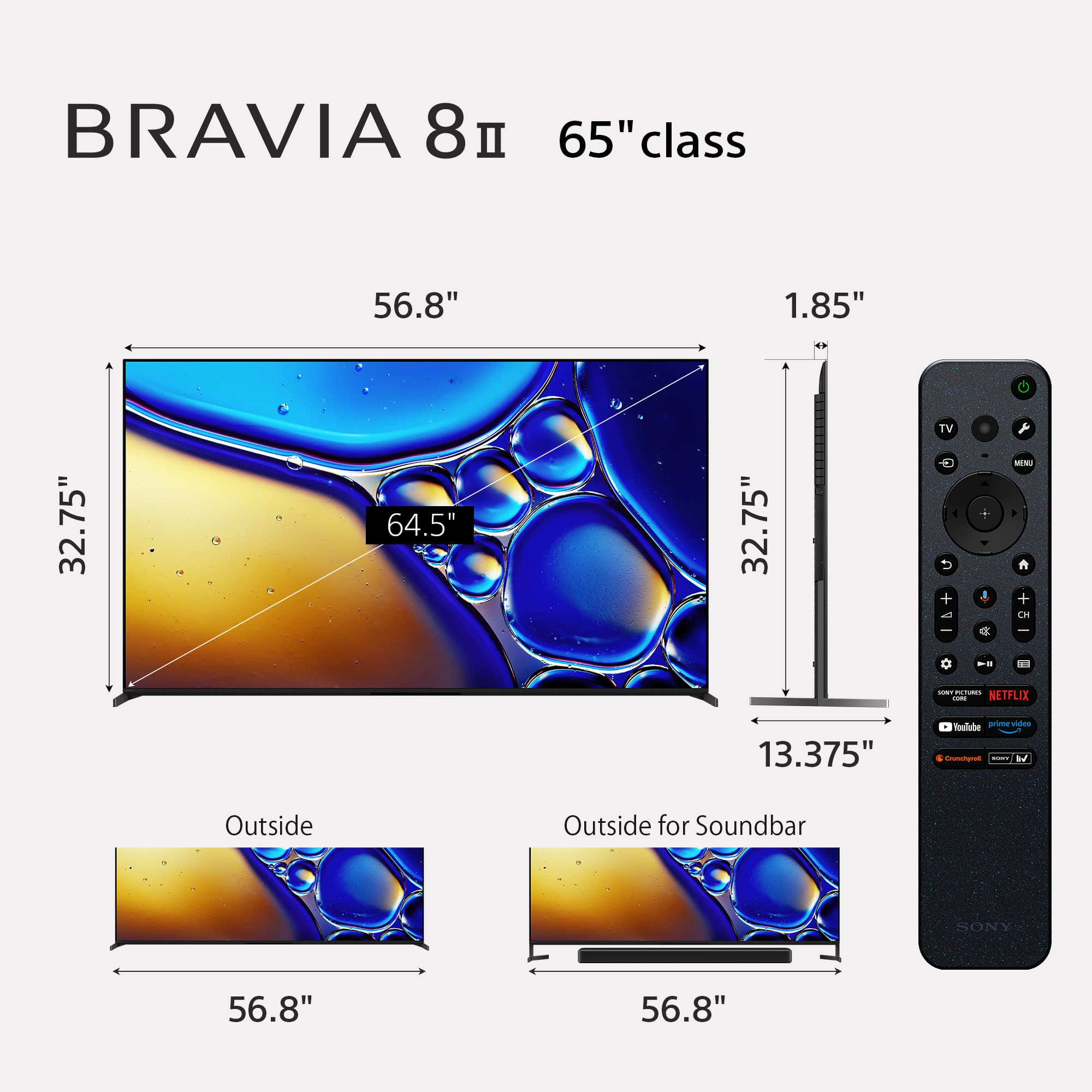
- A:Answer Hi John123, The stand on the Sony BRAVIA 8 II provides two distinct configurations designed to fit your specific home theater setup. You can set the TV in the Standard position, which keeps the screen closer to the surface for a sleek look, or the Soundbar position, which raises the display to provide enough clearance so a soundbar doesn't obstruct the bottom of the screen. It is important to note that this specific model does not support a "narrow" position, meaning the feet cannot be moved toward the center of the display. Because of this, we recommend ensuring your TV stand or furniture is wide enough to accommodate the full width of the legs (56.88 inches). If you would like to explore a model with a more flexible stand that supports multiple positions—including narrow configurations for smaller furniture—we suggest checking out the Sony BRAVIA 7 or Sony BRAVIA 9 models. We hope you find this information helpful, and thanks for considering Sony! Best regards, Dominick
Answered by SonyListens
Q: QuestionWhat is the minimum length console needed to safely hold the legs of the Sony - 65" Class BRAVIA 8 II OLED 4K UHD Smart Google TV (2025). All pictures I've seen show the legs at the ends of the tv. Can the legs be placed closer together?
Asked by Anonymous.
- A:Answer Hi there, The BRAVIA 8 II 65" legs are fixed at the outer edges of the display. They can be adjusted for height (Standard or Soundbar position), but they cannot be moved closer together. To safely support this TV, you will need a console that is at least 57 inches long, as the stand width is approximately 56.88 inches. Thanks for choosing Sony. Best regards, Eliab
Answered by SonyListens
Q: QuestionCan the stand be removed and the tv mounted on the wall?
Asked by Anonymous.
- A:Answer Yes, the TV actually comes with the stand off and it can be directly hung on the wall with a proper mounting bracket.
Answered by RaymondP
Q: QuestionWhat is the actual width of the 65 in as I have a entertainment unit with limited space.
Asked by Susie.
- A:Answer Thank you for contacting Sony, Susie. The width of the Bravia 8 II is 56.88 inches (144.5 cm). Since you have limited space, please ensure you have a small buffer for ventilation. We appreciate your interest in Sony products. Should you require any further assistance, please don't hesitate to reach out for support here: https://us.esupport.sony.com/support/s/support-contact?language=en_US&category=tv Best regards, Gus, Sony North America Customer Support
Answered by SonyListens
Q: QuestionIs this tv ATSC 3.0 COMPATABILE? is the tuner built in or do I need other equipment?
Asked by OneeyedJack.
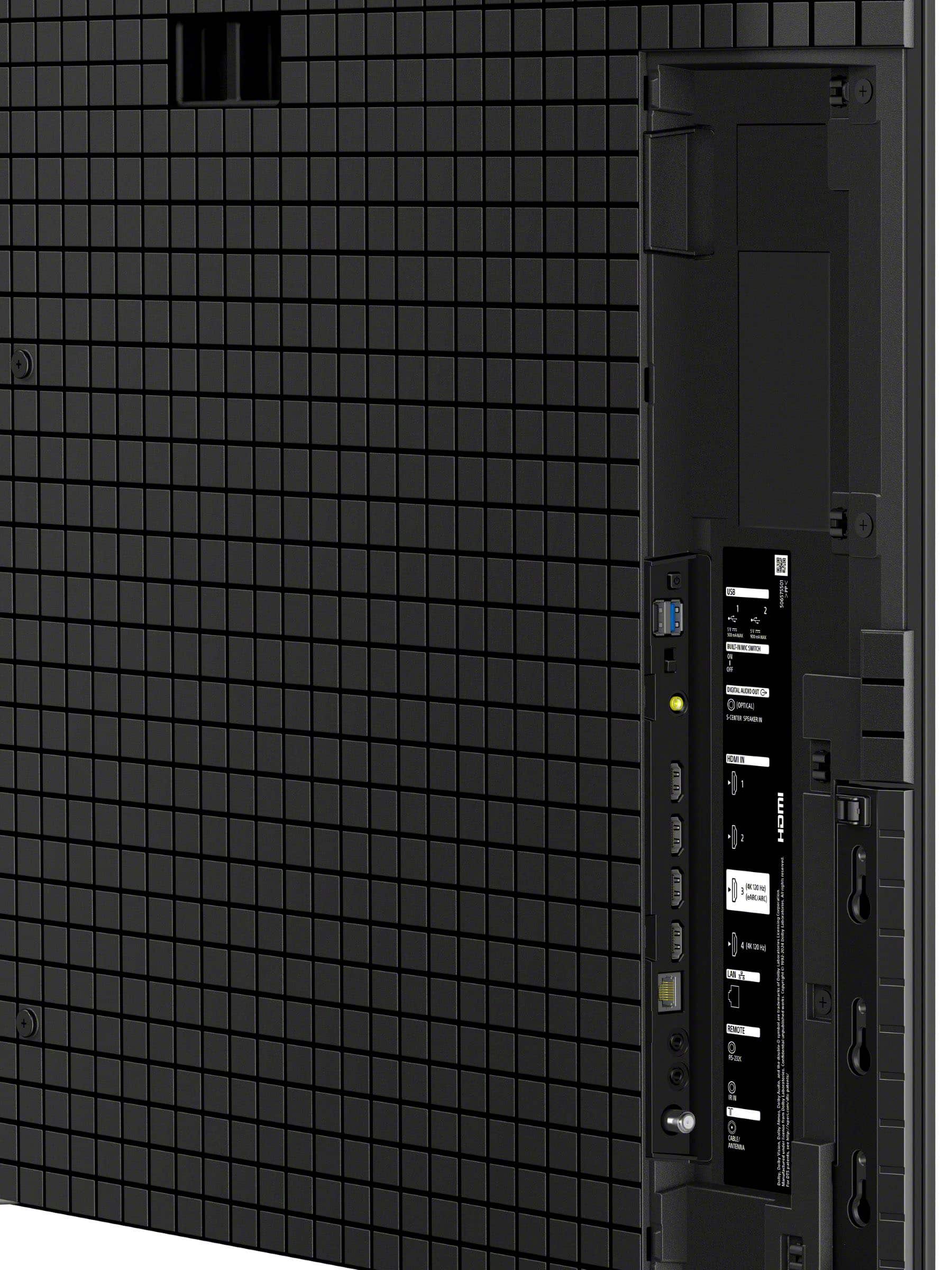
- A:Answer Thank you for contacting Sony, Marc. Yes, the BRAVIA 8 II is ATSC 3.0 compatible. The tuner is built directly into the television, so you won't need any additional external boxes or equipment to receive NextGen TV broadcasts. Just connect your antenna to the RF input on the back of the TV, and you'll be all set to enjoy the enhanced 4K picture and audio quality that ATSC 3.0 offers! We appreciate your interest in Sony products. Should you require any further assistance, please don't hesitate to reach out for support here: https://us.esupport.sony.com/support/s/support-contact?language=en_US&category=tv Best regards, Gus, Sony North America Customer Support
Answered by SonyListens
Q: QuestionDoes this tv have a protective shipping film that needs peeled off
Asked by Anonymous.
- A:Answer Hi there, There is a film that needs to be peeled off. Please follow the directions found on the protective coating. Thanks for choosing Sony. Best regards, Eliab
Answered by SonyListens
Q: QuestionWill the Sony remote for this Bravia 8 II also operate a Samsung soundbar, used in conjuunction with this Sony TV?
Asked by Pete.
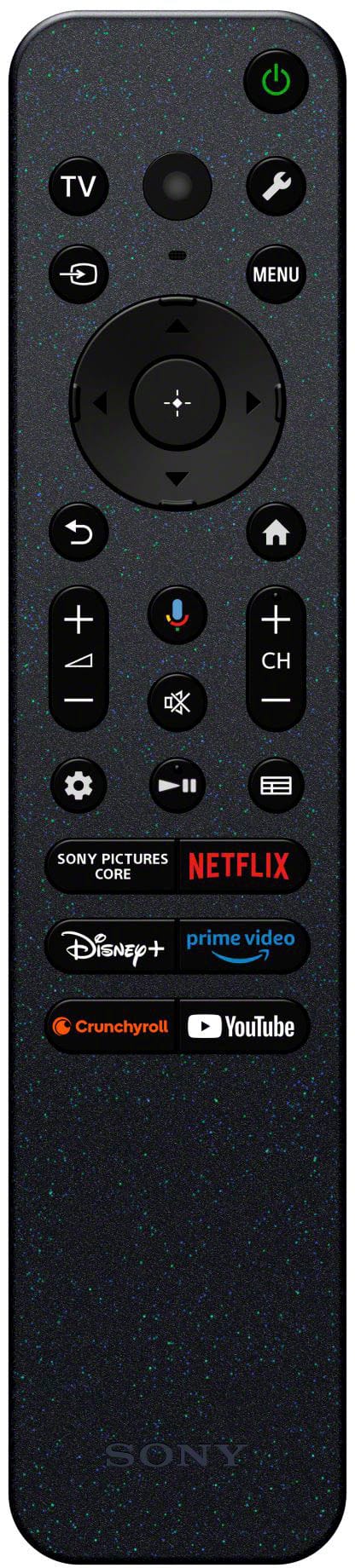
- A:Answer Thank you for contacting Sony, Pete. Yes, your Bravia 8 II remote can operate a Samsung soundbar for basic functions like volume, mute, and power through a feature called HDMI-CEC. We appreciate your interest in Sony products. Should you require any further assistance, please don't hesitate to reach out for support here: https://us.esupport.sony.com/support/s/support-contact?language=en_US&category=tv Best regards, Gus, Sony North America Customer Support
Answered by SonyListens
Q: Questiondoes the Sony - 65" Class BRAVIA 8 II OLED 4K UHD Smart Google TV have 360 Spatial sound personalizer compatible
Asked by neckband.
- A:Answer Hi neckband, Yes, the Sony BRAVIA 8 II OLED is compatible with the 360 Spatial Sound Personalizer. When paired with compatible Sony headphones or the BRAVIA Theatre U neckband speaker, you can enjoy a personalized cinematic audio experience. Thanks for choosing Sony. Best regards, Eliab
Answered by SonyListens
Q: QuestionIs this QD technology?
Asked by Johnpenn.
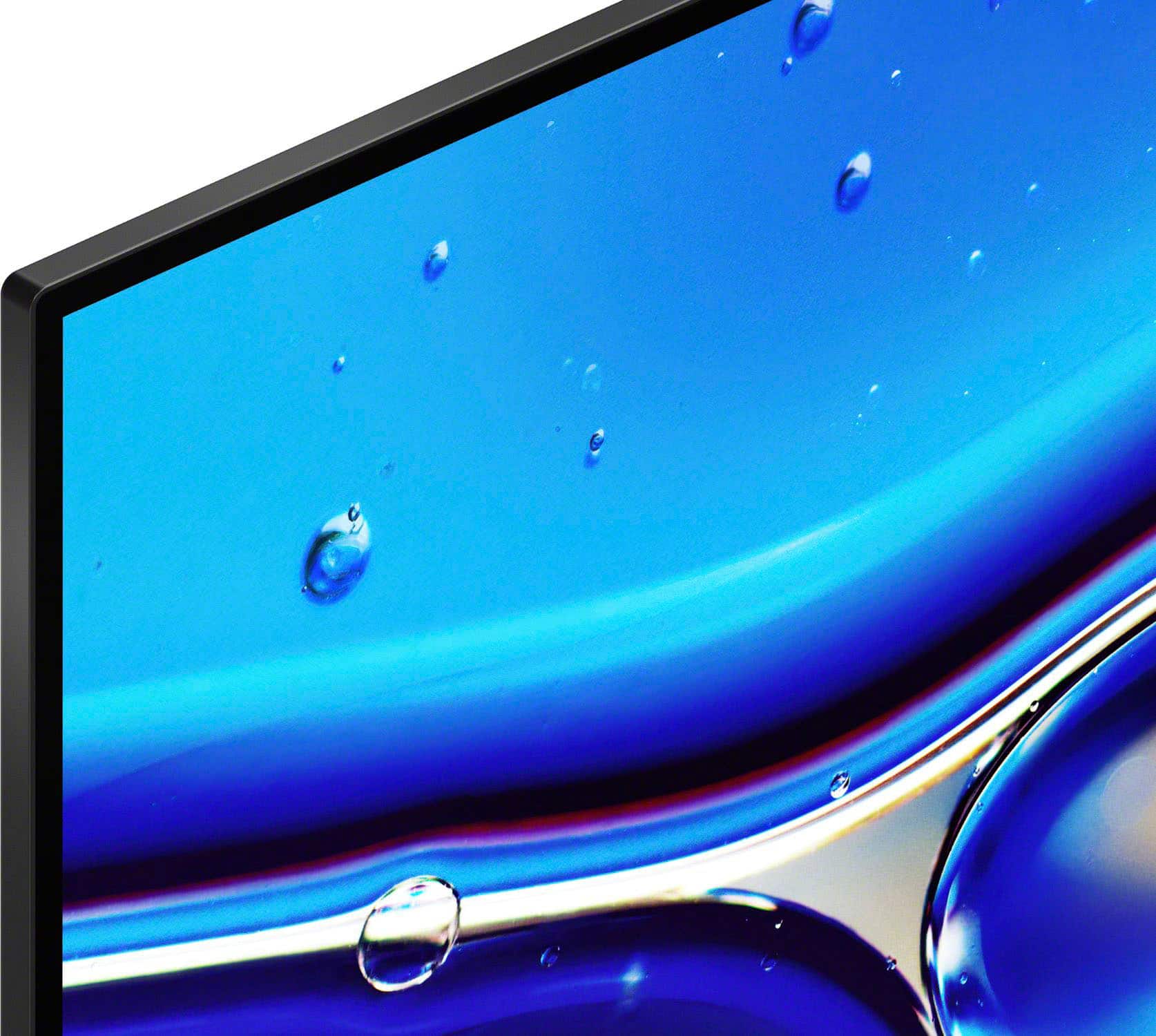
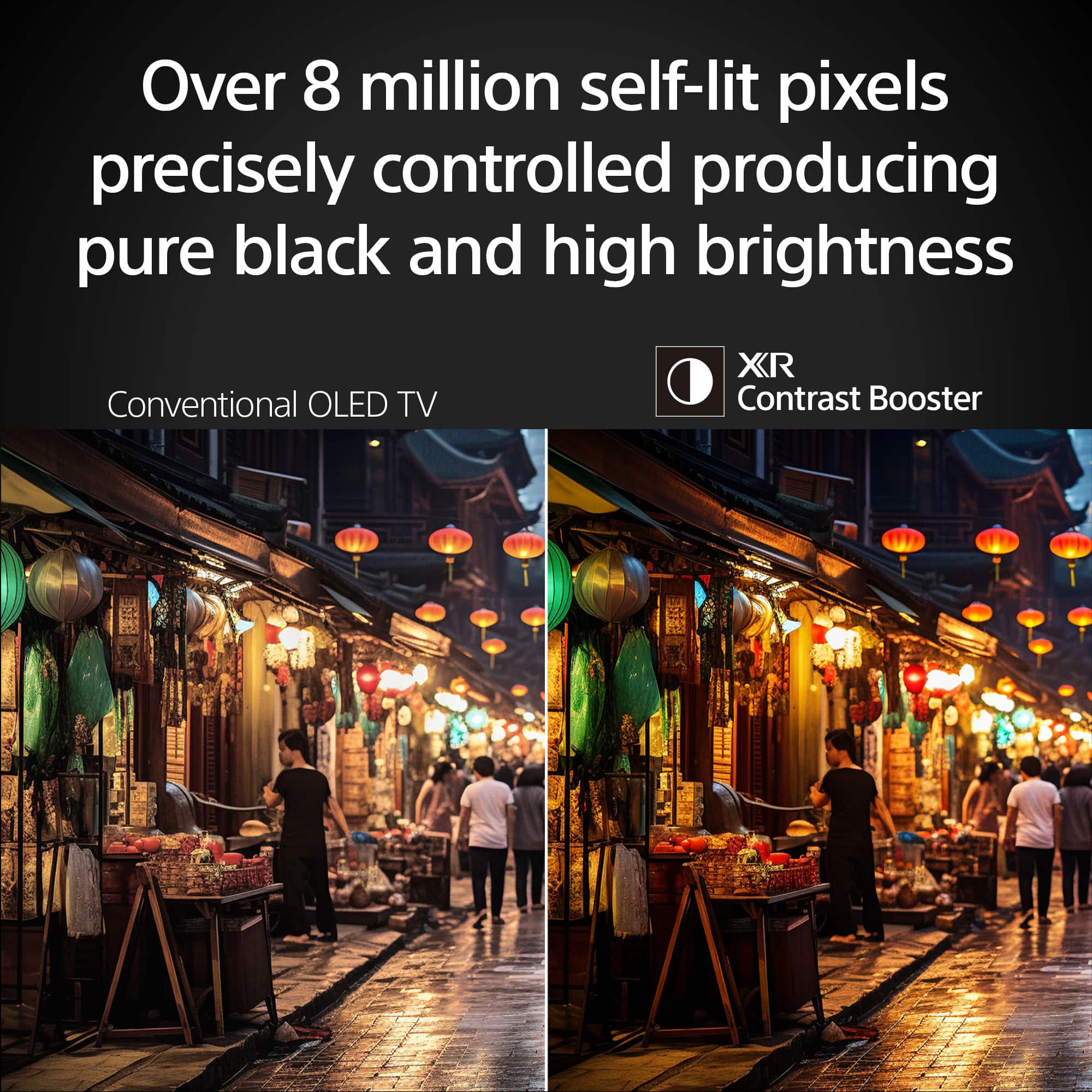
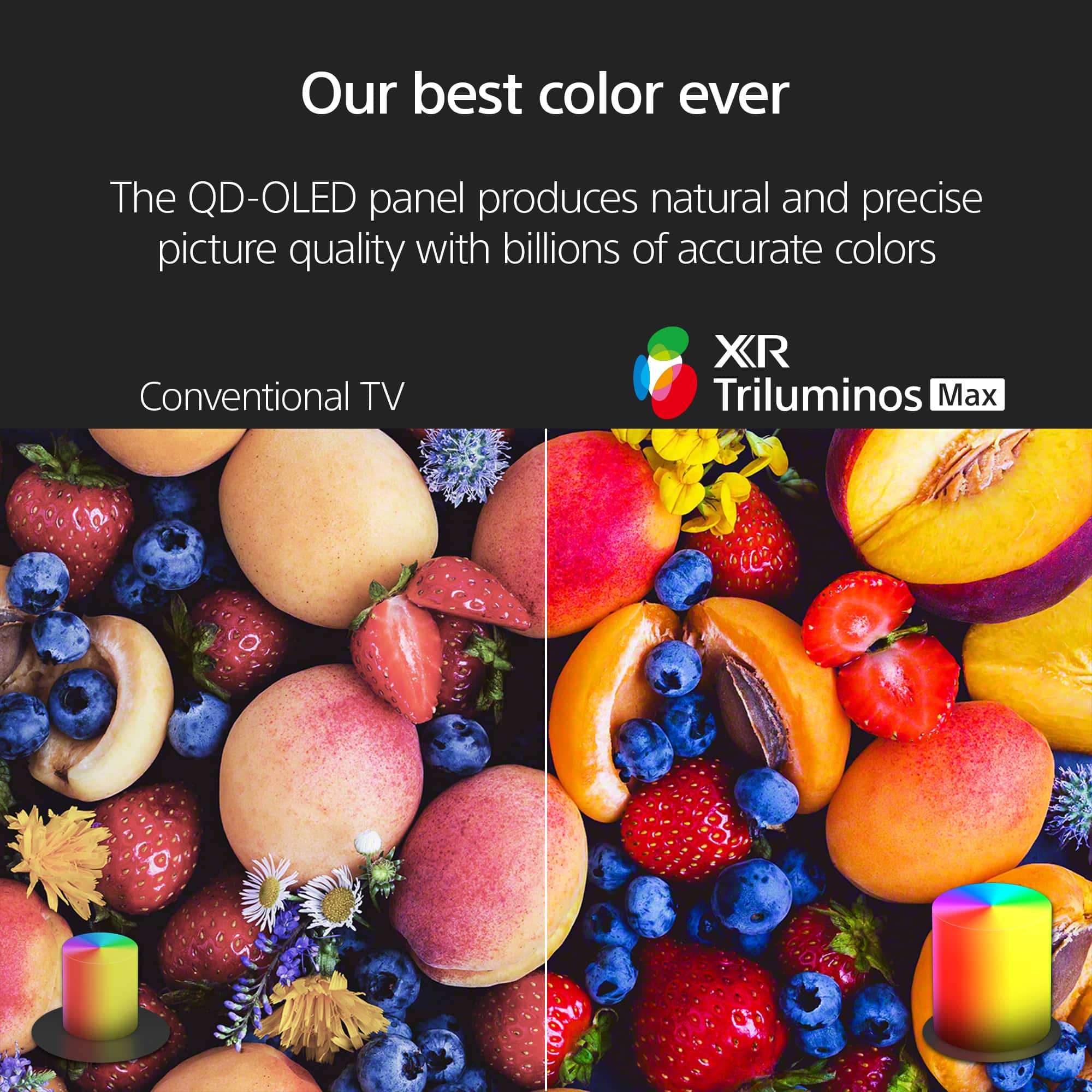
- A:Answer Thank you for contacting Sony, Johnpenn. We are happy to confirm that the BRAVIA 8 II does indeed feature QD-OLED technology. We appreciate your interest in Sony products. Should you require any further assistance, please don't hesitate to reach out for support here: https://us.esupport.sony.com/support/s/support-contact?language=en_US&category=tv Best regards, Gus, Sony North America Customer Support
Answered by SonyListens
Q: QuestionIs this tv glare free
Asked by Anonymous.
- A:Answer Hi there, thank you for your question! While not entirely glare free, the BRAVIA 8 II handles reflections impressively. Its QD-OLED panel is engineered to diffuse ambient light, ensuring a clear picture even in brighter rooms. As with most OLEDs, you may still see some interference if a strong light source or window is positioned directly opposite the screen. For an easy look at all the specs on this TV, just check out this link: https://www.sony.com/electronics/support/televisions-projectors-oled-tvs-android-/k-65xr80m2/specifications We really appreciate you thinking of Sony for your purchase! Best regards, Estefany
Answered by SonyListens
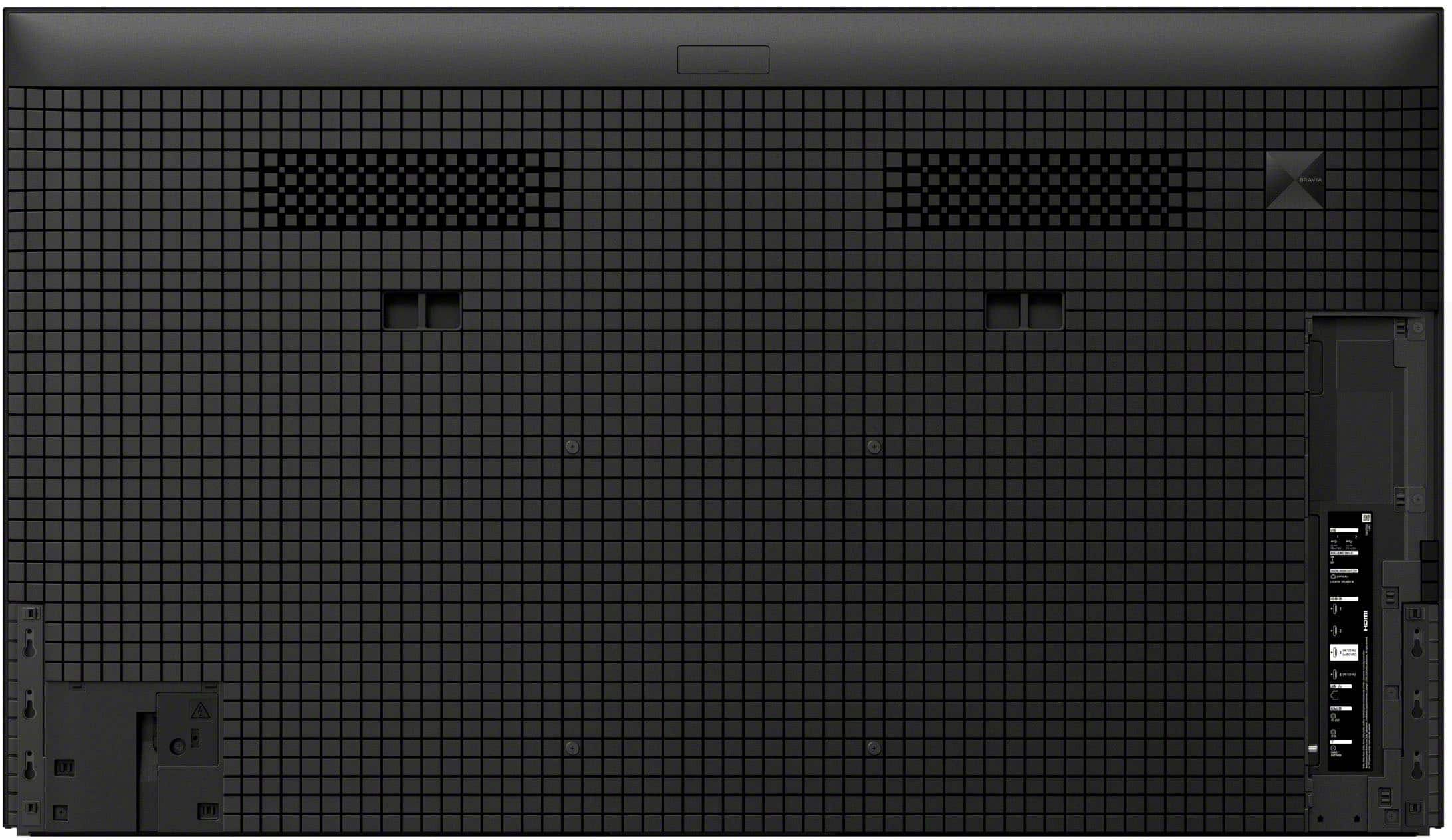
Q: QuestionThe power cord for the TV is at one horizontal extreme of the unit. This puts it far from the existing power outlet the way the unit is mounted. What is the best way to extend the power cord? An extension cord? That's pretty ugly.
Asked by emmo.
- A:Answer Hi Emmo, Thank you for your question! The most convenient and aesthetic solution is to use a paintable cable raceway in tandem with a high-quality, flat-profile surge protector mounted discretely behind the TV. By plugging your original Sony power cord into a strip hidden behind the unit, you can then run the protector’s cord through a slim, adhesive-backed track to your distant outlet. Since these raceways are designed to be painted the exact color of your wall, the cable run becomes virtually invisible, maintaining the premium look of your BRAVIA 8 II while ensuring you’re still using your factory-supplied power cable. We hope you find this information helpful, and thanks for considering Sony products! Regards, Dominick
Answered by SonyListens
Q: QuestionIs this tv 3D compatible?
Asked by Unkie.
- A:Answer Thank you for contacting Sony, Unkie. No, the Sony Bravia 8 II is not 3D compatible. We appreciate your interest in Sony products. Should you require any further assistance, please don't hesitate to reach out for support here: https://us.esupport.sony.com/support/s/support-contact?language=en_US&category=tv Best regards, Gus, Sony North America Customer Support
Answered by SonyListens
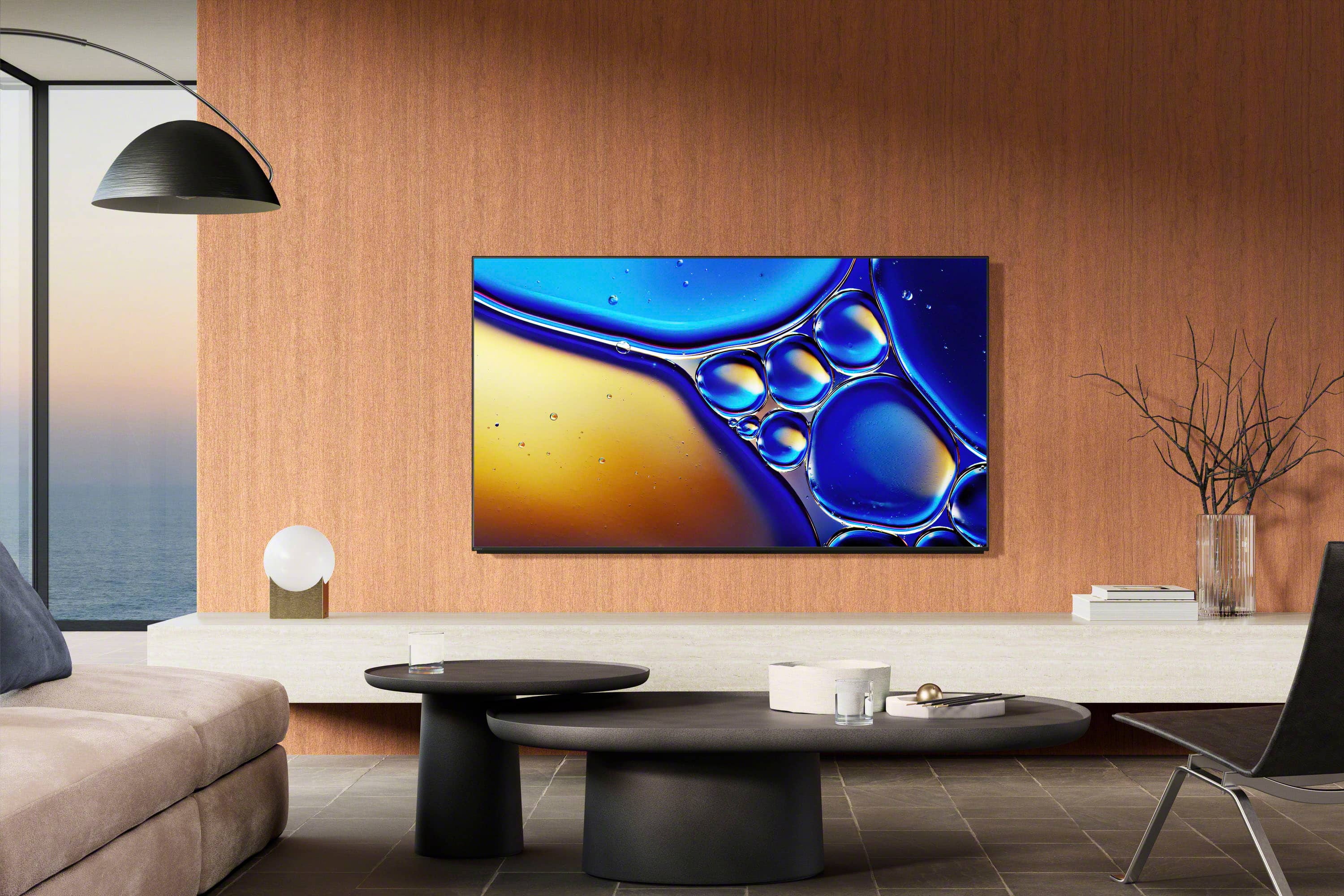
Q: QuestionCan this TV be hung on the wall?
Asked by Installing.
- A:Answer Hello Installing, Thank you for considering Sony products! We appreciate your question and are here to assist you. Yes, the Sony K65XR80M2 television is suitable for wall mounting. It includes a VESA mounting pattern of 300 x 300 mm, compatible with a range of wall-mount brackets. For optimal compatibility, we recommend utilizing the SU-WL855 or SU-WL905 wall-mount brackets with this model. Please review the details regarding these bracket models at: https://www.sony.com/electronics/support/product/k-65xr80m2/manuals Best regards, -Fred
Answered by SonyListens
Q: Questionwhat type of bracket is recommended for Sony 65" Bravia oled tv
Asked by Anonymous.
- A:Answer Thank you for contacting Sony. We recommend the Sony SU-WL855 ultra-slim bracket for a seamless look. If you prefer a third-party mount, just look for one that supports a 300 x 300 VESA pattern and at least 51 lbs. We appreciate your interest in Sony products. Should you require any further assistance, please don't hesitate to reach out for support here: https://us.esupport.sony.com/support/s/support-contact?language=en_US&category=tv Best regards, Gus, Sony North America Customer Support
Answered by SonyListens
Q: Questionwhat is the sound quality
Asked by dt.
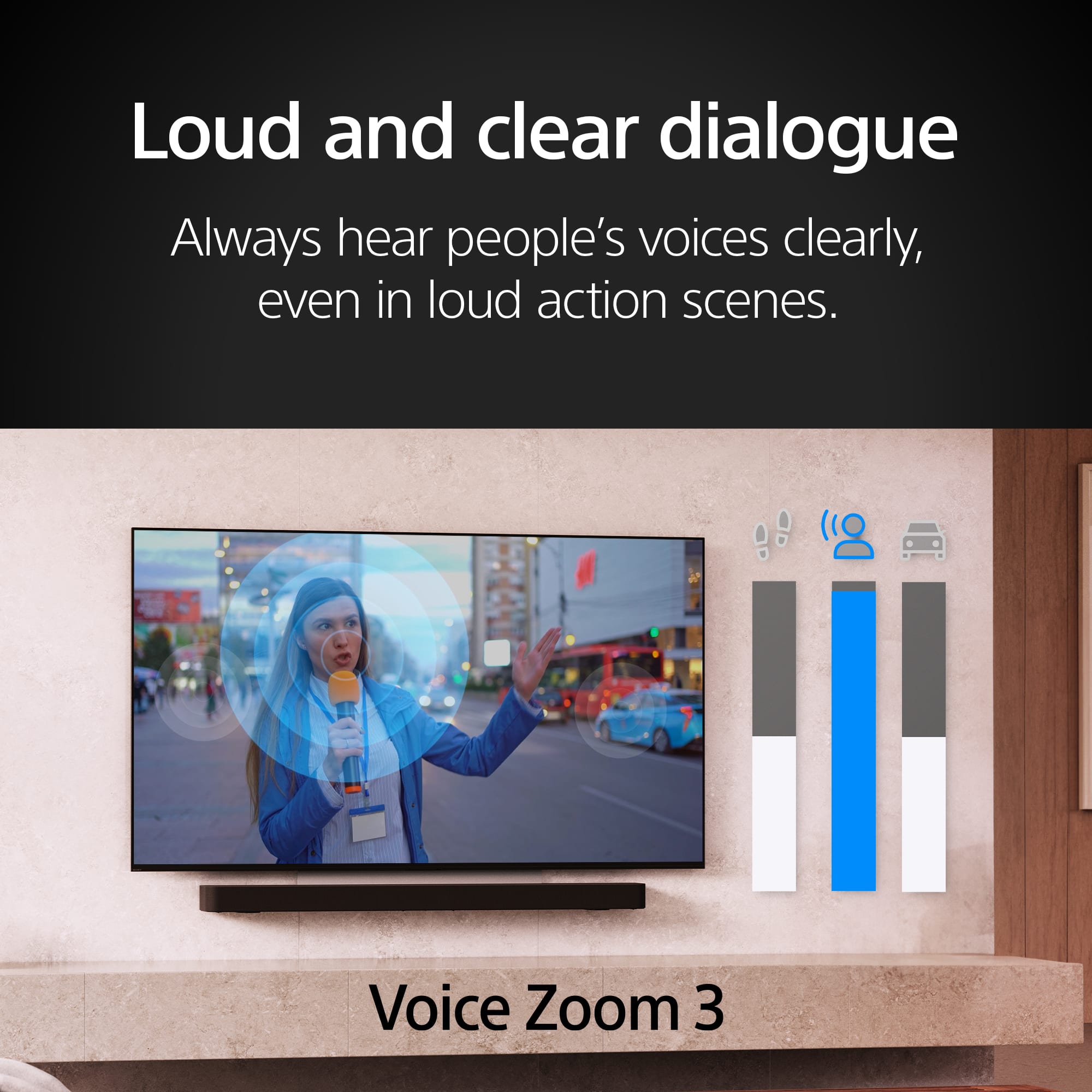
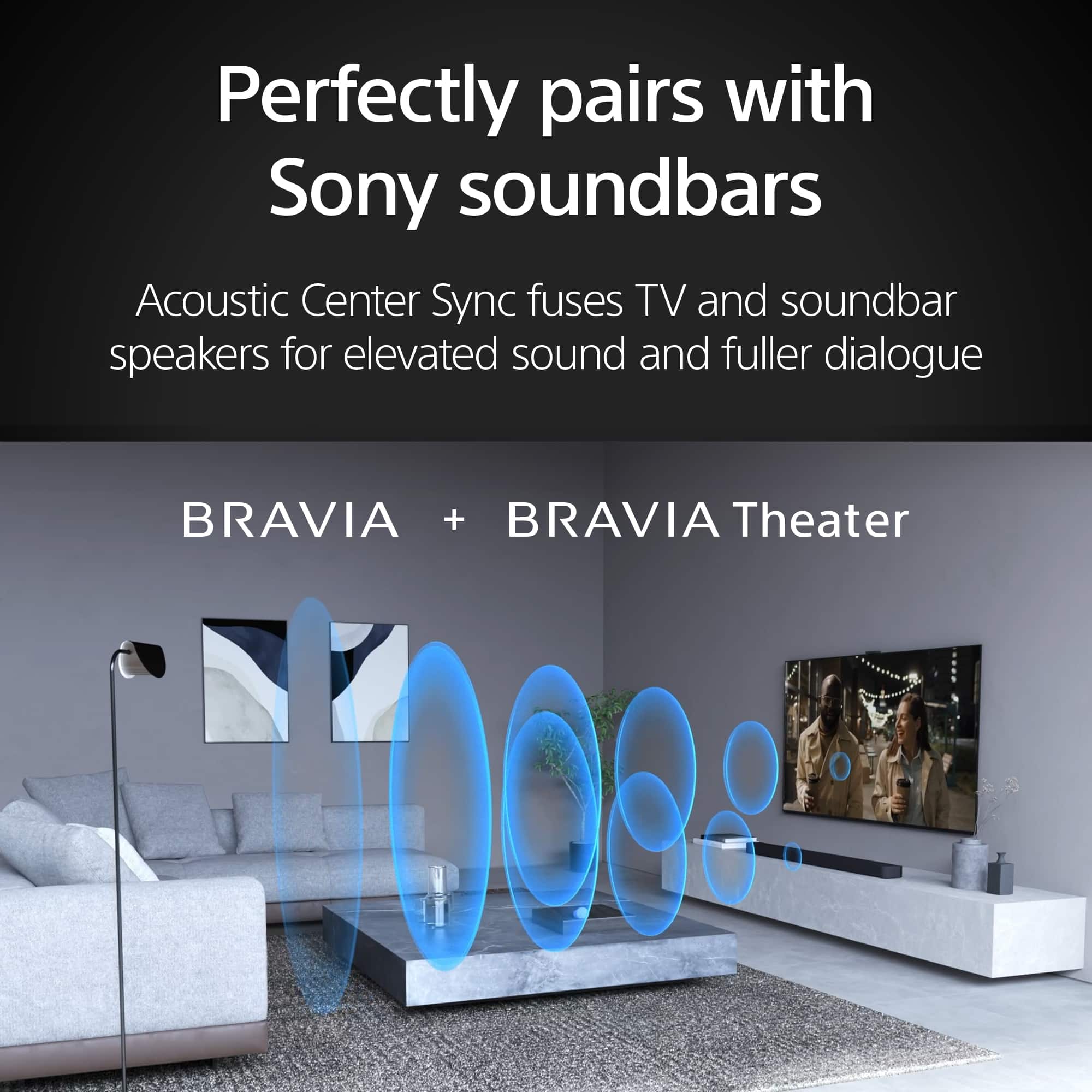
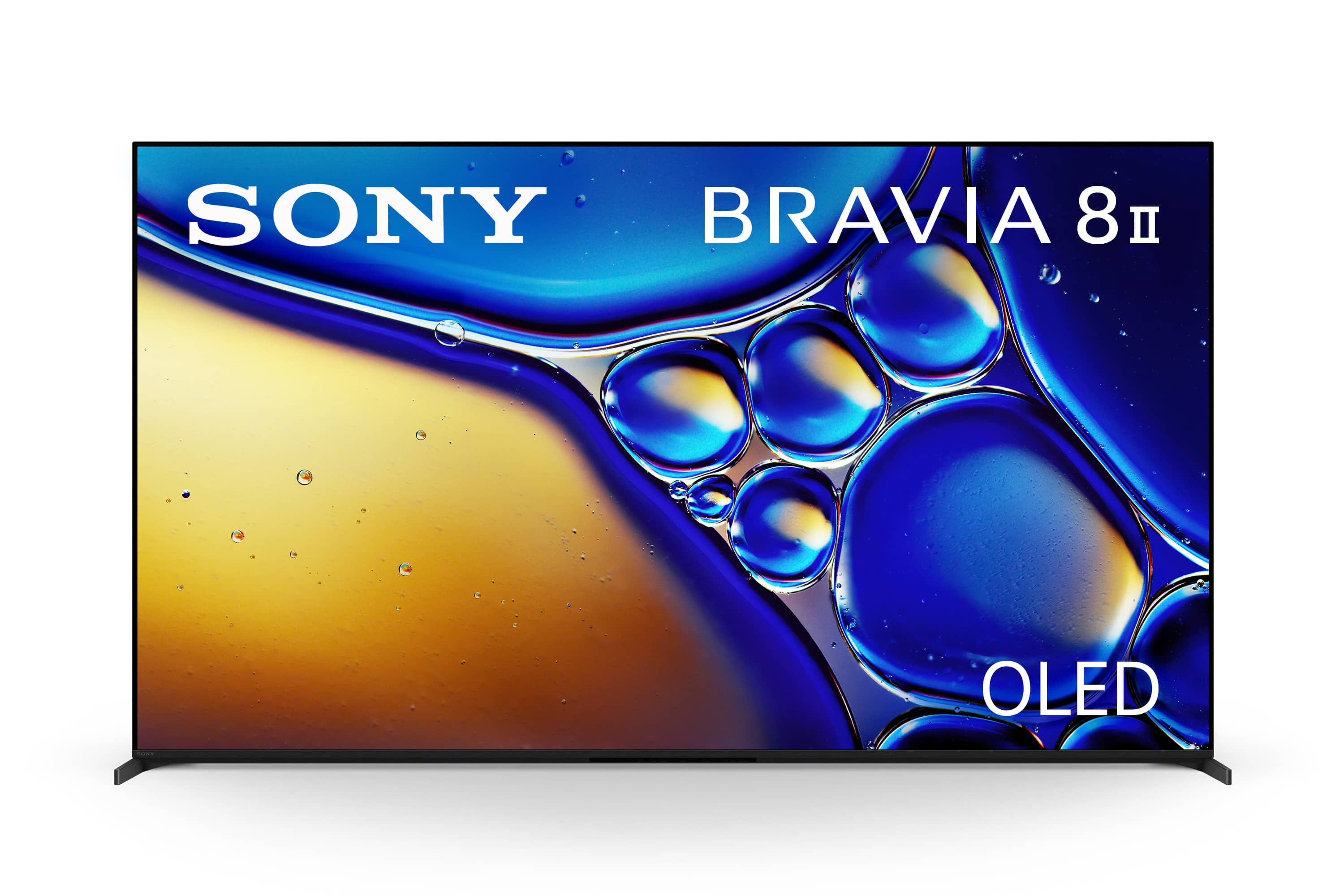
- A:Answer Hello Dt, Thank you for your interest in Sony products! We appreciate your question and are here to assist you. The Sony K65XR80M2 TV features Acoustic Surface Audio+ technology with actuators and subwoofers, delivering clear and immersive sound. With an audio power output of 15 W + 15 W + 10 W + 10 W, it provides rich, balanced audio for an enhanced viewing experience without the need for external speakers. Additionally, it supports Dolby Atmos and DTS:X formats for immersive sound, while Voice Zoom 3 improves dialogue clarity, and 3D Surround Upscaling creates virtual surround sound through the TV’s speakers. For more detailed specifications, please visit: https://www.sony.com/electronics/support/televisions-projectors-oled-tvs-android-/k-65xr80m2/specifications Best regards, -Fred
Answered by SonyListens
Q: QuestionWhat are the height levels from the bottom of the stand to the top of the TV when adjusting for the sound bar space, and how much space is under the TV for each height level?
Asked by Johnny.

- A:Answer Hi Johnny, Thank you for your inquiry regarding the K-65XR80M2. This model features an adjustable stand to accommodate different setups. Here are the specific height measurements for this 65-inch model: Soundbar Position: The total height from the bottom of the stand to the top of the TV is 35 3/4 inches, providing 3 inches of clearance under the TV for your soundbar. For the Standard Position, the space under the TV is 0.5 inches. These options allow you to choose the best configuration for your home theater setup. Thank you for considering Sony! Regards, Dominick
Answered by SonyListens
Q: QuestionDoes this support casting from a samsung device
Asked by Anonymous.
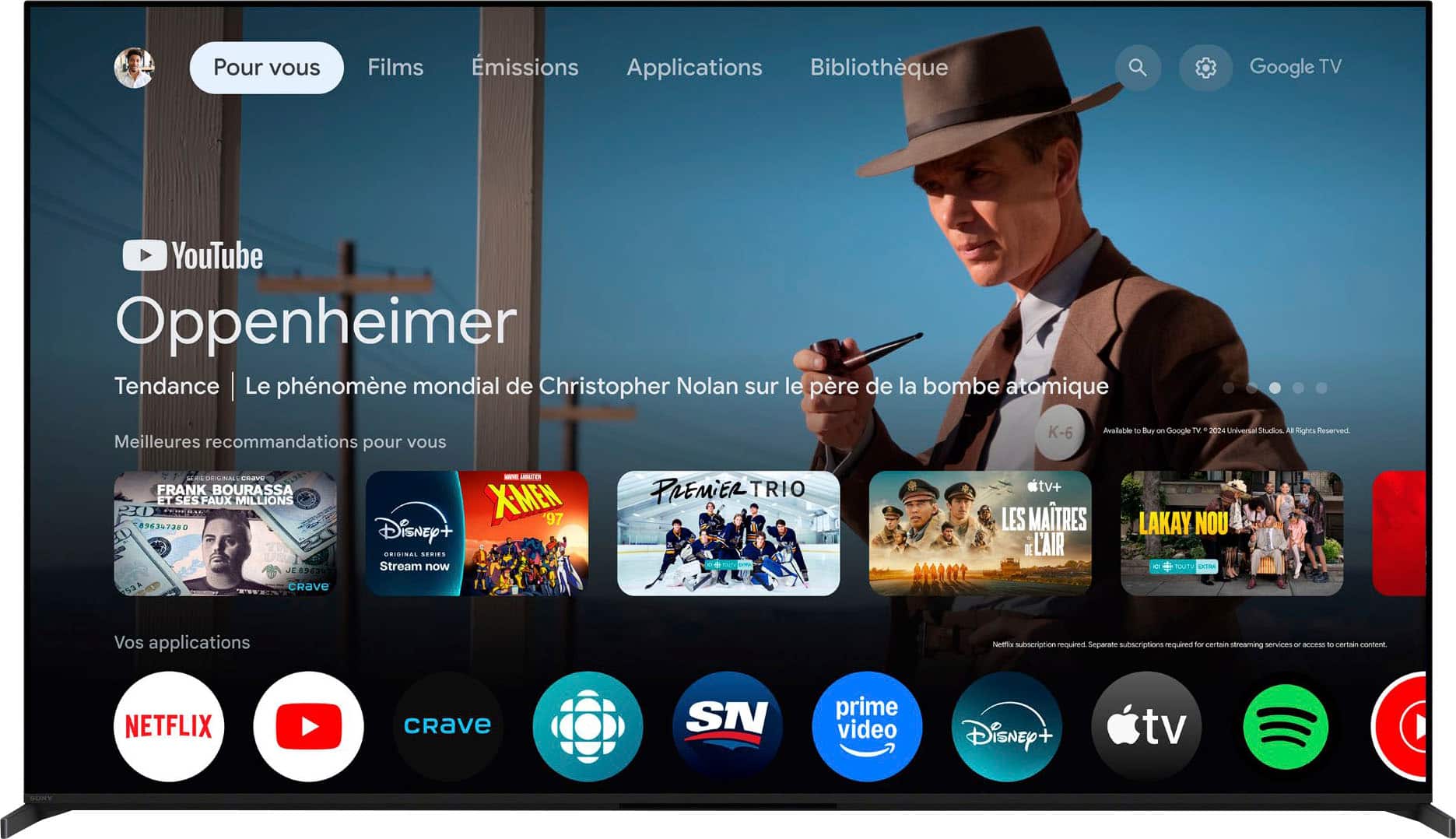
- A:Answer Thank you for contacting Sony. Yes, the K-65XR80M2 supports casting from Samsung devices through its Chromecast built-in technology. For most video apps like YouTube or Netflix, you can simply tap the Cast icon within the app on your Samsung phone to send the content directly to your Bravia TV. If you’re looking to mirror your entire screen, we recommend using the Google Home app on your Samsung device, where you can select your TV and tap "Cast my screen" to get everything showing on the big screen seamlessly. We appreciate your interest in Sony products. Should you require any further assistance, please don't hesitate to reach out for support here: https://us.esupport.sony.com/support/s/support-contact?language=en_US&category=tv Best regards, Gus, Sony North America Customer Support
Answered by SonyListens
Q: QuestionCan the Sony Bravia 8 II be mounted on a wall
Asked by Wallmount.
- A:Answer Hi there, Thanks for reaching out! We can certainly assist you with that. The Sony K-65XR80M2 is fully wall-mountable. For optimal placement and safety, we recommend the SU-WL855 ultra-slim bracket and suggest professional installation to ensure your display is perfectly secured. To explore this topic further, kindly use the link provided below. https://www.sony.com/electronics/support/articles/00124300 We sincerely appreciate you considering a Sony product! Best regards, Estefany
Answered by SonyListens
Best-selling TVs
- $329.99$329.99The price was $469.99
- $249.99$249.99The price was $379.99
- $79.99$79.99The price was $129.99
- $199.99$199.99The price was $349.99
- $449.99$449.99The price was $649.99
- $159.99$159.99The price was $309.99
- $149.99$149.99The price was $199.99
- $179.99$179.99The price was $299.99
- $1,399.99$1,399.99The price was $2,699.99
- $149.99$149.99The price was $199.99
- $129.99$129.99The price was $179.99
- $349.99$349.99The price was $399.99
- $1,299.99$1,299.99The price was $2,499.99
- $429.99$429.99The price was $499.99
- $269.99$269.99The price was $449.99
- $599.99$599.99The price was $1,299.99
- $1,799.99$1,799.99The price was $3,699.99
- $149.99$149.99The price was $229.99
- $569.99$569.99The price was $699.99
- $329.99$329.99The price was $489.99