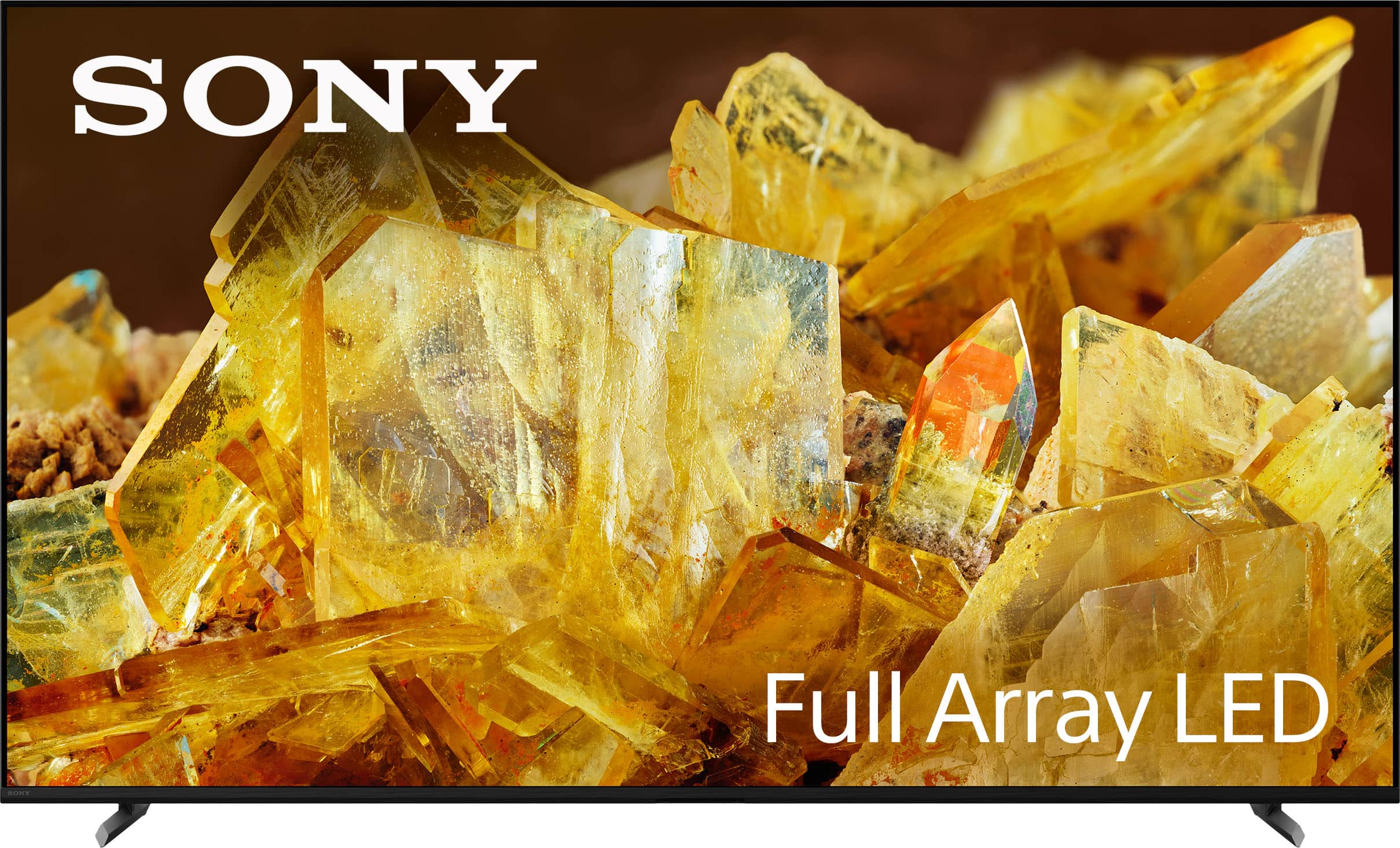
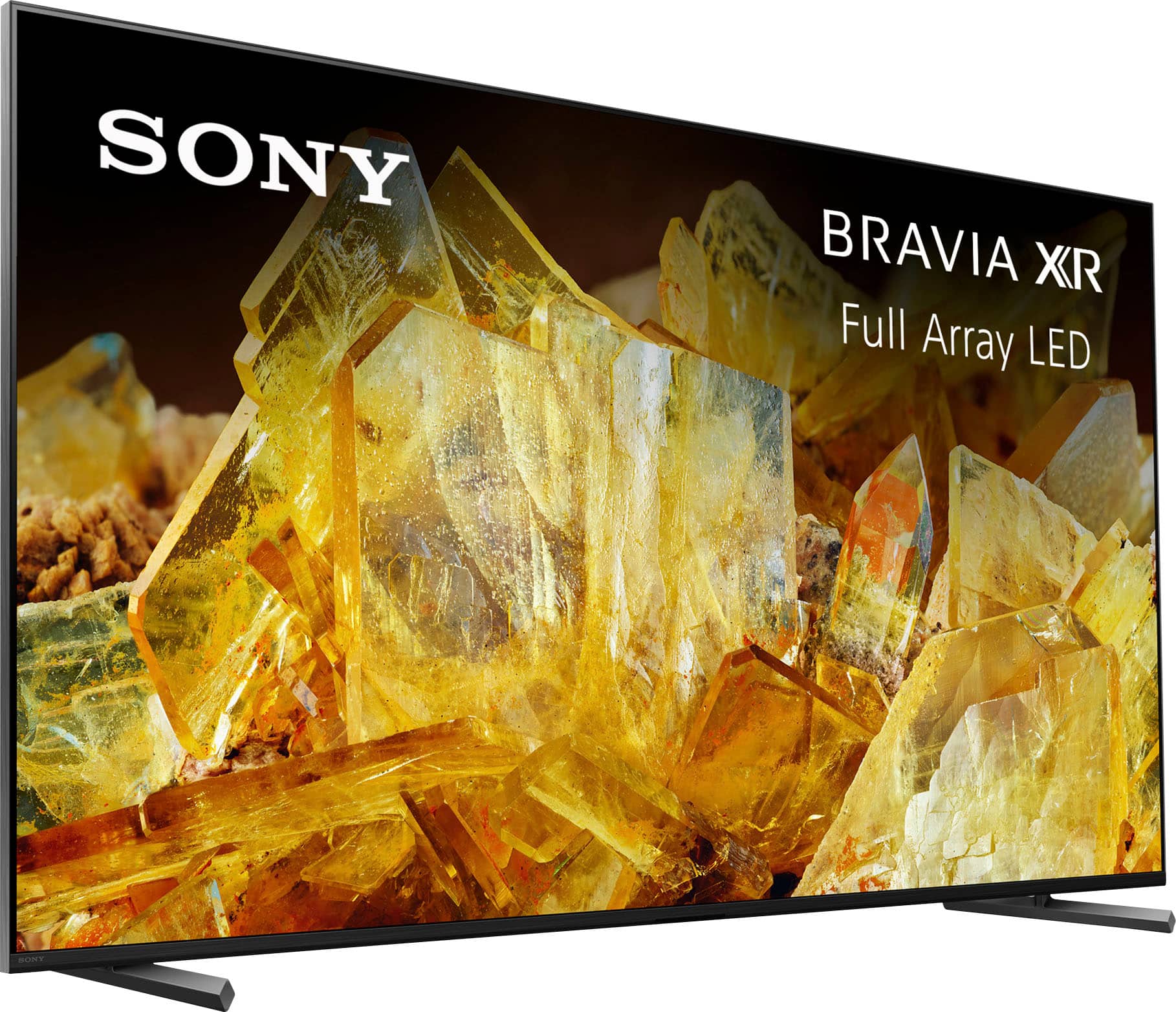
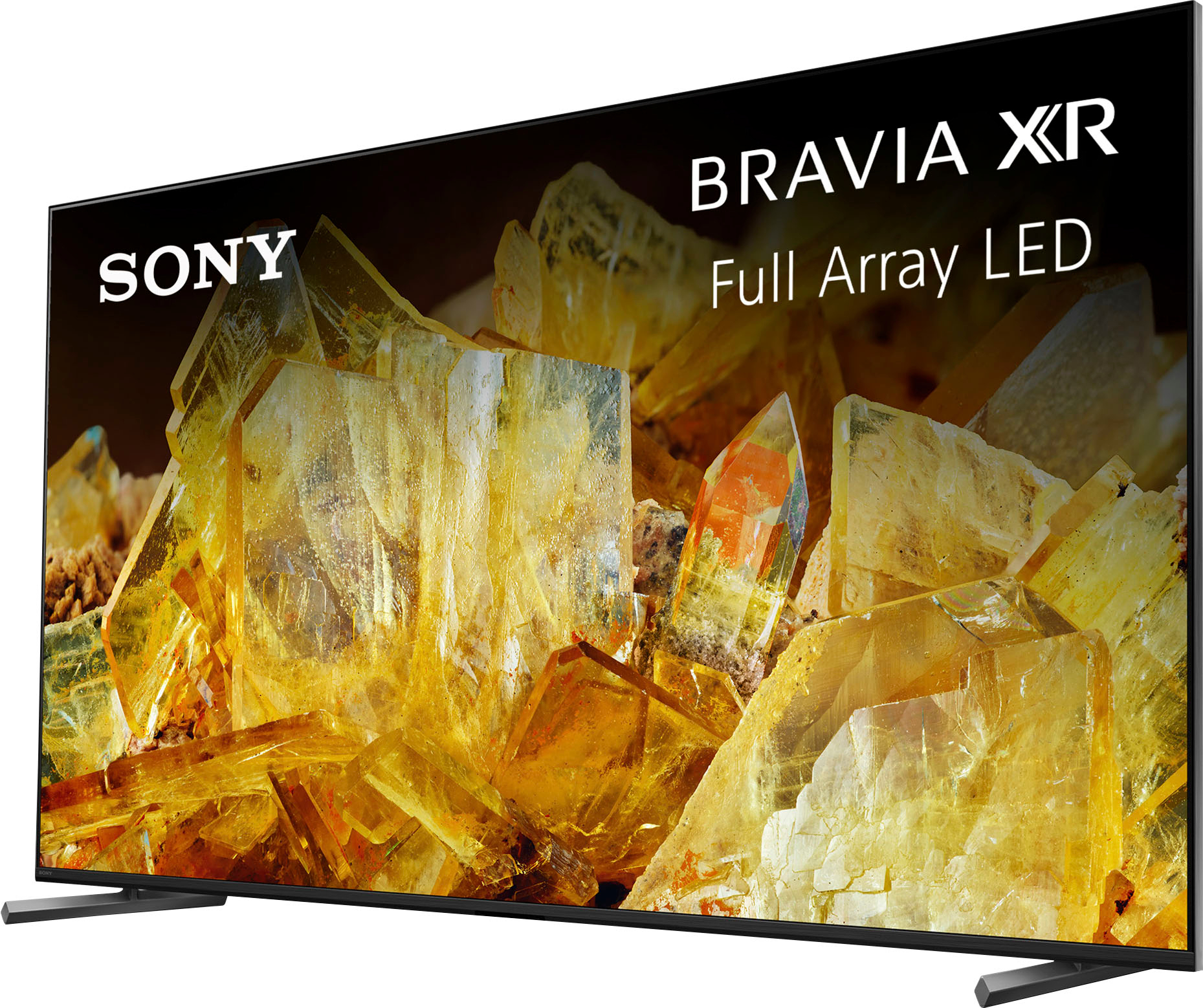
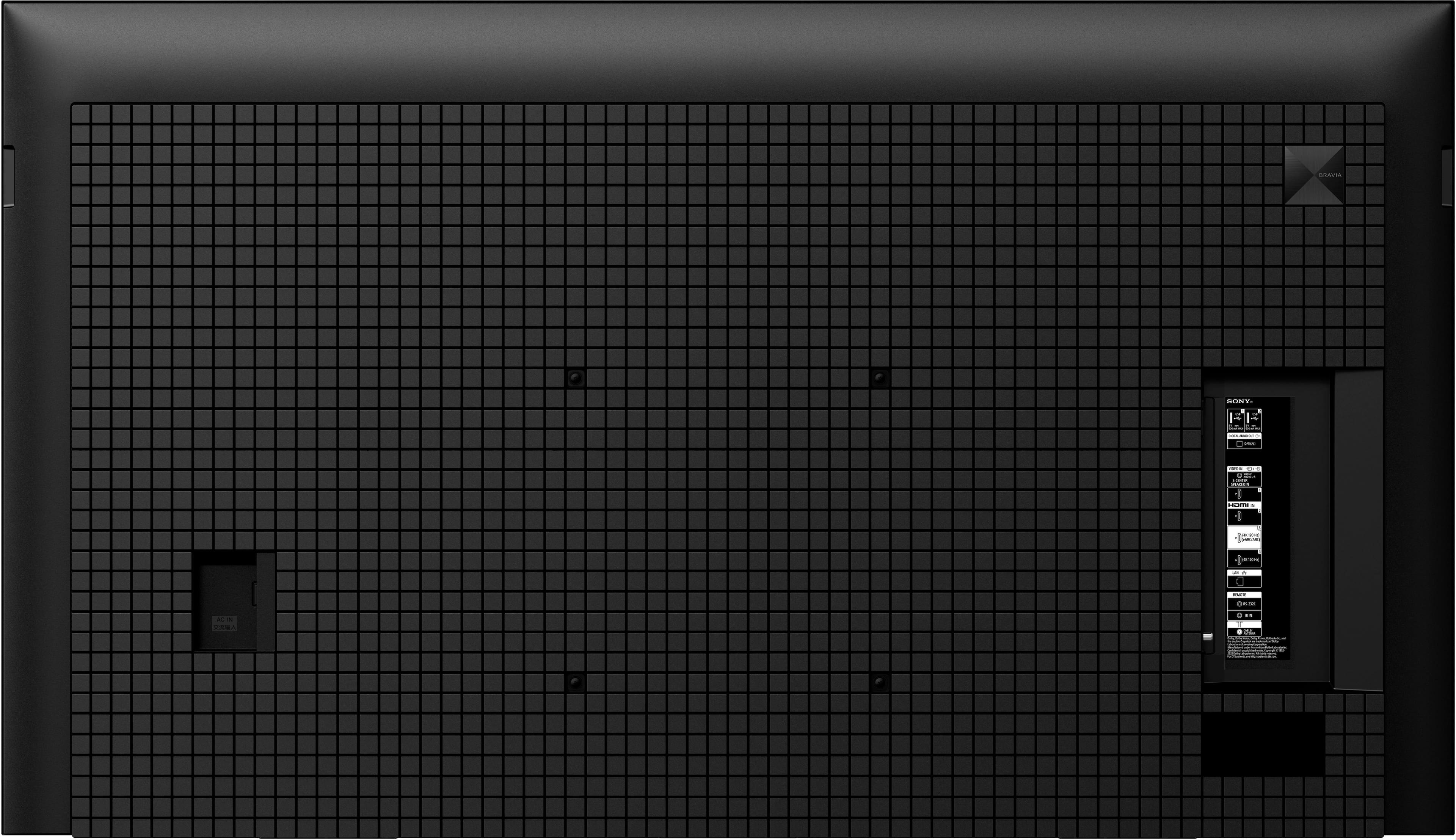
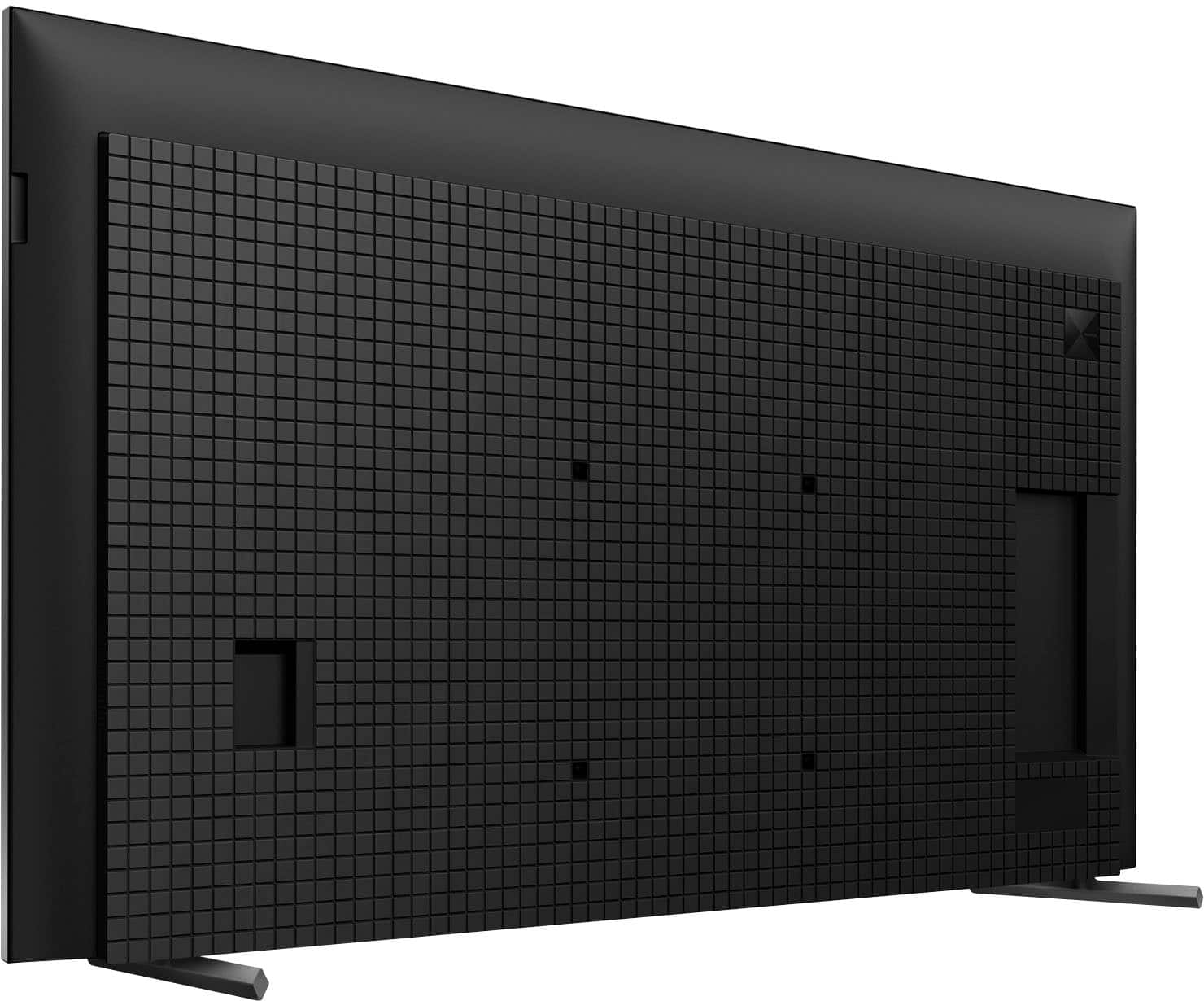
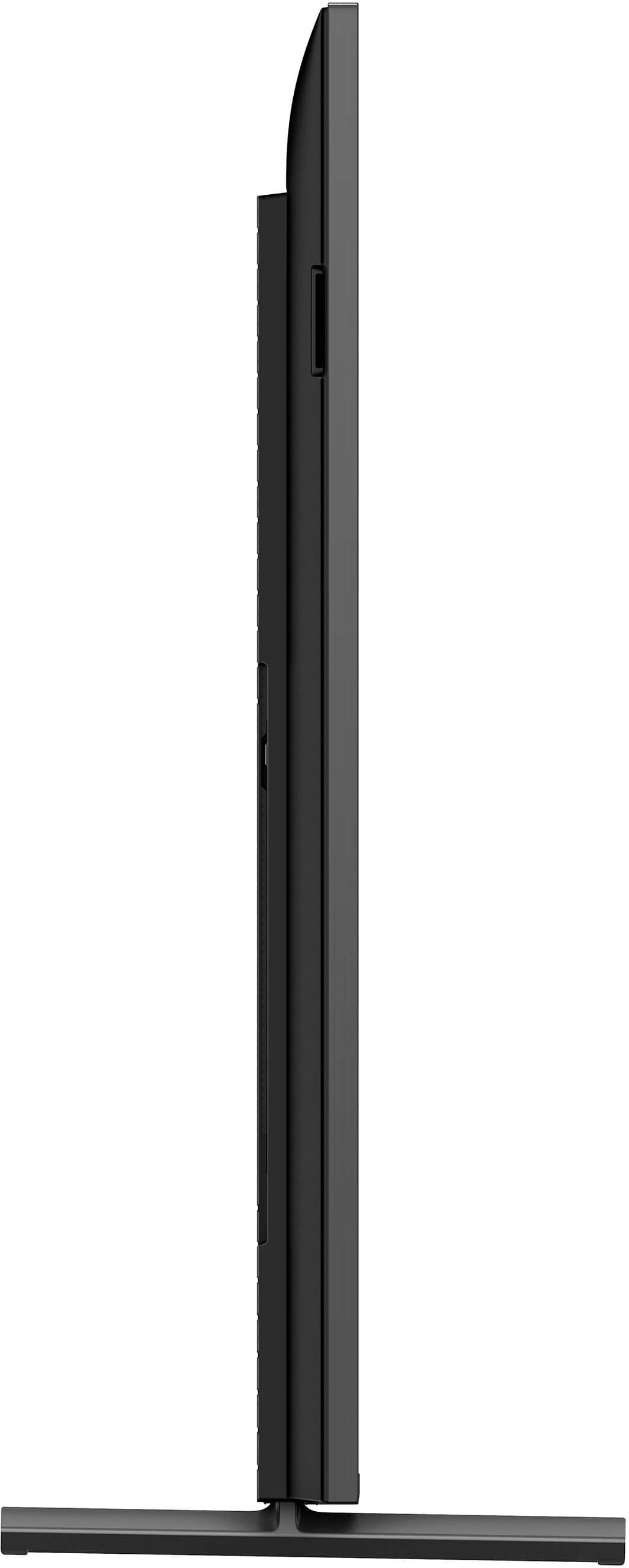
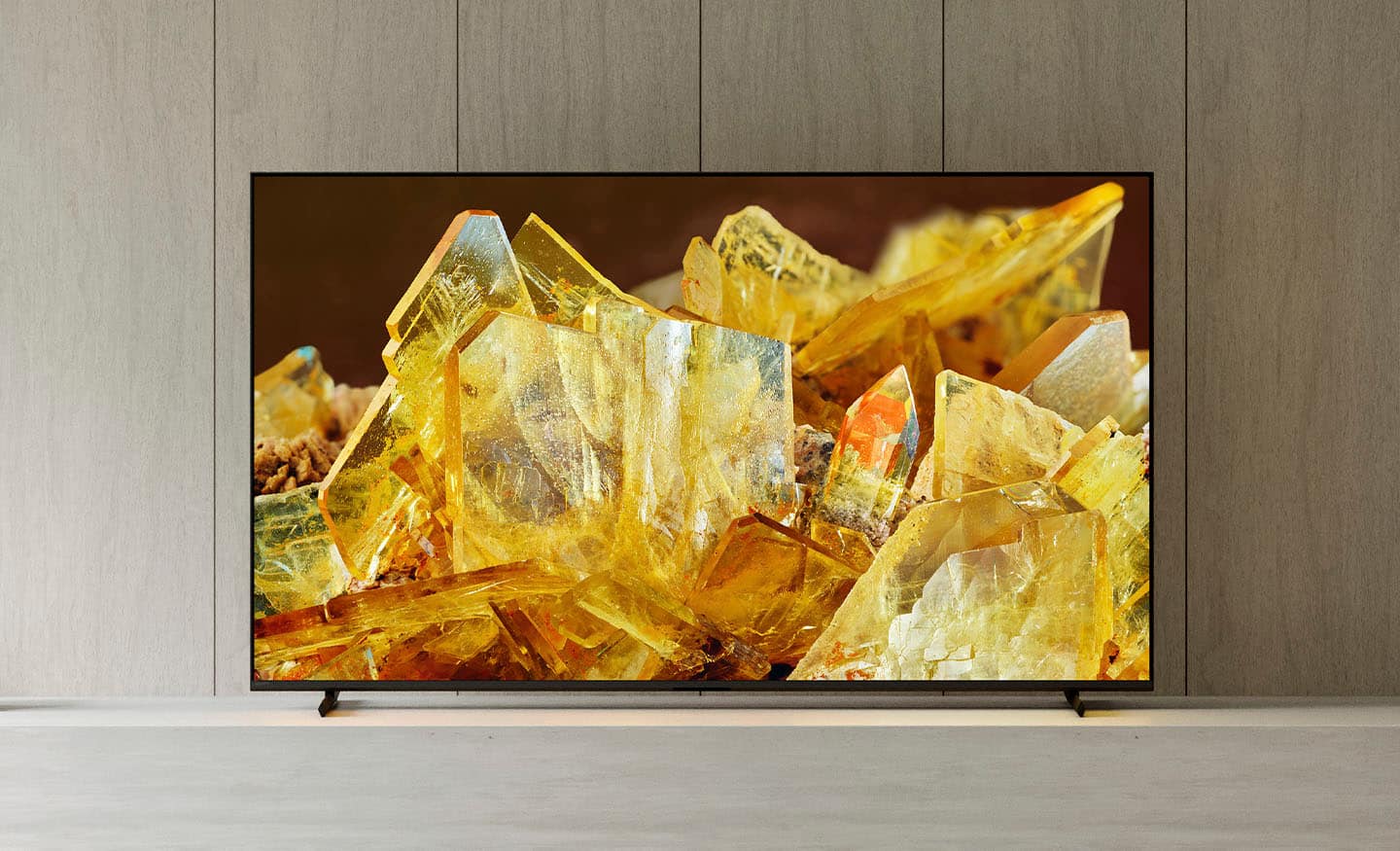
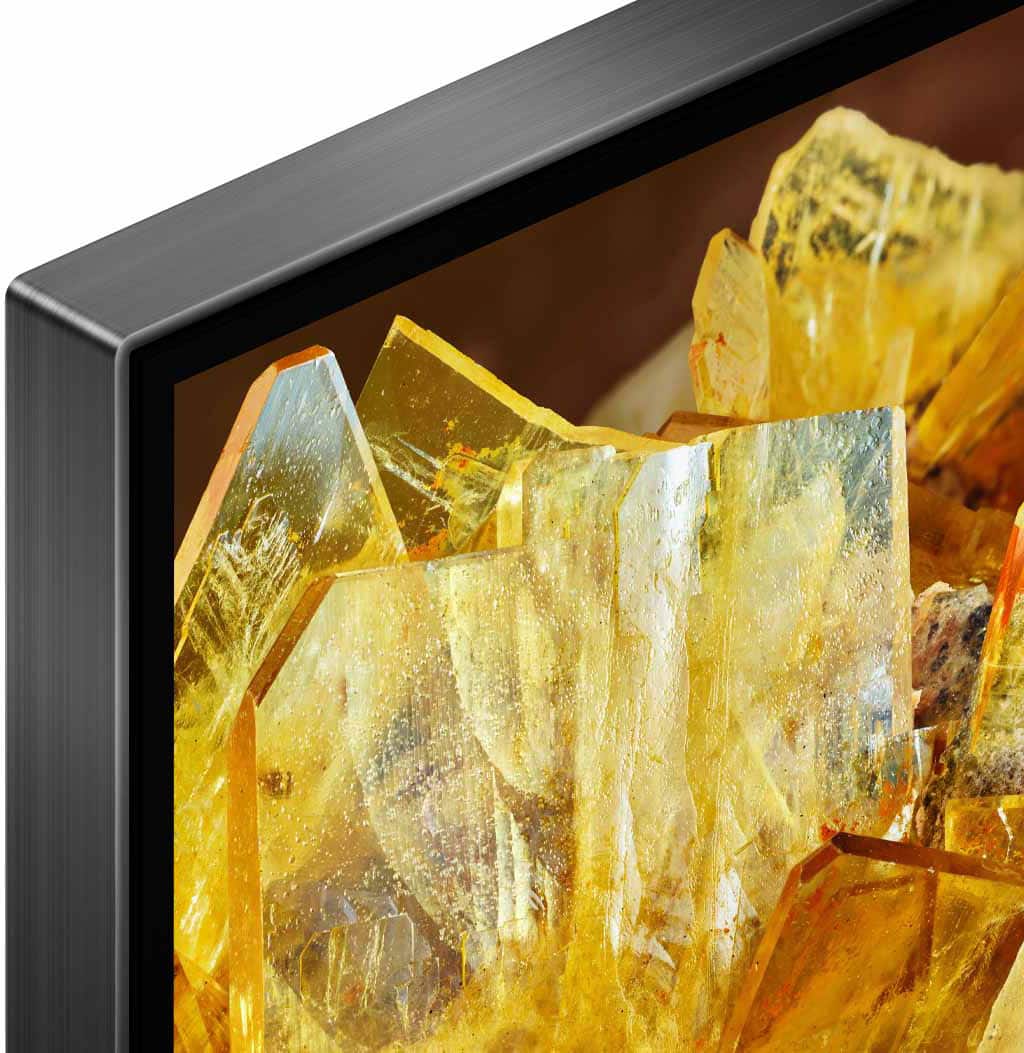
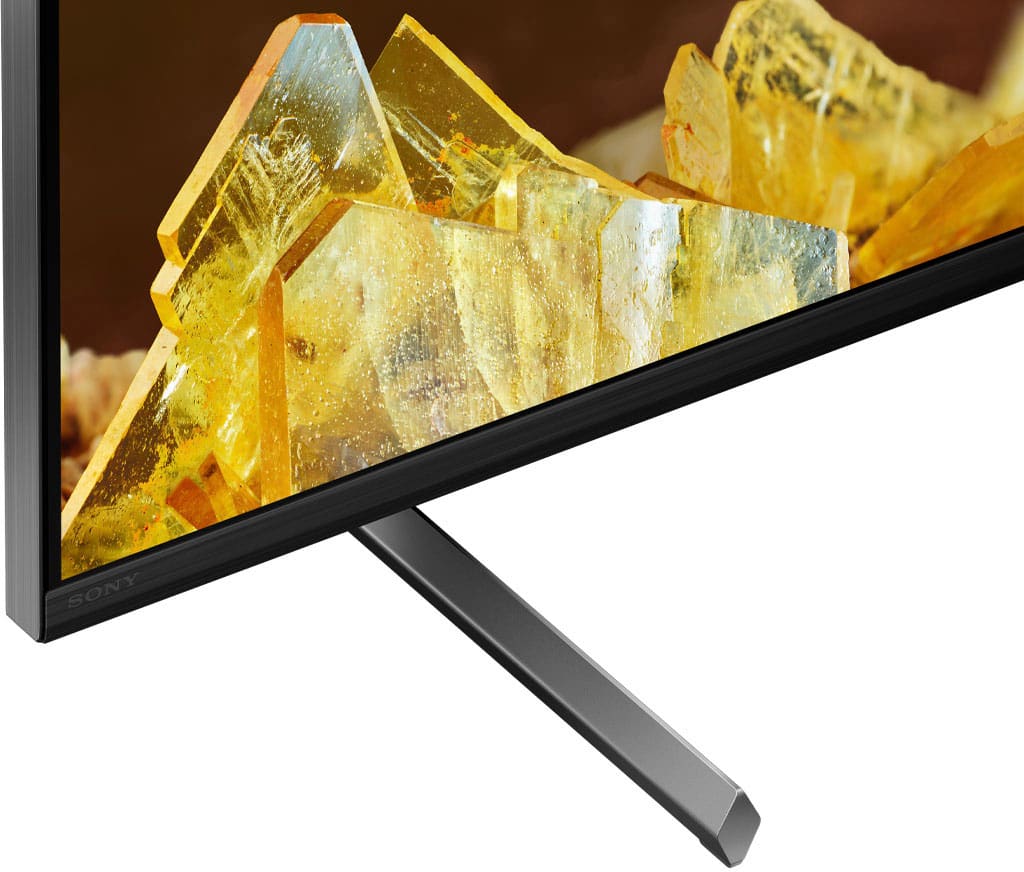
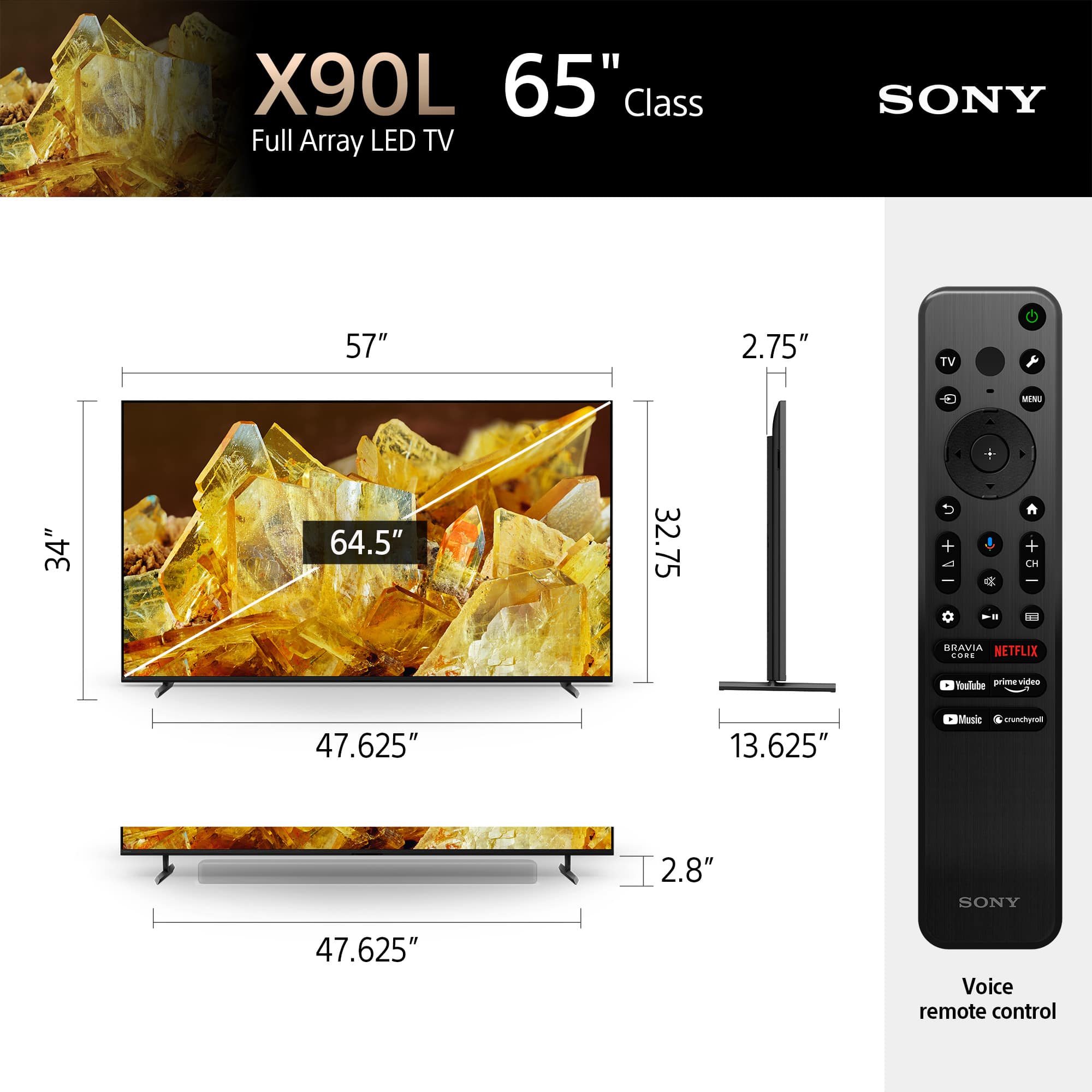
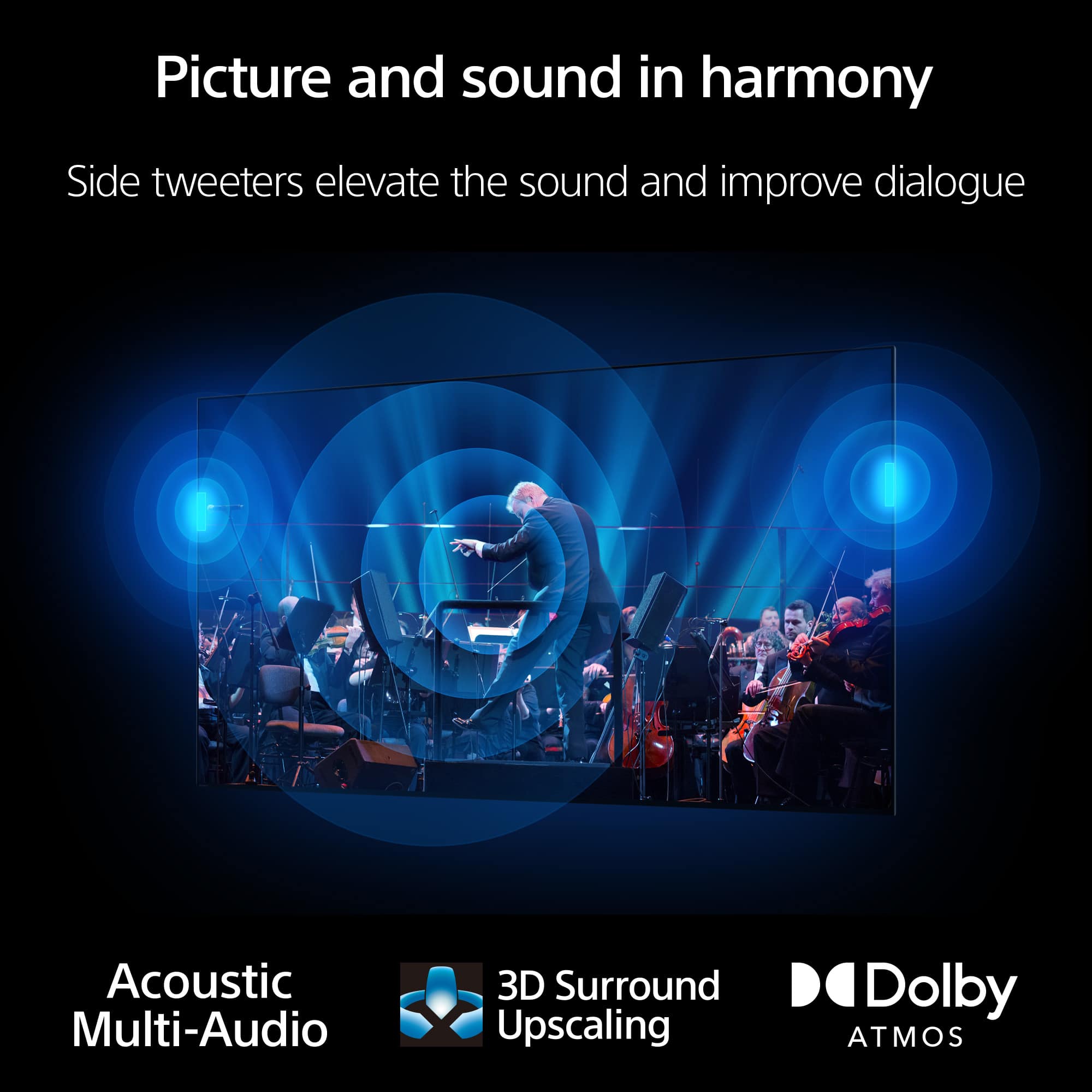
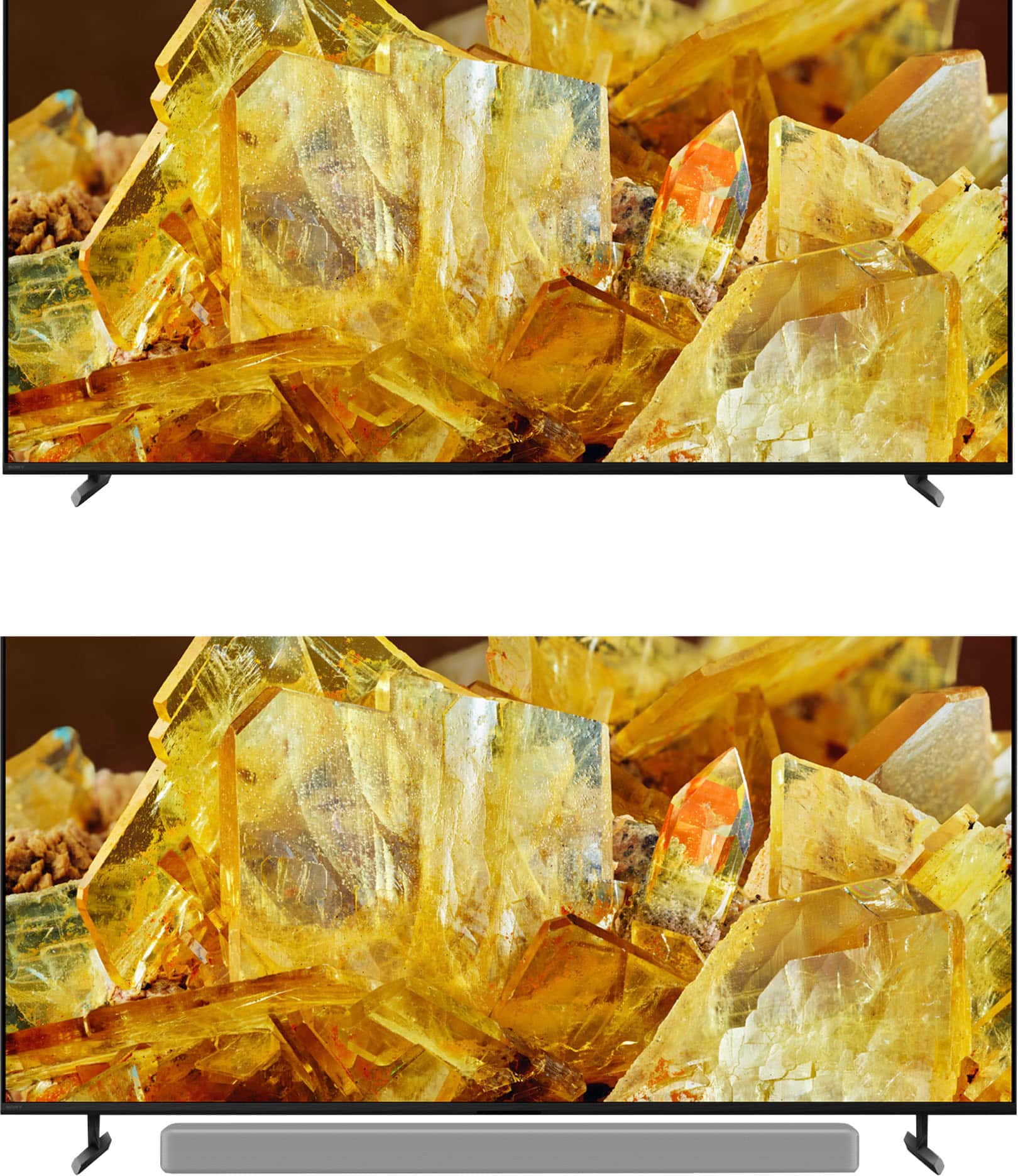
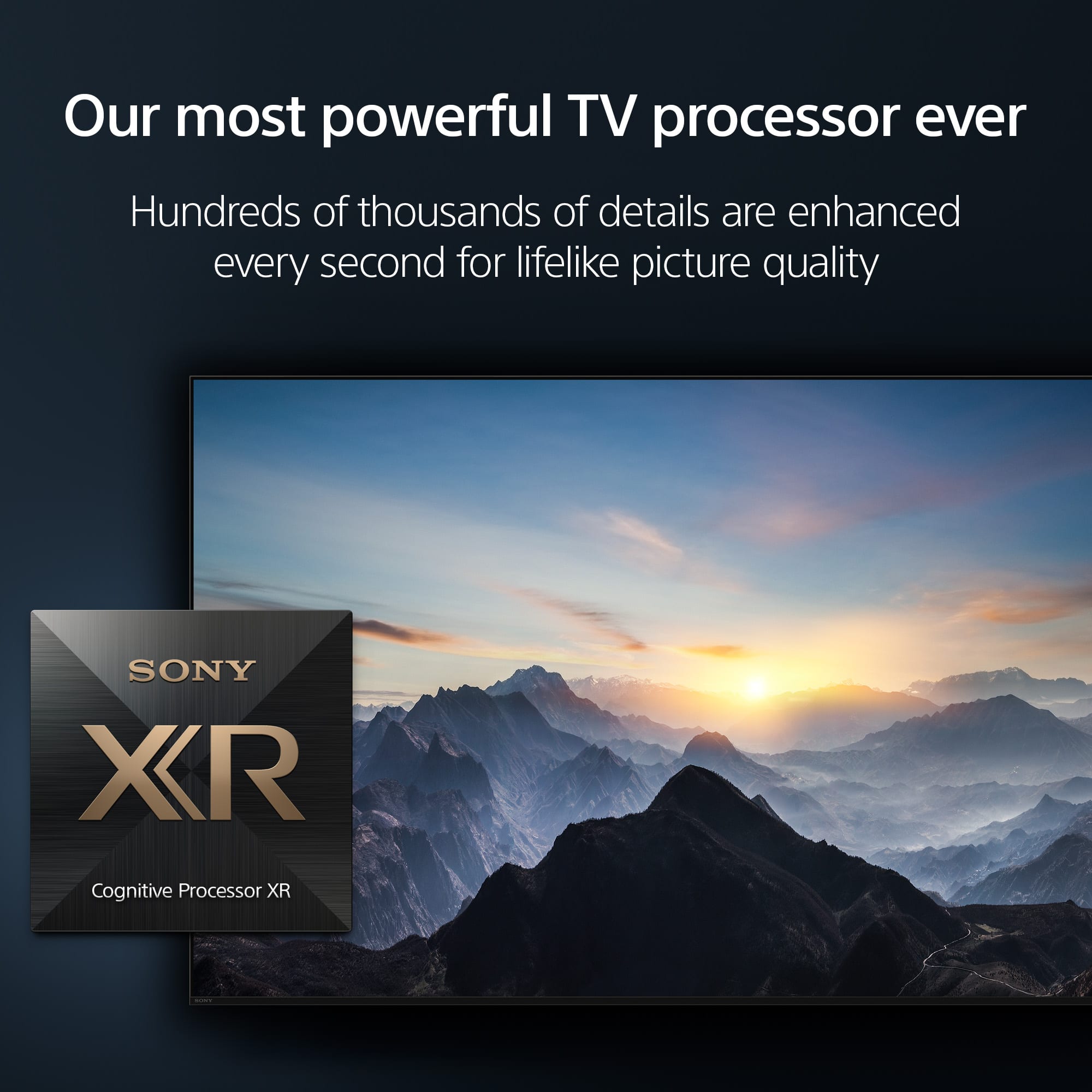
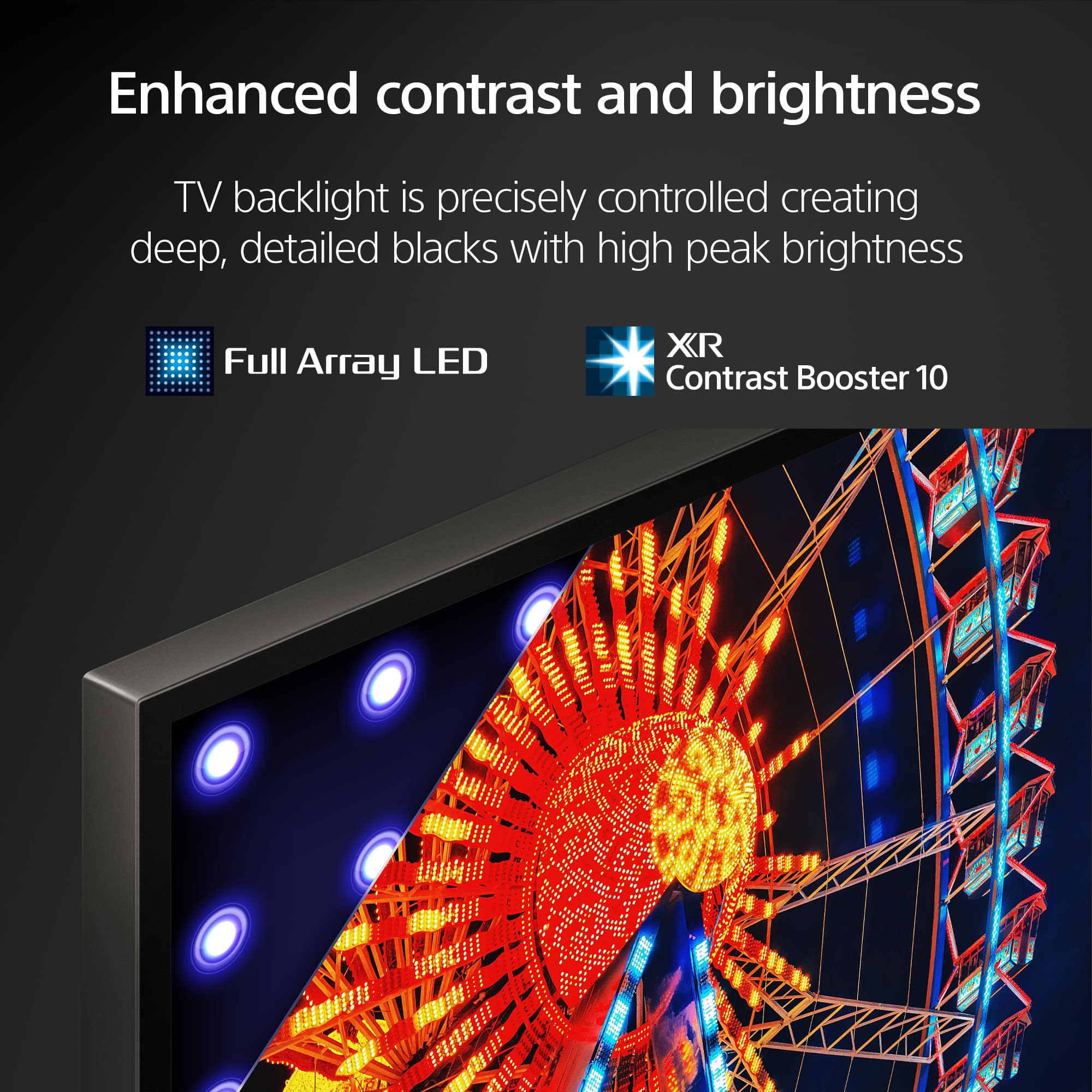
A:AnswerHi Tiff, Thanks for the inquiry. The width of the legs when on standard and soundbar position is 1209 mm ( 47 5/8 inches ). See a vivid, crisp picture while you watch and game, all enhanced by Full Array LED and powered by the intelligent Cognitive Processor XR™️. Sound positioning tweeters, in additional to the TV speakers, elevates the sound so what you hear matches the picture you see. Take entertainment further by pairing your BRAVIA XR™️ TV with Sony audio equipment. You’ll discover an unmatched audio-visual experience with outstanding XR picture and sound quality.

-Craig
A:AnswerHi carcar, Thank you for reaching out! Yes, it does. The Sony X90L features "Idle TV Standby" function and it will automatically go into standby after a certain period of inactivity. The setting procedure is as follows:
The following steps will depend on your TV menu options:
Select System → Power & Energy → Energy Saver → Idle TV power off or Turn off TV after.
Select System → Power and Energy → Eco Dashboard → Idle TV power off.
Select System → Power and Energy → Idle TV power off.
Select Device Preferences, Power or BRAVIA Settings → Power or Eco → Idle TV standby
Select System Settings or Preferences → Eco → Idle TV standby.
Hope this helps!
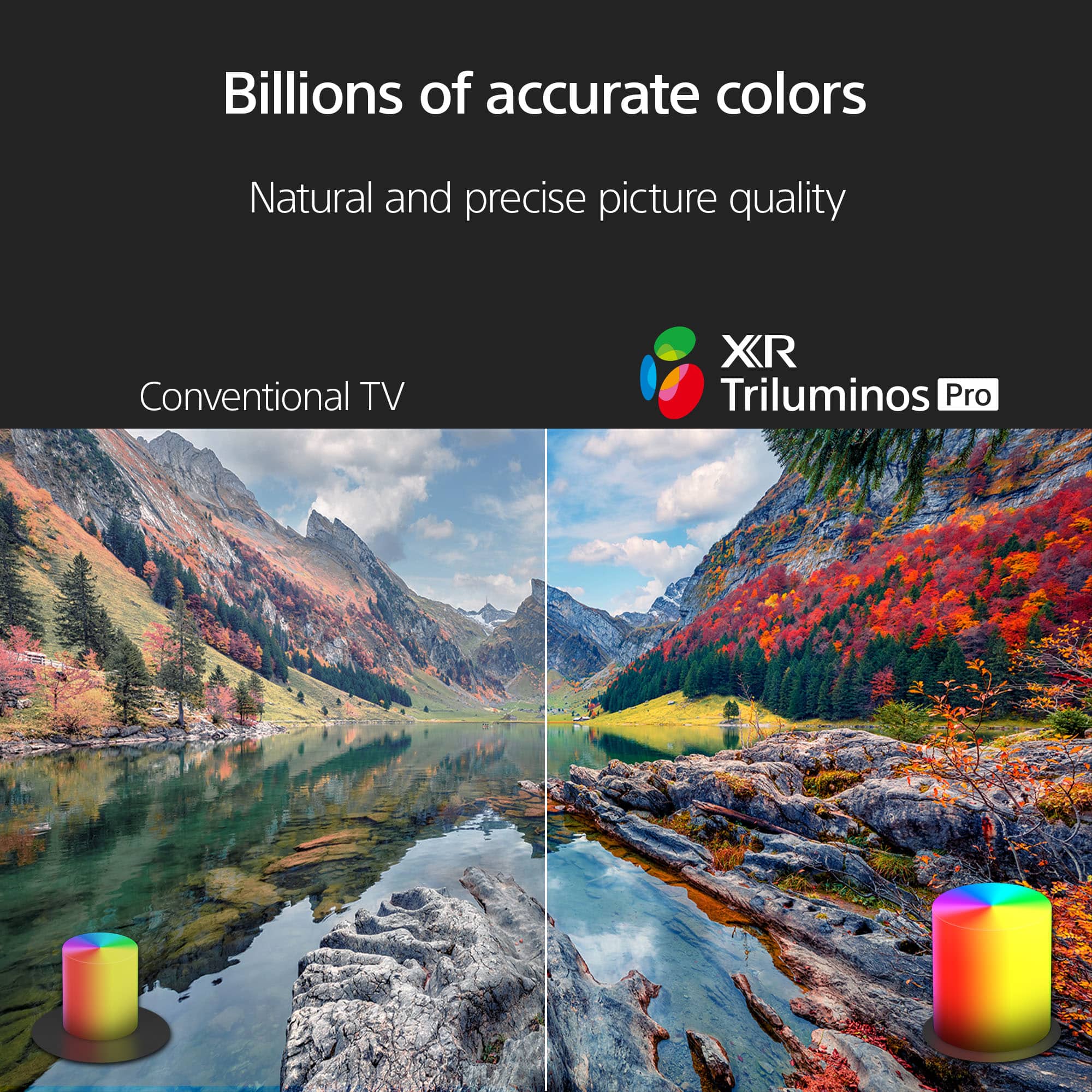
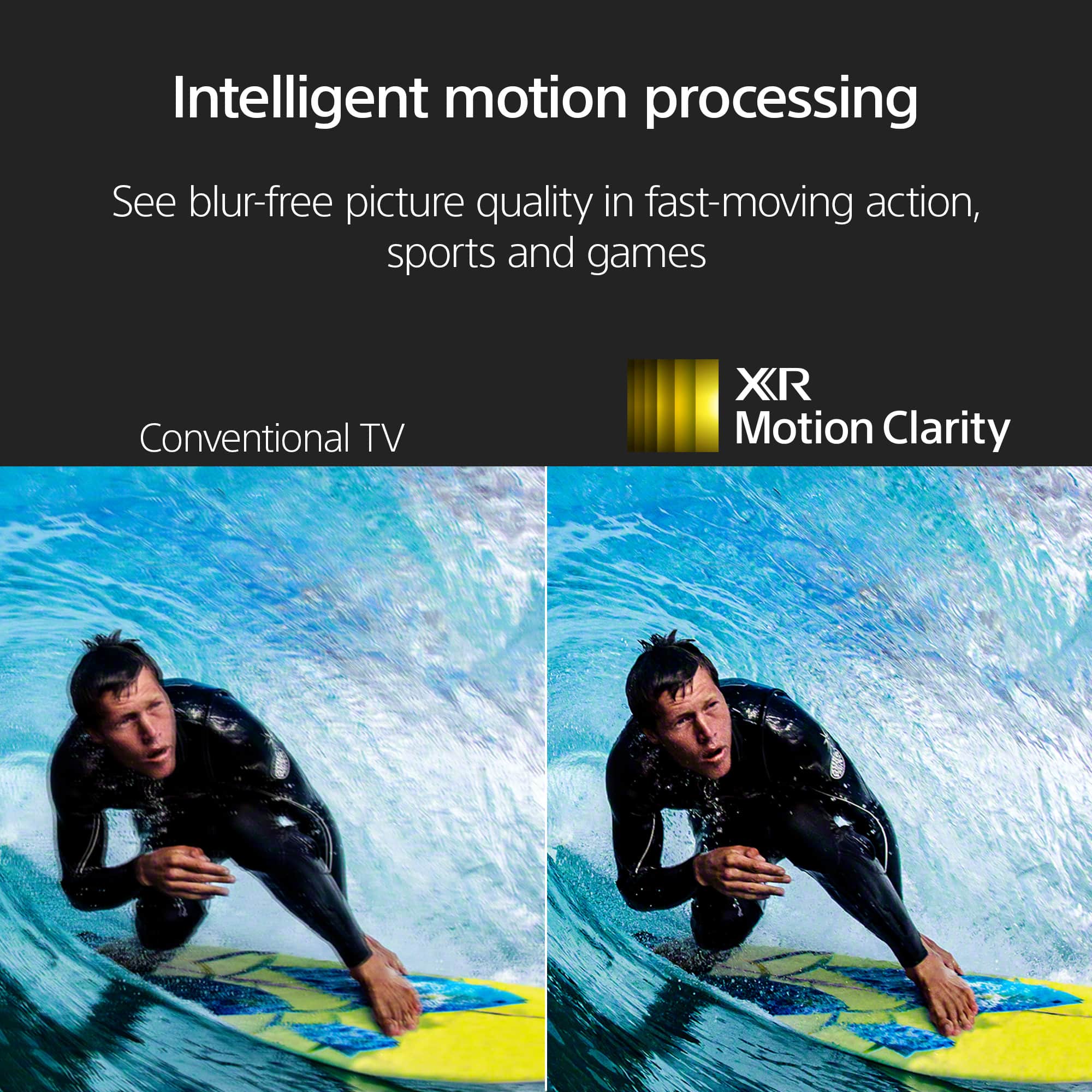
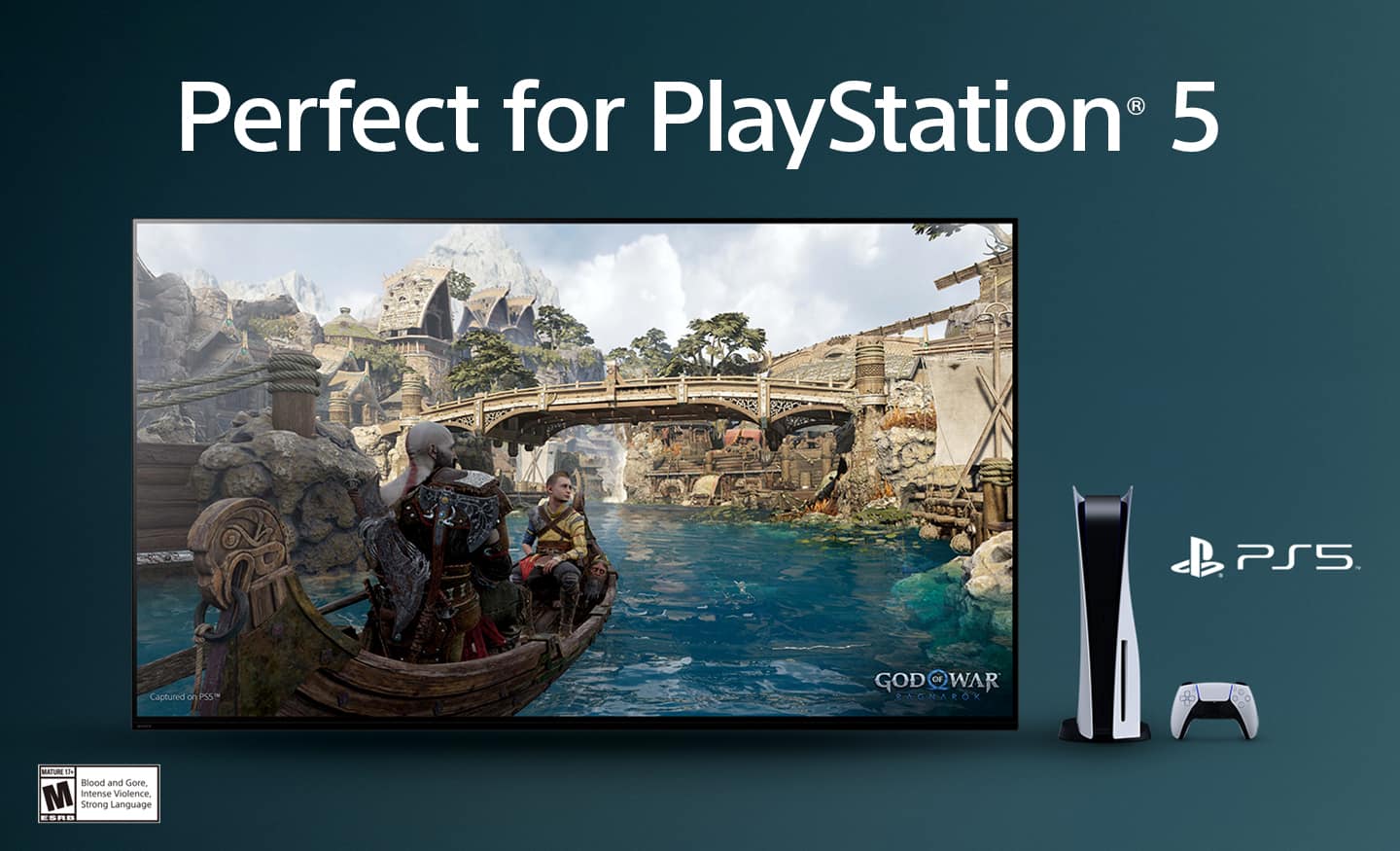
With Sony X90L, see breathtakingly beautiful pictures full of realistic depth on our Full Array LED screen powered by Cognitive Processor XR. Hear sound straight from the screen, perfectly matching the action. Cognitive Processor XR™ turns any sound immersive with more precise sound position. And with 4K/120fps, a Variable Refresh Rate and Auto Low Latency Mode, our TVs give you smooth and clear movement for responsive gameplay.
Regards,
Sam
A:AnswerHi Dave,
Thank you for your question. The Sony BRAVIA XR X90L does not support 3D programs.
Additional information:
Some Android TVs released in 2016 or before support 3D format. Refer to the manual or specifications of the TV.
Hope this information helps!
Sony's Acoustic Multi-Audio technology uses the internal TV speakers along with sound-positioning tweeters to precisely position the sound you hear so it matches the picture you see. The BRAVIA XR X90L can also make dialogue in shows easier to understand. With Voice Zoom 2, voices are detected and analyzed, then clarity is improved by suppressing ambient elements. Additional technologies help you deliver a surround experience and take advantage of various optional Sony audio products to further enhance the sonic possibilities of the X90L.
Best regards,
Maria
A:AnswerHi Xyzz,
Thank you so much for your inquiry!
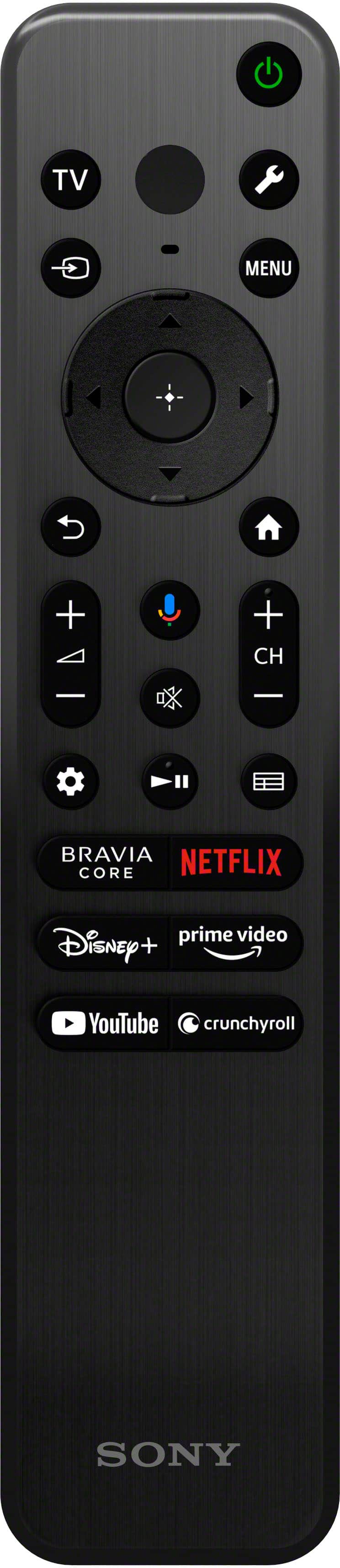
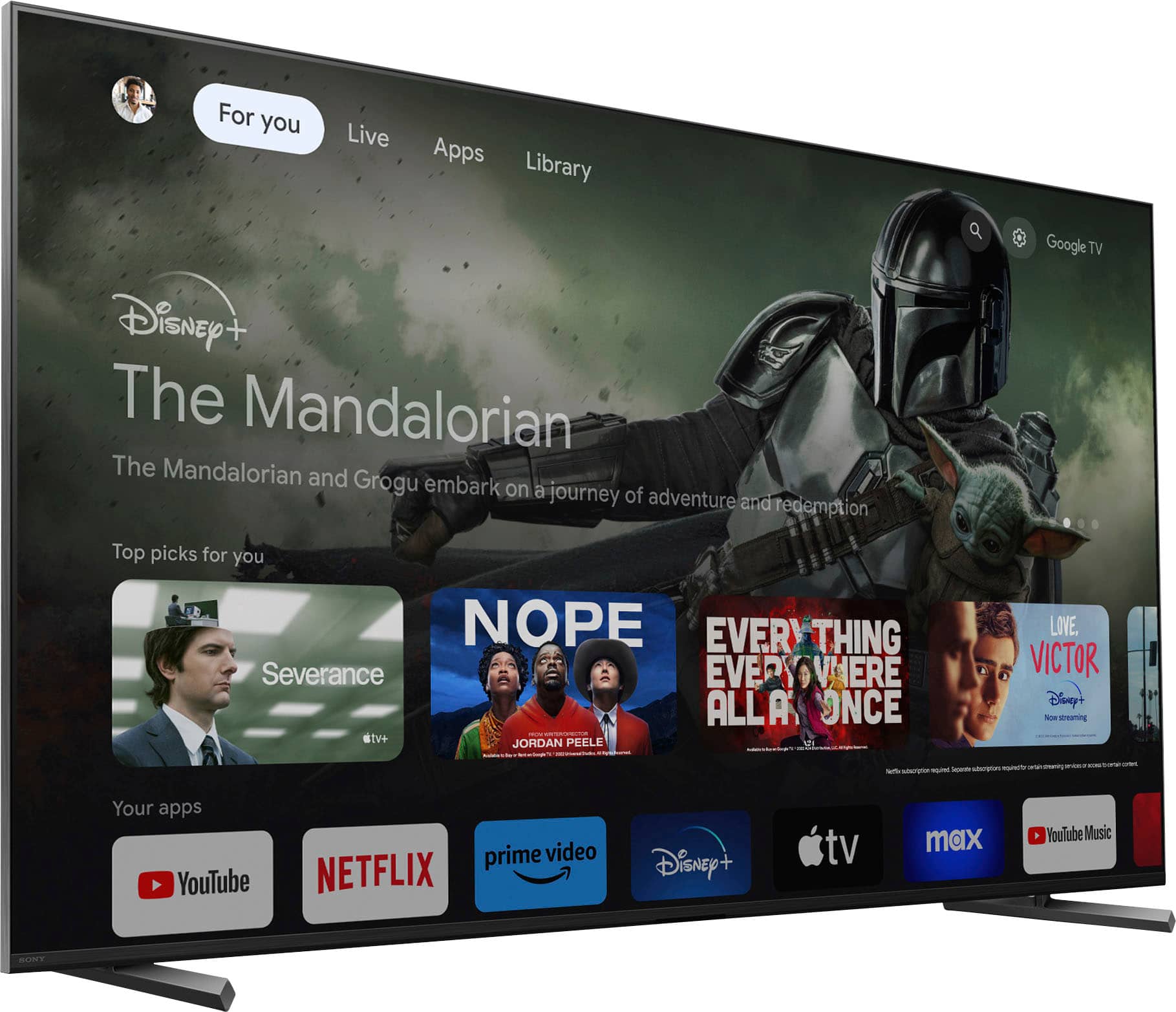
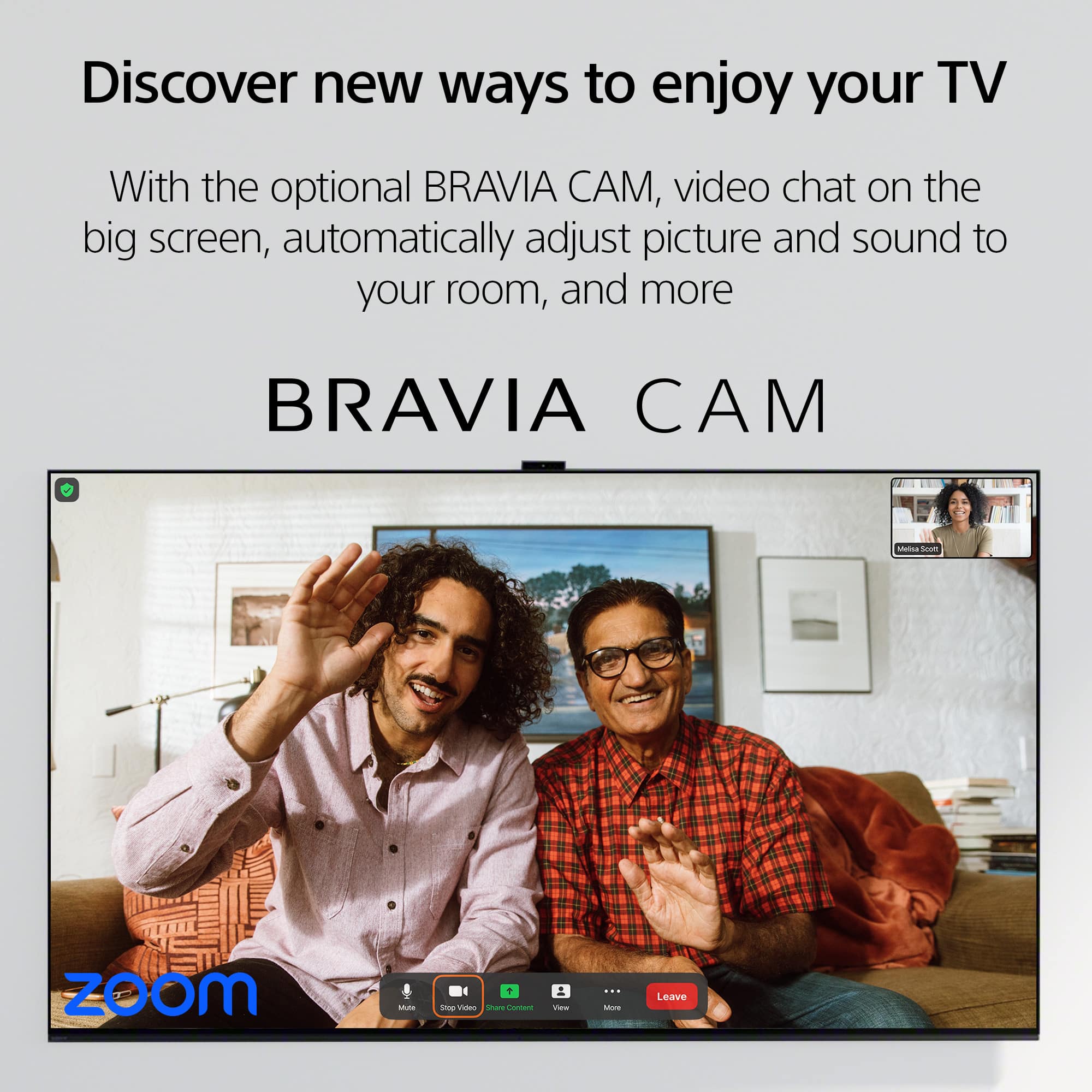
Although the TV is capable of pairing with Alexa, you have the option not to use this feature of the TV. The microphone is located on the TV remote and if you are referring to the Bravia Cam (CMU-BC1M) for the camera, it is a separately sold accessory for the TV and will only use the Google System.
With Sony X90L, see breathtakingly beautiful pictures full of realistic depth on our Full Array LED screen powered by Cognitive Processor XR. Hear sound straight from the screen, perfectly matching the action. Cognitive Processor XR™ turns any sound immersive with more precise sound position. And with 4K/120fps, a Variable Refresh Rate and Auto Low Latency Mode, our TVs give you smooth and clear movement for responsive gameplay.
I hope this helps!
Regards,
Carl
A:AnswerHi Mike, Thank you for your inquiry! The Sony X90L does not support recording shows to an external USB hard drive. But you can use an external USB hard disk drive (HDD) for file playback or app storage if it meets the specifications for use on your BRAVIA television. Hope this helps!
With Sony X90L, see breathtakingly beautiful pictures full of realistic depth on our Full Array LED screen powered by Cognitive Processor XR. Hear sound straight from the screen, perfectly matching the action. Cognitive Processor XR™ turns any sound immersive with more precise sound position. And with 4K/120fps, a Variable Refresh Rate and Auto Low Latency Mode, our TVs give you smooth and clear movement for responsive gameplay.
Regards,
Sam
A:AnswerHi TonySony, Thank you for your inquiry! We would absolutely recommend X90L over an OLED (unless its A95L) as X90L will be nearly 2x brighter than Bravia 8 / A80L. And also, The Sony X90L, being an Android TV, supports the installation of VPN apps like ExpressVPN through the Google Play Store. If you face any issues, consider checking for firmware updates or contacting Sony support for further assistance. Unfortunately, due to the current Bestbuy phishing protocol for your protection, we cannot provide a direct email or phone number for customer support as of now. Please find Sony Electronics' Support information: Go to our support website > click on “Support” > scroll down click on “Contact Support” > click on [Product Type] and from there you'll see different ways to reach us.
Hope this helps! -Sam
A:AnswerThe Eric,
Thank you for your inquiry. Regarding your first question, the XR65X90L US/Canada model has a power requirement of 120 V AC, 60 Hz. With the use of a transformer/power converter, 220 V could be used. As for your second question, units purchased in the US and Canada will support NTSC (National Television System Committee). Unfortunately, they will not support SECAM TV system. I hope this helps!
With the Sony X90L, you'll see breathtakingly beautiful pictures full of realistic depth on our Full Array LED screen powered by Cognitive Processor XR. Hear sound straight from the screen, perfectly matching the action. Cognitive Processor XR™ turns any sound immersive with more precise sound position. And with 4K/120fps, a Variable Refresh Rate and Auto Low Latency Mode, our TVs give you smooth and clear movement for responsive gameplay.
Best regards,
Romeo