A:AnswerHello montybritton, for now, we cannot guarantee that Dolby Vision will be included in the next software update available for this model. We're sorry for the inconvenience. Please check https://esupport.sony.com/ for upcoming updates.
Regards, _Bob
A:AnswerHi ST8FAN, Here are the dimensions of the box of XBR-65A8F: 62 1/8 x 37 3/4 x 7 3/8" (1575 x 956 x 185 mm): https://www.sony.com/electronics/televisions/a8f-series/specifications
Regards,
Vincent
A:AnswerI figured it out after digging into picture adjustment settings as suggested by Mark. It turns out for some reason when in dolby vision mode the default color temperature was set to "export 1" which is very close to "warm", after changing it to "neutral" (as set such in hdr10 mode), everything looks great again.
A:AnswerDimension
Product Width
56.96 inches
Product Height Without Stand
33.08 inches
Product Depth Without Stand
2.16 inches
Product Weight Without Stand
60.4 pounds
A:AnswerGood thing about OLED is it has in-built chromecast (no extra device needed and saved HDMI port for other purpose) and anything that can be streamed to chrome cast can be played on TV . However you cannot air play and you would need Apple TV to mirror your iPad, iPhone,MacBook
A:AnswerHello slimf16, it's 10 W + 10 W + 10 W + 10 W + 10 W. For reference, please visit the link below:
https://www.sony.com/electronics/support/res/manuals/4732/30274e1c00ab5aafa5ae2913789aec57/47328771M.pdf, see page 19.
Regards, _Bob
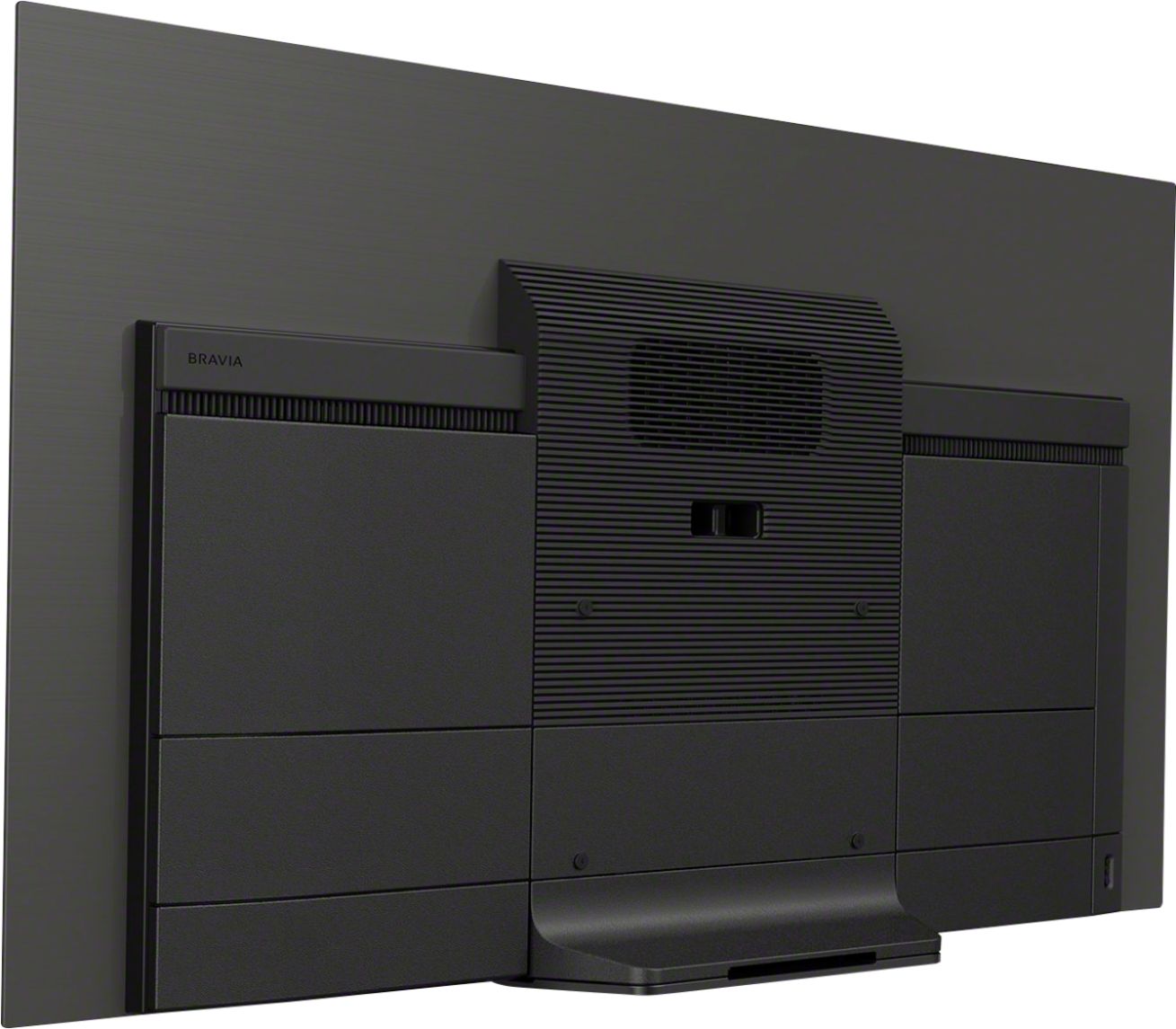
A:AnswerHello joelc, this model is VESA compliant and the wall-mount hole pattern for this model is 300 × 300 mm. For reference, please check the link below:
https://docs.sony.com/release//Ref_4732877111.pdf, see page 20.
Regards, _Bob
A:AnswerThey are ok, but I would advise getting a soundbar, because I get nervous if too loud of a sound comes through the screen, I think it would damage the screen.
A:AnswerHad the same frustrating problem for months. Finally found this after searching the internet:
"Go to settings -> Apps -> System Apps -> Google Play Store -> Uninstall all updates
Then open the Google Play Store and let it update itself"
This seemed to worked for me, now able to watch HBO Max and Disney +, which required updates. Good luck!