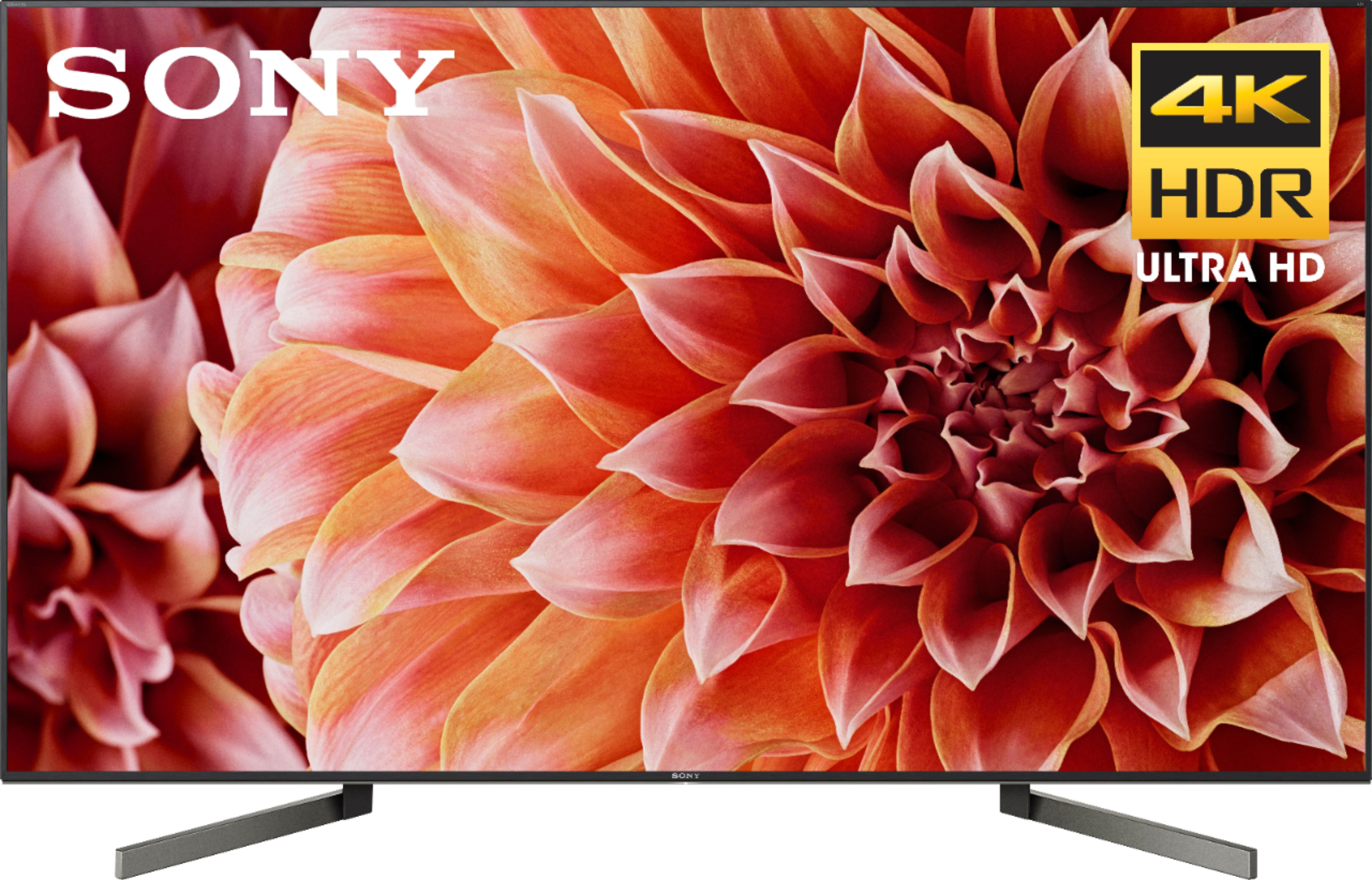
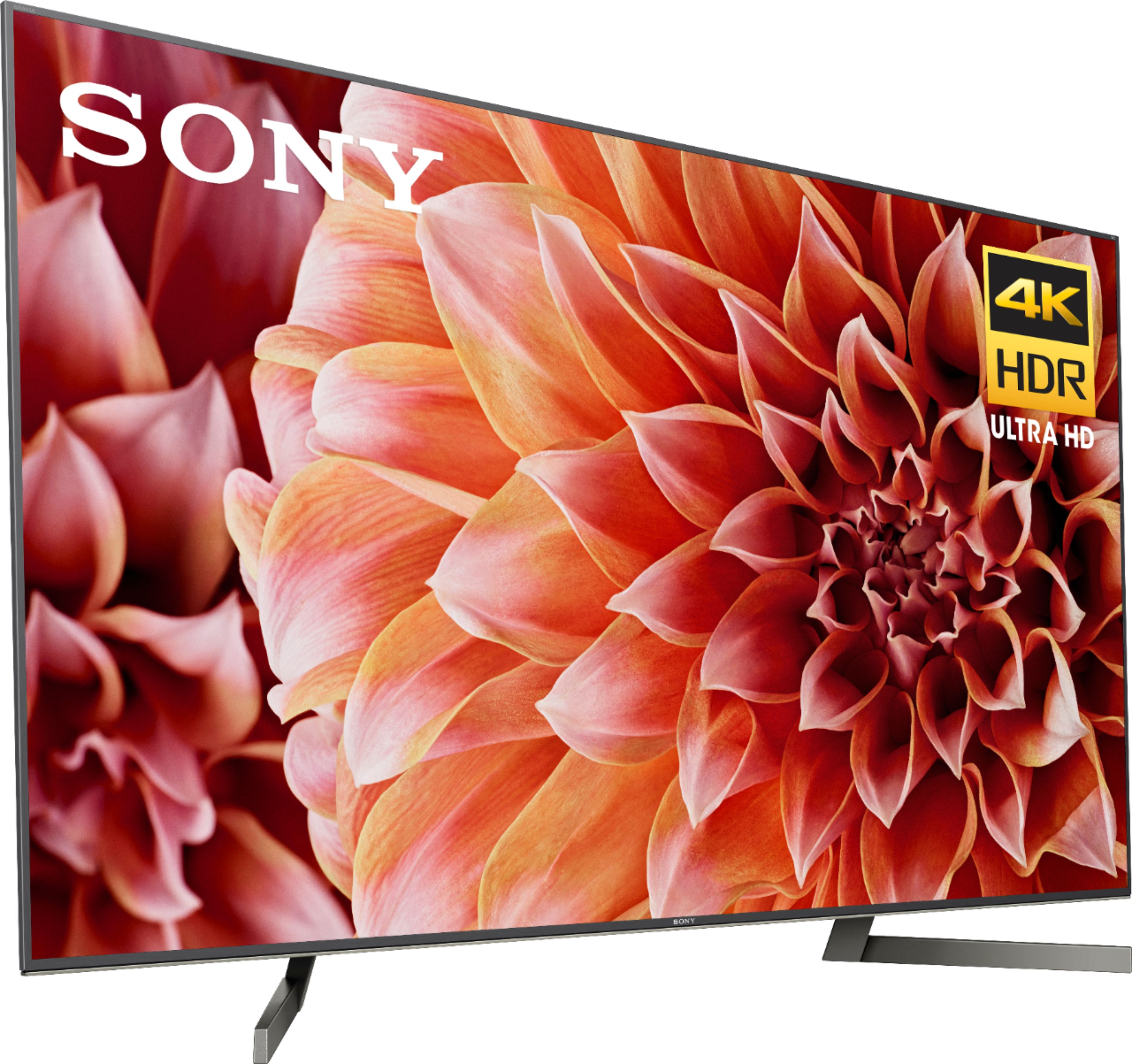
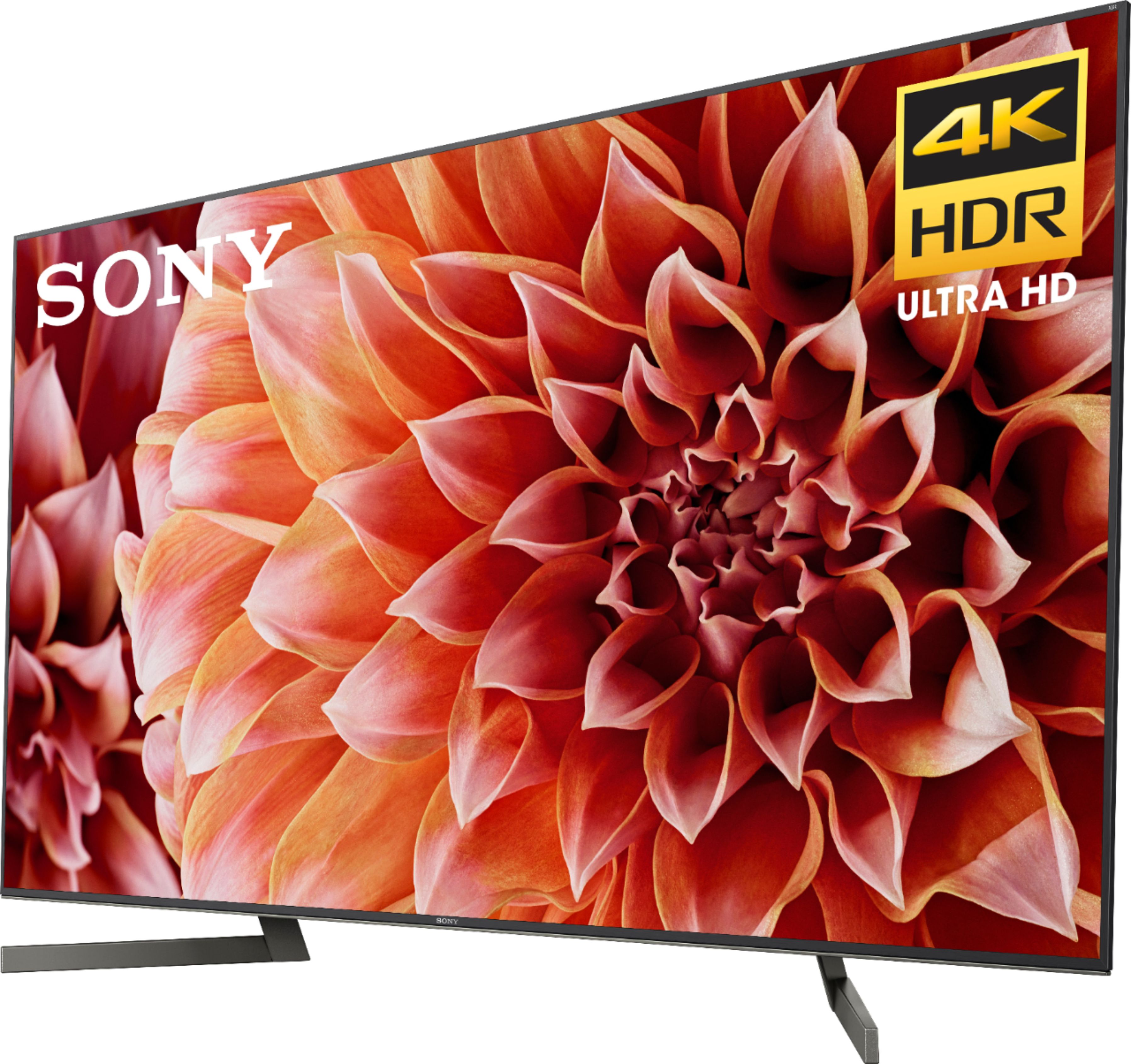
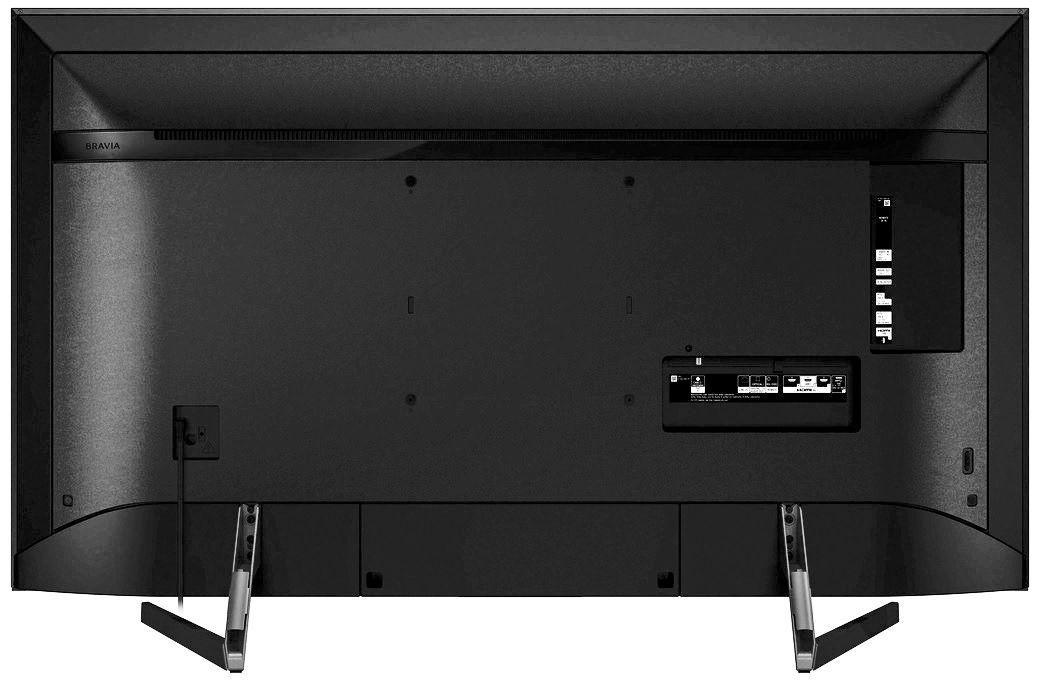
A:AnswerHi Cworth, The only huge difference is the type of Back-light these tv have. The 900F has Local Dimming and the 850F has TYPEFrame Dimming. You may use this link to compare our TV models: https://www.sony.com/electronics/tv/t/televisions?view=compare Thanks, Zac
A:AnswerDolby Vision should be included already on the TV if not an update will install it. Remember to get Dolby Vision the viewing content must have it in. 4K blu ray player with Dolby Vision installed is needed to watch movies that are mastered in it.
A:AnswerLook close the center lower sensor for me remote has protective plastic over it. You may not have gotten it all off over noticed it even being there.
A:AnswerHi, Jason, You can use a VESA compliant wall mount bracket / stand for this TV. Please refer to this link for more details: https://www.sony.com/electronics/support/articles/00124300. -Vincent
A:AnswerYes! You may need to go through setting to pair up your device and the TV. From there, your app you use for videos will have a CAST option (up in the right-hand corner for APPLE devices). When you are paired, it will connect and stream to the TV.
A:AnswerI purchased the new Vizio SB3651 which is one of the best rated although a great bargain. Vizio has several with different lengths and wireless subwoofers. I chose the one with the subwoofer that will fit beneath my sofa.
A:AnswerHi, Craigy!
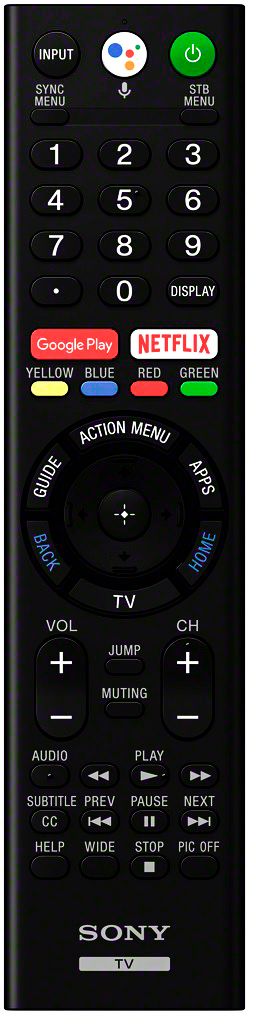
Great news! Yes, the remote control has a Netflix and Google Assistant button to instantly access those apps without going into the Menu of the TV. -Sam
A:AnswerThis model does have a picture-in-picture feature.
Sony's website has a searchable "Help Guide" that explains it (as well as all the other features):
https://helpguide.sony.net/tv/fusltn1/v1/en-003/01.html
A:AnswerHi, there!
Great news! Yes, this unit support Dolby Vision. However, Dolby Atmos is a feature that only works with Soundbar, Home Audio systems and AV Receivers. Hope this helps!
-Sam
A:AnswerHi, you may refer to the link below for more information about this TV. Thanks! ^Ron
https://www.sony.com/electronics/support/televisions-projectors-lcd-tvs-android-/xbr-65x900f/specifications
A:AnswerThe X900F is better, Better Skin Tones (X900E and X900E skin tons are over-saturated). X900F better blacks and grays, also Better Color Calibration and faster processor.
A:AnswerMy installer said exactly the same thing about HDMI 1 for many TVs. It’s not unique to Sony. HDMI 1 seemed to work fine when I hooked it up. He redid it because the HDMI handshake is more reliable on HDMI 2-3. Make sure you use high quality 4K cables. That matters, according to my installer.
A:AnswerHello steve, regarding this concern, kindly visit the helpful link below:
https://www.sony.com/electronics/support/res/manuals/W001/W0012384M.pdf
Regards, _Bob