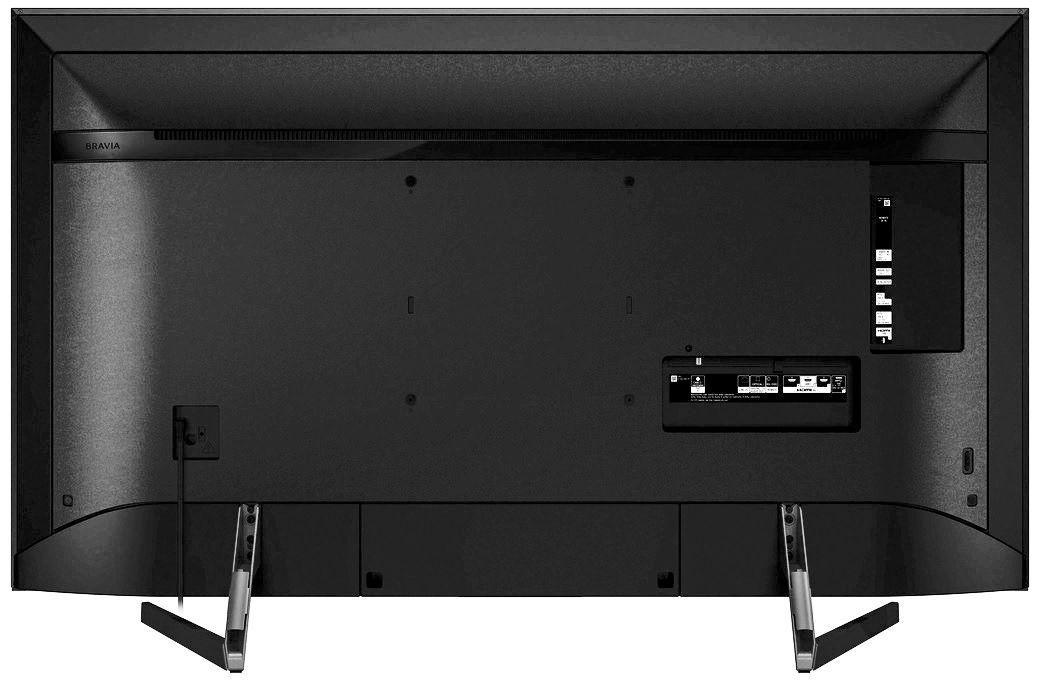
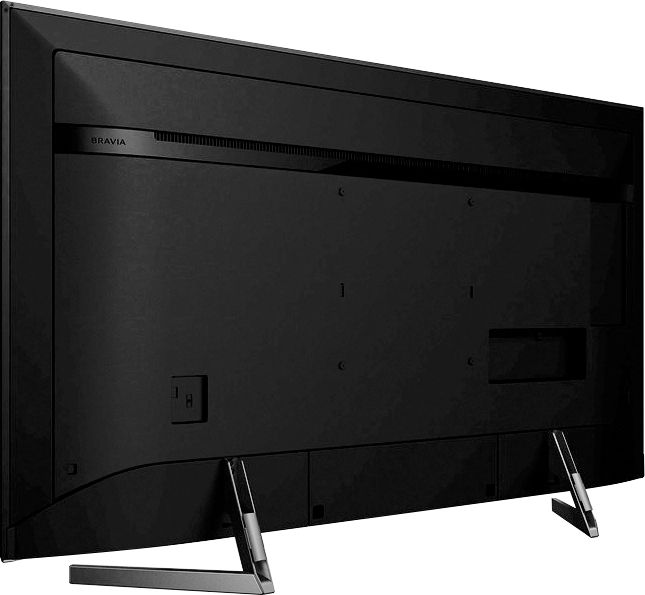
A:Answer@Jim, you can connect your audio system to the TV headphone jack using a stereo mini-plug connection. You may check out this link https://helpguide.sony.net/tv/fusltn1/v1/en-003/04-04_01.html for detailed information. Please feel free to email us at @[email protected] in any case you need more assistance. Happy to help! - Romeo
A:AnswerHi MikeG52, Make sure that your TV has the latest software update. Ref: https://www.sony.com/electronics/support/lcd-tvs-android-xf90xx_x90xxf-series/xbr-65x900f/downloads/00016214 If your TV is already up to date, please follow these steps: https://www.sony.com/electronics/support/televisions-projectors-lcd-tvs-android-/xbr-65x900f/articles/00023331 If you are unable to resolve your concern, please email us at [email protected] with the following details:
Name:
Bestbuy Username:
Model Number:
Issue:
Telephone Number:
Sincerely,
Sam
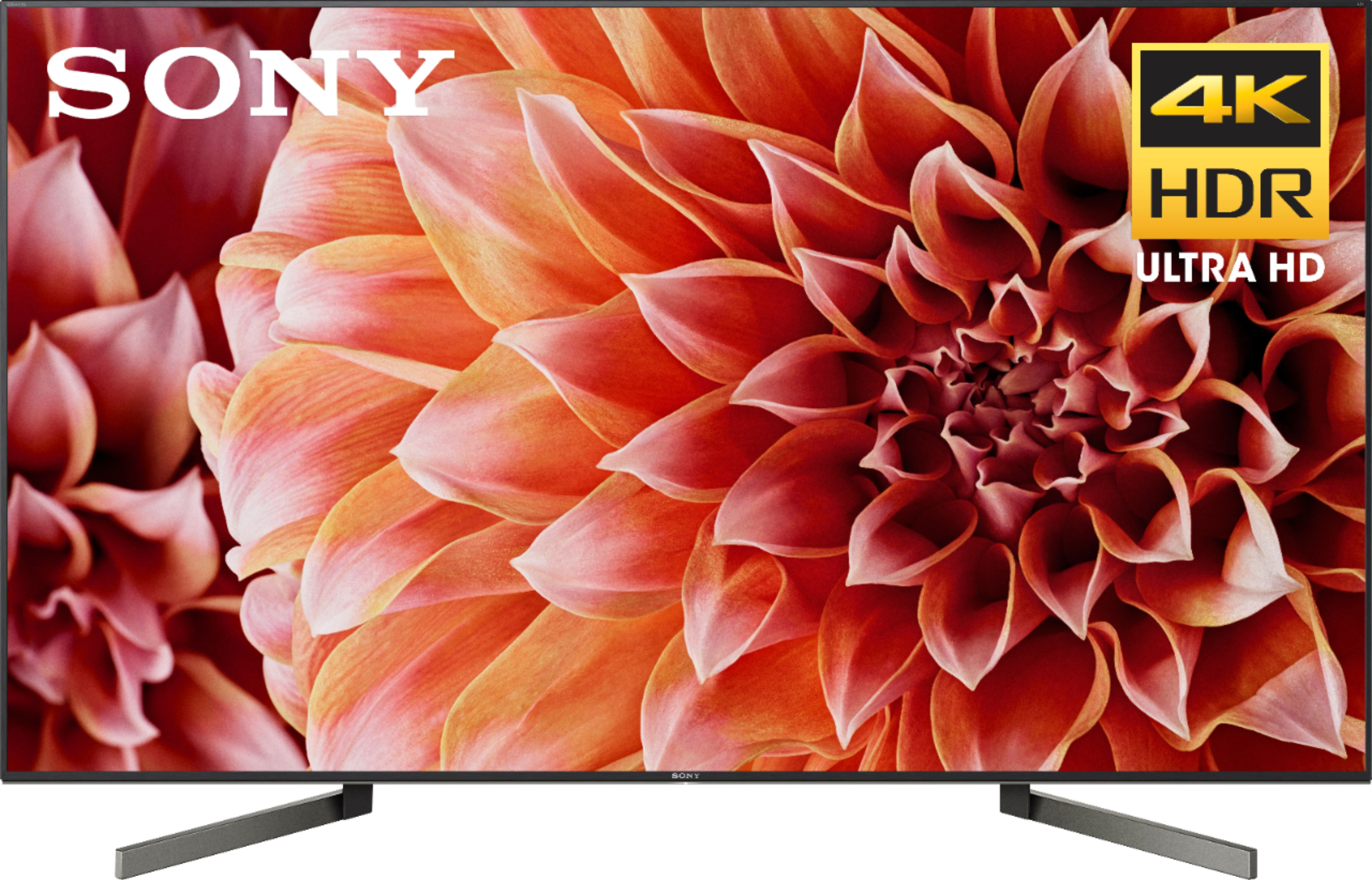
A:AnswerHi, SuzyQ! Below are the approximate dimensions of this TV in inches:
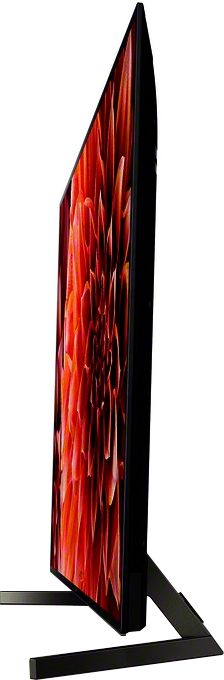
TV only: 57 x 32 3/4 x 2 3/4 inches
TV with stand: 57 x 35 3/8 x 11 3/4 inches
-Vincent
A:AnswerHi NorthStar33,
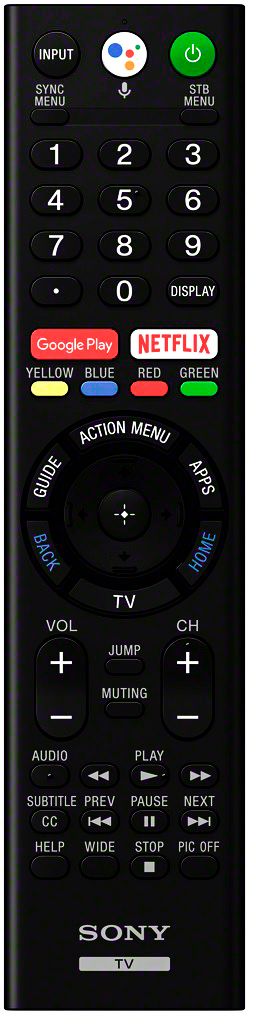
Yes, the supplied remote of this unit has a Google Assistant button. You may check the link below. (Refer to page 9):
https://www.sony.com/electronics/support/res/manuals/4731/dfd4b8c2758485581a2950bbbdf23715/47319111M.pdf
~Earl
A:AnswerHi, there!
Here are the dimensions of this TV: TvVonly: 57 x 32 3/4 x 2 3/4 inch (1447 x 829 x 69 mm)
Tv with stand: 57 x 35 3/8 x 11 3/4 inch (1447 x 898 x 297 mm) -Sam