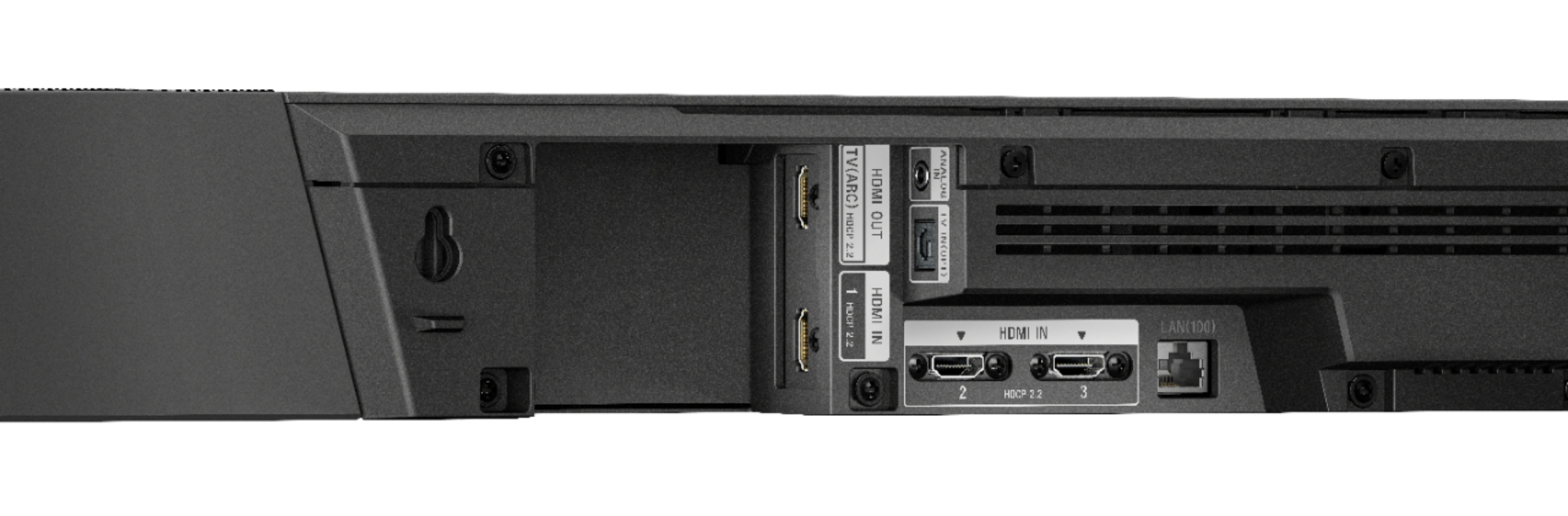
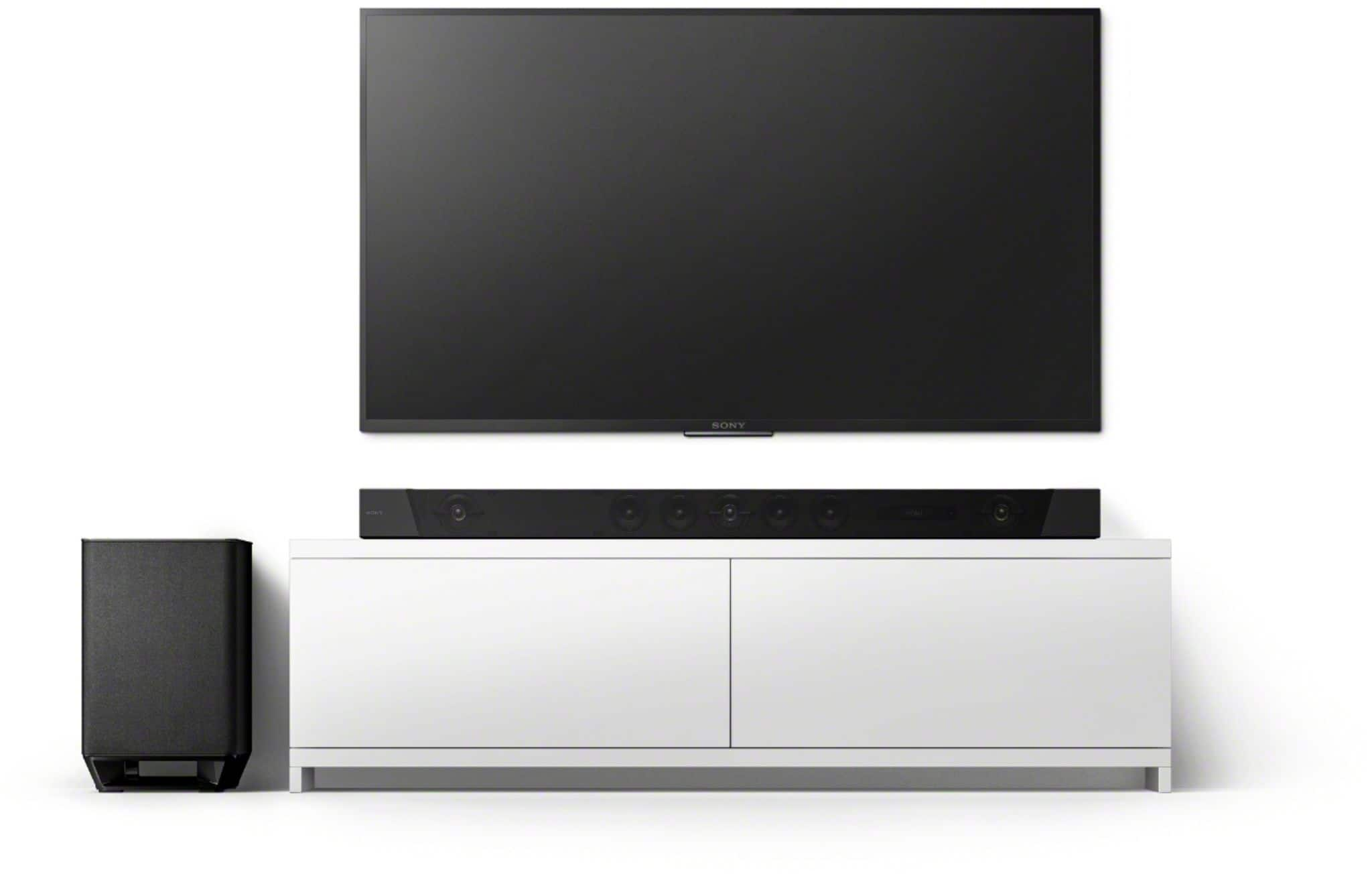
A:AnswerYes. ARC is an HDMI standard, so it is vendor neutral. As long as the TV has an ARC enabled HDMI port, any ARC-enabled sound bar should work. You may not be able to control the sound bar with the TV remote. $$/inch, the X900F series of Sony TVs are a better value than the high-end Samsungs.
A:AnswerHello, I’m not experiencing the same thing you are. I am on the most recent firmware updates on this sound bar, my Sony 65” X900F, and my OPPO UDP-203 (4K Disc player). When I’m playing Dolby Atmos content (like Mad Max Fury Road 4K disc), the sound bar shows audio output as Atmos. It can be a bit tricky to get everything on the same page. I would make sure all your devices are up to date and take a look at the audio settings on each. The whole chain needs to be set up properly to get Atmos output (along with HDR video). Not a solid answer for you but hope that helps.
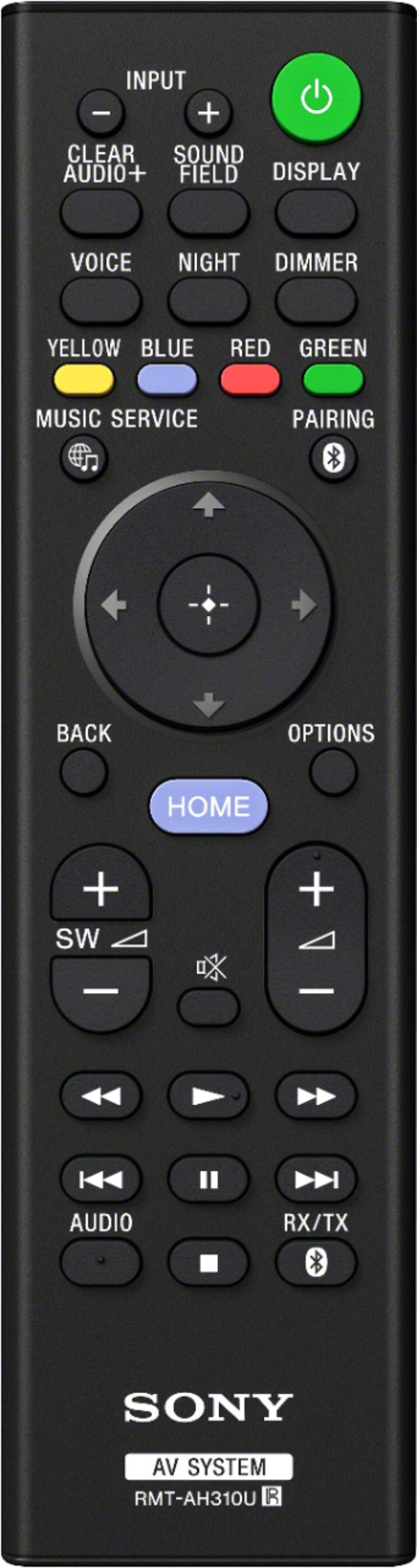
A:AnswerAll I know is if you plug it all into the soundbar you have to activate the soundbar separately and hit input on the soundbar remote and switch to the input you want. I saw no way to label them but if the sound is off from the lips the sound bar corrected that.
A:AnswerI was told by Magnolia rep that:
1. it will simulate and use all 7 so with Atmos.
2. To get true Atmos you will need source such as 4k playe or Apple TV 4kr.
3 Even though Netflix app on TV shows Atmos it may not push via ARC.
I will test all of this once i receive my unit.
A:AnswerYes it is wall mountable. Heavy, so use good hardware and make sure its mounted to a stud. Here is a link to the manual showing how to wall mount it....
https://www.manualslib.com/manual/1246538/Sony-Ht-St5000.html?page=24
A:AnswerHi kc9839,
Thanks for your inquiry. If you are referring to the Sony HT-G700, here are some differences between the devices:
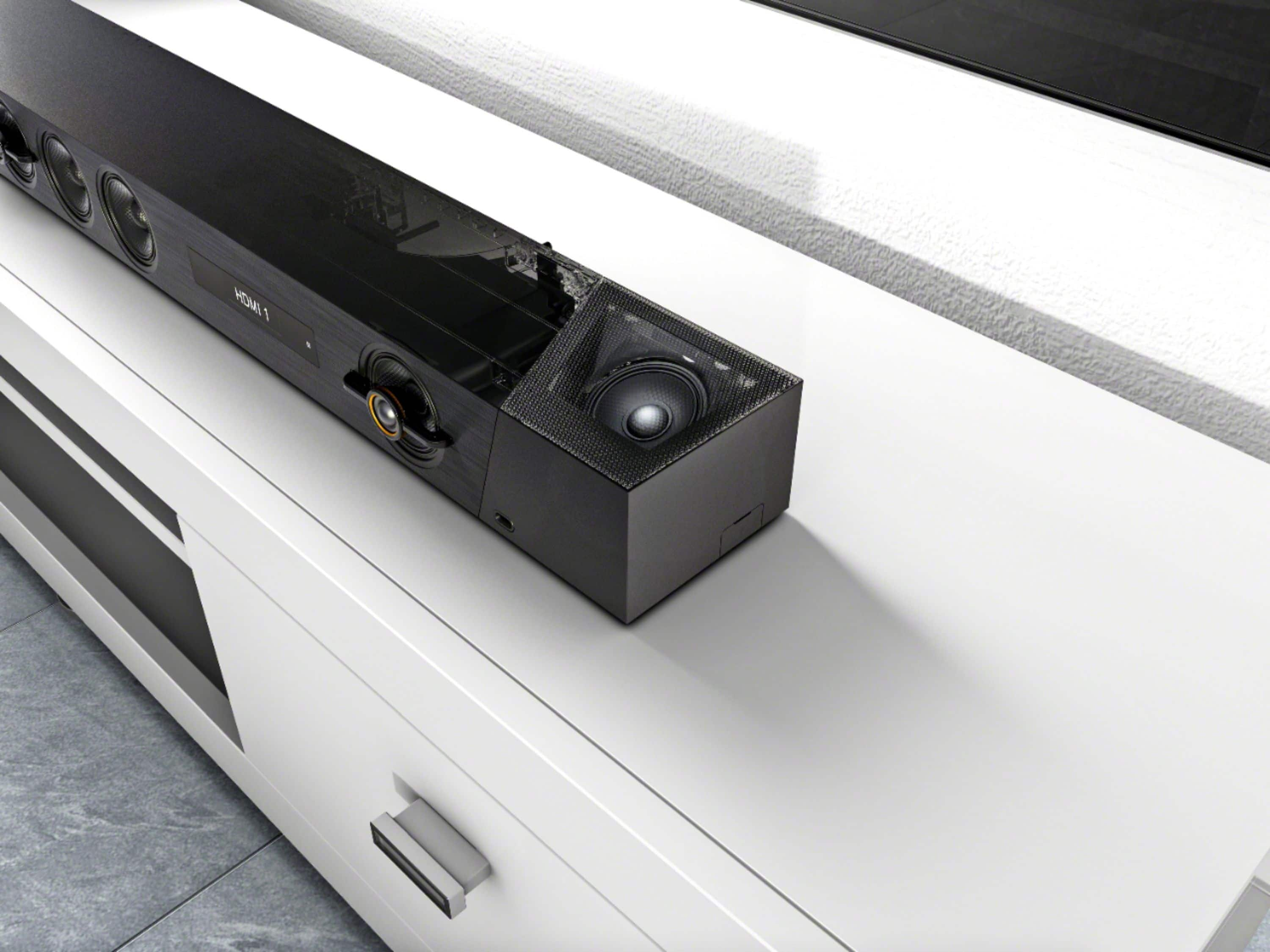
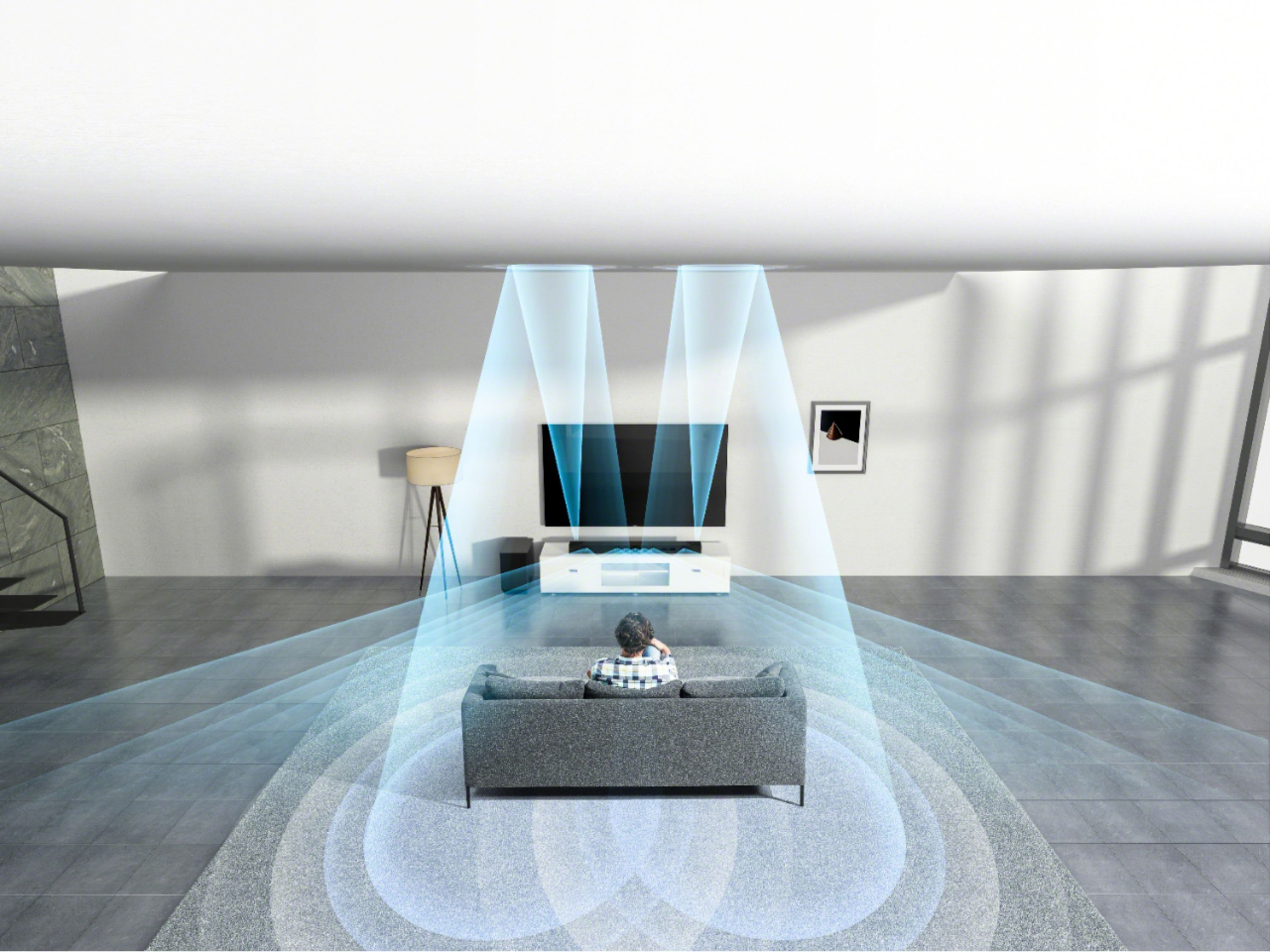
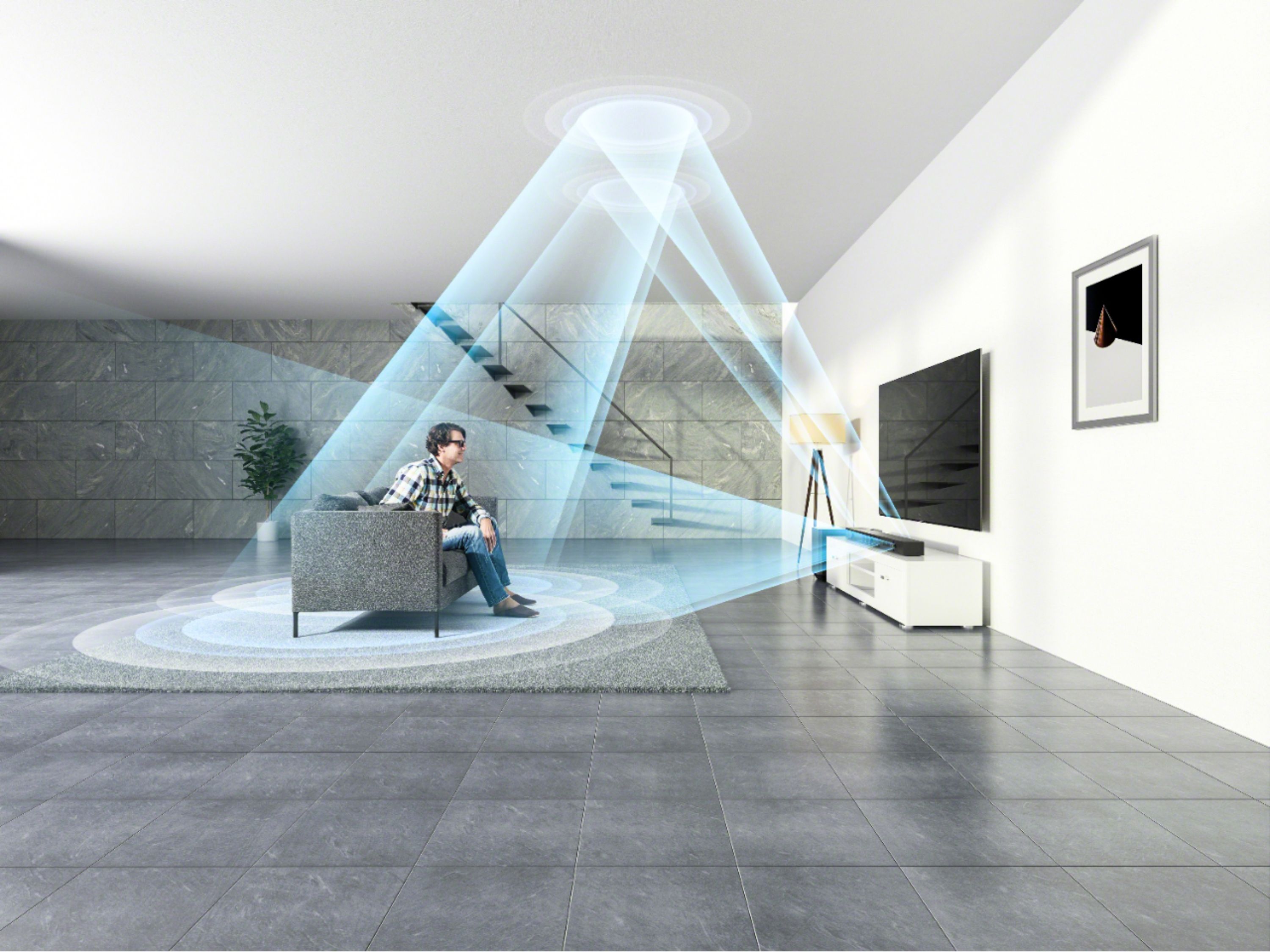
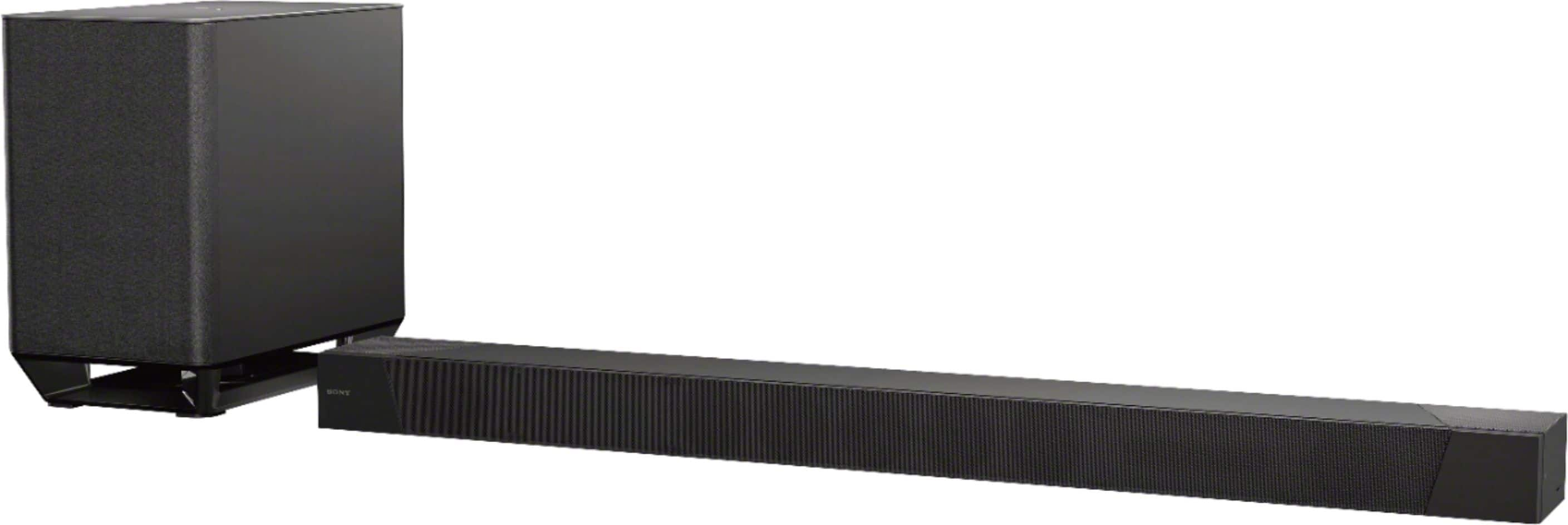
-The HTG700 (3.1ch speaker system) uses the Vertical Surround Engine, our advanced surround technology, to create virtual surround sound (up to 7.1.2ch surround sound) that seems to come from all around you while the HTST5000 has dedicated speakers for 7.1.2ch surround sound experience.
-The HTG700 has a total of 400W power output while the HTST5000 has 800W.
-The HTST5000 has a Chromecast built-in function. Cast music, podcasts, and radio from 100+ audio apps, including Google Play Music and more from your smartphone, tablet, or laptop to your audio device. Just tap the Cast button.
-The HTST5000 supports wireless multi-room listening. With powerful multi-room capability, you can easily expand and control your music across multiple, compatible speakers in separate rooms.
For more information about these amazing soundbars, please refer to these links:
https://www.sony.com/electronics/support/sound-bars-home-theater-systems-sound-bars/ht-g700/specifications
https://www.sony.com/electronics/support/sound-bars-home-theater-systems-sound-bars/ht-st5000/specifications
Hope this helps,
-Ralph
A:AnswerHi bigdeal,
Thanks for your inquiry. Unfortunately, the soundbar doesn't have an equalizer function. You can check your source device or content for sound settings or adjustments. You can also use the sound settings of the HTST5000 to tailor-fit the sound quality to your needs. You may refer to pages 30-34 of this link for more information:
https://www.sony.com/electronics/support/res/manuals/4687/bc8f6dee4fbbe142db7bc707e9028061/46878381M.pdf
You can also customize your sound, or use the [ClearAudio+] setting on the Sony Music Center app.
Regards,
-Ralph
A:AnswerHi Tom,
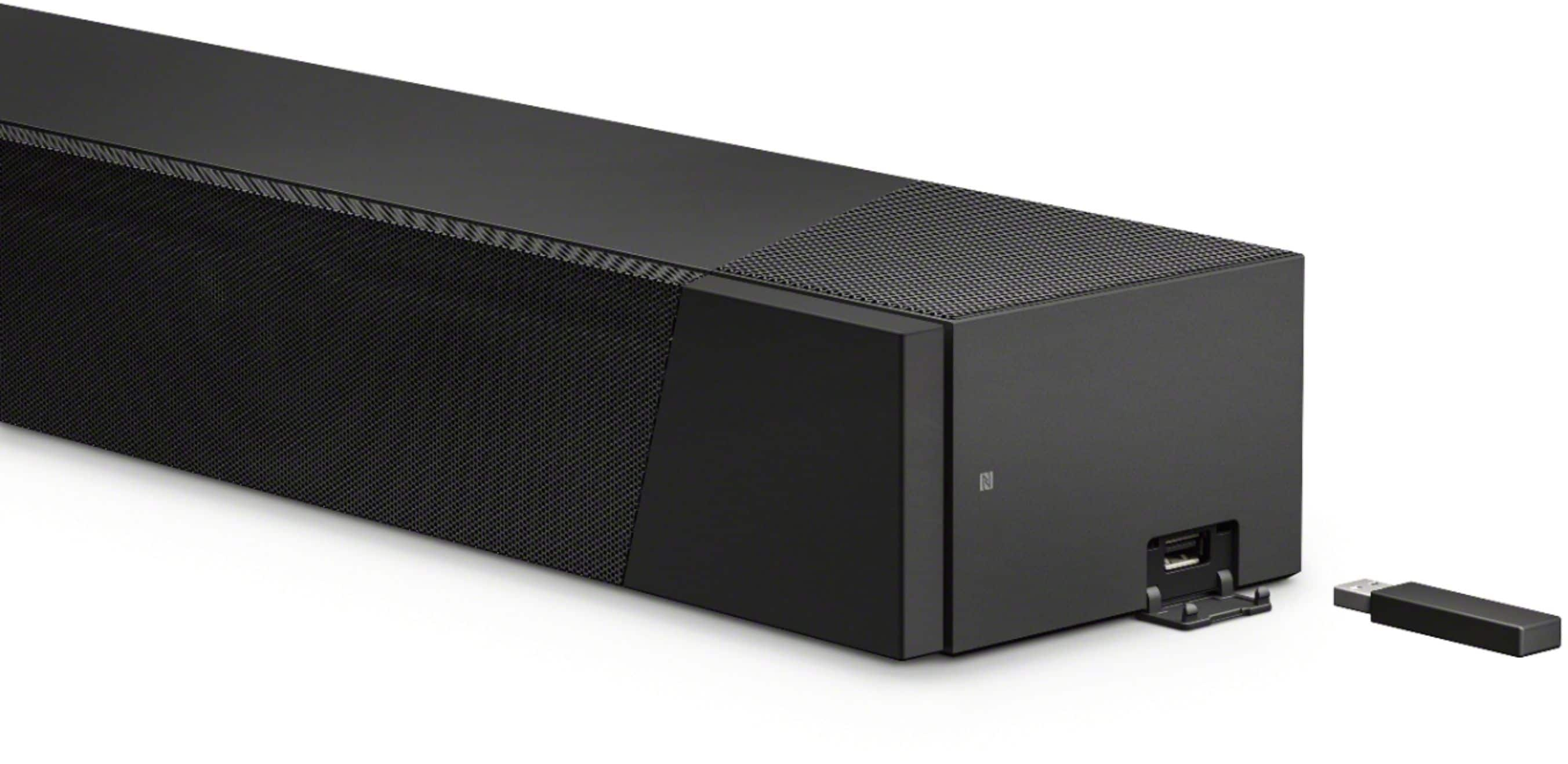
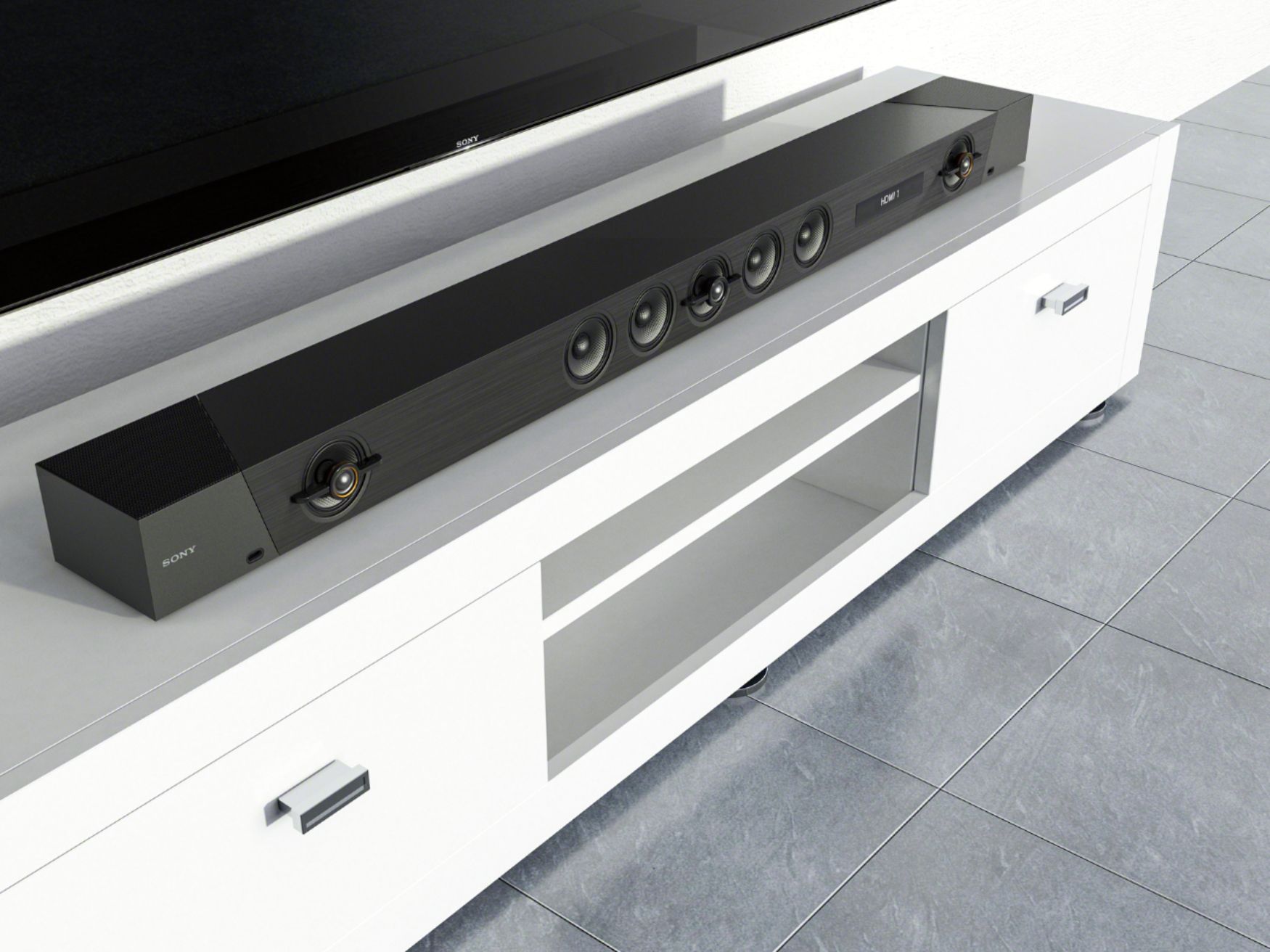
Thanks for your inquiry. Here are the dimensions of the HTST5000:
MAIN UNIT SIZE – BODY ONLY (W X H X D)
-46.46 x 3.15 x 5.71 inches (with grille frame including projection portion)
-46.46 x 3.15 x 5.51" (without grille frame including projection portion)
SUBWOOFER SIZE (W X H X D)
-9.76x15.87x16.77 inches
For more information, please refer to this link:
https://www.sony.com/electronics/support/sound-bars-home-theater-systems-sound-bars/ht-st5000/specifications
-Ralph
A:AnswerHi Dosy,
Thanks for your inquiry. Dolby Atmos - Dolby Digital Plus audio format, which uses the built-in Dolby Atmos-enabled speakers (speakers that bounces sound off the ceiling), is supported when using ARC. Dolby Atmos - Dolby TrueHD is only supported via eARC. For more information, you may refer to page 77 of this link:
https://www.sony.com/electronics/support/res/manuals/4687/bc8f6dee4fbbe142db7bc707e9028061/46878381M.pdf
Hope this helps,
-Ralph
A:AnswerIf you want to set the equalizer on your sound bar all you do is go to settings on the sound bar itself either the TV or the app whichever is easier for you but make sure the equalizing settings are exactly the same as they are on your TV because both interact with one another