A:AnswerYes it should all it has is a hdmi port to hdmi and super easy set up especially with Sony TVs. It than will have a update to and than a regular set up to where ever you sit. It is amazing and you set it up to feet or however you want but yes it will work
A:AnswerHi, somsung4life! The unit is only designed to run on 120 V AC, 60 Hz. You may find this link helpful:
https://www.sony.com/electronics/support/home-theater-sound-bars-home-theater-systems/ht-st5000/articles/00024429
~Ralph
A:AnswerHi there,
No, Currently, this unit is not compatible with Amazon Alexa. For suggestion, You can use the Google Home feature of the unit which is also a voice assistant function just like the amazon alexa. Hope this helps!
Regards,
Sam
A:AnswerHi Ricky,
We do apologzie for the inconvenience. Please try to factory reset the soundbar and try to pair it again.
https://www.sony.com/electronics/support/res/manuals/4687/bc8f6dee4fbbe142db7bc707e9028061/46878381M.pdf (page 71 - Factory reset)
https://www.sony.com/electronics/support/res/manuals/4687/bc8f6dee4fbbe142db7bc707e9028061/46878381M.pdf (page 47 - Secure link)
NOTE: Make sure that the subwoofer is within 3 feet or closer to the soundbar.
Happy to help,
David
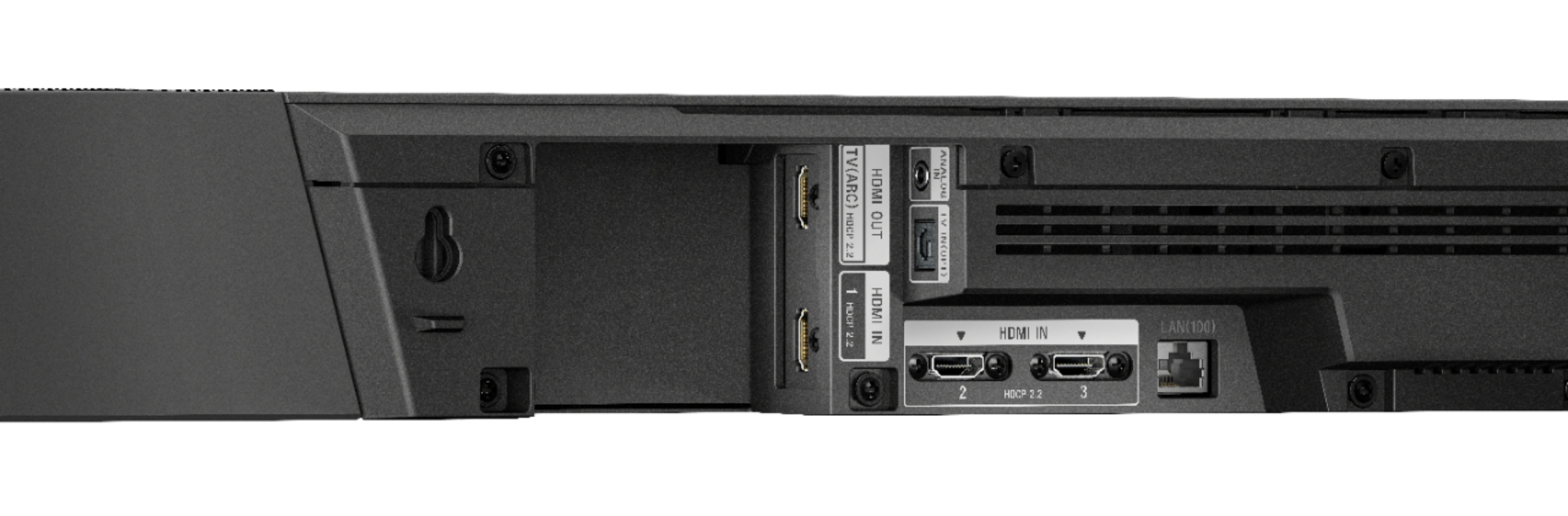
A:AnswerIf your tv doesn’t have ARC you won’t get Atmos. Optical isn’t capable of carrying Atmos as it doesn’t have enough bandwidth. And to receive the highest quality Atmos, eARC is even better. All this is assuming you use a high speed HDMI cable as well. Hope this helps.
A:AnswerHi chris, Yes, you may adjust the brightness of the front panel display. You may refer to page 50 of this link for more information:
https://www.sony.com/electronics/support/res/manuals/4687/bc8f6dee4fbbe142db7bc707e9028061/46878381M.pdf
~Ralph
A:AnswerHi E,
Are you using the ARC port from your TV to the soundbar? Let's try to isolate the issue by following some troubleshooting steps included on this link:
https://www.sony.com/electronics/support/articles/00191214
Regards,
Zac
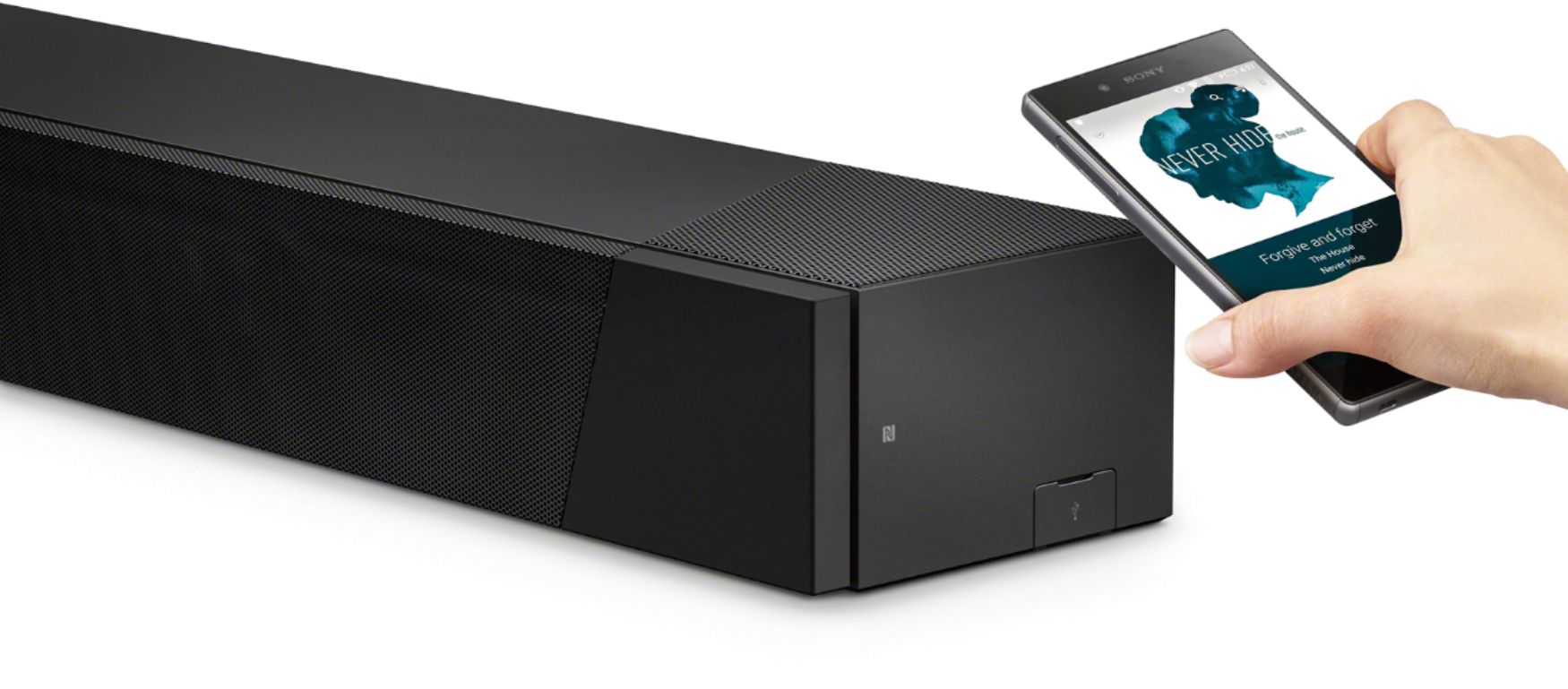
A:AnswerBluetooth or Chromecast Audio feature can be used, as long as your project supports it. Also, keep in mind, if you choose connection other than HDMI, you WILL LOSE the ability to decode and playback high definition audio format, like Dolby TrueHD, Dolby Atmos, DTS X etc. In addition, depending on the version of Bluetooth version on your project, you may experience video and audio out of sync issue. The bottom line is, it is recommended to use HDMI connection as possible.
A:AnswerHi Doug,
We regret to hear that you're having issues with this Soundbar. Let's try to isolate the issue by following some troubleshooting steps included on this link:

https://www.sony.com/electronics/support/home-theater-sound-bars-home-theater-systems/ht-st5000/articles/00171719
Regards,
Zac
Sony Social Support
A:AnswerHi Mount, please refer to pg.24 and 25 of the link below for more information about mounting the soundbar. I hope it helps. Regards, ^Ron
https://www.sony.com/electronics/support/res/manuals/4687/bc8f6dee4fbbe142db7bc707e9028061/46878381M.pdf
A:AnswerHow are you connected? Had the same problem when using an optical connection. Switched to the HDMI ARC connection and the home screen appeared.