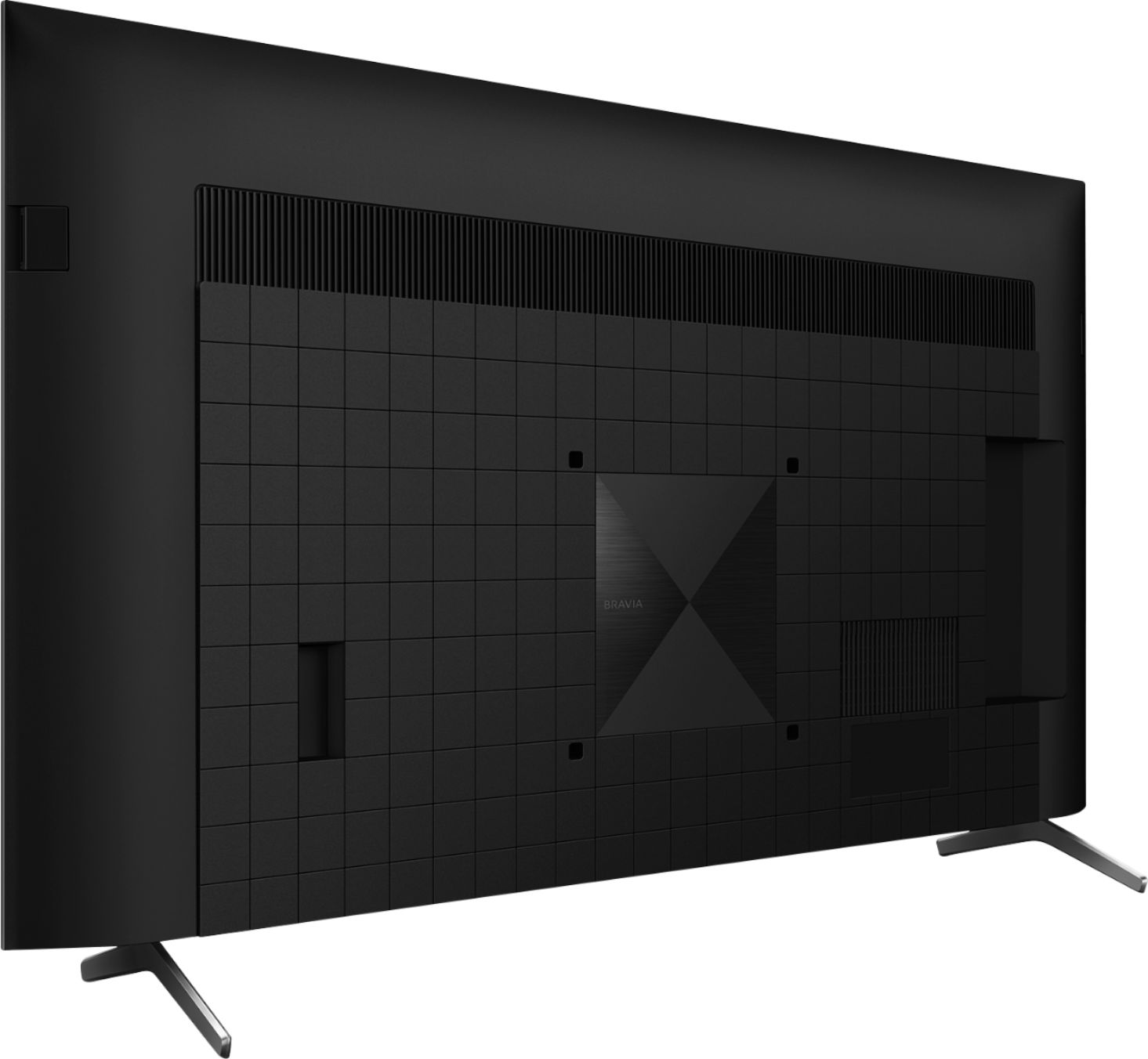
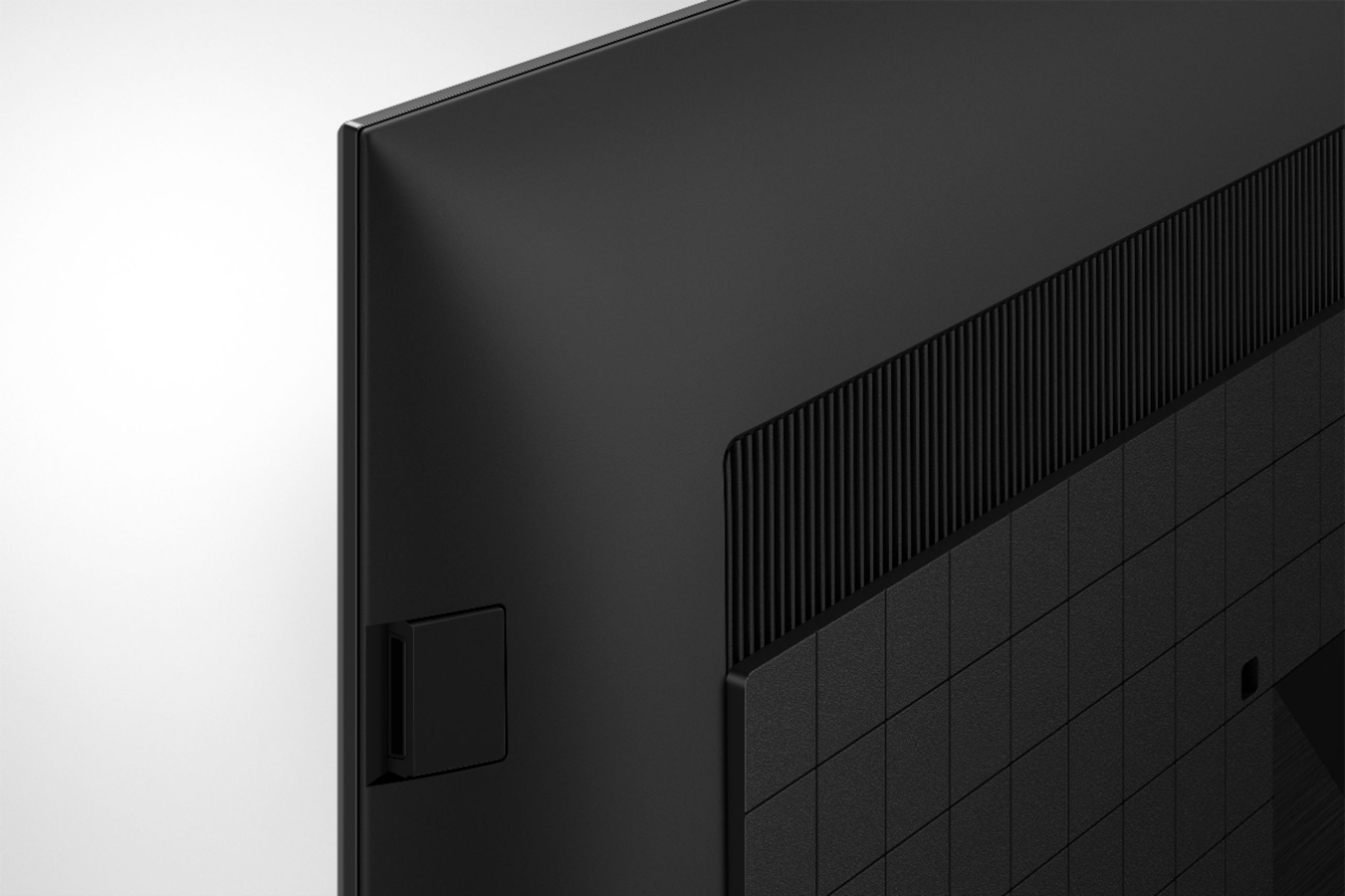
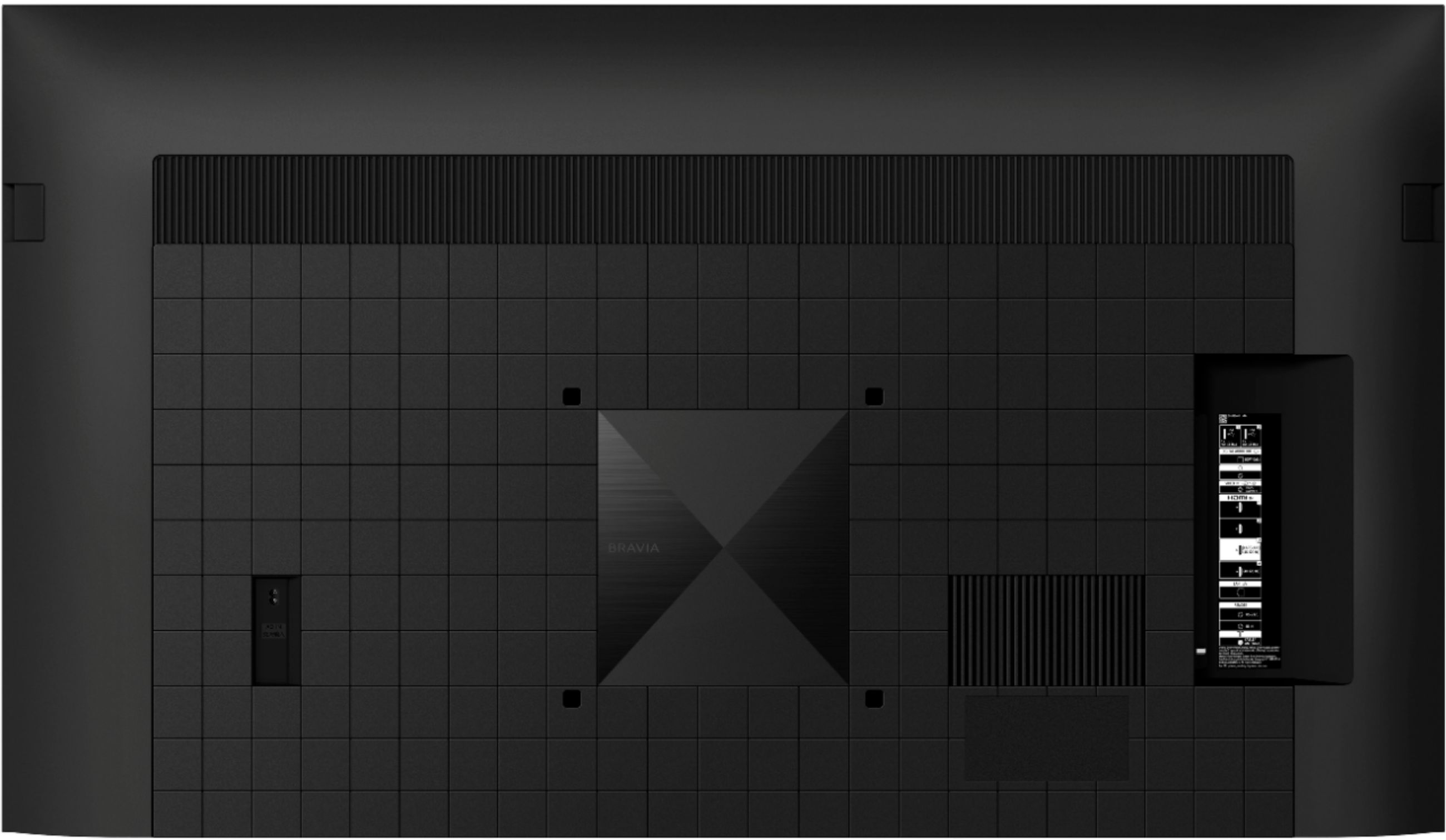
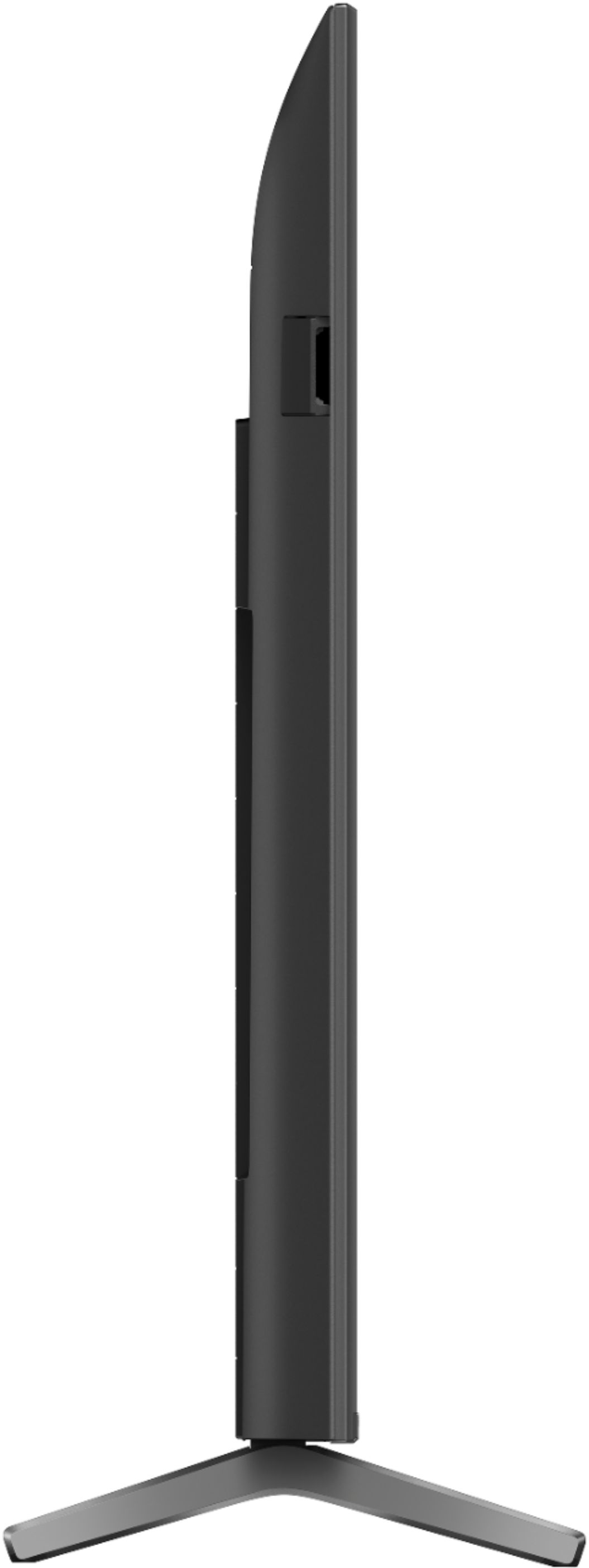
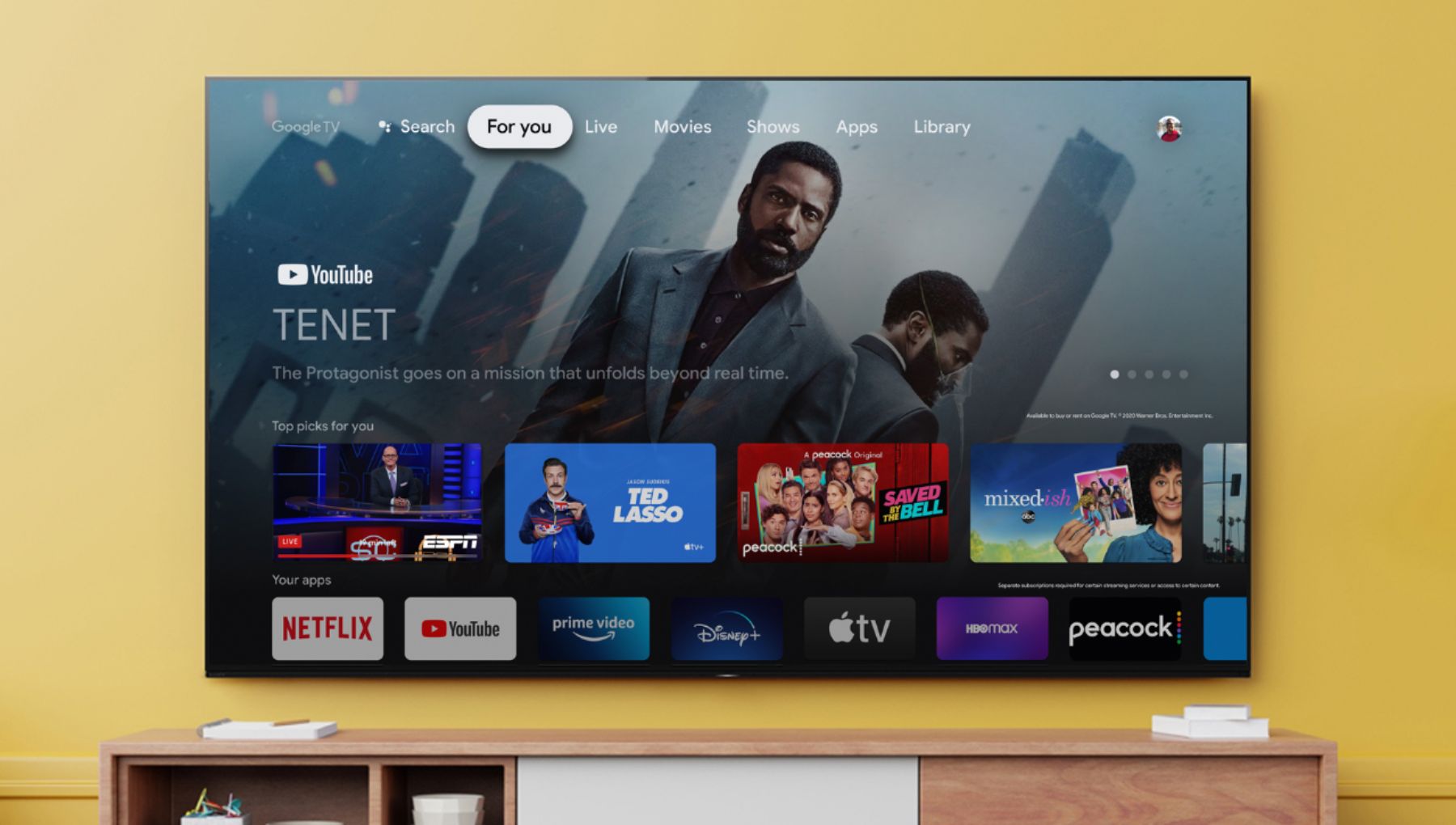
A:AnswerYes earc input 3....not sure of your system but if you put the sound system in to the sound bar and then the sound bar into input 3 earc on tv your should be all set...your sound bar n system need to support earc or arc. The tv is labled e arc but will support arc if you dont have earc.
A:AnswerThanks for your answer, Sony, but that's not helpful. The Chromecast with Google TV dongle that I currently use does not support my two channel stereo brands when setting up remote control. I also currently have a Sony HT-XT1 AVR and CCWGTV cannot control its mute function with any of the six sets of Sony IR codes. Therefore your X90J remote control would be useless for controlling volume on my current equipment. Without IR learning it also limits future choices for audio equipment. When $15 remote controls can learn IR codes and natively support tens of thousands of devices, why is such an expensive TV so limited? I don't like being locked into your choices of audio equipment. So I'm better off continuing to use the dongle which can be controlled through CEC on TVs that use IR remotes.
A:AnswerHi buyer,
Thank you for the inquiry. This television doesn't support dual voltage. If you're going to use this television in a differnet voltage. You may need a transformer to make this TV to work since US models will require its 120 V AC, 60 Hz.
Regards,
David
A:AnswerHi Octavius,
Thank you for the inquiry! The stand depth for the XR75X90J is 410mm or 16 1/8 inches.
Reference: https://www.sony.com/electronics/support/televisions-projectors-lcd-tvs-android-/xr-75x90j/articles/00263817
Regards,
David
A:AnswerHello EricB,
Thank you for your inquiry. If you are pertaining to the DIRECTV app, this app is currently not available on the X90J TV. However, you may connect a DIRECTV device to one of the HDMI ports of the TV.
Regards,
David
A:AnswerYou don't tighten the TV. You tighten the mount. There are screws in the hinges or the pivot points that you need to tighten. If the mount won't tighten, you may be exceeding the weight limit of the mount and may need to replace it with a stronger one. Hope that helps!
A:AnswerIt’s possible to transport this in many ways, BUT I would do everything possible (as recommended) to keep this upright. Even a slight lean is ok. But on it’s face or back for a long haul I would be against. If you can have it delivered (as I did) it’s best. I have transported a 75 inch tv before, but it was upright and tied down in the truck bed.
A:AnswerHi NotaDallasCowboysFan,
Thank you for the inquiry! This television works with Alexa. You can download the Amazon Alexa app on the tv from Google play store and also set up the tv they your mobile app. With Alexa, you can power up your TV, change channels, control volume and more.
Regards,
David
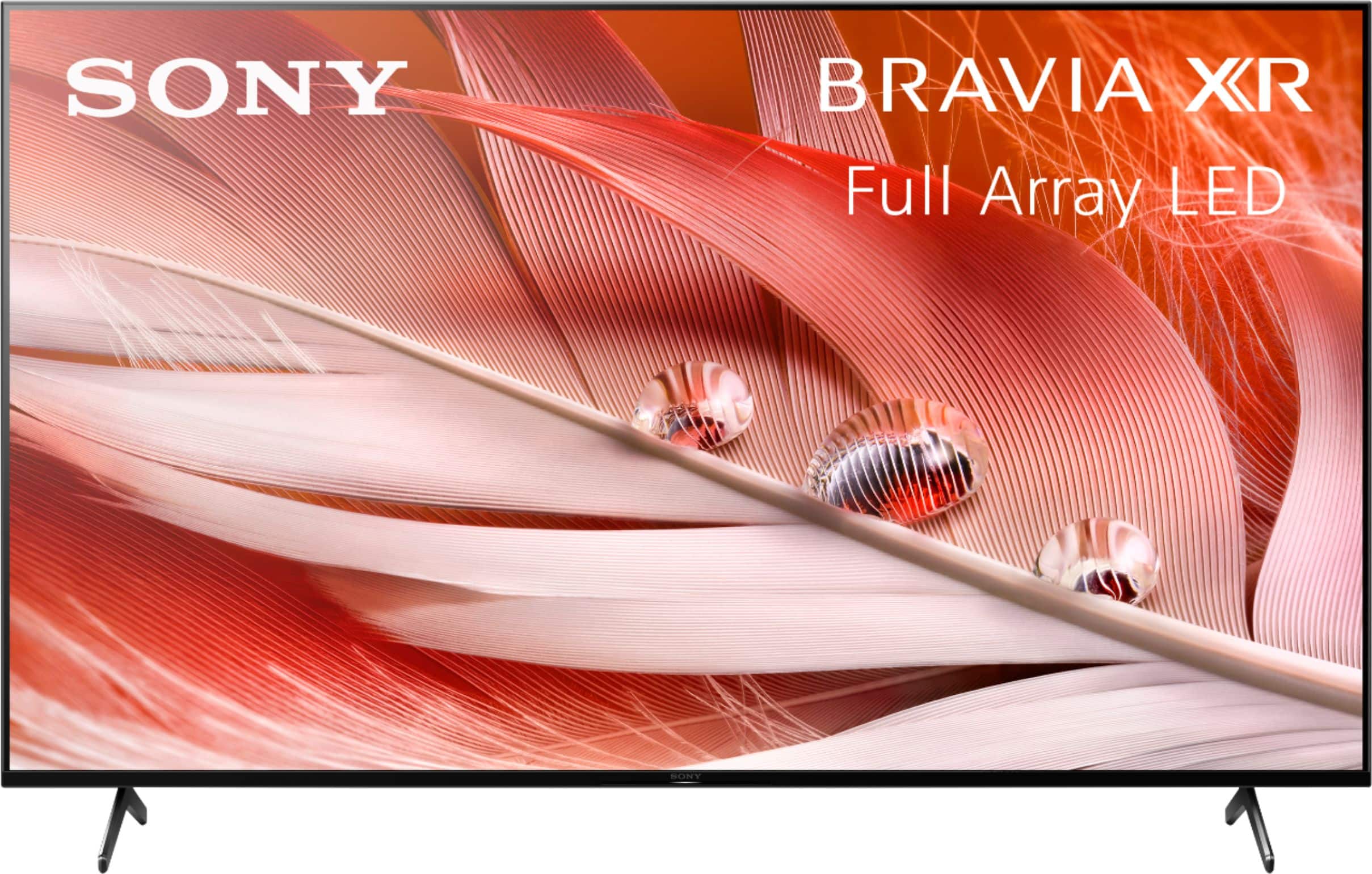
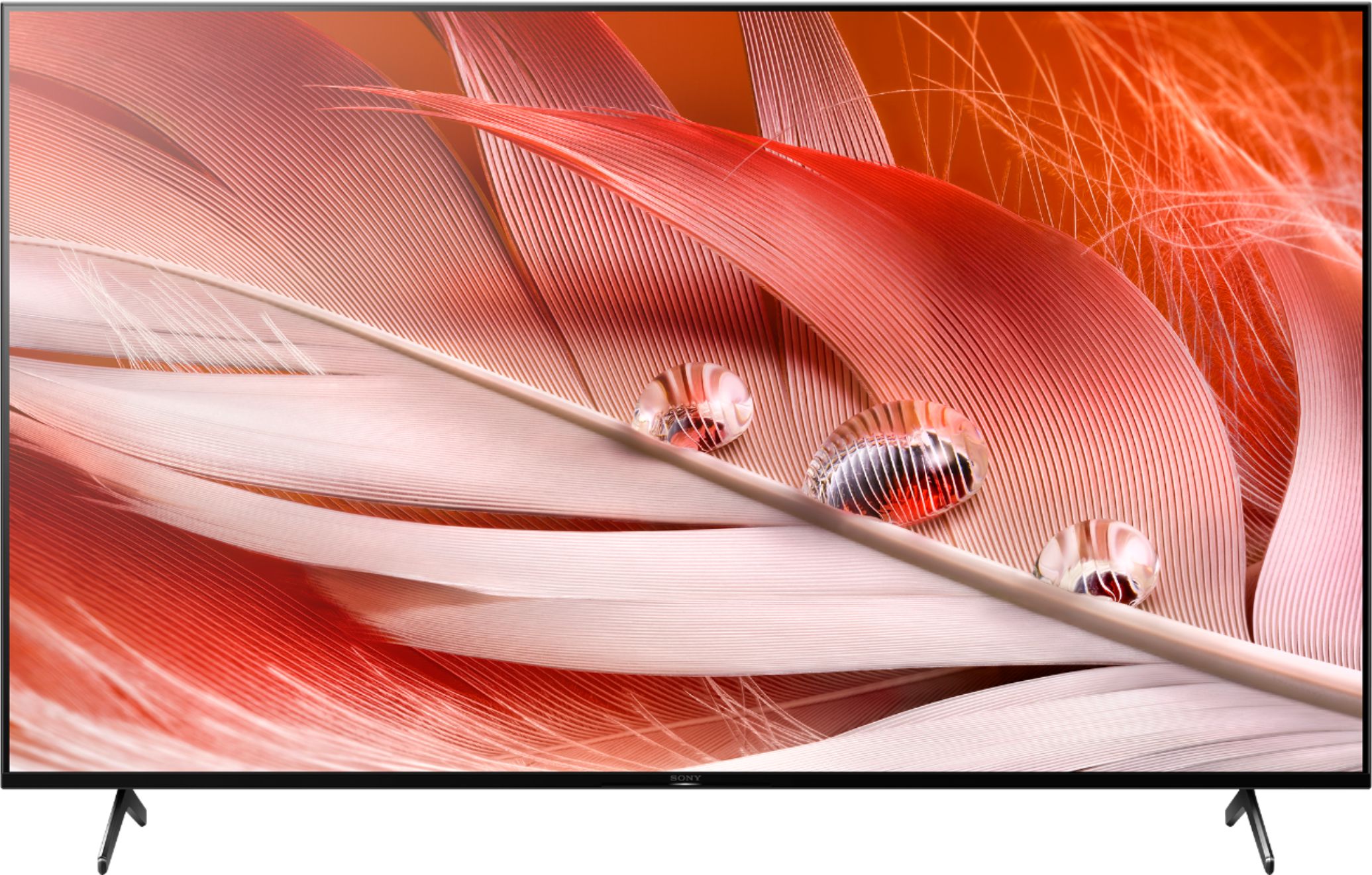
A:AnswerHello, we appreciate you interest in our products. Yes, the built-in speakers of this unit is great. With Advanced speaker technology with our Cognitive Processor XR turns any sound source into an immersive sound experience.

To level up the experience, we recommend soundbars like HT-G700 which you can connect to a compatible TV or device wirelessly via Bluetooth® technology, or use the HDMI eARC/ARC or optical digital input for full-bandwidth sound. Or the HTA9, that you place its control box near the TV and link up via HDMI. The four speakers connect wirelessly to the control box so there’s no cables across your living space. You may check our Support site for more details. Hope this helps. ~Earl
A:AnswerThere is no Siri/Alexa/Cortana type open mic that is always on to listen for commands. You have to press and hold the mic/Assistant button on the remote to use voice commands.
A:AnswerYes - this has eARC port and ability to pass through. But you have to search a bit to get to that menu option and set it right. I too have a Sonos Arc and finally figured this out by myself. You have to set the eARC output to be Auto which means it will pass through when receiving multi channel signals. And the AppleTV connected HDMI port to 'Advanced' or something like that to allow that port to receive the uncompressed or multi-channel compressed audio as is.