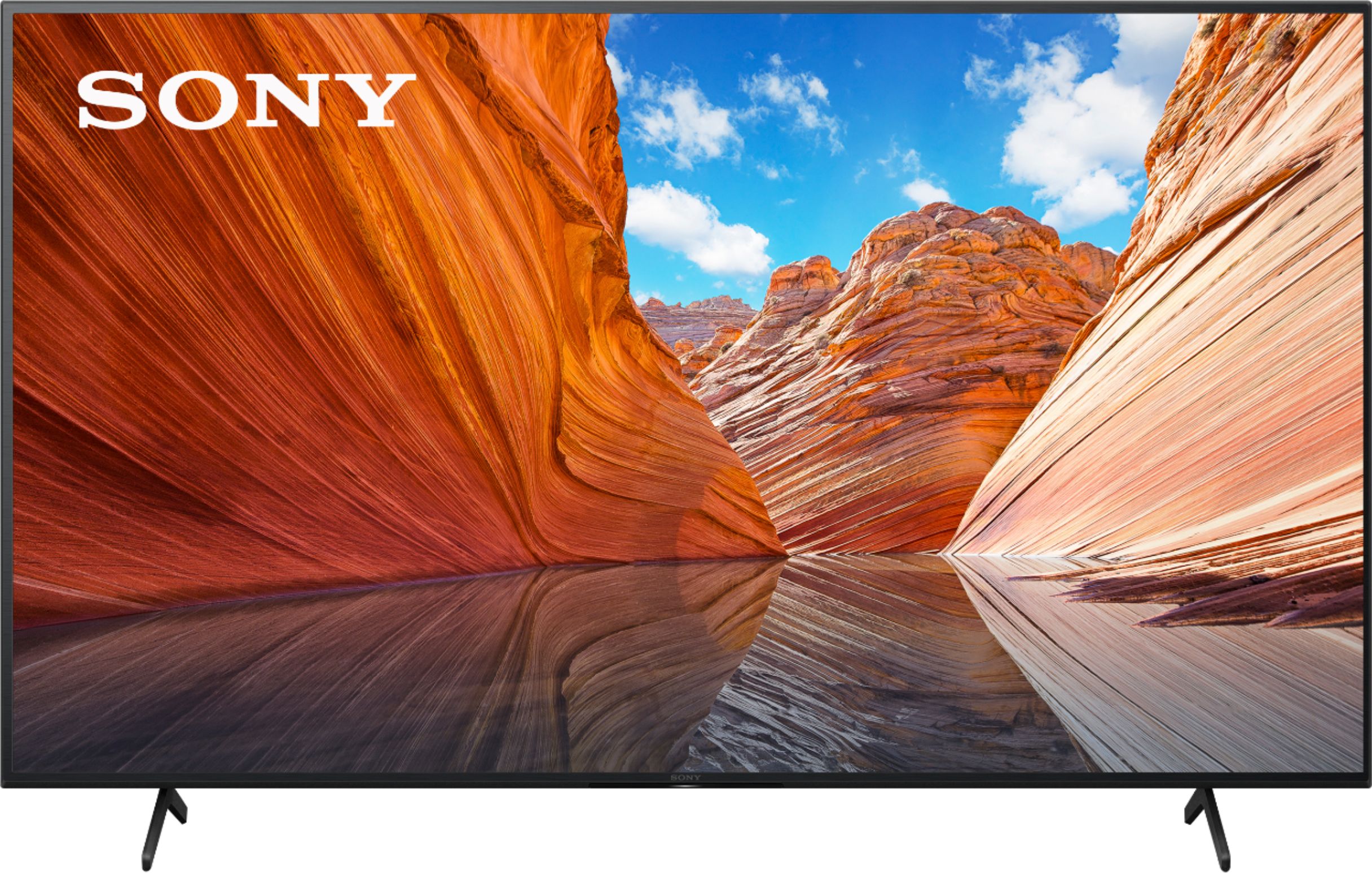
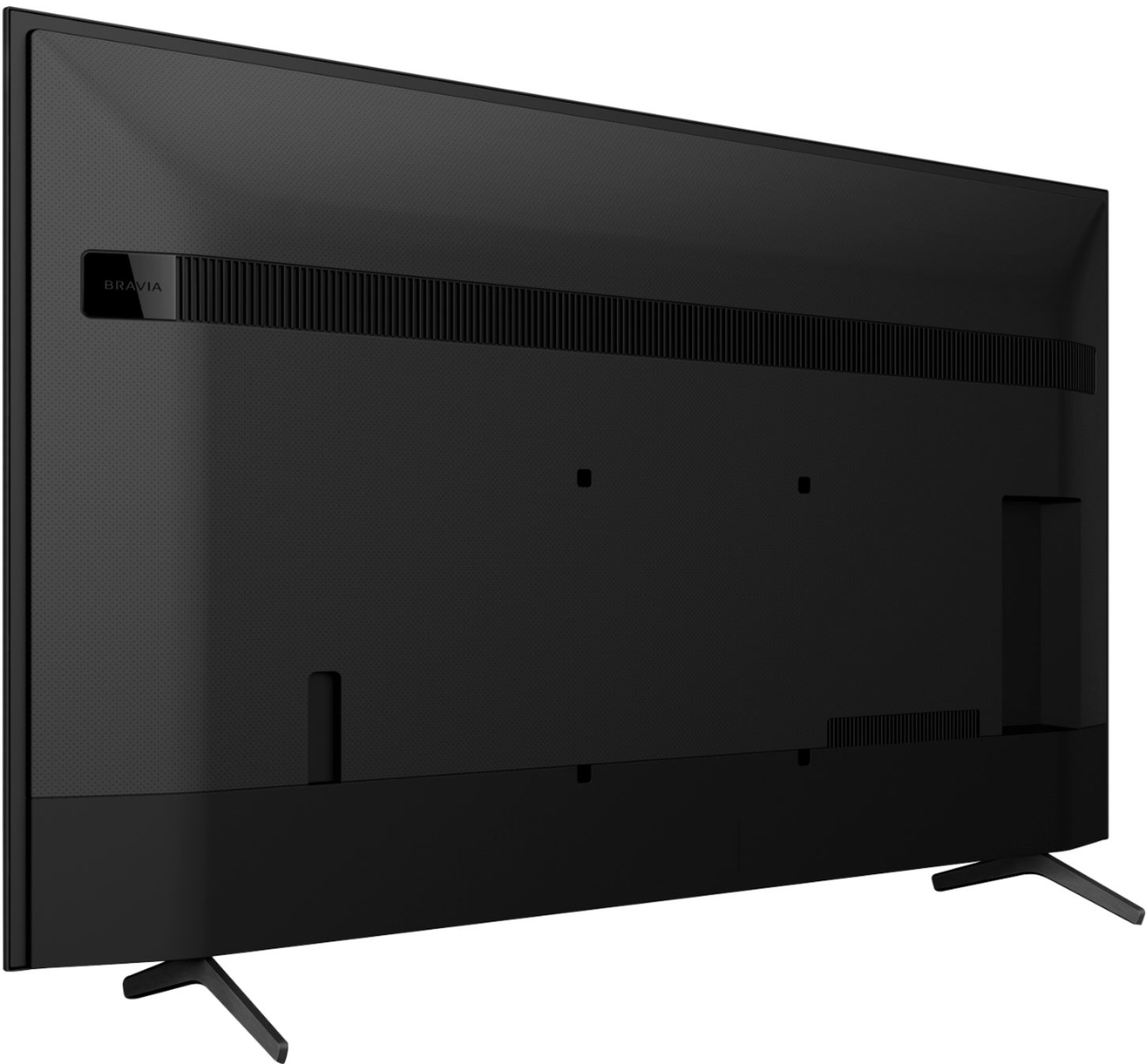
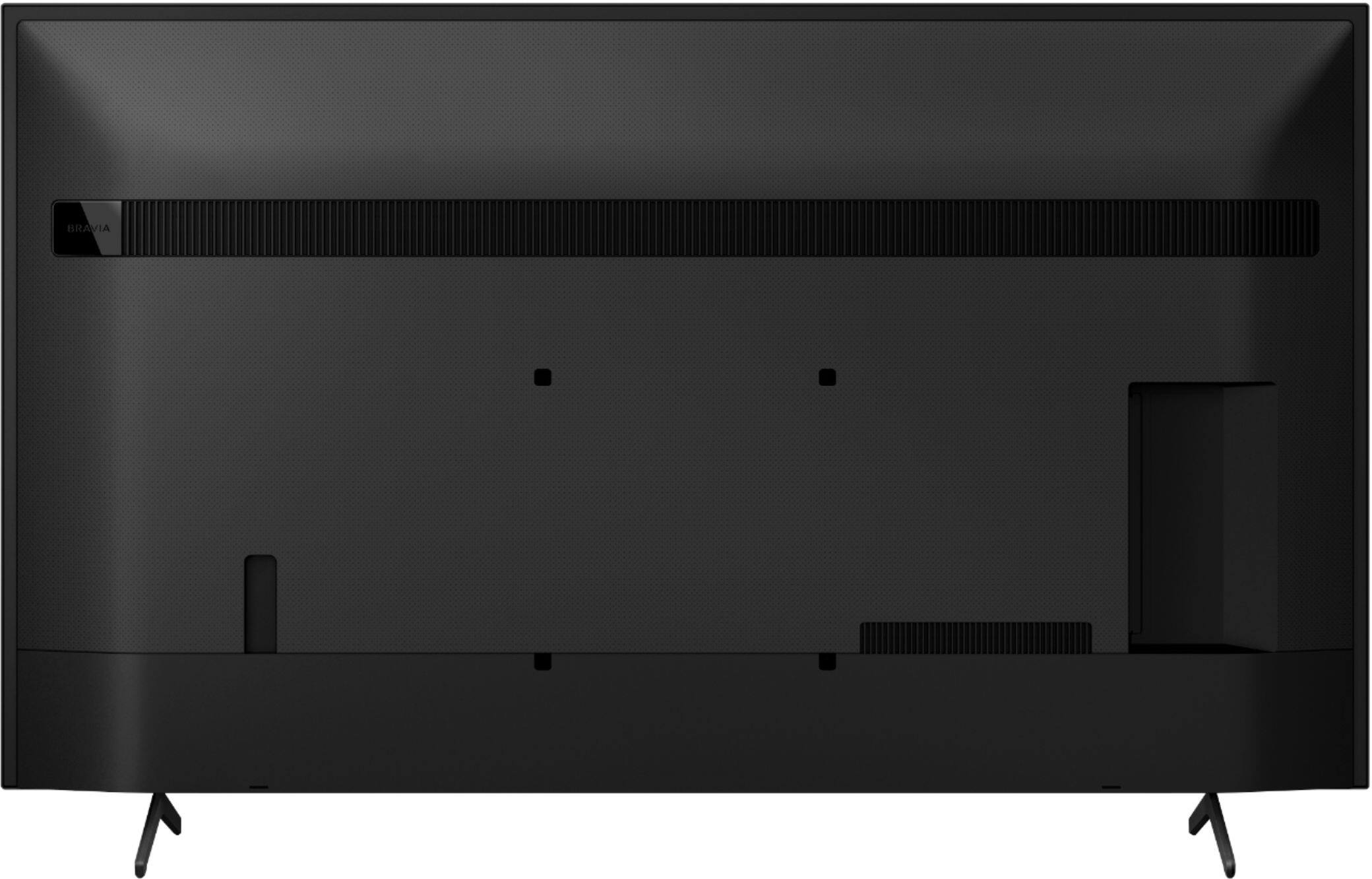
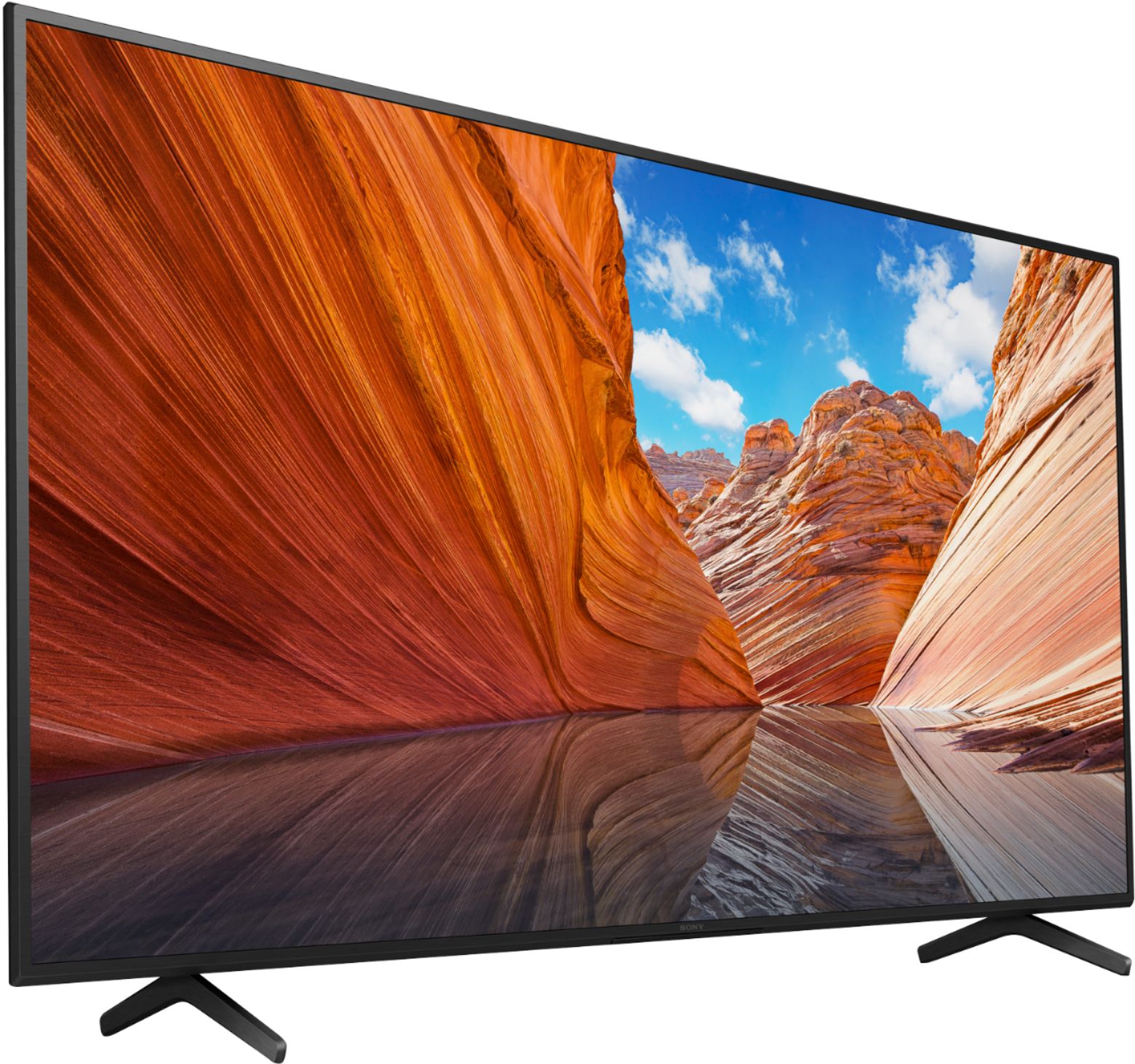
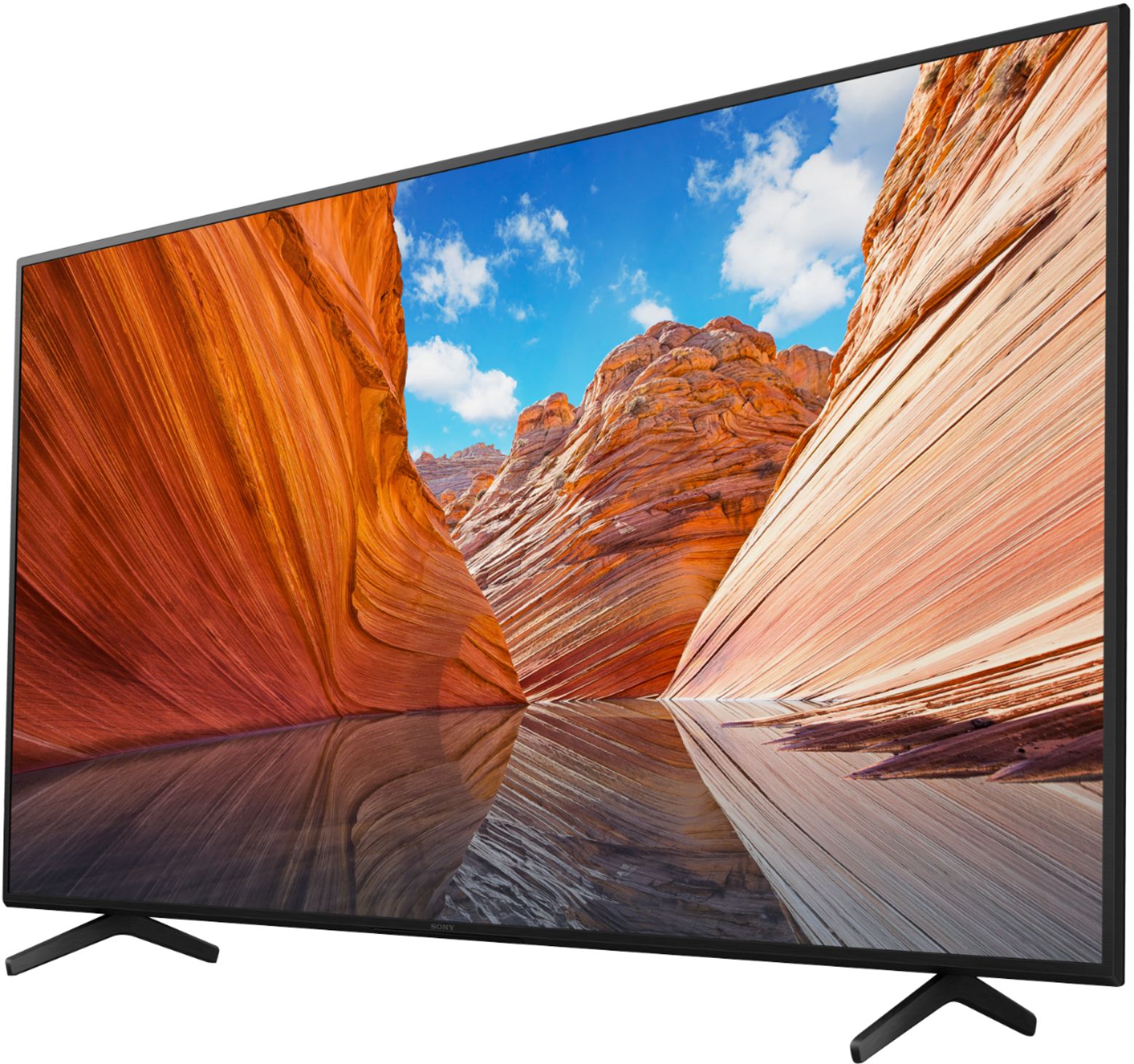
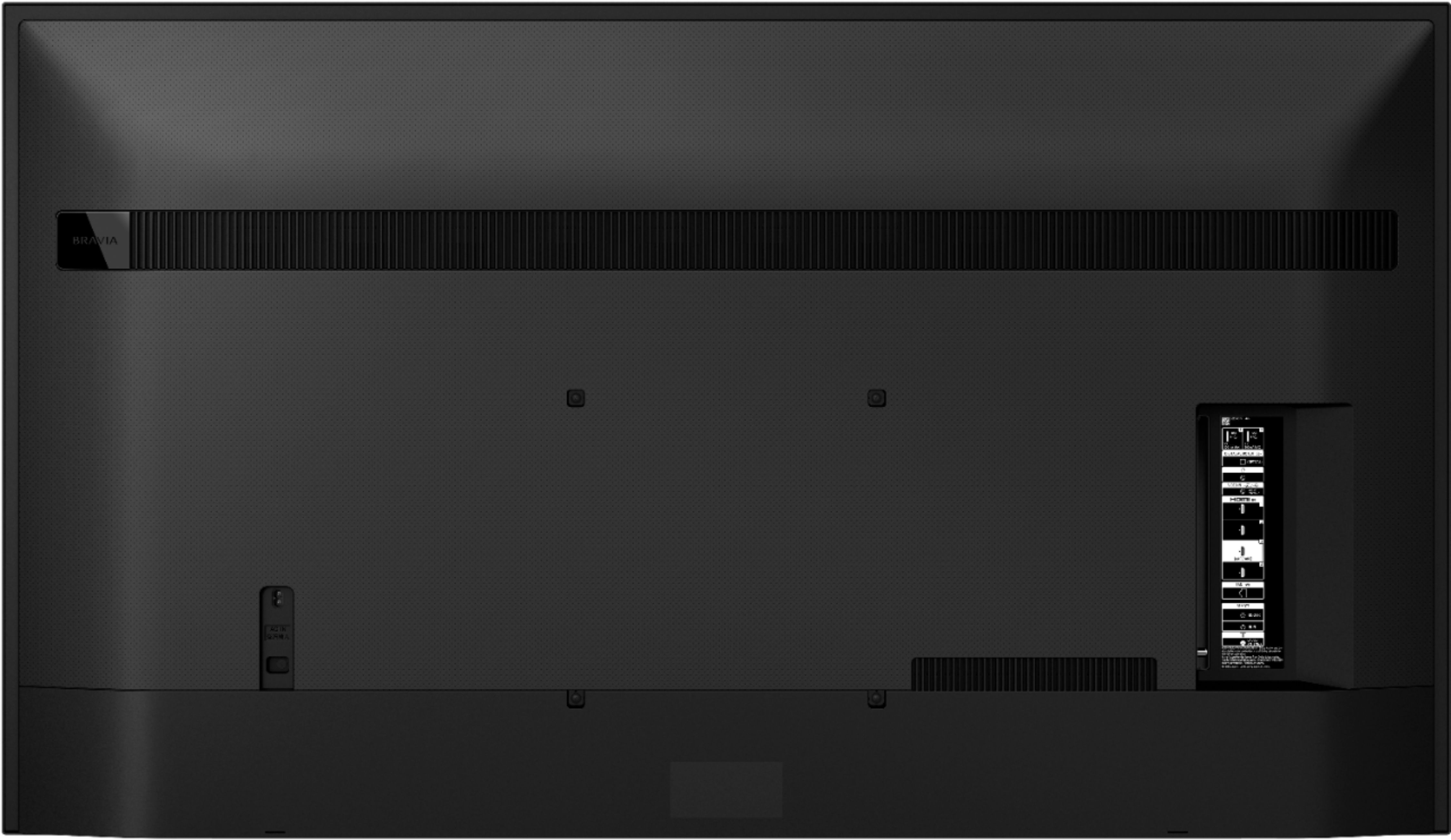
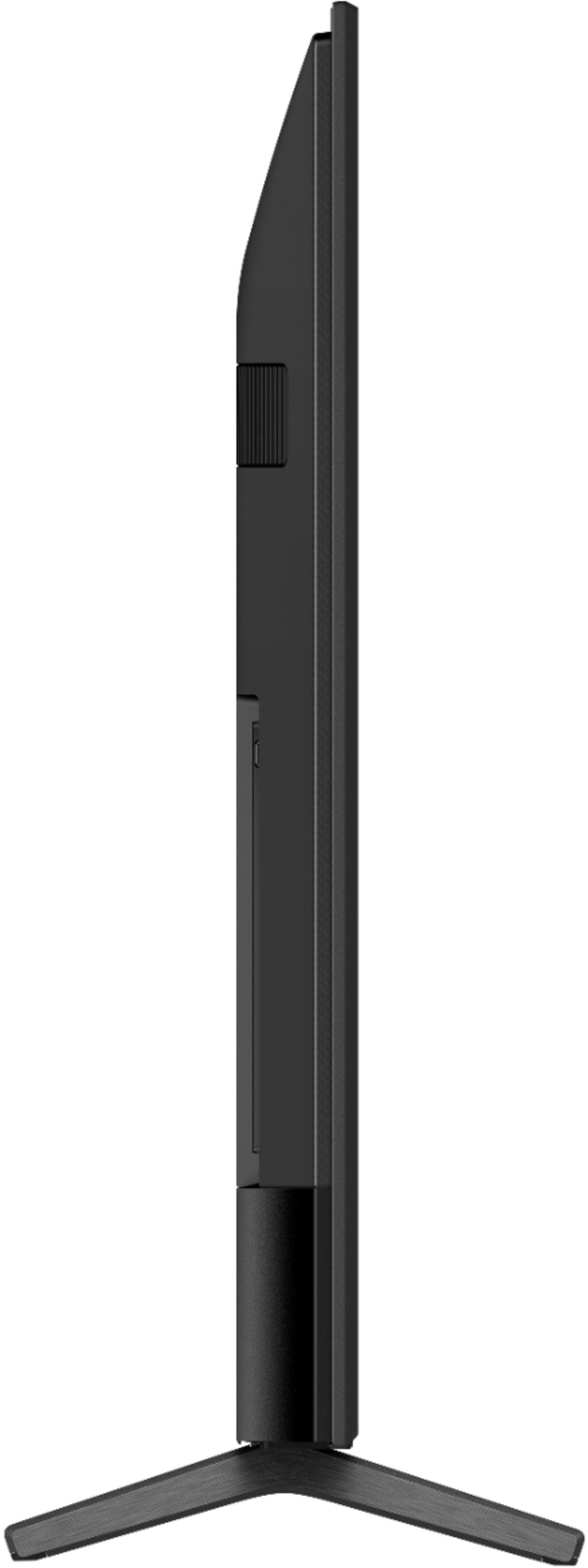
A:Answer Hi TJC, Great News! Yes, please make sure your Fire Stick is connected to the HDMI 3 or HDMI 4 input on this KD75X80J. 1. Select Settings → Watching TV → External inputs → HDMI signal format. 2. Select the input the device is connected to (either HDMI 3 or HDMI 4), and then change the setting to Enhanced format.
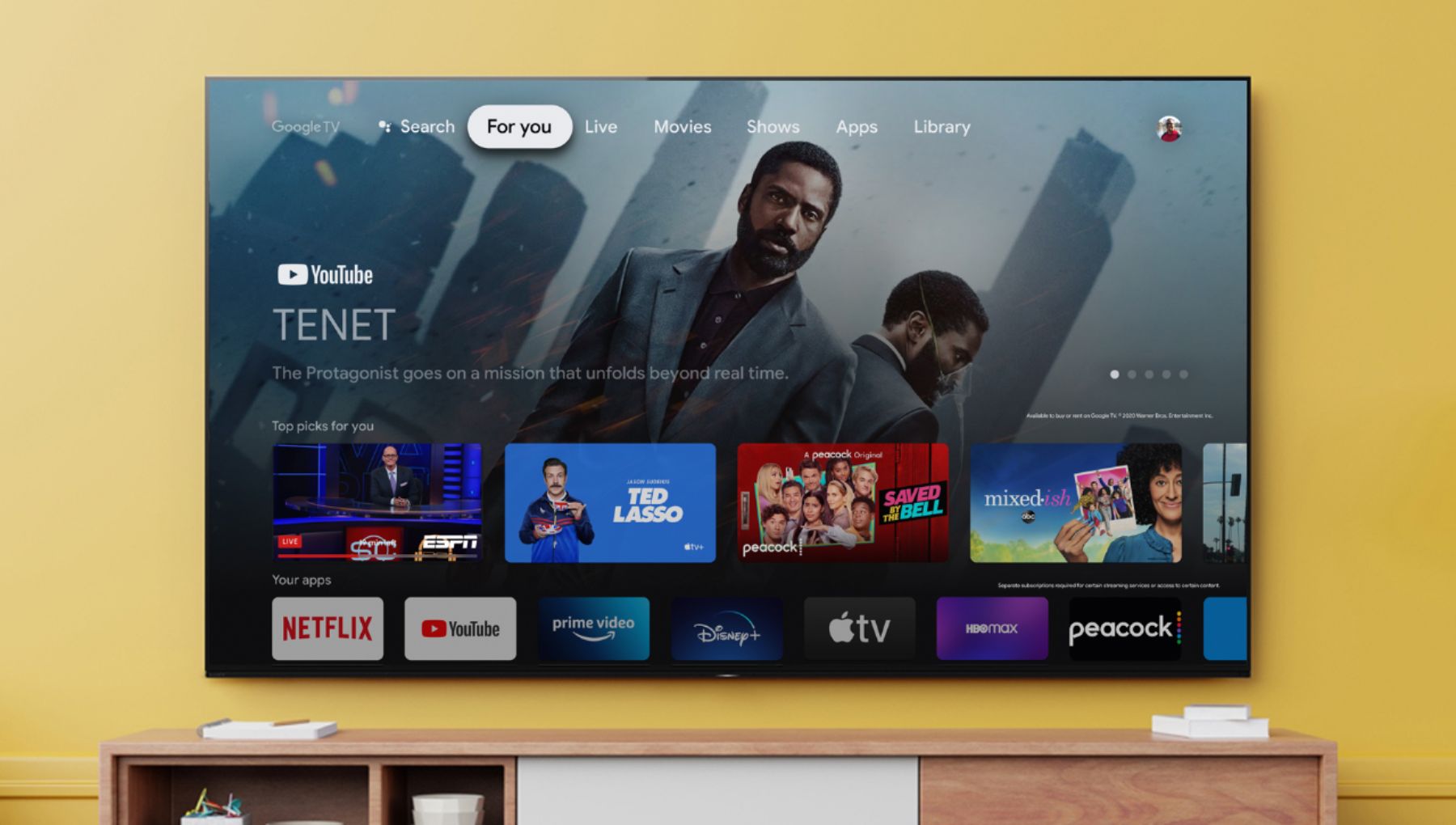
Also, you can enjoy the full features of this TV. This TV has pre-installed applications, including streaming services like Netflix, Amazon Prime Video, Disney+, YouTube, the Apple TV app, and many more. Also, you can download compatible applications from over 5000+ to choose from in the Google Play Store. YouTube TV also available on this TV. Hope this helps! Jay