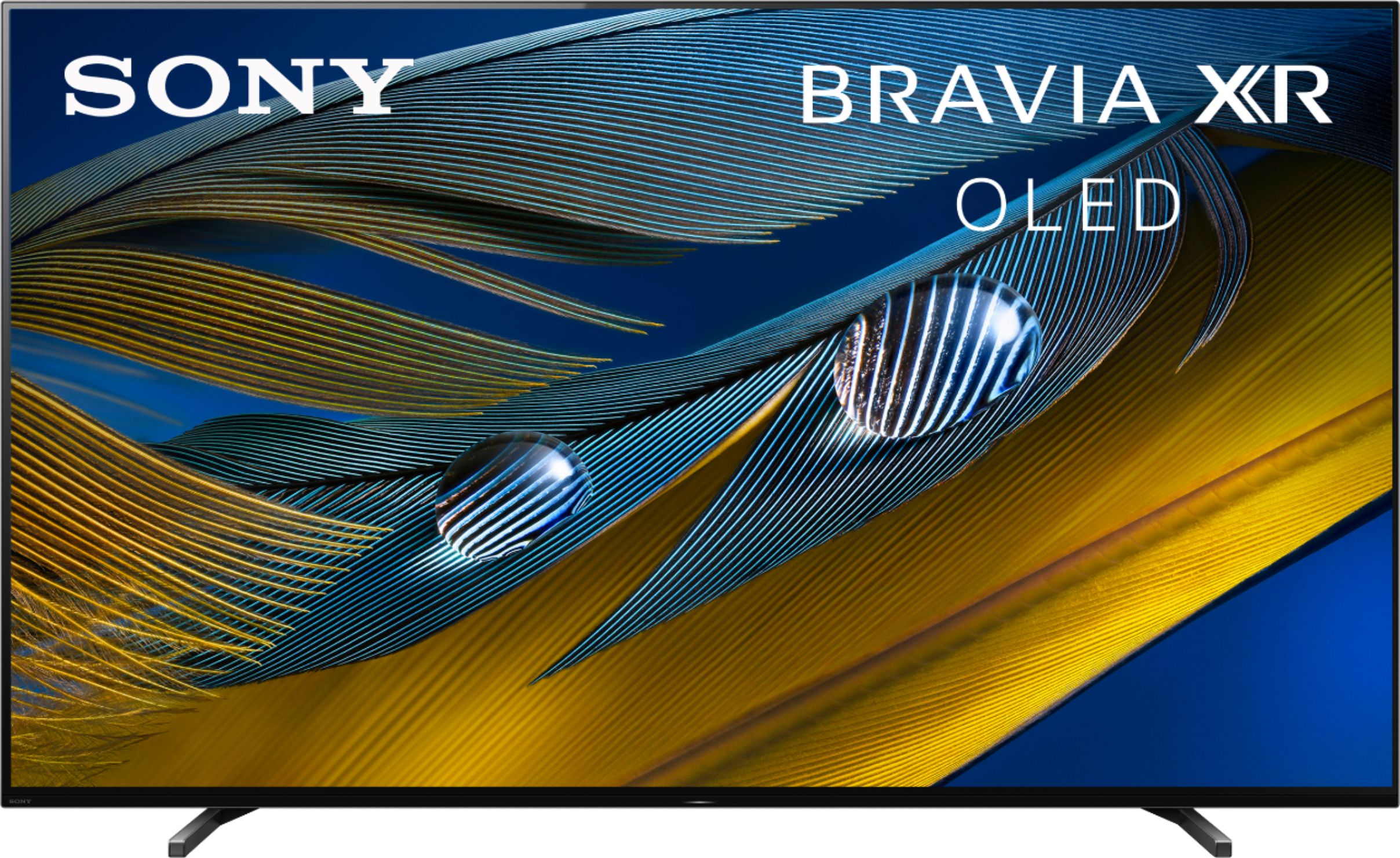
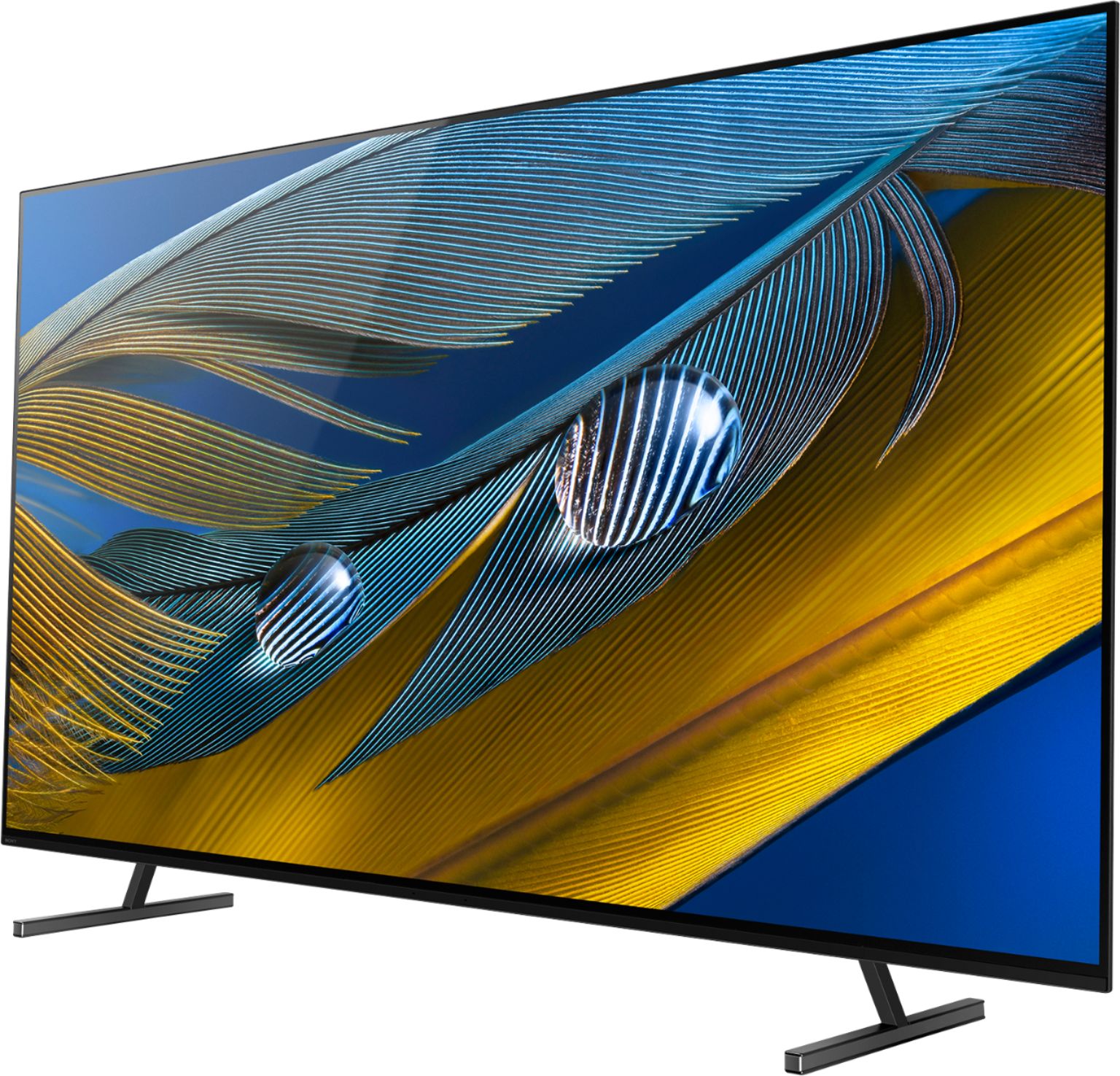
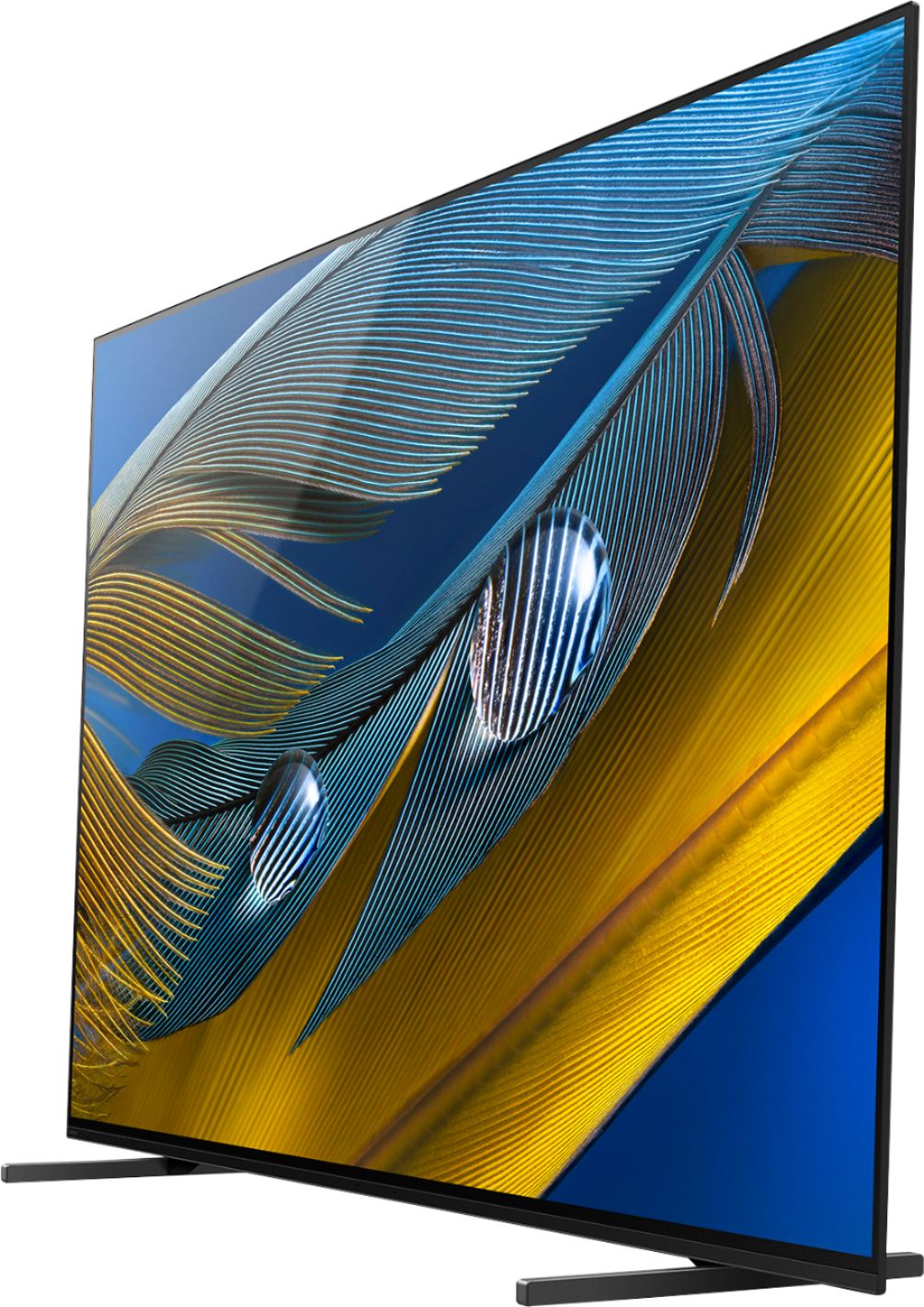
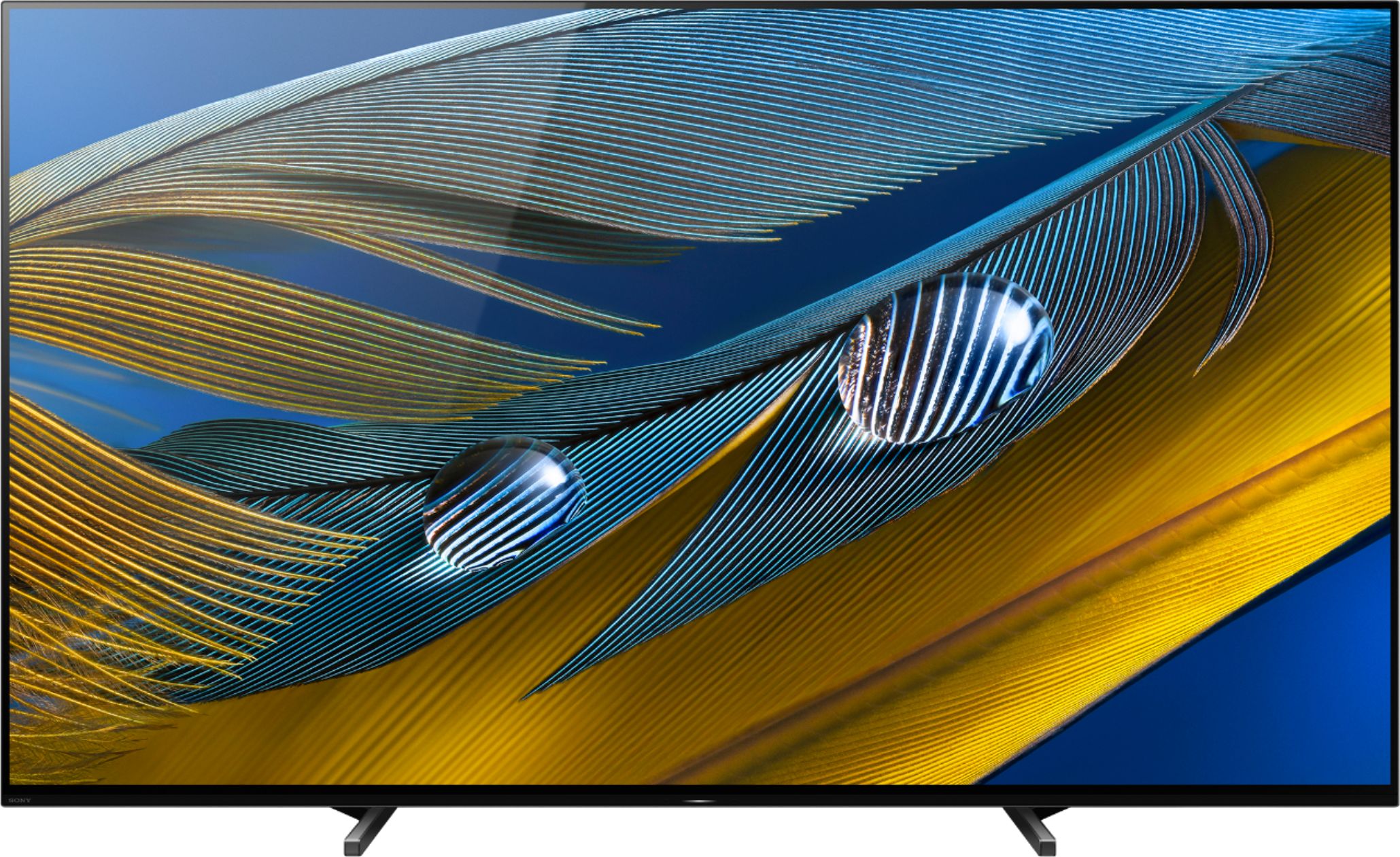
A:AnswerHi Mike, Thank you for the inquiry! Yes, you can turn off the picture display of the TV. If you press the (Quick Settings) button on the remote control, you can quickly access features such as [Picture mode], [Sleep timer], and [Picture Off] on the current screen, and settings such as [Speakers] depending on the connected devices. You can also display [Settings] from [Quick Settings]. I hope this helps! Jay
A:AnswerHi SCielinski,
Thanks for reaching out to us, and we apologize for any inconvenience. We're happy to help. Please note that some functions or services may not be available in all regions or countries. Check if your apps will install from the Google Play store on the Android TV or Search for apps on the Google TV after you perform each step.
1. Make sure to use a Google email account.
• If you create your Google email account outside the United States, some apps may not be available in the Google Play store.
2. The power reset or restart of the TV is a recommended a step to troubleshooting and may resolve many temporary issues.
• Restart the TV with the supplied remote control: Press and hold the POWER button until a menu appears → select Restart
3. Verify your internet connection is working. Check the Settings menu of the TV to confirm. Also, check you have set the correct date and time time zone, then select the proper city.
4. If the error still appears, disconnect power to your modem/router for at least one minute, then reconnect and wait until the internet connection is fully established.
There are several ways to install an app on your Google TV. Please check this article for more information: https://www.sony.com/electronics/support/televisions-projectors-oled-tvs-android-/xr-77a80j/articles/00147386
If the issue is still unresolved, please follow the steps below for ways to contact us so we can better assist you.
May we contact you to help? If so, please email the below information to socialsupport@am.sony.com.
Apologies if you disclosed some of this information in your review and to customer service, we just want to ensure that we have your accurate details at the time of communication.
Full Name:
Best Buy Username:
Telephone Number:
Sony TV Model Number:
Additional Information regarding your experience with the A80J:
Regards,
Jess
A:AnswerHi Jimbo,
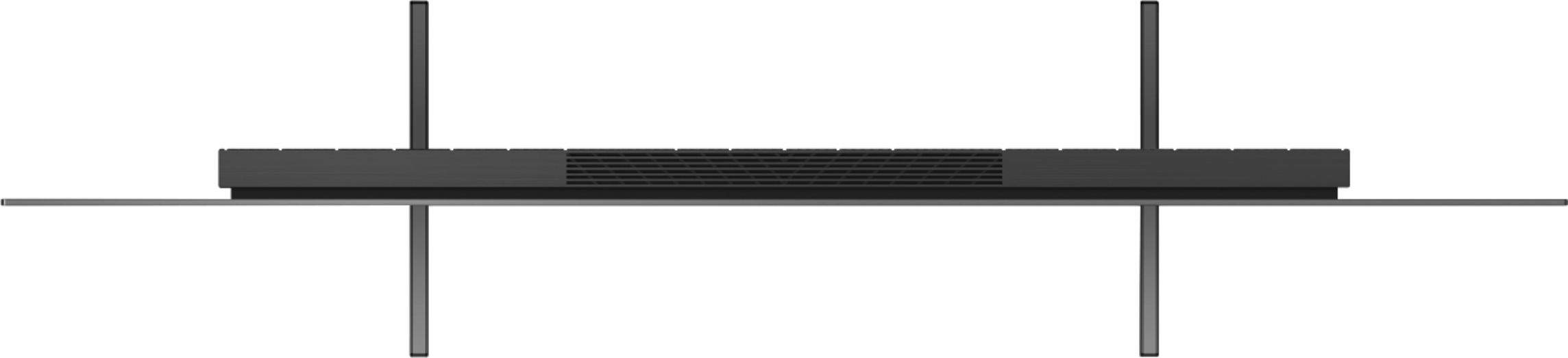
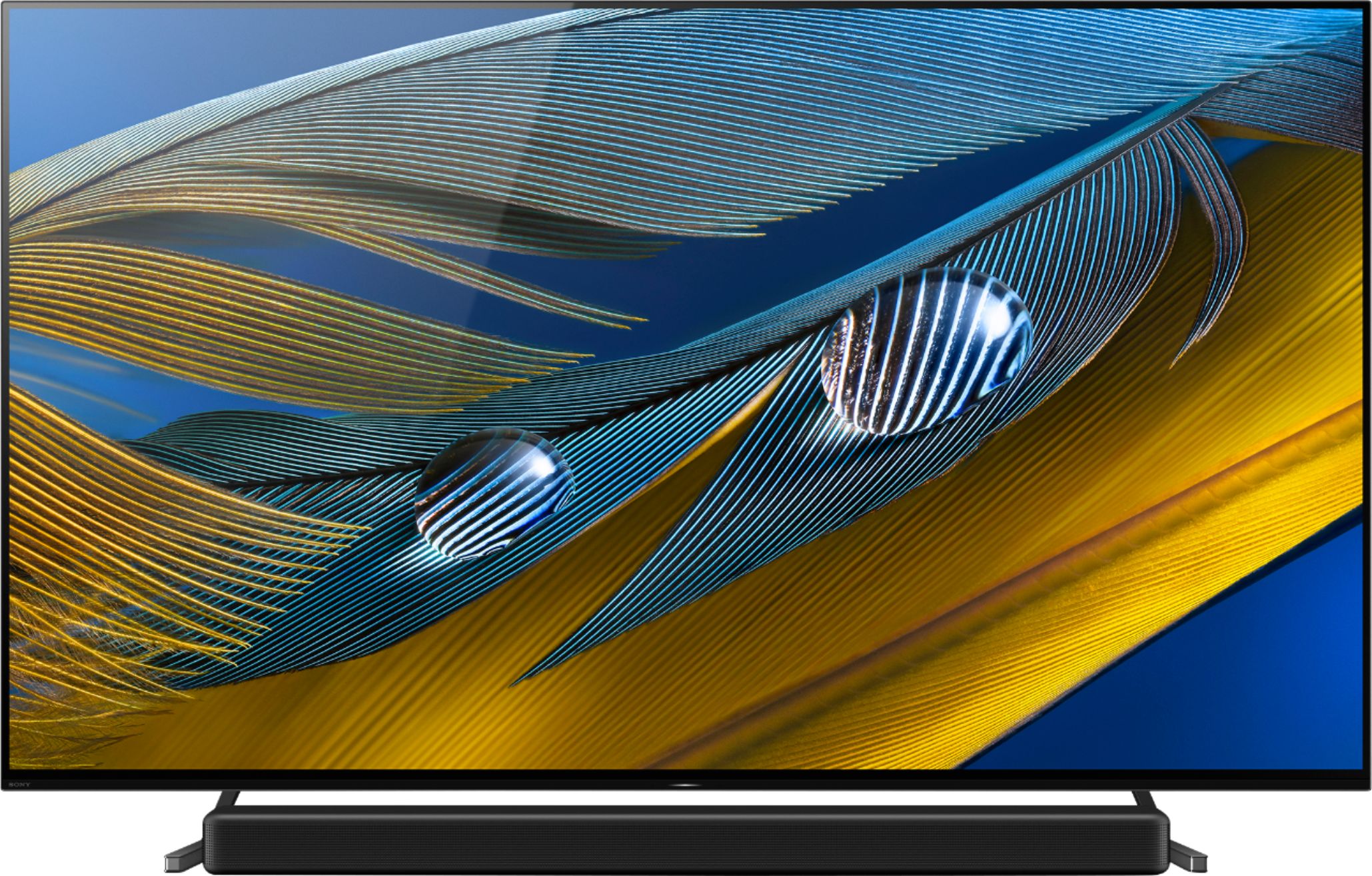
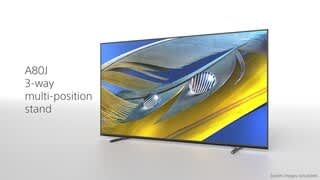
Thanks for inquiring about the XR-77A80J. The width of the TV stand measures approximately 40.75 inch (1,034 mm) in standard position. It can be adjusted into a narrower position of 27.25 inch (692 mm) and soundbar position of 40.88 inch (1,036 mm).
Regards,
Jess
A:AnswerHi Aznqt703,
Thank you for the inquiry. This TV doesn't have built-in microphone on the TV itself. In the A80J, you must use the remote control for voice commands. You can access Google Assistant or voice search by pressing the Google Assistant (or MIC) button on the remote control. For more information on how to use the voice search function on the remote control, please visit the link below.
https://www.sony.com/electronics/support/televisions-projectors-oled-tvs-android-/xr-55a80j/articles/00127005
The A80CJ, A90J, X95J, and Z9J series have hands-free voice control (TVs with built-in MIC) also.
Regards,
Jess
A:AnswerHi CusinBrucie,
Thanks for your inquiry and for purchasing our A80J and STR-DH790 receiver. Great news! The A80J model have eARC function for enhanced audio which is a step up from ARC for higher bandwidth audio such as Dolby Atmos and DTS:X. You can connect your AV receiver directly to the television via HDMI eARC/ARC connection to output the audio.
Please check this link for the BRAVIA Connectivity Guide: https://www.sony.com/electronics/support/televisions-projectors-oled-tvs-android-/xr-77a80j/articles/00231150
Regards,
Jess
A:AnswerHi Cappsk,
Thanks for your inquiry. You can connect the playback devices (i.e. BD player, streaming devices, etc.) to any available HDMI inputs on your TV. To enjoy high quality 4K contents, connect a Premium High Speed HDMI Cable(s) that supports speeds of 18 Gbps and set the [HDMI signal format] to [Enhanced format].
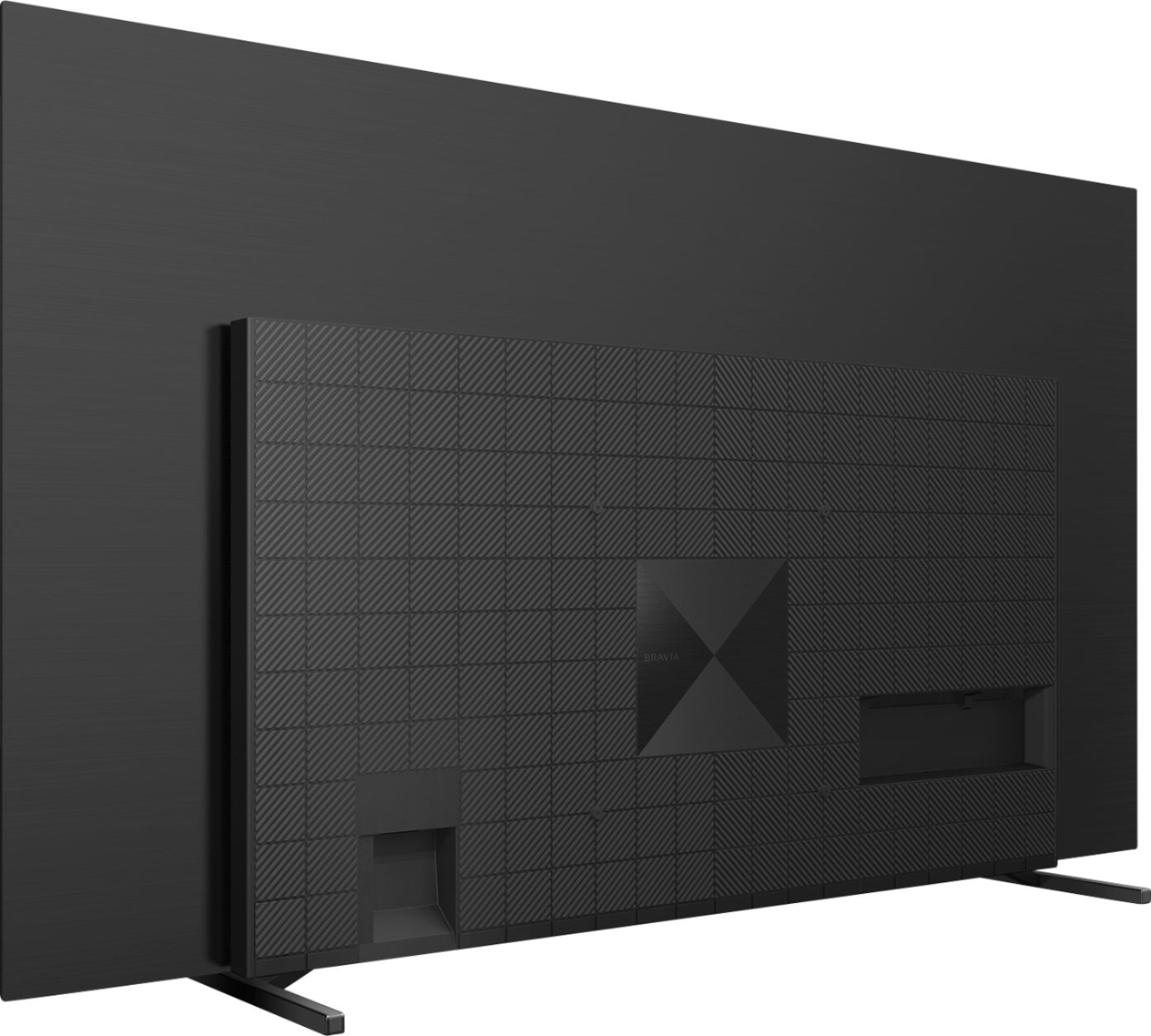
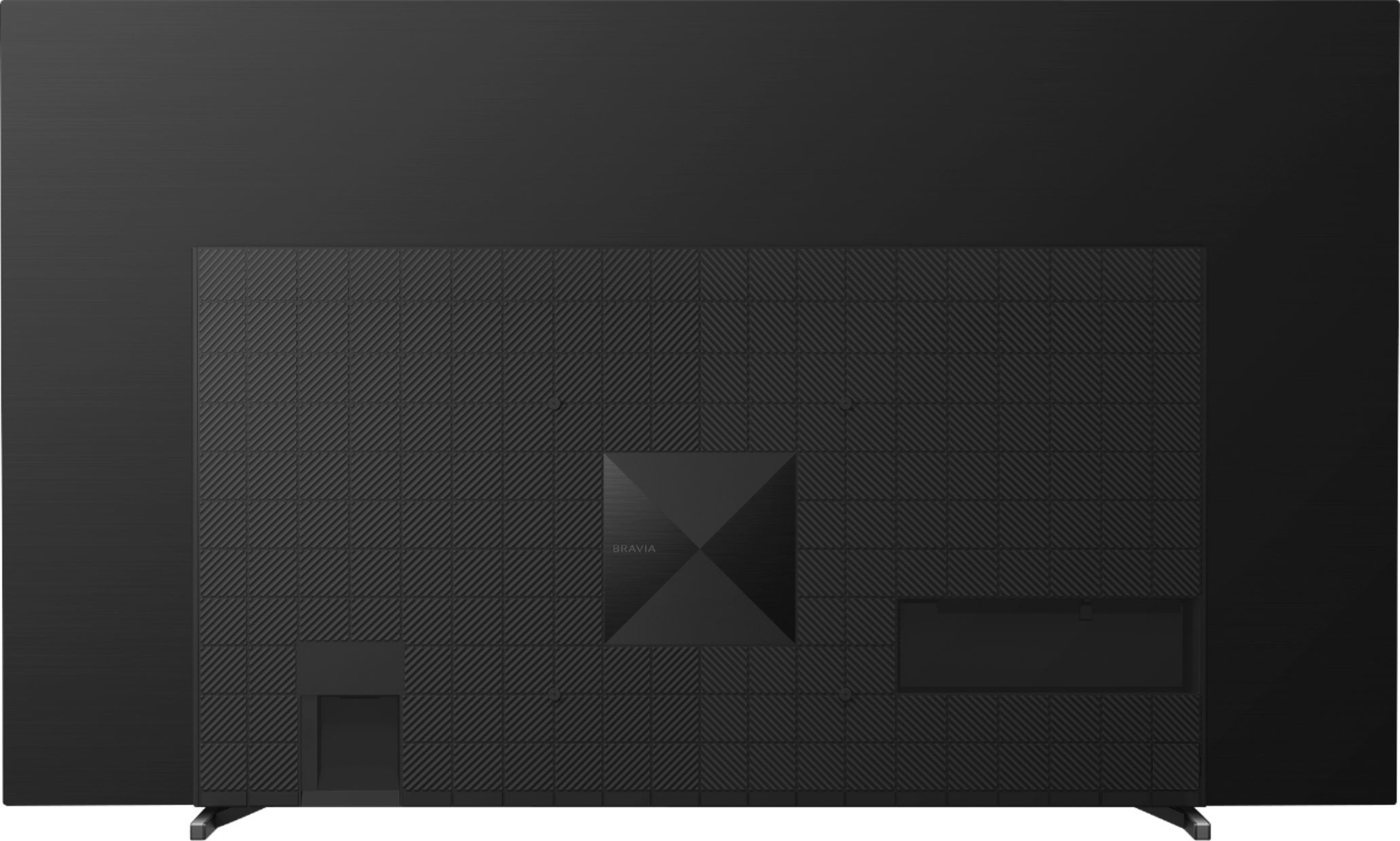
If you have a soundbar, then use an HDMI cable to connect the HDMI IN 3 (ARC/eARC) terminal on the TV to the TV OUT (ARC) terminal on the Soundbar. For best sound experience, you can enable the eARC function and set it to Auto. If [Auto] is selected, high quality audio such as Dolby Atmos and DTS:X is output when an eARC supported device is connected to an HDMI port labeled “ARC” or “eARC/ARC”.
Regards,
Jess
A:AnswerHi TopherMac,
Thanks for purchasing our XR-77A80J. We're sorry, but the A80J cannot be used as a center channel speaker with your existing receiver. However, our A90J model supports TV Center Speaker Mode.
The BRAVIA Acoustic Center Sync or S-Center speaker input on the TV allows you to connect with a compatible Sony soundbar/audio system to the TV for enhanced audio playback using the TV as a center channel speaker in a multi-channel setup.
Note: The S-Center speaker input is compatible with the HT-A9 and HT-A7000 soundbar models.
You may refer to this help guide link for more information: https://helpguide.sony.net/tv/iusltn1/v1/en-003/04-04_05.html
Regards,
Jess
A:AnswerHi PSUCMU,
The A80J has a built-in tuner (Digital and Analog). To receive local channels, we recommend using an antenna and perform an Auto program to add receivable channels that are not present in the TV memory. You will be able to see the Live TV Schedule on the home screen - only available after Channels have been set up (Auto Program).
For more information, please visit this link: https://www.sony.com/electronics/support/televisions-projectors-oled-tvs-android-/xr-77a80j/articles/00258411
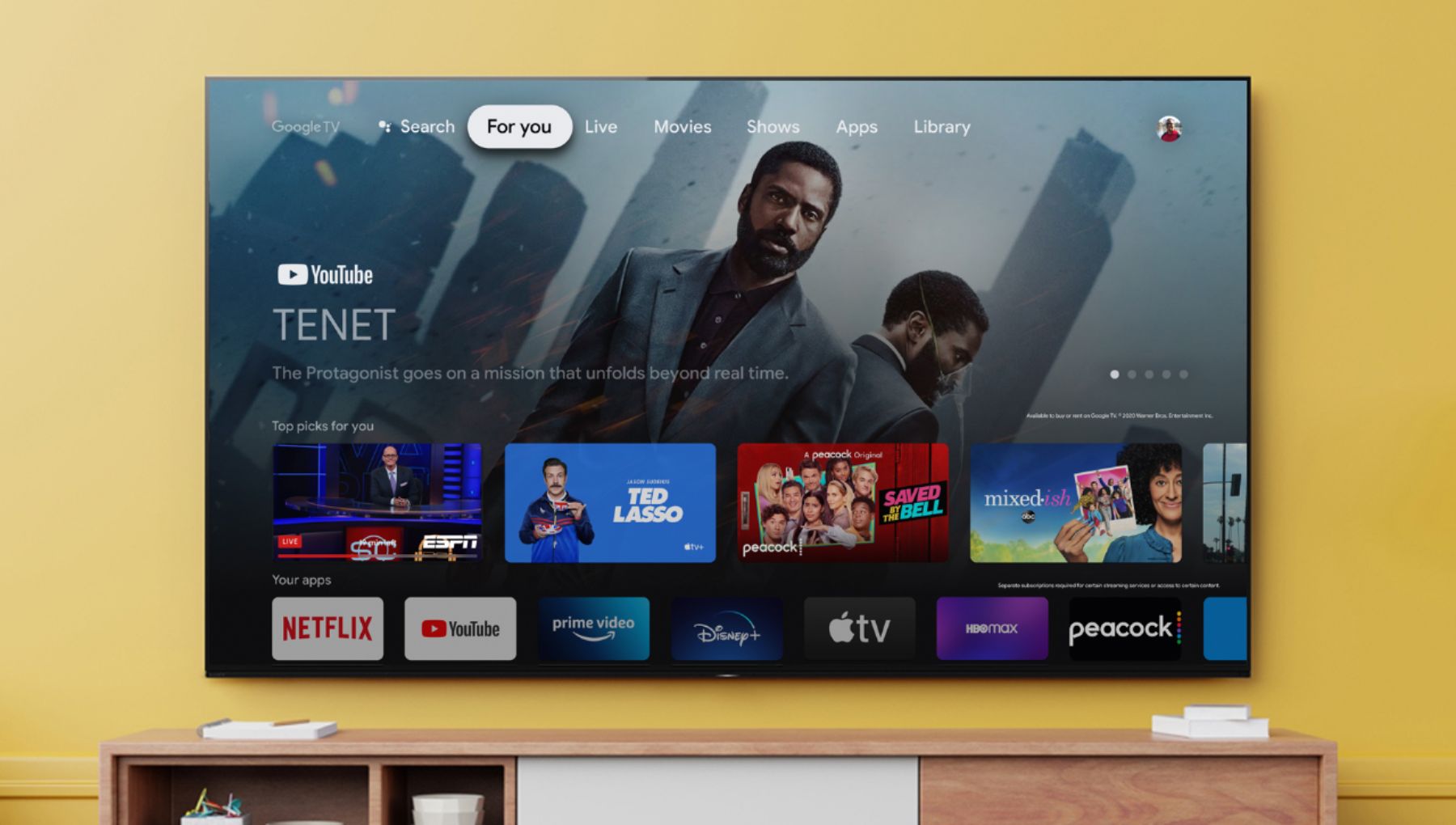
The TV also features streaming channels playback. Aside from the built-in applications, this TV has a Google Play Store app to download compatible third-party applications.
Regards,
Jess
A:AnswerHi Bluetooth, thank you for your inquiry. Yes, it does. The X80J supports Bluetooth for connecting headphones, soundbars, or any A2DP capable device. Hope this helps! -Sam
A:AnswerHi Pasha,
Thanks for your inquiry. Unfortunately, this feature is not available on this TV. However, the BRAVIA A80J has most Accessibility features that can be activated on the remote or from the Accessibility menu with the system settings. The accessibility shortcut service can be turned on or off by pressing and holding MUTE button.
We do have good information about the accessibility features on this link: https://www.sony.com/electronics/support/televisions-projectors-oled-tvs-android-/xr-77a80j/articles/00252705
Regards,
Jess
A:AnswerHi Dennis,
Thank you for inquiring about the A80J. Yes. A Roku streaming device should work with this TV. You can connect the playback devices (i.e. BD player, streaming devices, etc.) to any available HDMI inputs on your TV. To enjoy high quality 4K contents, use a Premium High Speed HDMI Cable(s) that supports speeds of 18 Gbps and set the [HDMI signal format] to [Enhanced format].
The Spectrum app is not currently available on the A80J. However, you can also use the built-in Chromecast feature to cast the content/channel from the Spectrum app on your mobile device to the TV.
Regards,
Jess
A:AnswerHi Dhishi,
Thank you for your inquiry! The wall-mount bracket hole distance(W) for our XR77A80J is 11 13/16 x 11 13/16 inches. This TV works with any VESA Complaint wall mount bracket with a screw hole pattern of 300 × 300 mm(11 13/16 x 11 13/16 in). We also recommend the SU-WL855 wall-mount bracket that works with any 55” up to 77” TVs. For reference: https://www.sony.com/electronics/support/televisions-projectors-oled-tvs-android-/xr-77a80j/articles/00263818
For product protection and safety reasons, Sony strongly recommends that the installation of your TV on a wall be performed by qualified professionals. Please contact your local retailer to find a VESA wall mount bracket that meets the size of your TV, your wall or environmental requirements and stylistic preferences. For more detailed wall mount specifications and Sony recommended wall mounts, please check this link: https://www.sony.com/electronics/support/televisions-projectors-oled-tvs-android-/xr-77a80j/articles/00124300
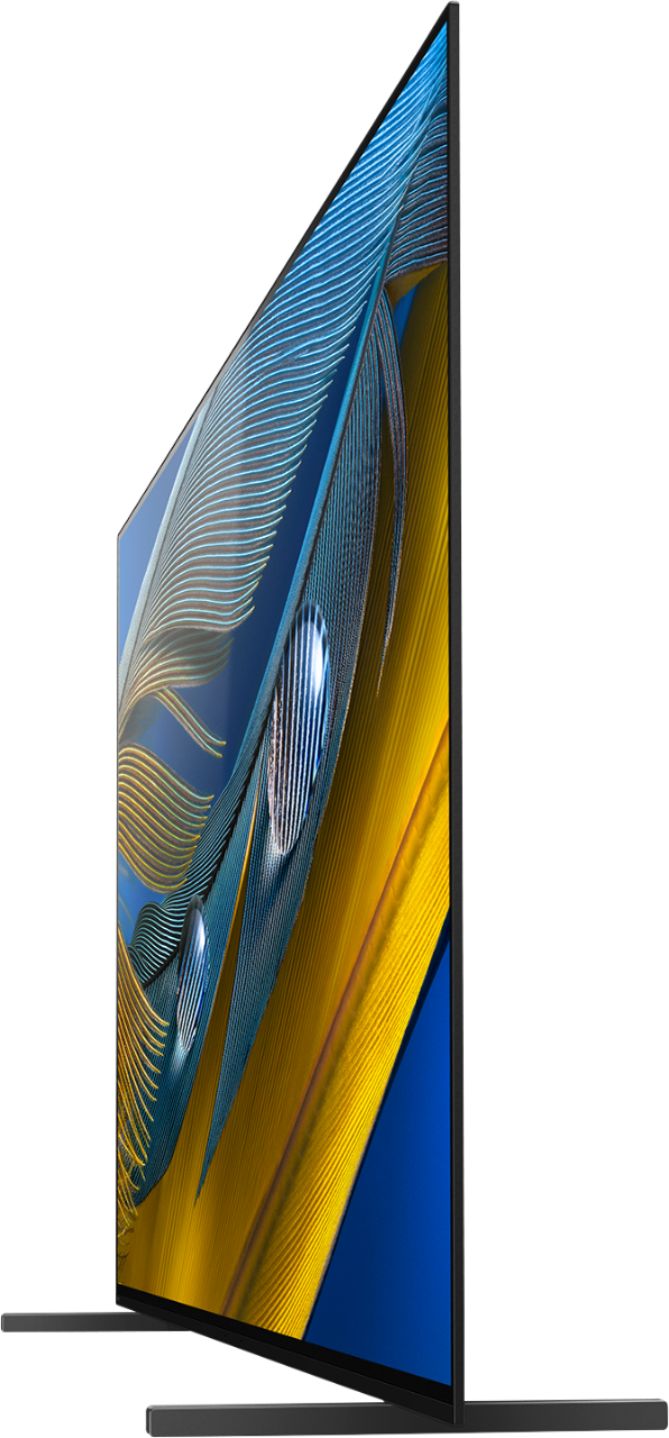
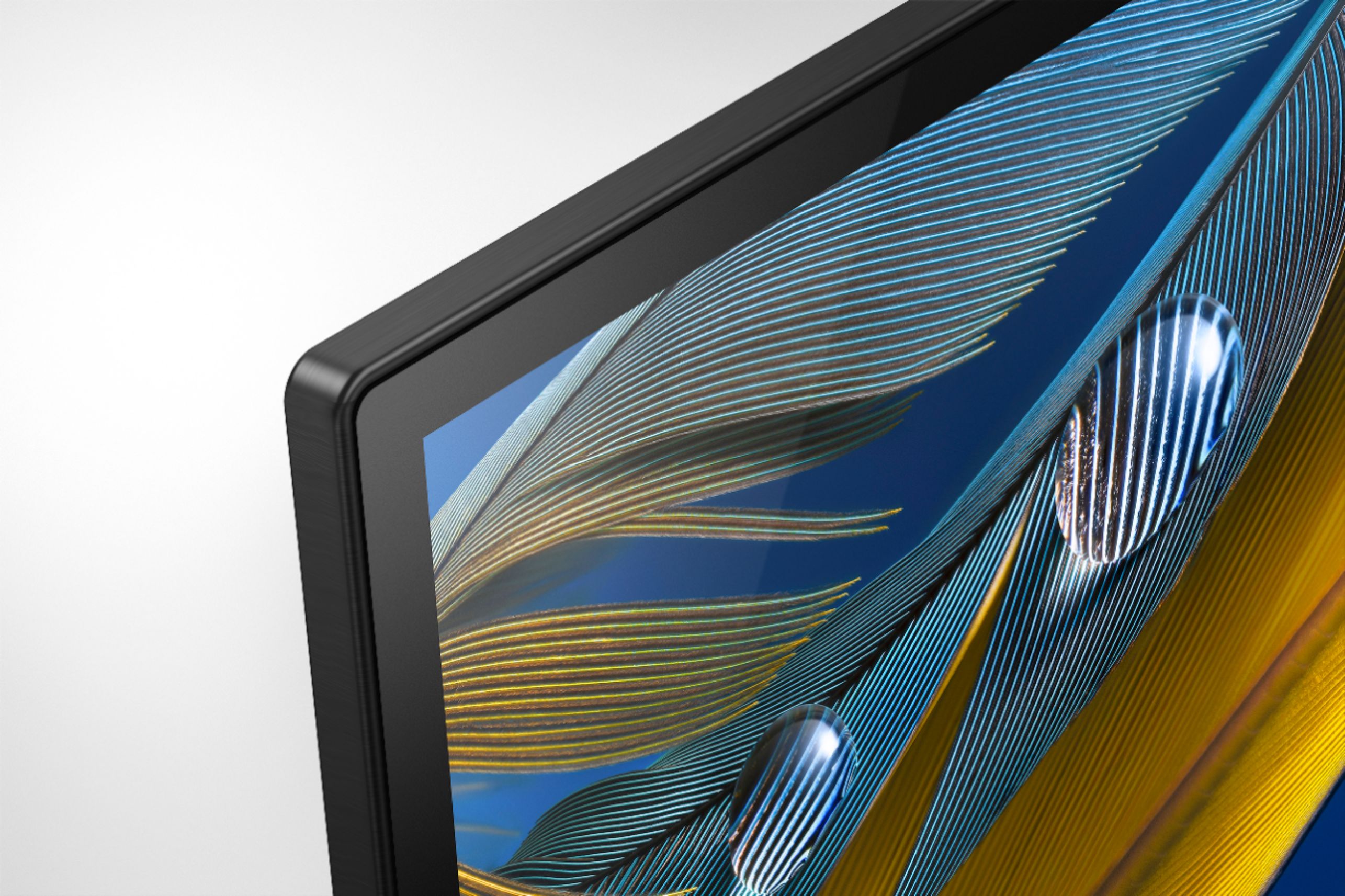
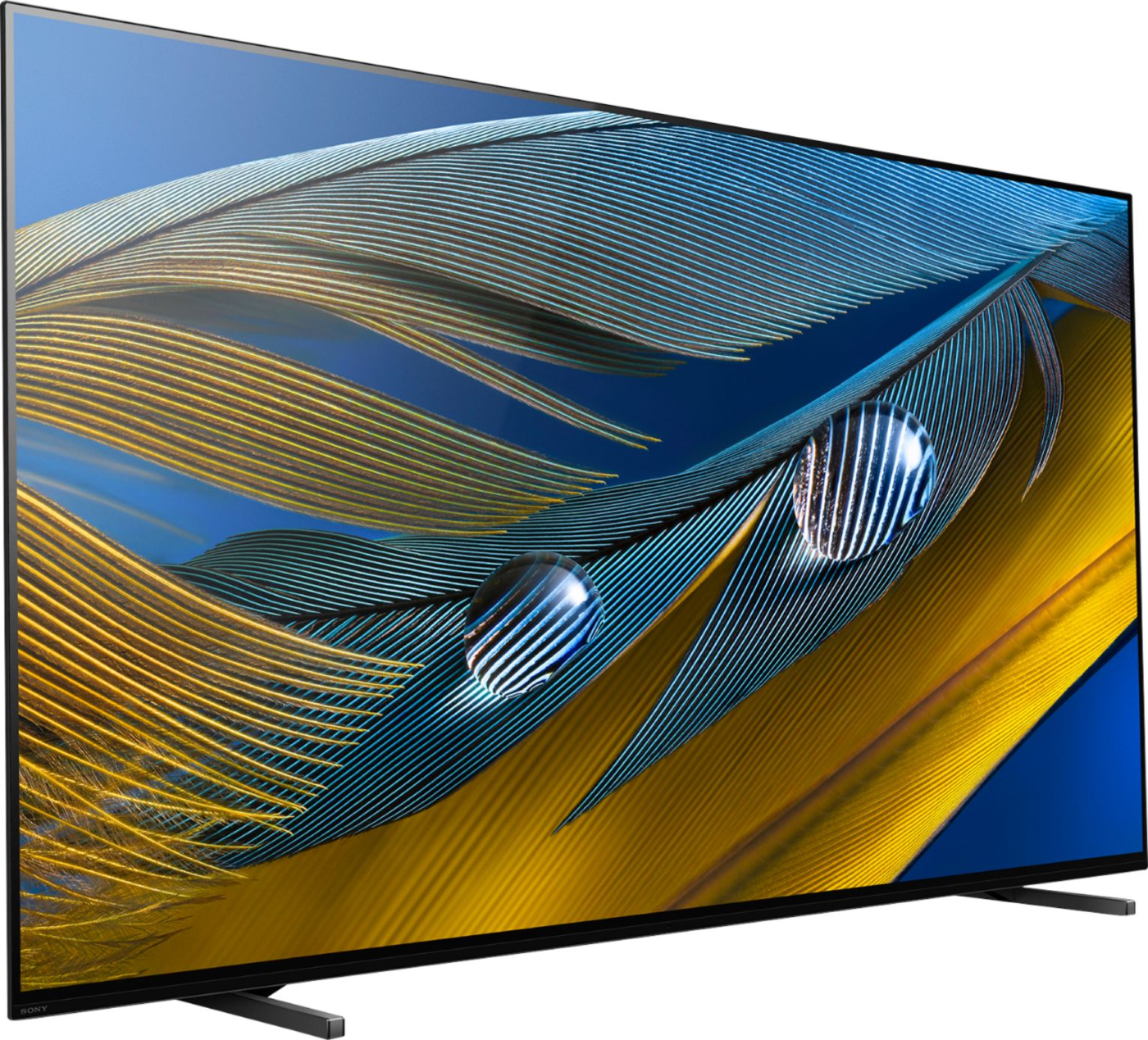
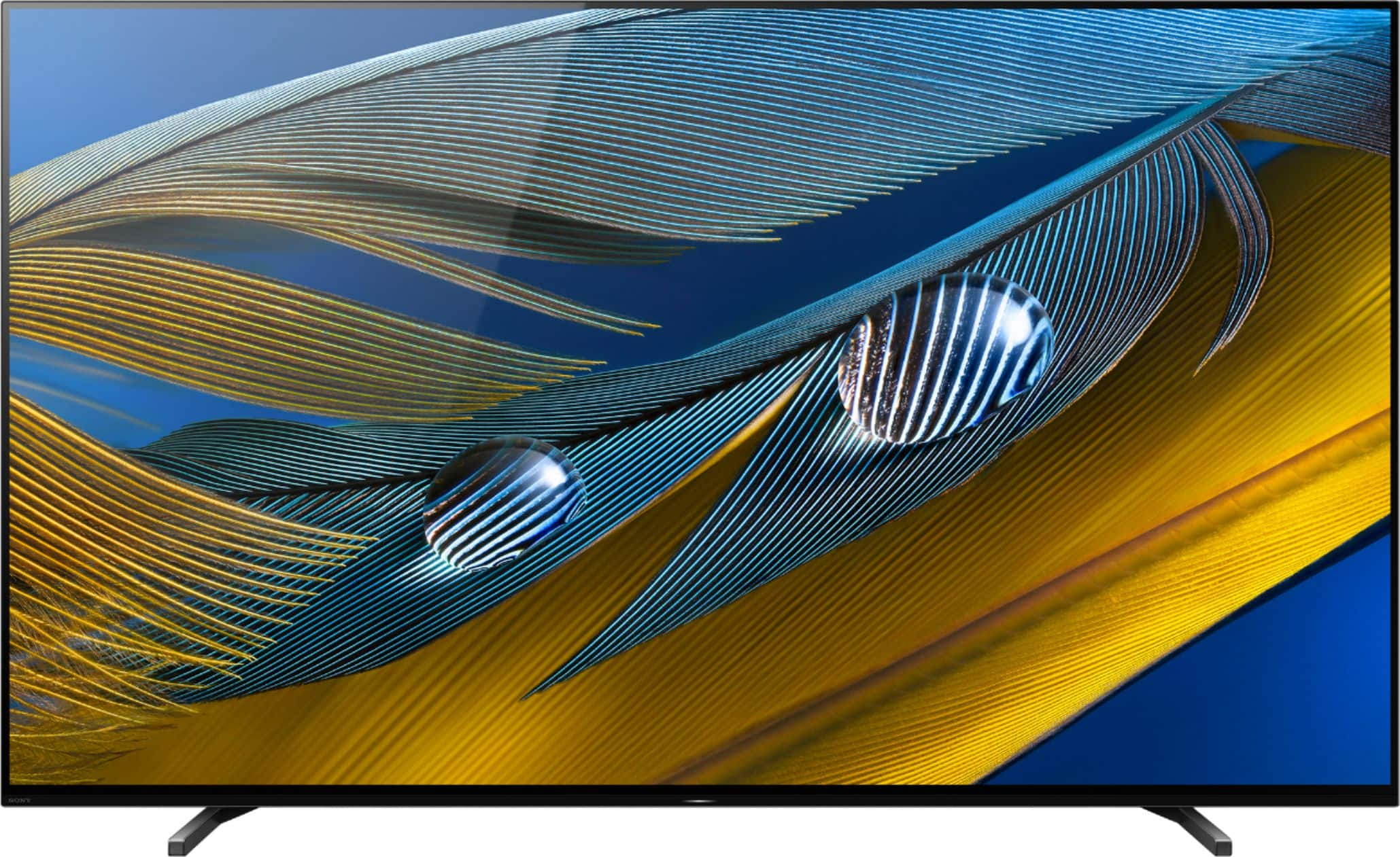
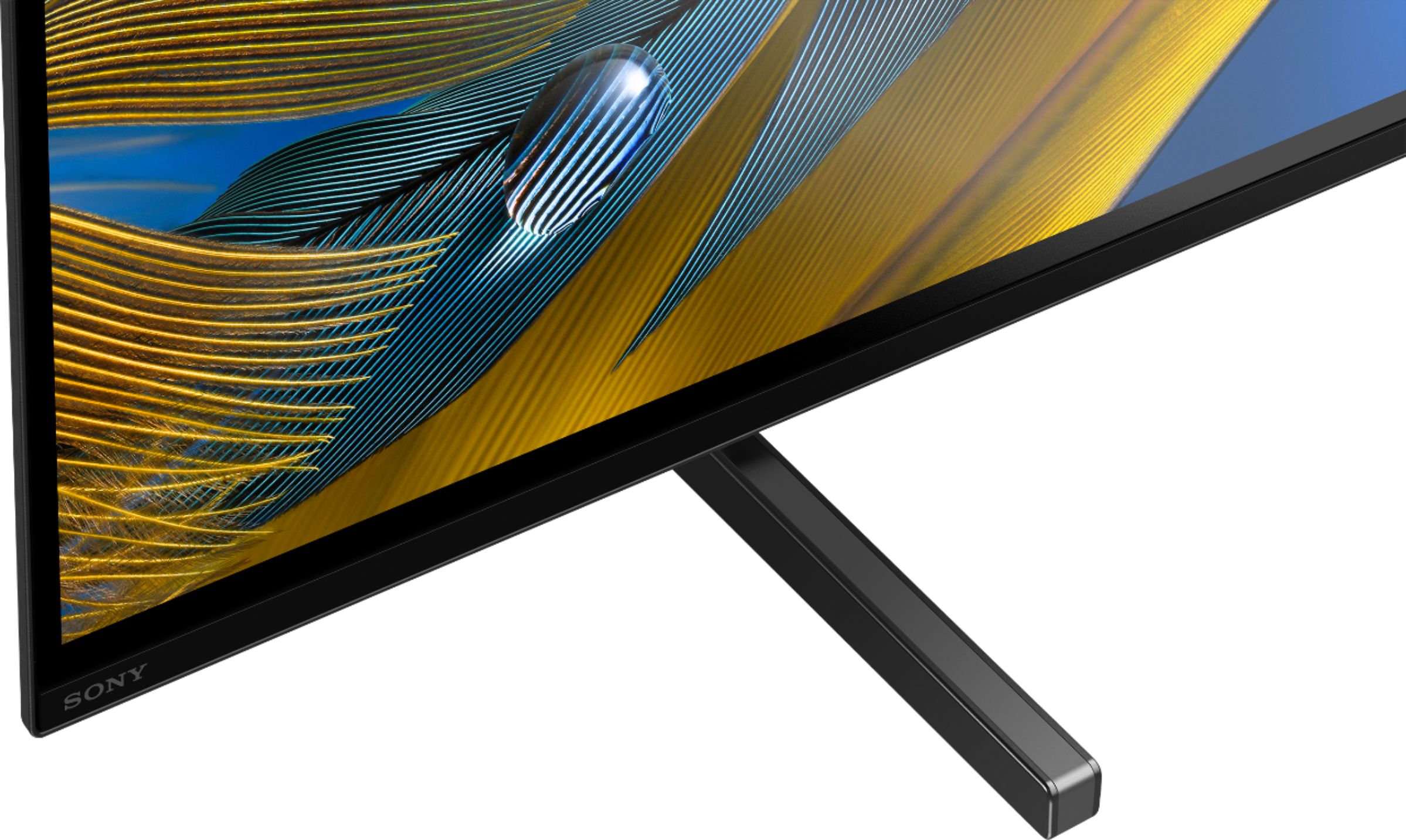
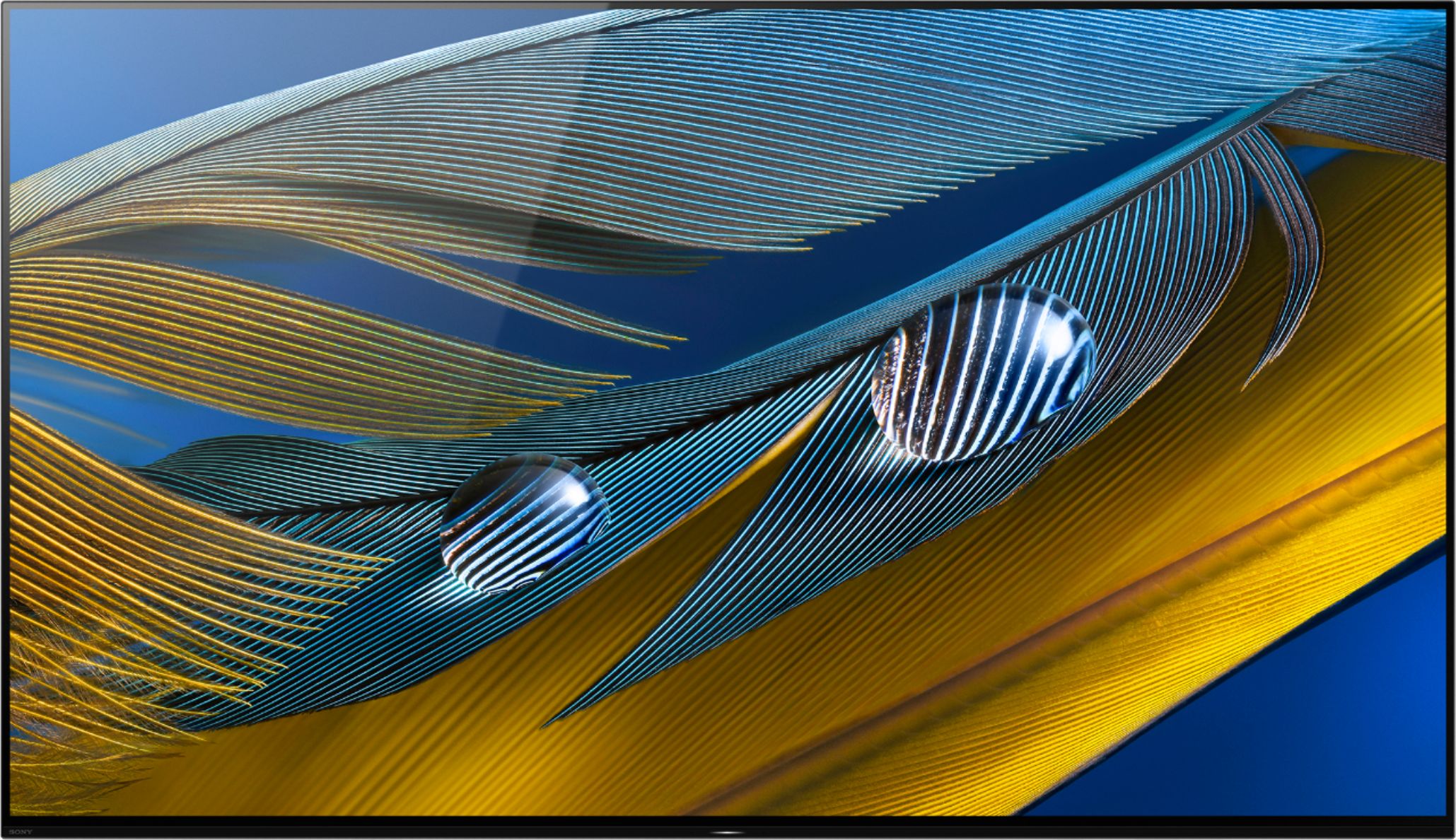
With the BRAVIA XR A80J you will enjoy a premium OLED picture with contrast and color that feels deep, natural, and real. The revolutionary Cognitive Processor XR™ optimizes thousands of on-screen elements simultaneously for a lifelike picture. Feel the action with Acoustic Surface Audio+ and experience truly immersive sound that perfectly matches the picture on screen. Hope this helps! - Kris
A:AnswerNo, I have ATT DirectTV it was not found in the App Store. I have to always stream shows from smartphone. However, picture and sound quality is much better.