A:Answer Hi Jennifer,
Thank you for your inquiry. We're more than happy to help you out with your concern. To use devices connected (such as a Blu-ray/DVD player or set-top box) to the TV, or to watch TV after such use, you will need to switch the input.
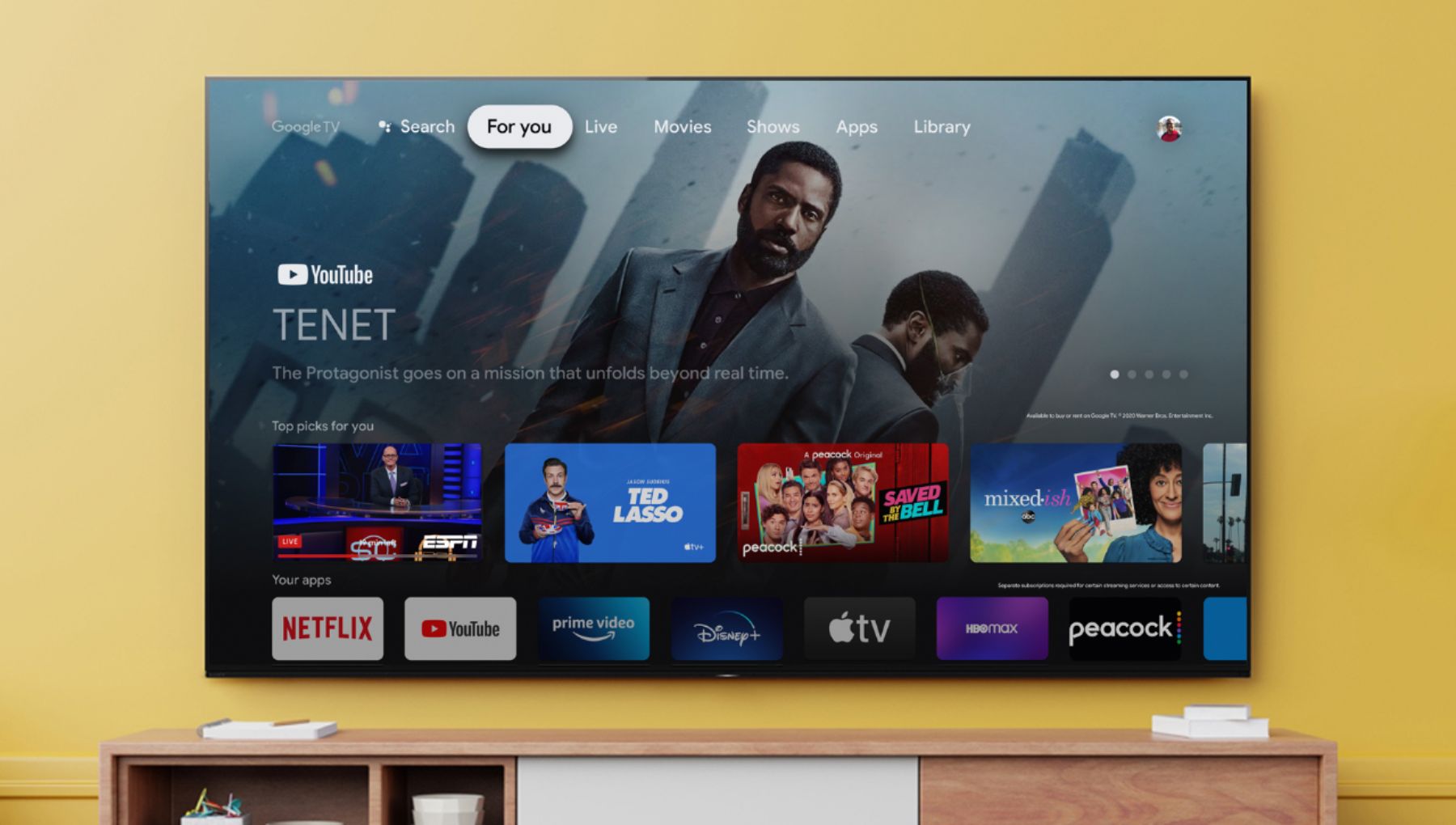
On the supplied remote control, press the INPUT button repeatedly to select the connected device. Alternatively, press the INPUT button or (Input select on the Home screen), use the Left/Right buttons to select a connected device, and then press the Enter button. You can also switch to TV broadcasting by simply pressing the TV button on the remote control. For details on how to change inputs on your Google TV device., refer to the link below.
https://www.sony.com/electronics/support/televisions-projectors-oled-tvs-android-/xr-77a80j/articles/00114153
Regards,
Jess