A:AnswerHi there,
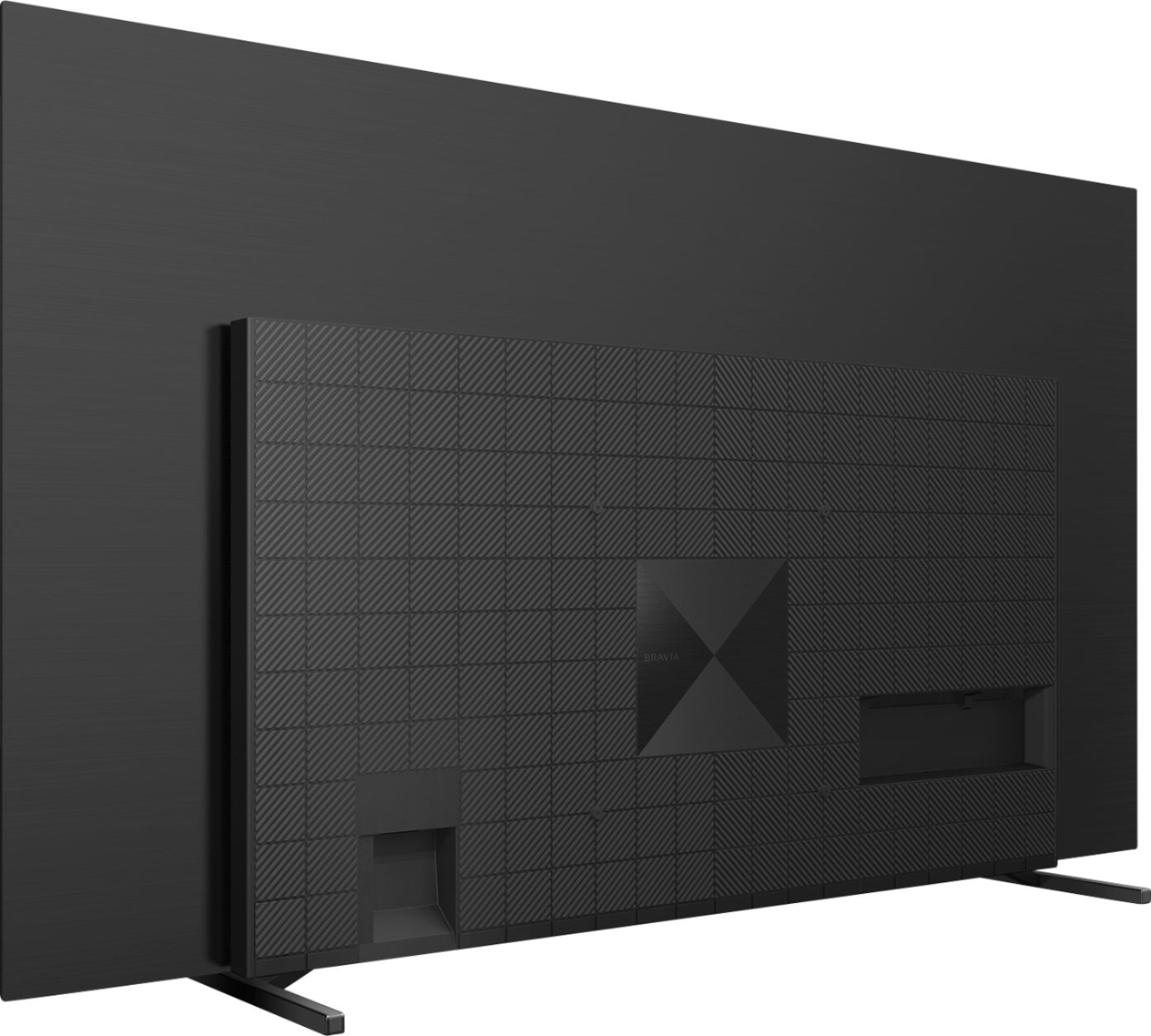
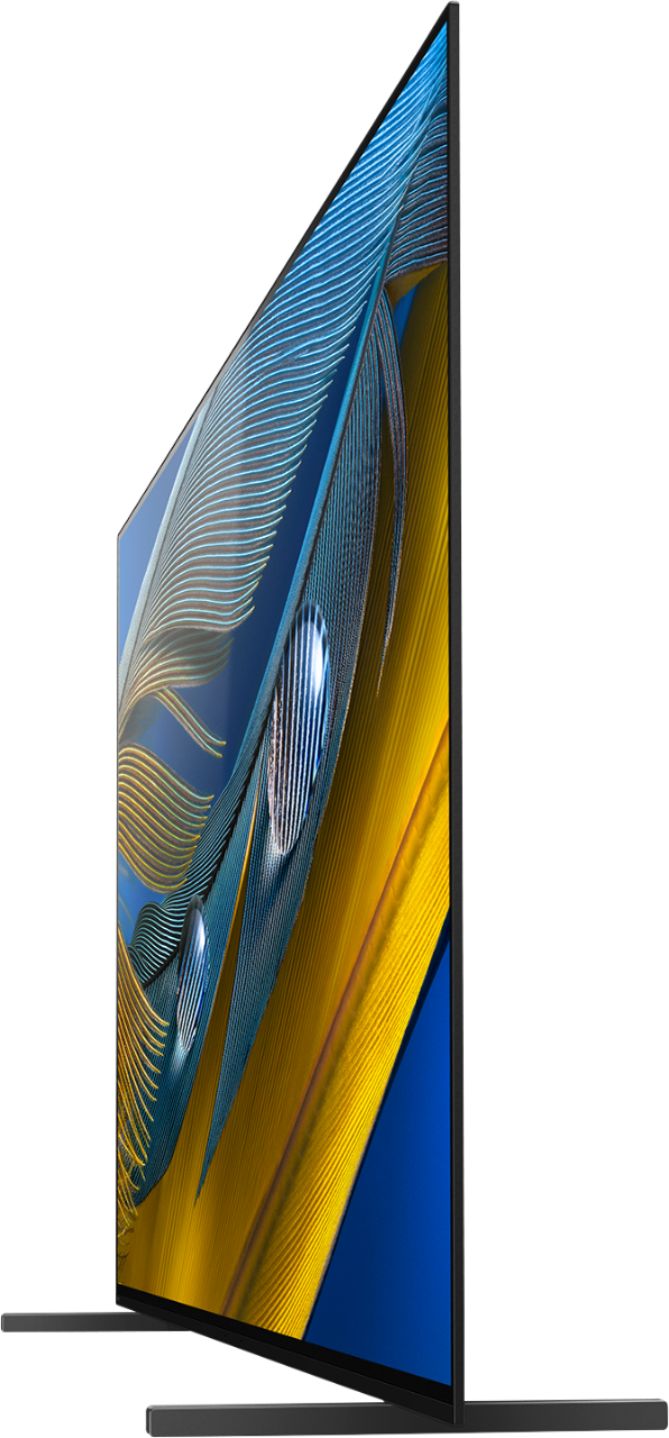
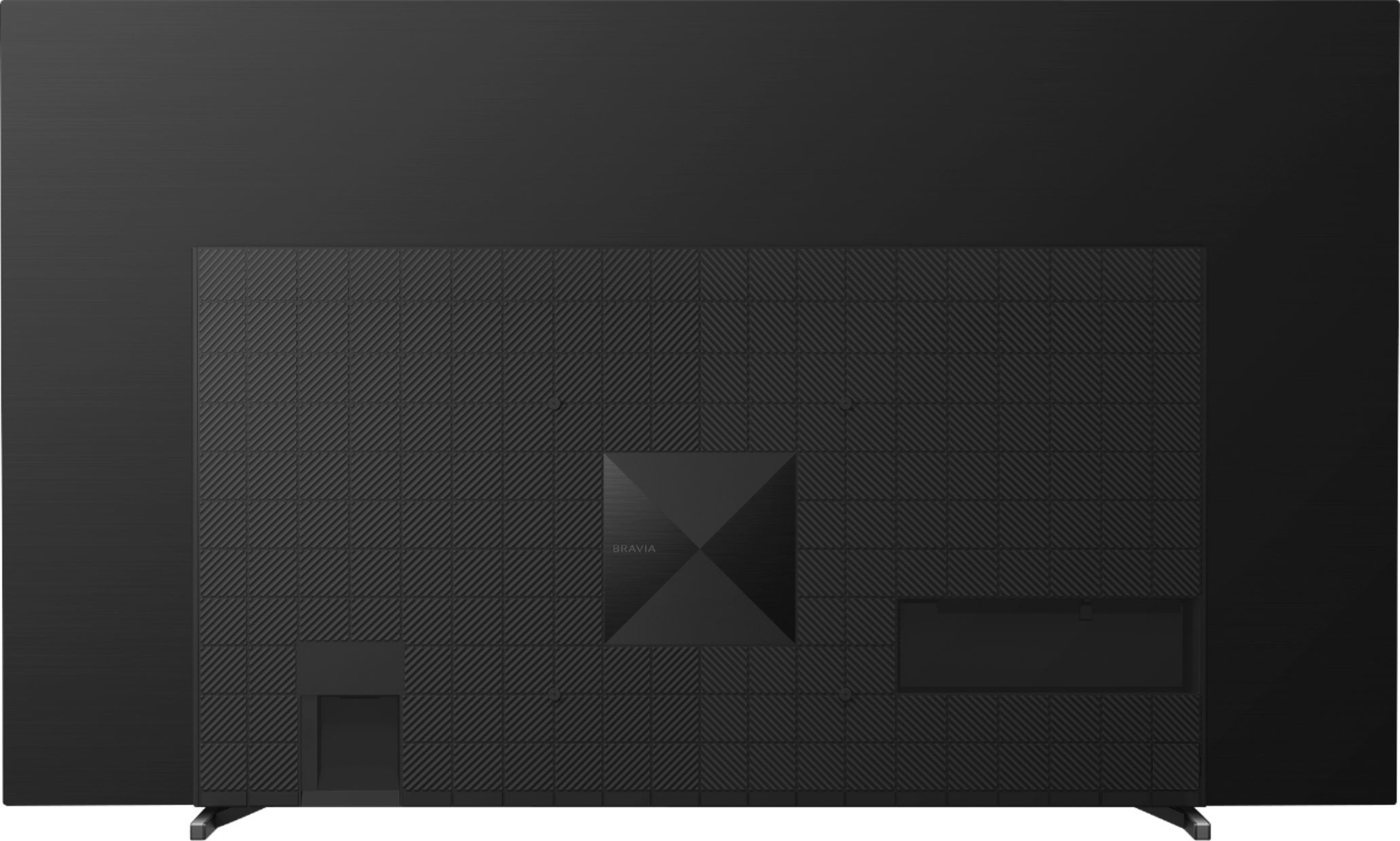
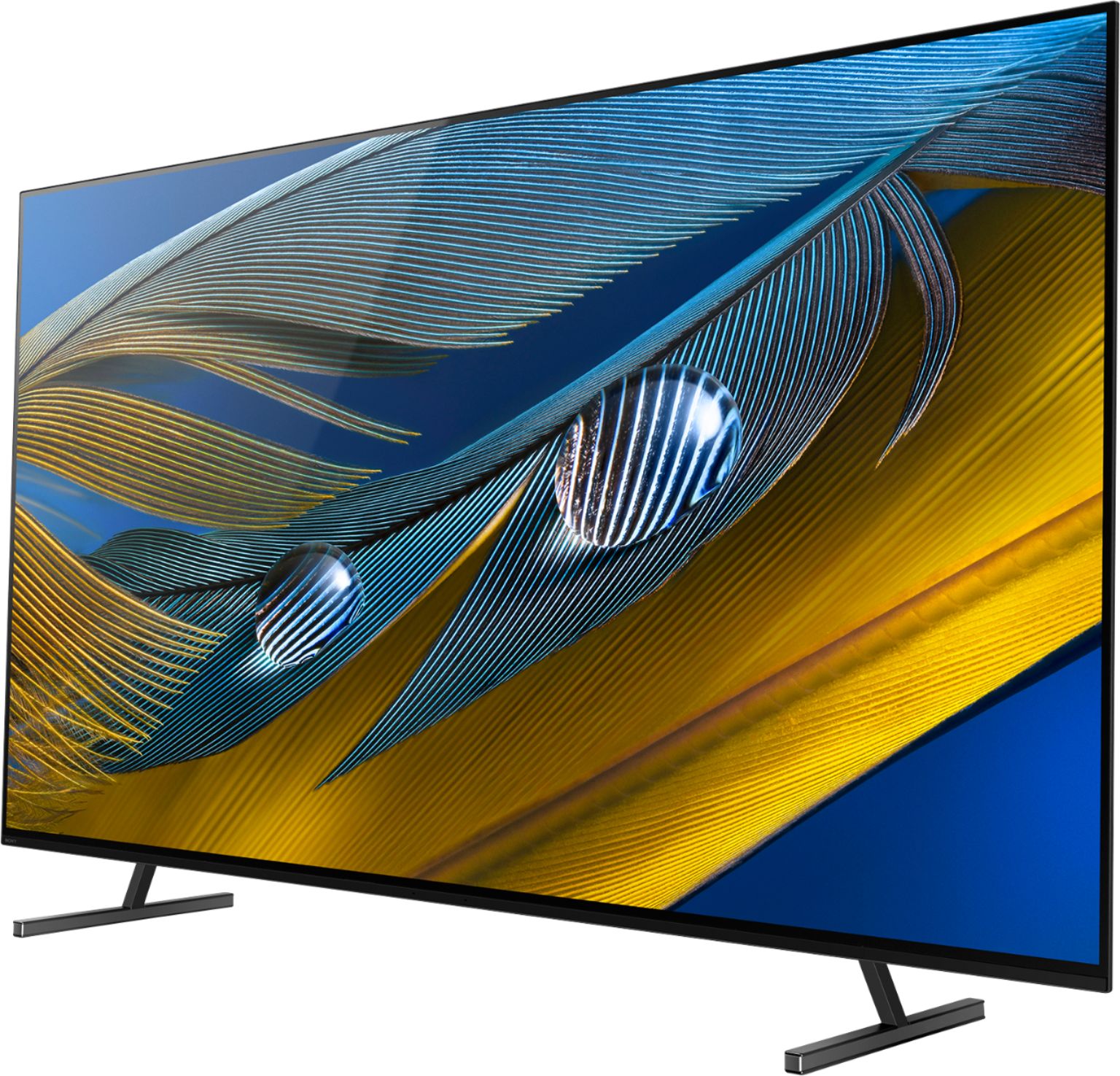
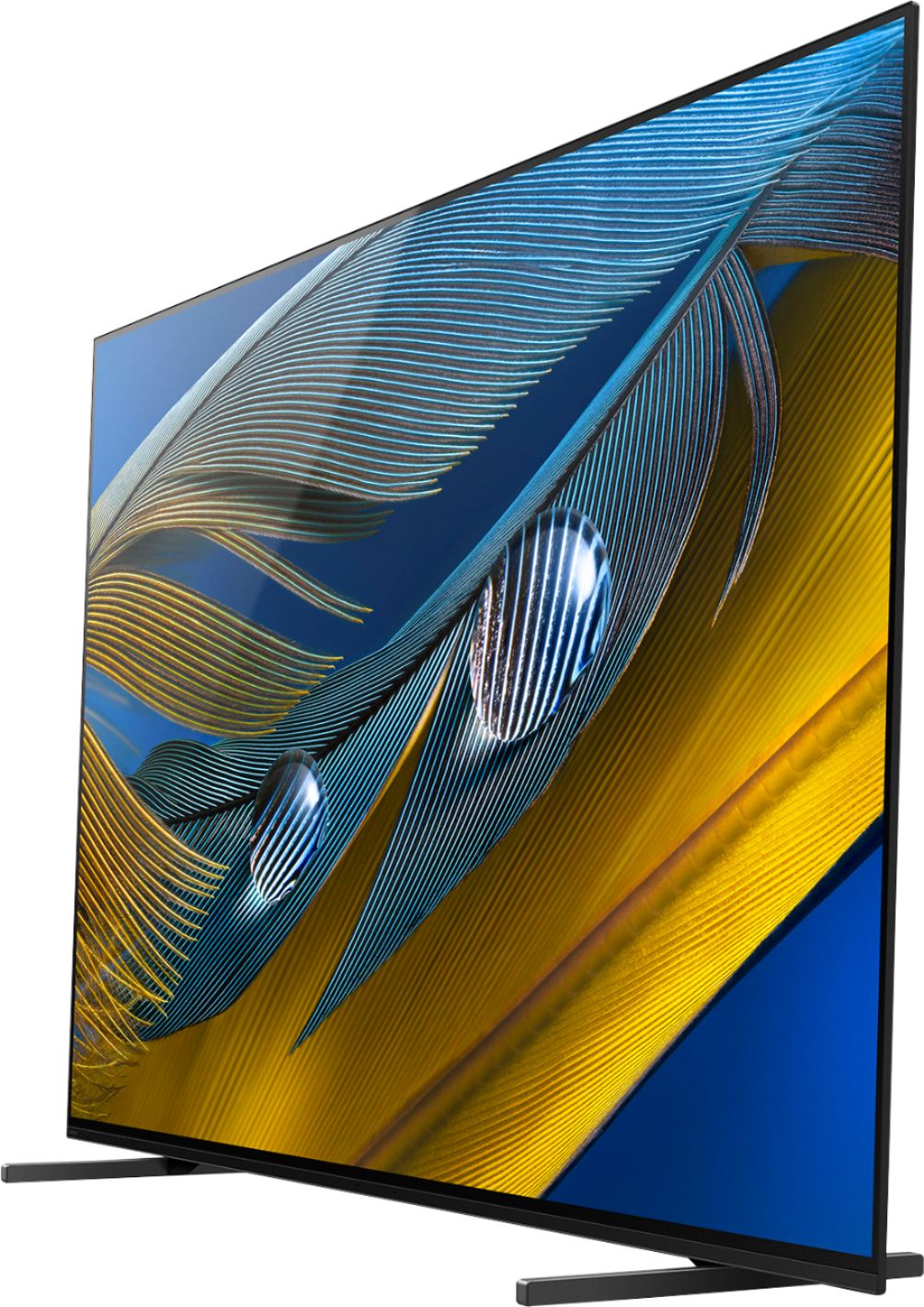
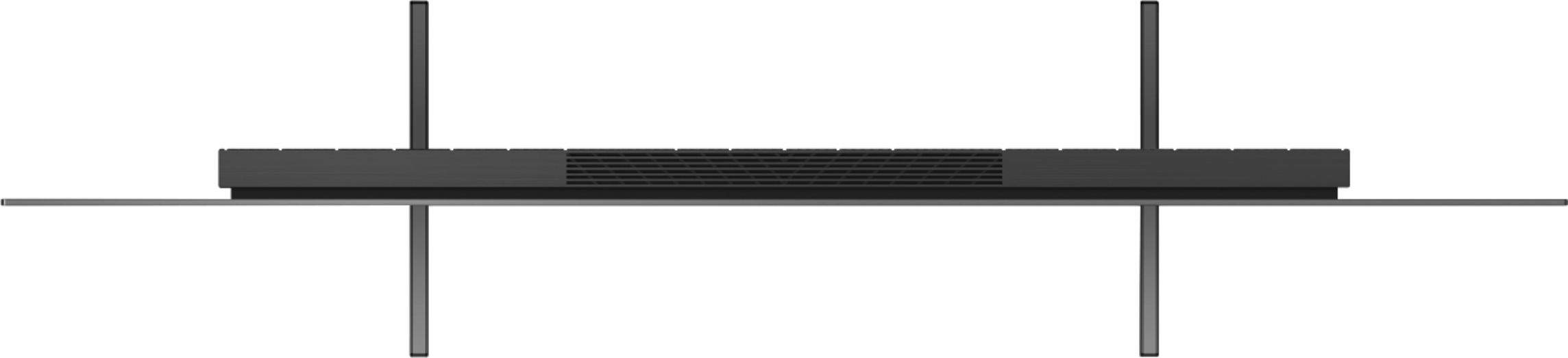
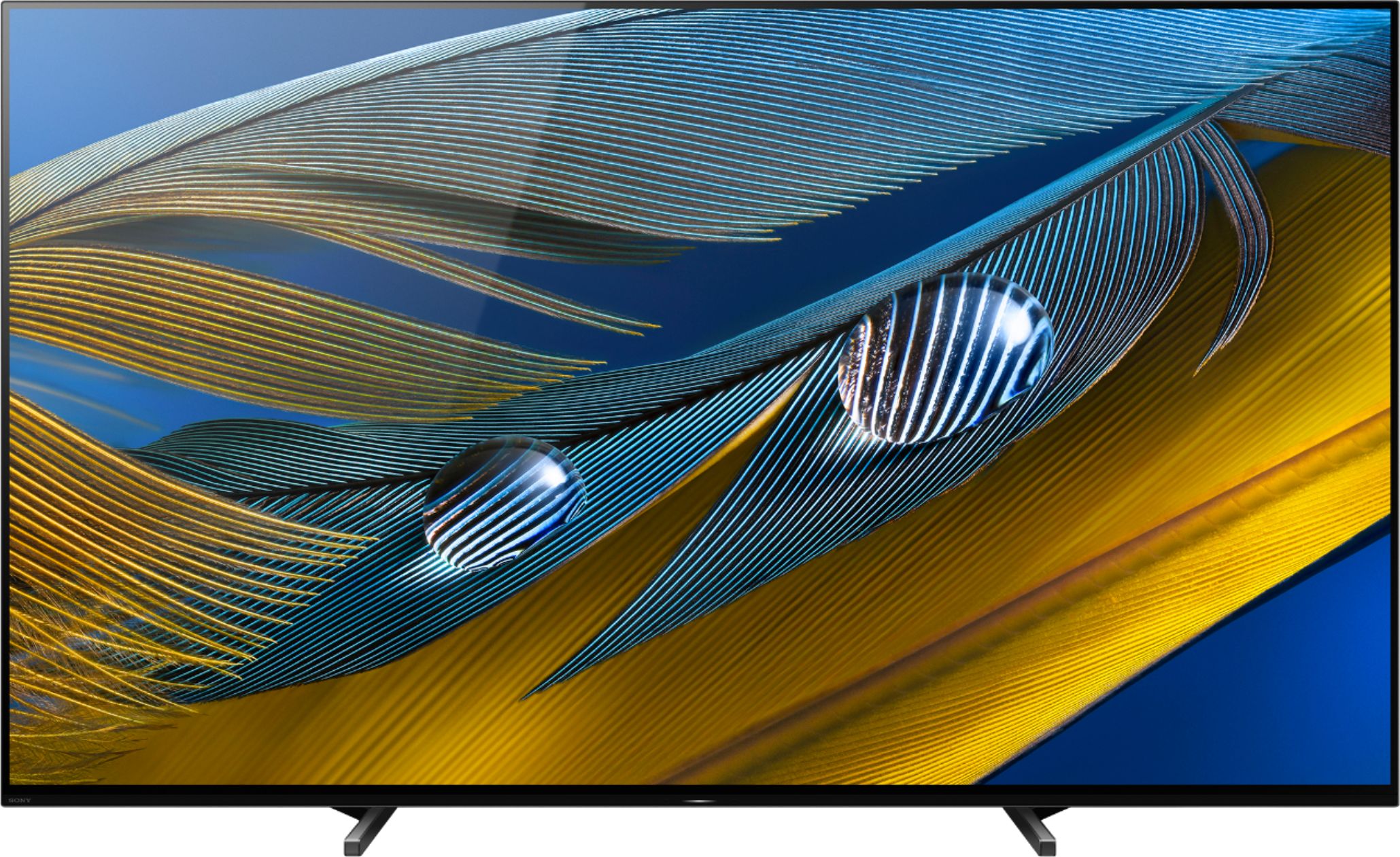
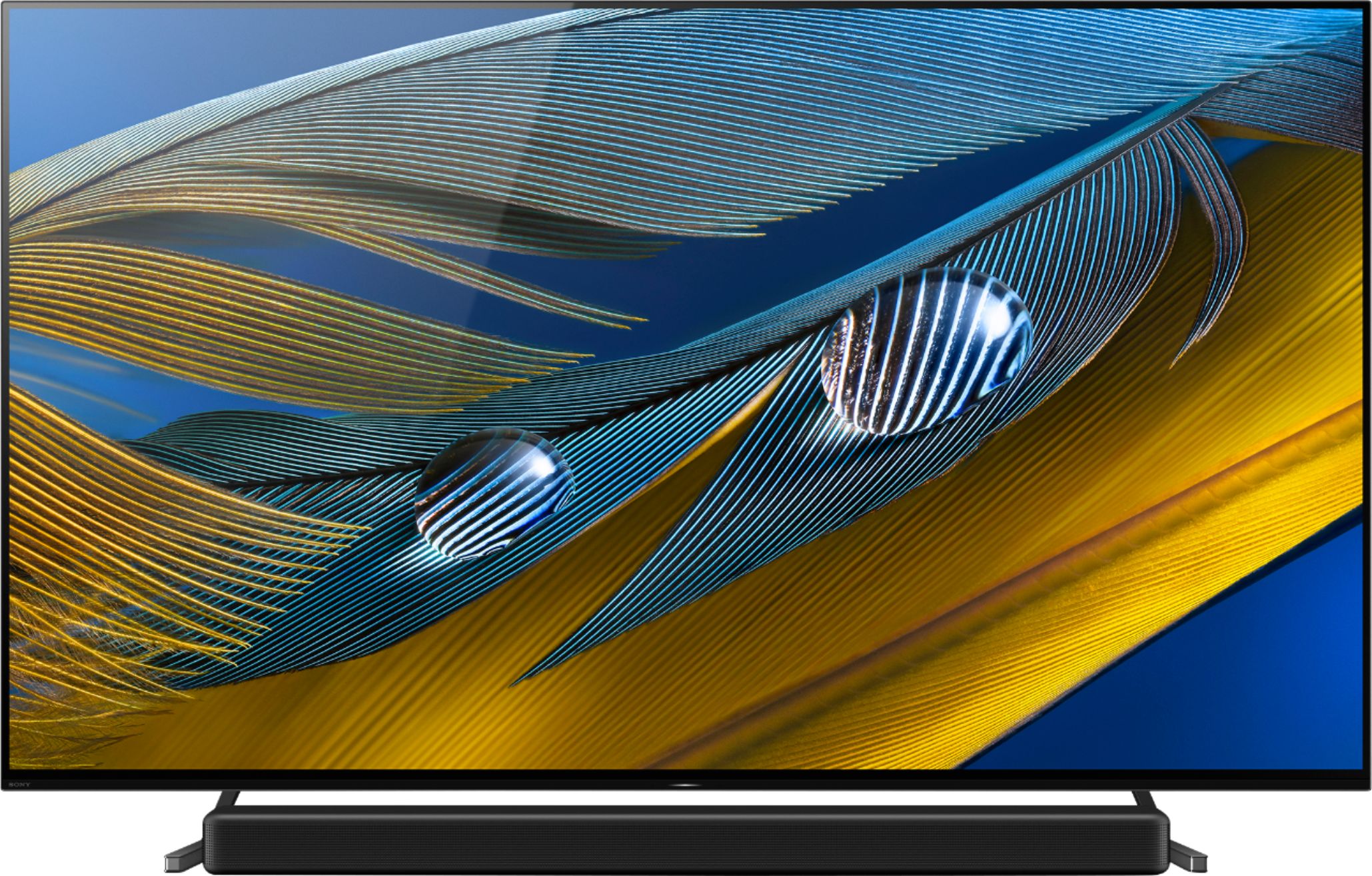
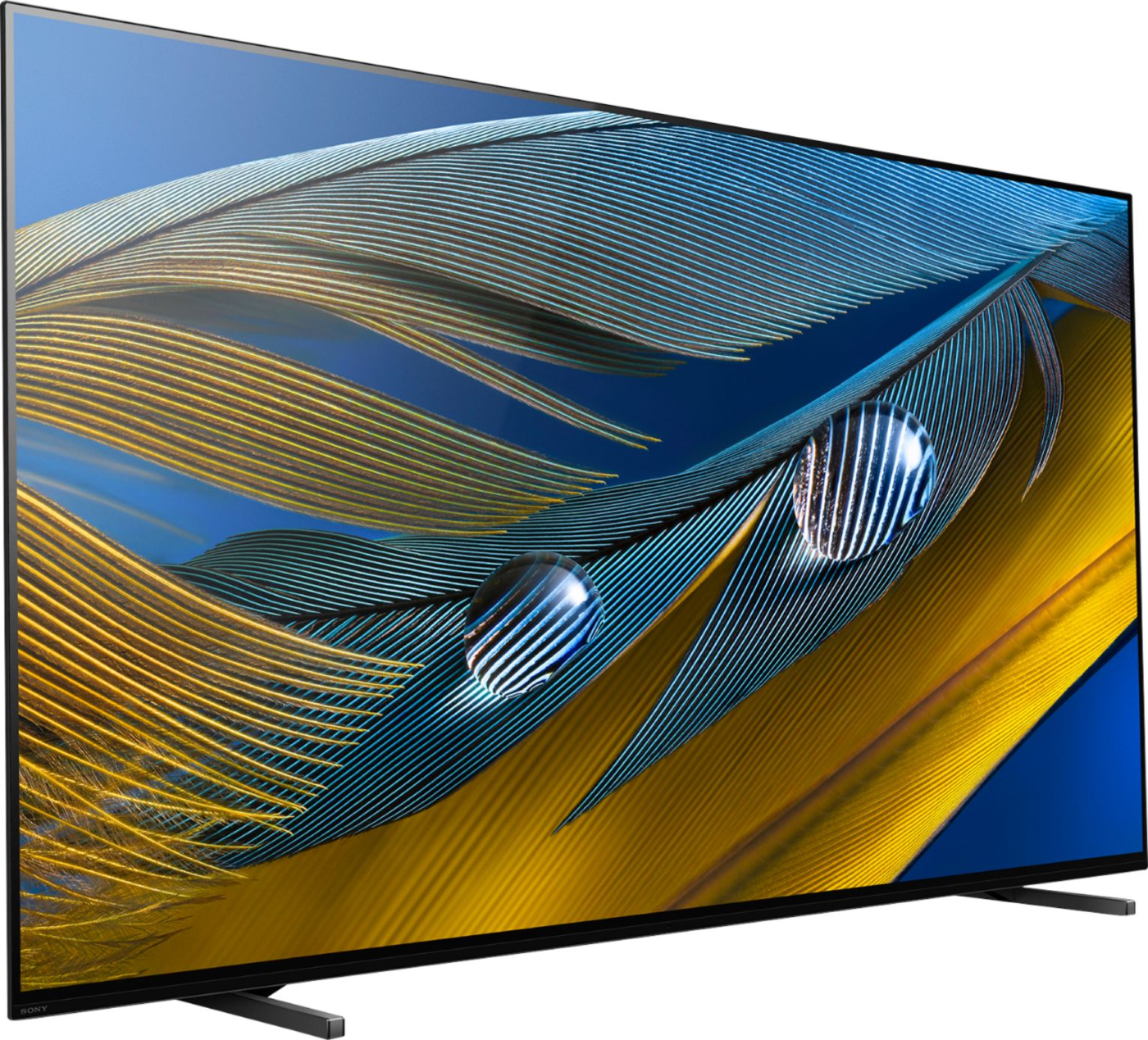
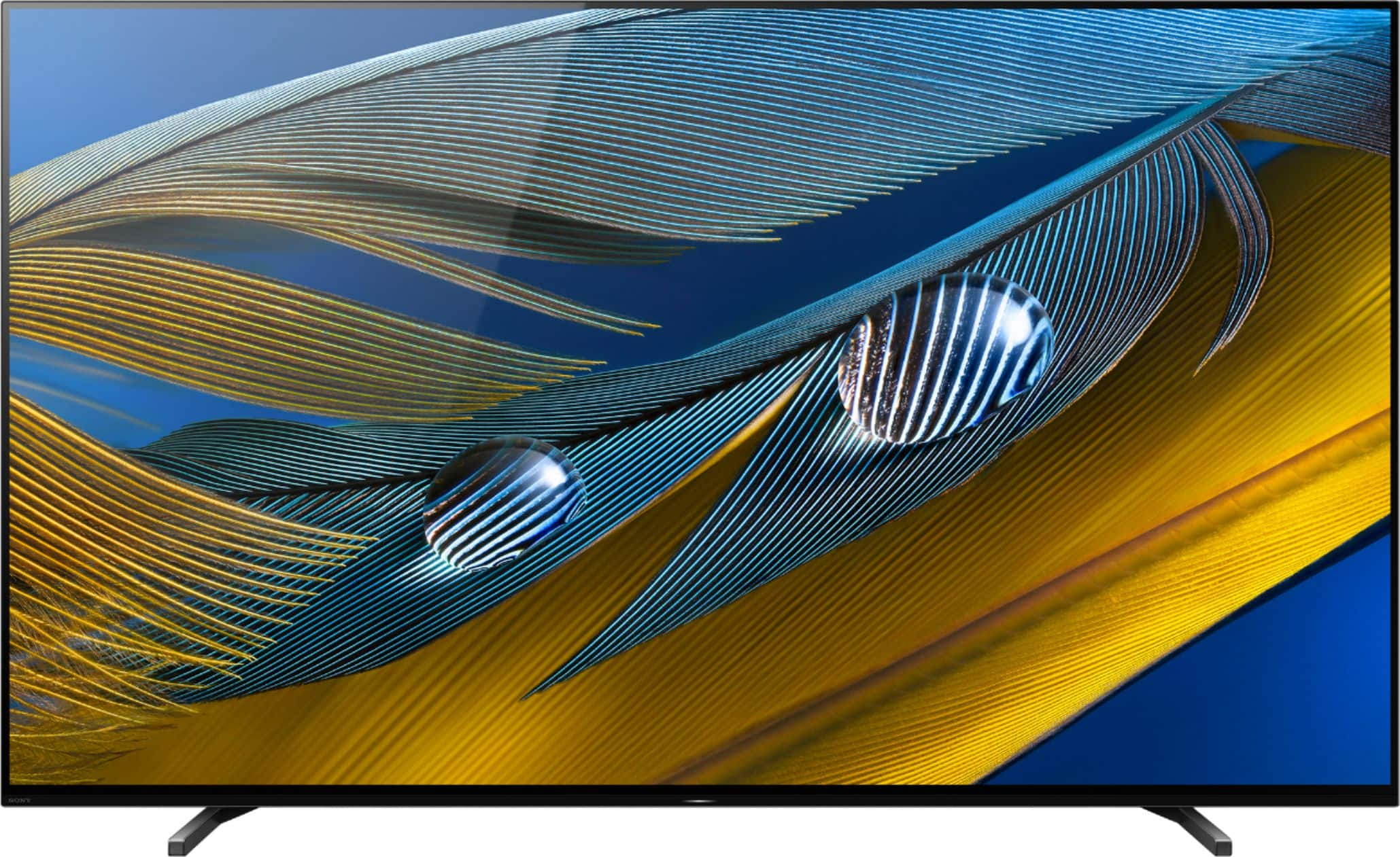
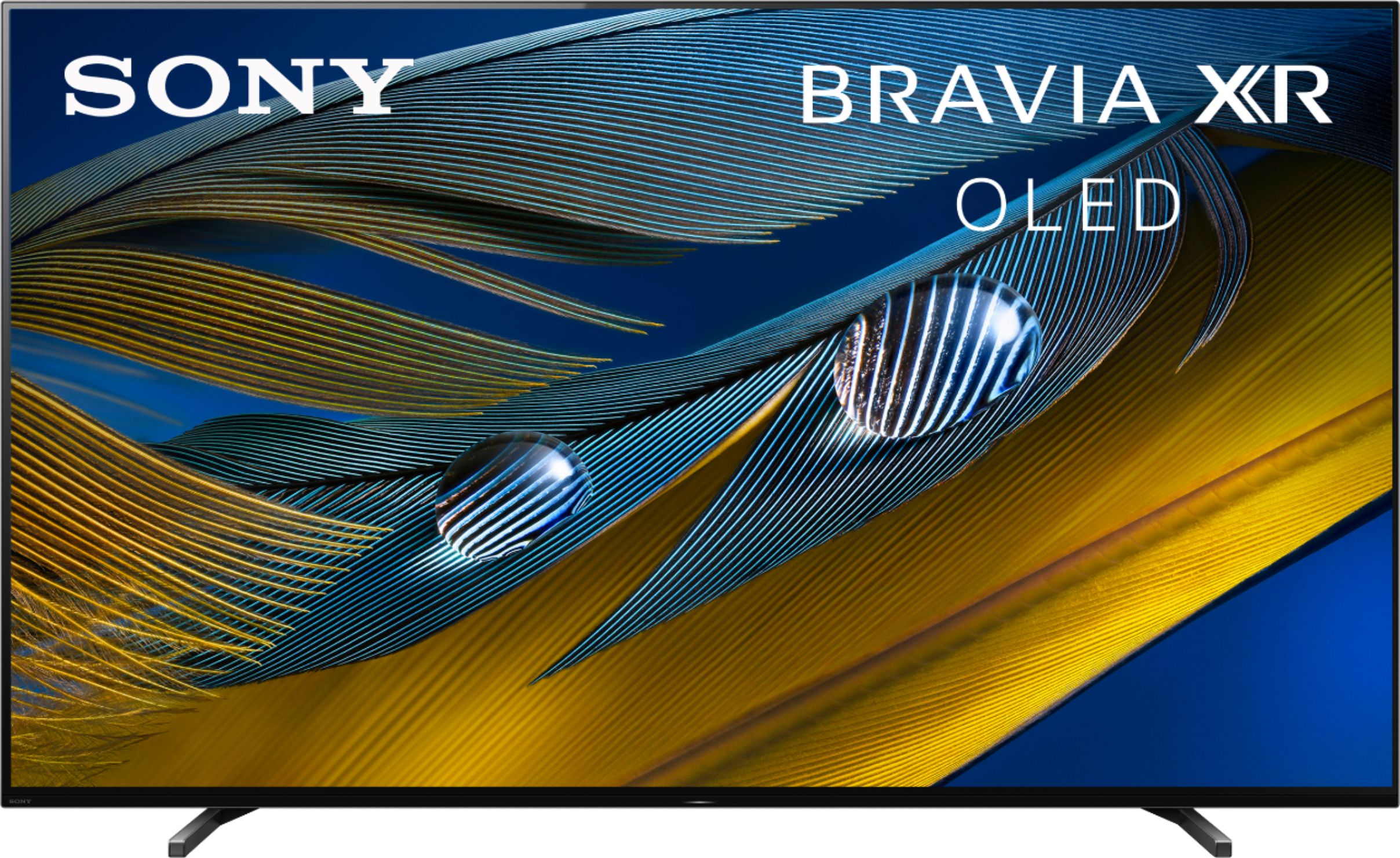
Thanks for inquiring about the XR-77A80J. For your reference, please check the approximate dimensions of this TV below:
Dimension of TV with Stand (Standard position) (W X H X D): 67.80 x 40.24 x 14.45 inch (1,722 x 1,022 x 367 mm)
Dimension of TV with Stand (Soundbar position) (W X H X D): 67.80 x 42.17 x 14.45 inch (1,722 x 1,071 x 367 mm)
Dimension of TV with Stand (Narrow position) (W X H X D): 67.80 x 40.24 x 14.45 inch (1,722 x 1,022 x 367 mm)
Dimension of TV without Stand (W X H X D): 67.80 x 39.33 x 2.13 inch (1,722 x 999 x 54 mm)
Regards,
Jess
A:AnswerI totally agree! Sony have not answered your question, nor mine on other forums, they are ignoring the actual question.
No subout functionality
A:AnswerHi Don,
Thank you for your inquiry! Unfortunately, this is not a public specification that we disclose at this time. Thank you for your kind understanding.
Regards,
Jess

A:AnswerYes
First few days of use saw the wifi connection being lost
All other devices in house worked fine
Now a month into it connection seems to be holding
Fingers crossed it stays connected
A:AnswerHi MrHo,
Thanks for your inquiry. Make sure the table stand or media center can adequately support the weight of the TV and that the TV stand should not protrude out from the table stand. For your reference, the measurement of the TV stand in the narrow position is approximately 27.25 inch (692 mm) wide and 14.45 inch (367 mm) deep. The weight of the TV without the stand is approx. 63.7 lb (28.9 kg).
We have some good information about the recommended measures to secure the TV in this helpful link: https://www.sony.com/electronics/support/res/manuals/5026/1f532036e2639cc870c360e506e3065e/50263481M.pdf (page 4).
Regards,
Jess
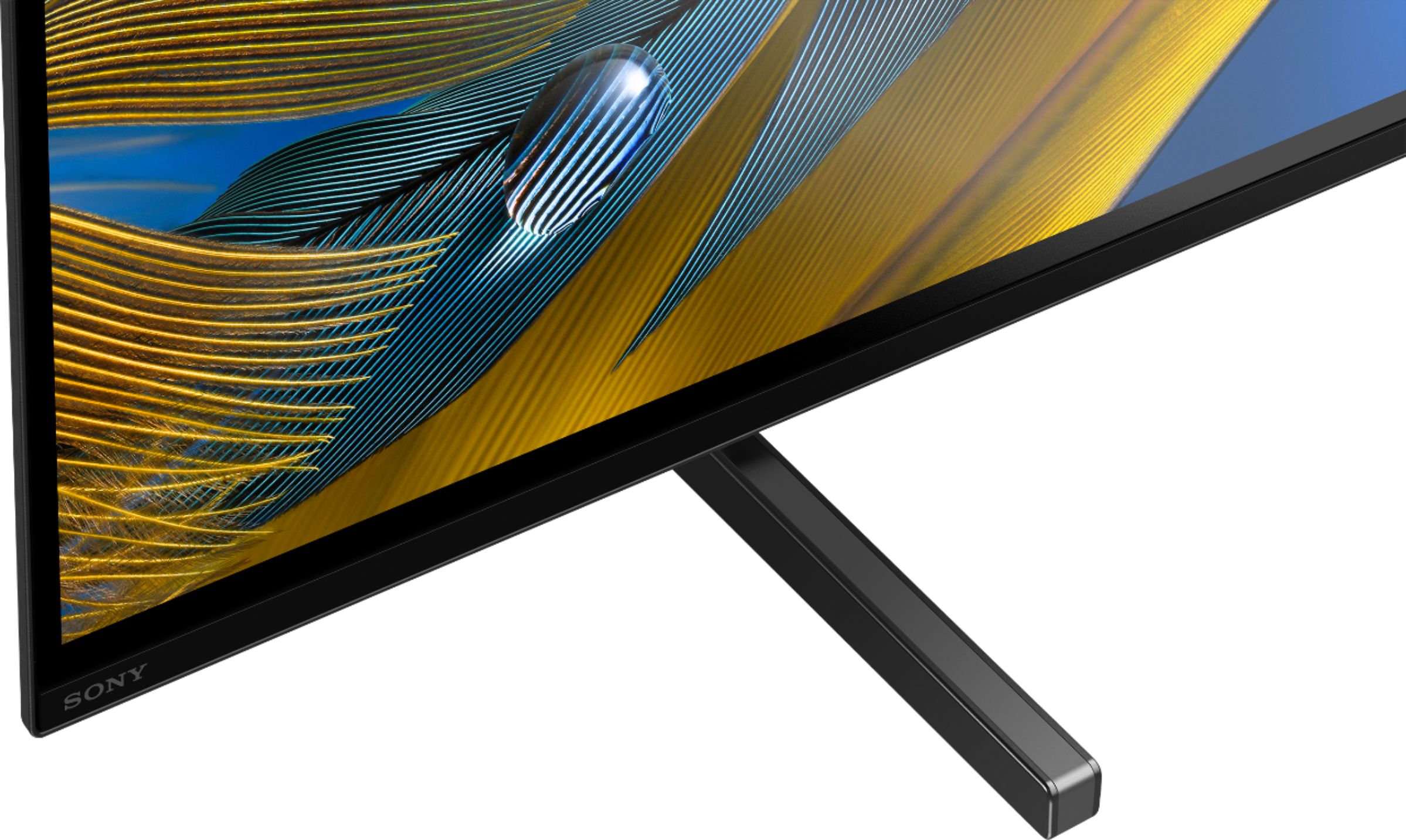
A:AnswerHi SumoBob, thank you for your interest in the XR77A80J. Yes, it will fit on a 45" wide table. For the 77" model, the approximate distance between the legs(TV stand) are as follows:
-Standard position: 40 3/4 inch
-Narrow position: 27 1/4 inch
-Soundbar position: 40 7/8 inch
Regards,
Sam
A:AnswerHi Monty,
Thank you for your question. You can connect your Audio/Video devices with an S-CENTER OUT terminal to the S-center speaker in port of this TV. The S-center speaker input will require a TV center speaker mode cable (3.5mm mini jack). To know more about what exact cable to use and inputs available for the TV, please visit our Sony Support website to download the Help Guide or Startup Guide regarding this product.
Regards,
Jess
A:AnswerThe reply from Sony in this thread seems to contradict the manual and the option on the TV that allows it to be set as a center speaker. According to the manual, the 3.5 mm connector is the input, and the Sound Settings on the TV have the option of using it as a center speaker. Is there any way we can get a quality response from Sony on this?

A:AnswerMembers on AVS forum are confirming 55” and 65” a80j have a satin like screen finish, whereas the 77” has the traditional glossy/black mirror finish of traditional OLED’s. I can personally vouch for the 77” as I am a owner. Check out https://www.rtings.com/tv/reviews/sony/a80j-oled for more technical info and review of the a80j.