Black Friday is hereNew Doorbusters added. Ends 11/29.Shop now

Main Content

Questions & Answers

Your price for this item is $1,519.99
Clearance
The comparable value price is $1,599.99
Page Showing 1-20 of 77 questions
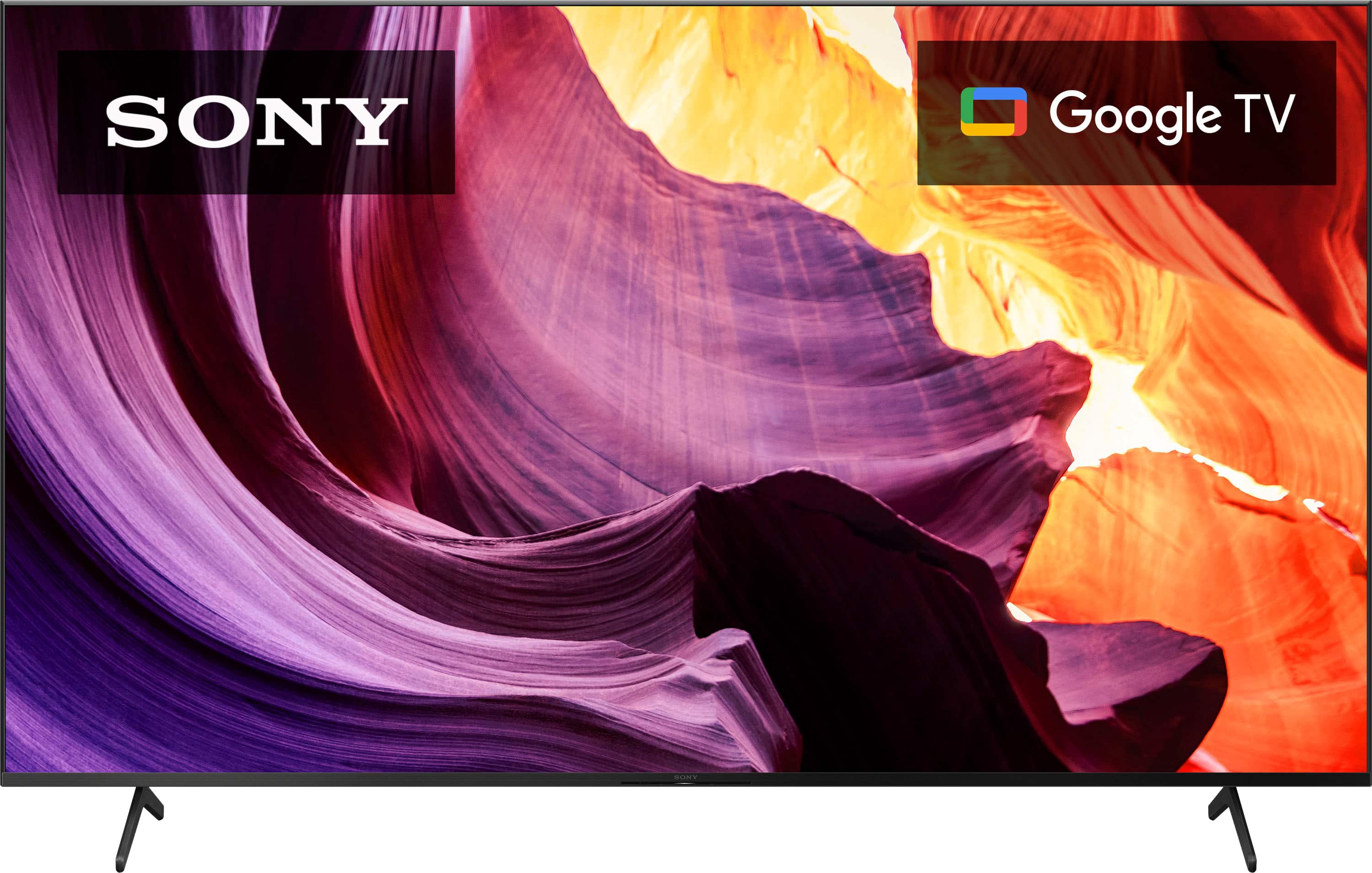
  • QuestionWhat is the length between the feet of tbe stand?

    Asked by Keith.

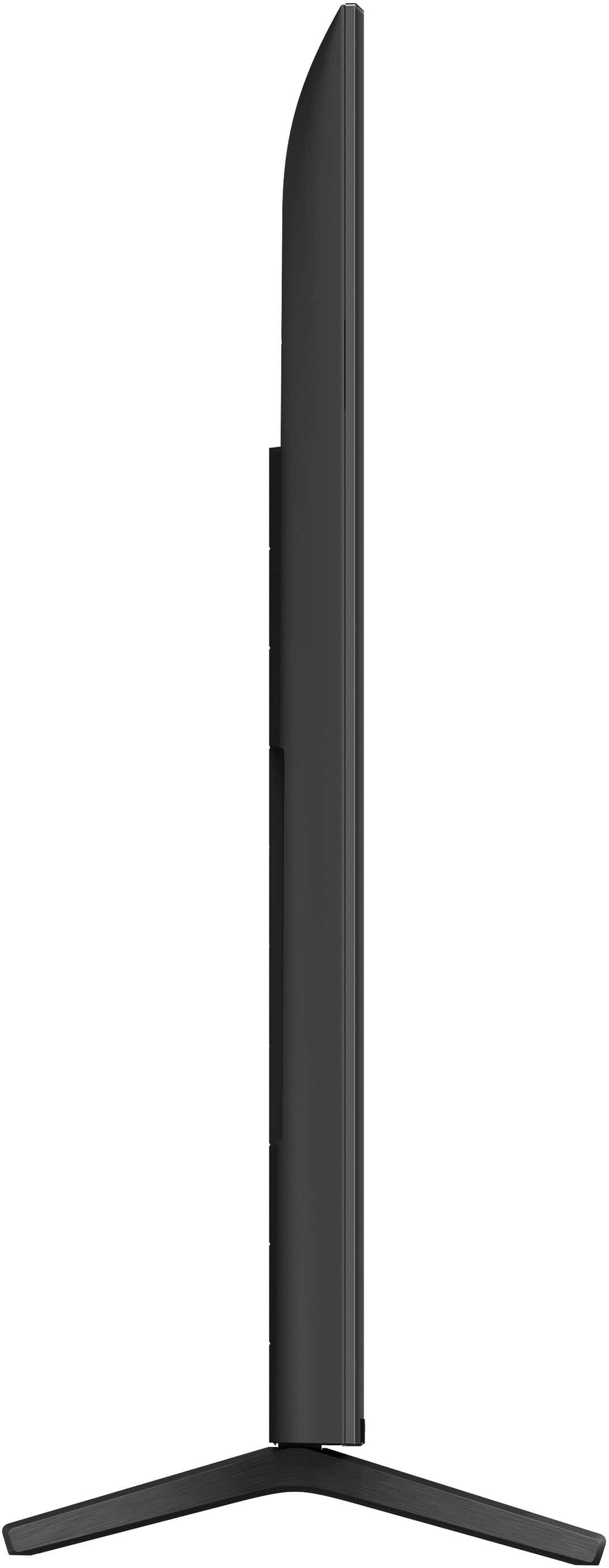
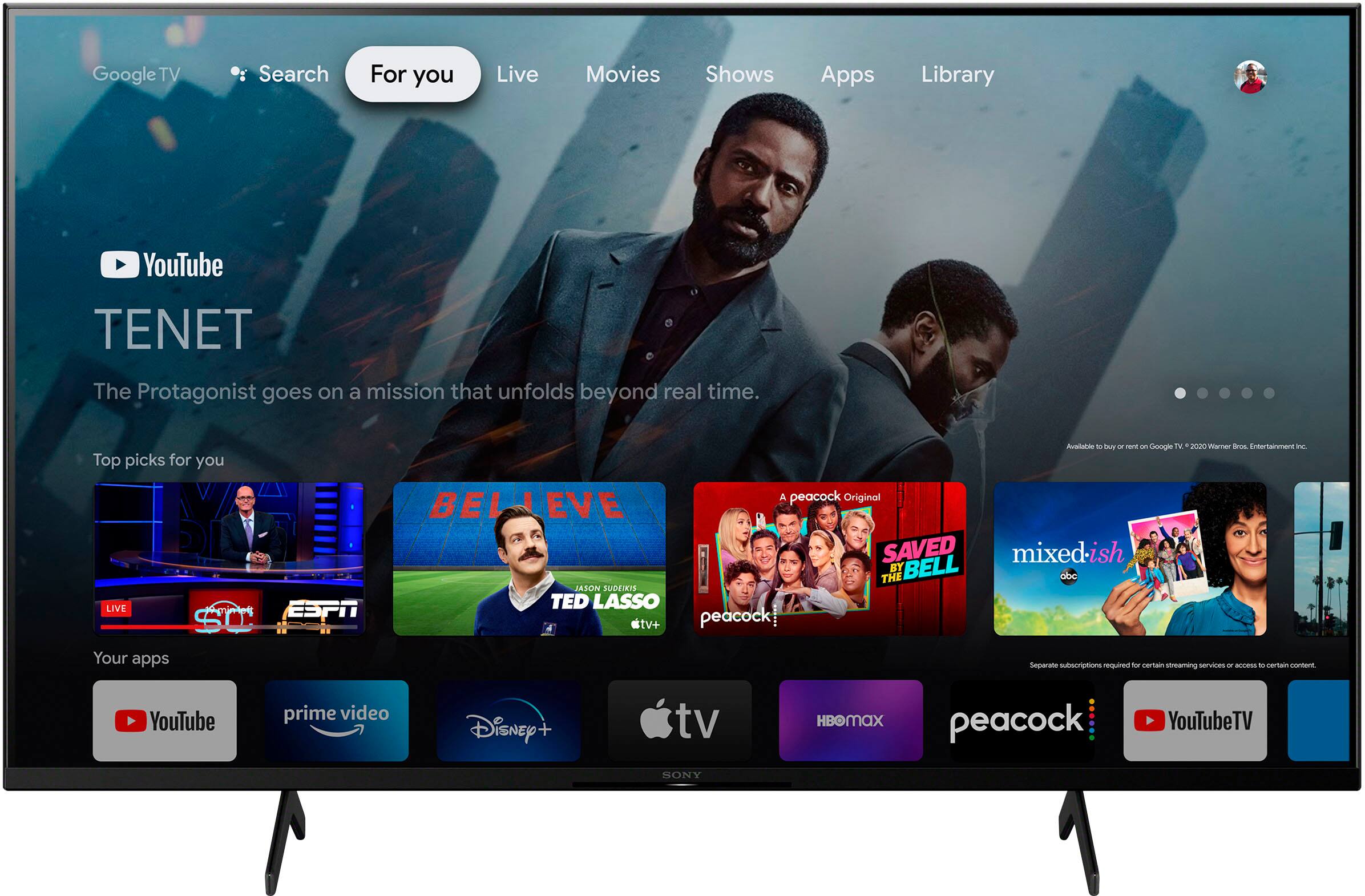
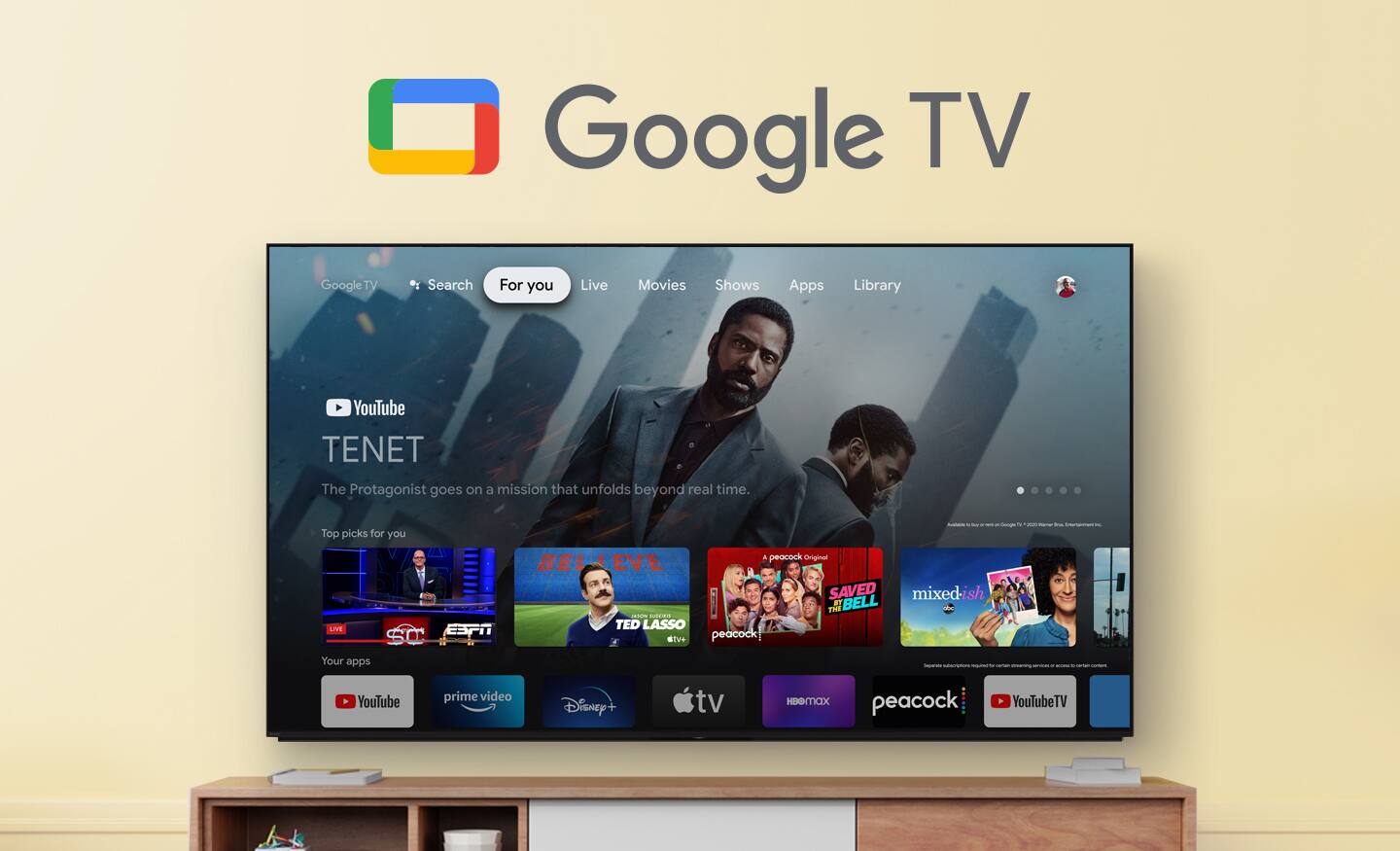
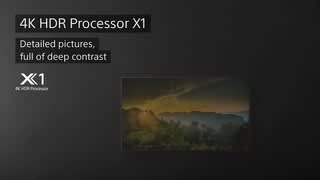
    • Answer Hi Keith, Thank you for your inquiry! The length between the stand of the KD85X80K is approximately 60.38 in (1,532 mm). Enjoy an intuitive smart TV experience with natural color and clear sound with the BRAVIA X80K LED TV. The powerful 4K HDR Processor X1 reduces digital noise and boosts details for lifelike picture quality. Google TV gives you access to all your favorite streaming apps, while Google Assistant easily searches for content and controls your smart home simply by using your voice. Hope this helps! - Kris

      Answered by SonyListens

  • QuestionHow is this tv for watching live sports?

    Asked by HMSportsfan.

    • Answer Hi HMSportsfan, Thank you for your question! The KD85X80K is great for watching live sports. This TV has Motionflow XR technology which allows you to see blur-free picture quality in fast-moving sports and movies. It also has features that make it well-suited for watching live sports, including a high refresh rate(120hz) which provides a smooth viewing experience. Our BRAVIA X80K has an intelligent TV processing technology powered by 4K HDR Processor X1 that delivers picture quality full of rich colors and detailed contrast. Deep black, high peak brightness, and real-life detail with Full Array LED and XR Contrast Booster 10. Billions of accurate colors deliver natural and beautiful picture quality, enhanced by XR Triluminos Pro. You will also enjoy the Google TV with Google Assistant which organizes your content all in one place. You can also stream from your Apple device with AirPlay 2 support. Hope this helps! - Kris

      Answered by SonyListens

  • QuestionDoes purchasing the TV include the installation fee?

    Asked by Chat.

    • Answer no, but buying the total tech Geek squad protection does and it is awesome. also get the in wall wire kit and installation for that is included. get the service, purchase the parts and they deliver and install. i highly recommend

      Answered by Controlyourlife

  • QuestionWhat is the distance between the legs?

    Asked by Kyle.

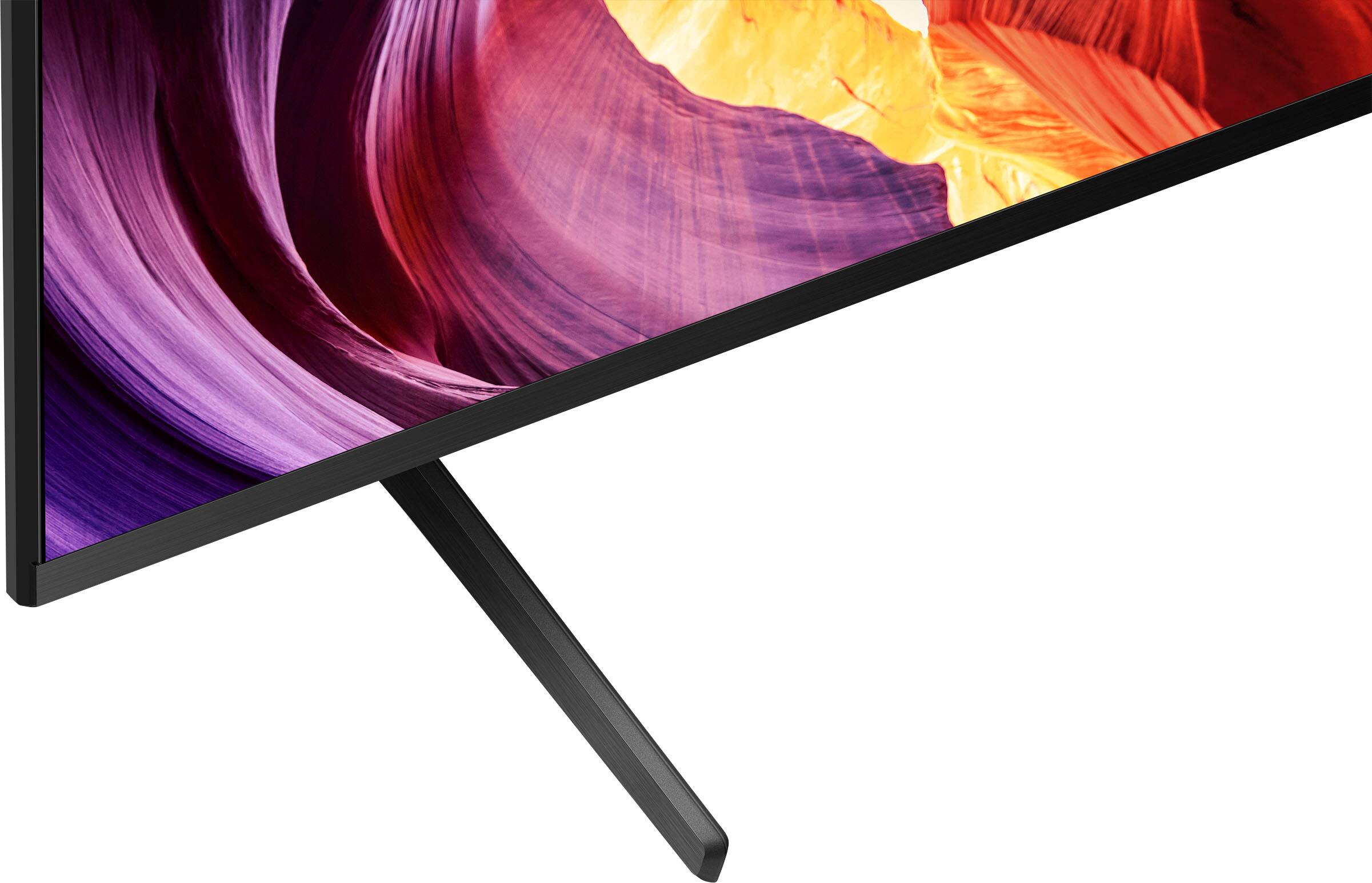
    • Answer The distance between the two sets of legs Side to side is 60 inches and the spread on the legs Front to back is 18 inches

      Answered by Timothy

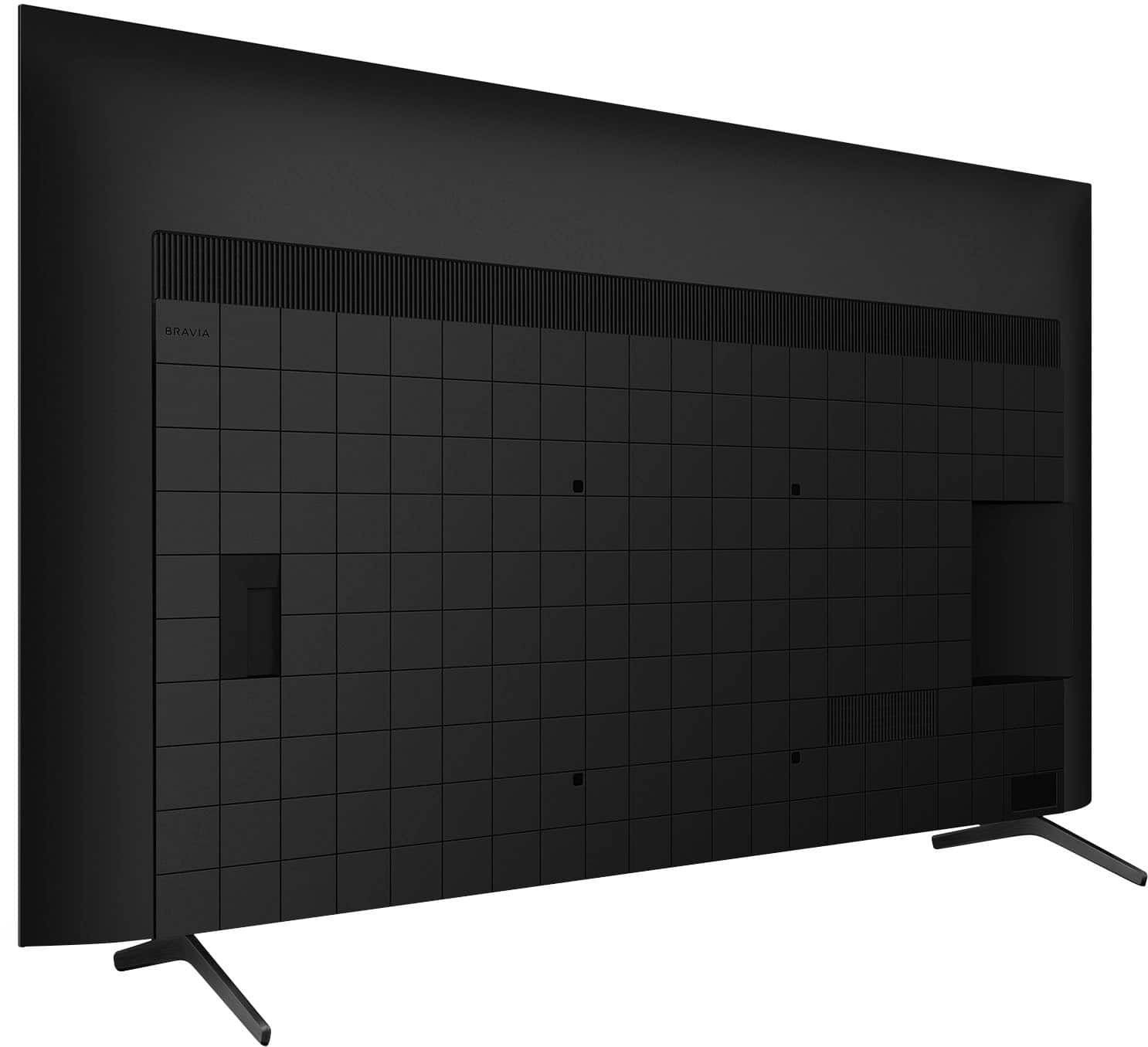
  • QuestionCan this be mounted on the wall? If so what is the part number for the mounting kit?

    Asked by RickO.

    • Answer Yes it can. We found the mount at Walmart.

      Answered by Great

  • QuestionIs this a good gaming tv for the ps5?

    Asked by Mike.

    • Answer Hi Mike, Yes! Our BRAVIA X80K is perfect for PS5. We recommend setting the [Picture mode] of this TV to [Game] for better gaming experience. You can also check this link for more details on how connect and setup this TV with video game consoles: https://helpguide.sony.net/tv/jusltn1/v1/en-003/04_12.html. Our BRAVIA X80K also has an intelligent TV processing technology powered by 4K HDR Processor X1 that delivers picture quality full of rich colors and detailed contrast. You will also enjoy the Google TV with Google Assistant which organizes your content all in one place. Thank you for your inquiry and I hope this helps! -Vincent

      Answered by SonyListens

  • QuestionHi, Does this product have Dolby Atmos support? Thank you. Don

    Asked by Dolby.

    • Answer Hi Dolby, Good news! Our BRAVIA X80K supports Dolby Atmos. BRAVIA X80K also has an intelligent TV processing technology powered by 4K HDR Processor X1 that delivers picture quality full of rich colors and detailed contrast. You will also enjoy the Google TV with Google Assistant which organizes your content all in one place. You can also stream from your Apple device with AirPlay 2 support. Thank you for your inquiry and I hope this helps! Vincent

      Answered by SonyListens

  • QuestionHi, this Sony - 85" Class X80K LED 4K UHD is compatible with HomeKit..? HomePod..??

    Asked by ErickL.

    • Answer Hi Erick, Thanks for the question! The X80K supports Apple AirPlay 2 and Homekit. You can use Apple HomeKit to control the TV with an Apple device such as iPhone, iPad, or Mac through the Home app or Siri. Additional information is available from the Apple website for adding HomeKit accessories to the Home app. Additional information: Enjoy an intuitive smart TV experience with natural color and clear sound with the BRAVIA X80K LED TV. The powerful 4K HDR Processor X1 reduces digital noise and boosts details for lifelike picture quality. Google TV gives you access to all your favorite streaming apps, while Google Assistant easily searches for content and controls your smart home simply by using your voice. Hope this information helps! - Kris

      Answered by SonyListens

  • QuestionWhat is the width & height of the tv?

    Asked by Anonymous.

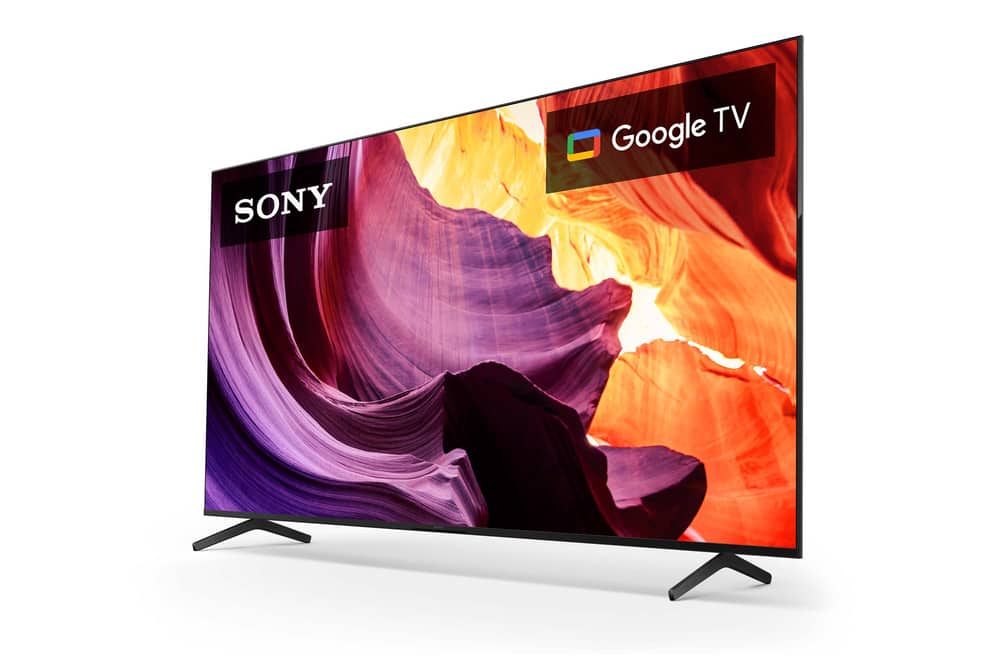
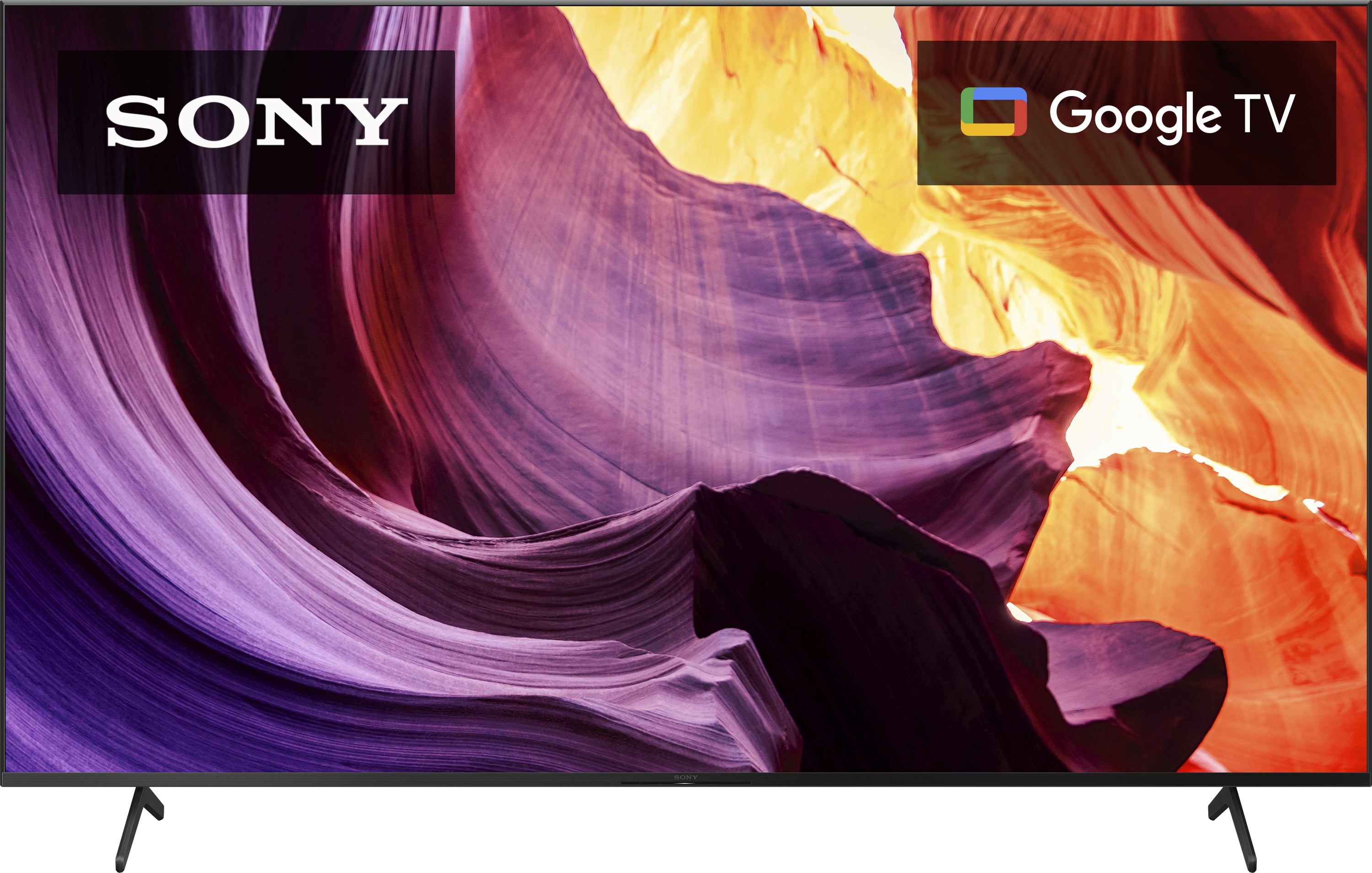
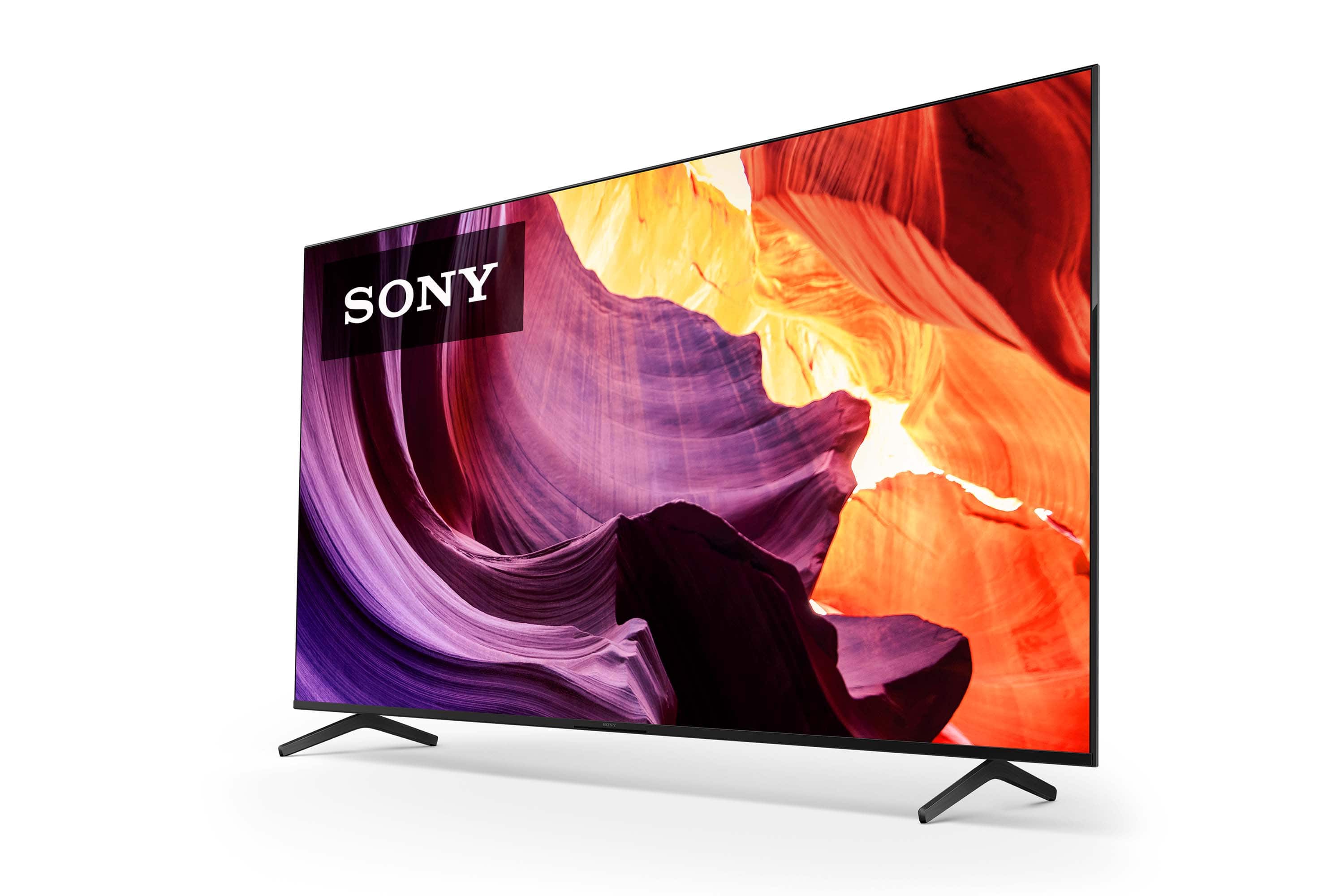
    • Answer Hi there! Thank you for your inquiry! Below are the approximate dimensions of our BRAVIA KD-85X80K (W X H X D): Without the stand: 74.88 x 43 x 2.88" (1,901 x 1,090 x 73 mm) With the stand: 74.88 x 46.38 x 18" (1,901 x 1,177 x 456 mm) Our BRAVIA X80K has an intelligent TV processing technology powered by 4K HDR Processor X1 that delivers picture quality full of rich colors and detailed contrast. You will also enjoy the Google TV with Google Assistant which organizes your content all in one place. You can also stream from your Apple device with AirPlay 2 support. Hope this helps! Vincent

      Answered by SonyListens

  • QuestionCan a sound bar be connected directly to this TV or do an amplifier need to be used?

    Asked by jdpm.

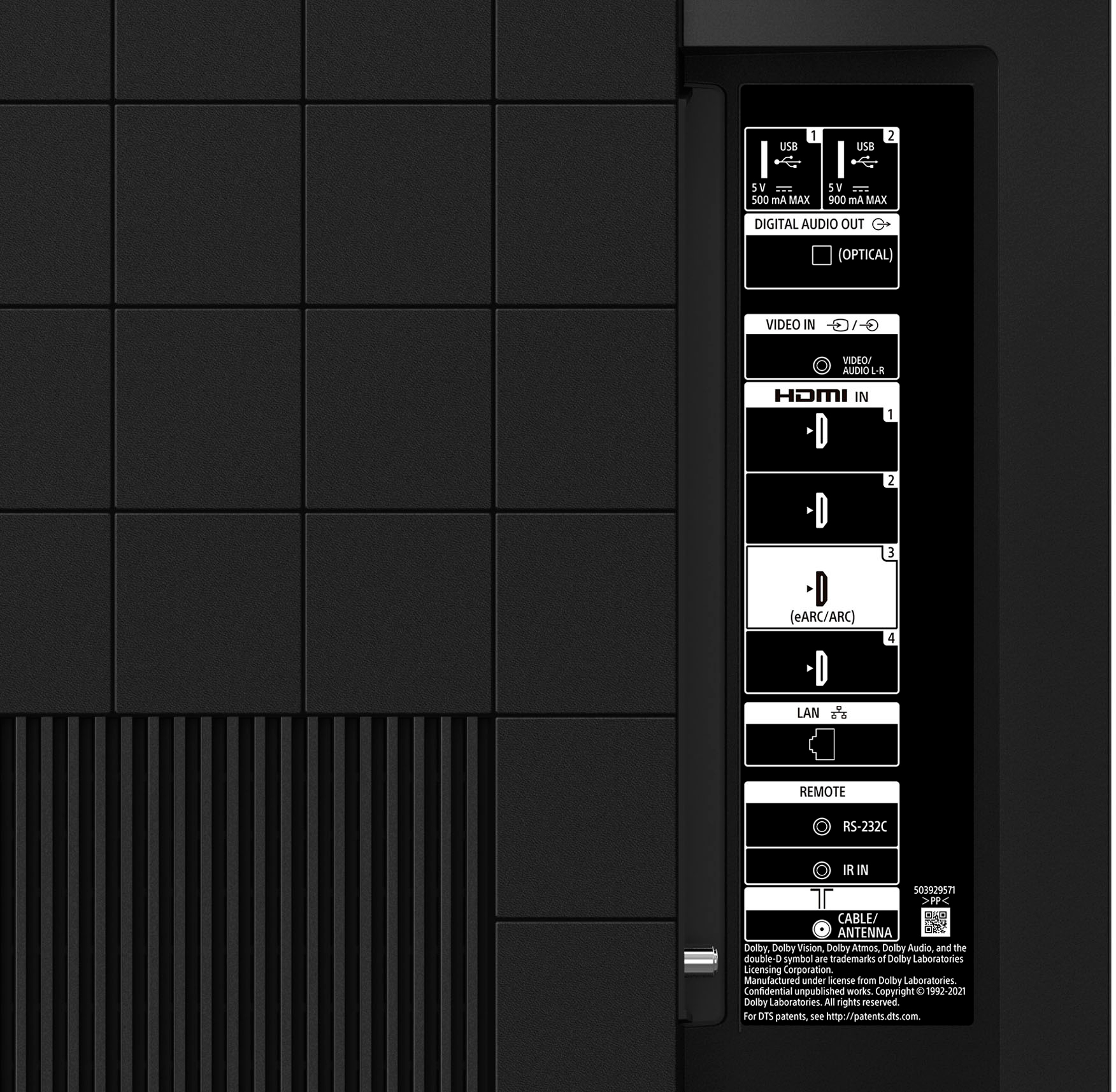
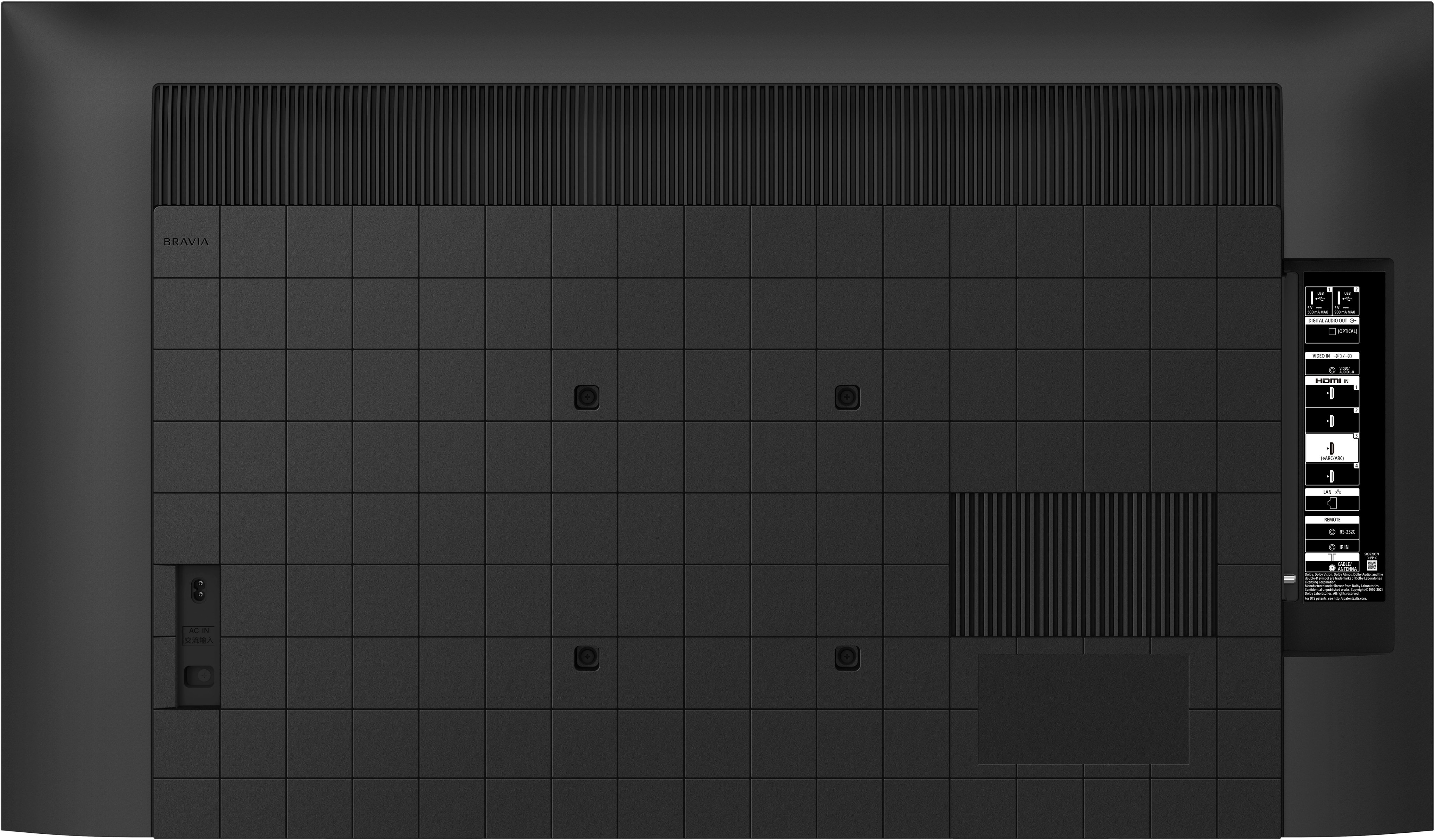
    • Answer Hi jdpm, Thank you for your inquiry! You can connect a soundbar directly to this TV without the need of a receiver (amplifier). We recommend connecting the TV's HDMI input terminal (eARC or ARC) to the sound bar's HDMI output terminal (eARC or ARC) with an HDMI cable. Our BRAVIA X80K has an intelligent TV processing technology powered by 4K HDR Processor X1 that delivers picture quality full of rich colors and detailed contrast. You will also enjoy the Google TV with Google Assistant which organizes your content all in one place. You can also stream from your Apple device with AirPlay 2 support. This TV has Motionflow XR technology which allows you to see blur-free picture quality in fast-moving sports and movies. Hope this helps! Vincent

      Answered by SonyListens

  • QuestionIs this TV compatible with Echo Alexa? I only see Google assistant.

    Asked by EchoAlexa.

    • Answer Hi EchoAlexa, Thank you for your inquiry! Yes, the KD85X80K TV is compatible with Amazon Echo Alexa. You will need the following to control this TV with Alexa-enabled devices: An Android TV supporting TV Control Setup with Amazon Alexa app. - This app will automatically install on supported Android TVs and will appear in the Apps section. An Alexa-enabled device A mobile device running on either Amazon Fire OS 3.0 and higher, Android 5.0 and higher, or iOS 9.0 and higher. An Amazon account. A Google account. - Make sure to use the same Google account on your TV and on your mobile device. A home network with Wi-Fi capabilities (Dual-band Wi-Fi supports 802.11 a/b/g/n (2.4 and 5 GHz) networks. Once you have setup Alexa on the KD85X80K, you can use your voice to control the TV such as turn on or off, change channels, control volume, and more. For more details about this feature, please visit our Sony Support Site. Enjoy an intuitive smart TV experience with natural color and clear sound with the BRAVIA X80K LED TV. The powerful 4K HDR Processor X1 reduces digital noise and boosts details for lifelike picture quality. Google TV gives you access to all your favorite streaming apps, while Google Assistant easily searches for content and controls your smart home simply by using your voice. Hope this helps! - Kris

      Answered by SonyListens

  • QuestionDoes this TV have a recording function?

    Asked by Anonymous.

    • Answer Hi, Thank you for your inquiry! If you're referring to this TV having the capability to record live TV program, then unfortunately no. You will need to hook up a separate device for that specific feature. A separate DVR/DVD recorder that connects to the input of the TV is needed to record TV programs. With our BRAVIA X80K LED TV, you'll enjoy an intuitive smart TV experience with natural color and clear sound. The powerful 4K HDR Processor X1 reduces digital noise and boosts details for lifelike picture quality. Google TV gives you access to all your favorite streaming apps, while Google Assistant easily searches for content and controls your smart home simply by using your voice. Hope this helps! - Kris

      Answered by SonyListens

  • QuestionDoes this TV have the ARC output capability? Thanks, Jill

    Asked by Jillster.

    • Answer Hi Jillster, Definitely yes! The X80K supports ARC (Audio Return Channel) or eARC (Enhanced Audio Return Channel) output capability. The Audio Return Channel (ARC) connects your TV and audio system with a single High Speed HDMI cable and eliminates the need for an additional composite audio or optical cable. To use ARC/EARC, you'll need to connect an HDMI cable to the HDMI port labeled “eARC/ARC” on this TV(HDMI 3) to the ARC compatible HDMI port of your soundbar or AV receiver. You may also need to enable ARC/eARC in the TV's setting menu. Enjoy an intuitive smart TV experience with natural color and clear sound with the BRAVIA X80K LED TV. The powerful 4K HDR Processor X1 reduces digital noise and boosts details for lifelike picture quality. Google TV gives you access to all your favorite streaming apps, while Google Assistant easily searches for content and controls your smart home simply by using your voice. Hope this helps! - Kris

      Answered by SonyListens

  • Questiondoes this tv have rca video inputs ?

    Asked by mac.

    • Answer Yes

      Answered by Anonymous

  • QuestionThe specs say it has a serial port, can I connect that to a control system to initiate basic functions like on/off, source selections, volume , etc (Crestron, BiAmp, etc control systems for room automations, thanks

    Asked by gmangm.

    • Answer Hi gmangm, Thank you for your inquiry! The RS-232 feature is not part of the normal operation of the product. As such, any support for using this port or its functionality is not available. Due to the complexity of installation and issues that may occur during an installation using the RS-232 port, it is recommend that it only be completed by a professional custom installer. An RS-232 serial port is most often used by repair technicians to perform diagnostics and service updates. It may also be used to control a device when connected to a computer running a home automation system or Custom Integrated Audio/Video (A/V) system, such as the CAV-M1000ES Multi-room A/V Distribution System. Additional information: Enjoy an intuitive smart TV experience with natural color and clear sound with the BRAVIA X80K LED TV. The powerful 4K HDR Processor X1 reduces digital noise and boosts details for lifelike picture quality. Google TV gives you access to all your favorite streaming apps, while Google Assistant easily searches for content and controls your smart home simply by using your voice. Hope this helps! - Kris

      Answered by SonyListens

  • QuestionDoes this 80 k work with Apple TV

    Asked by UncleBuck.

    • Answer Yes it works great!!

      Answered by jeromebones

  • QuestionCan this TV be used for PowerPoint presentations, and if so, how? Thanks!

    Asked by DoctorKC.

    • Answer Yes, use Bluetooth or HDMI connection for your computer.

      Answered by ChrisS

  • QuestionRefresh rate of rhis device?

    Asked by Paul.

    • Answer 120Hz

      Answered by RichardS

  • QuestionCan I turn OFF MotionFlow and or Motion Blur as to not experience the "soap opera" effect on older films?

    Asked by nashman20242025.

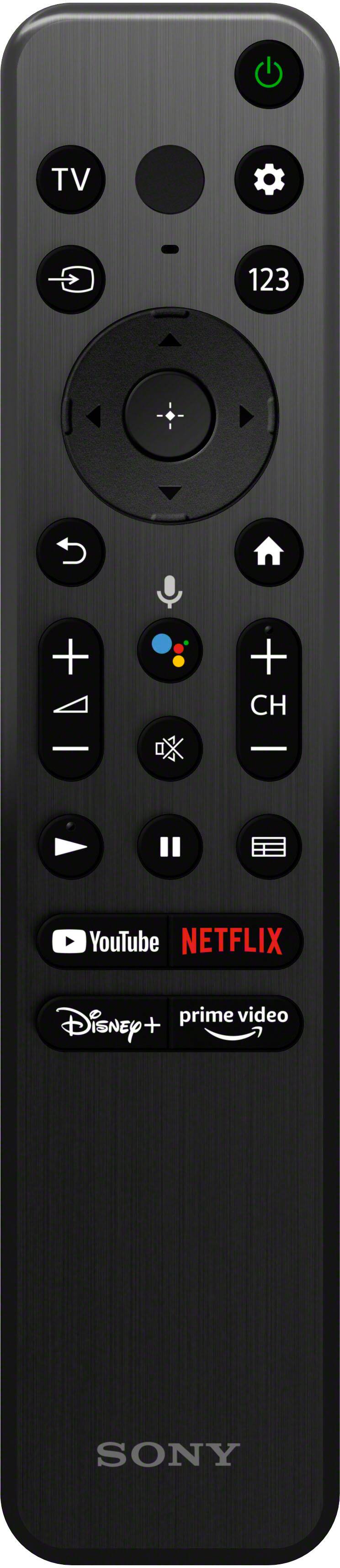
    • Answer Hi nashman20242025, Thanks for the question! Yes, you can turn off or adjust the Motionflow or CineMotion which is basically the soap opera effect on this X80K TV. To do this, press the (Quick Settings) button on the remote control, then select [Settings] — [Display & Sound] — [Picture] — [Motion]. Motionflow - Refines moving images. Increases the number of image frames to display videos smoothly. CineMotion - Optimizes picture quality based on video content, such as movies and computer graphics. Smoothly reproduces the motion of filmed images (images recorded at 24 frames per second) such as movies. Should you need further assistance, feel free to contact us. Unfortunately, due to the current BestBuy phishing protocol for your protection, we cannot provide a direct email or phone number for customer support as of now. Please find Sony Electronics' Support information: Go to our support website > click on Support > scroll down click on Contact Support > click on "TV & Projectors" and from there you'll see different ways to reach us. Additional information: Smart, powerful, and sleek, the BRAVIA X85K 4K HDR LED TV is designed for all your favorite content. Powered by the 4K HDR Processor X1 and TRILUMINOS PRO, picture quality comes to life with billions of colors and realistic contrast. With Google TV and enhanced Motionflow XR refresh rate technology, your favorite content is easy to find and looks clear and blur-free. Hope this helps! - Kris
      Answered by SonyListens