A:AnswerFor USA use a short recharging cable which doubles as a uploading cable for photos and I would guess any updates Sony passes along. For $50 you can get an authentic Sony battery and wall plug charger from many electronics store. You're going to want a spare battery anyway, they always run out of juice when you need it.
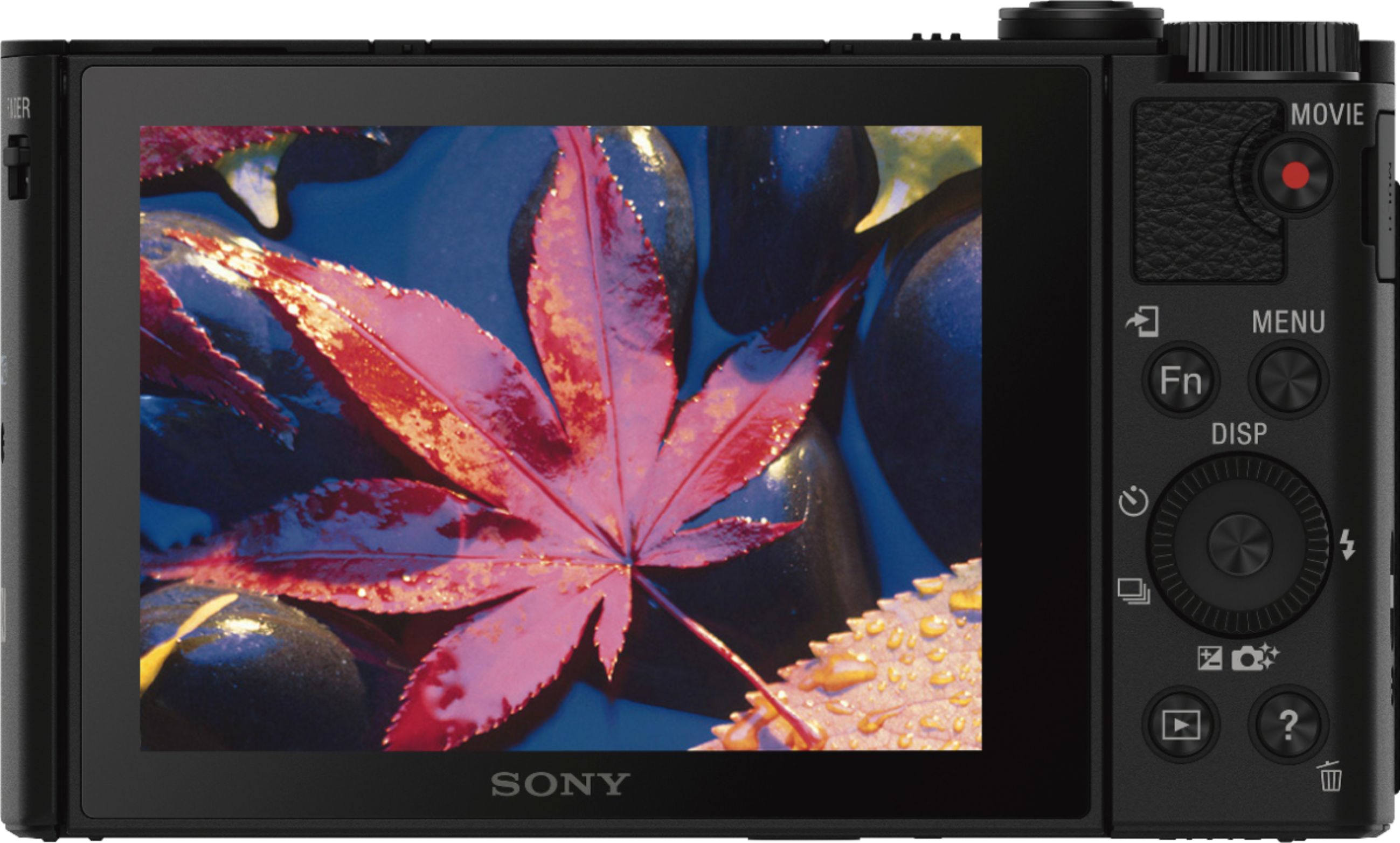
A:AnswerSet the mode dial to Movie
Turn the control wheel to select the desired scene setting
Select "High Sensitivity":
Allows you to shoot still images even in dark locations without using the flash, and reduces subject blur. Also allows you to shoot dark movie scenes more brightly.
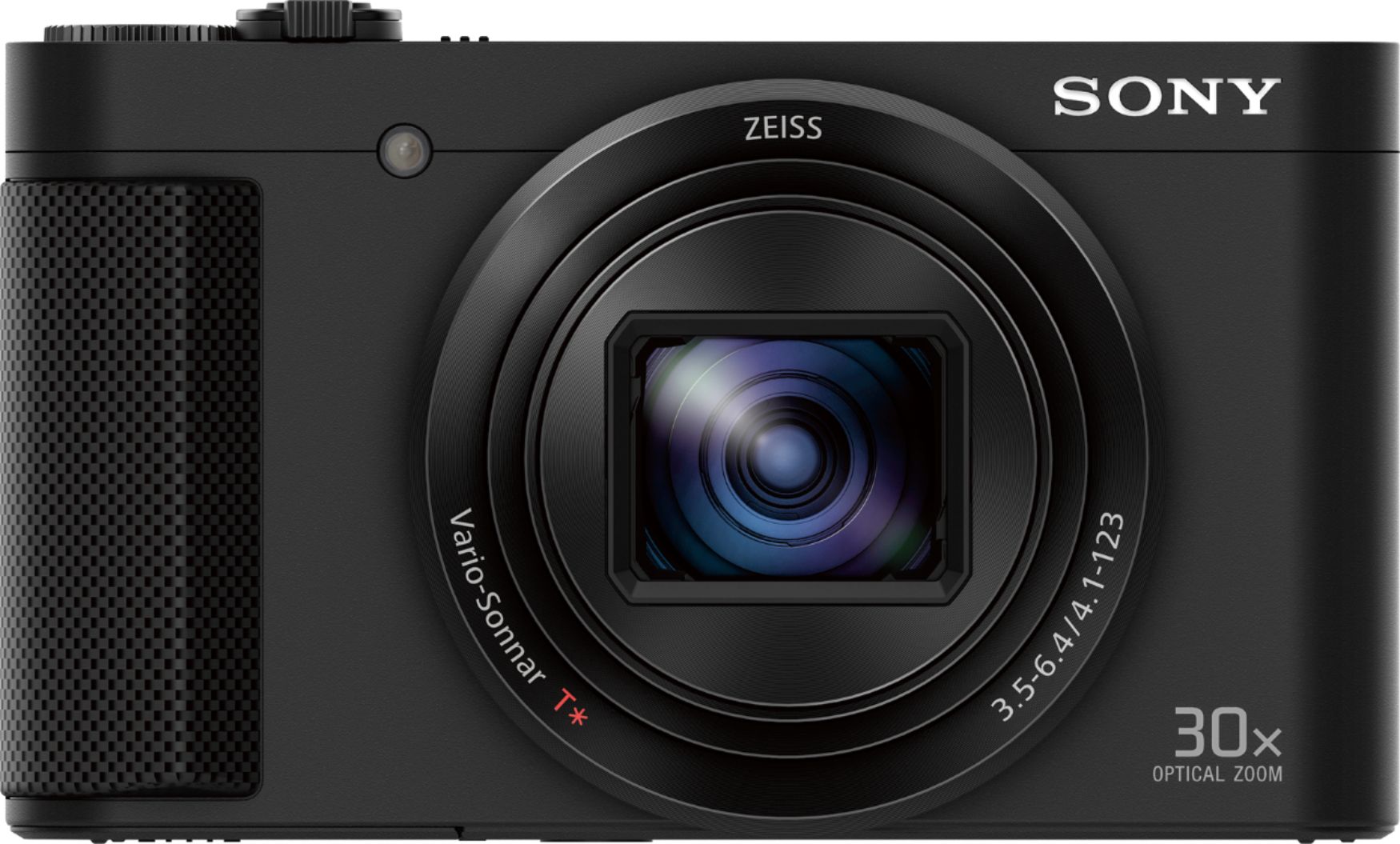
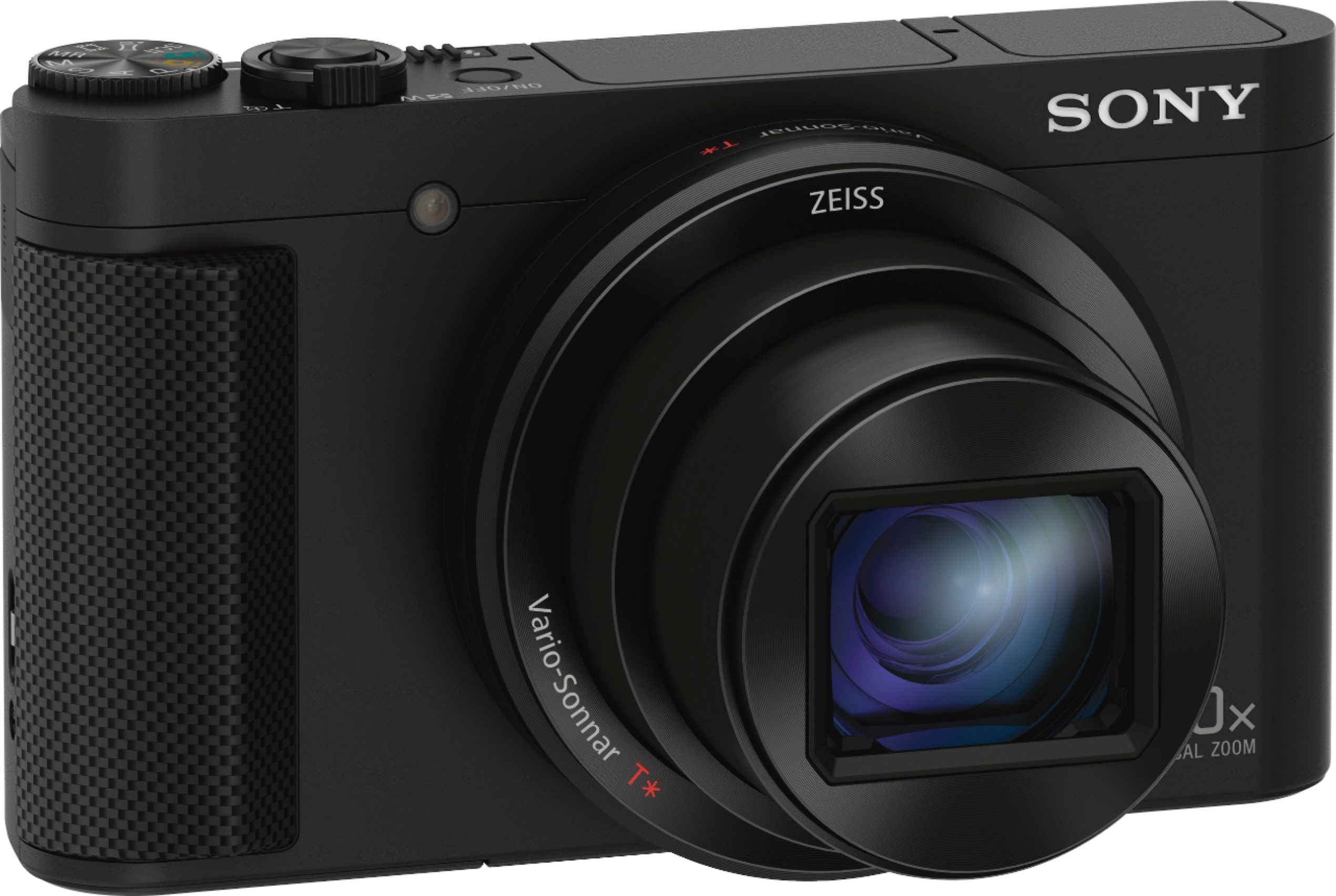
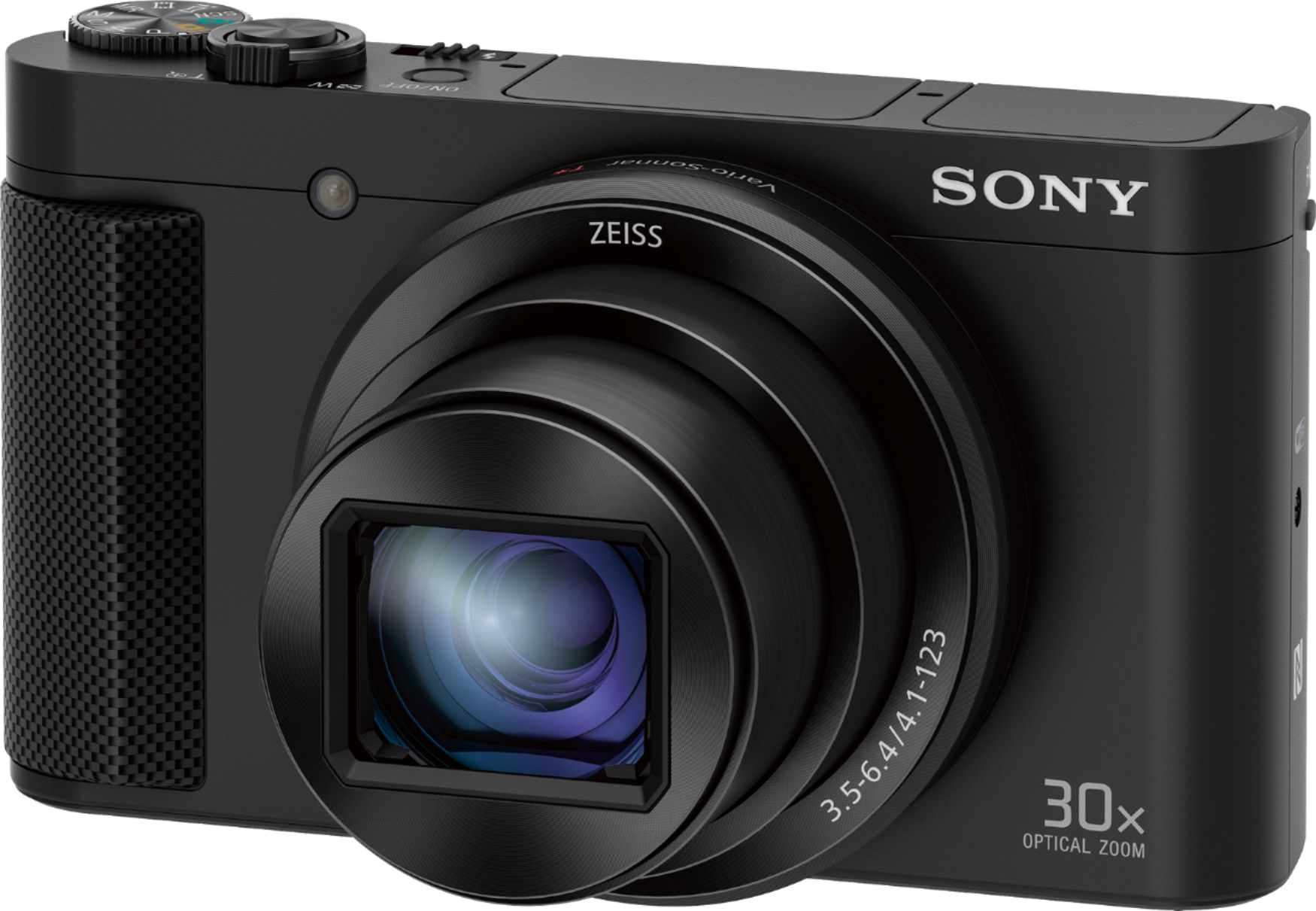
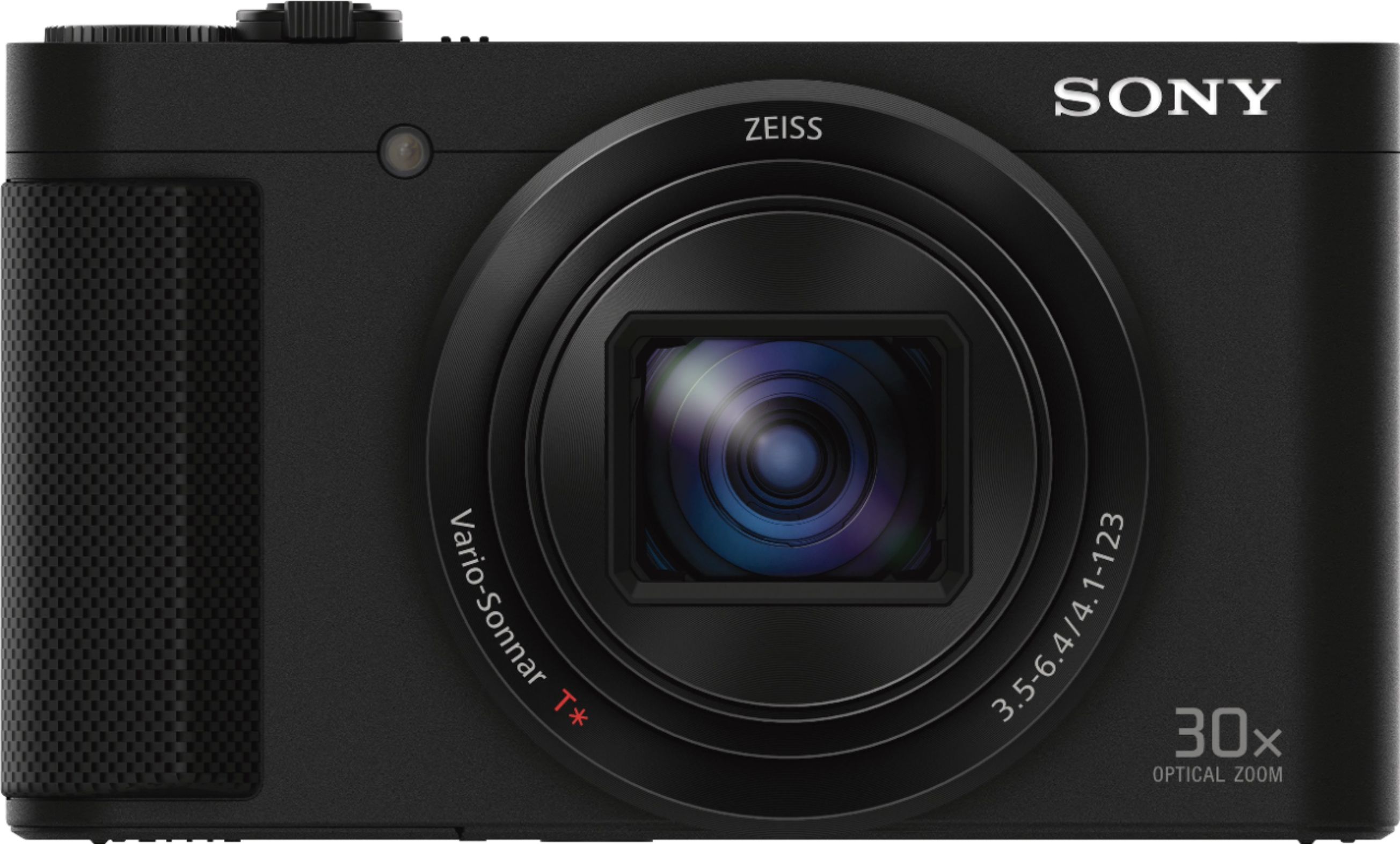
A:AnswerHi Guohong, the dimensions of the camera are approximately 4 1/8" x 2 3/8" x 1 7/16" (W x H x D). You may check this link for additional information about the camera: https://docs.sony.com/release//Specs_DSCHX80.pdf Thanks, -Mark
A:AnswerHi there! The PlayMemories Mobile should be installed on your tablet to be able to send images from the camera. Check the link here to know how to do that: http://helpguide.sony.net/dsc/1620/v1/en/cover/level3_37.html
Regards,
Vincent
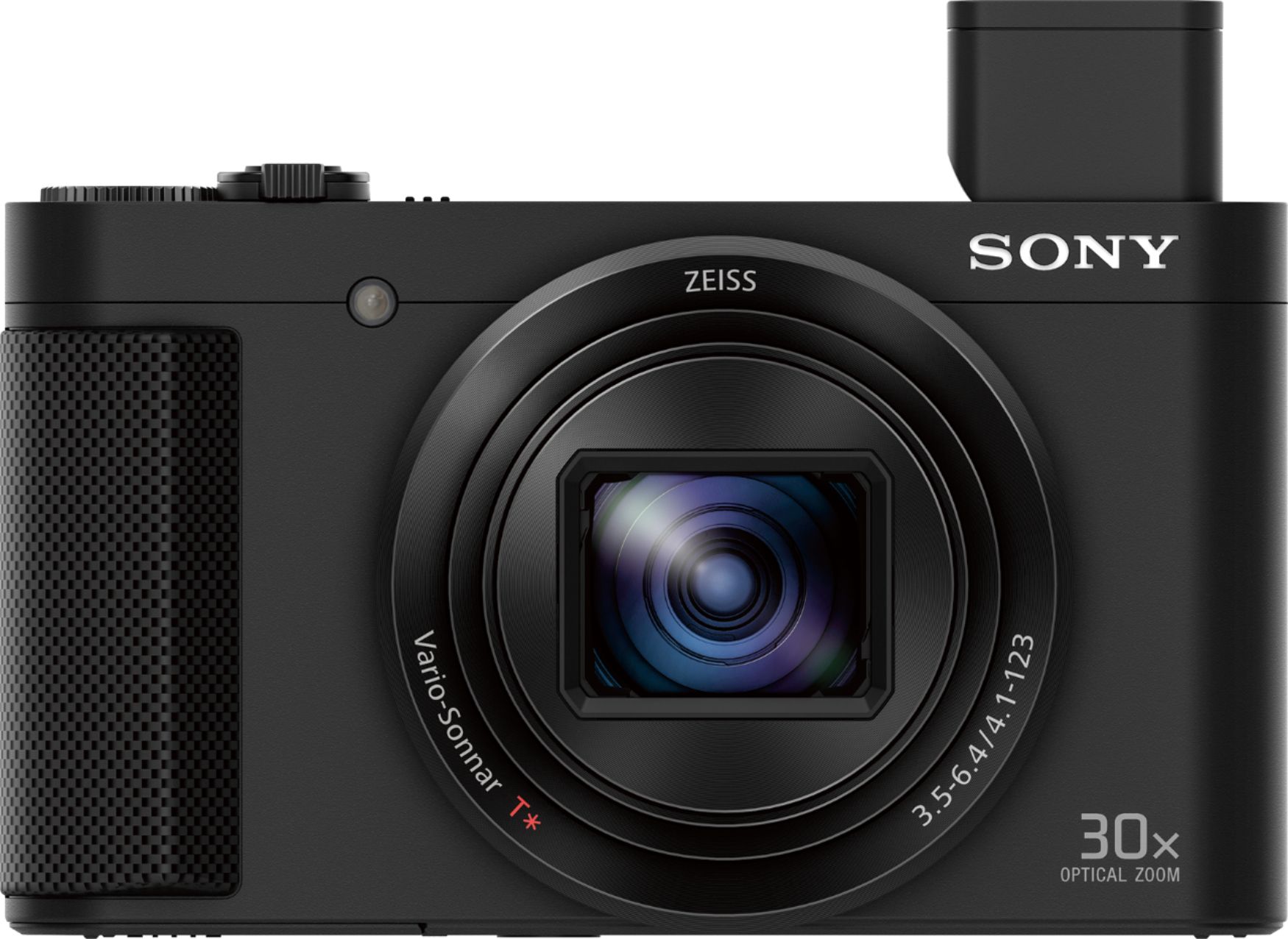
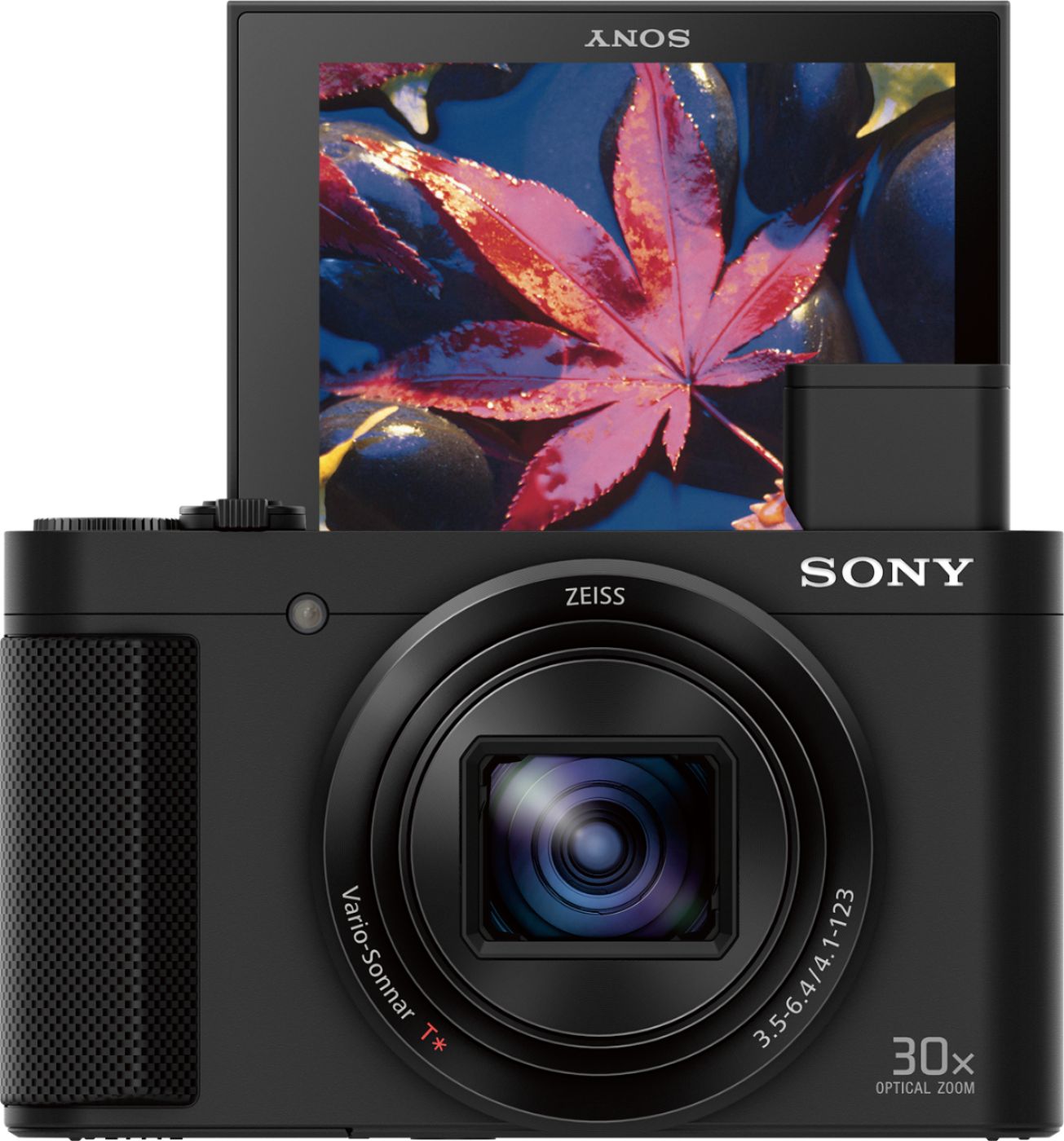
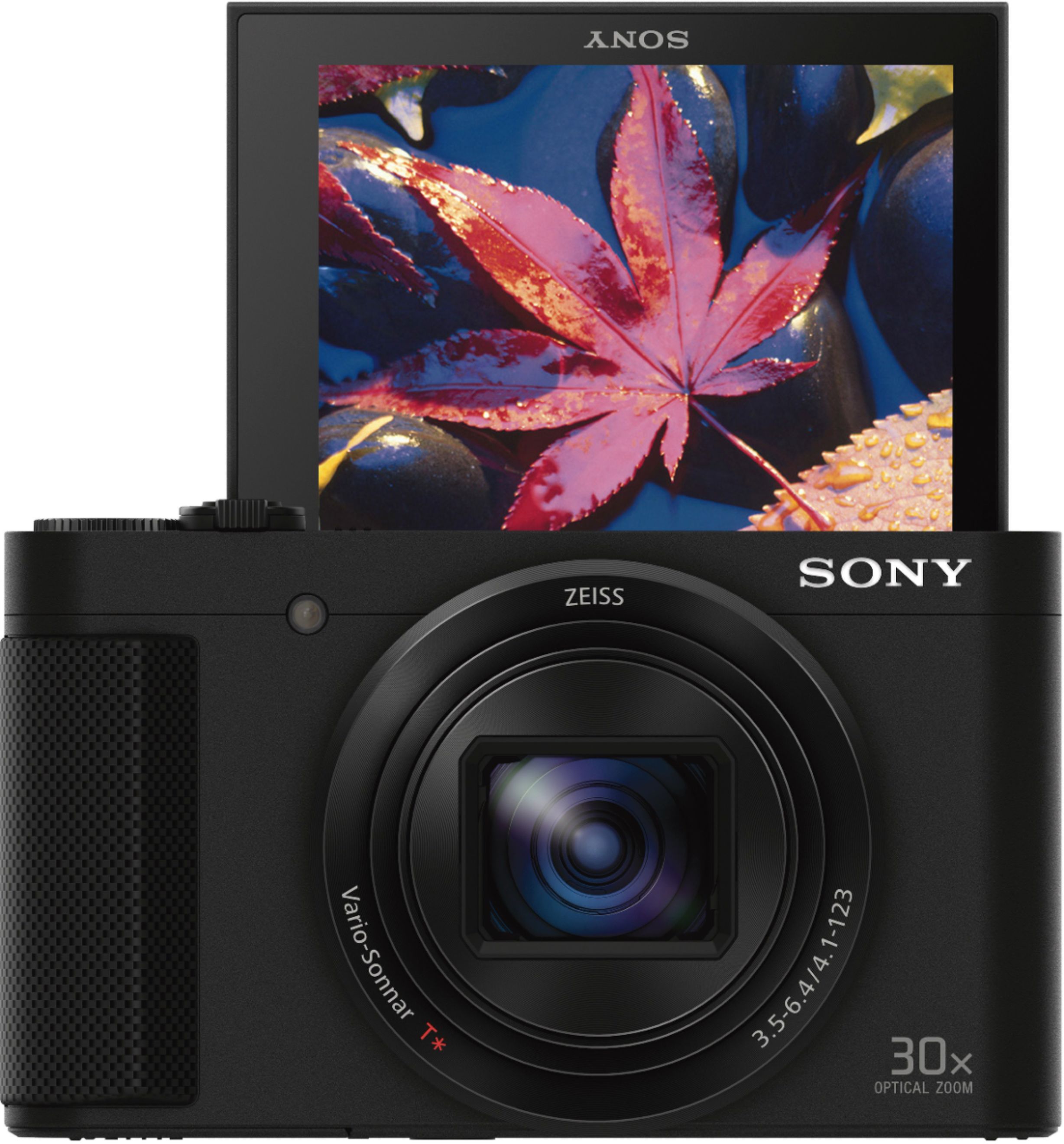
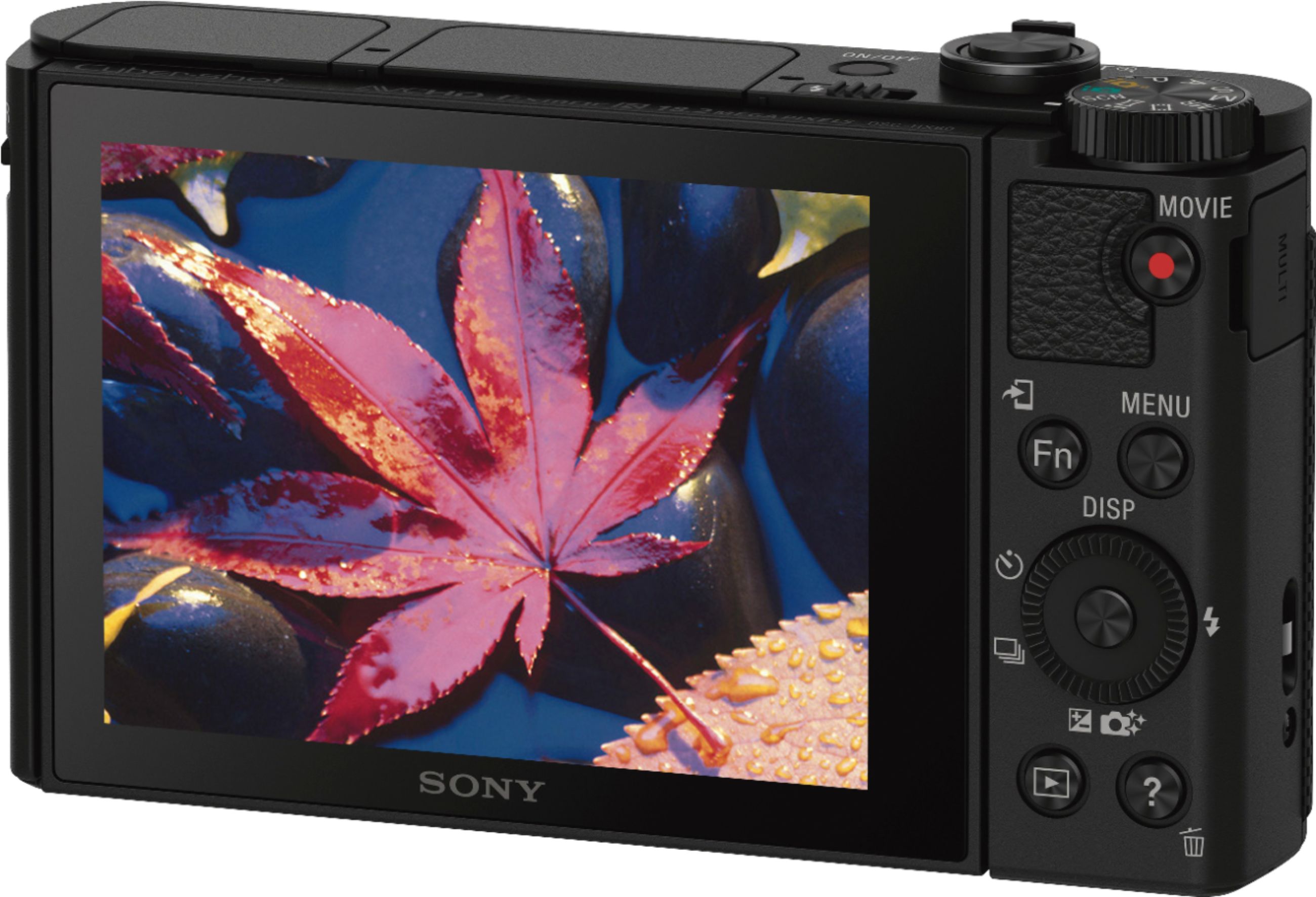
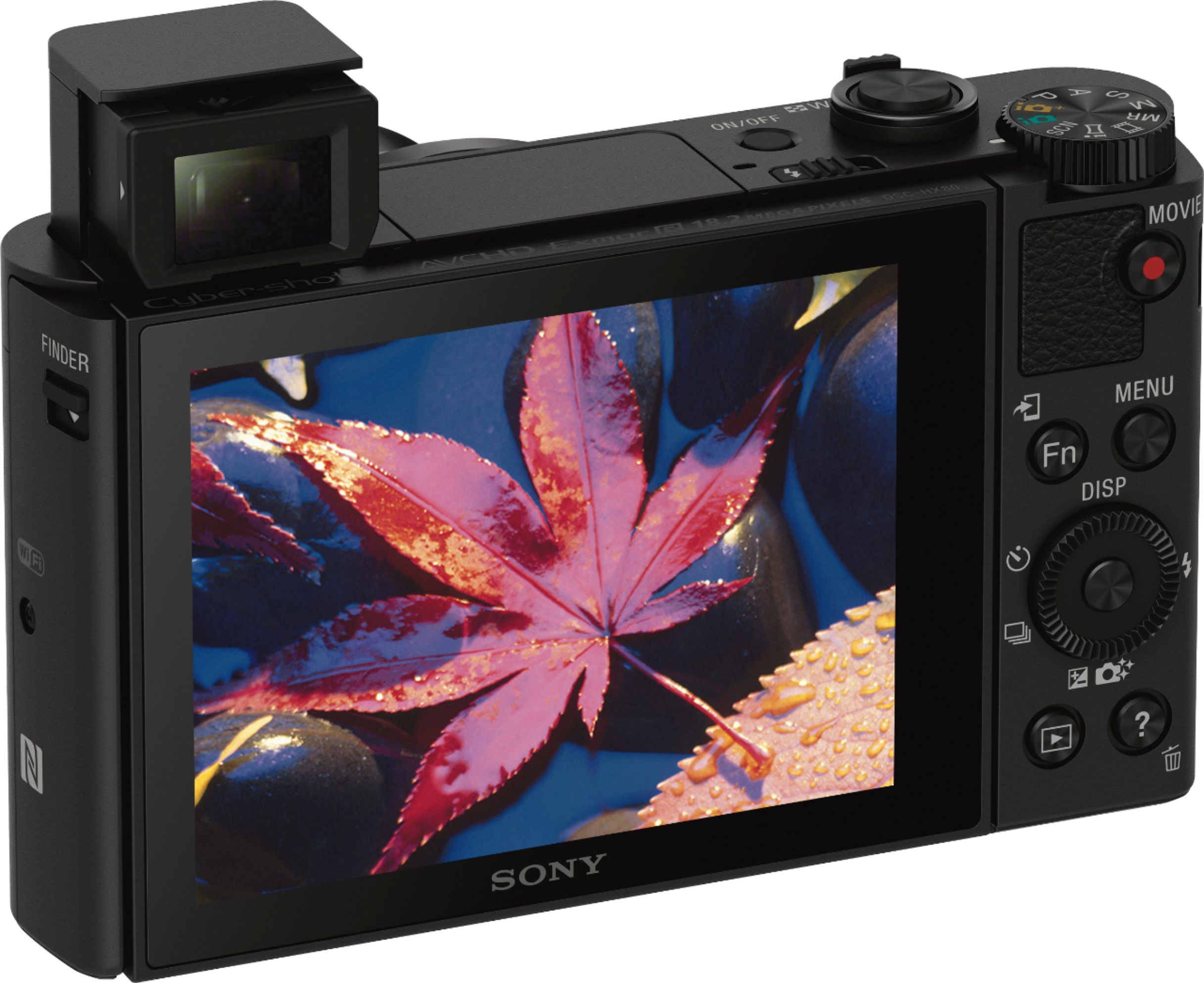
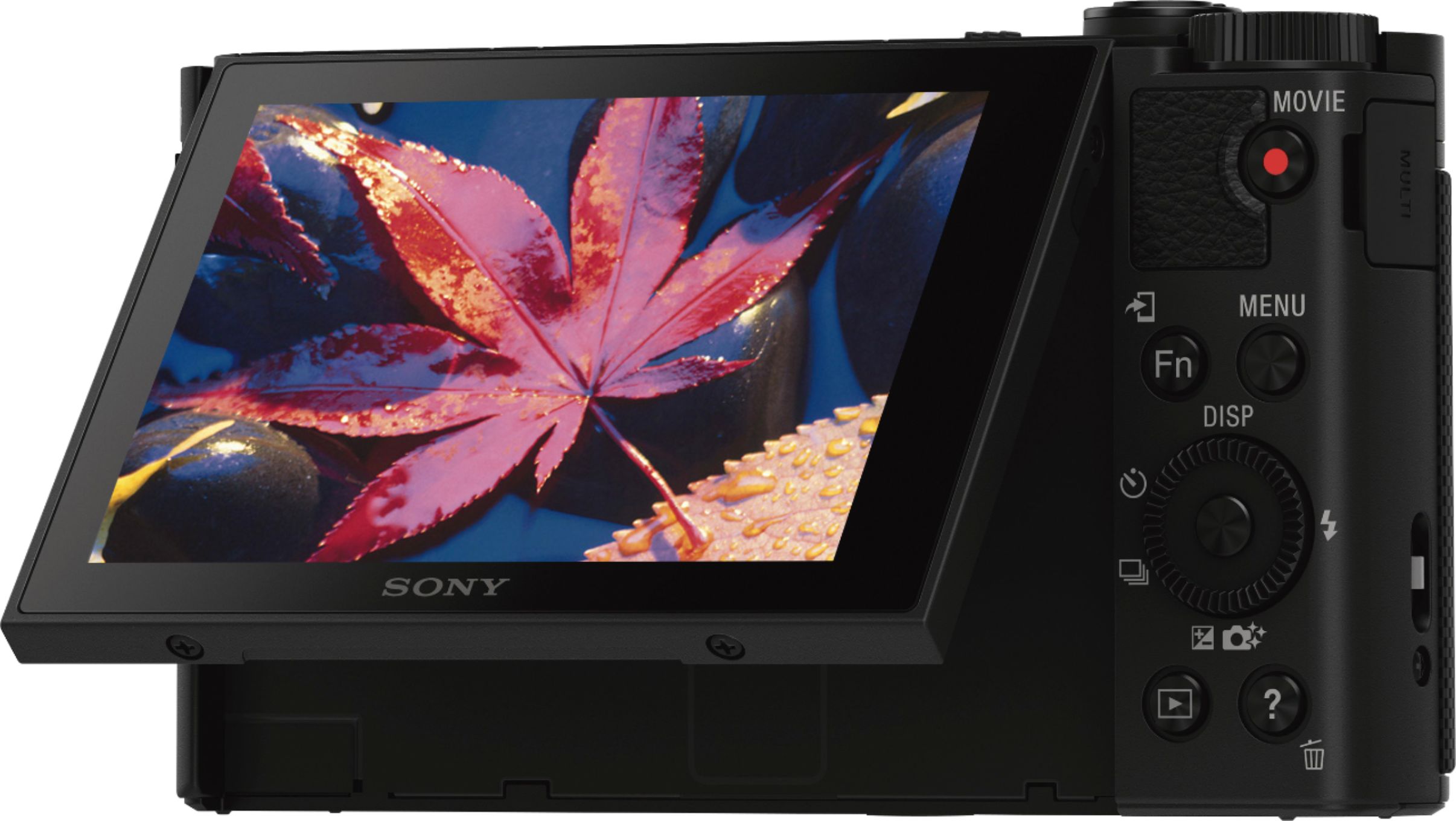
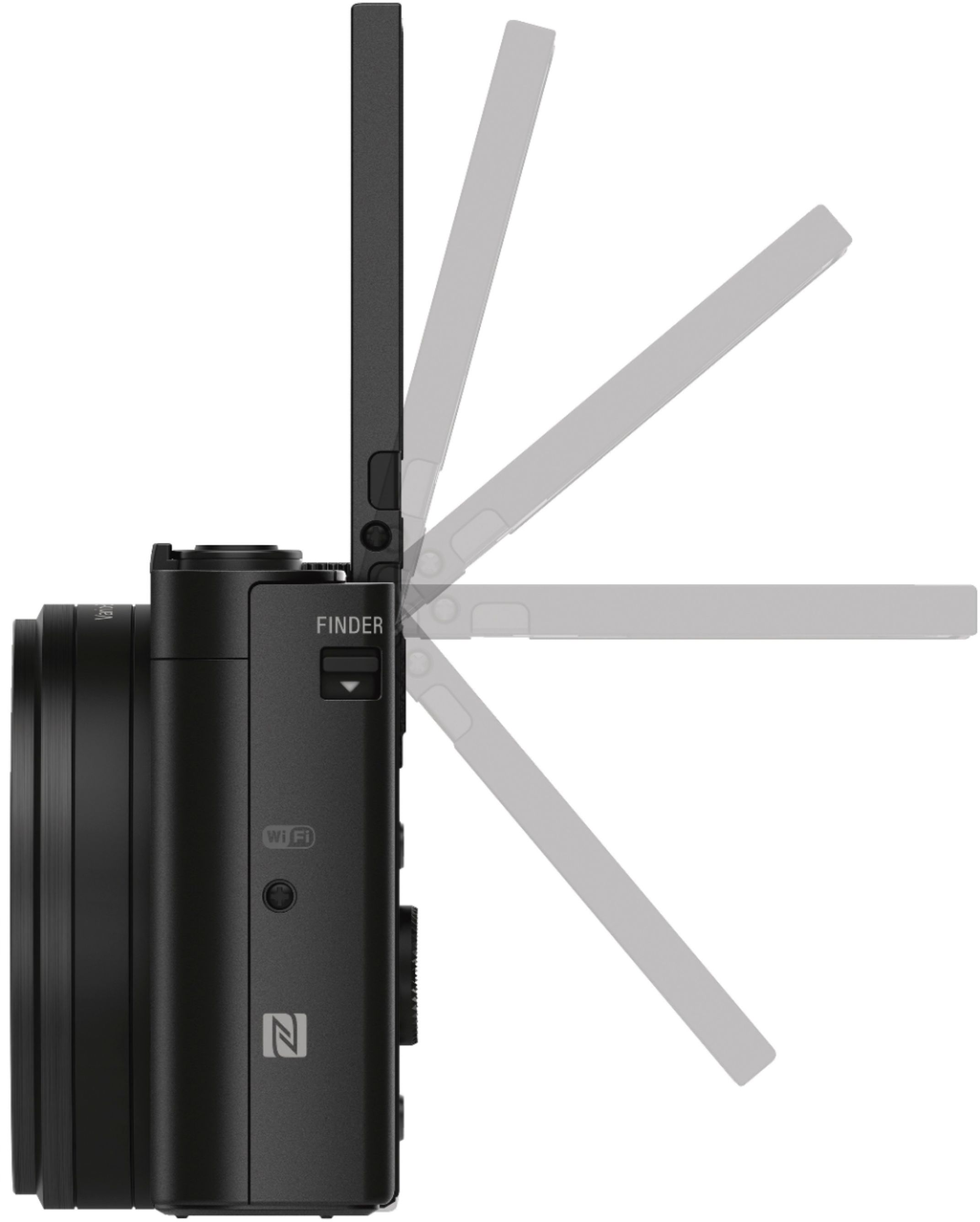
A:AnswerHi Rong- yes it has a view finder that pops up out of the body of the camera. You can even adjust the focus of the viewfinder to correct for your vision, and it projects exposure data inside.. I like it very much - yes good fix for bright light glare overpowering the LED. The LED can also be flipped 180 degrees for selfie views
A:AnswerYes. You can use your phone to remotely control the camera. The camera will "add" the app to it's menu. The Sony phone app must be installed on the phone.
A:AnswerHi, WattsBrandUSA, The microphone is located on the upper-left side of the camera if you are behind the camera. For more details about the parts of this camera, please visit the link below:
http://helpguide.sony.net/dsc/1620/v1/en/contents/TP0000739063.html
Regards,
Vincent
A:AnswerIt is a great camera ,zoom is 30x +digital . wi fi is somewhat confusing if you haven't used it . new switch for flash is handy. Green and Gold modes work for most everything.
Small easy to use camera with lots of features. I am 67 and really like the camera so I would imagine they would also like it. I hope this helps.
A:AnswerYou have to install a program on your device that lets the camera download pictures wirelessly to the device ,It takes a few times to get the hang of it but becomes easier the more you do it. You can select multiple pictures and send them to your device. I have only done it with my I pad and sent pictures home on e-mails but I am sure it would work with smart phones or laptops.
I hope this helps.
Terry
A:AnswerHi Phantom, Yes, the AC adaptor supplied is used to charge the battery by connecting the micro-USB cable. The instruction manual indicates how to set up and properly use the camera. However, for in-depth instructions on the many functions of the camera, please refer to this link: https://docs.sony.com/release//Help_4591308111.pdf -Jerome