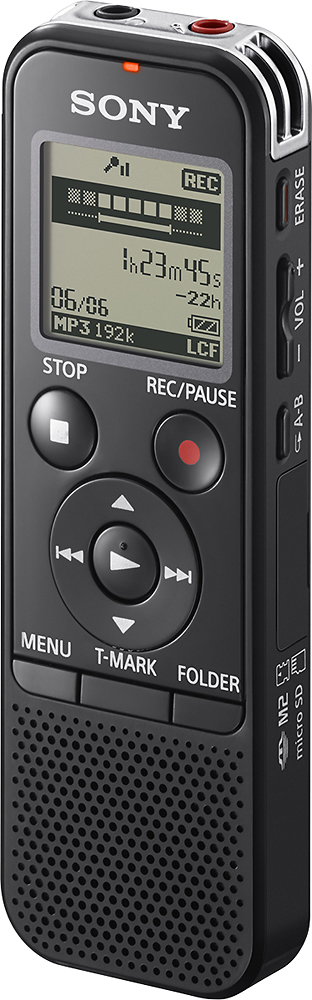
A:AnswerHi boomer, A new folder can be added by using the Sound Organizer software. You may check on page 119 of the link below for more information (hint):
https://docs.sony.com/release//ICD-PX440_MANUAL_EN.pdf
~Ralph
A:AnswerIt has a flash drive built in so you can slide the button and it pops out for easy hook up to your computer. It also has a port for you to put in a micro usd card if you want.
A:AnswerNot semi-professional at all.
And if you're looking to make a demo, you should have the best quality possible!
Save your pennies and go to a studio.
Does not come with any memory cards.
A:AnswerNo USB cable is included but once I had the recorder at home, I found several cables in my cable drawer that worked perfectly so I did not need to buy one.
A:AnswerI believe this recorder has the option to record by voice activation or just pressing the Rec button. The voice activation recording has to be turned on to function. It is optional.
A:AnswerHi Honda99, The maximum recording time will depend on the settings and the battery life of the recorder. Check out this link to get more details: http://docs.esupport.sony.com/voicerecorder/ICDPX440/en/contents/TP0000314789.html. Thanks, Vincent
A:AnswerI cannot see a reason why you should fail on this expedition. Try a similar effort before going out where lighting might be a problem. Follow the instructions, and you cannot fail